
Module 2 Introduction to TSQL Querying Module Overview
- Slides: 23
Module 2 Introduction to T-SQL Querying
Module Overview • Introducing T-SQL • Understanding Sets • Understanding Predicate Logic • Understanding the Logical Order of Operations in SELECT Statements
Lesson 1: Introducing T-SQL • About T-SQL • Categories of T-SQL Statements • T-SQL Language Elements: Predicates and Operators • T-SQL Language Elements: Functions • T-SQL Language Elements: Variables • T-SQL Language Elements: Expressions • T-SQL Language Elements: Control of Flow, Errors, and Transactions • T-SQL Language Elements: Comments • T-SQL Language Elements: Batch Separators • Demonstration: T-SQL Language Elements
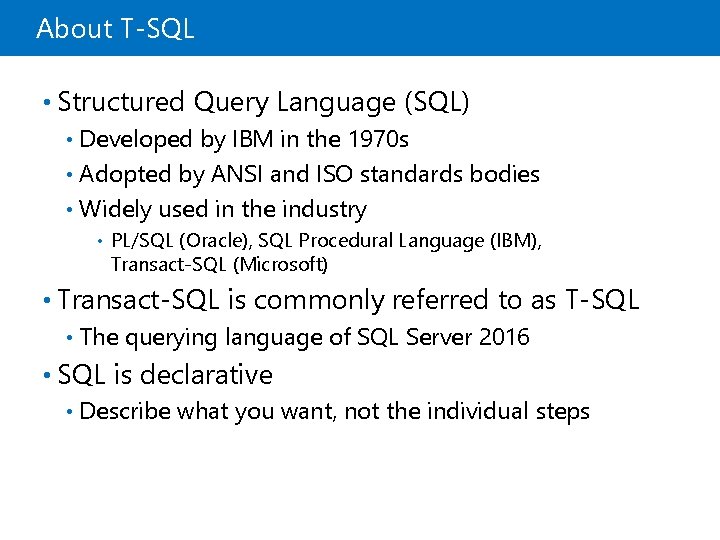
About T-SQL • Structured Query Language (SQL) Developed by IBM in the 1970 s • Adopted by ANSI and ISO standards bodies • Widely used in the industry • • PL/SQL (Oracle), SQL Procedural Language (IBM), Transact-SQL (Microsoft) • Transact-SQL is commonly referred to as T-SQL • The querying language of SQL Server 2016 • SQL is declarative • Describe what you want, not the individual steps
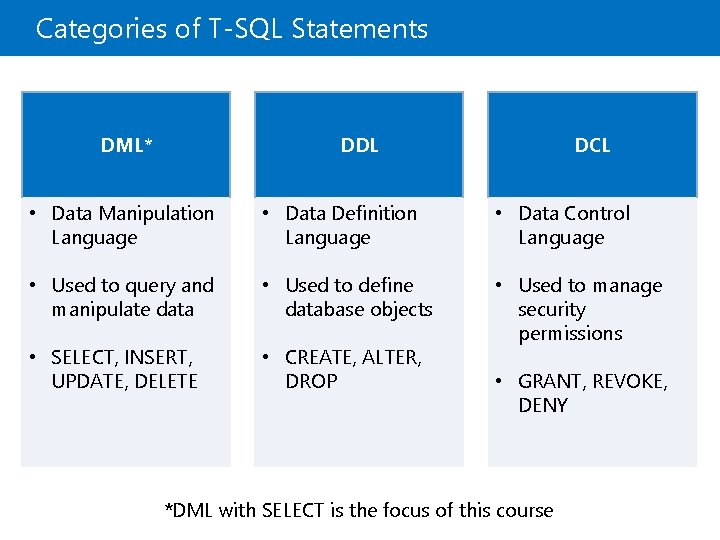
Categories of T-SQL Statements DML* DDL DCL • Data Manipulation Language • Data Definition Language • Data Control Language • Used to query and manipulate data • Used to define database objects • SELECT, INSERT, UPDATE, DELETE • CREATE, ALTER, DROP • Used to manage security permissions • GRANT, REVOKE, DENY *DML with SELECT is the focus of this course
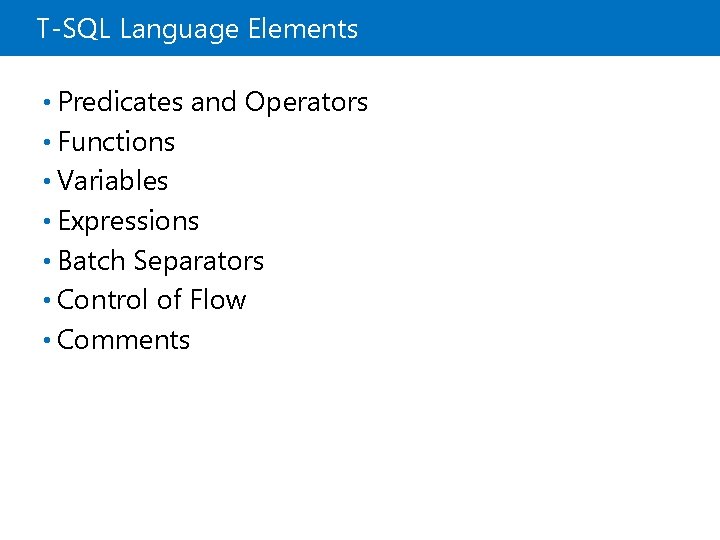
T-SQL Language Elements • Predicates and Operators • Functions • Variables • Expressions • Batch Separators • Control of Flow • Comments
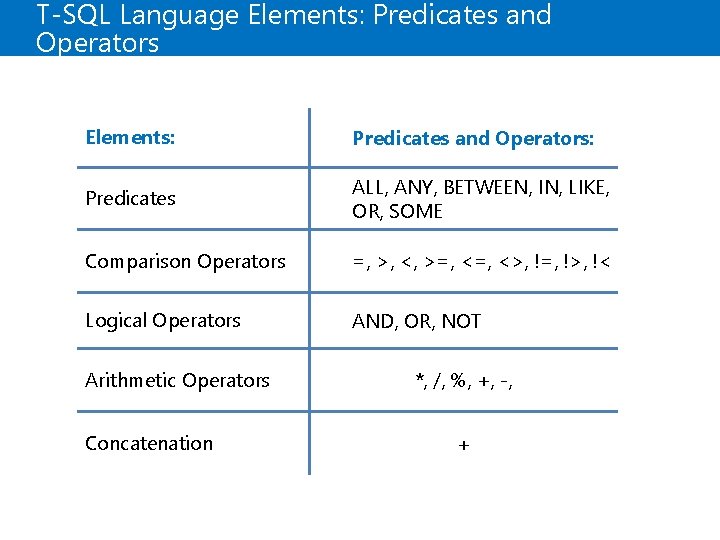
T-SQL Language Elements: Predicates and Operators Elements: Predicates and Operators: Predicates ALL, ANY, BETWEEN, IN, LIKE, OR, SOME Comparison Operators =, >, <, >=, <>, !=, !>, !< Logical Operators AND, OR, NOT Arithmetic Operators Concatenation *, /, %, +, -, +
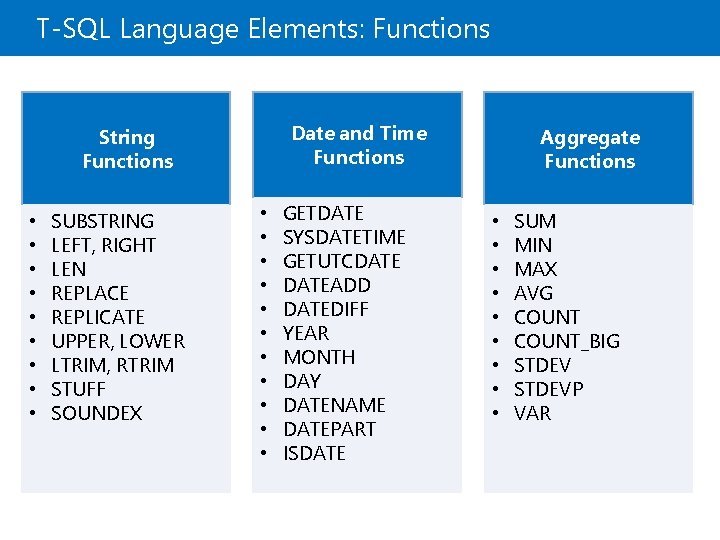
T-SQL Language Elements: Functions Date and Time Functions String Functions • • • SUBSTRING LEFT, RIGHT LEN REPLACE REPLICATE UPPER, LOWER LTRIM, RTRIM STUFF SOUNDEX • • • GETDATE SYSDATETIME GETUTCDATEADD DATEDIFF YEAR MONTH DAY DATENAME DATEPART ISDATE Aggregate Functions • • • SUM MIN MAX AVG COUNT_BIG STDEVP VAR
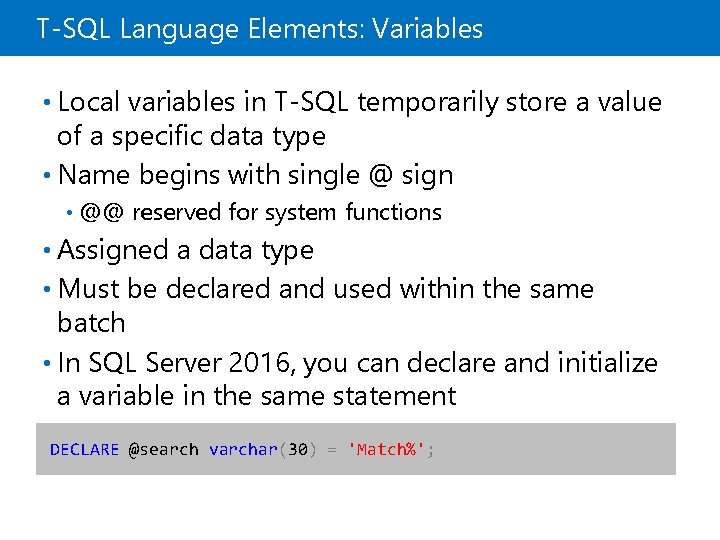
T-SQL Language Elements: Variables • Local variables in T-SQL temporarily store a value of a specific data type • Name begins with single @ sign • @@ reserved for system functions • Assigned a data type • Must be declared and used within the same batch • In SQL Server 2016, you can declare and initialize a variable in the same statement DECLARE @search varchar(30) = 'Match%';
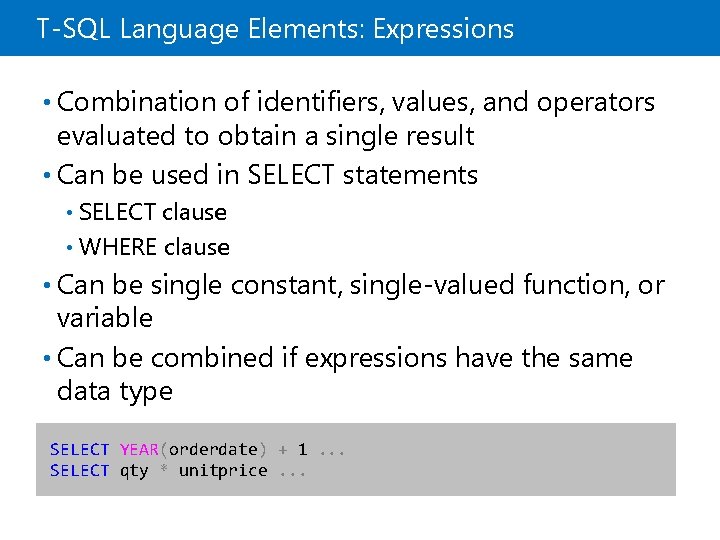
T-SQL Language Elements: Expressions • Combination of identifiers, values, and operators evaluated to obtain a single result • Can be used in SELECT statements SELECT clause • WHERE clause • • Can be single constant, single-valued function, or variable • Can be combined if expressions have the same data type SELECT YEAR(orderdate) + 1. . . SELECT qty * unitprice. . .
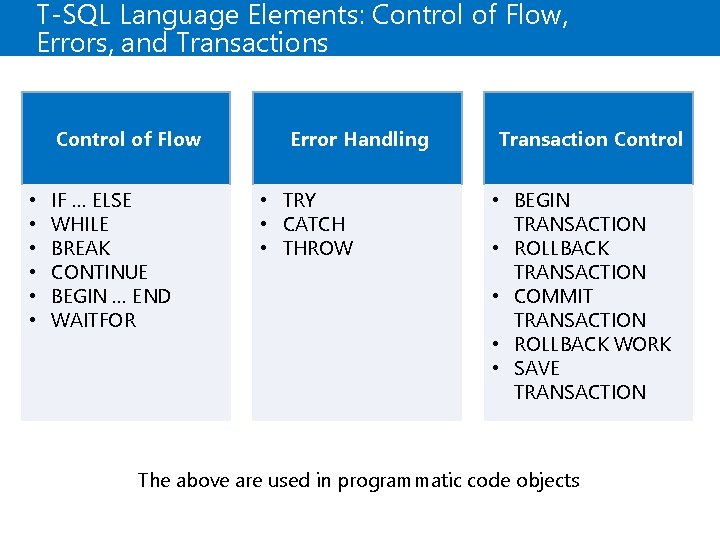
T-SQL Language Elements: Control of Flow, Errors, and Transactions Control of Flow • • • IF … ELSE WHILE BREAK CONTINUE BEGIN … END WAITFOR Error Handling • TRY • CATCH • THROW Transaction Control • BEGIN TRANSACTION • ROLLBACK TRANSACTION • COMMIT TRANSACTION • ROLLBACK WORK • SAVE TRANSACTION The above are used in programmatic code objects
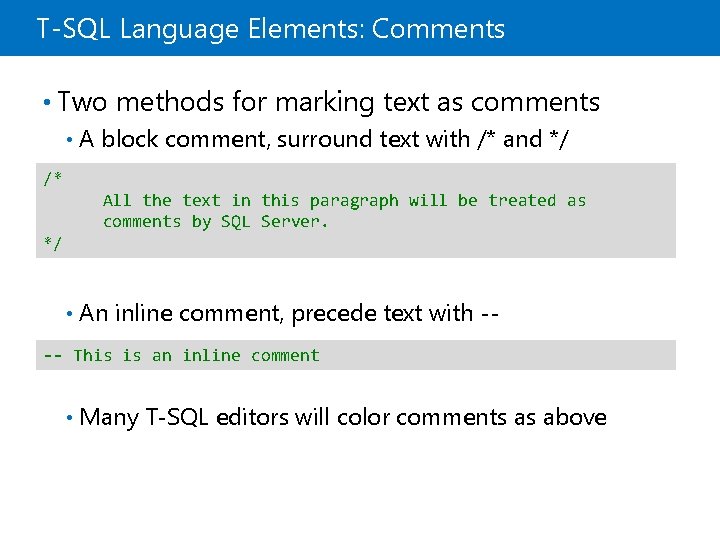
T-SQL Language Elements: Comments • Two methods for marking text as comments • A block comment, surround text with /* and */ /* All the text in this paragraph will be treated as comments by SQL Server. */ • An inline comment, precede text with -- -- This is an inline comment • Many T-SQL editors will color comments as above
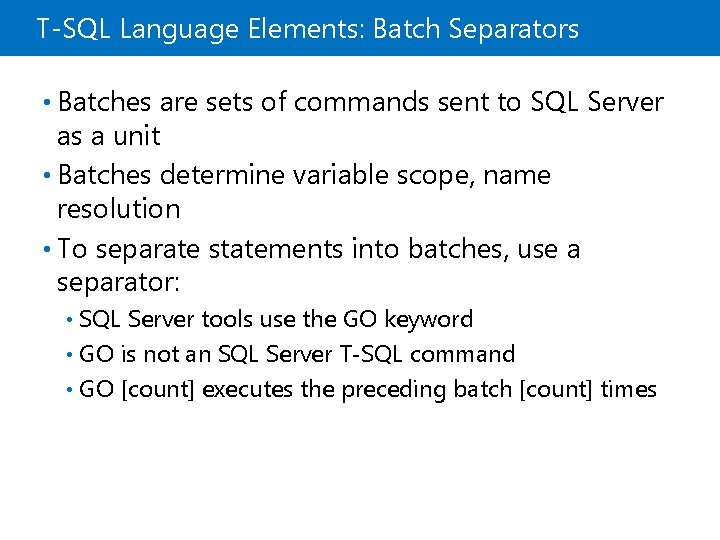
T-SQL Language Elements: Batch Separators • Batches are sets of commands sent to SQL Server as a unit • Batches determine variable scope, name resolution • To separate statements into batches, use a separator: SQL Server tools use the GO keyword • GO is not an SQL Server T-SQL command • GO [count] executes the preceding batch [count] times •
Lesson 2: Understanding Sets • The Set Theory and SQL Server • Set Theory Applied to SQL Server Queries
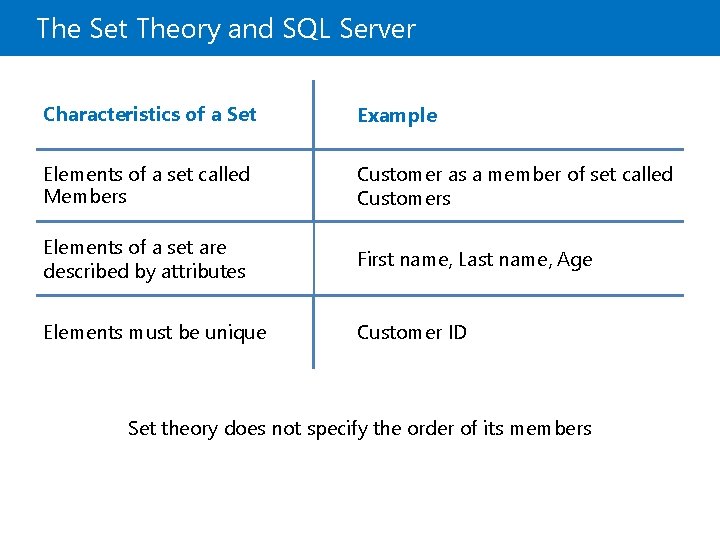
The Set Theory and SQL Server Characteristics of a Set Example Elements of a set called Members Customer as a member of set called Customers Elements of a set are described by attributes First name, Last name, Age Elements must be unique Customer ID Set theory does not specify the order of its members
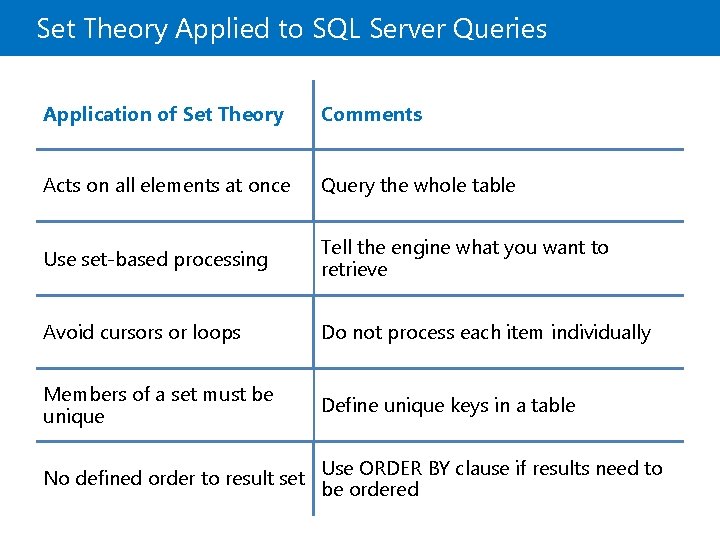
Set Theory Applied to SQL Server Queries Application of Set Theory Comments Acts on all elements at once Query the whole table Use set-based processing Tell the engine what you want to retrieve Avoid cursors or loops Do not process each item individually Members of a set must be unique Define unique keys in a table No defined order to result set Use ORDER BY clause if results need to be ordered
Lesson 3: Understanding Predicate Logic • Predicate Logic and SQL Server • Predicate Logic Applied to SQL Server Queries
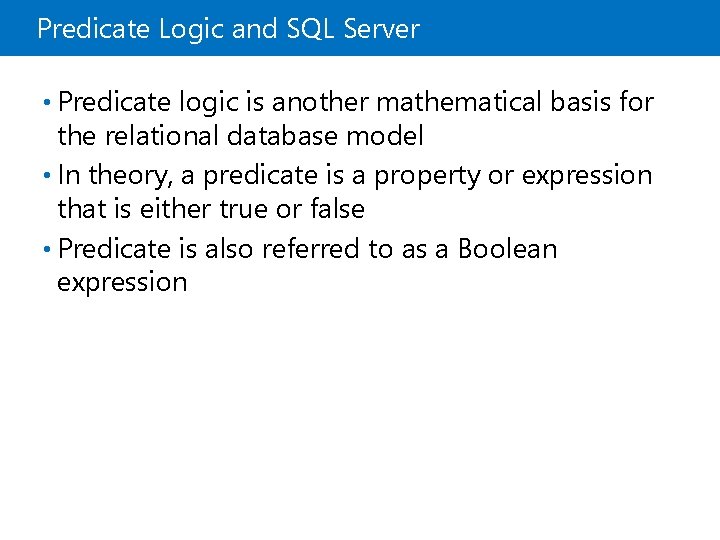
Predicate Logic and SQL Server • Predicate logic is another mathematical basis for the relational database model • In theory, a predicate is a property or expression that is either true or false • Predicate is also referred to as a Boolean expression
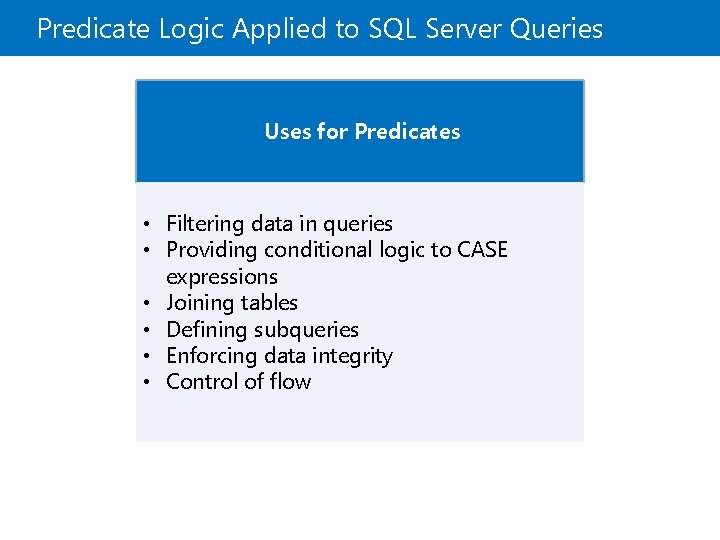
Predicate Logic Applied to SQL Server Queries Uses for Predicates • Filtering data in queries • Providing conditional logic to CASE expressions • Joining tables • Defining subqueries • Enforcing data integrity • Control of flow
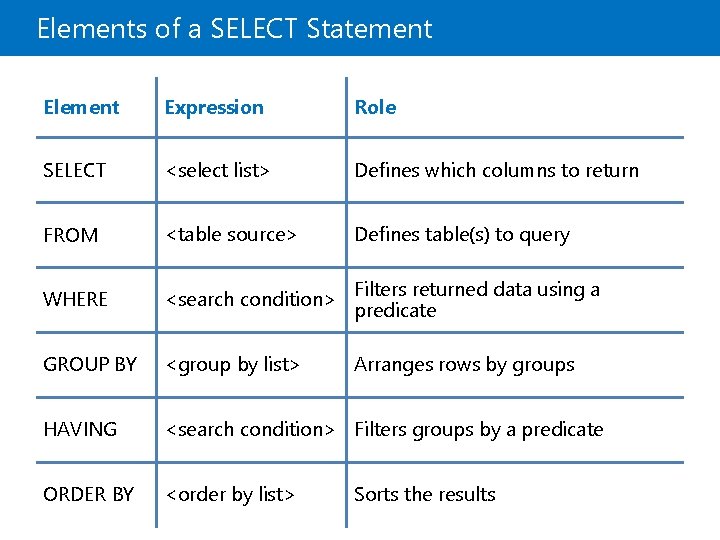
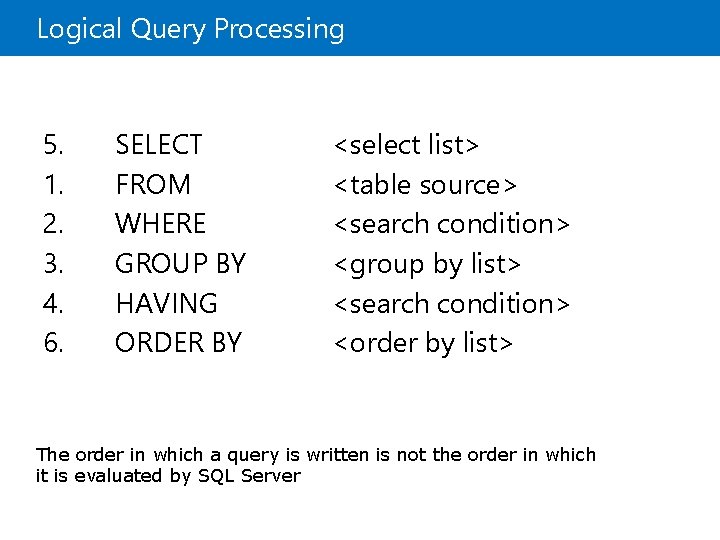
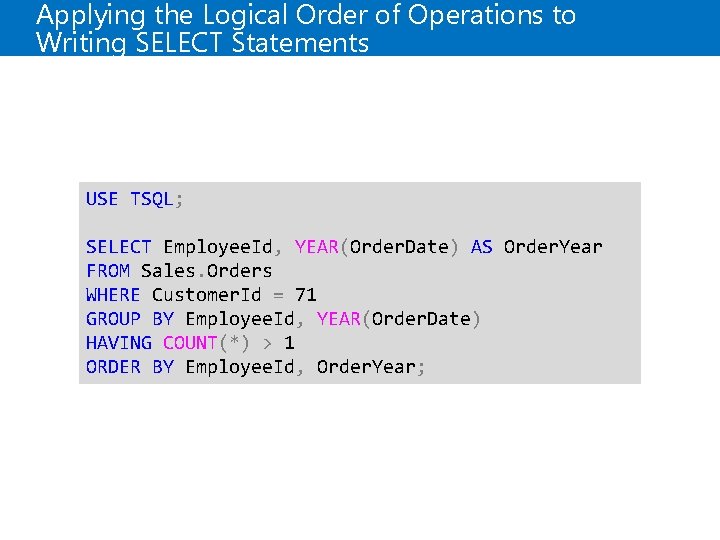
Lesson 4: Understanding the Logical Order of Operations in SELECT Statements • Elements of a SELECT Statement • Logical Query Processing • Applying the Logical Order of Operations to Writing SELECT Statements • Demonstration: Logical Query Processing
Elements of a SELECT Statement Element Expression Role SELECT <select list> Defines which columns to return FROM <table source> Defines table(s) to query WHERE <search condition> Filters returned data using a predicate GROUP BY <group by list> Arranges rows by groups HAVING <search condition> Filters groups by a predicate ORDER BY <order by list> Sorts the results
Logical Query Processing 5. 1. 2. 3. 4. 6. SELECT FROM WHERE GROUP BY HAVING ORDER BY <select list> <table source> <search condition> <group by list> <search condition> <order by list> The order in which a query is written is not the order in which it is evaluated by SQL Server
Applying the Logical Order of Operations to Writing SELECT Statements USE TSQL; SELECT Employee. Id, YEAR(Order. Date) AS Order. Year FROM Sales. Orders WHERE Customer. Id = 71 GROUP BY Employee. Id, YEAR(Order. Date) HAVING COUNT(*) > 1 ORDER BY Employee. Id, Order. Year;