
Module 2 2 Network basics Contents Small networks
Module 2. 2 Network basics
Contents Small networks – a PAN and a HAN § Personal area network § Home area network What is needed to connect? § Setting up a small network § Connecting to the internet Test and improve Written module activity 2
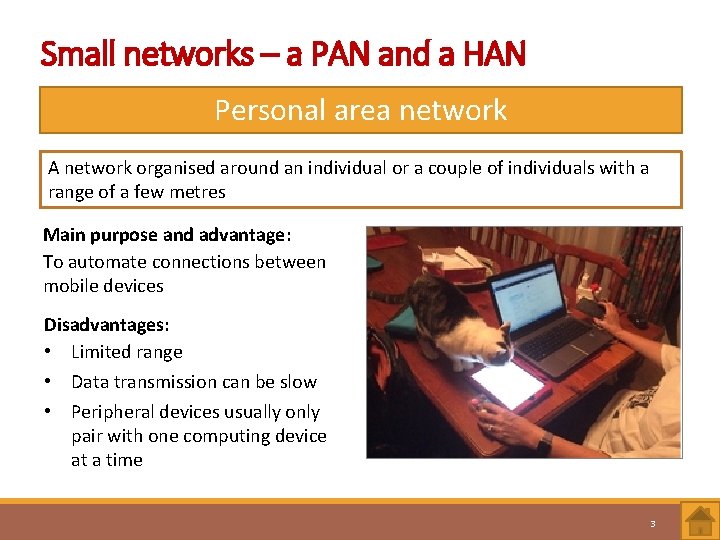
Small networks – a PAN and a HAN Personal area network A network organised around an individual or a couple of individuals with a range of a few metres Main purpose and advantage: To automate connections between mobile devices Disadvantages: • Limited range • Data transmission can be slow • Peripheral devices usually only pair with one computing device at a time 3
Small networks – a PAN and a HAN Home area network A small network within a home environment that connects devices such as computers, printers, tablets, smartphones, smart TVs and gaming devices Main advantages: • Users can access and share their data from any computing device in the home • Users can save money by sharing devices such as a printer • An internet connection can be shared by all the computing devices in the home Security can be an issue with wireless networks Address using passwords etc. 4
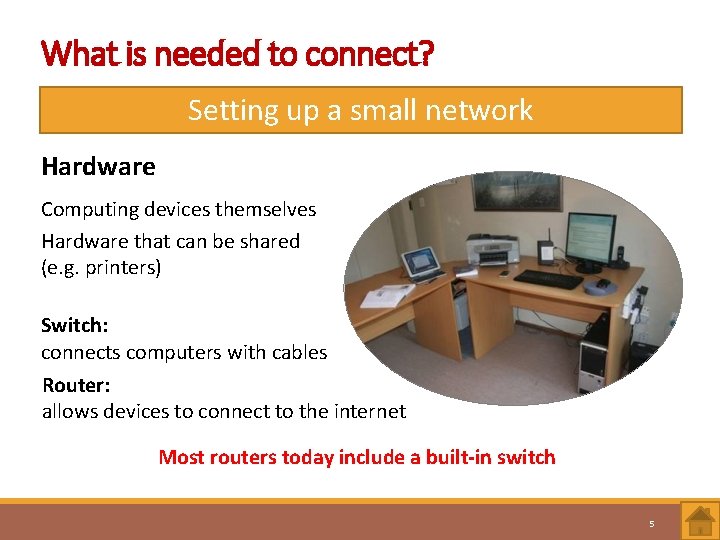
What is needed to connect? Setting up a small network Hardware Computing devices themselves Hardware that can be shared (e. g. printers) Switch: connects computers with cables Router: allows devices to connect to the internet Most routers today include a built-in switch 5
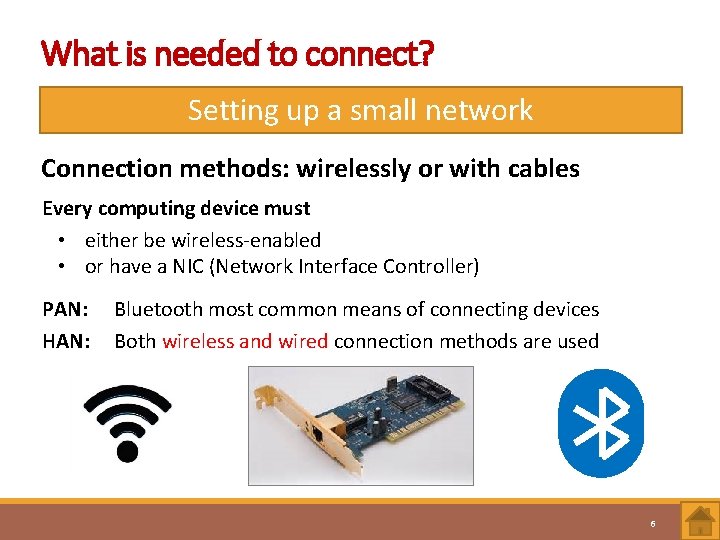
What is needed to connect? Setting up a small network Connection methods: wirelessly or with cables Every computing device must • either be wireless-enabled • or have a NIC (Network Interface Controller) PAN: HAN: Bluetooth most common means of connecting devices Both wireless and wired connection methods are used 6

What is needed to connect? Setting up a small network Connection methods – cont. Wired connection • UTP (Unshielded Twisted Pair) cable • One end plugs into port (NIC) of computer, other into switch / router Wireless connection • Wi. Fi access point is needed (usually built into router) • Devices – wireless-enabled, use radio waves for connectivity Wi. Fi = wireless network technology that uses radio waves to provide network access, small area 7
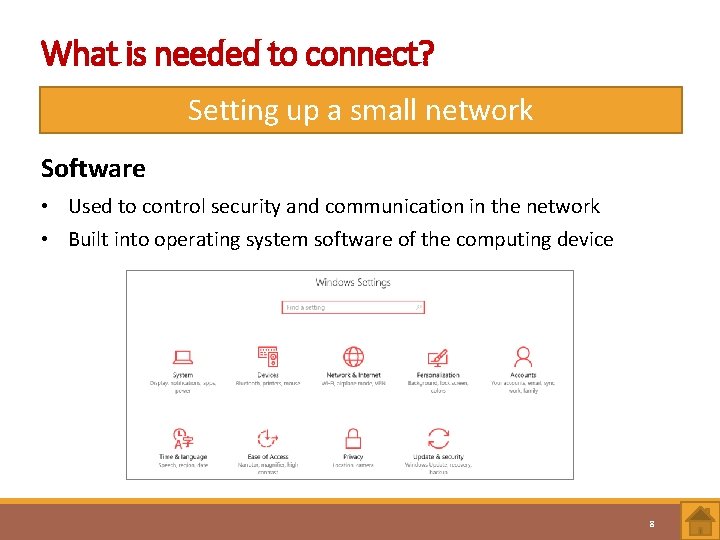
What is needed to connect? Setting up a small network Software • Used to control security and communication in the network • Built into operating system software of the computing device 8
What is needed to connect? Connecting to the internet Internet Large worldwide computer network, consisting of computers and networks linked using communication media Every device that connects to the internet must have its own IP address To connect a device to the internet, you need: • Internet Service Provider • Internet connection 9
What is needed to connect? Connecting to the internet Internet Service Provider A company that has a permanent, fast connection to the internet ISPs sell internet access and services to individuals and companies for a monthly fee 10
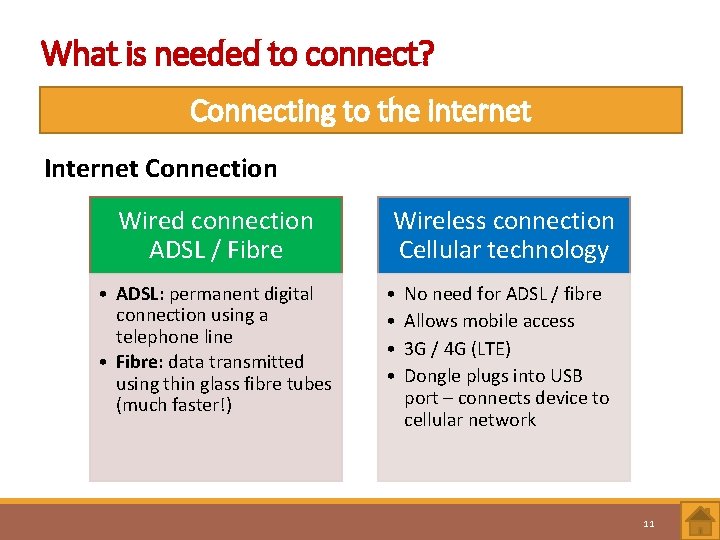
What is needed to connect? Connecting to the internet Internet Connection Wired connection ADSL / Fibre • ADSL: permanent digital connection using a telephone line • Fibre: data transmitted using thin glass fibre tubes (much faster!) Wireless connection Cellular technology • • No need for ADSL / fibre Allows mobile access 3 G / 4 G (LTE) Dongle plugs into USB port – connects device to cellular network 11
Test and Improve Summary – concepts, terms and tips PAN Hardware needed Connection methods Connecting to the internet 12
Written module activity 13
- Slides: 13