
Module 12 Using Set Operators Module Overview Using
- Slides: 13
Module 12 Using Set Operators
Module Overview • Using BETWEEN, NOT • Writing Queries with the UNION & UNION ALL Operators • Using EXCEPT and INTERSECT • Using DELETE, DROP and TRUNCATE
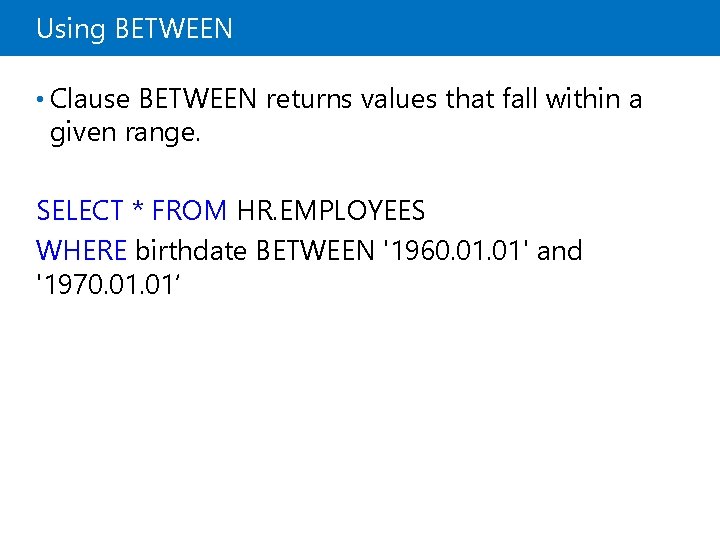
Using BETWEEN • Clause BETWEEN returns values that fall within a given range. SELECT * FROM HR. EMPLOYEES WHERE birthdate BETWEEN '1960. 01' and '1970. 01‘
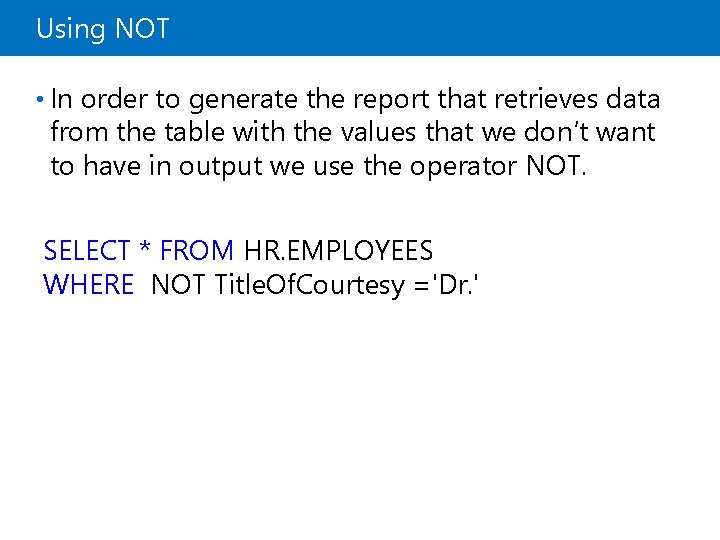
Using NOT • In order to generate the report that retrieves data from the table with the values that we don’t want to have in output we use the operator NOT. SELECT * FROM HR. EMPLOYEES WHERE NOT Title. Of. Courtesy ='Dr. '
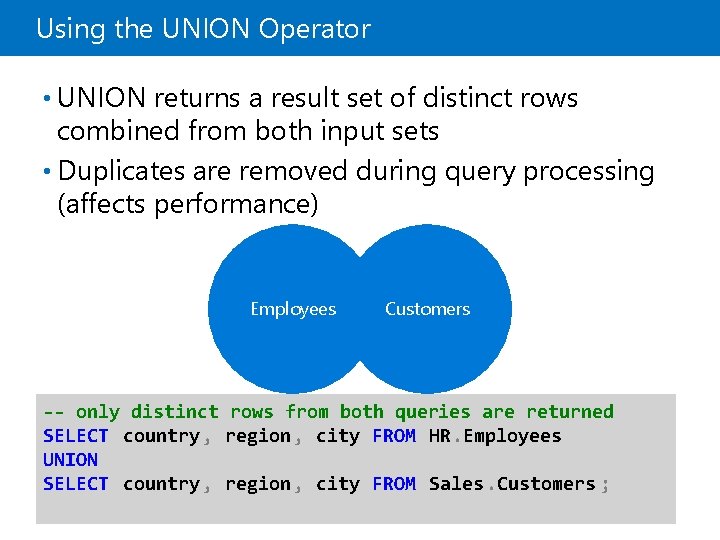
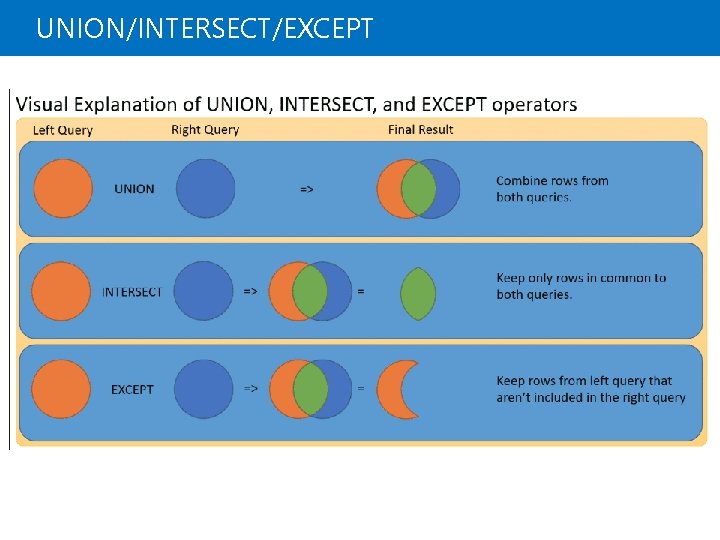
Using the UNION Operator • UNION returns a result set of distinct rows combined from both input sets • Duplicates are removed during query processing (affects performance) Employees Customers -- only distinct rows from both queries are returned SELECT country , region , city FROM HR. Employees UNION SELECT country , region , city FROM Sales. Customers ;
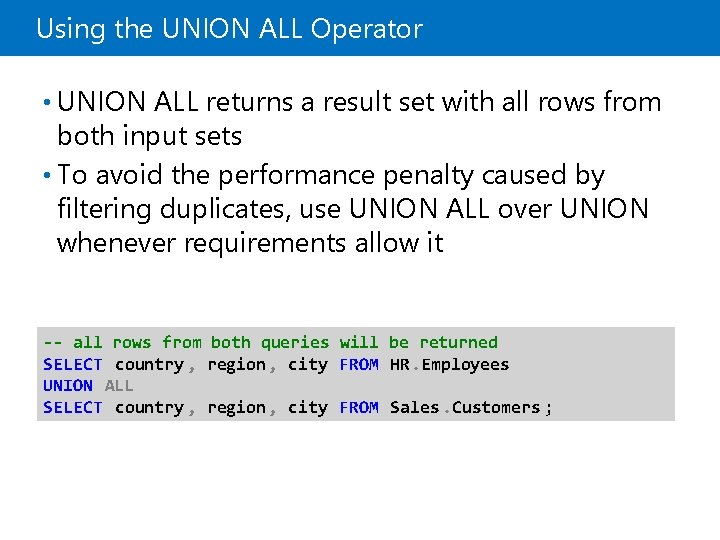
Using the UNION ALL Operator • UNION ALL returns a result set with all rows from both input sets • To avoid the performance penalty caused by filtering duplicates, use UNION ALL over UNION whenever requirements allow it -- all rows from both queries will be returned SELECT country , region , city FROM HR. Employees UNION ALL SELECT country , region , city FROM Sales. Customers ;
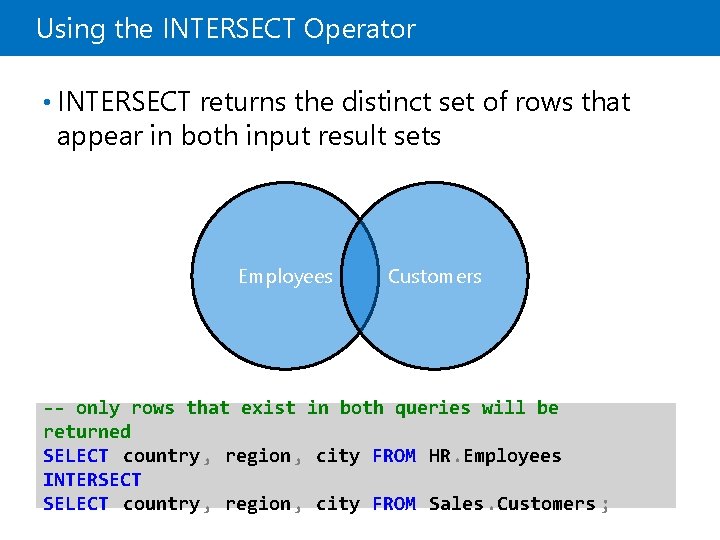
Using the INTERSECT Operator • INTERSECT returns the distinct set of rows that appear in both input result sets Employees Customers -- only rows that exist in both queries will be returned SELECT country , region , city FROM HR. Employees INTERSECT SELECT country , region , city FROM Sales. Customers ;
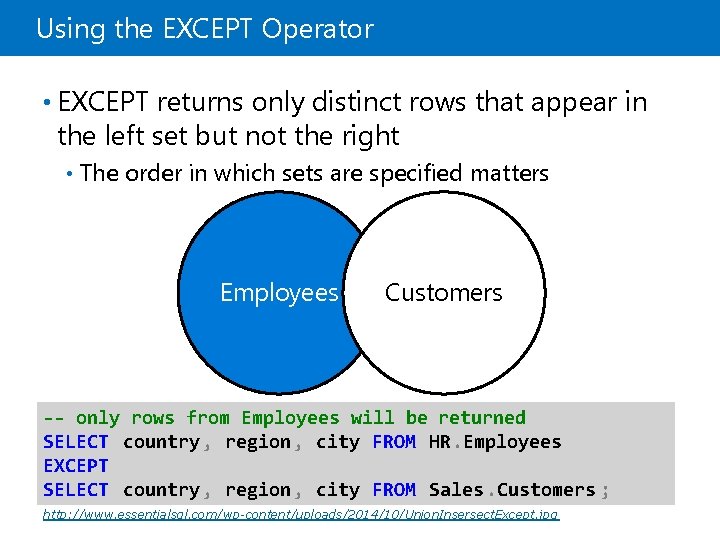
Using the EXCEPT Operator • EXCEPT returns only distinct rows that appear in the left set but not the right • The order in which sets are specified matters Employees Customers -- only rows from Employees will be returned SELECT country , region , city FROM HR. Employees EXCEPT SELECT country , region , city FROM Sales. Customers ; http: //www. essentialsql. com/wp-content/uploads/2014/10/Union. Insersect. Except. jpg
UNION/INTERSECT/EXCEPT
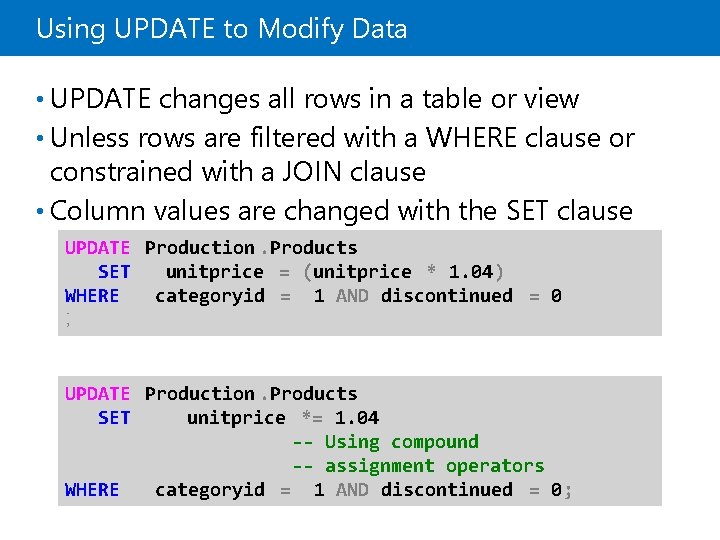
Using UPDATE to Modify Data • UPDATE changes all rows in a table or view • Unless rows are filtered with a WHERE clause or constrained with a JOIN clause • Column values are changed with the SET clause UPDATE Production. Products SET unitprice = (unitprice * 1. 04) WHERE categoryid = 1 AND discontinued = 0 ; UPDATE Production. Products SET unitprice *= 1. 04 -- Using compound -- assignment operators WHERE categoryid = 1 AND discontinued = 0;
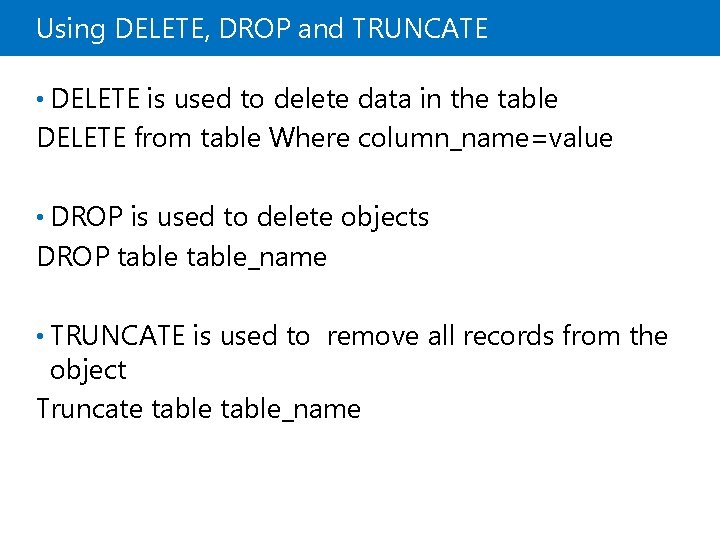
Using DELETE, DROP and TRUNCATE • DELETE is used to delete data in the table DELETE from table Where column_name=value • DROP is used to delete objects DROP table_name • TRUNCATE is used to remove all records from the object Truncate table_name
Demonstration: Using UNION and UNION ALL In this demonstration, you will see how to: • Use UNION and UNION ALL
Demonstration: Using EXCEPT and INTERSECT In this demonstration, you will see how to: • Use UPDATE, DELETE, DROP, TRUNCATE