
Module 1 Lesson 4 Ms Tracy Bell Ringer
Module 1 – Lesson 4 Ms. Tracy
Bell Ringer • What can magnets do to a computer if they are within a short distance of the computer?
Agenda • • • Bell Ringer / Attendance / Announcements Review ‘Interactive Notebook’ grades Finish any activity that was not completed on Friday Perform Step-by-Step Activities for Module 1 – Lesson 4 Complete your Monday Technology Current Event • Exit Slip. Give this to me when you exit.
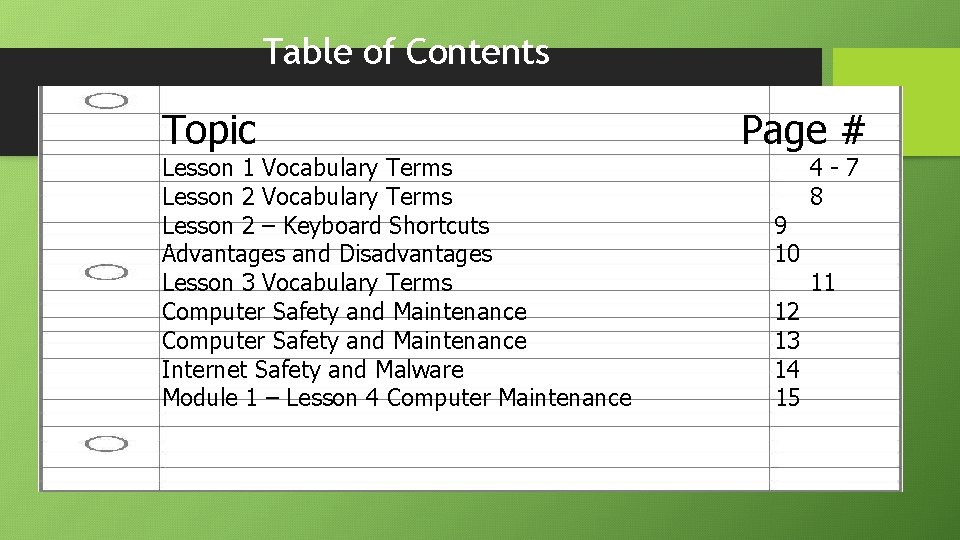
Table of Contents Topic Lesson 1 Vocabulary Terms Lesson 2 – Keyboard Shortcuts Advantages and Disadvantages Lesson 3 Vocabulary Terms Computer Safety and Maintenance Internet Safety and Malware Module 1 – Lesson 4 Computer Maintenance Page # 9 10 12 13 14 15 4 -7 8 11

Internet Safety and Malware Module 1 – Lesson 4 Step-by-Step 1. 2. 3. 4. 14 My computer’s base score is a…… My computer’s subscores are ……. These scores mean…. . Tasks that I can do to help improve my computer’s performance are…. . 15
Lesson 1 – Module 4 Assignment • Complete the Step-by-Step 4. 1 on page Mod 1 -74. In your Interactive Notebook, identify what your computer's base and subscores are. Explain what those terms mean. Also list the tasks that you think can help improve your computer's performance. • Complete the Step-by-Step 4. 2 on page Mod 1 -78 to defragment your computer. • Complete the Step-by-Step 4. 3 on page Mod 1 -81 to run a disk clean-up on your computer. • Complete the Step-by-Step 4. 4 on page Mod 1 -82 to delete your Internet browsing and cookies.
- Slides: 6