
Module 1 Introducing Windows Server 2003 Network Infrastructure
- Slides: 14
Module 1: Introducing Windows Server 2003 Network Infrastructure Planning, Tools, and Documentation
Overview Introducing the Network Design Planning a Windows Server 2003 Network Infrastructure Project
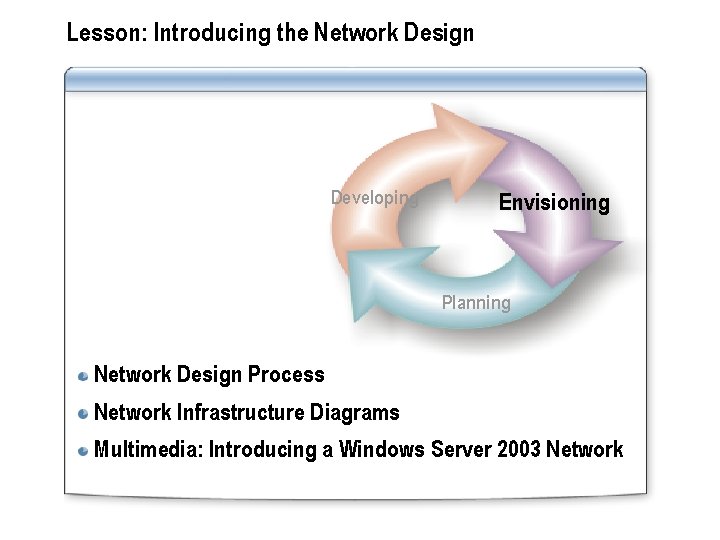
Lesson: Introducing the Network Design Developing Envisioning Planning Network Design Process Network Infrastructure Diagrams Multimedia: Introducing a Windows Server 2003 Network
Network Design Process Prioritize the design goals Define requirements for the design views Assess the risks during the design phase Implement the design
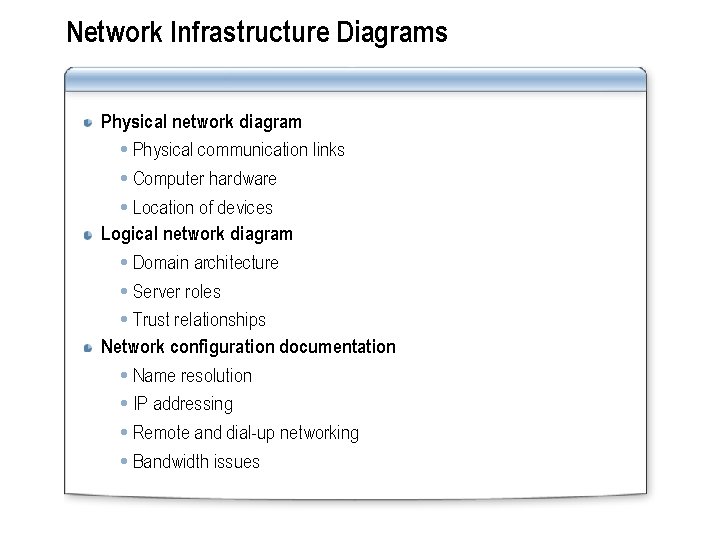
Network Infrastructure Diagrams Physical network diagram Physical communication links Computer hardware Location of devices Logical network diagram Domain architecture Server roles Trust relationships Network configuration documentation Name resolution IP addressing Remote and dial-up networking Bandwidth issues
Multimedia: Introducing a Windows Server 2003 Network The objective of this presentation is to provide you with a visual overview of a Windows Server 2003 network infrastructure You will learn about the: Key technologies and services are integrated into your network infrastructure
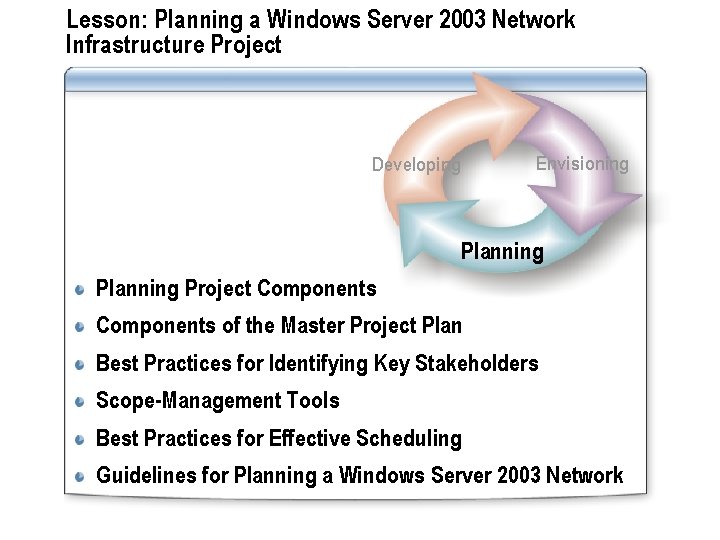
Lesson: Planning a Windows Server 2003 Network Infrastructure Project Envisioning Developing Planning Project Components of the Master Project Plan Best Practices for Identifying Key Stakeholders Scope-Management Tools Best Practices for Effective Scheduling Guidelines for Planning a Windows Server 2003 Network
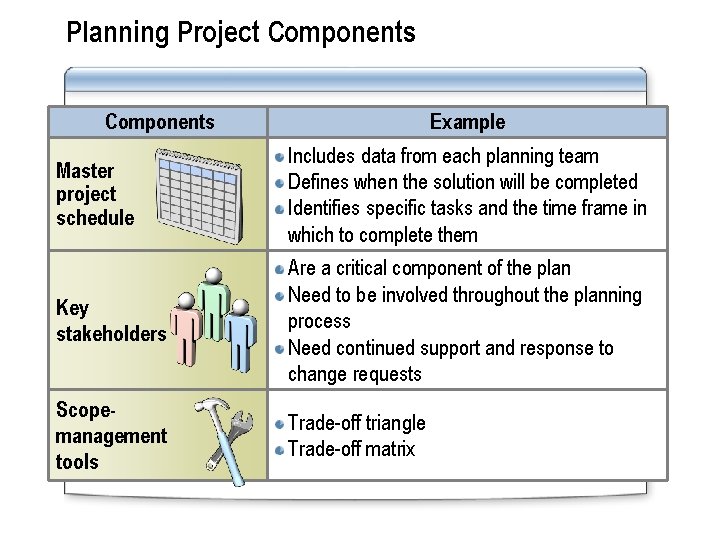
Planning Project Components Example Master project schedule Includes data from each planning team Defines when the solution will be completed Identifies specific tasks and the time frame in which to complete them Key stakeholders Are a critical component of the plan Need to be involved throughout the planning process Need continued support and response to change requests Scopemanagement tools Trade-off triangle Trade-off matrix
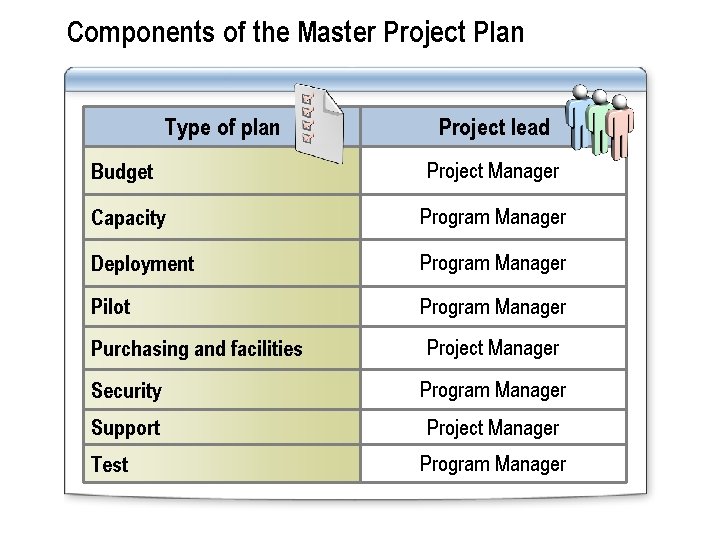
Components of the Master Project Plan Type of plan Project lead Budget Project Manager Capacity Program Manager Deployment Program Manager Pilot Program Manager Purchasing and facilities Project Manager Security Program Manager Support Project Manager Test Program Manager
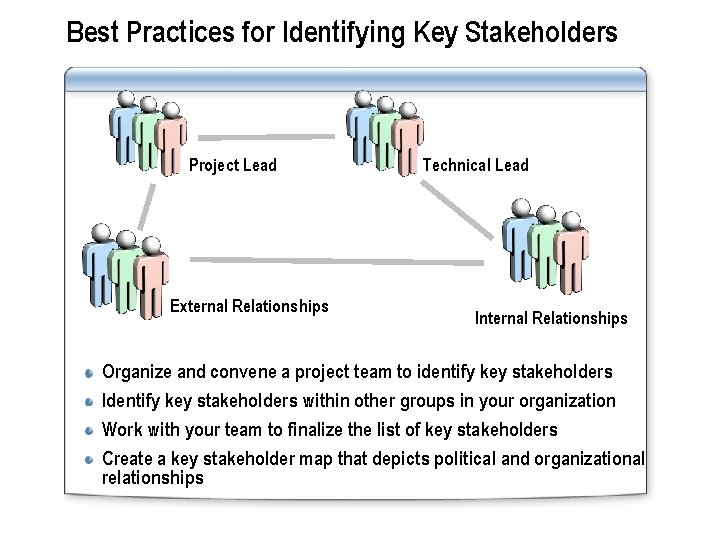
Best Practices for Identifying Key Stakeholders Project Lead External Relationships Technical Lead Internal Relationships Organize and convene a project team to identify key stakeholders Identify key stakeholders within other groups in your organization Work with your team to finalize the list of key stakeholders Create a key stakeholder map that depicts political and organizational relationships
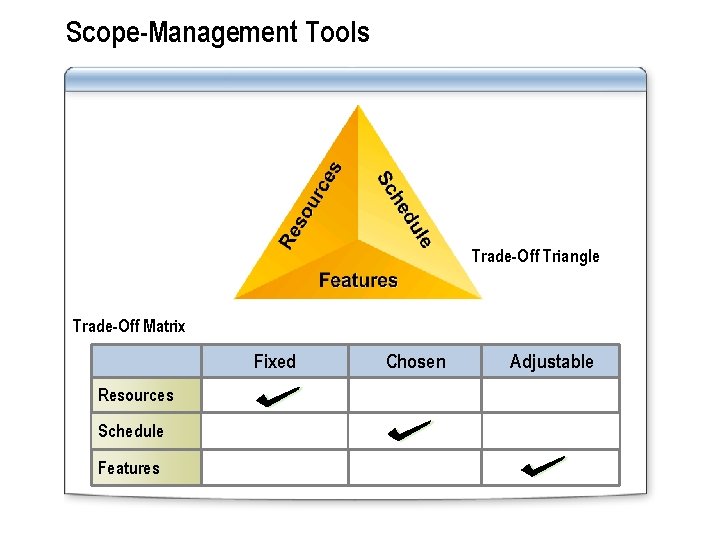
Scope-Management Tools Trade-Off Triangle Trade-Off Matrix Fixed Resources Schedule Features Chosen Adjustable
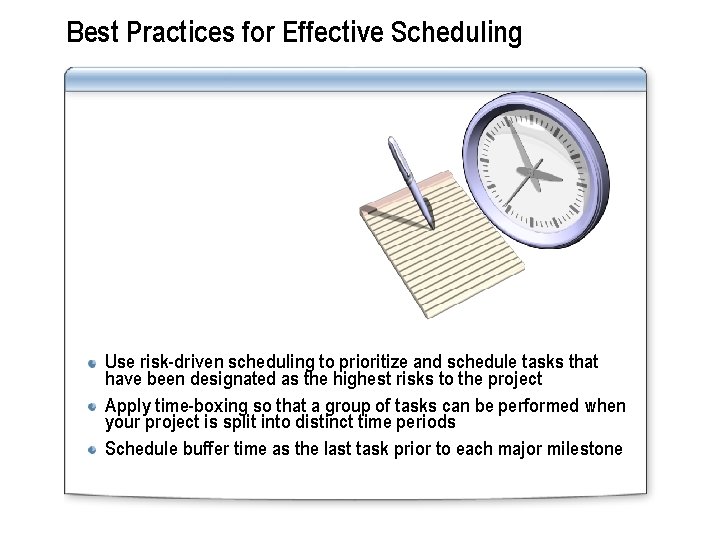
Best Practices for Effective Scheduling Use risk-driven scheduling to prioritize and schedule tasks that have been designated as the highest risks to the project Apply time-boxing so that a group of tasks can be performed when your project is split into distinct time periods Schedule buffer time as the last task prior to each major milestone
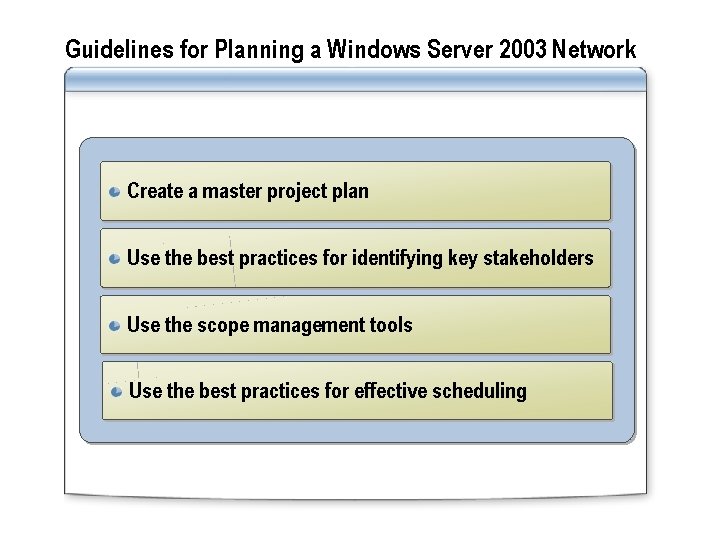
Guidelines for Planning a Windows Server 2003 Network Create a master project plan Use the best practices for identifying key stakeholders Use the scope management tools Use the best practices for effective scheduling
Practice: Managing Trade-Offs In this practice, you will: Learn how project variables relate to each other Learn how to manage project trade-offs by using the trade-off matrix