
Module 1 Creating an Application by Using Windows
Module 1: Creating an Application by Using Windows Presentation Foundation • Overview of WPF • Creating a Simple WPF Application • Handling Events and Commands • Navigating Between Pages

What Is WPF? It is a new foundation for building Windows-based applications by using: • Media • Documents • Application UI Windows Presentation Foundation (WPF) Windows Communication Foundation (WCF) Windows Workflow Foundation (WF) . NET Framework 4. 0 Windows Card. Space (WCS)
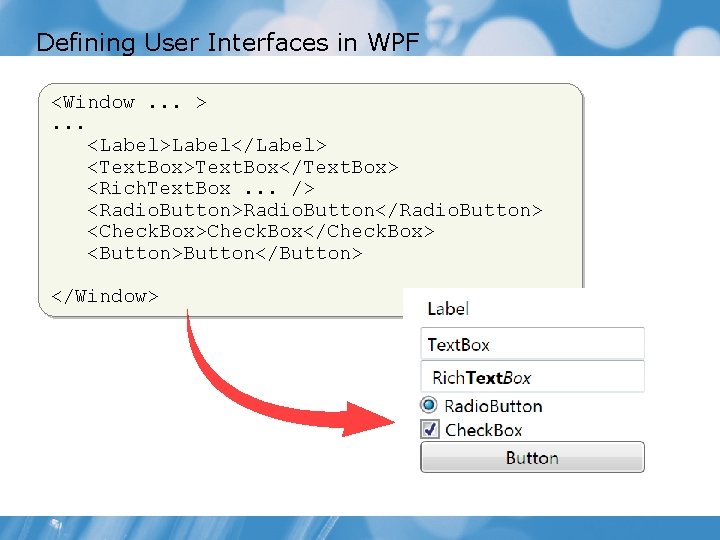
Defining User Interfaces in WPF <Window. . . >. . . <Label>Label</Label> <Text. Box>Text. Box</Text. Box> <Rich. Text. Box. . . /> <Radio. Button>Radio. Button</Radio. Button> <Check. Box>Check. Box</Check. Box> <Button>Button</Button> </Window>
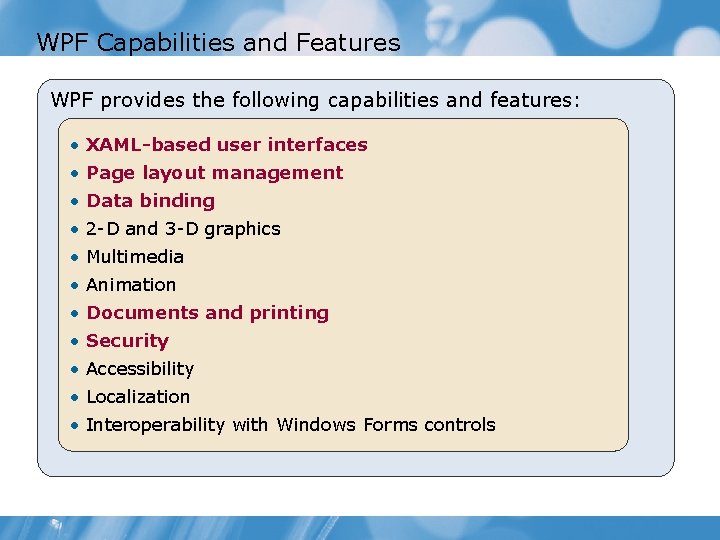
WPF Capabilities and Features WPF provides the following capabilities and features: • XAML-based user interfaces • Page layout management • Data binding • 2 -D and 3 -D graphics • Multimedia • Animation • Documents and printing • Security • Accessibility • Localization • Interoperability with Windows Forms controls
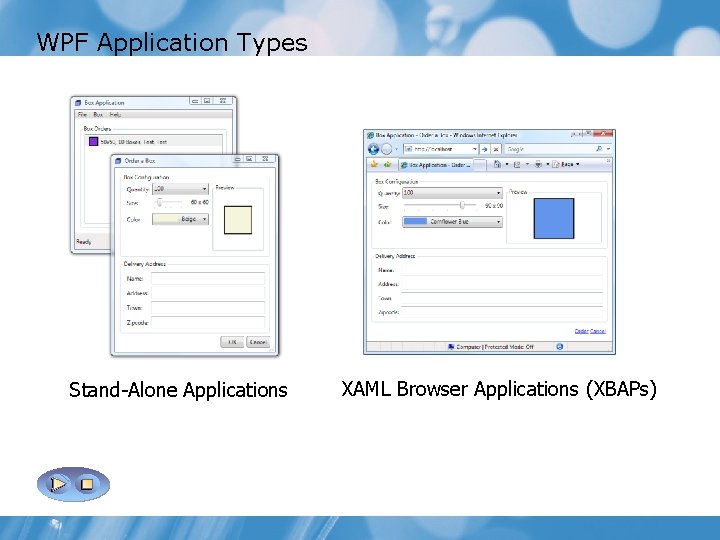
WPF Application Types Stand-Alone Applications XAML Browser Applications (XBAPs)
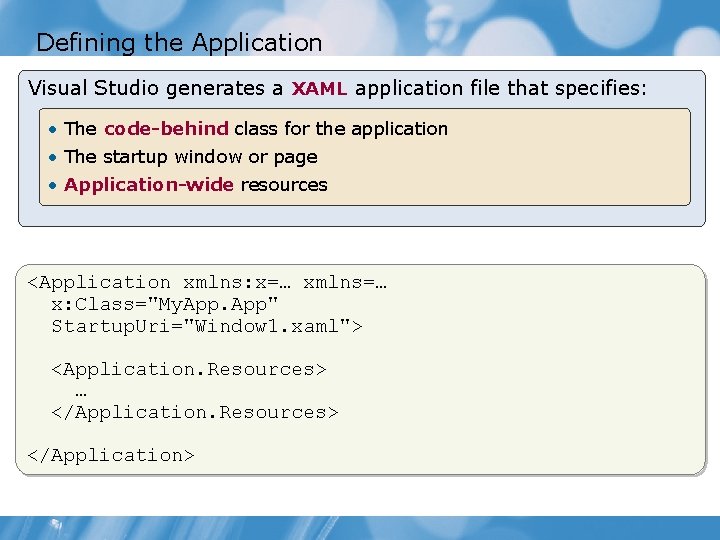
Defining the Application Visual Studio generates a XAML application file that specifies: • The code-behind class for the application • The startup window or page • Application-wide resources <Application xmlns: x=… xmlns=… x: Class="My. App" Startup. Uri="Window 1. xaml"> <Application. Resources> … </Application. Resources> </Application>
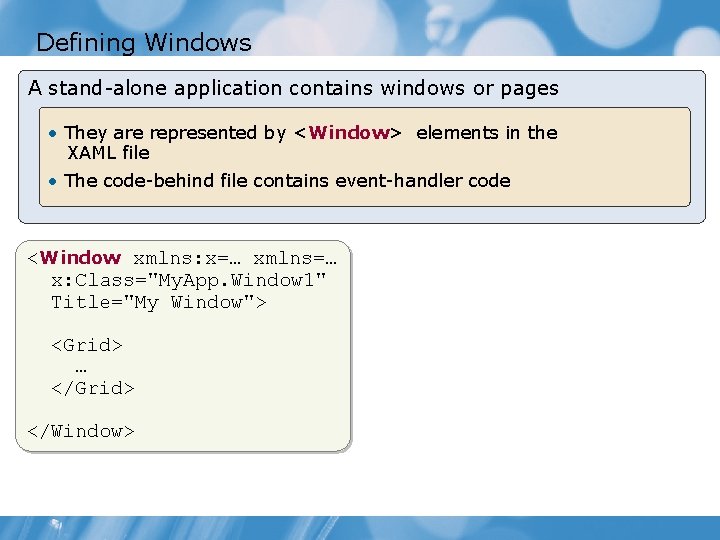
Defining Windows A stand-alone application contains windows or pages • They are represented by <Window> elements in the XAML file • The code-behind file contains event-handler code <Window xmlns: x=… xmlns=… x: Class="My. App. Window 1" Title="My Window"> <Grid> … </Grid> </Window>
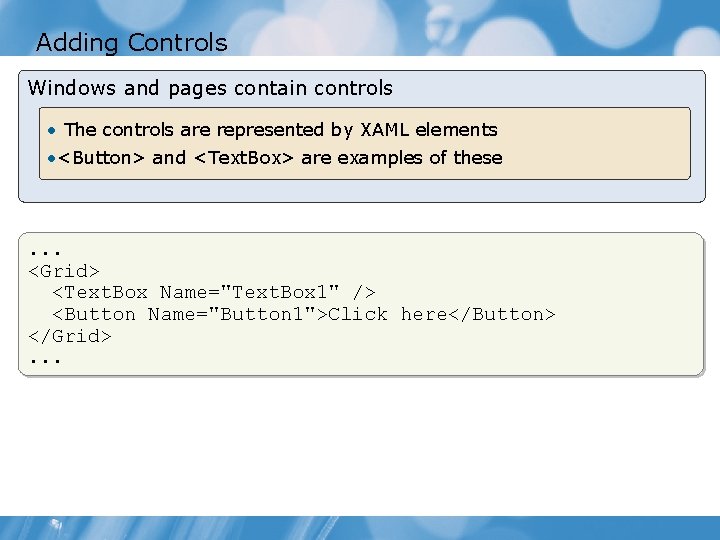
Adding Controls Windows and pages contain controls • The controls are represented by XAML elements • <Button> and <Text. Box> are examples of these . . . <Grid> <Text. Box Name="Text. Box 1" /> <Button Name="Button 1">Click here</Button> </Grid>. . .
The WPF Event Model WPF controls generate events such as: • Clicking buttons • Entering text • Selecting lists • Gaining focus
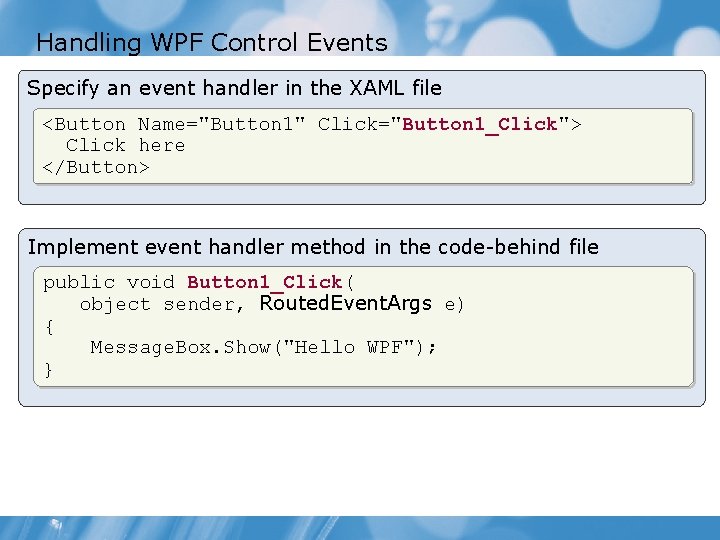
Handling WPF Control Events Specify an event handler in the XAML file <Button Name="Button 1" Click="Button 1_Click"> Click here </Button> Implement event handler method in the code-behind file public void Button 1_Click( object sender, Routed. Event. Args e) { Message. Box. Show("Hello WPF"); }
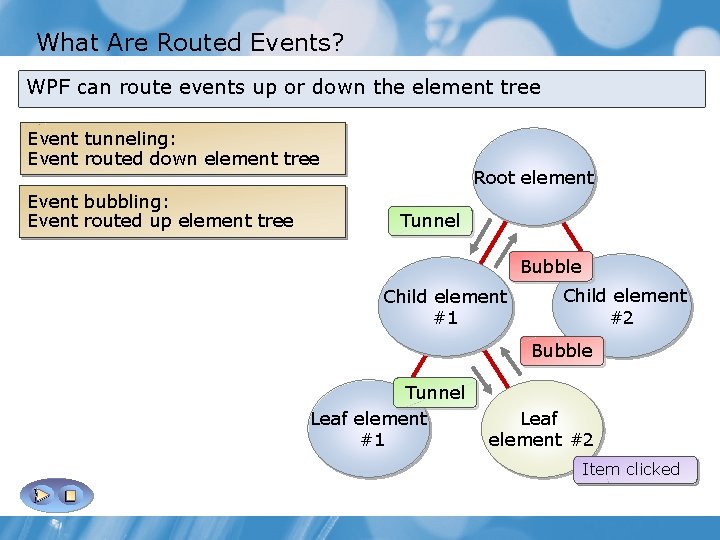
What Are Routed Events? WPF can route events up or down the element tree Event tunneling: Event routed down element tree Event bubbling: Event routed up element tree Root element Tunnel Bubble Child element #1 Child element #2 Bubble Tunnel Leaf element #1 Leaf element #2 Item clicked
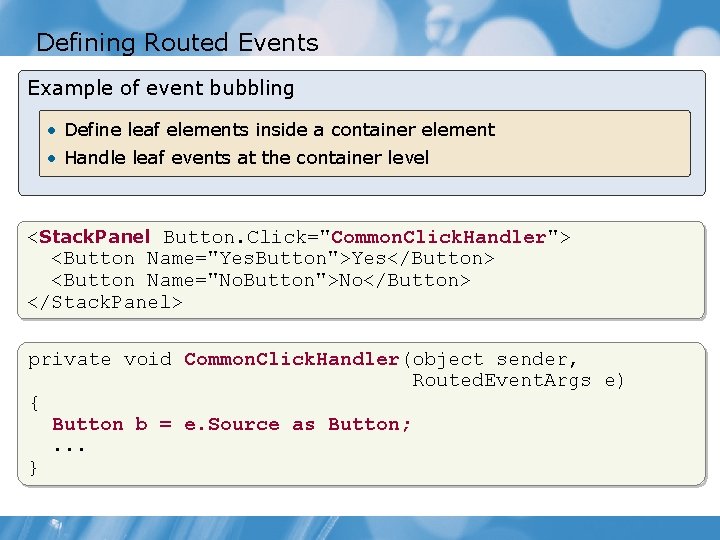
Defining Routed Events Example of event bubbling • Define leaf elements inside a container element • Handle leaf events at the container level <Stack. Panel Button. Click="Common. Click. Handler"> <Button Name="Yes. Button">Yes</Button> <Button Name="No. Button">No</Button> </Stack. Panel> private void Common. Click. Handler(object sender, Routed. Event. Args e) { Button b = e. Source as Button; . . . }
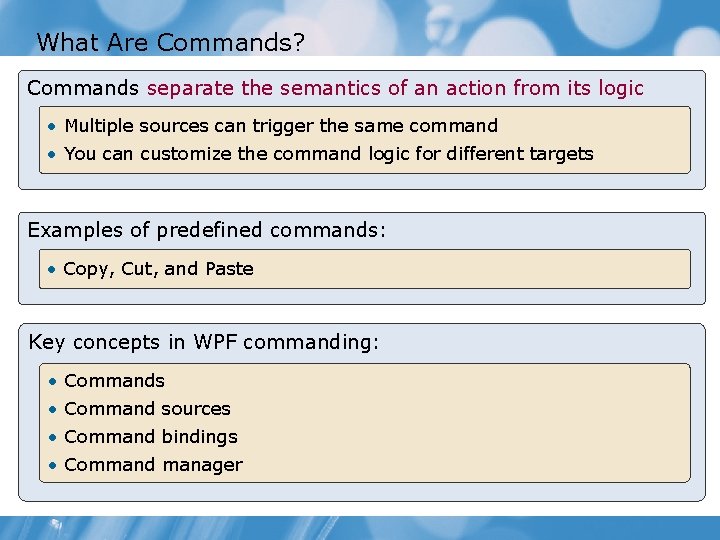
What Are Commands? Commands separate the semantics of an action from its logic • Multiple sources can trigger the same command • You can customize the command logic for different targets Examples of predefined commands: • Copy, Cut, and Paste Key concepts in WPF commanding: • Commands • Command sources • Command bindings • Command manager
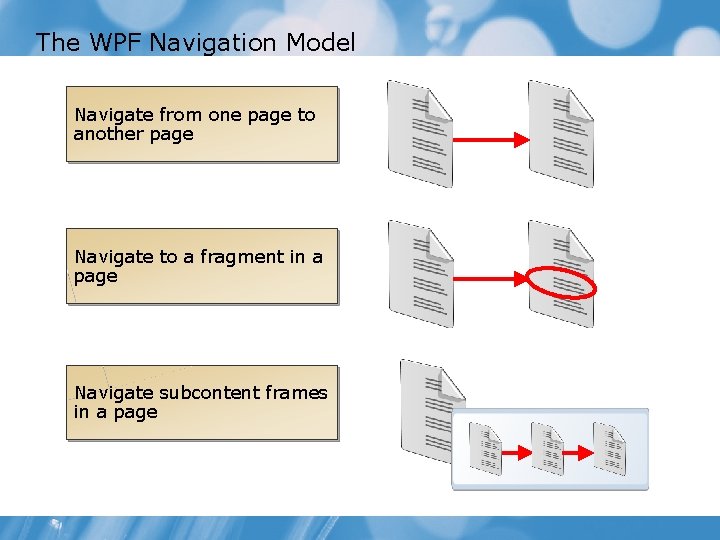
The WPF Navigation Model Navigate from one page to another page Navigate to a fragment in a page Navigate subcontent frames in a page
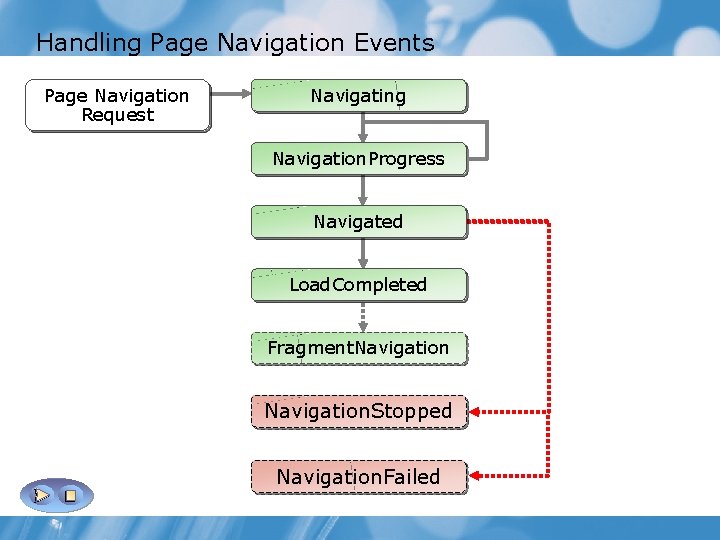
Handling Page Navigation Events Page Navigation Request Navigating Navigation. Progress Navigated Load. Completed Fragment. Navigation. Stopped Navigation. Failed
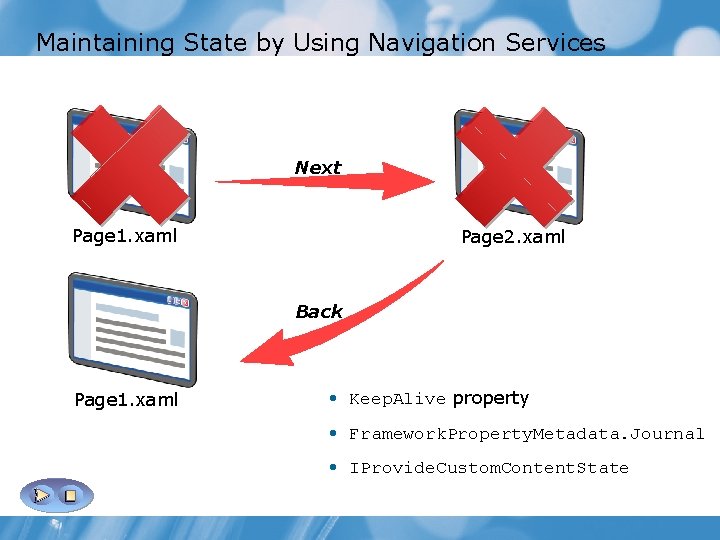
Maintaining State by Using Navigation Services Next Page 1. xaml Page 2. xaml Back Page 1. xaml • Keep. Alive property • Framework. Property. Metadata. Journal • IProvide. Custom. Content. State
Why Design Patterns? • Application development is a murky business • Design patterns support move from chaos to order • A good pattern aids § Design § Implementation § Testing § Maintenance § Extension § Collaboration § Separation of Concerns
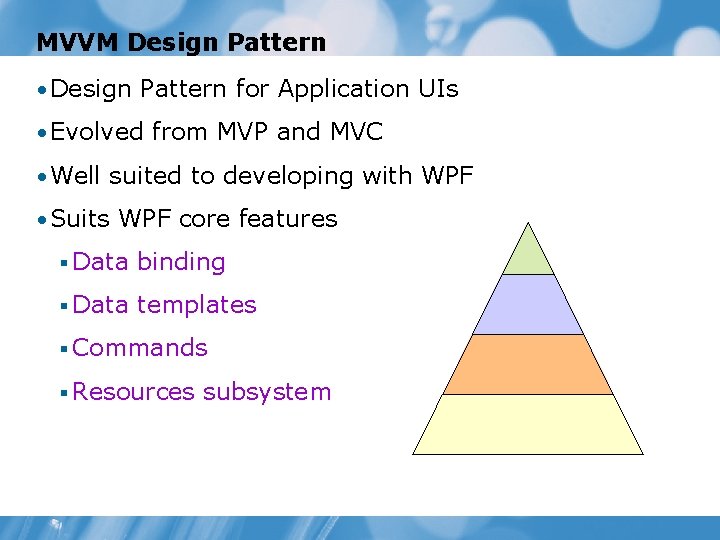
MVVM Design Pattern • Design Pattern for Application UIs • Evolved from MVP and MVC • Well suited to developing with WPF • Suits WPF core features § Data binding § Data templates § Commands § Resources subsystem
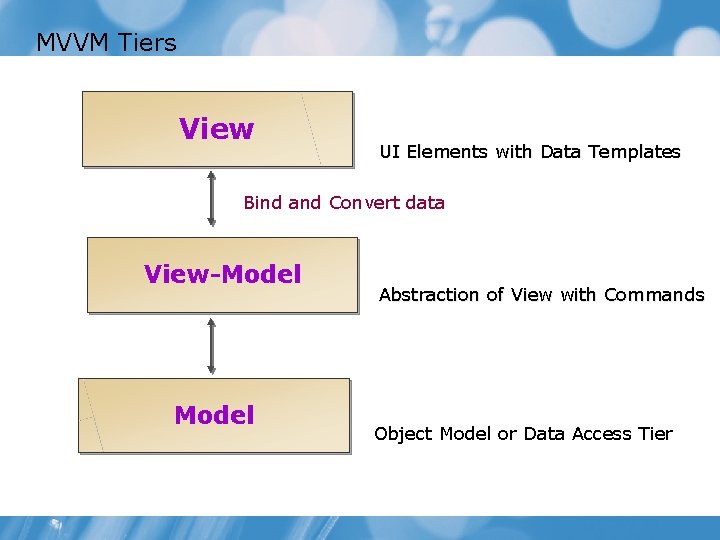
MVVM Tiers View UI Elements with Data Templates Bind and Convert data View-Model Abstraction of View with Commands Object Model or Data Access Tier
Lab: Creating a WPF Application • Exercise 1: Creating a Stand-Alone WPF Application • Exercise 2: Handling Events and Commands • Exercise 3: Navigating Between Pages Estimated time: 60 minutes
Lab Review • Why would you want to inherit your window from the Navigation. Window class? • How do you add an event handler to the Click event of a <Button> element in XAML? • What is the name of the property that you use to configure a button to use the Next. Page command? • What is the name of the event to which you connect a handler if you want to manually determine if a command is allowed to be executed?
- Slides: 21