
Module 1 Advanced Shell Features Chapter 3 SQL
- Slides: 19
Module 1: Advanced Shell Features Chapter 3: SQL
Structured Query Language (SQL) • Programming language standardized by ANSI and ISO for manipulating data in a RDBMS • Can be used to create, modify and query databases • Data Definition Language : defines the schema for the database, tables and other structures • Data Manipulation Language : add, update, delete and view data from one or more tables
Structured Query Language (SQL) • Not a case sensitive language • SQL statements must be terminated with a semicolon (; ) • System administrator needs to know SQL to maintain data • Linux open source database packages : My. SQL, Postgress and SQLite
Database Terminology • Databases : Used to store data about related things e. g. employee database and student database • Tables : Used to organize information about some entity. More than one table can also be created to store information about something depending on the logical relation • Record : Group of information about a thing, represented by rows in a database table
Database Terminology • Fields : Distinct piece of information in a database, represented a columns of a database table
Table Relationships • One-to-one : Each record in one table is related to at most one record in another table e. g. each record in the employee table can be matched with the emp_salary table using the Emp. ID as the common key • One-to-many : Each record in one table can be related to more than one record in another table
Table Relationships e. g. if each project could only be assigned to one person, but each person could be assigned to multiple projects, then the relationship between the People and Project tables would be one-to-many • SELECT query in SQL will require a JOIN or a sub-query to extract information from more than one table
INSERT • Used to add records to the tables • E. g. mysql> INSERT INTO People (Person. Id, First, Last) VALUES (1, "Susan", "Gomez"), (2, "Hans", "Alvarez");
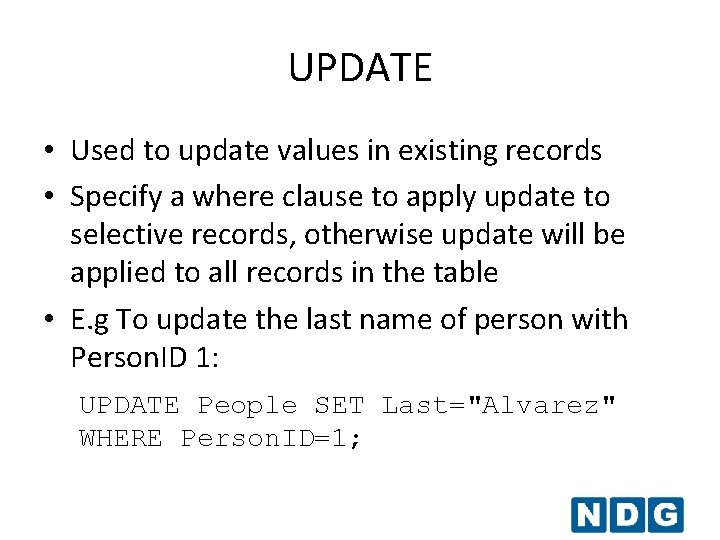
UPDATE • Used to update values in existing records • Specify a where clause to apply update to selective records, otherwise update will be applied to all records in the table • E. g To update the last name of person with Person. ID 1: UPDATE People SET Last="Alvarez" WHERE Person. ID=1;
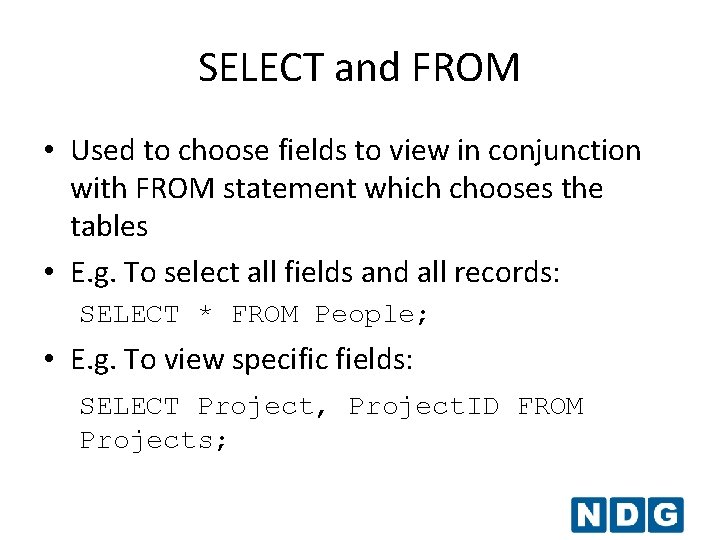
SELECT and FROM • Used to choose fields to view in conjunction with FROM statement which chooses the tables • E. g. To select all fields and all records: SELECT * FROM People; • E. g. To view specific fields: SELECT Project, Project. ID FROM Projects;
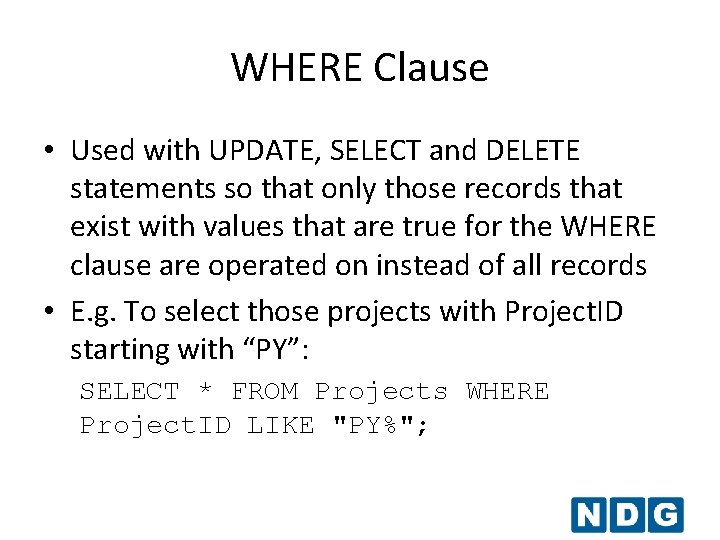
WHERE Clause • Used with UPDATE, SELECT and DELETE statements so that only those records that exist with values that are true for the WHERE clause are operated on instead of all records • E. g. To select those projects with Project. ID starting with “PY”: SELECT * FROM Projects WHERE Project. ID LIKE "PY%";
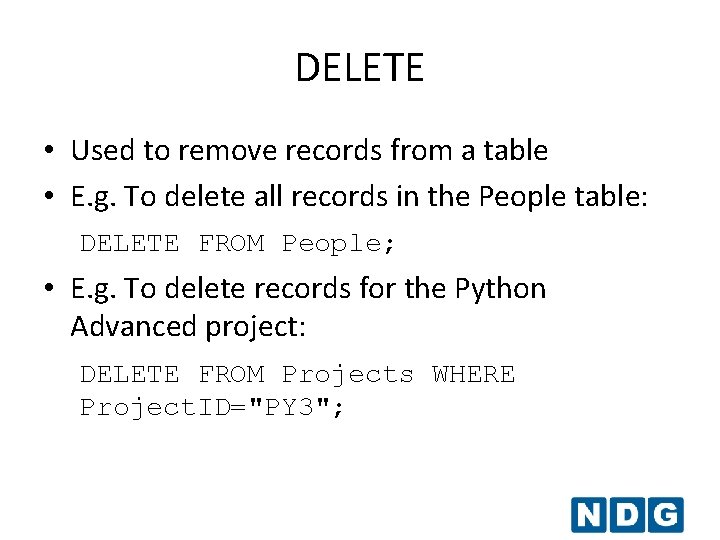
DELETE • Used to remove records from a table • E. g. To delete all records in the People table: DELETE FROM People; • E. g. To delete records for the Python Advanced project: DELETE FROM Projects WHERE Project. ID="PY 3";
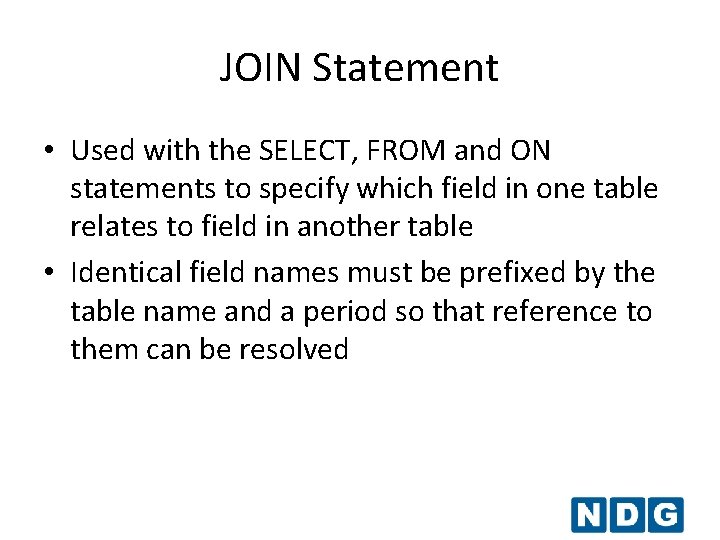
JOIN Statement • Used with the SELECT, FROM and ON statements to specify which field in one table relates to field in another table • Identical field names must be prefixed by the table name and a period so that reference to them can be resolved
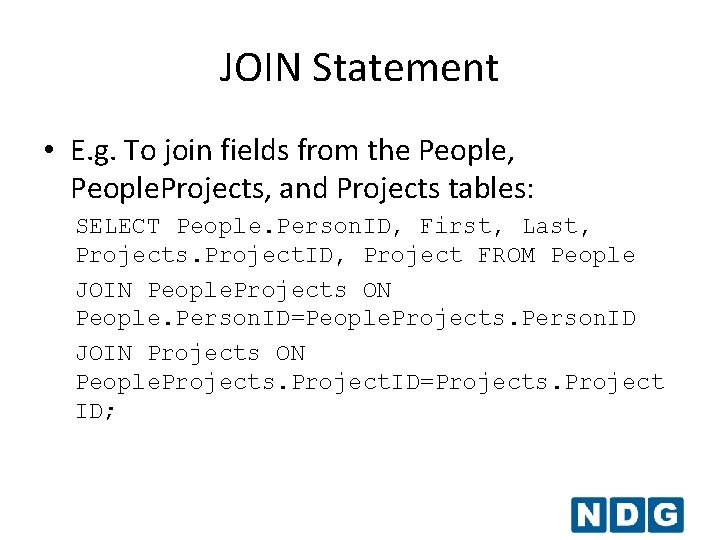
JOIN Statement • E. g. To join fields from the People, People. Projects, and Projects tables: SELECT People. Person. ID, First, Last, Projects. Project. ID, Project FROM People JOIN People. Projects ON People. Person. ID=People. Projects. Person. ID JOIN Projects ON People. Projects. Project. ID=Projects. Project ID;
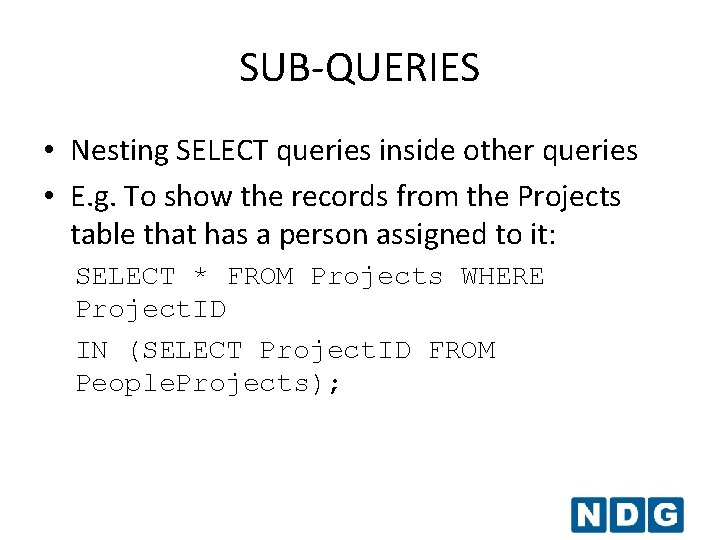
SUB-QUERIES • Nesting SELECT queries inside other queries • E. g. To show the records from the Projects table that has a person assigned to it: SELECT * FROM Projects WHERE Project. ID IN (SELECT Project. ID FROM People. Projects);
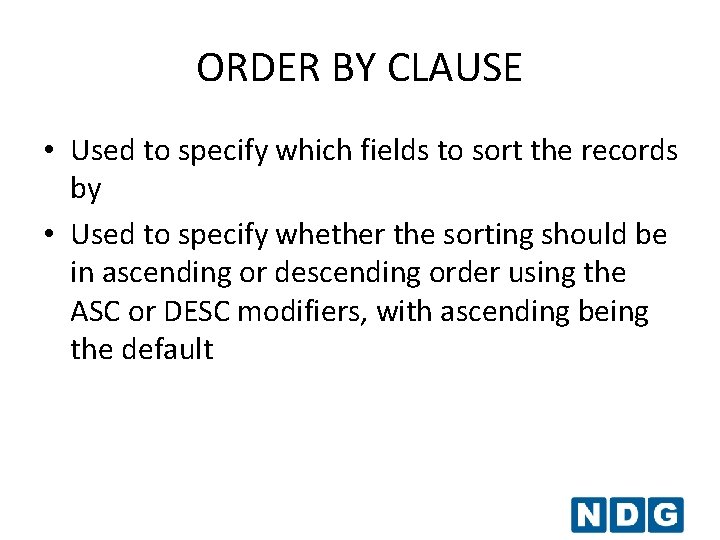
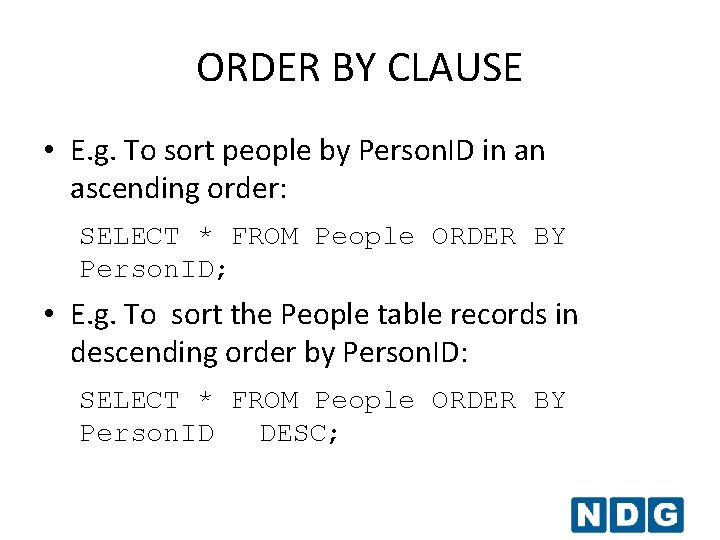
ORDER BY CLAUSE • Used to specify which fields to sort the records by • Used to specify whether the sorting should be in ascending or descending order using the ASC or DESC modifiers, with ascending being the default
ORDER BY CLAUSE • E. g. To sort people by Person. ID in an ascending order: SELECT * FROM People ORDER BY Person. ID; • E. g. To sort the People table records in descending order by Person. ID: SELECT * FROM People ORDER BY Person. ID DESC;
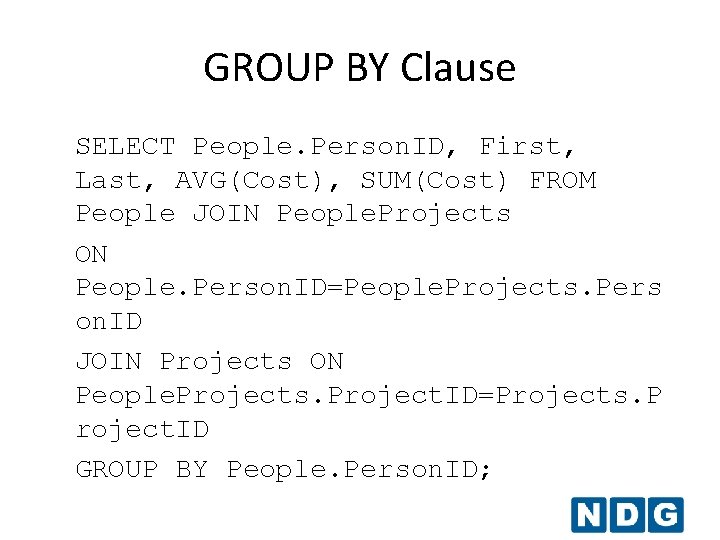
GROUP BY Clause • Used with aggregate functions like AVG, COUNT, MIN, MAX or SUM to specify the group of records that will be aggregated by that function • Similar to order by clause if used without any aggregate function • E. g. To show an average and total of the cost for each person:
GROUP BY Clause SELECT People. Person. ID, First, Last, AVG(Cost), SUM(Cost) FROM People JOIN People. Projects ON People. Person. ID=People. Projects. Pers on. ID JOIN Projects ON People. Projects. Project. ID=Projects. P roject. ID GROUP BY People. Person. ID;