
Modern Open VMS Systems Management Johan Michiels Cockpit




- Slides: 51
Modern Open. VMS Systems Management Johan Michiels Cockpit. Mgr Product Manager
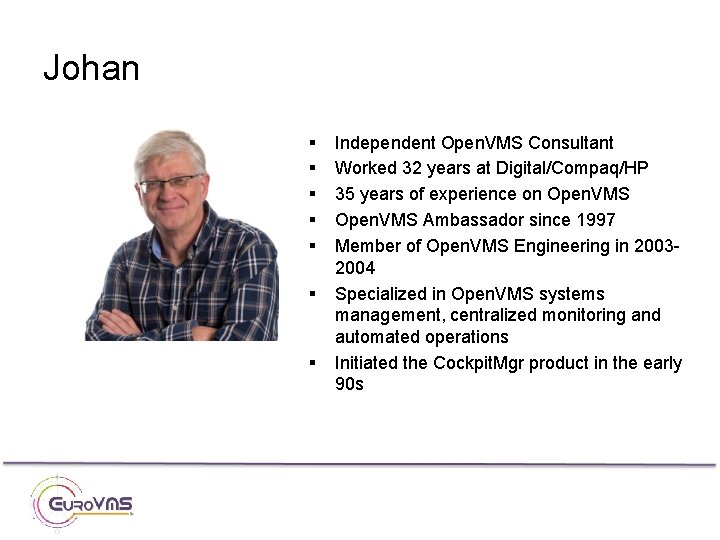
Johan § § § § Independent Open. VMS Consultant Worked 32 years at Digital/Compaq/HP 35 years of experience on Open. VMS Ambassador since 1997 Member of Open. VMS Engineering in 20032004 Specialized in Open. VMS systems management, centralized monitoring and automated operations Initiated the Cockpit. Mgr product in the early 90 s
Some history 3
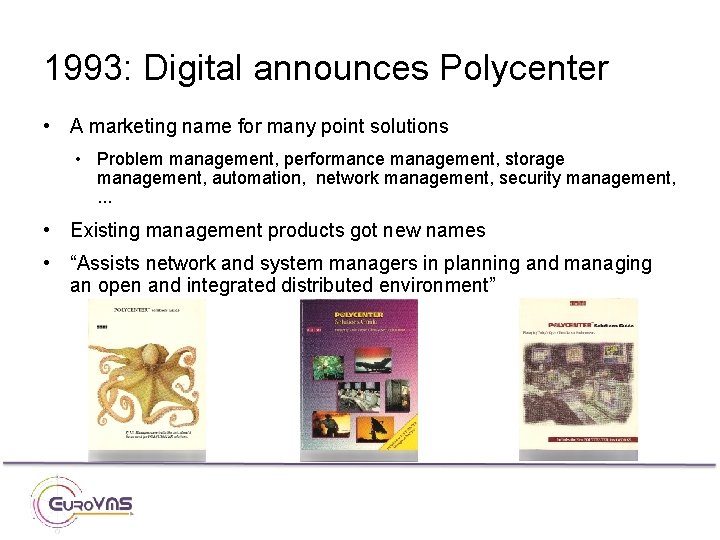
1993: Digital announces Polycenter • A marketing name for many point solutions • Problem management, performance management, storage management, automation, network management, security management, . . . • Existing management products got new names • “Assists network and system managers in planning and managing an open and integrated distributed environment”
What can we say? • Great point solutions • Perfect for managing VMS environments in the early nineties – Standalone systems, and CI or DSSI clusters located in 1 datacenter – Locally attached storage or storage behind HSC/HSJ/HSD controllers • The marketing umbrella did not trigger any product integration – Each product comes with its own configuration utility, notification mechanisms…etc. • First version of Cockpit. Mgr included configuration utilities and integration of Polycenter products.
But technology and customer demands evolve… • Multi-site disaster-tolerant VMSclusters – Network is now part of the cluster • SAN – Storage is drifting away from the systems • Increased security demands – SSH • Internet technologies – Web browser for event notification and reporting – XML to store information, XSLT for reporting • Cell phones – Text message is ideal for important/urgent event notification
Let’s build a cockpit • In 1996 CA acquired Polycenter and we did not see a real future for the products. • We decided to build everything from scratch, in a fully integrated way, deploying the latest technologies, and based on real customer demands. • Our idea was to implement a dedicated system that monitors the entire Open. VMS production environment – Consoles, systems, network, storage, security, log files, performance, configuration changes, . . . – Consolidate and process all collected information, and deliver it to the system manager in the most appropriate way. • That dedicated system is an Open. VMS system. It’s called “the cockpit”.
Our starting points • What information does a system manager of mission-critical VMS systems and clusters need to manage efficiently the entire VMS environment? • Where can this information be found? • How can all the available information be centralised, processed, and presented in an uniform way? • Which modern technologies are the most appropriate to use and are demanded by our customers?
Today • Cockpit. Mgr evolved to the most complete toolset in the industry, supporting VMS system managers in the daily operations. • Made by VMS system managers, for VMS system managers. • One product that bundles the experience of many VMS system managers • Still adding functionality (regular new release) • Worldwide in use at major Open. VMS customers • This presentation contains an overview of the major features.
Console Manager
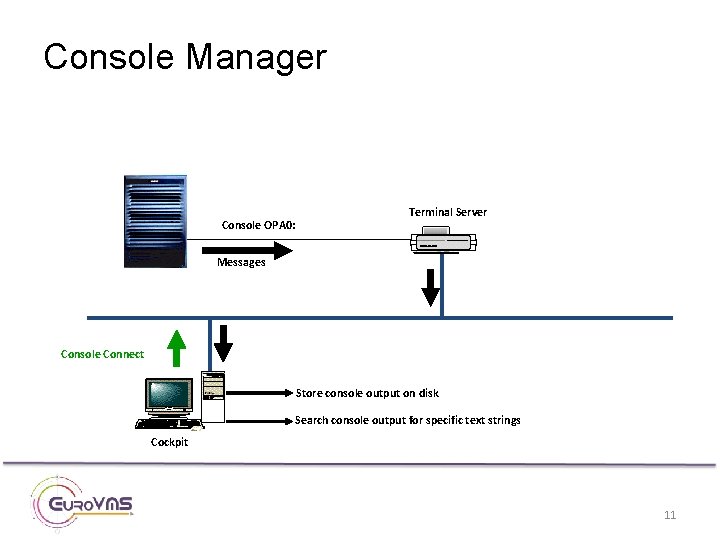
Console Manager Console OPA 0: Terminal Server Messages Console Connect Store console output on disk Search console output for specific text strings Cockpit 11
Console Manager • Cockpit. Mgr provides complete console management: – Connect to remote system console – Log console output for further reference – Search console output for specific text strings • Many up-to-date scan profiles included: – Open. VMS, VMScluster, shadowing, LAN failover messages. . – VAX, Alpha. Server and Integrity messages – Layered products such as SLS, ABS, MDMS, Rdb, DCPS. . .
Console Manager • Terminal server support: – – – • Classic DECservers Marvel NAT box Perle (work in progress) Cisco Access Server Digi CM server Direct connection to Integrity ILO – No need for extra terminal server • Communication protocols : LAT, Telnet and SSH
System Monitor
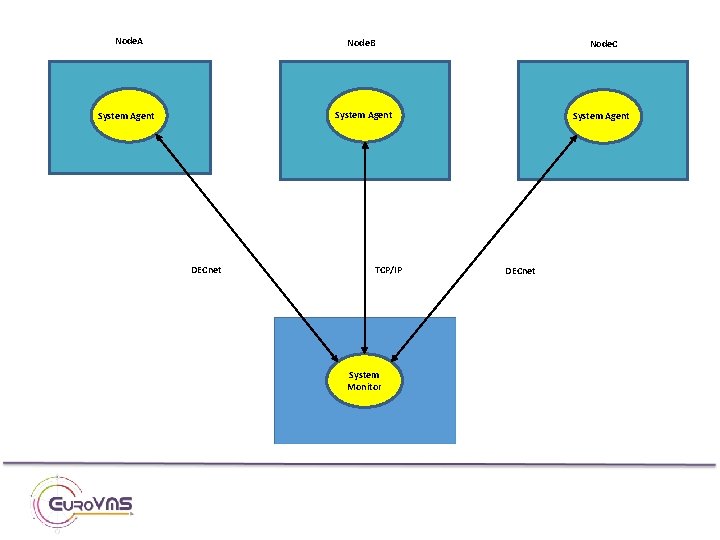
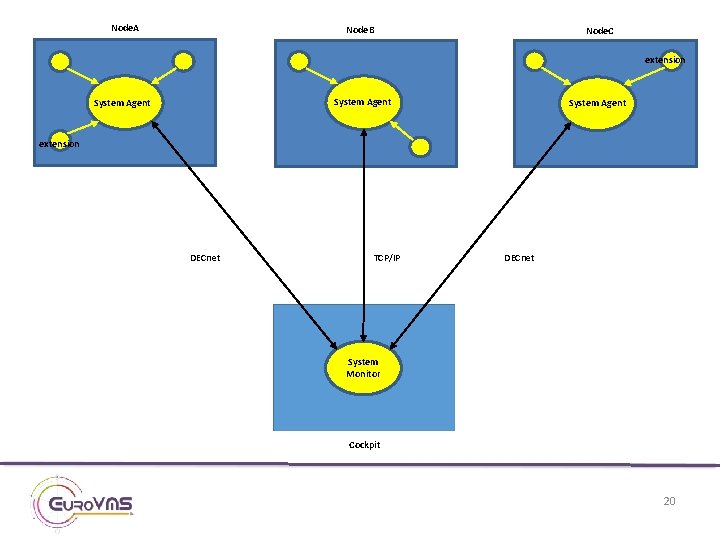
System Monitor • System Monitor on the cockpit communicates with an Agent running on each VMS production system • What must to be monitored is defined centrally on the cockpit • Connection is made at regular time intervals • Connection is only accepted from a “trusted” cockpit • Implemented with non-transparent DECnet task-to-task and TCP/IP socket programming
Node. A Node. B Node. C System Agent DECnet TCP/IP System Monitor DECnet
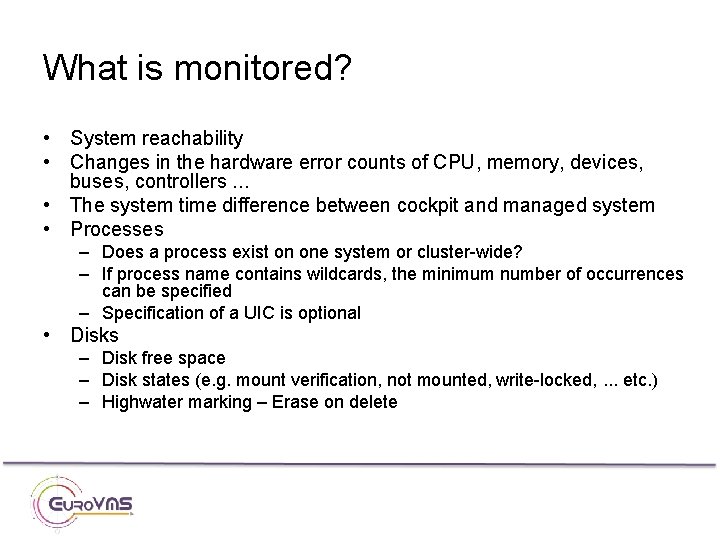
What is monitored? • System reachability • Changes in the hardware error counts of CPU, memory, devices, buses, controllers. . . • The system time difference between cockpit and managed system • Processes – Does a process exist on one system or cluster-wide? – If process name contains wildcards, the minimum number of occurrences can be specified – Specification of a UIC is optional • Disks – Disk free space – Disk states (e. g. mount verification, not mounted, write-locked, . . . etc. ) – Highwater marking – Erase on delete
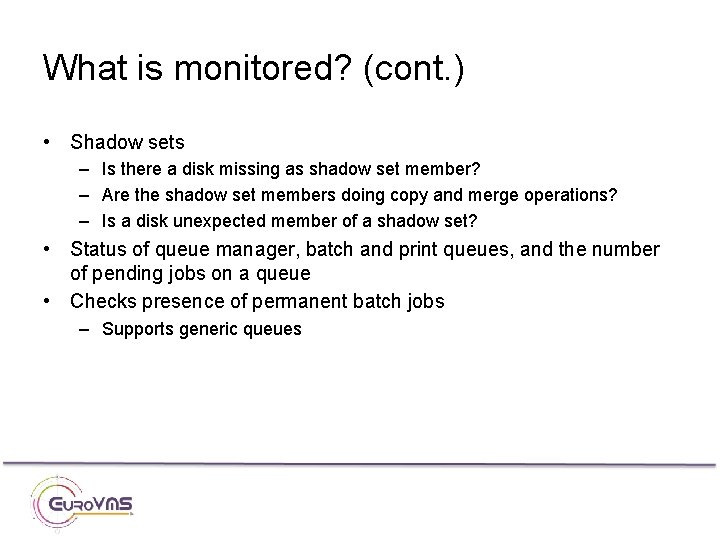
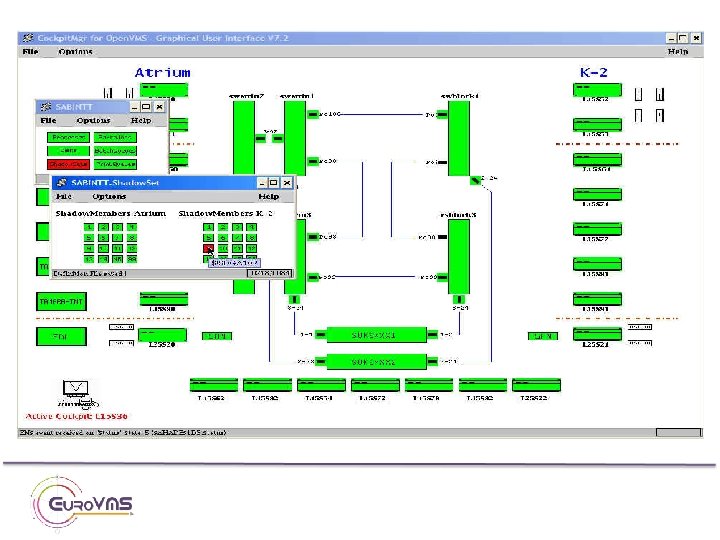
What is monitored? (cont. ) • Shadow sets – Is there a disk missing as shadow set member? – Are the shadow set members doing copy and merge operations? – Is a disk unexpected member of a shadow set? • Status of queue manager, batch and print queues, and the number of pending jobs on a queue • Checks presence of permanent batch jobs – Supports generic queues
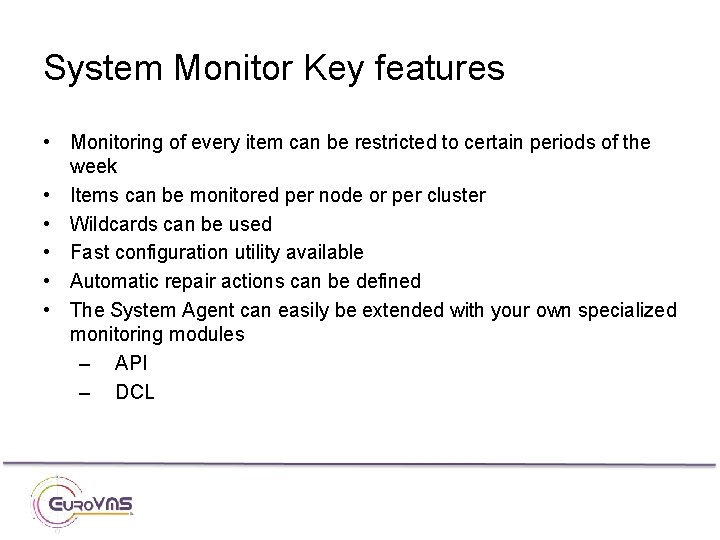
System Monitor Key features • Monitoring of every item can be restricted to certain periods of the week • Items can be monitored per node or per cluster • Wildcards can be used • Fast configuration utility available • Automatic repair actions can be defined • The System Agent can easily be extended with your own specialized monitoring modules – API – DCL
Node. A Node. B Node. C extension System Agent extension DECnet TCP/IP DECnet System Monitor Cockpit 20
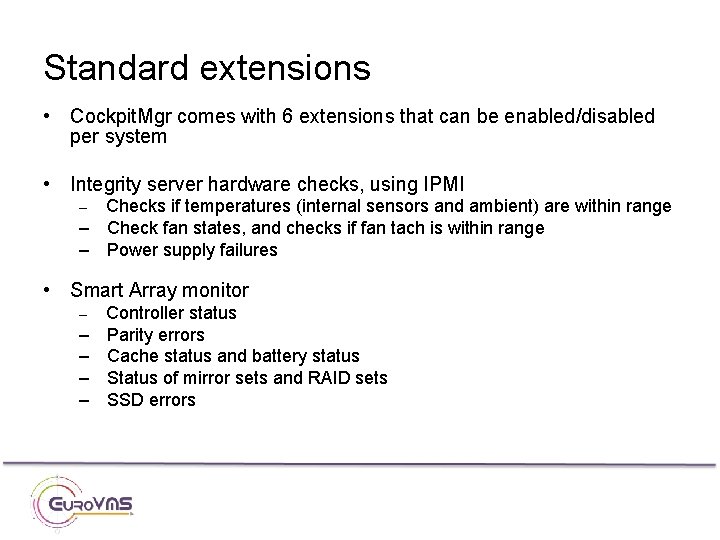
Standard extensions • Cockpit. Mgr comes with 6 extensions that can be enabled/disabled per system • Integrity server hardware checks, using IPMI Checks if temperatures (internal sensors and ambient) are within range – Check fan states, and checks if fan tach is within range – Power supply failures – • Smart Array monitor – – – Controller status Parity errors Cache status and battery status Status of mirror sets and RAID sets SSD errors
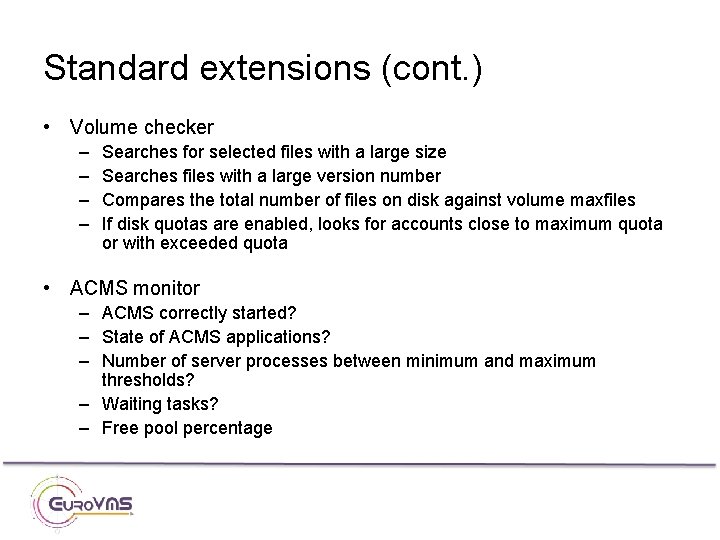
Standard extensions (cont. ) • Volume checker – – Searches for selected files with a large size Searches files with a large version number Compares the total number of files on disk against volume maxfiles If disk quotas are enabled, looks for accounts close to maximum quota or with exceeded quota • ACMS monitor – ACMS correctly started? – State of ACMS applications? – Number of server processes between minimum and maximum thresholds? – Waiting tasks? – Free pool percentage
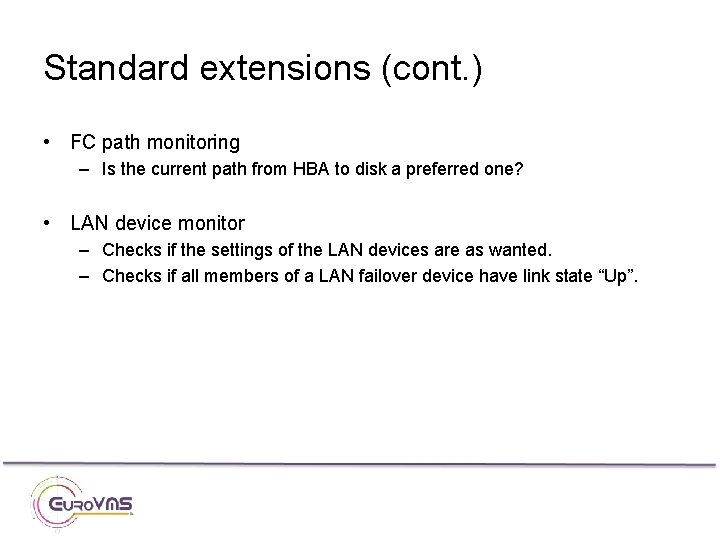
Standard extensions (cont. ) • FC path monitoring – Is the current path from HBA to disk a preferred one? • LAN device monitor – Checks if the settings of the LAN devices are as wanted. – Checks if all members of a LAN failover device have link state “Up”.
Storage & Network Monitoring
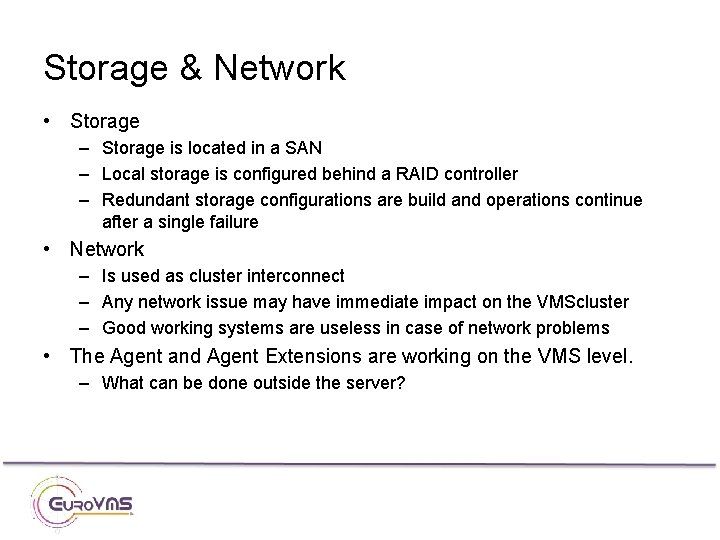
Storage & Network • Storage – Storage is located in a SAN – Local storage is configured behind a RAID controller – Redundant storage configurations are build and operations continue after a single failure • Network – Is used as cluster interconnect – Any network issue may have immediate impact on the VMScluster – Good working systems are useless in case of network problems • The Agent and Agent Extensions are working on the VMS level. – What can be done outside the server?
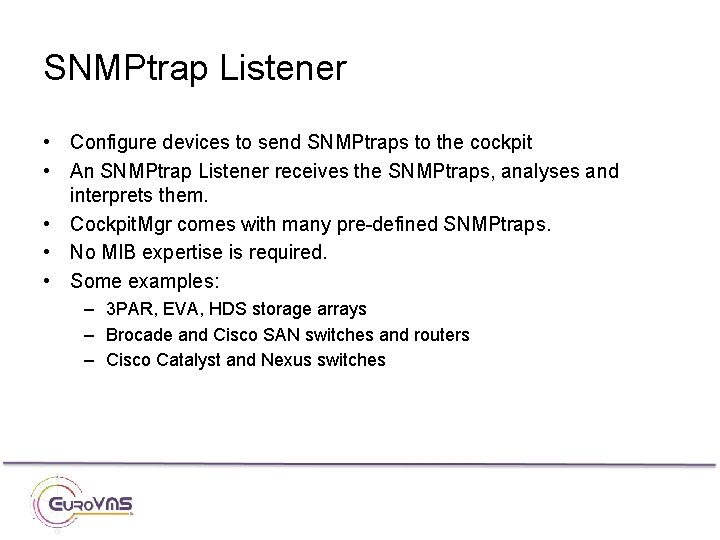
SNMPtrap Listener • Configure devices to send SNMPtraps to the cockpit • An SNMPtrap Listener receives the SNMPtraps, analyses and interprets them. • Cockpit. Mgr comes with many pre-defined SNMPtraps. • No MIB expertise is required. • Some examples: – 3 PAR, EVA, HDS storage arrays – Brocade and Cisco SAN switches and routers – Cisco Catalyst and Nexus switches
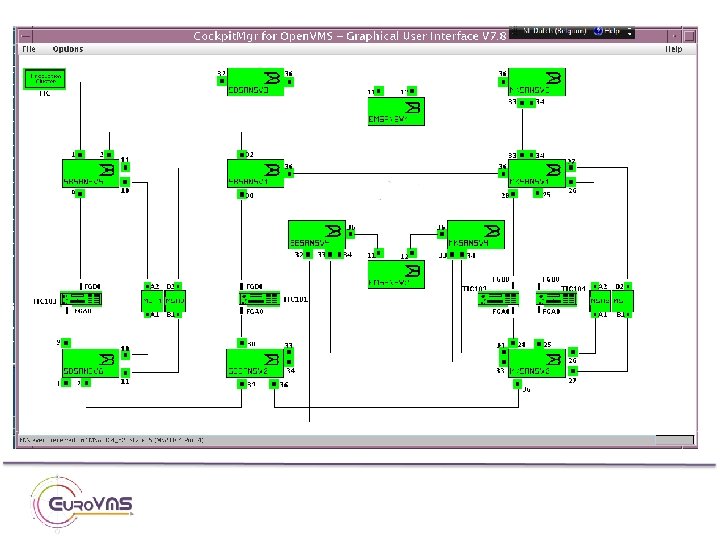
Monitoring using SNMPgets • Use SNMPgets to query MIB agents on selected devices. • No MIB expertise required: configuration requires only device type, hostname, community name, and list of ports to check. • Monitoring of the port states, error counters and device-specific diagnostic information • Performance data collection • Examples: – Blade enclosures – Cisco Catalyst and Nexus • includes monitoring of trunks, VLANs, and etherchannels • Includes checking of changes in the port states, and changes in the port error counters – Fibre Channel Switches
SNMP-based monitoring • Possibility to add monitoring of more devices on project basis. • Development based on customer demand. • Some examples: – – Printers UPS Temperature & Humidity sensors Power Distribution Units • Integrated in the System Monitor or as Agent Extension.
More features
Performance Monitor • The Performance Monitor looks for possible indications of system performance slowdowns – – – – CPU utilisation (also per mode) Memory utilisation Page and swap file utilisation Looping processes Idle processes Pool utilisation Processes in special wait state (RWAST, RWMBX…) Process quota utilization • Cockpit. Mgr collects some performance metrics, and makes the data available in graphs – PNG files to display in web browser – Not a replacement for solutions such as T 4 or Perfdat
Real-time security monitoring • Based on events detected by the Audit Server. • Each security event is summarized in one line of text. • Allows system and security managers to monitor in real-time the security of the data entrusted to their Open. VMS system.
Log File Browser • Search batch and applications logs for errors – Define per file a list of strings to search for – Search strings may contain wildcards • Can be used with open files • Allows e. g. early detection of problems in job chains
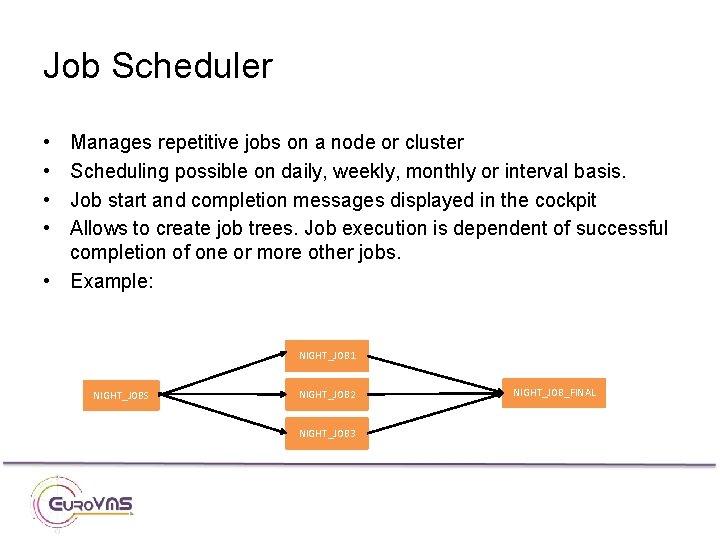
Job Scheduler • • Manages repetitive jobs on a node or cluster Scheduling possible on daily, weekly, monthly or interval basis. Job start and completion messages displayed in the cockpit Allows to create job trees. Job execution is dependent of successful completion of one or more other jobs. • Example: NIGHT_JOB 1 NIGHT_JOBS NIGHT_JOB 2 NIGHT_JOB 3 NIGHT_JOB_FINAL
NETDCL • Execute one or more DCL commands on a remote system with output to the cockpit • Facilitates remote system management • Allows creation of scheduler jobs that execute on remote nodes.
Monitoring Unix and Windows systems • Unix System Agent – Monitors processes and free file system space. – Monitoring scripts can be used as Agent Extension. • Windows – Monitoring by quering the SNMP Agent. – Processes, services, disk space, high CPU and memory utilization. • Unix Syslog and Windows Event Log can be sent to cockpit. – Use Syslog format. – Cockpit. Mgr has a Syslog Server. – Syslog messages are searched for pre-defined strings.
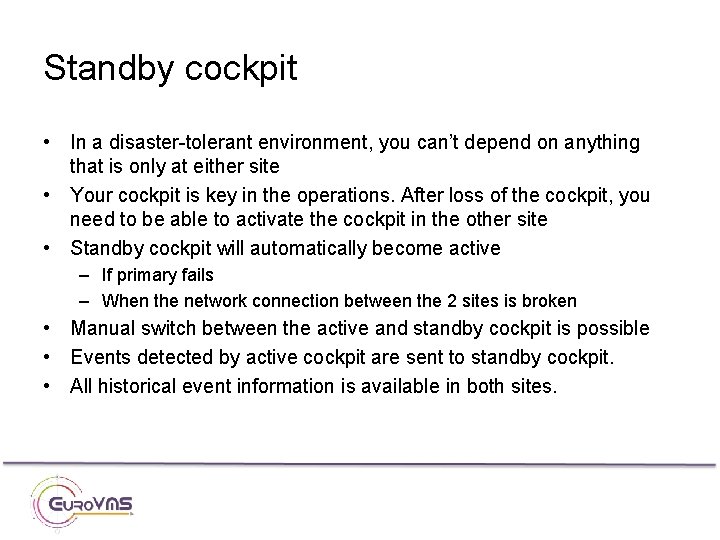
Standby cockpit • In a disaster-tolerant environment, you can’t depend on anything that is only at either site • Your cockpit is key in the operations. After loss of the cockpit, you need to be able to activate the cockpit in the other site • Standby cockpit will automatically become active – If primary fails – When the network connection between the 2 sites is broken • Manual switch between the active and standby cockpit is possible • Events detected by active cockpit are sent to standby cockpit. • All historical event information is available in both sites.
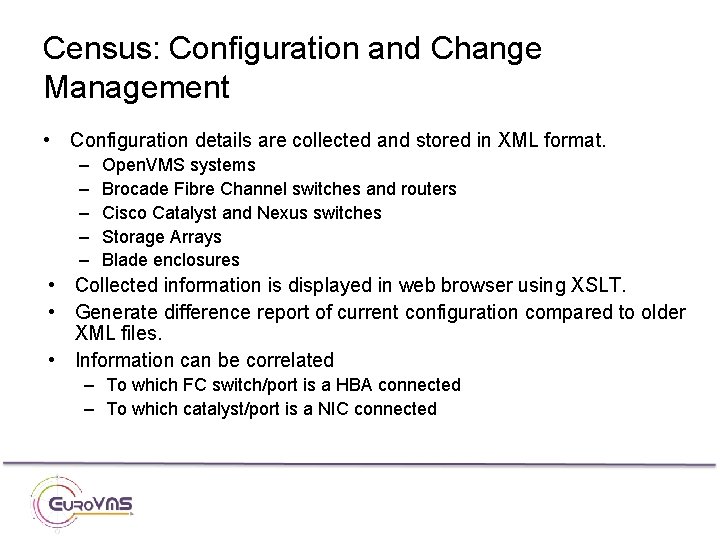
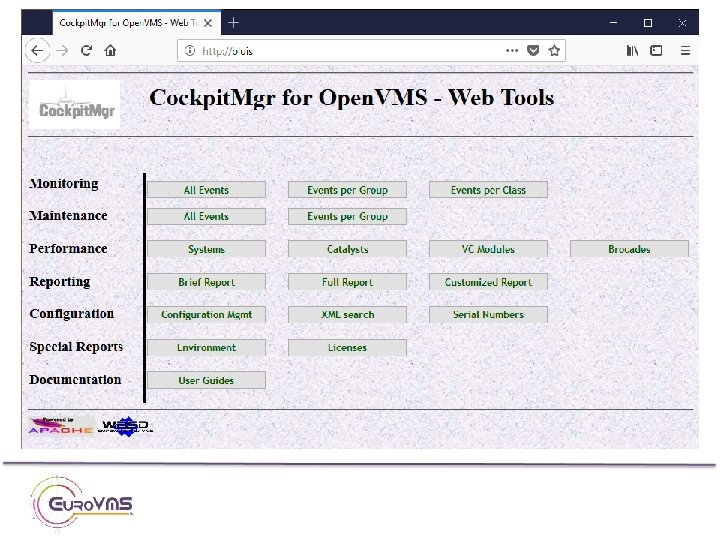
Census: Configuration and Change Management • Configuration details are collected and stored in XML format. – – – Open. VMS systems Brocade Fibre Channel switches and routers Cisco Catalyst and Nexus switches Storage Arrays Blade enclosures • Collected information is displayed in web browser using XSLT. • Generate difference report of current configuration compared to older XML files. • Information can be correlated – To which FC switch/port is a HBA connected – To which catalyst/port is a NIC connected
Event notification
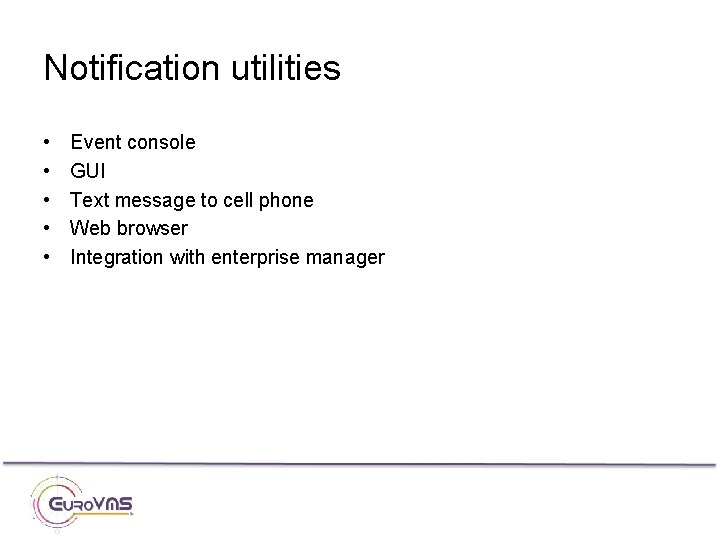
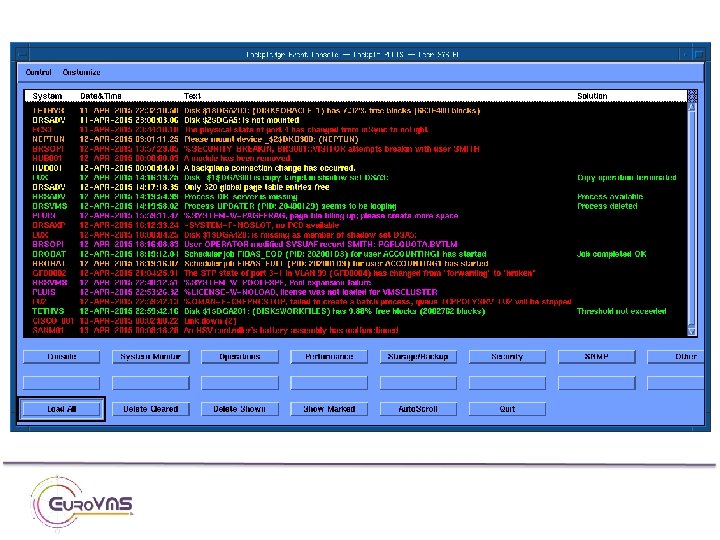
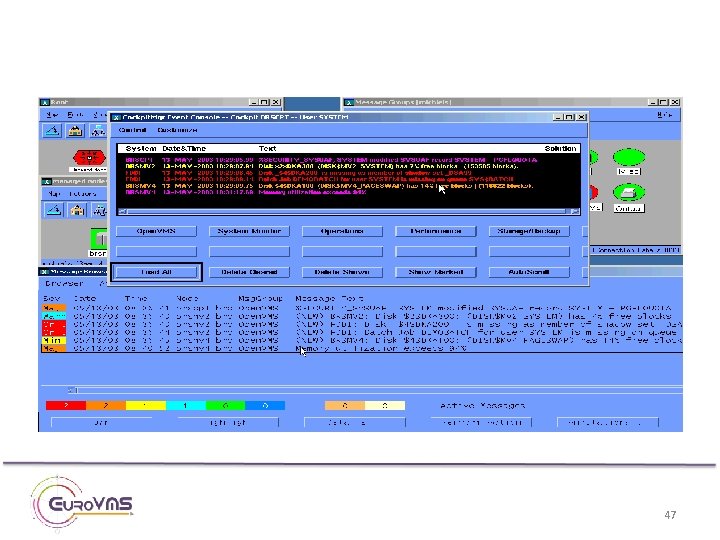
Notification utilities • • • Event console GUI Text message to cell phone Web browser Integration with enterprise manager
47
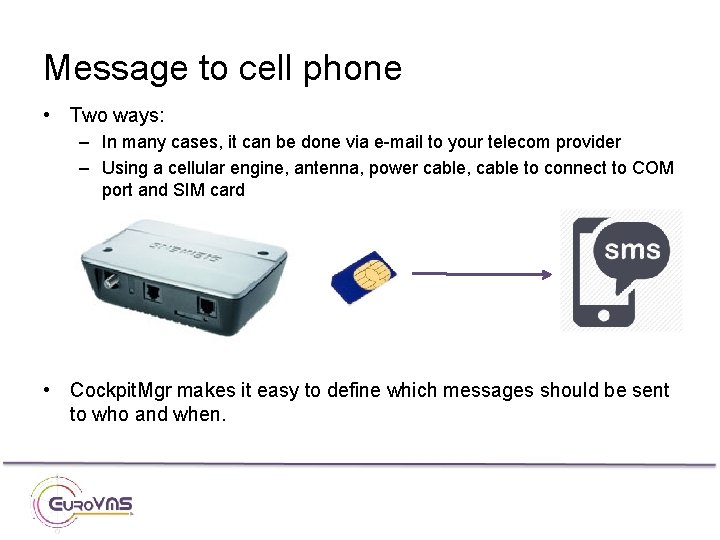
Message to cell phone • Two ways: – In many cases, it can be done via e-mail to your telecom provider – Using a cellular engine, antenna, power cable, cable to connect to COM port and SIM card • Cockpit. Mgr makes it easy to define which messages should be sent to who and when.
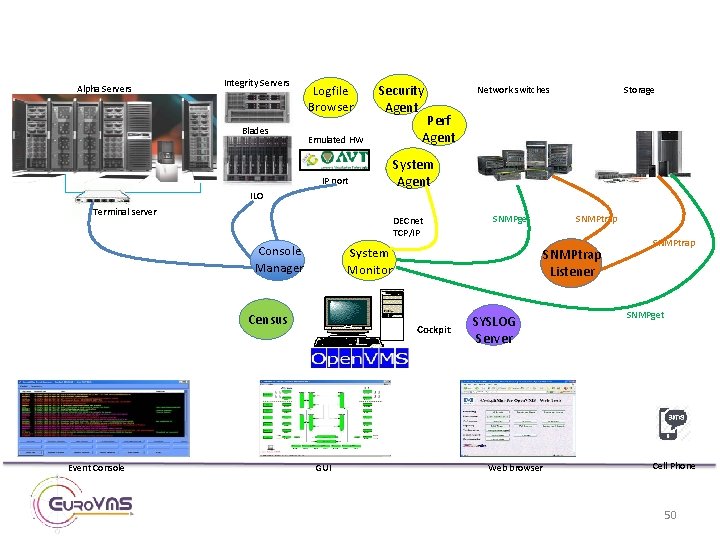
Alpha Servers Integrity Servers Blades Logfile Browser Security Agent Emulated HW IP port ILO Terminal server Event Console System Agent SNMPget System Monitor Census SNMPtrap Listener Cockpit GUI Storage Perf Agent DECnet TCP/IP Console Manager Network switches SYSLOG Server Web browser SNMPtrap SNMPget Cell Phone 50
Open. VMS Technical Journal (2003) http: //h 71000. www 7. hp. com/openvms/journal/v 1/index. ht ml Cockpit. Mgr Product Manager Johan Michiels, Euro. VMS e-mail: johan. michiels@eurovms. com Tel: +32 -498. 946. 148 Web site www. eurovms. com