
Modeling and Prototypes Presentation 4 4 1 Explanation
- Slides: 21
Modeling and Prototypes Presentation 4. 4. 1 Explanation © 2011 International Technology and Engineering Educators Association, STEM Center for Teaching and Learning™ Foundations of Technology
The Unit Big Idea The Engineering Design process is a systematic, iterative problem solving method which produces solutions to meet human wants and desires. © 2011 International Technology and Engineering Educators Association, STEM Center for Teaching and Learning™ Foundations of Technology
The Lesson Big Idea At various intervals of the engineering design process, conceptual, physical, and mathematical models evaluate the design solution. © 2011 International Technology and Engineering Educators Association, STEM Center for Teaching and Learning™ Foundations of Technology
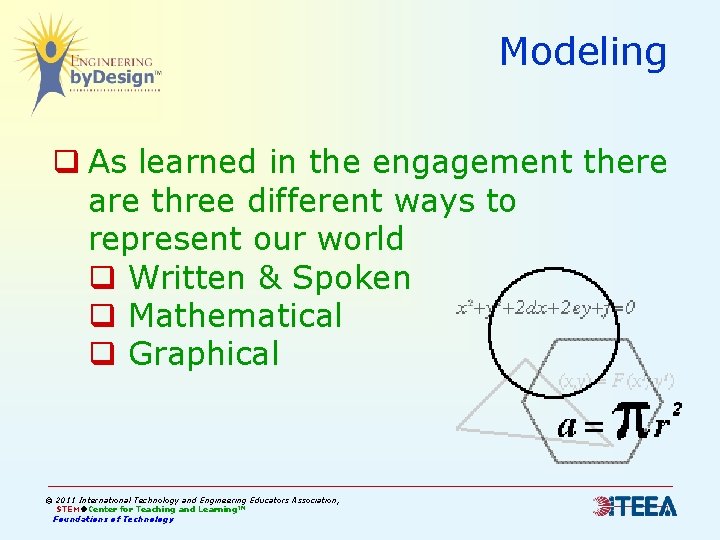
Modeling q As learned in the engagement there are three different ways to represent our world q Written & Spoken q Mathematical q Graphical © 2011 International Technology and Engineering Educators Association, STEM Center for Teaching and Learning™ Foundations of Technology
Modeling q During design process, check for proper design to note areas of needed improvements q Conceptual, physical, and mathematical models evaluate the design solution q Usefulness of models can be tested by comparing predictions to observations in the real world © 2011 International Technology and Engineering Educators Association, STEM Center for Teaching and Learning™ Foundations of Technology
Conceptual Models q Conceptual models q Allow designs to quickly be checked and critiqued q Design may be refined and improved. q Technical sketching is a design tool used to create conceptual models © 2011 International Technology and Engineering Educators Association, STEM Center for Teaching and Learning™ Foundations of Technology
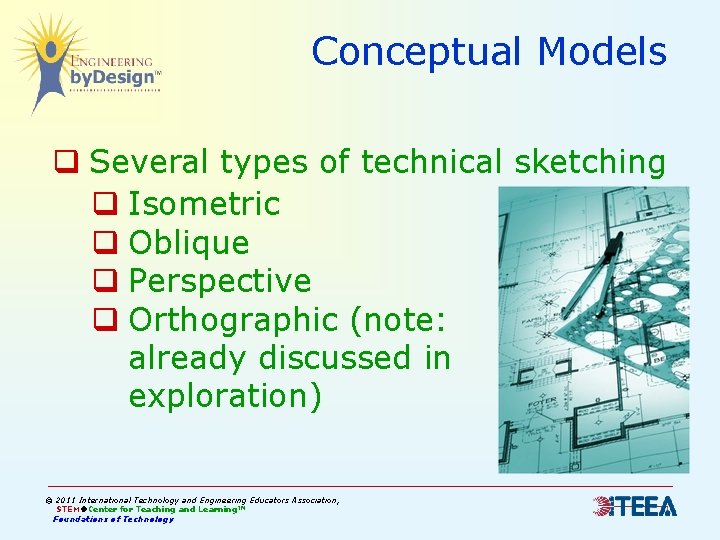
Conceptual Models q Several types of technical sketching q Isometric q Oblique q Perspective q Orthographic (note: already discussed in exploration) © 2011 International Technology and Engineering Educators Association, STEM Center for Teaching and Learning™ Foundations of Technology
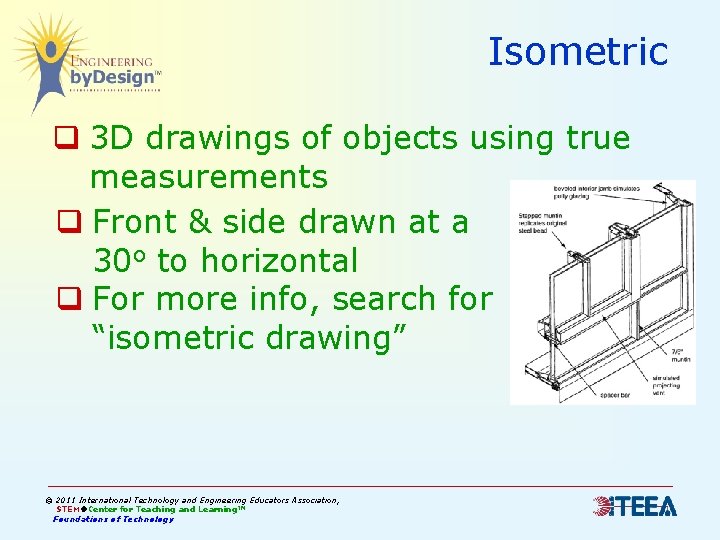
Isometric q 3 D drawings of objects using true measurements q Front & side drawn at a 30 o to horizontal q For more info, search for “isometric drawing” © 2011 International Technology and Engineering Educators Association, STEM Center for Teaching and Learning™ Foundations of Technology
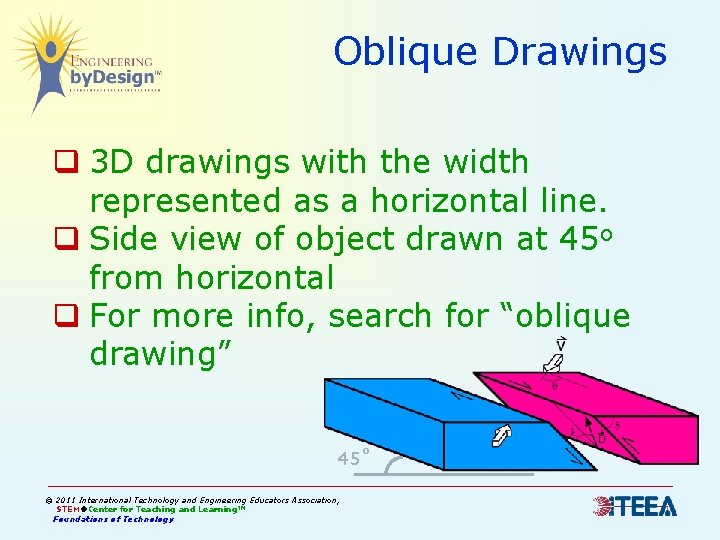
Oblique Drawings q 3 D drawings with the width represented as a horizontal line. q Side view of object drawn at 45 o from horizontal q For more info, search for “oblique drawing” 45˚ © 2011 International Technology and Engineering Educators Association, STEM Center for Teaching and Learning™ Foundations of Technology
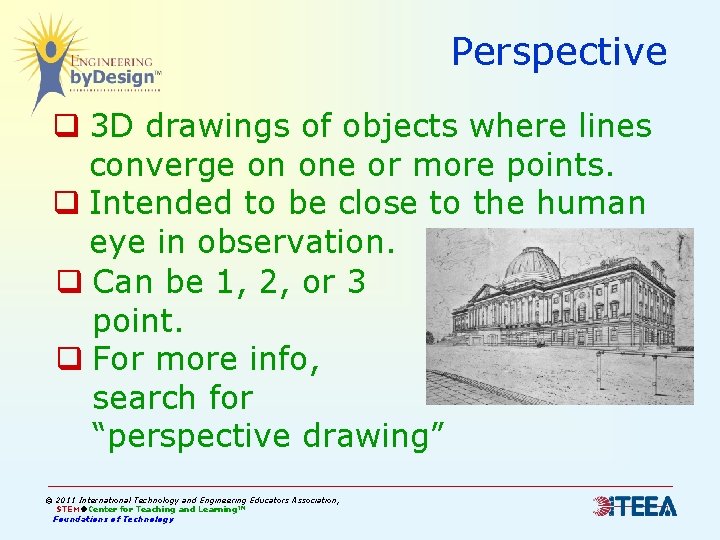
Perspective q 3 D drawings of objects where lines converge on one or more points. q Intended to be close to the human eye in observation. q Can be 1, 2, or 3 point. q For more info, search for “perspective drawing” © 2011 International Technology and Engineering Educators Association, STEM Center for Teaching and Learning™ Foundations of Technology
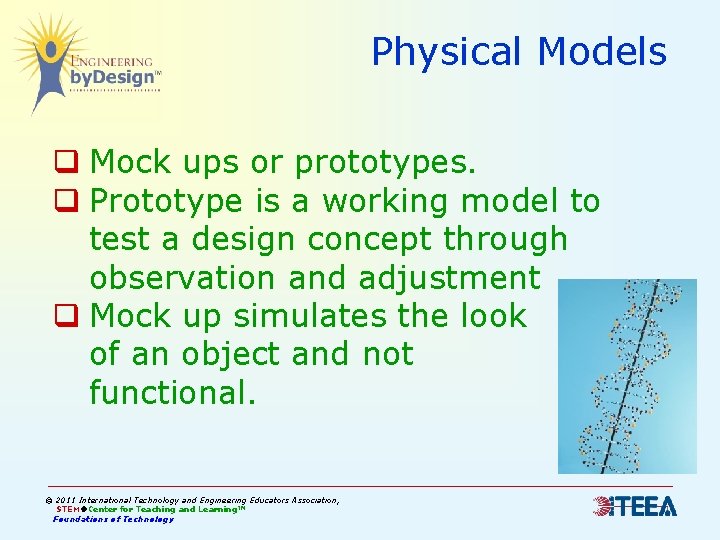
Physical Models q Mock ups or prototypes. q Prototype is a working model to test a design concept through observation and adjustment q Mock up simulates the look of an object and not functional. © 2011 International Technology and Engineering Educators Association, STEM Center for Teaching and Learning™ Foundations of Technology
Mathematical Models q Find a mathematical relationship that behaves same way as objects or processes under investigation q Mathematical modeling simulates how a system might behave. q Express mathematical ideas precisely © 2011 International Technology and Engineering Educators Association, STEM Center for Teaching and Learning™ Foundations of Technology
Mathematical Models q Create representations to organize, record, and communicate ideas q Symbolic algebra to represent and explain mathematical relationships q Computers improved power and use of mathematical models by performing long, complicated, or repetitive calculations © 2011 International Technology and Engineering Educators Association, STEM Center for Teaching and Learning™ Foundations of Technology
Example of Mathematical Modeling q Designer wants to create hot air balloon designs without creating physical models q Algebraic formulas represents increases or decreases of lift based on inside volume or temperature q Calculations are communicated on spreadsheets or computer based simulations © 2011 International Technology and Engineering Educators Association, STEM Center for Teaching and Learning™ Foundations of Technology
Creating a Mathematical Model q Determine q Output you would like to achieve for the mathematical model q What data/information is available q Research for other mathematical models already created you can use. © 2011 International Technology and Engineering Educators Association, STEM Center for Teaching and Learning™ Foundations of Technology
Creating a Mathematical Model q Identify relationships among variables (science concepts, such as Ohm’s Law) q Create equation that relates variables q Check accuracy of model against a similar system or over time © 2011 International Technology and Engineering Educators Association, STEM Center for Teaching and Learning™ Foundations of Technology
Properties of 2 & 3 Dimensional Objects q Engineers and designers must understand basic properties of 2 D & 3 D objects q 2 D objects, must be able to calculate area q 3 D objects, must be able to calculate volume and surface area q Properties help determine modifications related to function and marketability © 2011 International Technology and Engineering Educators Association, STEM Center for Teaching and Learning™ Foundations of Technology
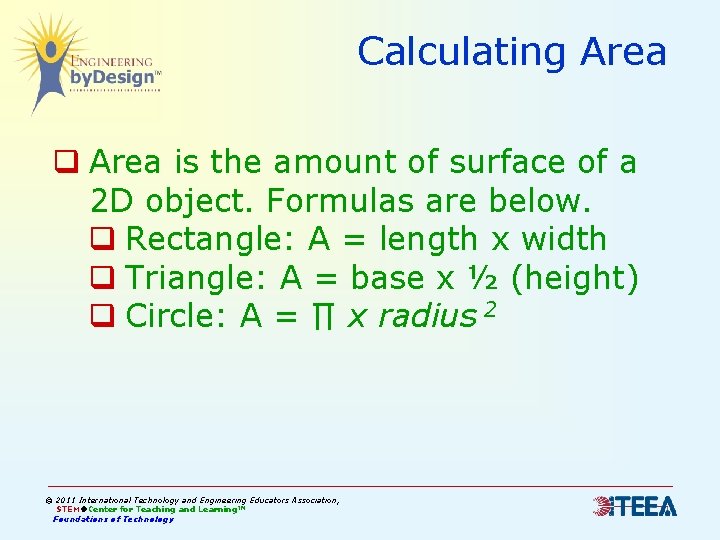
Calculating Area q Area is the amount of surface of a 2 D object. Formulas are below. q Rectangle: A = length x width q Triangle: A = base x ½ (height) q Circle: A = ∏ x radius 2 © 2011 International Technology and Engineering Educators Association, STEM Center for Teaching and Learning™ Foundations of Technology
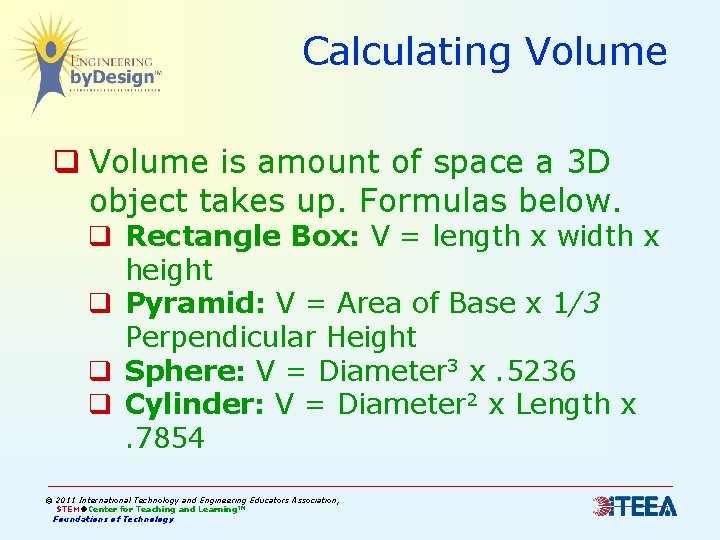
Calculating Volume q Volume is amount of space a 3 D object takes up. Formulas below. q Rectangle Box: V = length x width x height q Pyramid: V = Area of Base x 1/3 Perpendicular Height q Sphere: V = Diameter 3 x. 5236 q Cylinder: V = Diameter 2 x Length x. 7854 © 2011 International Technology and Engineering Educators Association, STEM Center for Teaching and Learning™ Foundations of Technology
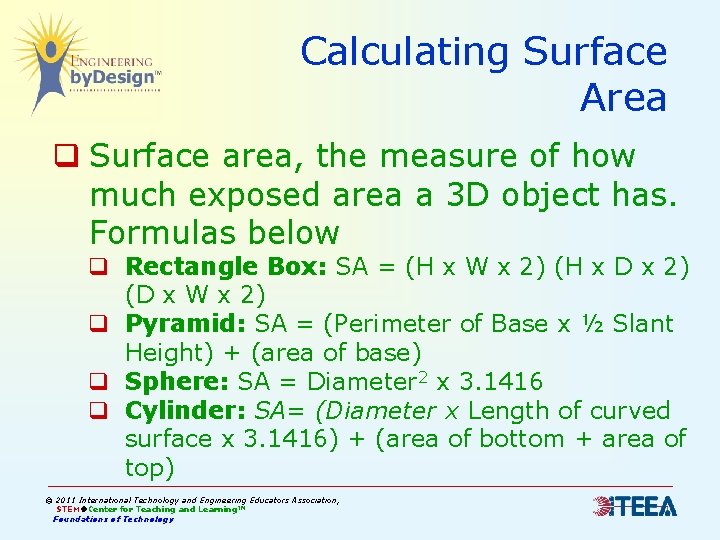
Calculating Surface Area q Surface area, the measure of how much exposed area a 3 D object has. Formulas below q Rectangle Box: SA = (H x W x 2) (H x D x 2) (D x W x 2) q Pyramid: SA = (Perimeter of Base x ½ Slant Height) + (area of base) q Sphere: SA = Diameter 2 x 3. 1416 q Cylinder: SA= (Diameter x Length of curved surface x 3. 1416) + (area of bottom + area of top) © 2011 International Technology and Engineering Educators Association, STEM Center for Teaching and Learning™ Foundations of Technology
All Models q Important that they function as close to the real world as possible q They must be continually checked and refined during the design process. q More than one of the three types is often used for the same product © 2011 International Technology and Engineering Educators Association, STEM Center for Teaching and Learning™ Foundations of Technology