
ModelDriven Engineering Support Supervised By Juergen Dingel Laith
Model-Driven Engineering Support Supervised By: Juergen Dingel Laith “Leo” Juwaidah, Nondini Das, Suchita Ganesan 1
Outline • Introduction to Model Driven Engineering • Model Driven Engineering with Papyrus-RT • Research Project Goals • Approach • Current Progress • Next Steps 2

Introduction to MDE 3
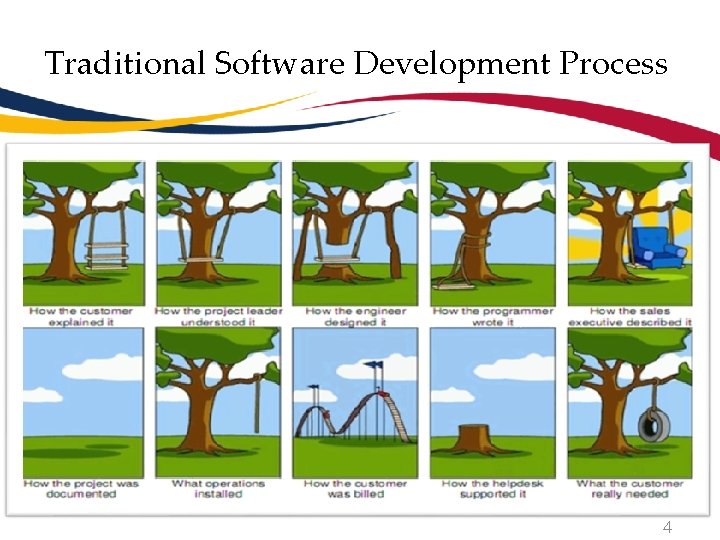
Traditional Software Development Process 4
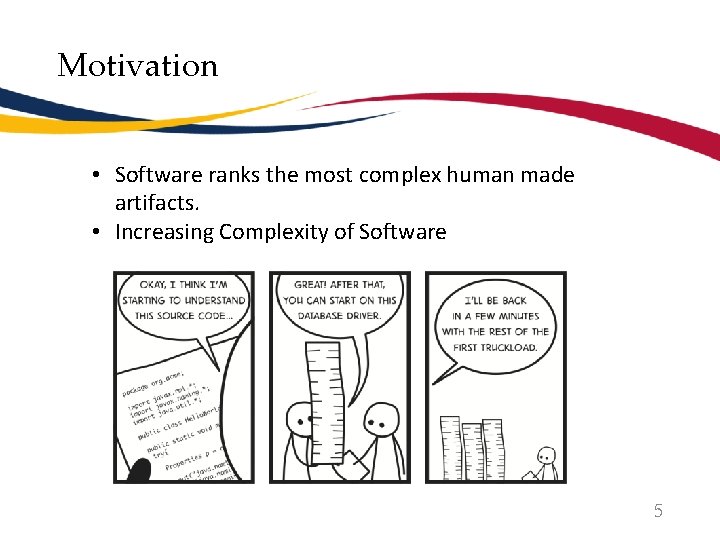
Motivation • Software ranks the most complex human made artifacts. • Increasing Complexity of Software 5
Consequence of Complexity 6
What are Models? • Models provide a blueprint of the code • UML is enormously convenient for communicating design concepts. • UML is a graphical notation for drawing diagrams of software concepts. • They promote abstraction and easy to understand. • Enhances Clarity. 7
Model Driven Engineering ( MDE) Software Development Methodology focuses on the creation of domain models which are conceptual models of all topics related to a specific problem. 8
MDE Improve productivity, quality and ability to handle complexity by: • Increasing level of Abstraction • Through use of Models E. g. , UML Diagrams • Leveraging Automation • E. g. , via code generation from models • Improving Analysis Capabilities • E. g. , through executable models MDE = Abstraction + Automation + Analysis 9
Potential Benefits of MDE approach • Faster • Cost – effective • Leads to Increased Quality • Less Error Prone • MDE leads to meaningful validation • MDE provides up-to-date documentation 10
Challenge of MDE • Technical Issues • Incremental Code Generation • Model Transformation • Cultural Issue • Adoption of MDE approach • Syntax & Semantics 11
State of the Art • Companies using MDE approach • Ericsson - tele communication systems • General Motors • Proprietary: • IBM Rational Rose Family • Rational Rhapsody Developer • Open Source: • Mentor Graphics Bridgepoint • Papyrus-RT (in the near future) 12
MDE with Papyrus-RT 13
Papyrus-RT • Open source Eclipse plugin. • Real-time. 14
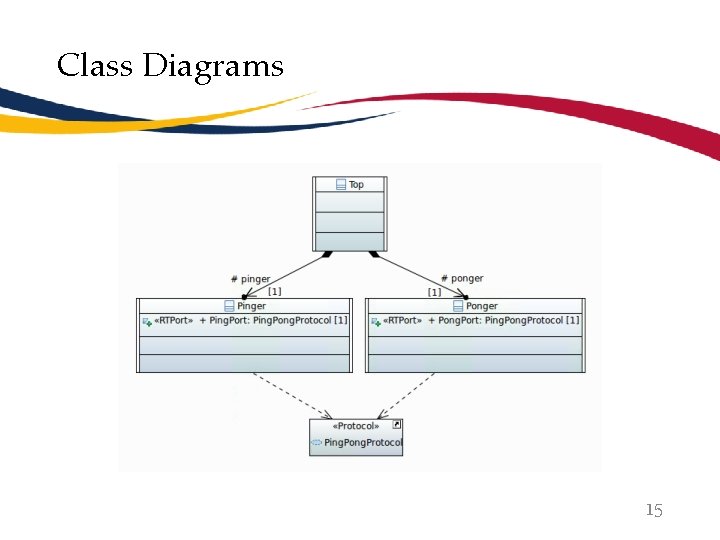
Class Diagrams 15
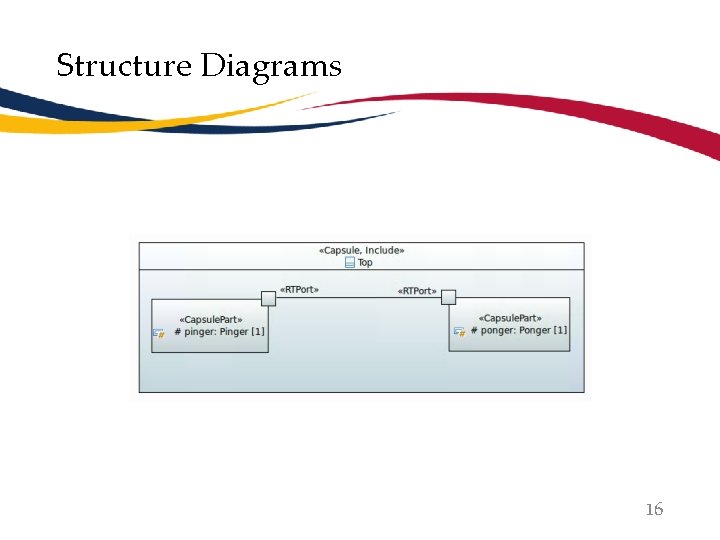
Structure Diagrams 16
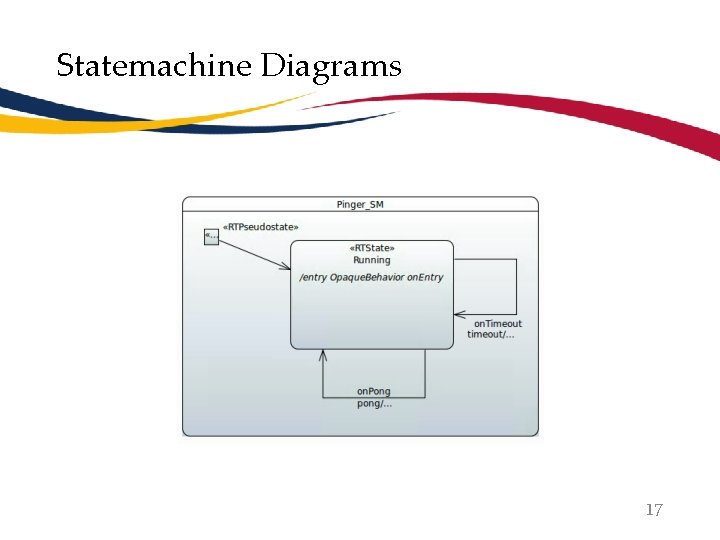
Statemachine Diagrams 17
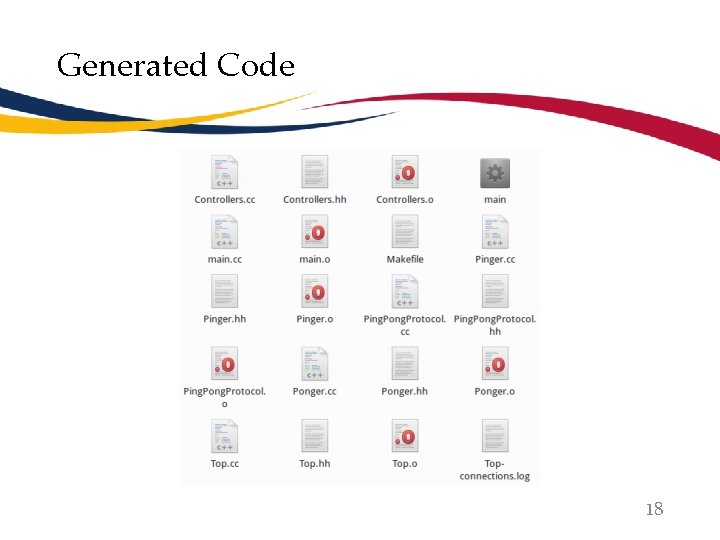
Generated Code 18
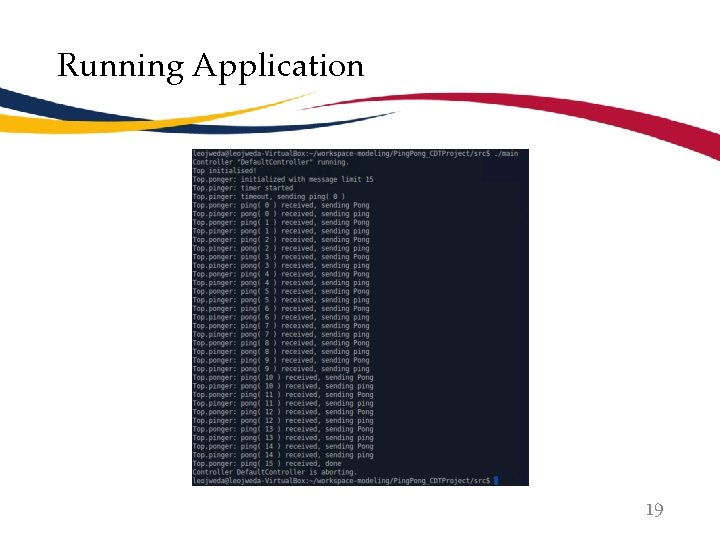
Running Application 19

Research Project Goals 20
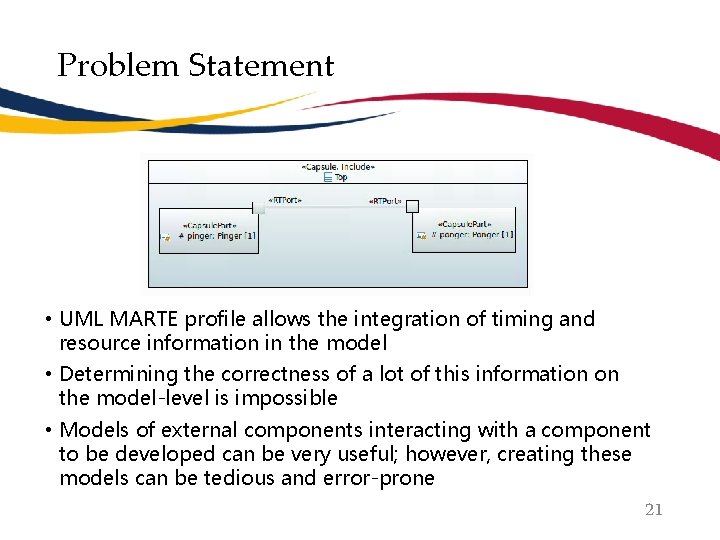
Problem Statement • UML MARTE profile allows the integration of timing and resource information in the model • Determining the correctness of a lot of this information on the model-level is impossible • Models of external components interacting with a component to be developed can be very useful; however, creating these models can be tedious and error-prone 21
Solution To use run-time monitoring of generated code to automatically validate, correct, or extract: • Timing and resource information in the model • Models of external components 22
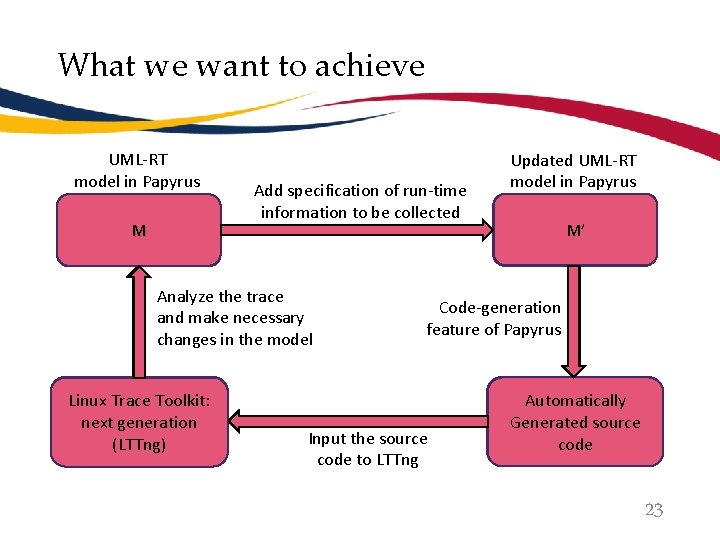
What we want to achieve UML-RT model in Papyrus M Add specification of run-time information to be collected Analyze the trace and make necessary changes in the model Linux Trace Toolkit: next generation (LTTng) Updated UML-RT model in Papyrus M’ Code-generation feature of Papyrus Input the source code to LTTng Automatically Generated source code 23
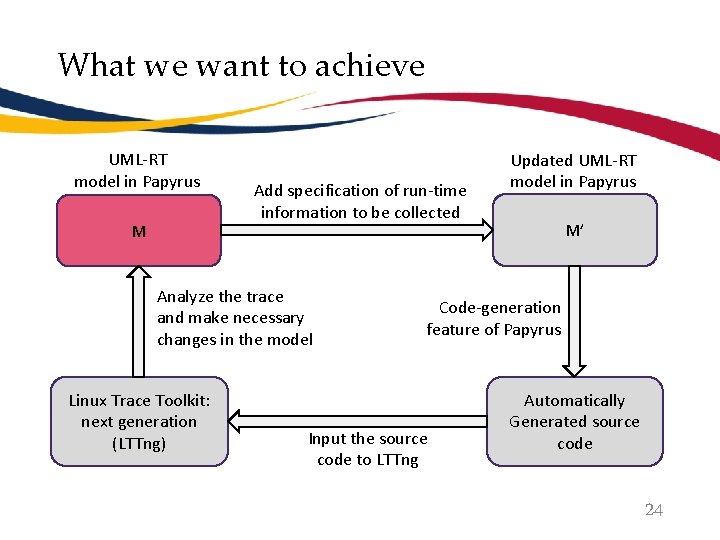
What we want to achieve UML-RT model in Papyrus M Add specification of run-time information to be collected Analyze the trace and make necessary changes in the model Linux Trace Toolkit: next generation (LTTng) Updated UML-RT model in Papyrus M’ Code-generation feature of Papyrus Input the source code to LTTng Automatically Generated source code 24
Approach 1. Code Generation (Laith “Leo” Juwaidah) 2. Monitoring Using LTTng (Nondini Das) 3. Display & Use of Results (Suchita Ganesan) 25
Code Generation • Allow input and specification of runtime information. • Modifythe code generator to produce LTTng-ready code. 26
Monitoring using LTTng • Monitor generated code • Collect the runtime information in appropriate way • View trace file 27
Display and Use of Results • Displaying Results: • When combined with automatic code generation, there is a risk of unintended behavior • Once the application with the LTTng instructions is ran, LTTng stores the results in a file • To help developers stay away from the code, the results need to be displayed on the model • Tracing Usefulness: • Information primarily useful for programmers for debugging purposes • E. g. , Latency Checks • Used both in developmental phase and after software is released • Models are easier to understand 28

Current Progress 29
Code Generation • Setup two separate development environments. • Generate Ping. Pong code. • Compile generated code. 30
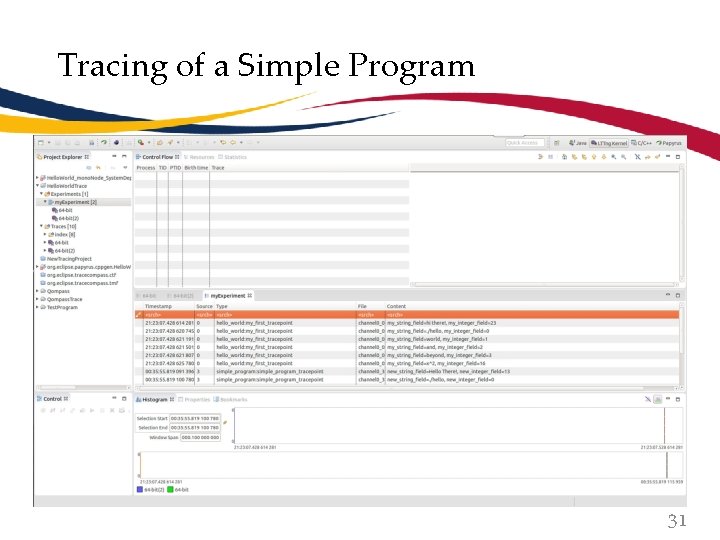
Tracing of a Simple Program 31

Next Steps 32
Next Steps • Code Generation • Start small • Modifying code generation • Monitoring using LTTng • Monitoring generated code from model • Writing and placing tracepoints according to user input • Monitoring more complex information • Data Display • Understand the Output • Display the output on the Model 33

Questions? 34
- Slides: 34