
ModelBased Testing Using Spec Explorer Aditya Mathur Purdue
Model-Based Testing Using Spec Explorer Aditya Mathur Purdue University CS 49000 Software Testing Spring 2011 Material extracted mostly from: “Model-Based Testing of Object-Oriented Reactive Systems with Spec Explorer”, Margus Veanes, Colin Campbell, Wolfgang Grieskamp, Wolfram Schulte, Nikolai Tillmann, and Lev Nachmanson, Published by: Springer Verlag, Lecture Notes in Computer Science, Volume 4949, Pages 39 -76, 2007.
Objective • The purpose of this presentation is to introduce modeling using the Spec Explorer tool from Microsoft. • The example presented here is from a paper cited in the title slide. • Familiarity with Chapter 3 of the textbook is assumed. Spec Explorer 2

Model Based Conformance Testing Requirements Implementation Generate (manual) Model Generate (automated) Tests Test harness (send inputs, receive outputs, and compare) Test outcome Spec Explorer 3
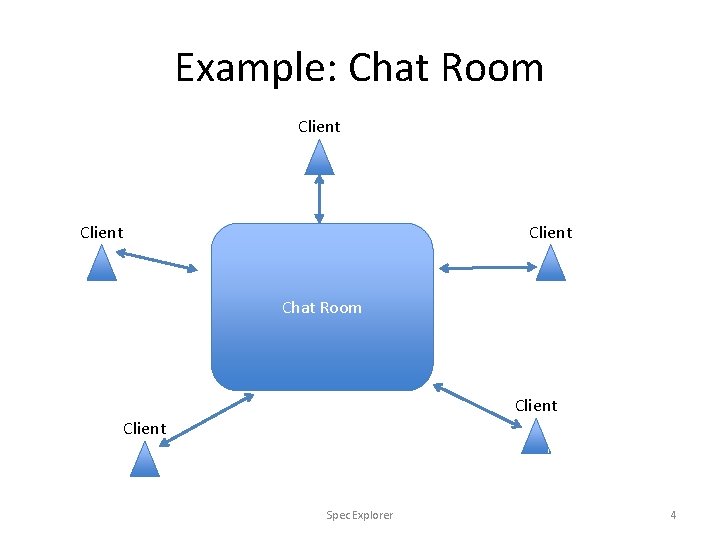
Example: Chat Room Client Chat Room Client Spec Explorer 4
Chat Room: Operation • Each client may post text messages. • Each message is delivered to all clients logged into the chat room. • Pending messages from a client are delivered in the order sent. • Messages from multiple senders are interleaved arbitrarily. Spec Explorer 5
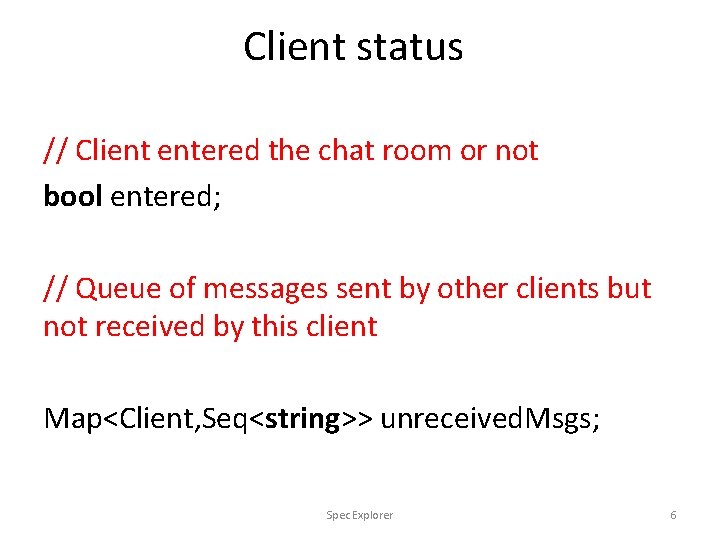
Client status // Client entered the chat room or not bool entered; // Queue of messages sent by other clients but not received by this client Map<Client, Seq<string>> unreceived. Msgs; Spec Explorer 6
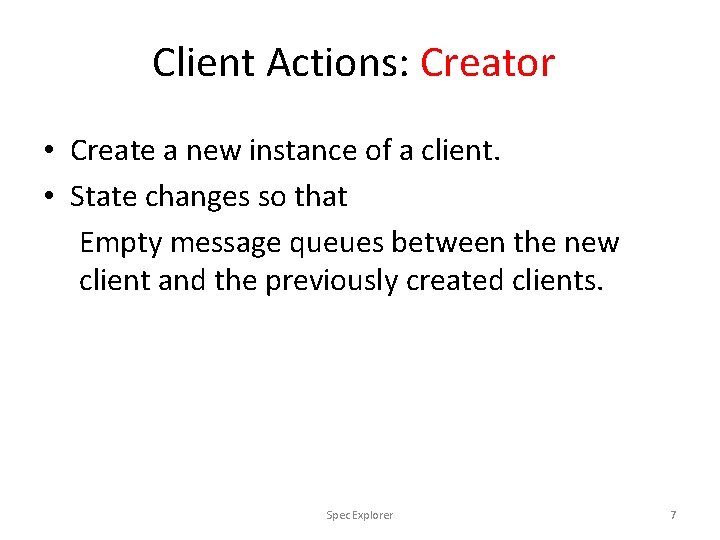
Client Actions: Creator • Create a new instance of a client. • State changes so that Empty message queues between the new client and the previously created clients. Spec Explorer 7
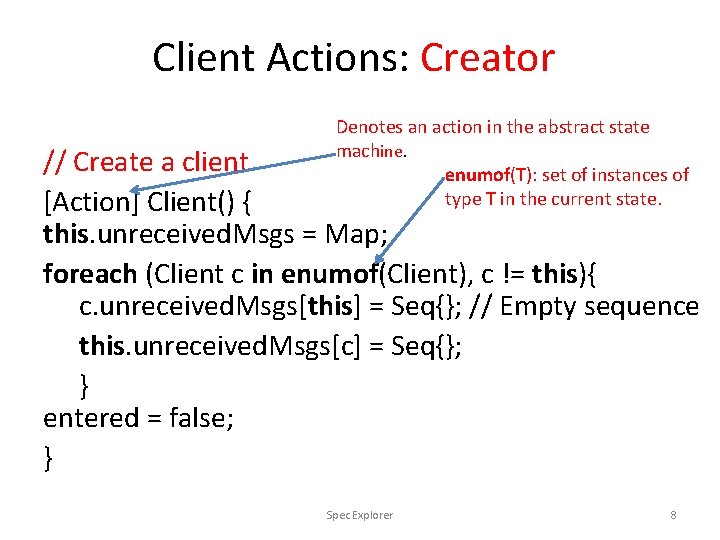
Client Actions: Creator Denotes an action in the abstract state machine. enumof(T): set of instances of type T in the current state. // Create a client [Action] Client() { this. unreceived. Msgs = Map; foreach (Client c in enumof(Client), c != this){ c. unreceived. Msgs[this] = Seq{}; // Empty sequence this. unreceived. Msgs[c] = Seq{}; } entered = false; } Spec Explorer 8
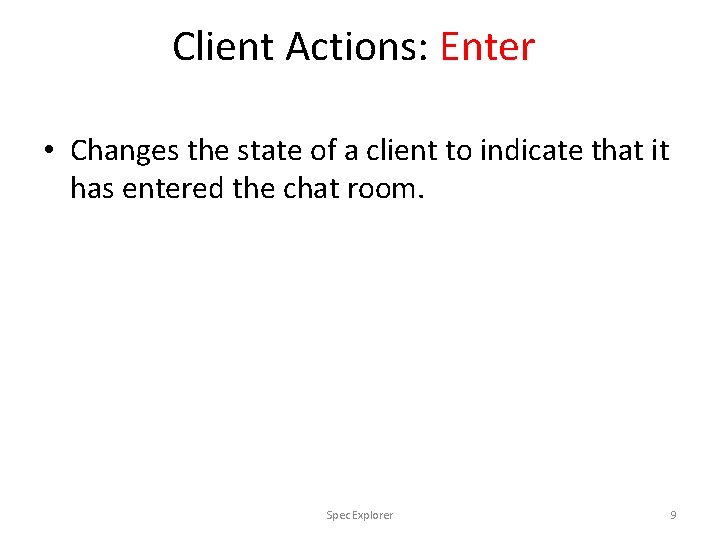
Client Actions: Enter • Changes the state of a client to indicate that it has entered the chat room. Spec Explorer 9
![Client Actions: Enter // Model client entry into the chat room Method pre-condition [Action]](http://slidetodoc.com/presentation_image_h/3014fbc71b32daede38455c262244fa7/image-10.jpg "Client Actions: Enter // Model client entry into the chat room Method pre-condition [Action]")
Client Actions: Enter // Model client entry into the chat room Method pre-condition [Action] void Enter() requires !entered; { entered = true; } Spec Explorer 10
Client Actions: Send • Appends a new message to the queue of unreceived messages in all clients in the chat room. Spec Explorer 11
![Client Actions: Send message // Send a message [Action] void Send(string message) requires entered;](http://slidetodoc.com/presentation_image_h/3014fbc71b32daede38455c262244fa7/image-12.jpg "Client Actions: Send message // Send a message [Action] void Send(string message) requires entered;")
Client Actions: Send message // Send a message [Action] void Send(string message) requires entered; { foreach (Client c in enumof(Client), c != this, c. entered) c. unreceived. Msgs[this] += Seq{message}; } Spec Explorer 12
Client Actions: Receive • Extracts a message sent from a given sender from the sender’s queue in the client. Spec Explorer 13
![Client Actions: Receive [Action(Kind=Action. Attribute. Kind. Observable)] void Receive(Client sender, string message) requires sender](http://slidetodoc.com/presentation_image_h/3014fbc71b32daede38455c262244fa7/image-14.jpg "Client Actions: Receive [Action(Kind=Action. Attribute. Kind. Observable)] void Receive(Client sender, string message) requires sender")
Client Actions: Receive [Action(Kind=Action. Attribute. Kind. Observable)] void Receive(Client sender, string message) requires sender != this && unreceived. Msgs[sender]. Length > 0 && unreceived. Msgs[sender]. Head == message; { unreceived. Msgs[sender] = unreceived. Msgs[sender]. Tail; } Spec Explorer 14
![Client Model Program class Client { bool entered; Map<Client, Seq<string>> unreceived. Msgs; [Action] Client()](http://slidetodoc.com/presentation_image_h/3014fbc71b32daede38455c262244fa7/image-15.jpg "Client Model Program class Client { bool entered; Map<Client, Seq<string>> unreceived. Msgs; [Action] Client()")
Client Model Program class Client { bool entered; Map<Client, Seq<string>> unreceived. Msgs; [Action] Client() [Action] void Enter() [Action] void Send(string message) [Action(Kind=Action. Attribute. Kind. Observable)] } Spec Explorer 15
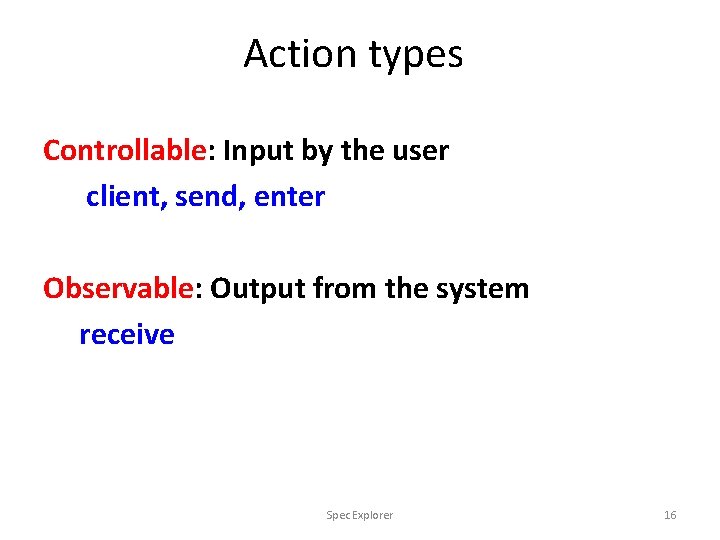
Action types Controllable: Input by the user client, send, enter Observable: Output from the system receive Spec Explorer 16
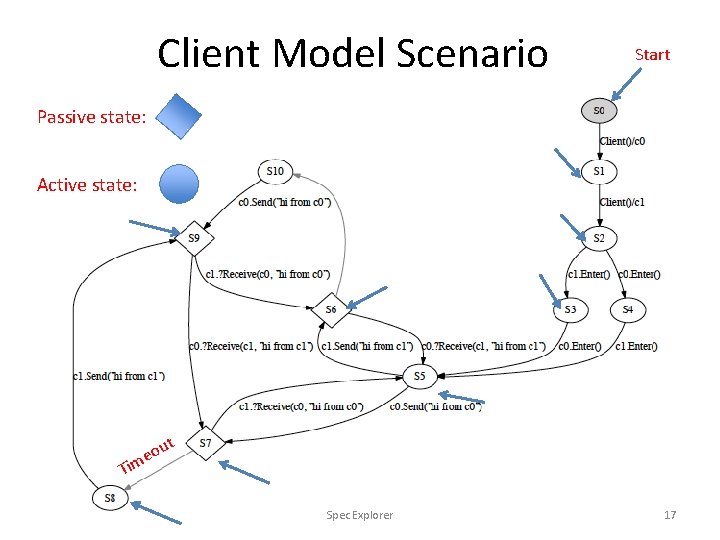
Client Model Scenario Start Passive state: Active state: ut Ti o me Spec Explorer 17
Model Programs in Spec Explorer Finite set of actions or update rules (Acts); e. g. client, send , enter, receive Vocabulary S: function symbols State variables: V in S; (e. g. , entered, unreceived. Msgs) State: values, or interpretations, of state vocabulary symbols Execution of an action method in a given state leads to the next state where some state variables may have changed. Each action is associated with a pre- and a post-condition. Spec Explorer 18
FSM and Model Automaton FSM=(X, Y, Q, q 0, δ, O), where X is a set of input symbols, Y a set of output symbols, q 0 in Q, δ is transition function and O the output function Spec Explorer uses the notion of Model Automata: Model automaton=(Q, Q 0, Qf, δ, A ), where Q is a set of states, Q 0 is a set of initial states, Qf is a set of final states, and A is a set of actions, A=Ctrl U Obs, Ctrl is a set of control actions and Obs is a set of observable actions, Ctrl Obs = empty U Spec Explorer 19
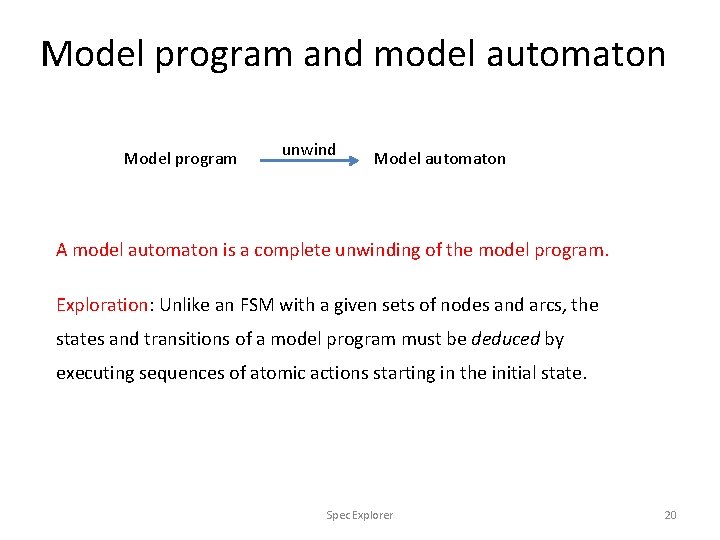
Model program and model automaton Model program unwind Model automaton A model automaton is a complete unwinding of the model program. Exploration: Unlike an FSM with a given sets of nodes and arcs, the states and transitions of a model program must be deduced by executing sequences of atomic actions starting in the initial state. Spec Explorer 20
Exploration for the Chat Example In state s 0, the precondition is true and hence Client constructor is invoked. The dynamic universe Client is updated by the addition of client c 0. This is denoted by enumof(Client). The new state is denoted as s 1. The transition explored is δ(s 0, Client/c 0)=s 1 Spec Explorer 21
Accepting state A state is considered an accepting state if the accepting condition is true in that state. A test is allowed to terminate in an accepting state. Needed particularly in testing distributed and multithreaded programs. Why? An action the execution of which takes the implementation to a state where no actions are enabled is known as a succeed action. It forces the system into an accepting state. Spec Explorer 22
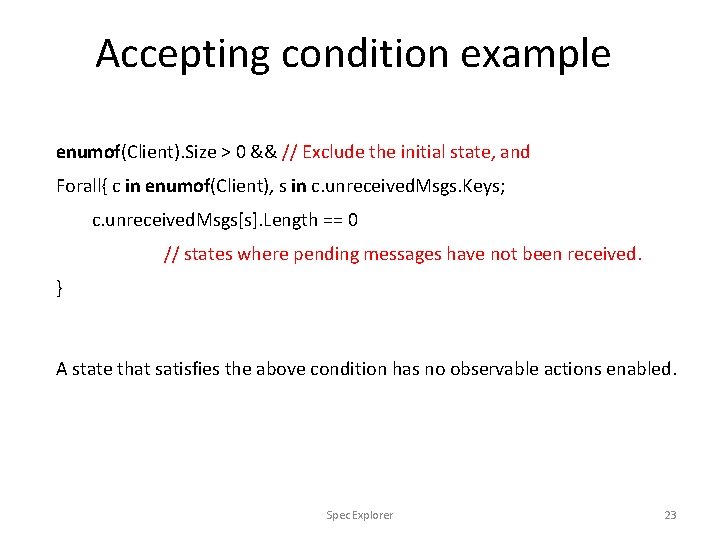
Accepting condition example enumof(Client). Size > 0 && // Exclude the initial state, and Forall{ c in enumof(Client), s in c. unreceived. Msgs. Keys; c. unreceived. Msgs[s]. Length == 0 // states where pending messages have not been received. } A state that satisfies the above condition has no observable actions enabled. Spec Explorer 23
Scenario Control A model program may correspond to a large, or infinite state, automaton. Techniques are available to control the size of a model automata for a specific test purpose. Techniques: Parameter selection, method restriction, state filtering, directed search, state grouping Spec Explorer 24
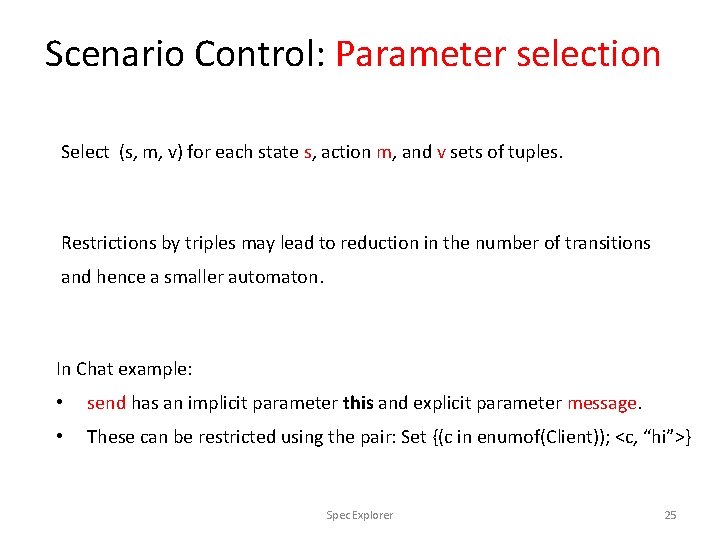
Scenario Control: Parameter selection Select (s, m, v) for each state s, action m, and v sets of tuples. Restrictions by triples may lead to reduction in the number of transitions and hence a smaller automaton. In Chat example: • send has an implicit parameter this and explicit parameter message. • These can be restricted using the pair: Set {(c in enumof(Client)); <c, “hi”>} Spec Explorer 25
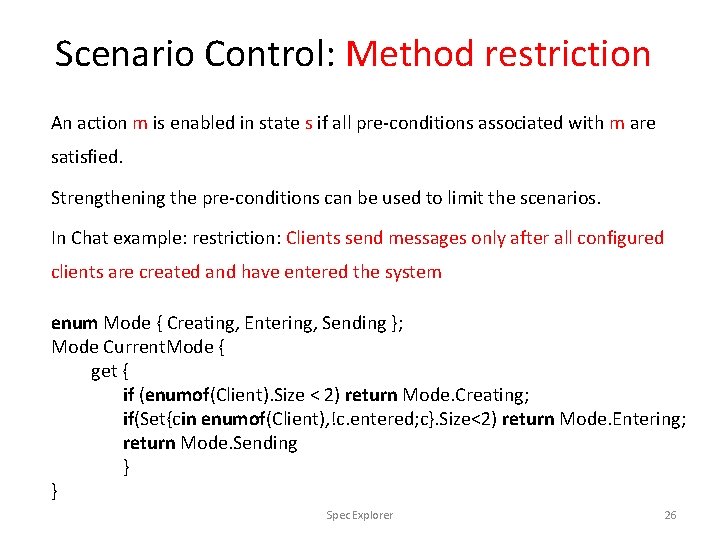
Scenario Control: Method restriction An action m is enabled in state s if all pre-conditions associated with m are satisfied. Strengthening the pre-conditions can be used to limit the scenarios. In Chat example: restriction: Clients send messages only after all configured clients are created and have entered the system enum Mode { Creating, Entering, Sending }; Mode Current. Mode { get { if (enumof(Client). Size < 2) return Mode. Creating; if(Set{cin enumof(Client), !c. entered; c}. Size<2) return Mode. Entering; return Mode. Sending } } Spec Explorer 26
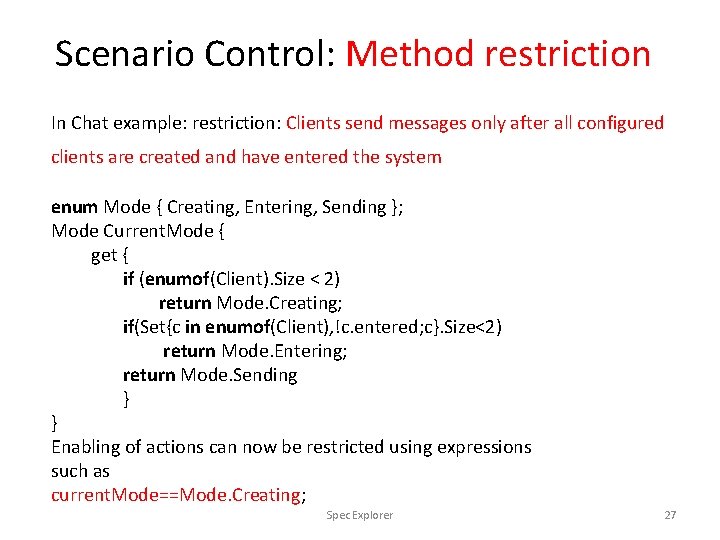
Scenario Control: Method restriction In Chat example: restriction: Clients send messages only after all configured clients are created and have entered the system enum Mode { Creating, Entering, Sending }; Mode Current. Mode { get { if (enumof(Client). Size < 2) return Mode. Creating; if(Set{c in enumof(Client), !c. entered; c}. Size<2) return Mode. Entering; return Mode. Sending } } Enabling of actions can now be restricted using expressions such as current. Mode==Mode. Creating; Spec Explorer 27
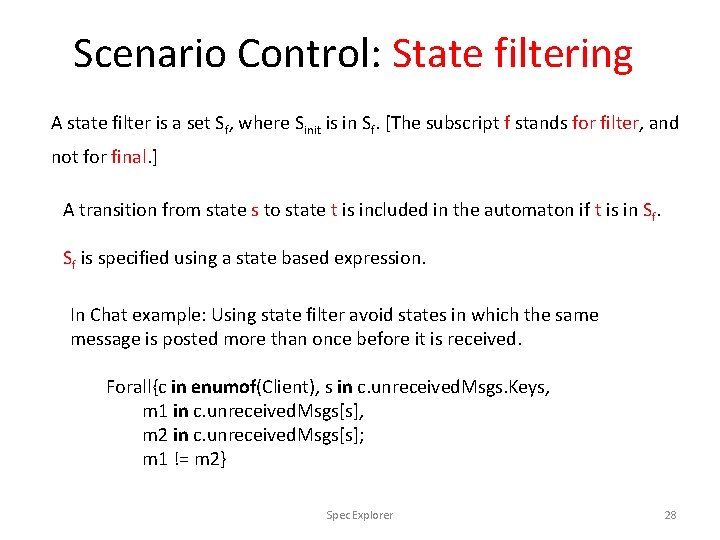
Scenario Control: State filtering A state filter is a set Sf, where Sinit is in Sf. [The subscript f stands for filter, and not for final. ] A transition from state s to state t is included in the automaton if t is in Sf. Sf is specified using a state based expression. In Chat example: Using state filter avoid states in which the same message is posted more than once before it is received. Forall{c in enumof(Client), s in c. unreceived. Msgs. Keys, m 1 in c. unreceived. Msgs[s], m 2 in c. unreceived. Msgs[s]; m 1 != m 2} Spec Explorer 28
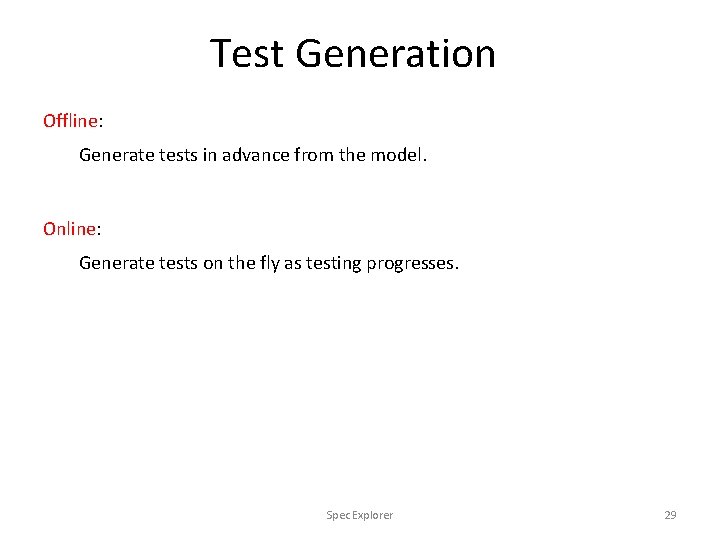
Test Generation Offline: Generate tests in advance from the model. Online: Generate tests on the fly as testing progresses. Spec Explorer 29
Test Suite Test suite T: Is another automaton generated from an automaton M. • States ST in T may use new state variables (test variables). • Test variables make it possible to record test history; e. g. , which states have been traversed so far. • It contains two new methods called test actions: Observe and Timeout. • Transitions corresponding to test actions are called test transitions. • The Observe action encodes a decision to wait for an observable action. • The Timeout action indicates that no other observable action happened. An accepting state is reachable from every state in ST. Spec Explorer 30
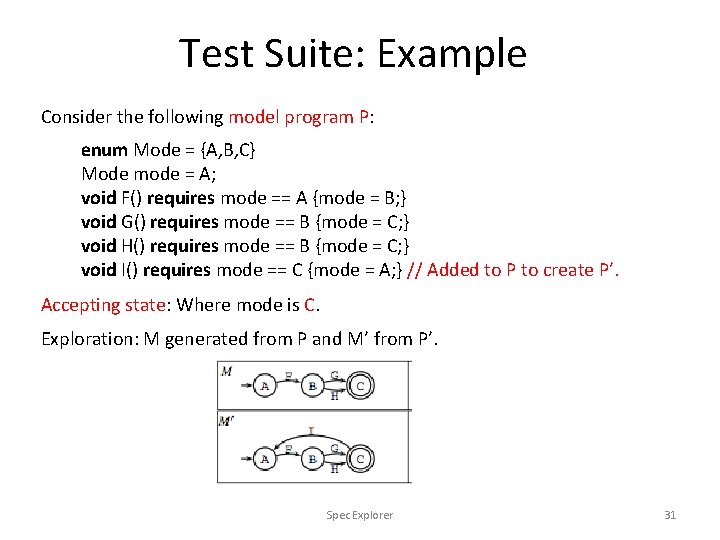
Test Suite: Example Consider the following model program P: enum Mode = {A, B, C} Mode mode = A; void F() requires mode == A {mode = B; } void G() requires mode == B {mode = C; } void H() requires mode == B {mode = C; } void I() requires mode == C {mode = A; } // Added to P to create P’. Accepting state: Where mode is C. Exploration: M generated from P and M’ from P’. Spec Explorer 31
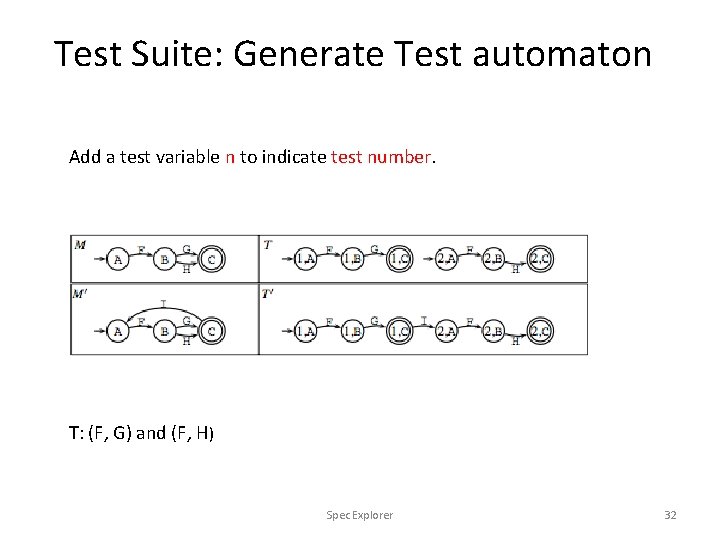
Test Suite: Generate Test automaton Add a test variable n to indicate test number. T: (F, G) and (F, H) Spec Explorer 32
Automaton Traversal algorithms Algorithm(s) used in Spec Explorer: • T covers all states in M • T covers all transitions in M • Each action is associated with a weight and cost using a state-based expression. Tests are generated to optimize the expected cost of a test. Spec Explorer 33
Summary Spec Explorer : • Allows the creation of a model program P that captures the expected behavior(s) of the implementation under test (IUT). • Generates one or more model automaton (M) from P using exploration subjected to scenario restrictions. • Generates a test suite T from M either offline or online. Spec Explorer 34
- Slides: 34