
Model 12 Intek Horizontal OHV Governor Operation Lab
Model 12 Intek Horizontal OHV Governor Operation Lab #4
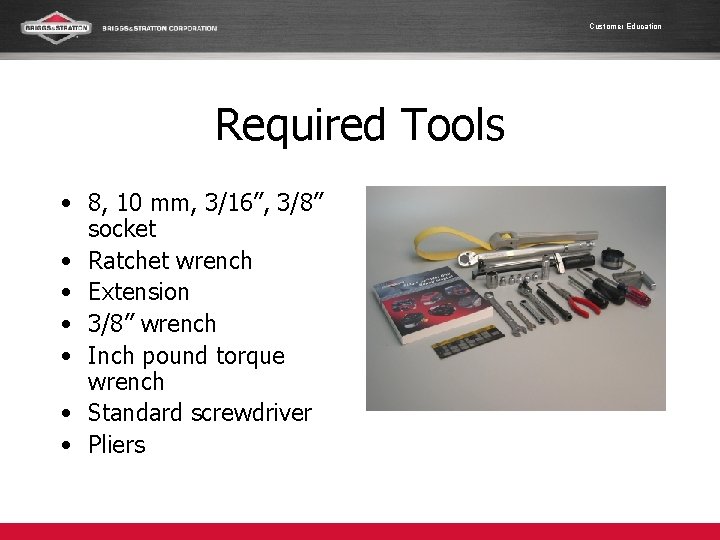
Customer Education Required Tools • 8, 10 mm, 3/16”, 3/8” socket • Ratchet wrench • Extension • 3/8” wrench • Inch pound torque wrench • Standard screwdriver • Pliers
Customer Education Systematic Approach • Technicians need to take their time when disassembling an engine. This is not a race! • Listen for instruction when to remove the next piece. Do not work ahead! • Lay assemblies in order as they were removed. • Put fasteners with removed assemblies, or loosely back in bolt holes.
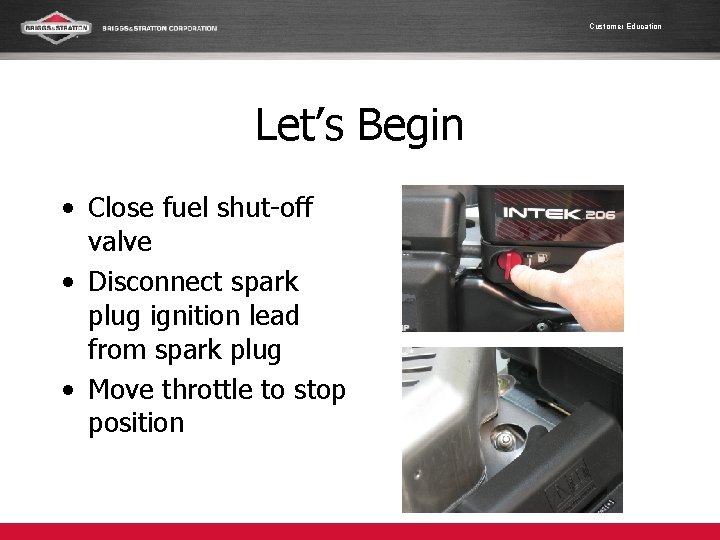
Customer Education Let’s Begin • Close fuel shut-off valve • Disconnect spark plug ignition lead from spark plug • Move throttle to stop position
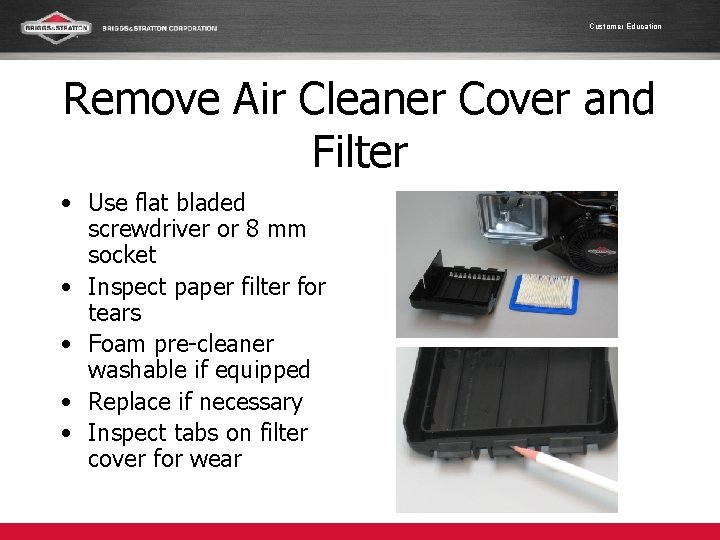
Customer Education Remove Air Cleaner Cover and Filter • Use flat bladed screwdriver or 8 mm socket • Inspect paper filter for tears • Foam pre-cleaner washable if equipped • Replace if necessary • Inspect tabs on filter cover for wear
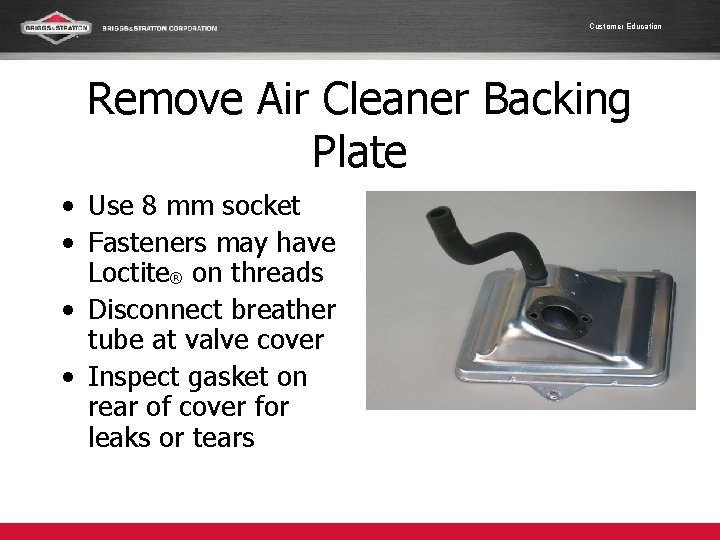
Customer Education Remove Air Cleaner Backing Plate • Use 8 mm socket • Fasteners may have Loctite® on threads • Disconnect breather tube at valve cover • Inspect gasket on rear of cover for leaks or tears
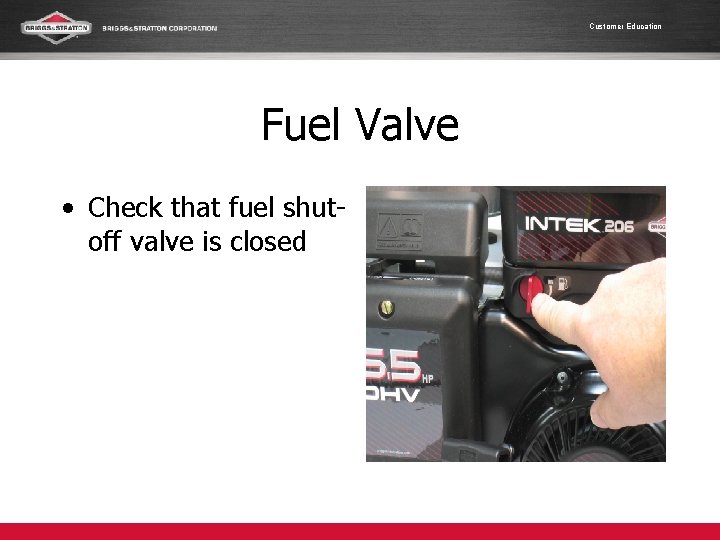
Customer Education Fuel Valve • Check that fuel shutoff valve is closed
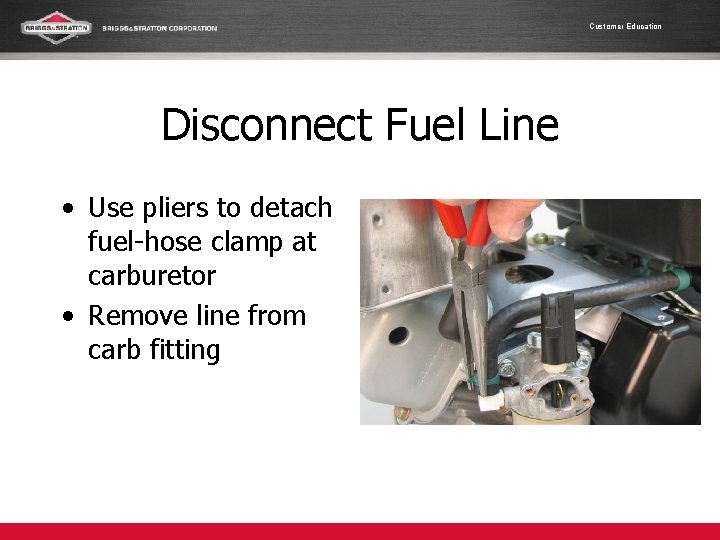
Customer Education Disconnect Fuel Line • Use pliers to detach fuel-hose clamp at carburetor • Remove line from carb fitting
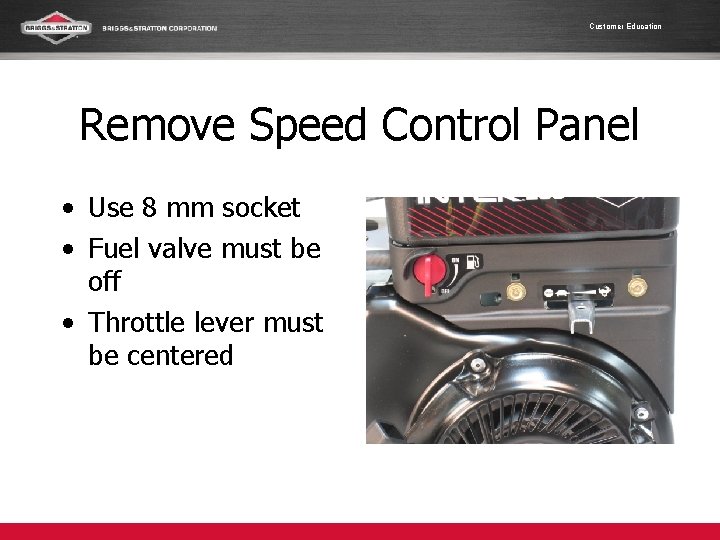
Customer Education Remove Speed Control Panel • Use 8 mm socket • Fuel valve must be off • Throttle lever must be centered
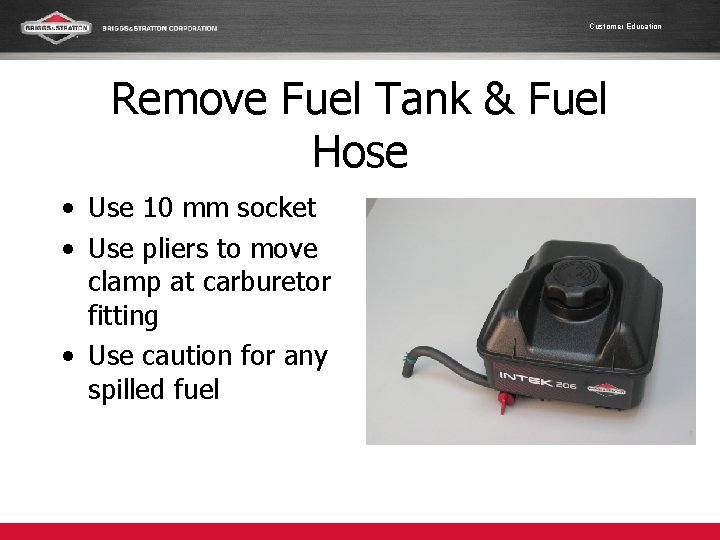
Customer Education Remove Fuel Tank & Fuel Hose • Use 10 mm socket • Use pliers to move clamp at carburetor fitting • Use caution for any spilled fuel
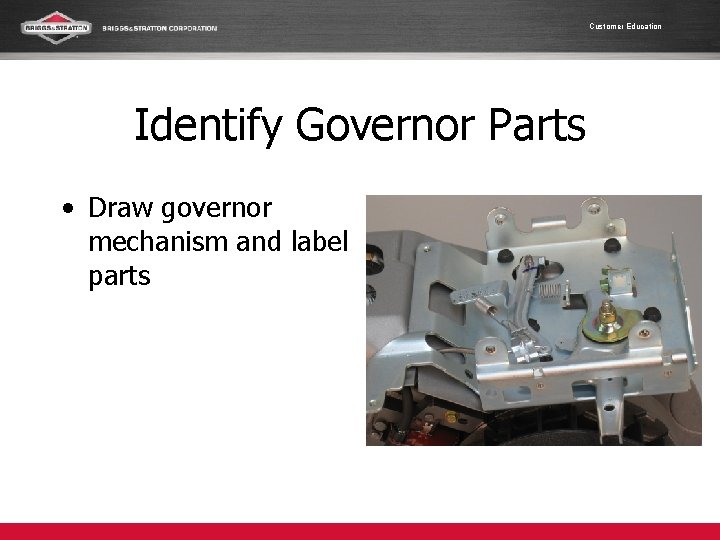
Customer Education Identify Governor Parts • Draw governor mechanism and label parts
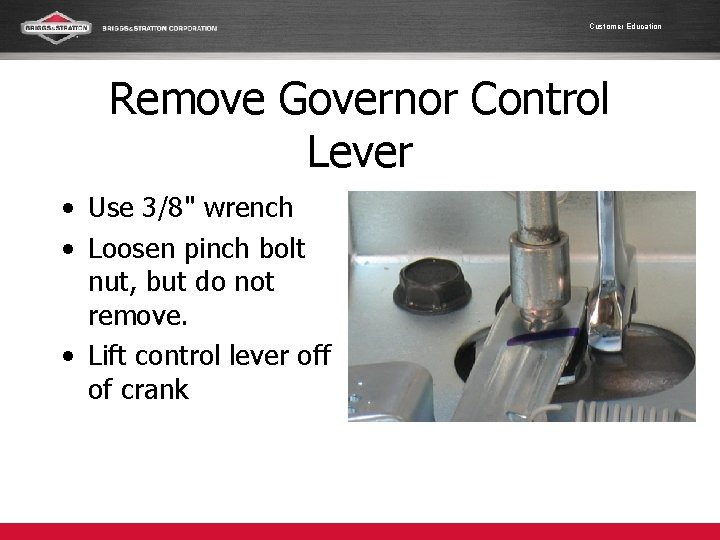
Customer Education Remove Governor Control Lever • Use 3/8" wrench • Loosen pinch bolt nut, but do not remove. • Lift control lever off of crank
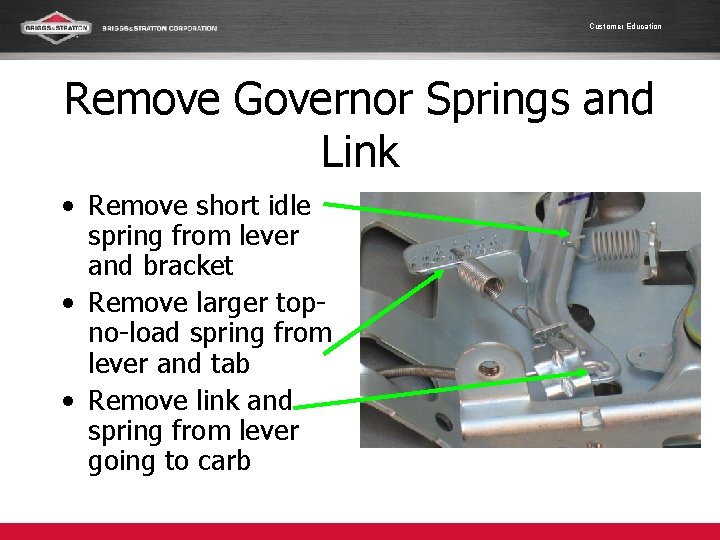
Customer Education Remove Governor Springs and Link • Remove short idle spring from lever and bracket • Remove larger topno-load spring from lever and tab • Remove link and spring from lever going to carb

Customer Education Disconnect Ground Wire • Push on tab and pull black ignition ground wire free
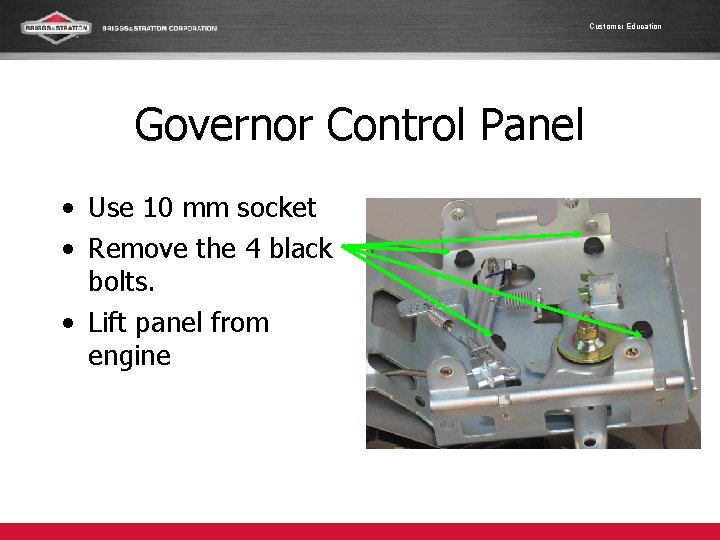
Customer Education Governor Control Panel • Use 10 mm socket • Remove the 4 black bolts. • Lift panel from engine
Customer Education Reassembly • Technicians need to take their time when reassembling an engine. This is not a race! • Listen for instruction when to add the next piece. Do not work ahead! • Fasteners will need the proper torque values. • Special procedures will be explained.
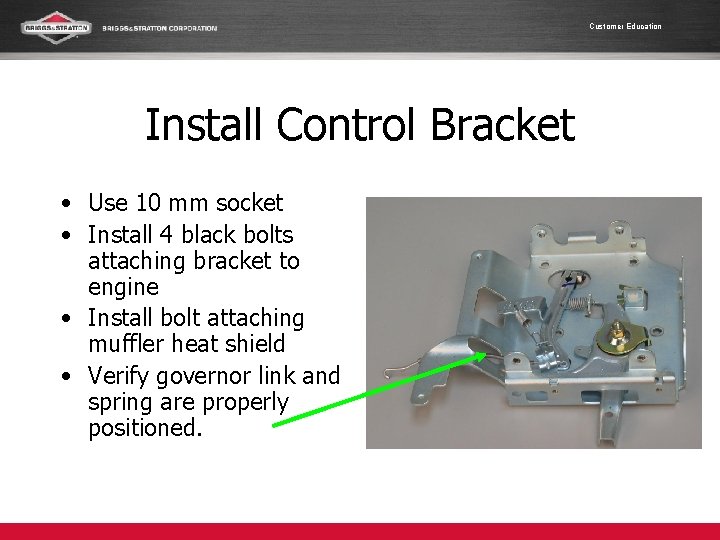
Customer Education Install Control Bracket • Use 10 mm socket • Install 4 black bolts attaching bracket to engine • Install bolt attaching muffler heat shield • Verify governor link and spring are properly positioned.
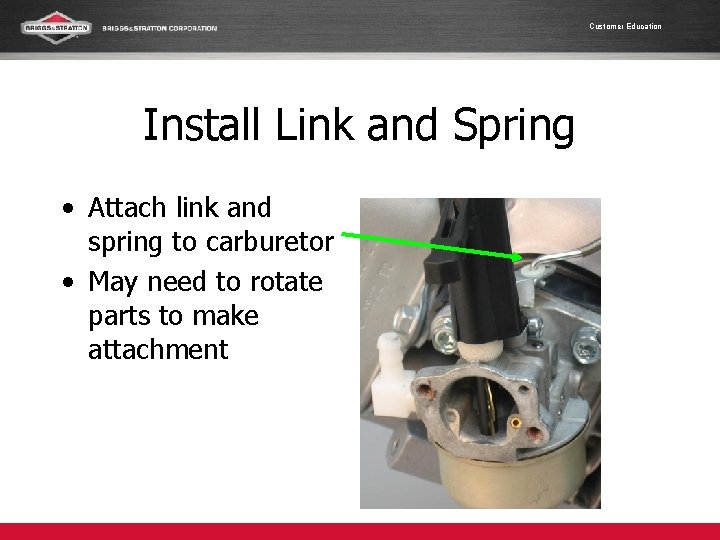
Customer Education Install Link and Spring • Attach link and spring to carburetor • May need to rotate parts to make attachment
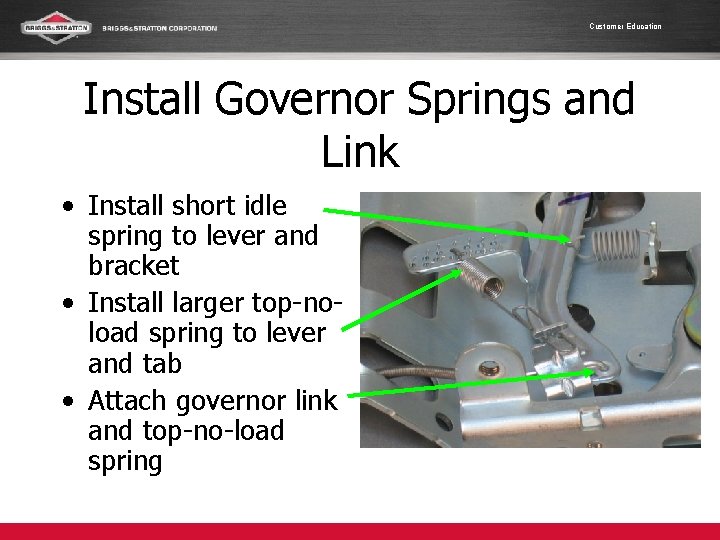
Customer Education Install Governor Springs and Link • Install short idle spring to lever and bracket • Install larger top-noload spring to lever and tab • Attach governor link and top-no-load spring

Customer Education Install Governor Control Lever • Use 3/8" wrench • Install control lever on crank • Snug pinch bolt nut, but do not tighten!
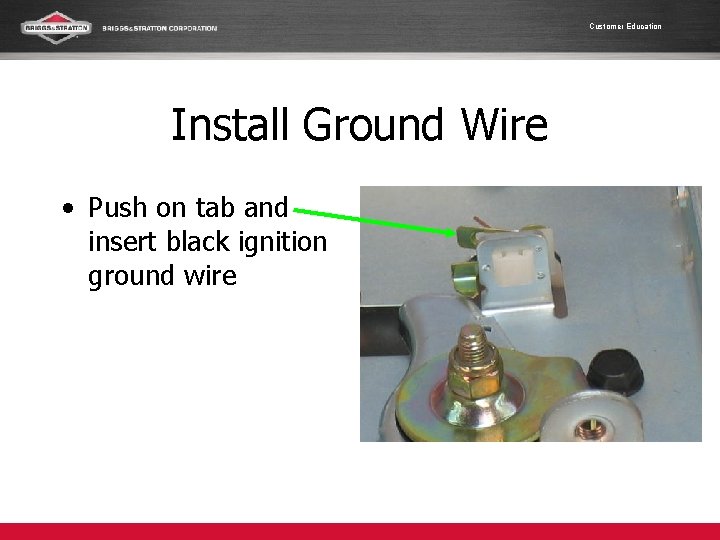
Customer Education Install Ground Wire • Push on tab and insert black ignition ground wire
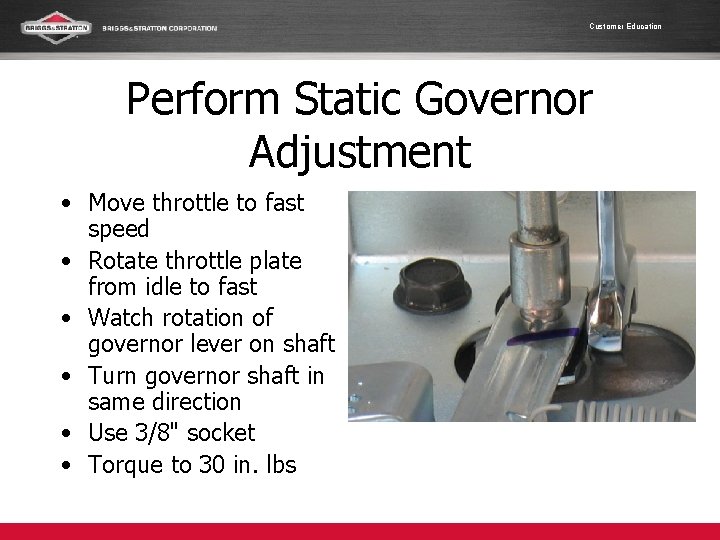
Customer Education Perform Static Governor Adjustment • Move throttle to fast speed • Rotate throttle plate from idle to fast • Watch rotation of governor lever on shaft • Turn governor shaft in same direction • Use 3/8" socket • Torque to 30 in. lbs
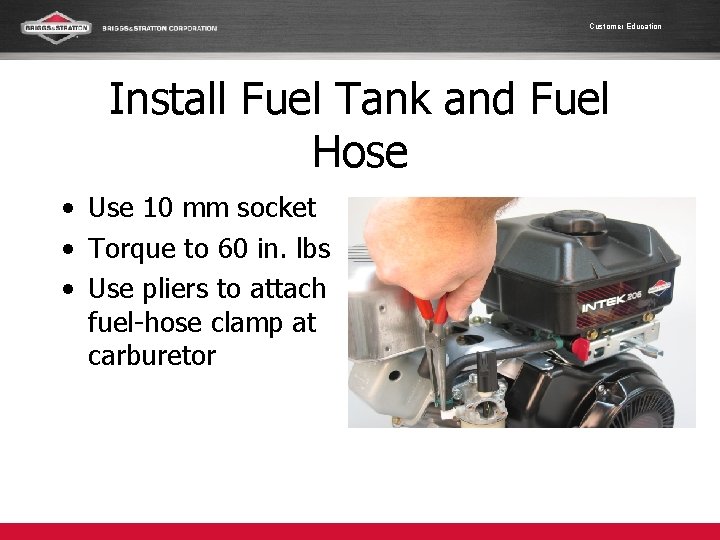
Customer Education Install Fuel Tank and Fuel Hose • Use 10 mm socket • Torque to 60 in. lbs • Use pliers to attach fuel-hose clamp at carburetor
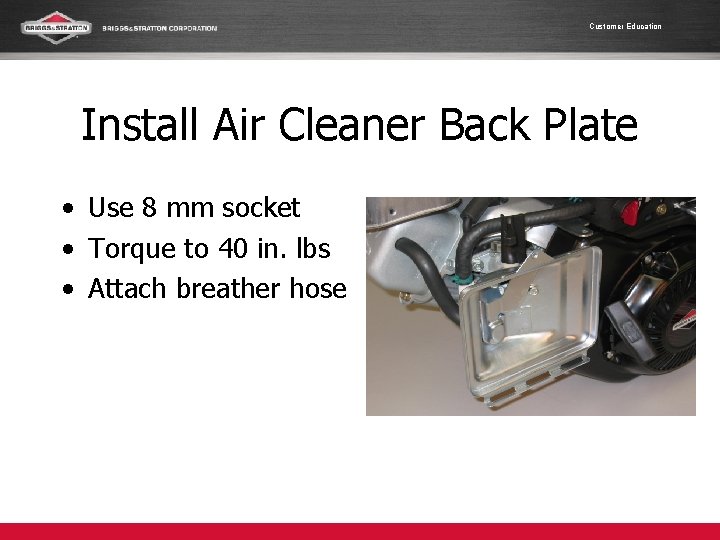
Customer Education Install Air Cleaner Back Plate • Use 8 mm socket • Torque to 40 in. lbs • Attach breather hose
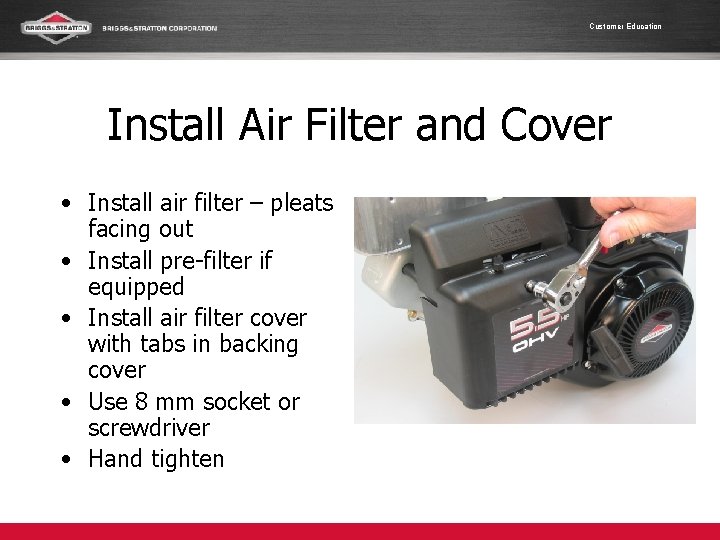
Customer Education Install Air Filter and Cover • Install air filter – pleats facing out • Install pre-filter if equipped • Install air filter cover with tabs in backing cover • Use 8 mm socket or screwdriver • Hand tighten
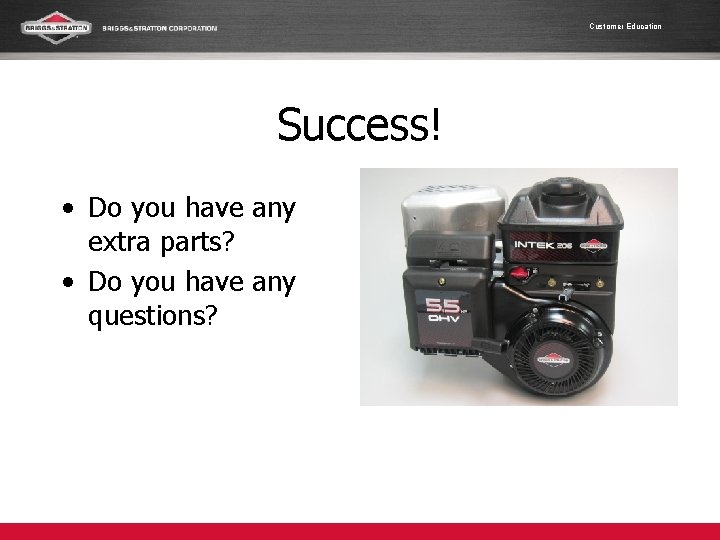
Customer Education Success! • Do you have any extra parts? • Do you have any questions?
- Slides: 26