
Mobile Phone Security Design and User Acceptability Testing
Mobile Phone Security Design and User Acceptability Testing of Secure Mobile Phone Authentication Mechanism Based on Fingerprint Sensing and Geo-Fencing Nikhita Gopidi Nishant Patel Nitish Pisal Tanya Sahin Shreyansh Shah Sara Siddiqui
Acknowledgements ❖ The authors to would like to thank Verizon for sponsoring the study. This study is solely the independent work of the authors. Any Verizon documents and trademarks included in this paper are the property of Verizon and are reproduced with permission.
Project Overview ❖ ❖ To come up with a unique user authentication mechanism to achieve phone security without the user having to enter a passcode to unlock their phone Customer ❖ Dr Kalyanasundaram, Verizon ❖ Dr Charles Tappert, CSIS ❖ Leigh Anne Clevenger, DPS’ 16 ❖ Javid Maghsoudi, DPS’ 16 ❖ Vinnie Monaco, Ph. D’ 15
Security Mechanisms Widely used today: ❖ ❖ ❖ Passwords / PINs ❖ Pattern locks Using an unlock mechanism would make it harder for unauthorized users to access valuable data
Burden of PIN-code Entry Frequency of entering PIN-code ❖ ❖ Although locking a phone may provide maximum protection, it also decreases usability by increasing PIN-code entry burden As a result companies have launched user specific and easy unlock mechanisms: ❖ ❖ Touch ID fingerprint reader (Apple and Samsung)
User Authentication Mechanisms ❖ NFC (Near Field Communication) ❖ Geofencing ❖ Sensor capabilities 6
Tasks Accomplished ❖ ❖ ❖ System design was based on one of the User Scenarios developed in Fall 2014 semester An i. OS app “Authenticator” was designed with authentication functionality based on fingerprint sensing and geofencing Since third party apps are not allowed to unlock the phone in i. OS, successful authentication into the app displays some sensitive content Display of sensitive information should be a useful example for user authentication using biometrics and geofencing A survey was conducted to evaluate user interest in a passwordfree mobile device authentication mechanism
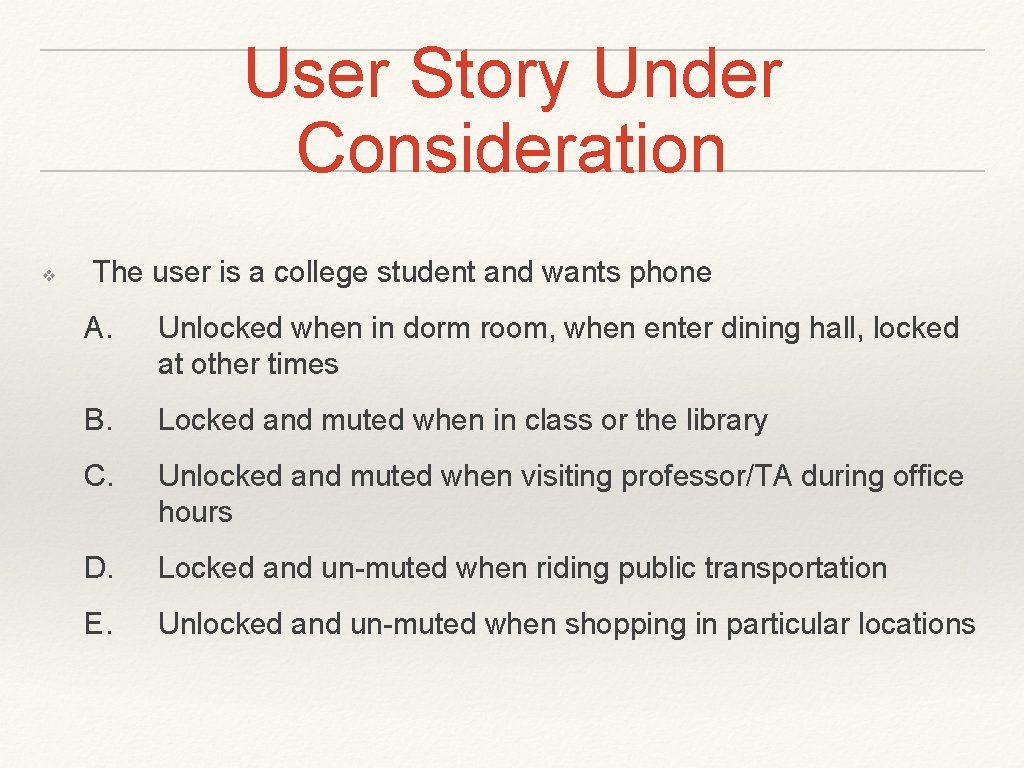
User Story Under Consideration ❖ The user is a college student and wants phone A. Unlocked when in dorm room, when enter dining hall, locked at other times B. Locked and muted when in class or the library C. Unlocked and muted when visiting professor/TA during office hours D. Locked and un-muted when riding public transportation E. Unlocked and un-muted when shopping in particular locations
Geo-fencing ❖ ❖ Geofencing is a feature in a software program that uses the global positioning system (GPS) or radio frequency identification (RFID) to define geographical boundaries. Our app uses i. Beacons to define the geofence. When user enters the defined geofence, phone unlocks automatically
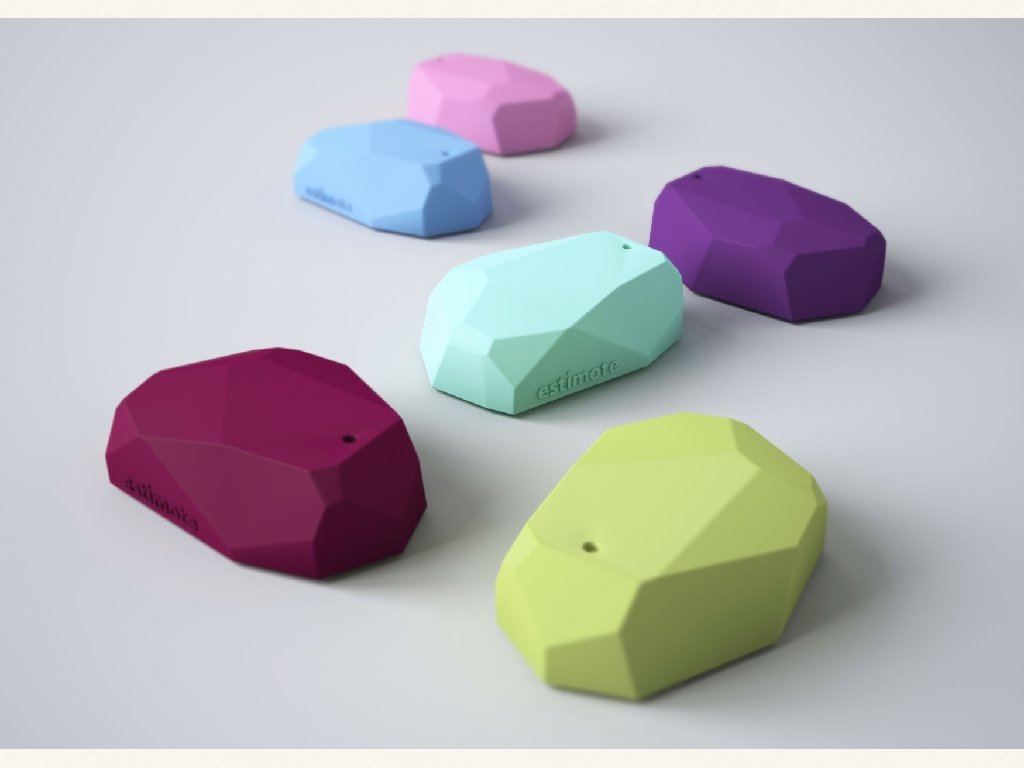
i. Beacons and Geofencing ❖ ❖ ❖ i. Beacon is Apple's implementation of Bluetooth low-energy (BLE) wireless technology to provide location-based information and services to i. Phones and other i. OS devices. The beacons themselves are small, cheap Bluetooth transmitters. Apps installed on your i. Phone listen out for the signal transmitted by these beacons and respond accordingly when the phone comes into range. For example, if you pass a beacon in a shop, the retailer's app (assuming you have it installed) could display a special offer alert for you. On a visit to a museum, the museum's app would provide information about the closest display, using your distance from beacons placed near exhibits to work out your position
Authenticator - New i. OS App ❖ Supports three means of authentication: ❖ ❖ geofencing using i. Beacon when in range of i. Beacon fingerprint biometrics (Touch. ID) if outside of i. Beacon range password as fallback Displays sensitive content if authentication is successful
Authenticator - i. Beacons ❖ ❖ ❖ Use Core. Location framework to sense for i. Beacons with specific UUID If beacon is ranged the app bypasses the authentication screen and proceeds to the confidential content right away If no beacon is ranged biometric authentication with Touch ID will be attempted next
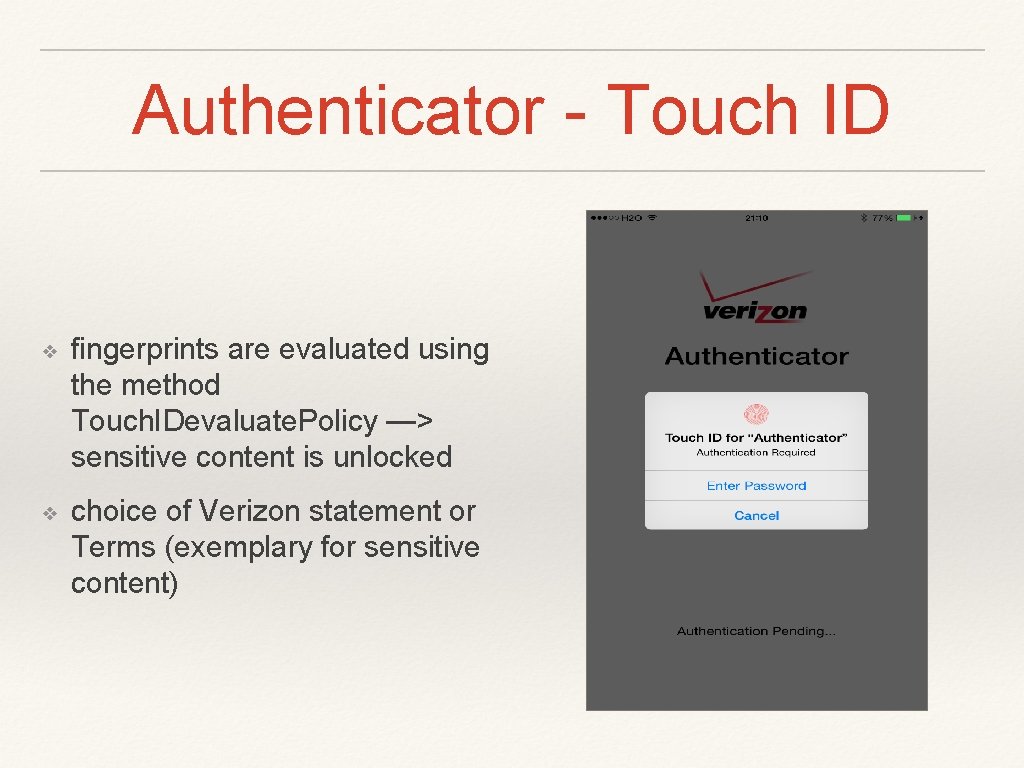
Authenticator - Touch ID ❖ fingerprints are evaluated using the method Touch. IDevaluate. Policy —> sensitive content is unlocked ❖ choice of Verizon statement or Terms (exemplary for sensitive content)
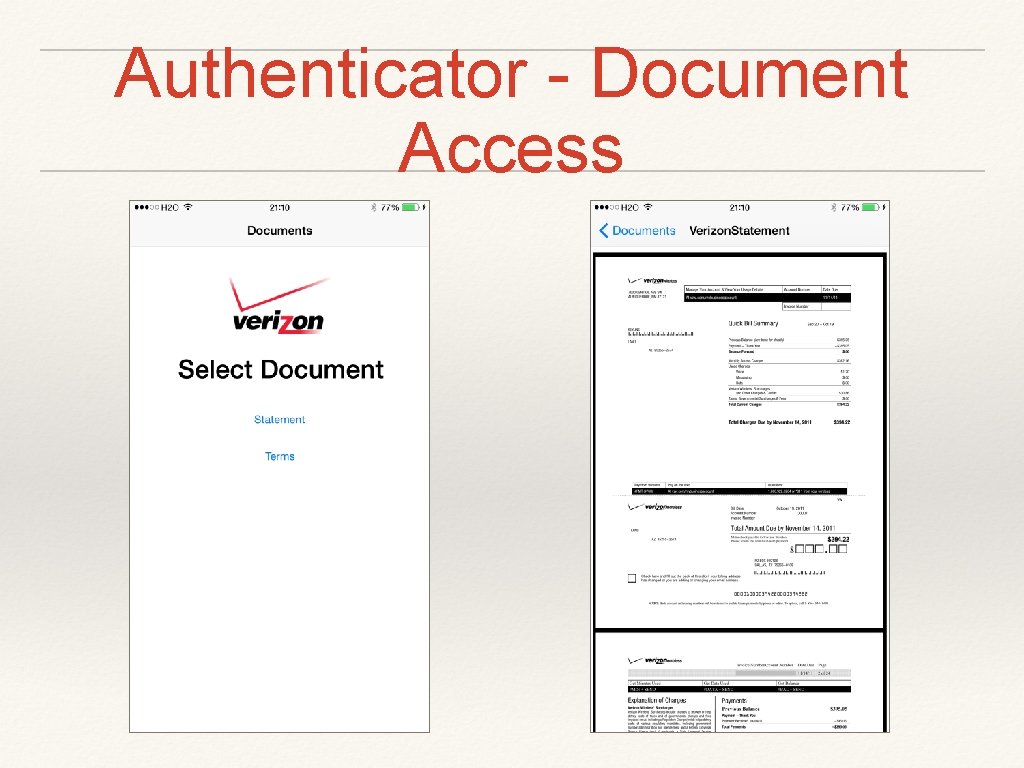
Authenticator - Document Access
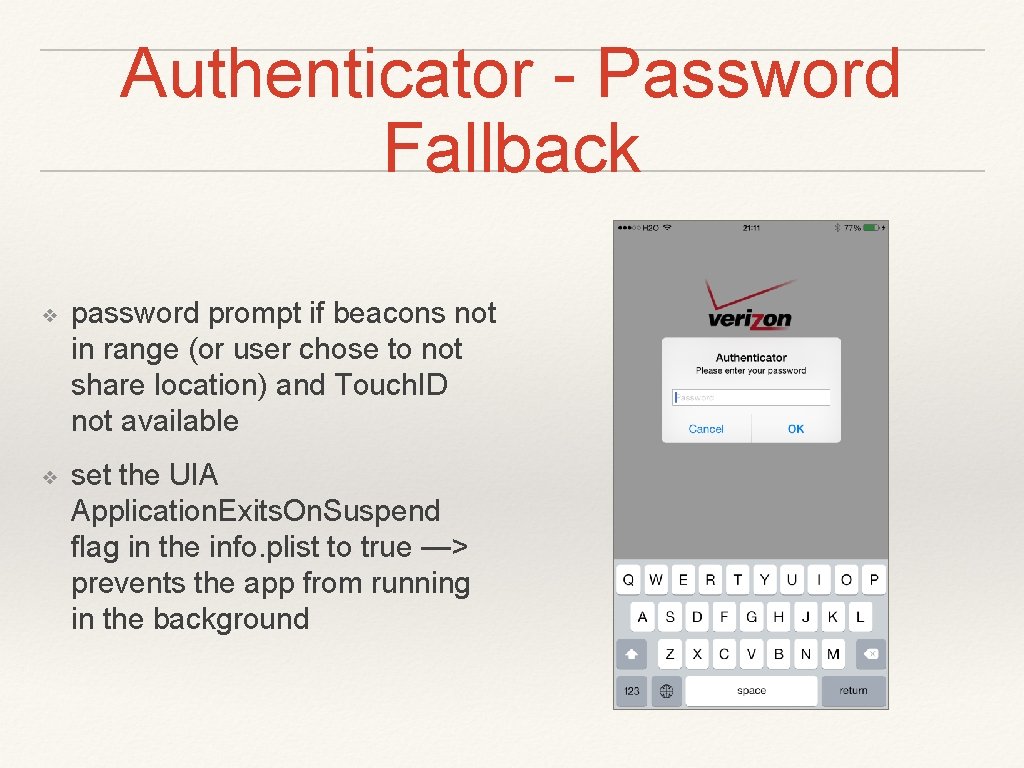
Authenticator - Password Fallback ❖ password prompt if beacons not in range (or user chose to not share location) and Touch. ID not available ❖ set the UIA Application. Exits. On. Suspend flag in the info. plist to true —> prevents the app from running in the background
DEMO of Authenticator App
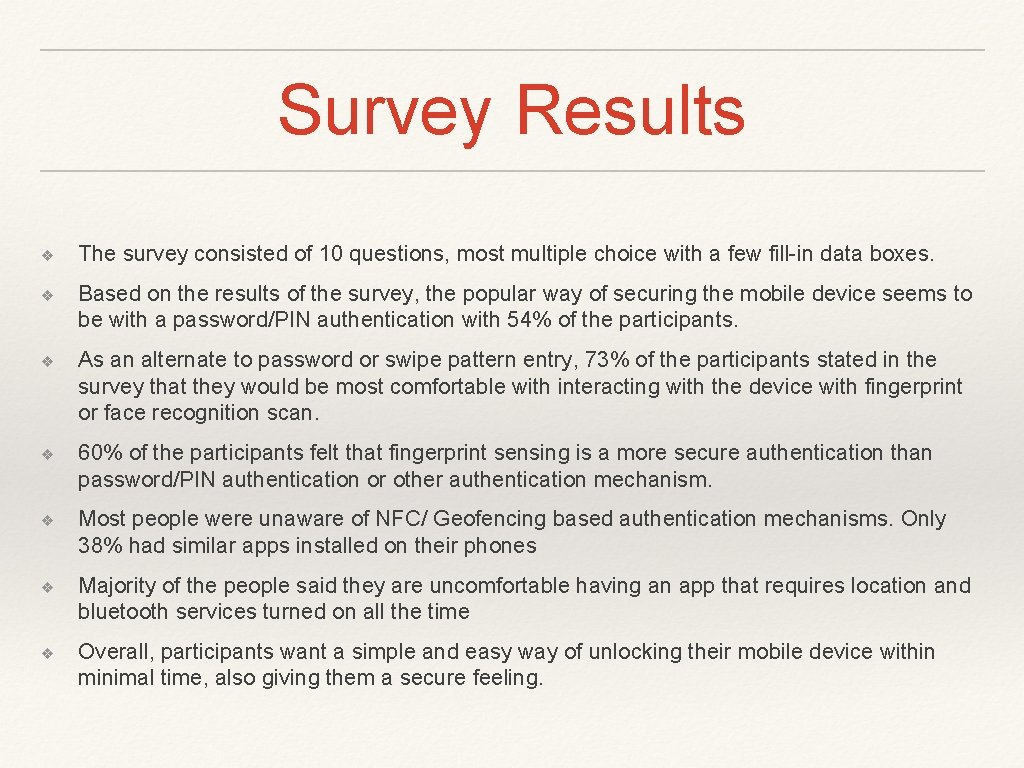
Survey Results ❖ The survey consisted of 10 questions, most multiple choice with a few fill-in data boxes. ❖ Based on the results of the survey, the popular way of securing the mobile device seems to be with a password/PIN authentication with 54% of the participants. ❖ As an alternate to password or swipe pattern entry, 73% of the participants stated in the survey that they would be most comfortable with interacting with the device with fingerprint or face recognition scan. ❖ 60% of the participants felt that fingerprint sensing is a more secure authentication than password/PIN authentication or other authentication mechanism. ❖ Most people were unaware of NFC/ Geofencing based authentication mechanisms. Only 38% had similar apps installed on their phones ❖ Majority of the people said they are uncomfortable having an app that requires location and bluetooth services turned on all the time ❖ Overall, participants want a simple and easy way of unlocking their mobile device within minimal time, also giving them a secure feeling.
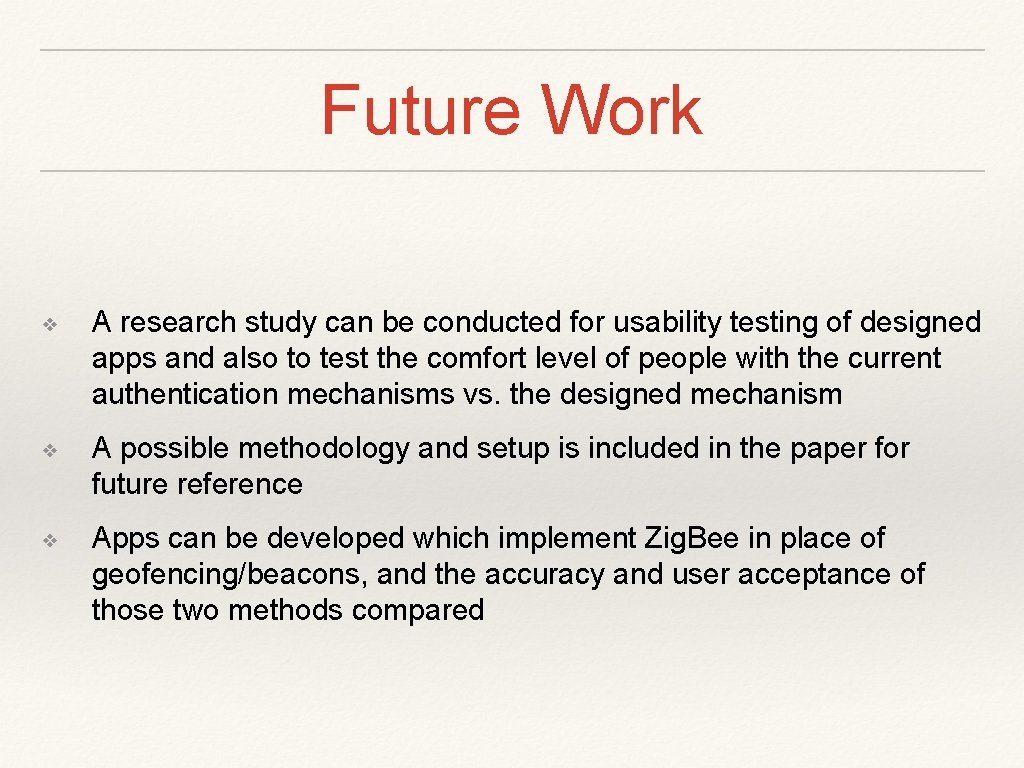
Future Work ❖ A research study can be conducted for usability testing of designed apps and also to test the comfort level of people with the current authentication mechanisms vs. the designed mechanism ❖ A possible methodology and setup is included in the paper for future reference ❖ Apps can be developed which implement Zig. Bee in place of geofencing/beacons, and the accuracy and user acceptance of those two methods compared
- Slides: 19