
MOBILE FIRST Hans Yip Learning Objectives What is
MOBILE FIRST Hans Yip
Learning Objectives ◦ What is Mobile First? ◦ Responsive Web Design (RWD) ◦ What is Twitter Bootstrap? ◦ Bootstrap CDN (Content Delivery Network) ◦ Bootstrap Grids
Statistics ◦ The following statistics are just some examples of how mobile devices are becoming increasingly intertwined with our day-to-day life: ◦ At the beginning of 2014 one in every five people in the world owned a smartphone and one in every 17 owned a tablet. ◦ By the year 2015 mobile data usage should reach 75 Exabytes annually (that’s 75 MILLION terabytes)! ◦ In 2011, 17. 7 billion apps were downloaded. By 2015, that number should grow to 108 billion. ◦ By 2016 the number of active mobile devices on the planet could be 10 billion. ◦ Mobile enables the Internet of Things – Global Machine-to-machine connections will increase to 18 billion at the end of 2022.
MOBILE FIRST
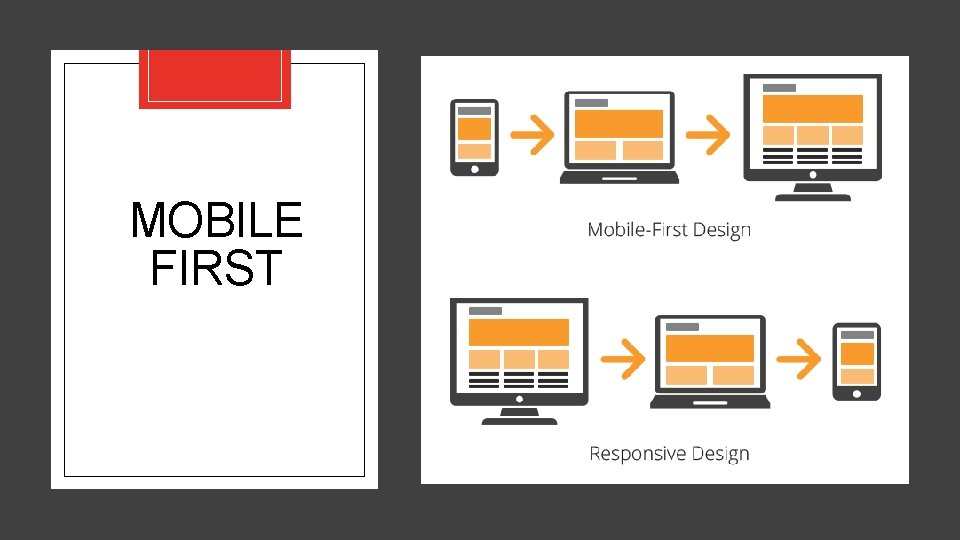
What is Mobile First? ◦ Mobile First: is a strategy that highlights the need to prioritize the mobile context when creating and delivering user experiences. § Luke Wroblewski coined the phrase ‘Mobile First’ § Forward progression -- Design an online experience for mobile first, prior to desktop web or any other device § Forces you to focus on the most important content and functionality § A mobile-first approach means a customer-first approach to win in this increasingly competitive market.
What is Responsive Web Design (RWD)? ◦ Responsive Web Design (RWD): is about creating web sites which automatically adjust themselves to look good on all devices, from small phones to large desktops. § Ethan Marcotte coined the term responsive web design (RWD) in May 2010 § Design one site – specifies how it should appear on variedsized devices (desktop, tablet, or smartphone) § Detects viewport size, platform, and device orientation to deliver appropriate output § Build once and run on all devices and platforms.
What is Twitter Bootstrap? ◦ Bootstrap: is a free front-end framework for faster and easier web development. ◦ Twitter Bootstrap includes HTML and CSS based design templates for typography, forms, buttons, tables, navigation, modals, image carousels and many other, as well as optional Java. Script plugins ◦ Bootstrap also gives you the ability to easily create responsive designs ◦ Bootstrap is completely free to download and use!

Bootstrap History ◦ Bootstrap was developed by Mark Otto and Jacob Thornton at Twitter, and released as an open source product in August 2011 on Git. Hub. ◦ Advantages of Bootstrap: § Easy to use: Anybody with just basic knowledge of HTML and CSS can start using Bootstrap § Responsive features: Bootstrap's responsive CSS adjusts to phones, tablets, and desktops § Mobile-first approach: In Bootstrap 3, mobile-first styles are part of the core framework § Browser compatibility: Bootstrap is compatible with all modern browsers (Chrome, Firefox, Internet Explorer, Safari, and Opera)
Where to Get Bootstrap? ◦ There are two ways to start using Bootstrap on your own web site. § Download Bootstrap from getbootstrap. com ◦ If you want to download and host Bootstrap yourself, go to getbootstrap. com, and follow the instructions there. § Include Bootstrap from a CDN ◦ If you don't want to download and host Bootstrap yourself, you can include it from a CDN (Content Delivery Network). ◦ Max. CDN provides CDN support for Bootstrap's CSS and Java. Script. You must also include j. Query. ◦ https: //www. bootstrapcdn. com/
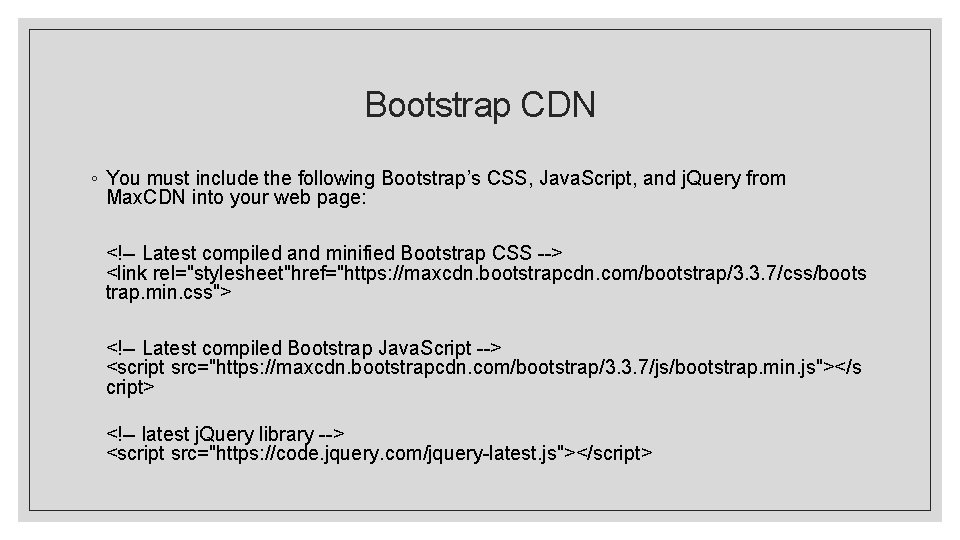
Bootstrap CDN ◦ You must include the following Bootstrap’s CSS, Java. Script, and j. Query from Max. CDN into your web page: <!-- Latest compiled and minified Bootstrap CSS --> <link rel="stylesheet"href="https: //maxcdn. bootstrapcdn. com/bootstrap/3. 3. 7/css/boots trap. min. css"> <!-- Latest compiled Bootstrap Java. Script --> <script src="https: //maxcdn. bootstrapcdn. com/bootstrap/3. 3. 7/js/bootstrap. min. js"></s cript> <!-- latest j. Query library --> <script src="https: //code. jquery. com/jquery-latest. js"></script>
Why Bootstrap CDN? ◦ Advantage of using the Bootstrap CDN: § Many users already have downloaded Bootstrap from Max. CDN when visiting another site. As a result, it will be loaded from cache when they visit your site, which leads to faster loading time. § Also, most CDN's will make sure that once a user requests a file from it, it will be served from the server closest to them, which also leads to faster loading time.
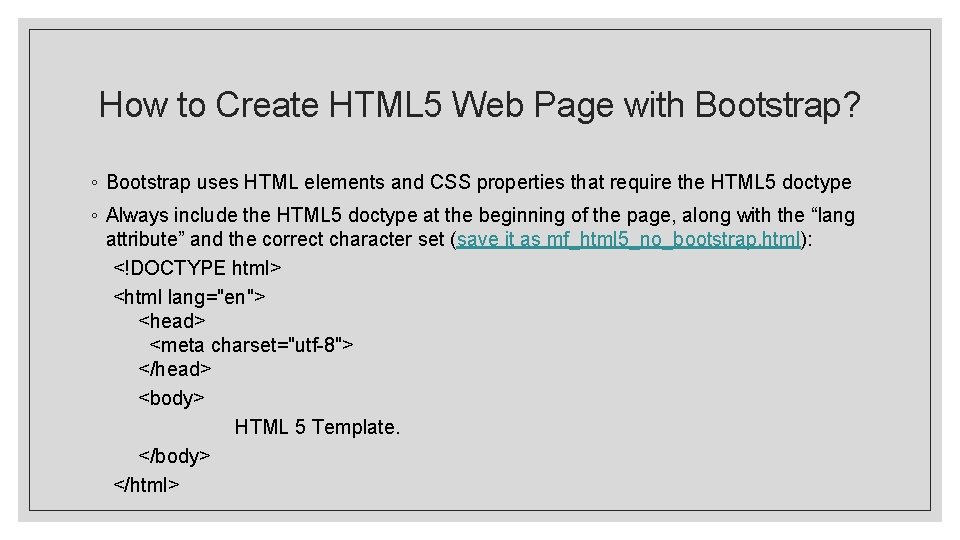
How to Create HTML 5 Web Page with Bootstrap? ◦ Bootstrap uses HTML elements and CSS properties that require the HTML 5 doctype ◦ Always include the HTML 5 doctype at the beginning of the page, along with the “lang attribute” and the correct character set (save it as mf_html 5_no_bootstrap. html): <!DOCTYPE html> <html lang="en"> <head> <meta charset="utf-8"> </head> <body> HTML 5 Template. </body> </html>
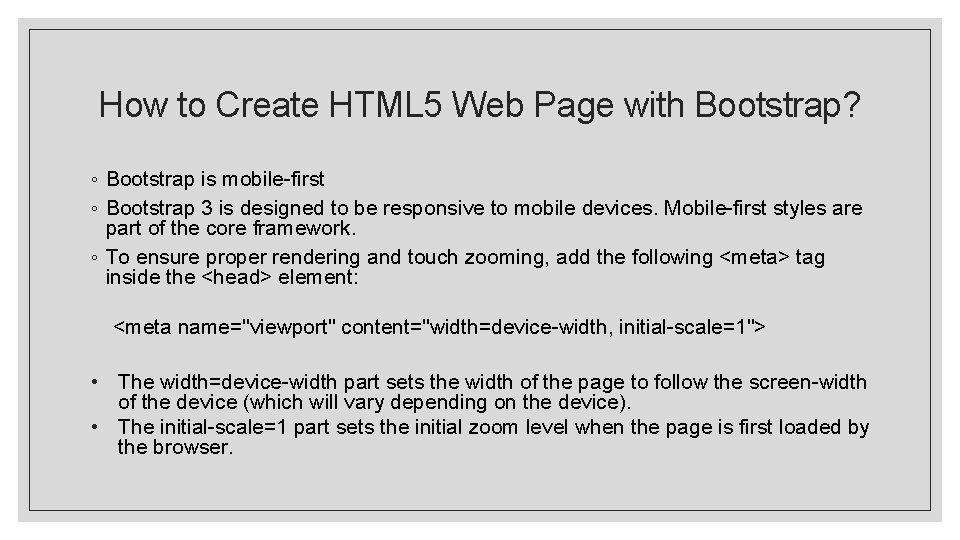
How to Create HTML 5 Web Page with Bootstrap? ◦ Bootstrap is mobile-first ◦ Bootstrap 3 is designed to be responsive to mobile devices. Mobile-first styles are part of the core framework. ◦ To ensure proper rendering and touch zooming, add the following <meta> tag inside the <head> element: <meta name="viewport" content="width=device-width, initial-scale=1"> • The width=device-width part sets the width of the page to follow the screen-width of the device (which will vary depending on the device). • The initial-scale=1 part sets the initial zoom level when the page is first loaded by the browser.
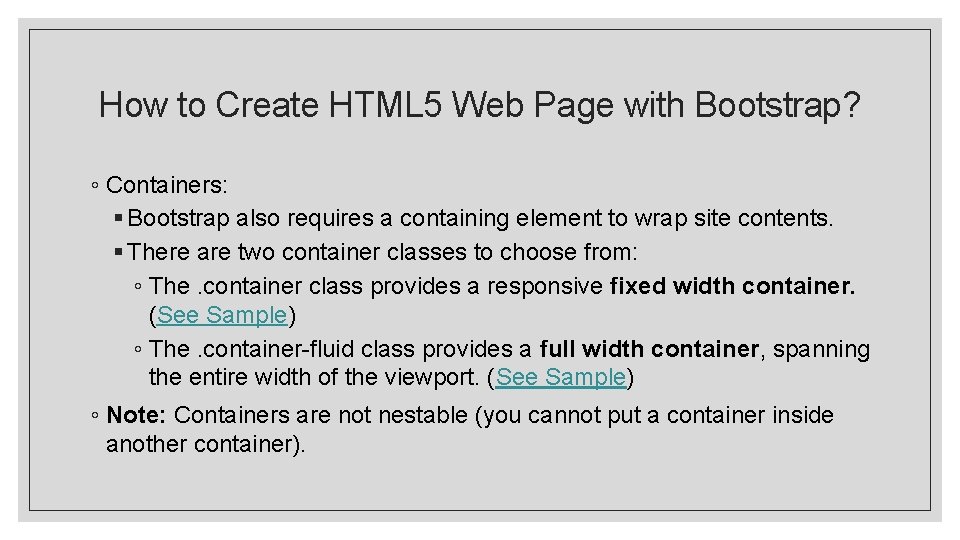
How to Create HTML 5 Web Page with Bootstrap? ◦ Containers: § Bootstrap also requires a containing element to wrap site contents. § There are two container classes to choose from: ◦ The. container class provides a responsive fixed width container. (See Sample) ◦ The. container-fluid class provides a full width container, spanning the entire width of the viewport. (See Sample) ◦ Note: Containers are not nestable (you cannot put a container inside another container).
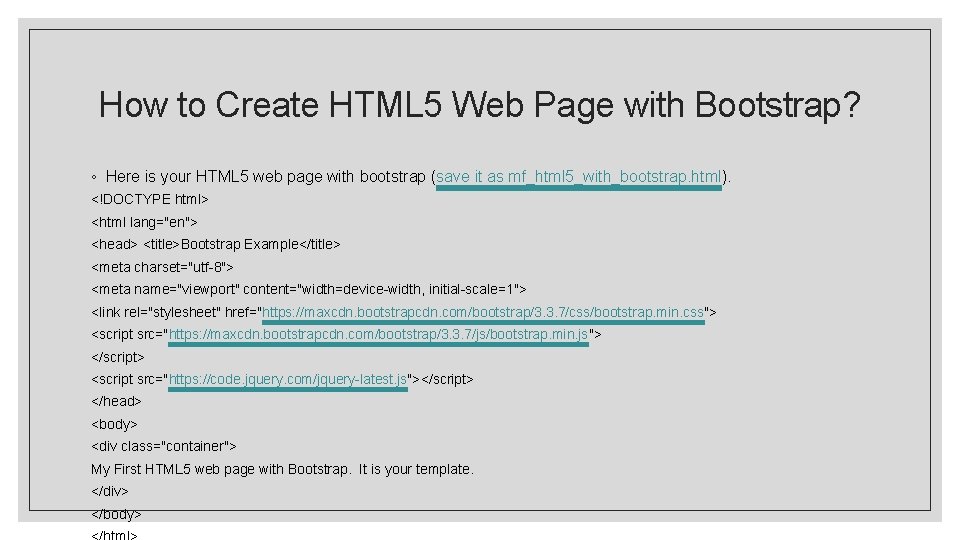
How to Create HTML 5 Web Page with Bootstrap? ◦ Here is your HTML 5 web page with bootstrap (save it as mf_html 5_with_bootstrap. html). <!DOCTYPE html> <html lang="en"> <head> <title>Bootstrap Example</title> <meta charset="utf-8"> <meta name="viewport" content="width=device-width, initial-scale=1"> <link rel="stylesheet" href="https: //maxcdn. bootstrapcdn. com/bootstrap/3. 3. 7/css/bootstrap. min. css"> <script src="https: //maxcdn. bootstrapcdn. com/bootstrap/3. 3. 7/js/bootstrap. min. js"> </script> <script src="https: //code. jquery. com/jquery-latest. js"></script> </head> <body> <div class="container"> My First HTML 5 web page with Bootstrap. It is your template. </div> </body>
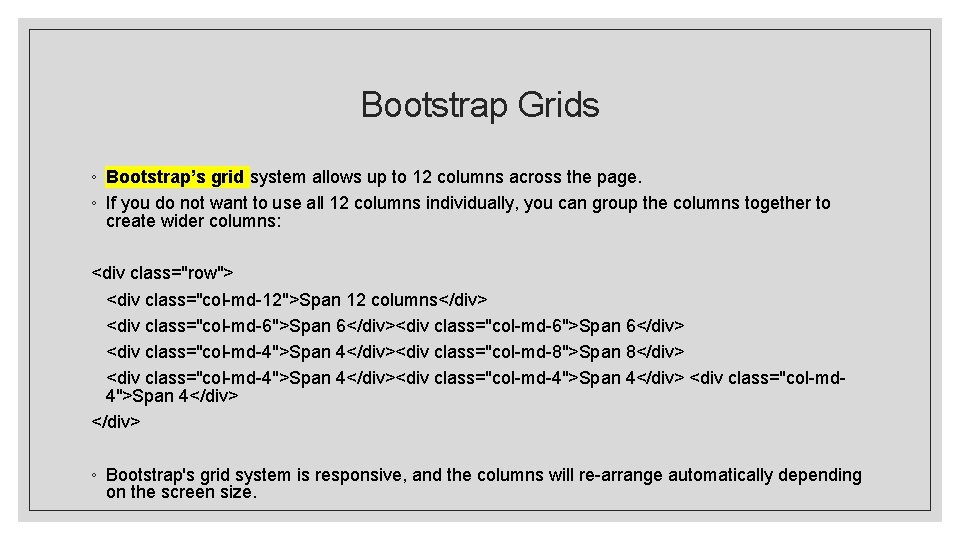
Bootstrap Grids ◦ Bootstrap’s grid system allows up to 12 columns across the page. ◦ If you do not want to use all 12 columns individually, you can group the columns together to create wider columns: <div class="row"> <div class="col-md-12">Span 12 columns</div> <div class="col-md-6">Span 6</div> <div class="col-md-4">Span 4</div><div class="col-md-8">Span 8</div> <div class="col-md-4">Span 4</div> <div class="col-md 4">Span 4</div> ◦ Bootstrap's grid system is responsive, and the columns will re-arrange automatically depending on the screen size.
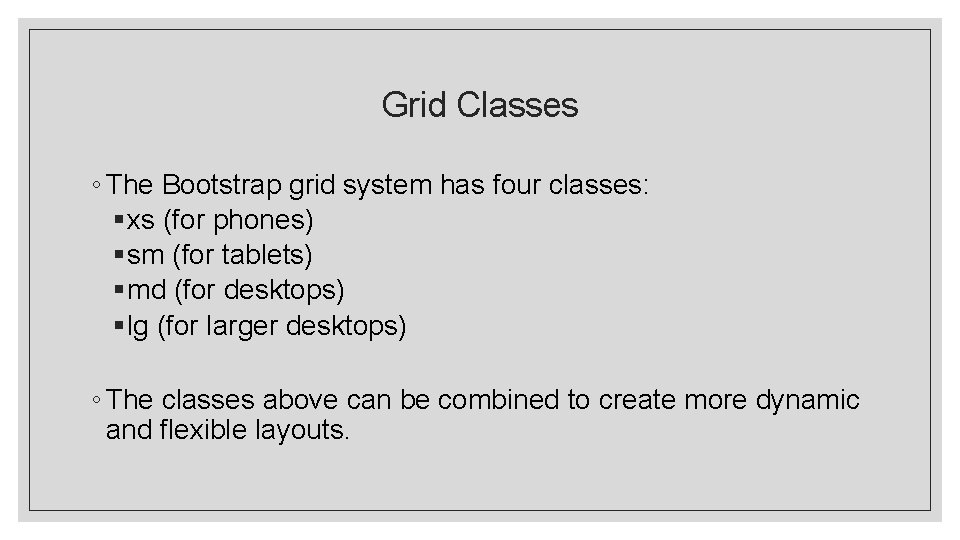
Grid Classes ◦ The Bootstrap grid system has four classes: § xs (for phones) § sm (for tablets) § md (for desktops) § lg (for larger desktops) ◦ The classes above can be combined to create more dynamic and flexible layouts.
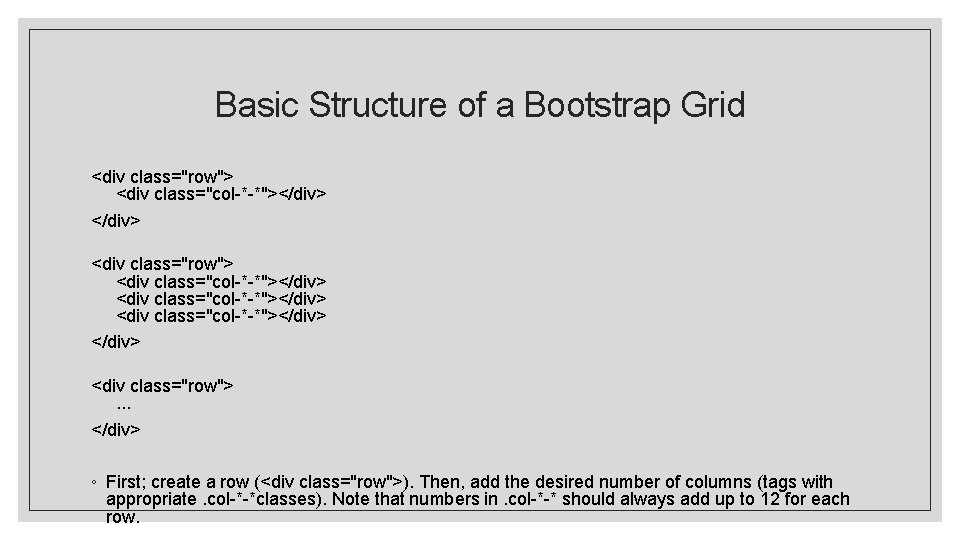
Basic Structure of a Bootstrap Grid <div class="row"> <div class="col-*-*"></div> <div class="col-*-*"></div> <div class="row">. . . </div> ◦ First; create a row (<div class="row">). Then, add the desired number of columns (tags with appropriate. col-*-*classes). Note that numbers in. col-*-* should always add up to 12 for each row.
Three Equal Columns ◦ Three equal columns (desktop version): ◦ Three equal columns (tablet version): ◦ Three equal columns (smart phone version):
Two Unequal Columns ◦ Two unequal columns (desktop version): ◦ Two unequal columns (tablet version): ◦ Two unequal columns (smart phone version):
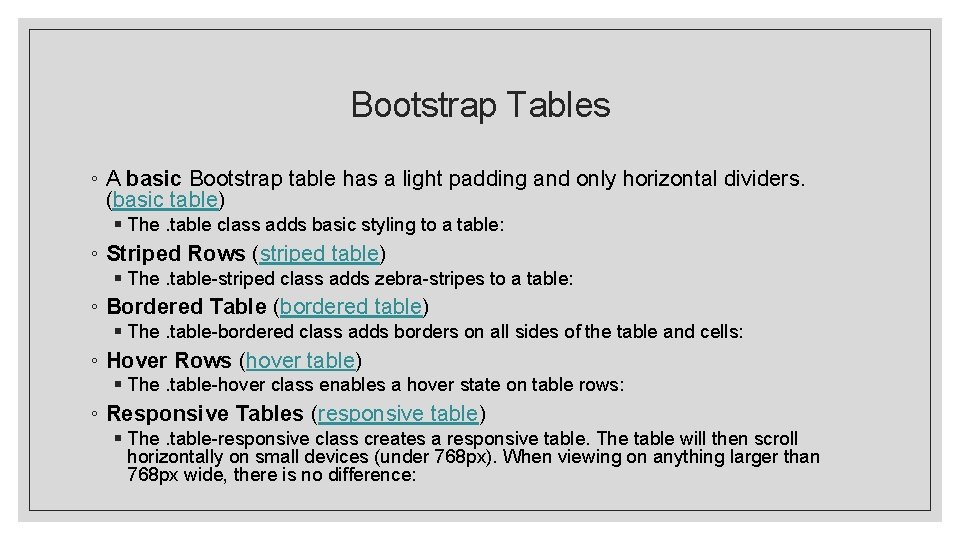
Bootstrap Tables ◦ A basic Bootstrap table has a light padding and only horizontal dividers. (basic table) § The. table class adds basic styling to a table: ◦ Striped Rows (striped table) § The. table-striped class adds zebra-stripes to a table: ◦ Bordered Table (bordered table) § The. table-bordered class adds borders on all sides of the table and cells: ◦ Hover Rows (hover table) § The. table-hover class enables a hover state on table rows: ◦ Responsive Tables (responsive table) § The. table-responsive class creates a responsive table. The table will then scroll horizontally on small devices (under 768 px). When viewing on anything larger than 768 px wide, there is no difference:
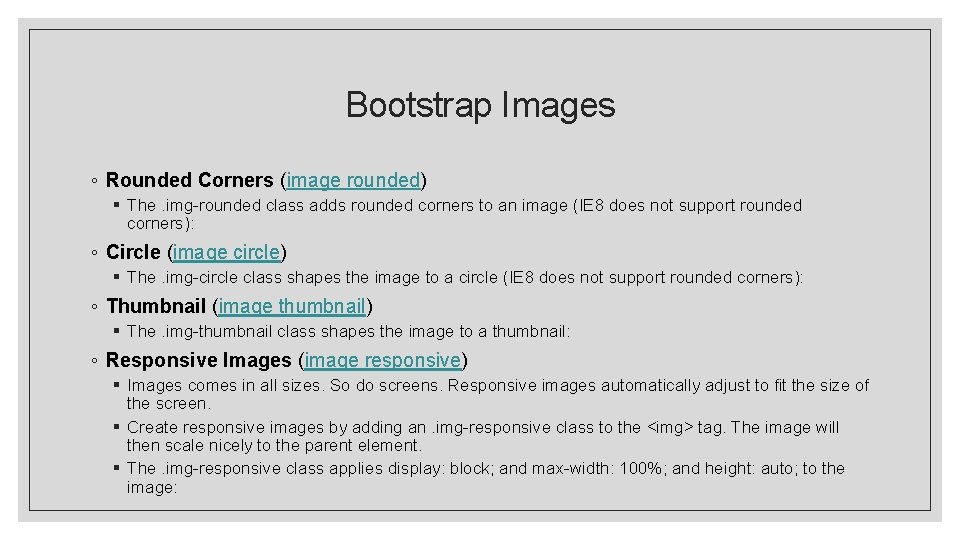
Bootstrap Images ◦ Rounded Corners (image rounded) § The. img-rounded class adds rounded corners to an image (IE 8 does not support rounded corners): ◦ Circle (image circle) § The. img-circle class shapes the image to a circle (IE 8 does not support rounded corners): ◦ Thumbnail (image thumbnail) § The. img-thumbnail class shapes the image to a thumbnail: ◦ Responsive Images (image responsive) § Images comes in all sizes. So do screens. Responsive images automatically adjust to fit the size of the screen. § Create responsive images by adding an. img-responsive class to the <img> tag. The image will then scale nicely to the parent element. § The. img-responsive class applies display: block; and max-width: 100%; and height: auto; to the image:
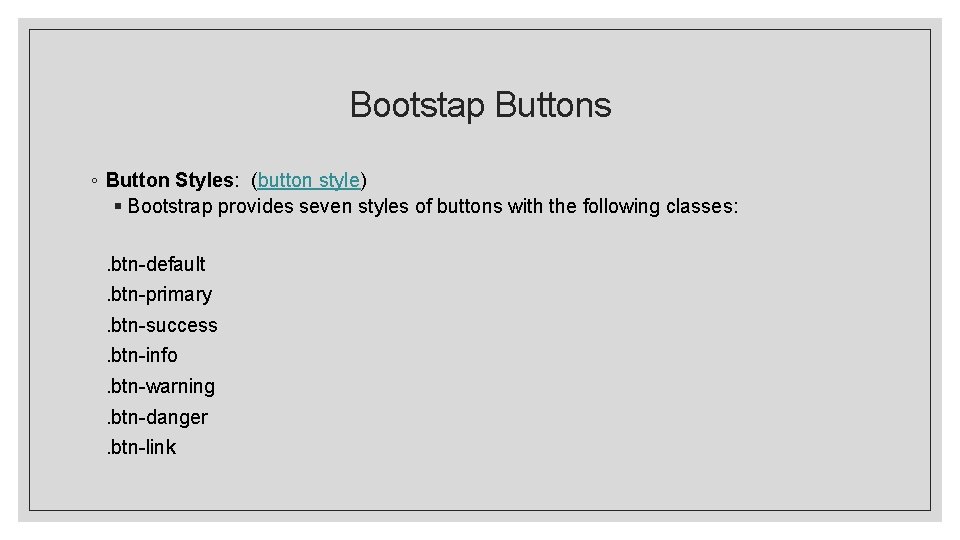
Bootstap Buttons ◦ Button Styles: (button style) § Bootstrap provides seven styles of buttons with the following classes: . btn-default. btn-primary. btn-success. btn-info. btn-warning. btn-danger. btn-link
Bootstrap Button Elements ◦ The button classes can be used on the following elements: (button element) § <a> §<button> §<input>
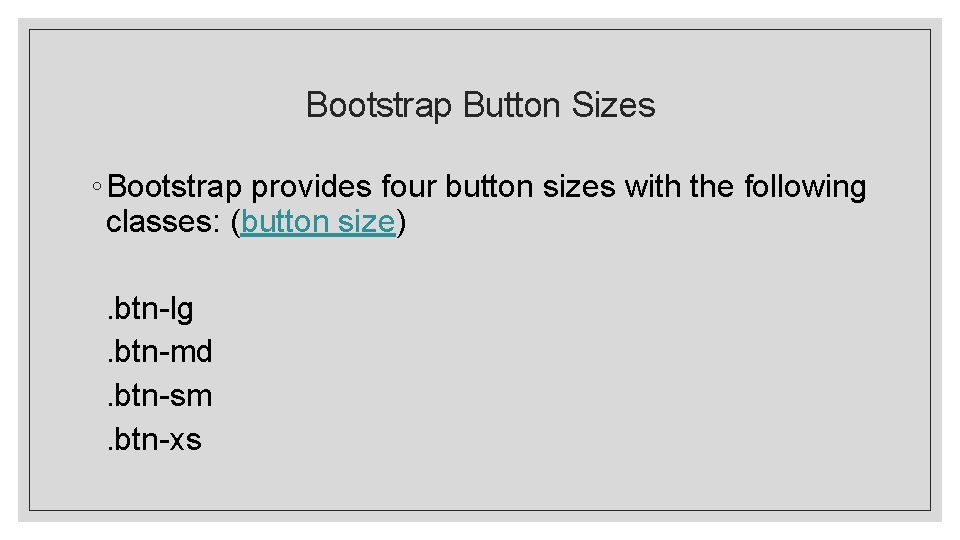
Bootstrap Button Sizes ◦ Bootstrap provides four button sizes with the following classes: (button size). btn-lg. btn-md. btn-sm. btn-xs
Bootstrap Block Level Buttons ◦ A block level button spans the entire width of the parent element. (block level button) §Add class. btn-block to create a block level button:
Bootstrap Active/Disabled Buttons ◦ A button can be set to an active (appear pressed) or a disabled (unclickable) state: (button active/disabled) §The class. active makes a button appear pressed, and the class. disabled makes a button unclickable.
Apply Mobile First to old web page ◦ Old web page without bootstrap. (old web page - no bootstrap) ◦ Old web page with bootstrap. (old web page - with bootstrap)
- Slides: 28