
Mobile Accessibility Inspection and Best Practices James E
Mobile Accessibility Inspection and Best Practices James E. Jackson EIT Accessibility Coordinator
What we will cover • How AT works on Mobile Devices • Talk about what tools you need to develop and test on mobile • Go into detail on a few important aspects of accessible mobile design
Why Mobile Accessibility?
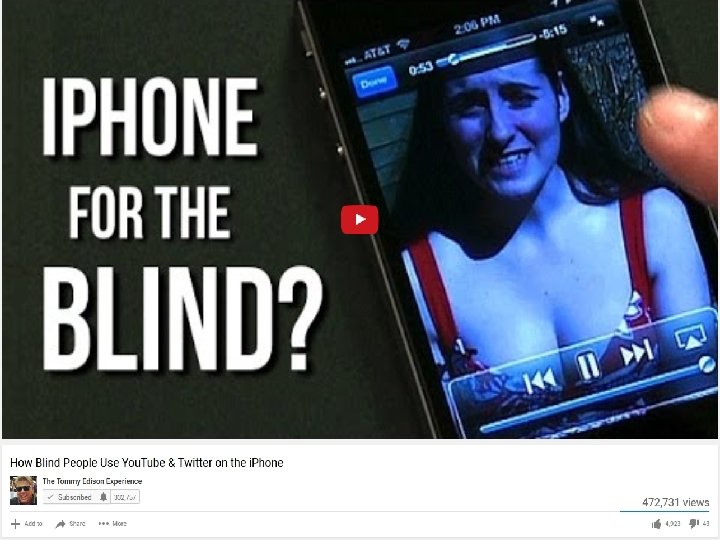
How Blind People Use You. Tube & Twitter on the i. Phone
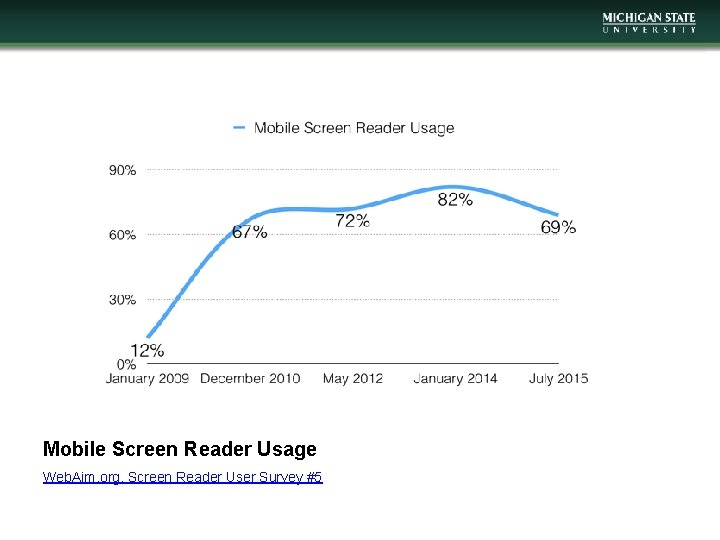
Mobile Screen Reader Usage Web. Aim. org, Screen Reader User Survey #5
Applying WCAG to Mobile
What does the W 3 C say? • Mobile Accessibility: How WCAG 2. 0 and Other W 3 C/WAI Guidelines Apply to Mobile
Understanding Conformance • In addition to success criterion, WCAG 2. 0 also has 5 Conformance requirements • Two of these are especially important when applying WCAG to mobile devices • Requirement 4: Accessibility Support • Requirement 5: Non-Interference
Testing/Inspection • Need to test with assistive technology • Right now in mobile this means testing with Voiceover on an i. OS device
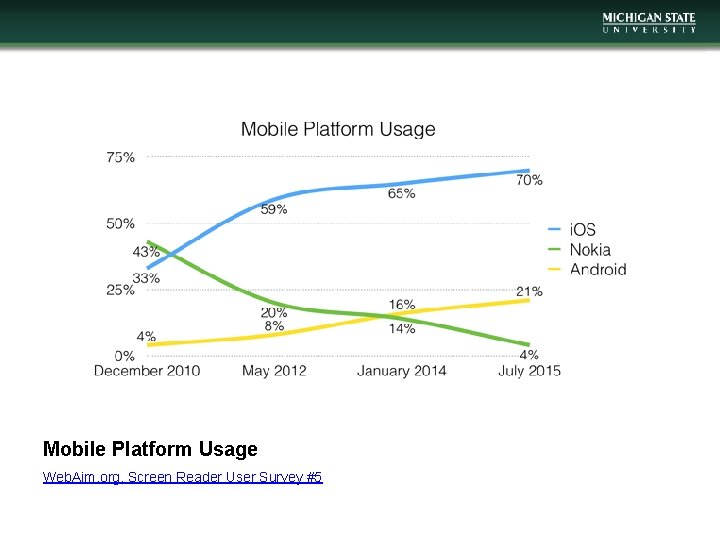
Mobile Platform Usage Web. Aim. org, Screen Reader User Survey #5
Android Accessibility • For screen reader users, Android accessibility has lagged i. OS • Marco Zehe, 30 Days with Android • Google has made significant progress in 2016 • Android App Accessibility Scanner • Features for users with Low Dexterity • Switch Access • Voice Access
Testing/Inspection • Access to the code as it is rendered on a device is helpful • Emulation is easier • Debugging lets you be more certain that the code conforms to a real use case

Screen Reader Support
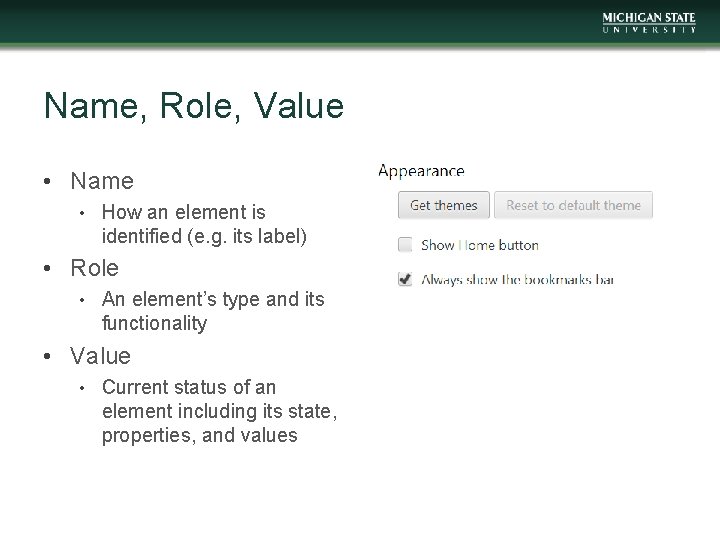
Name, Role, Value • Name • How an element is identified (e. g. its label) • Role • An element’s type and its functionality • Value • Current status of an element including its state, properties, and values
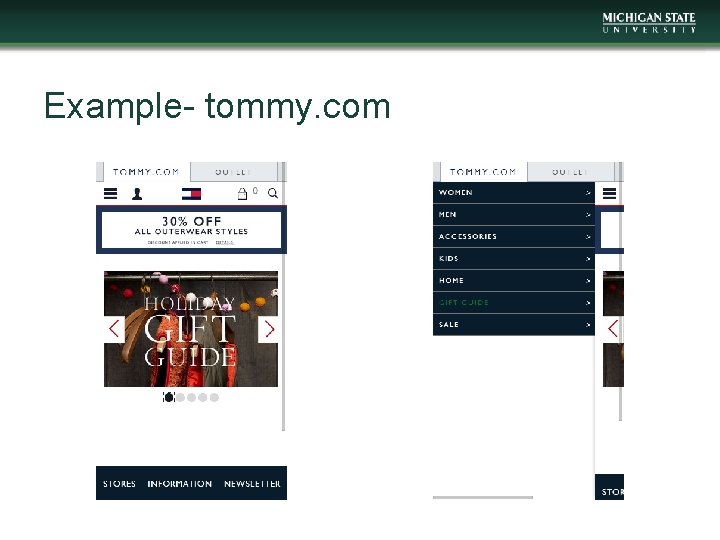
Example- tommy. com
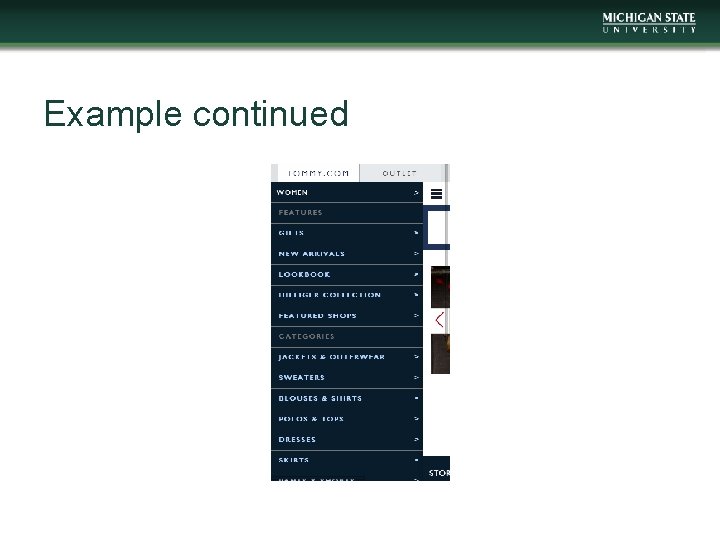
Example continued
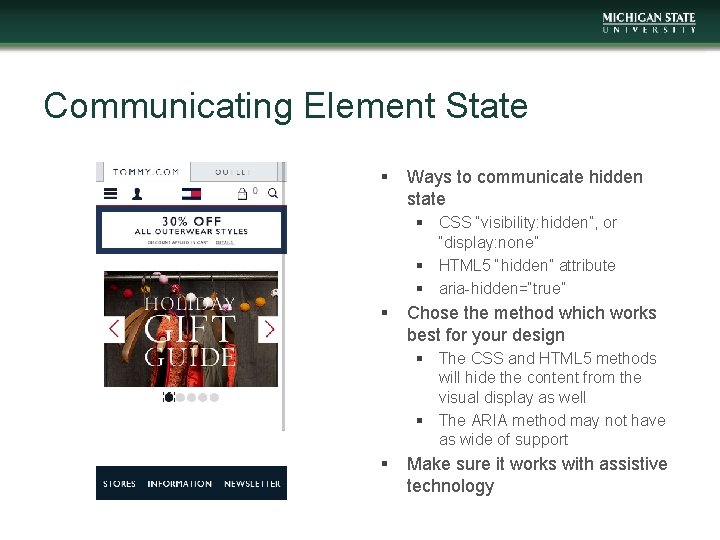
Communicating Element State § Ways to communicate hidden state § CSS “visibility: hidden”, or “display: none” § HTML 5 “hidden” attribute § aria-hidden=“true” § Chose the method which works best for your design § The CSS and HTML 5 methods will hide the content from the visual display as well § The ARIA method may not have as wide of support § Make sure it works with assistive technology
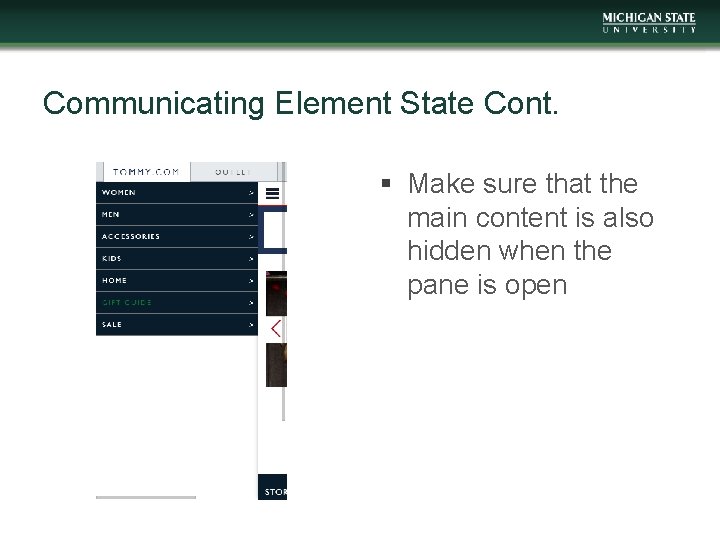
Communicating Element State Cont. § Make sure that the main content is also hidden when the pane is open
Keyboard/Touch screen support
The Touch Screen Gap • WCAG 2. 0 does not have guidelines that apply specifically to touch screens • This is not a “Get out of Jail Free Card”
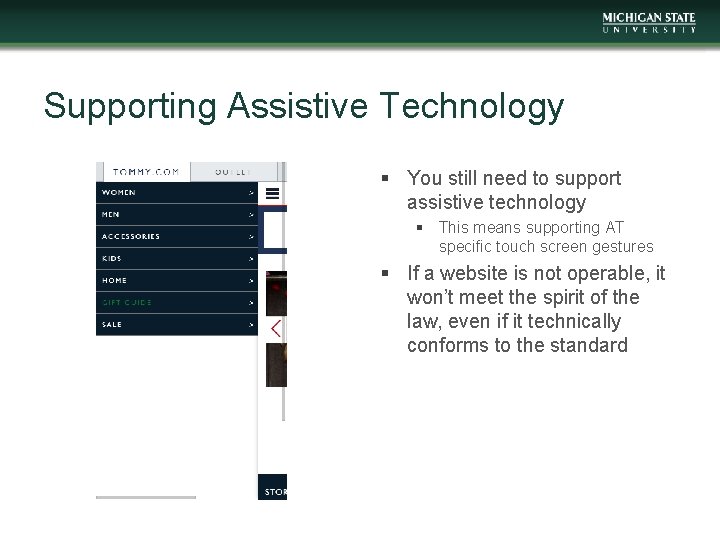
Supporting Assistive Technology § You still need to support assistive technology § This means supporting AT specific touch screen gestures § If a website is not operable, it won’t meet the spirit of the law, even if it technically conforms to the standard
- Slides: 21