
Mitel Powerpoint Template Subtitle Presenters Name Title Month
Mitel Powerpoint Template Subtitle Presenter’s Name Title Month 2015
Mitel Simple Title Slide Presenter’s Name Title Month 2015
Agenda (Arial, 32 pt) • Agenda slide bullet 1 (Arial, 16 pt, avoid sub-bullets on the Agenda slide) • Agenda slide bullet 2 • Agenda slide bullet 3 3 | © 2015 Mitel. Proprietary and Confidential.
Slide Layout • Having too much text on a screen can defeat the purpose of using Power. Point. • The slides begin to look like a jumble of text, making slides difficult to read and unrecognizable from each other. People will try read everything or copy everything down, or they will quickly lose interest. • List only the key points. If you have more info you wish to include, you can quickly create handouts using Power. Point. 4 | © 2015 Mitel. Proprietary and Confidential.
Section Header 5 | © 2015 Mitel. Proprietary and Confidential.
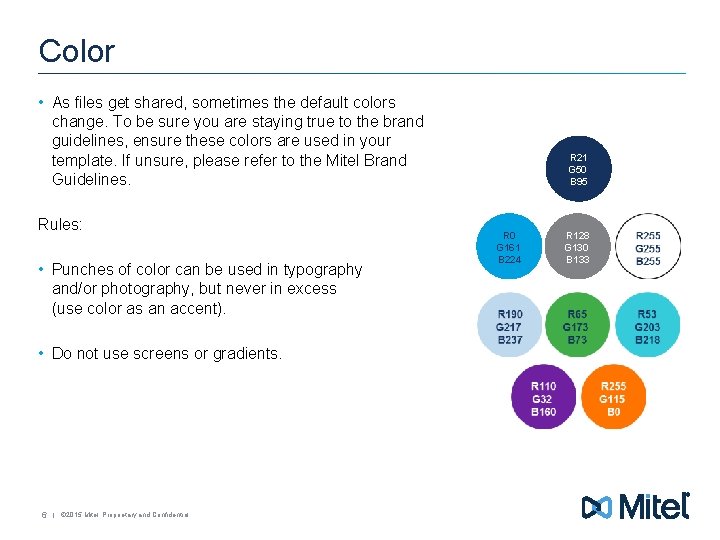
Color • As files get shared, sometimes the default colors change. To be sure you are staying true to the brand guidelines, ensure these colors are used in your template. If unsure, please refer to the Mitel Brand Guidelines. Rules: • Punches of color can be used in typography and/or photography, but never in excess (use color as an accent). • Do not use screens or gradients. 6 | © 2015 Mitel. Proprietary and Confidential. R 21 G 50 B 95 R 0 G 161 B 224 R 128 G 130 B 133
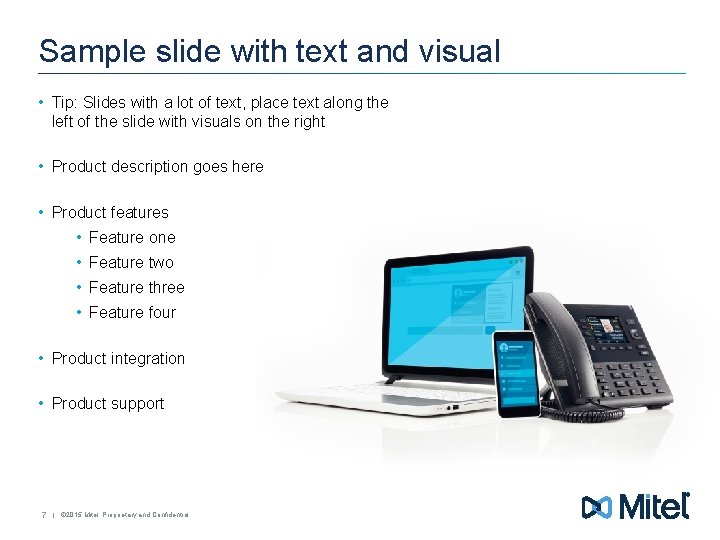
Sample slide with text and visual • Tip: Slides with a lot of text, place text along the left of the slide with visuals on the right • Product description goes here • Product features • Feature one • Feature two • Feature three • Feature four • Product integration • Product support 7 | © 2015 Mitel. Proprietary and Confidential.
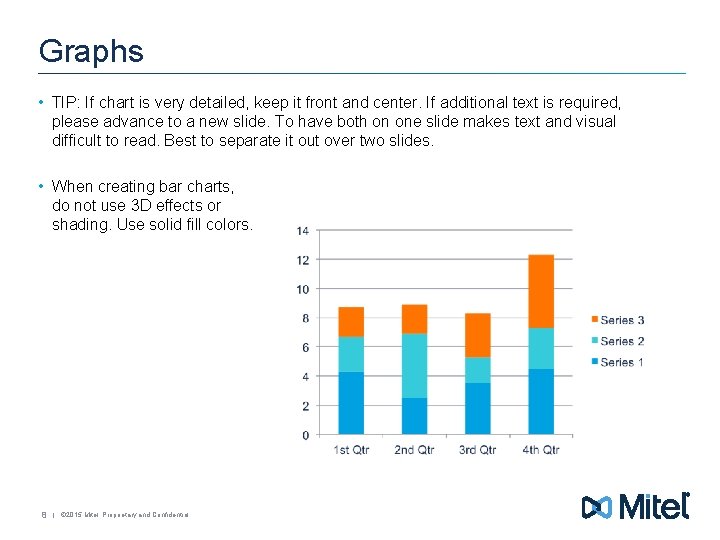
Graphs • TIP: If chart is very detailed, keep it front and center. If additional text is required, please advance to a new slide. To have both on one slide makes text and visual difficult to read. Best to separate it out over two slides. • When creating bar charts, do not use 3 D effects or shading. Use solid fill colors. 8 | © 2015 Mitel. Proprietary and Confidential.
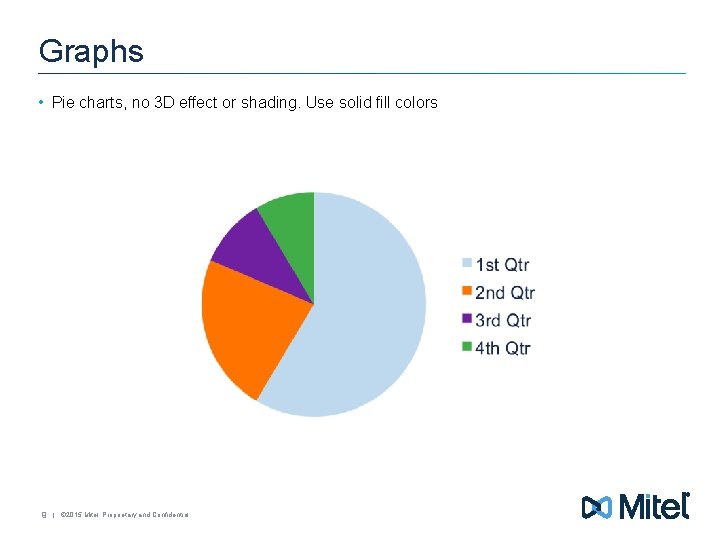
Graphs • Pie charts, no 3 D effect or shading. Use solid fill colors 9 | © 2015 Mitel. Proprietary and Confidential.
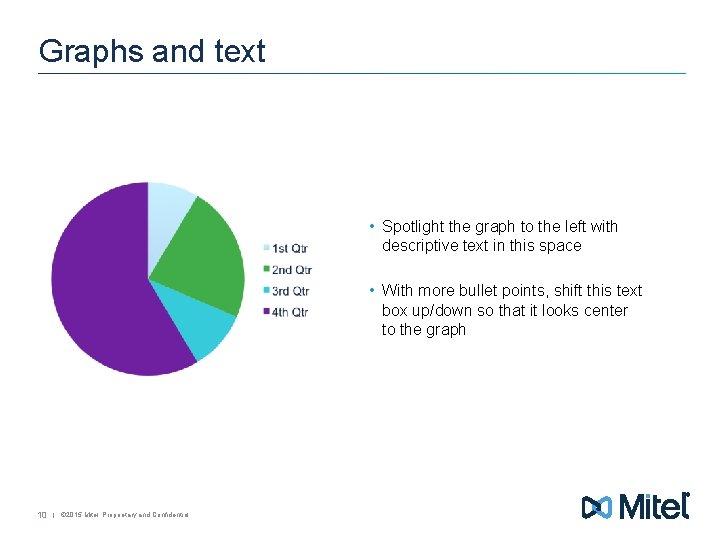
Graphs and text • Spotlight the graph to the left with descriptive text in this space • With more bullet points, shift this text box up/down so that it looks center to the graph 10 | © 2015 Mitel. Proprietary and Confidential.

11 | © 2015 Mitel. Proprietary and Confidential.

#Mitel
- Slides: 12