
MITAITI 2004 Lecture 15 IO and Parsing Reading

- Slides: 27
MIT-AITI 2004 Lecture 15 I/O and Parsing Reading and Writing with Java's Input/Output Streams and Parsing Utilities
Input/Output Basics n n Input/Output = I/O = communication between a computer program and external sources and destinations of information Involves Reading and Writing ¡ ¡ n Reading input from a source Writing output to a destination Example Sources and Destinations: ¡ ¡ ¡ Files Network connections Other programs
Java I/O Streams n Java uses an I/O system called streams (pioneered in C++) n Java provides java. io package to implement streams n Streams treat all external source and destinations of data the same way: as "streams" of information
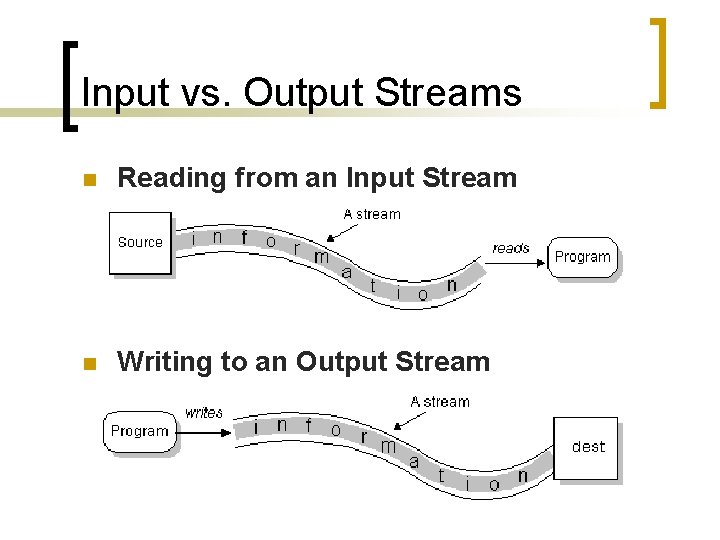
Input vs. Output Streams n Reading from an Input Stream n Writing to an Output Stream
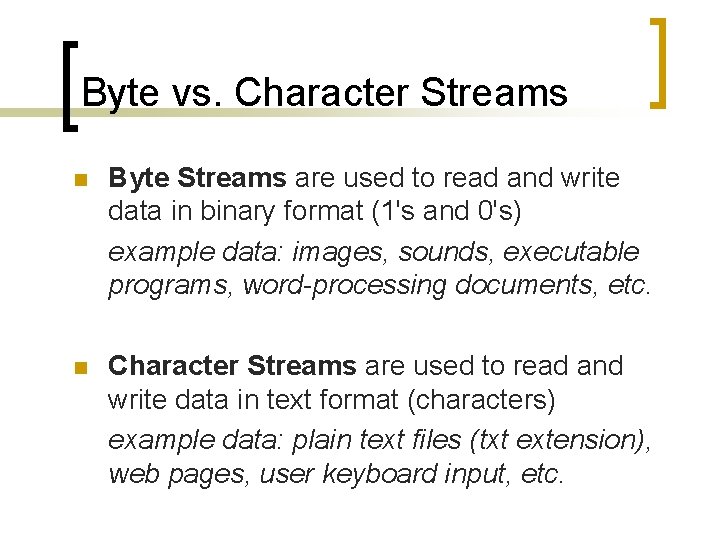
Byte vs. Character Streams n Byte Streams are used to read and write data in binary format (1's and 0's) example data: images, sounds, executable programs, word-processing documents, etc. n Character Streams are used to read and write data in text format (characters) example data: plain text files (txt extension), web pages, user keyboard input, etc.
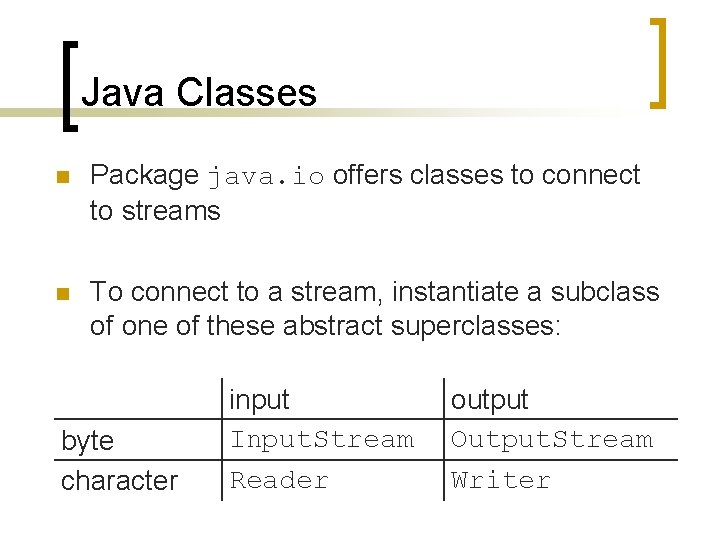
Java Classes n Package java. io offers classes to connect to streams n To connect to a stream, instantiate a subclass of one of these abstract superclasses: byte character input Input. Stream Reader output Output. Stream Writer
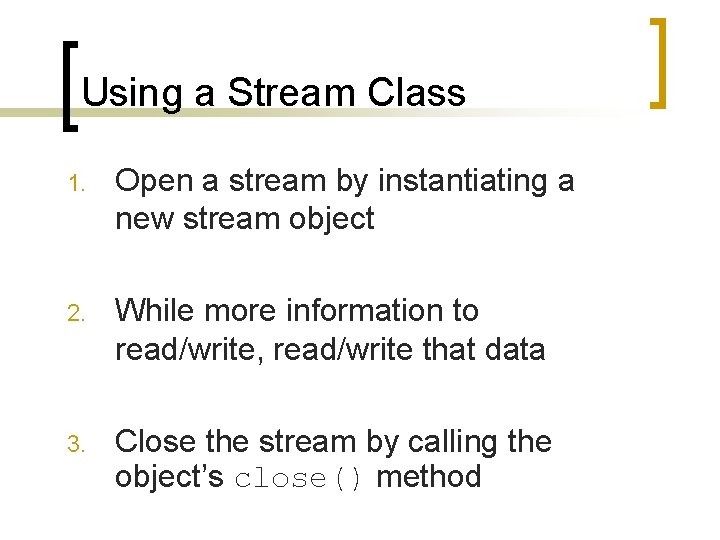
Using a Stream Class 1. Open a stream by instantiating a new stream object 2. While more information to read/write, read/write that data 3. Close the stream by calling the object’s close() method
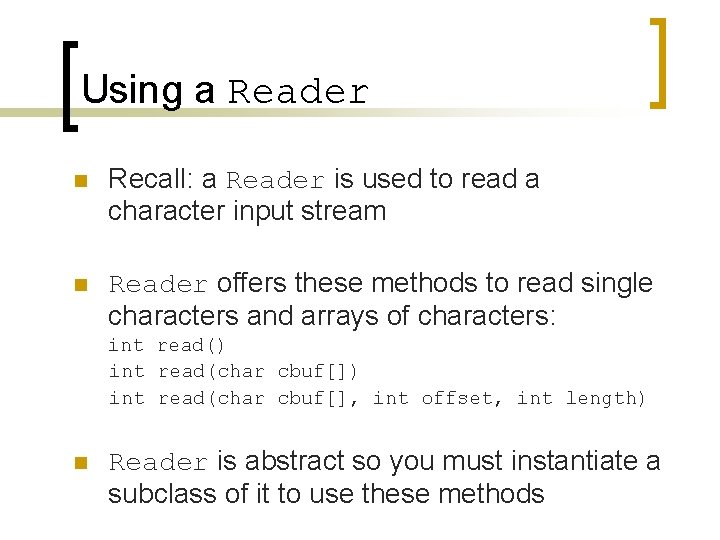
Using a Reader n Recall: a Reader is used to read a character input stream n Reader offers these methods to read single characters and arrays of characters: int read() int read(char cbuf[], int offset, int length) n Reader is abstract so you must instantiate a subclass of it to use these methods
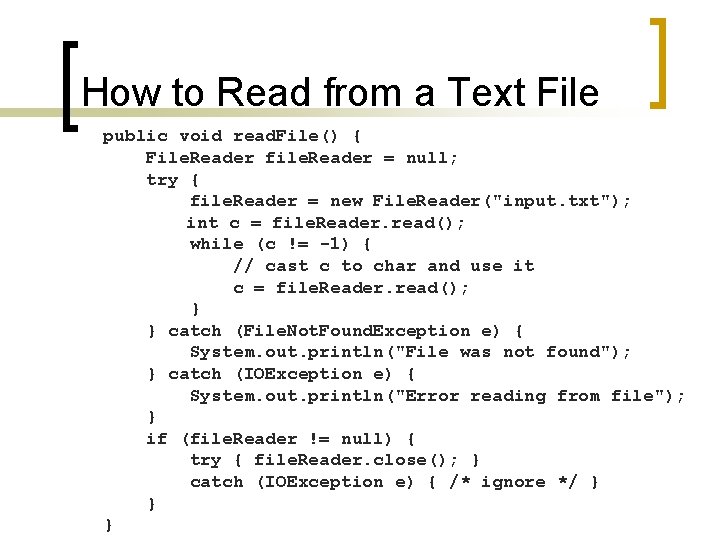
How to Read from a Text File public void read. File() { File. Reader file. Reader = null; try { file. Reader = new File. Reader("input. txt"); int c = file. Reader. read(); while (c != -1) { // cast c to char and use it c = file. Reader. read(); } } catch (File. Not. Found. Exception e) { System. out. println("File was not found"); } catch (IOException e) { System. out. println("Error reading from file"); } if (file. Reader != null) { try { file. Reader. close(); } catch (IOException e) { /* ignore */ } } }
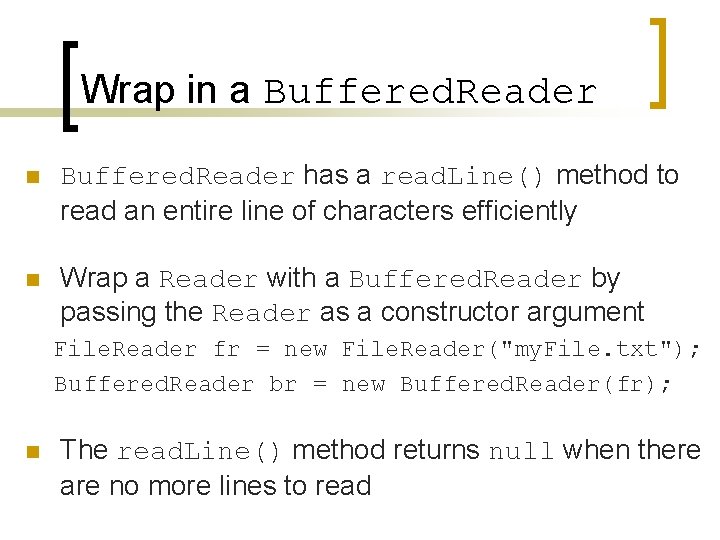
Wrap in a Buffered. Reader n Buffered. Reader has a read. Line() method to read an entire line of characters efficiently n Wrap a Reader with a Buffered. Reader by passing the Reader as a constructor argument File. Reader fr = new File. Reader("my. File. txt"); Buffered. Reader br = new Buffered. Reader(fr); n The read. Line() method returns null when there are no more lines to read
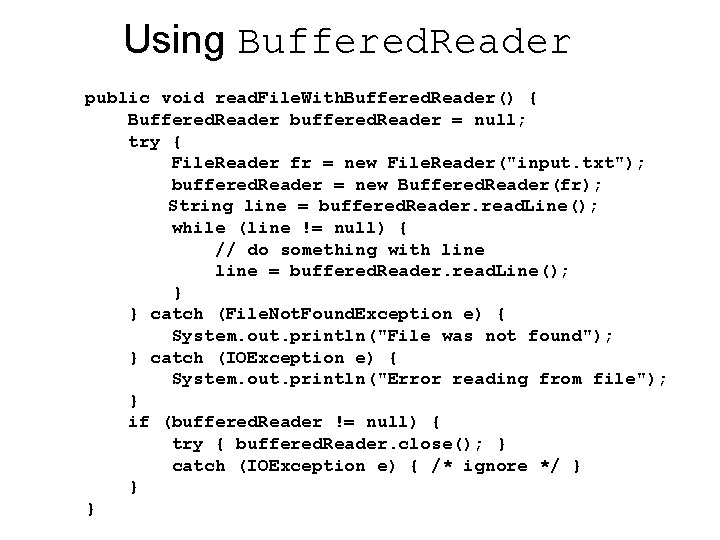
Using Buffered. Reader public void read. File. With. Buffered. Reader() { Buffered. Reader buffered. Reader = null; try { File. Reader fr = new File. Reader("input. txt"); buffered. Reader = new Buffered. Reader(fr); String line = buffered. Reader. read. Line(); while (line != null) { // do something with line = buffered. Reader. read. Line(); } } catch (File. Not. Found. Exception e) { System. out. println("File was not found"); } catch (IOException e) { System. out. println("Error reading from file"); } if (buffered. Reader != null) { try { buffered. Reader. close(); } catch (IOException e) { /* ignore */ } } }
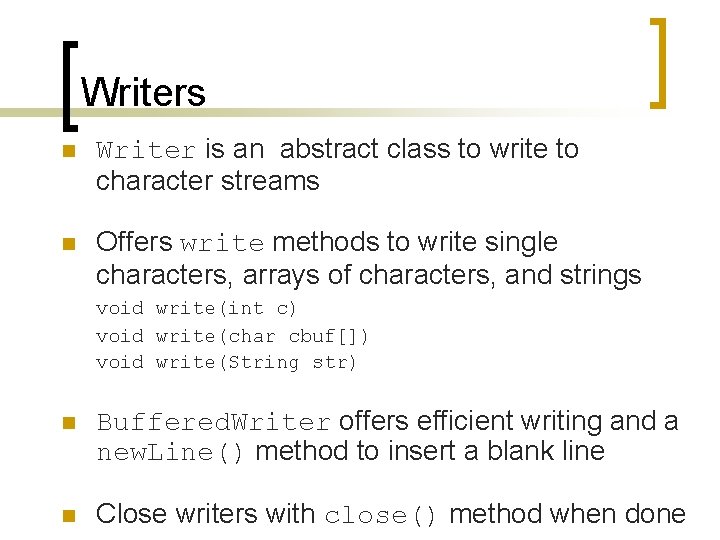
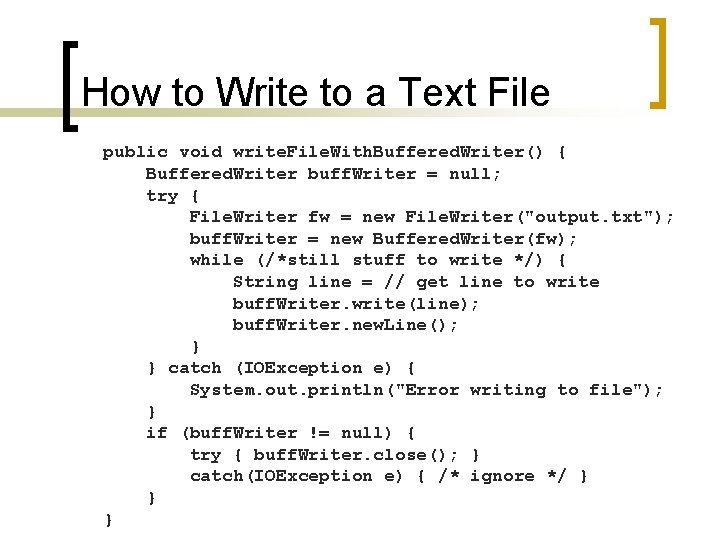
Writers n Writer is an abstract class to write to character streams n Offers write methods to write single characters, arrays of characters, and strings void write(int c) void write(char cbuf[]) void write(String str) n Buffered. Writer offers efficient writing and a new. Line() method to insert a blank line n Close writers with close() method when done
How to Write to a Text File public void write. File. With. Buffered. Writer() { Buffered. Writer buff. Writer = null; try { File. Writer fw = new File. Writer("output. txt"); buff. Writer = new Buffered. Writer(fw); while (/*still stuff to write */) { String line = // get line to write buff. Writer. write(line); buff. Writer. new. Line(); } } catch (IOException e) { System. out. println("Error writing to file"); } if (buff. Writer != null) { try { buff. Writer. close(); } catch(IOException e) { /* ignore */ } } }
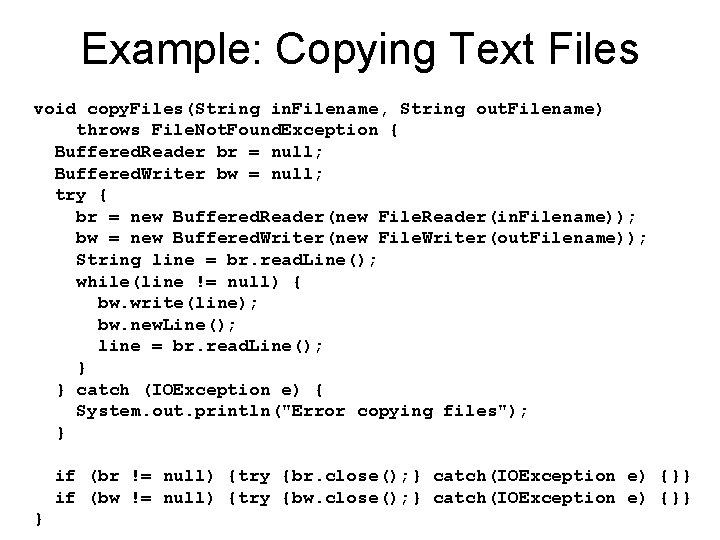
Example: Copying Text Files void copy. Files(String in. Filename, String out. Filename) throws File. Not. Found. Exception { Buffered. Reader br = null; Buffered. Writer bw = null; try { br = new Buffered. Reader(new File. Reader(in. Filename)); bw = new Buffered. Writer(new File. Writer(out. Filename)); String line = br. read. Line(); while(line != null) { bw. write(line); bw. new. Line(); line = br. read. Line(); } } catch (IOException e) { System. out. println("Error copying files"); } if (br != null) {try {br. close(); } catch(IOException e) {}} if (bw != null) {try {bw. close(); } catch(IOException e) {}} }
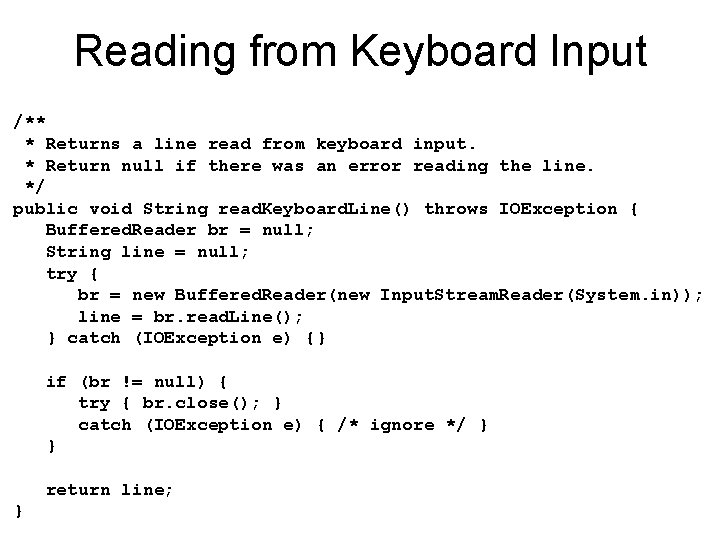
Reading from Keyboard Input n Keyboard input is sent over a stream referred to as "standard" input n Java "standard" input is the Input. Stream object System. in (a byte stream) n To read characters over an Input. Stream, need to wrap it in an Input. Stream. Reader n To read line by line, wrap the Input. Stream. Reader with a Buffered. Reader
Reading from Keyboard Input /** * Returns a line read from keyboard input. * Return null if there was an error reading the line. */ public void String read. Keyboard. Line() throws IOException { Buffered. Reader br = null; String line = null; try { br = new Buffered. Reader(new Input. Stream. Reader(System. in)); line = br. read. Line(); } catch (IOException e) {} if (br != null) { try { br. close(); } catch (IOException e) { /* ignore */ } } return line; }
What We've Learned So Far n Types of Streams ¡ ¡ n How to. . . ¡ ¡ n Input vs. output streams Byte vs. character streams Read from text files Write to text files Read text from keyboard input Use buffered streams You are left on your own to figure out how to use other streams
Intro to Parsing n Programs often encode data in text format to store in files n Programs later need to decode the text in the files back into the original data n Process of decoding text back into data is known as parsing
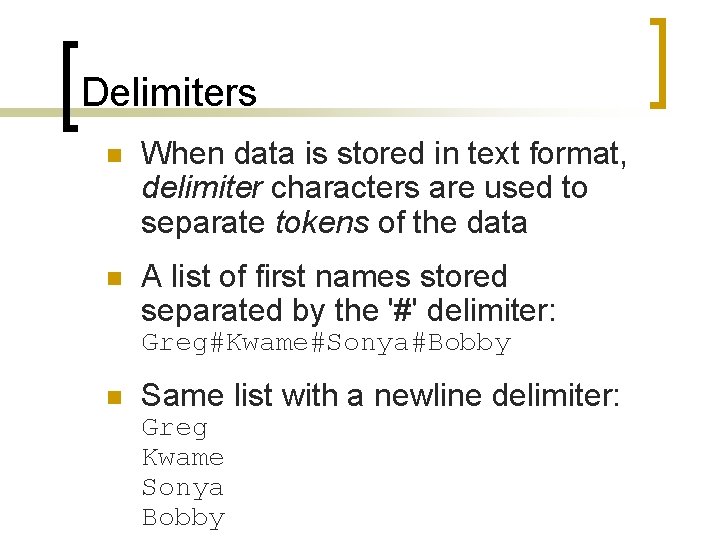
Delimiters n When data is stored in text format, delimiter characters are used to separate tokens of the data n A list of first names stored separated by the '#' delimiter: Greg#Kwame#Sonya#Bobby n Same list with a newline delimiter: Greg Kwame Sonya Bobby
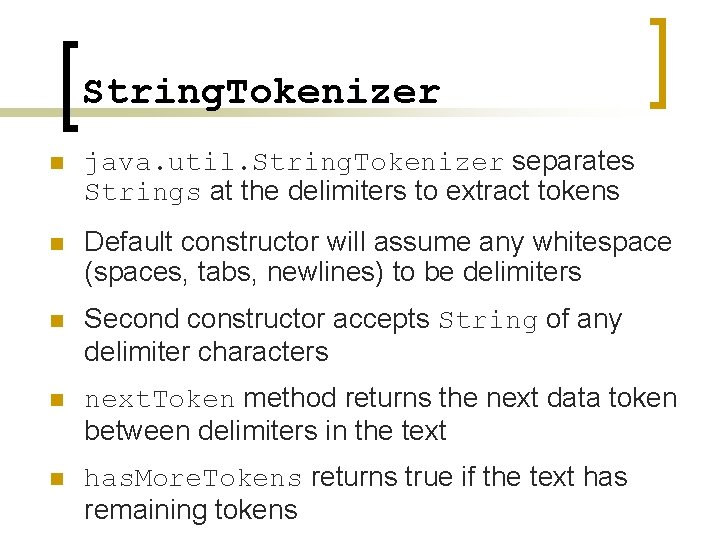
String. Tokenizer n java. util. String. Tokenizer separates Strings at the delimiters to extract tokens n Default constructor will assume any whitespace (spaces, tabs, newlines) to be delimiters n Second constructor accepts String of any delimiter characters n next. Token method returns the next data token between delimiters in the text n has. More. Tokens returns true if the text has remaining tokens
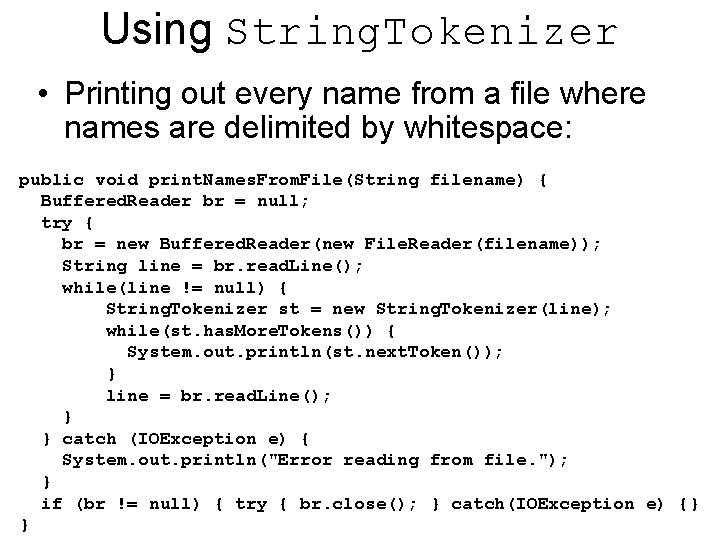
Using String. Tokenizer • Printing out every name from a file where names are delimited by whitespace: public void print. Names. From. File(String filename) { Buffered. Reader br = null; try { br = new Buffered. Reader(new File. Reader(filename)); String line = br. read. Line(); while(line != null) { String. Tokenizer st = new String. Tokenizer(line); while(st. has. More. Tokens()) { System. out. println(st. next. Token()); } line = br. read. Line(); } } catch (IOException e) { System. out. println("Error reading from file. "); } if (br != null) { try { br. close(); } catch(IOException e) {} }
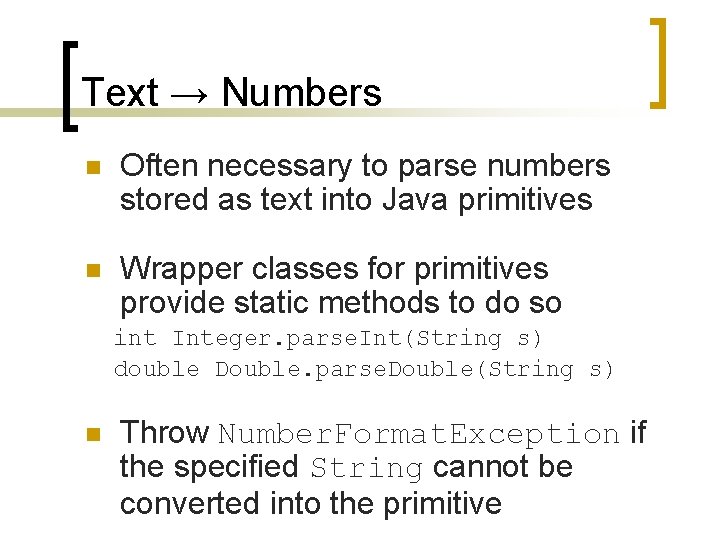
Text → Numbers n Often necessary to parse numbers stored as text into Java primitives n Wrapper classes for primitives provide static methods to do so int Integer. parse. Int(String s) double Double. parse. Double(String s) n Throw Number. Format. Exception if the specified String cannot be converted into the primitive
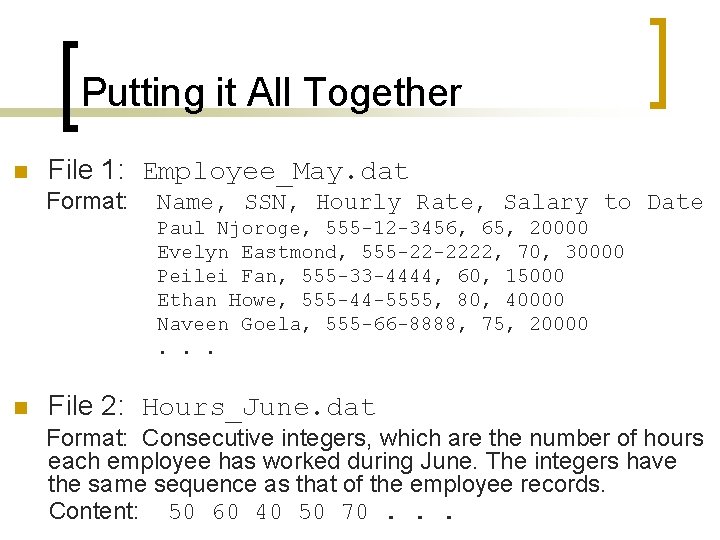
Putting it All Together n File 1: Employee_May. dat Format: Name, SSN, Hourly Rate, Salary to Date Paul Njoroge, 555 -12 -3456, 65, 20000 Evelyn Eastmond, 555 -22 -2222, 70, 30000 Peilei Fan, 555 -33 -4444, 60, 15000 Ethan Howe, 555 -44 -5555, 80, 40000 Naveen Goela, 555 -66 -8888, 75, 20000. . . n File 2: Hours_June. dat Format: Consecutive integers, which are the number of hours each employee has worked during June. The integers have the same sequence as that of the employee records. Content: 50 60 40 50 70. . .
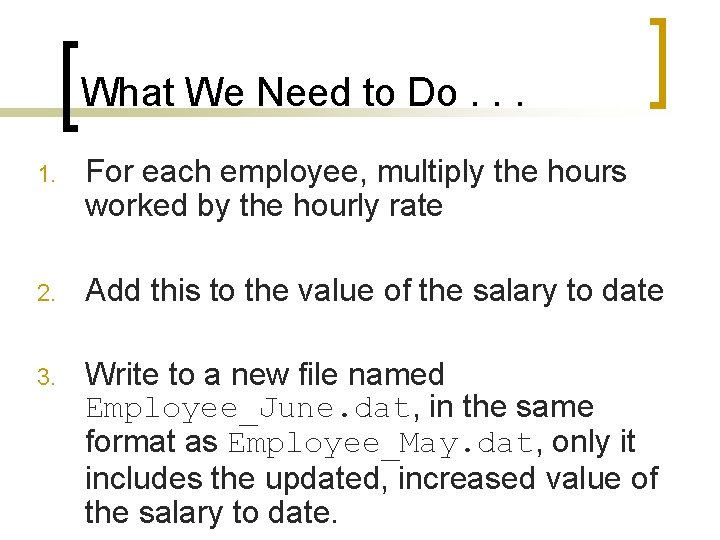
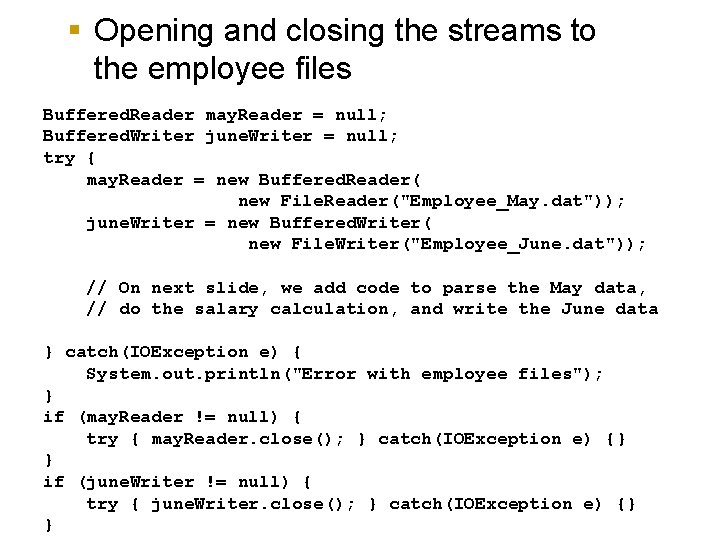
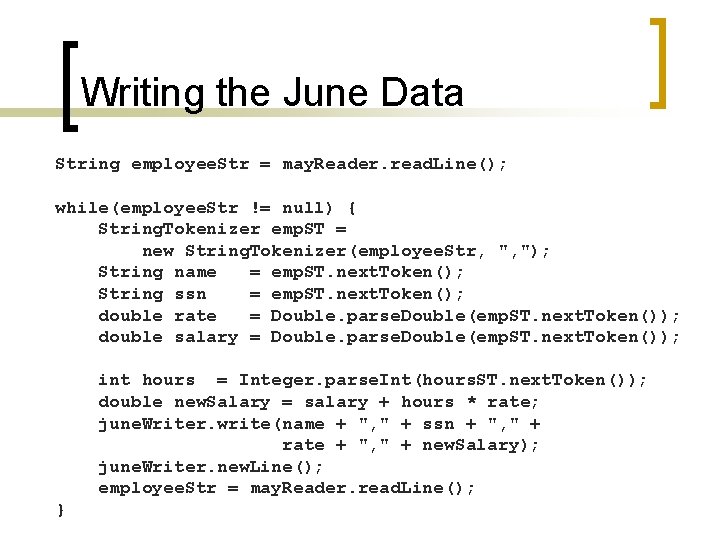
What We Need to Do. . . 1. For each employee, multiply the hours worked by the hourly rate 2. Add this to the value of the salary to date 3. Write to a new file named Employee_June. dat, in the same format as Employee_May. dat, only it includes the updated, increased value of the salary to date.
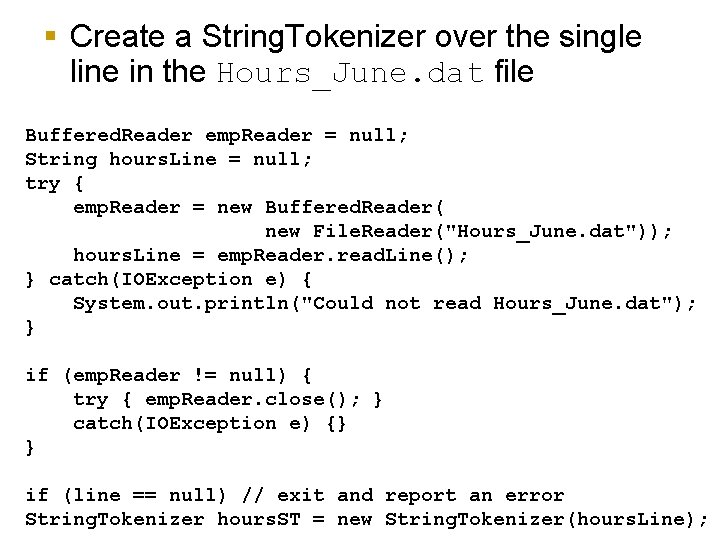
§ Create a String. Tokenizer over the single line in the Hours_June. dat file Buffered. Reader emp. Reader = null; String hours. Line = null; try { emp. Reader = new Buffered. Reader( new File. Reader("Hours_June. dat")); hours. Line = emp. Reader. read. Line(); } catch(IOException e) { System. out. println("Could not read Hours_June. dat"); } if (emp. Reader != null) { try { emp. Reader. close(); } catch(IOException e) {} } if (line == null) // exit and report an error String. Tokenizer hours. ST = new String. Tokenizer(hours. Line);
§ Opening and closing the streams to the employee files Buffered. Reader may. Reader = null; Buffered. Writer june. Writer = null; try { may. Reader = new Buffered. Reader( new File. Reader("Employee_May. dat")); june. Writer = new Buffered. Writer( new File. Writer("Employee_June. dat")); // On next slide, we add code to parse the May data, // do the salary calculation, and write the June data } catch(IOException e) { System. out. println("Error with employee files"); } if (may. Reader != null) { try { may. Reader. close(); } catch(IOException e) {} } if (june. Writer != null) { try { june. Writer. close(); } catch(IOException e) {} }
Writing the June Data String employee. Str = may. Reader. read. Line(); while(employee. Str != null) { String. Tokenizer emp. ST = new String. Tokenizer(employee. Str, ", "); String name = emp. ST. next. Token(); String ssn = emp. ST. next. Token(); double rate = Double. parse. Double(emp. ST. next. Token()); double salary = Double. parse. Double(emp. ST. next. Token()); int hours = Integer. parse. Int(hours. ST. next. Token()); double new. Salary = salary + hours * rate; june. Writer. write(name + ", " + ssn + ", " + rate + ", " + new. Salary); june. Writer. new. Line(); employee. Str = may. Reader. read. Line(); }