
Mining Twitter Data for Fun and Profit Joseph

- Slides: 27
Mining Twitter Data for Fun and Profit Joseph Canner, MHS Neeraja Nagarajan, MD, MPH Johns Hopkins University Stata Conference Chicago, IL July 28, 2016
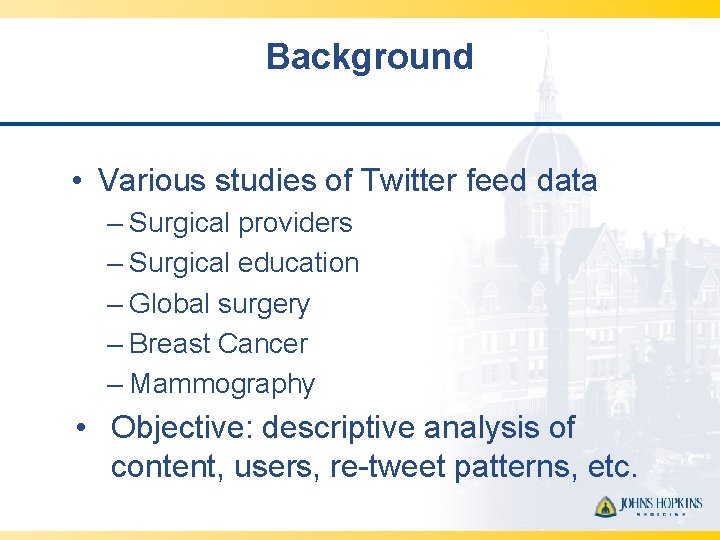
Background • Various studies of Twitter feed data – Surgical providers – Surgical education – Global surgery – Breast Cancer – Mammography • Objective: descriptive analysis of content, users, re-tweet patterns, etc.
Background (cont’d) • Real-time Twitter feed data (actual tweet content) using keyword filters: provided by collaborator in Computer Science Department at JHU • Researcher desired automated process for extracting user profile information
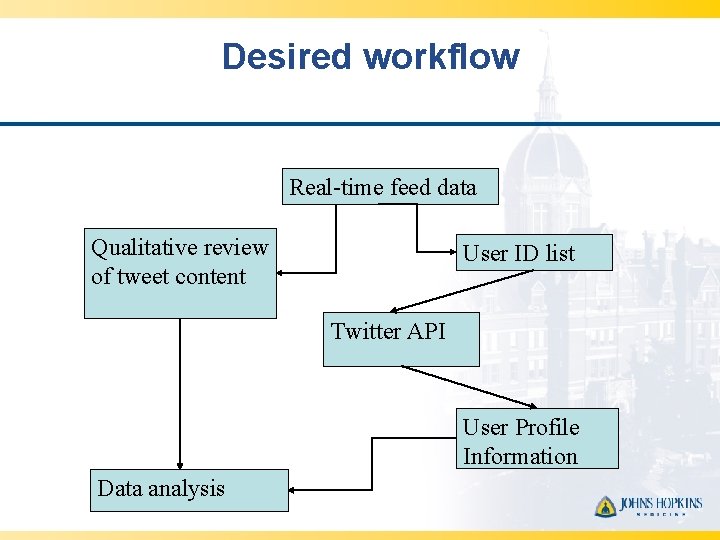
Desired workflow Real-time feed data Qualitative review of tweet content User ID list Twitter API User Profile Information Data analysis
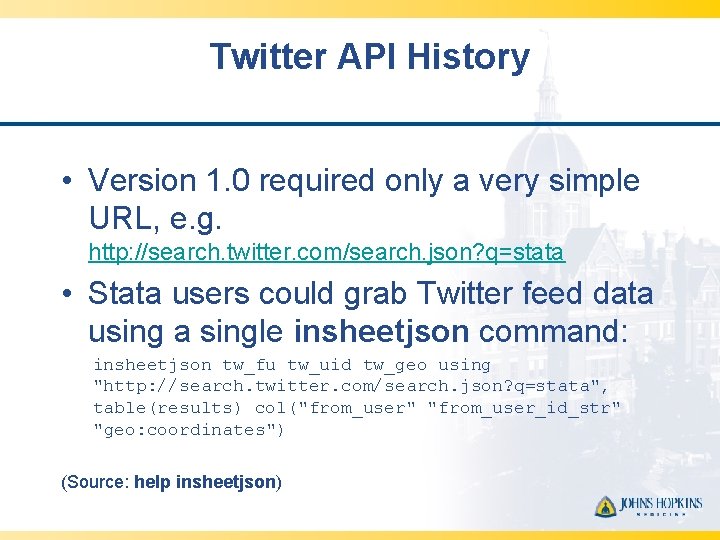
Twitter API History • Version 1. 0 required only a very simple URL, e. g. http: //search. twitter. com/search. json? q=stata • Stata users could grab Twitter feed data using a single insheetjson command: insheetjson tw_fu tw_uid tw_geo using "http: //search. twitter. com/search. json? q=stata", table(results) col("from_user" "from_user_id_str" "geo: coordinates") (Source: help insheetjson)
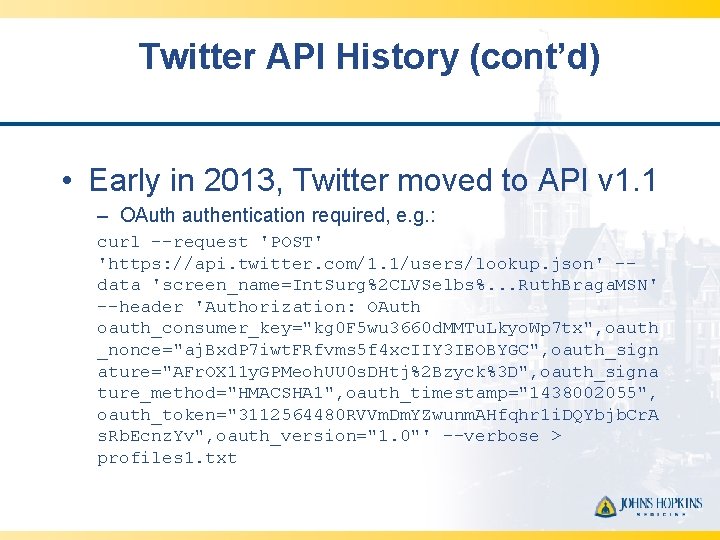
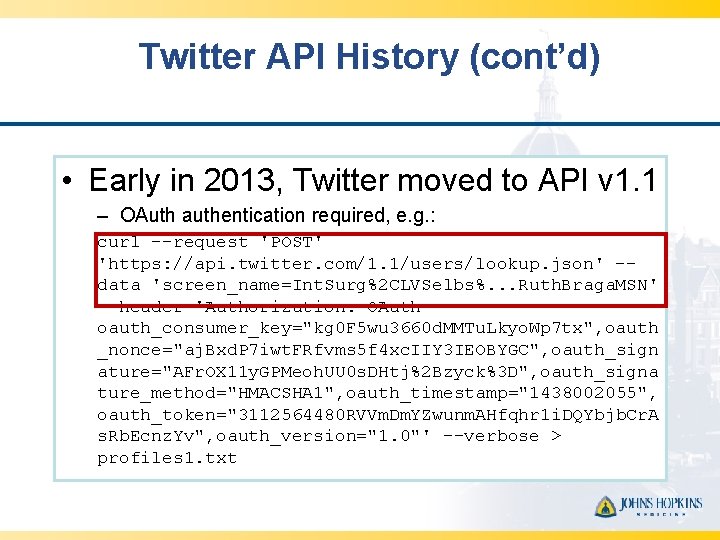
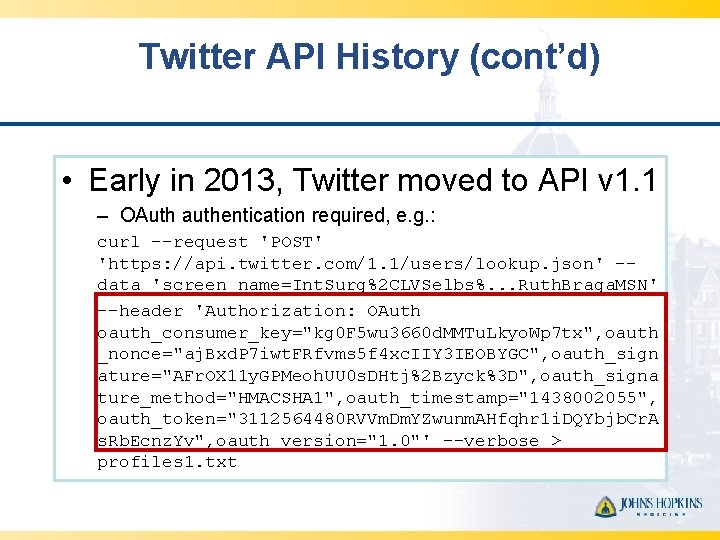
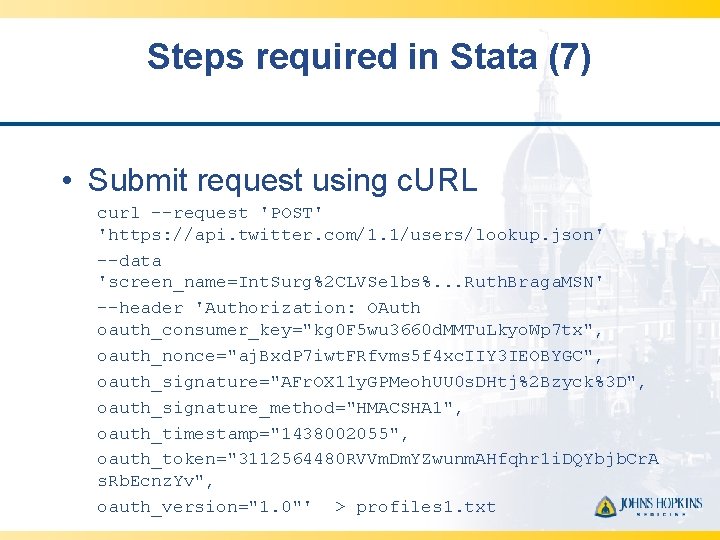
Twitter API History (cont’d) • Early in 2013, Twitter moved to API v 1. 1 – OAuth authentication required, e. g. : curl --request 'POST' 'https: //api. twitter. com/1. 1/users/lookup. json' -data 'screen_name=Int. Surg%2 CLVSelbs%. . . Ruth. Braga. MSN' --header 'Authorization: OAuth oauth_consumer_key="kg 0 F 5 wu 3660 d. MMTu. Lkyo. Wp 7 tx", oauth _nonce="aj. Bxd. P 7 iwt. FRfvms 5 f 4 xc. IIY 3 IEOBYGC", oauth_sign ature="AFr. OX 11 y. GPMeoh. UU 0 s. DHtj%2 Bzyck%3 D", oauth_signa ture_method="HMACSHA 1", oauth_timestamp="1438002055", oauth_token="3112564480 RVVm. Dm. YZwunm. AHfqhr 1 i. DQYbjb. Cr. A s. Rb. Ecnz. Yv", oauth_version="1. 0"' --verbose > profiles 1. txt
Twitter API History (cont’d) • Early in 2013, Twitter moved to API v 1. 1 – OAuth authentication required, e. g. : curl --request 'POST' 'https: //api. twitter. com/1. 1/users/lookup. json' -data 'screen_name=Int. Surg%2 CLVSelbs%. . . Ruth. Braga. MSN' --header 'Authorization: OAuth oauth_consumer_key="kg 0 F 5 wu 3660 d. MMTu. Lkyo. Wp 7 tx", oauth _nonce="aj. Bxd. P 7 iwt. FRfvms 5 f 4 xc. IIY 3 IEOBYGC", oauth_sign ature="AFr. OX 11 y. GPMeoh. UU 0 s. DHtj%2 Bzyck%3 D", oauth_signa ture_method="HMACSHA 1", oauth_timestamp="1438002055", oauth_token="3112564480 RVVm. Dm. YZwunm. AHfqhr 1 i. DQYbjb. Cr. A s. Rb. Ecnz. Yv", oauth_version="1. 0"' --verbose > profiles 1. txt
Twitter API History (cont’d) • Early in 2013, Twitter moved to API v 1. 1 – OAuth authentication required, e. g. : curl --request 'POST' 'https: //api. twitter. com/1. 1/users/lookup. json' -data 'screen_name=Int. Surg%2 CLVSelbs%. . . Ruth. Braga. MSN' --header 'Authorization: OAuth oauth_consumer_key="kg 0 F 5 wu 3660 d. MMTu. Lkyo. Wp 7 tx", oauth _nonce="aj. Bxd. P 7 iwt. FRfvms 5 f 4 xc. IIY 3 IEOBYGC", oauth_sign ature="AFr. OX 11 y. GPMeoh. UU 0 s. DHtj%2 Bzyck%3 D", oauth_signa ture_method="HMACSHA 1", oauth_timestamp="1438002055", oauth_token="3112564480 RVVm. Dm. YZwunm. AHfqhr 1 i. DQYbjb. Cr. A s. Rb. Ecnz. Yv", oauth_version="1. 0"' --verbose > profiles 1. txt
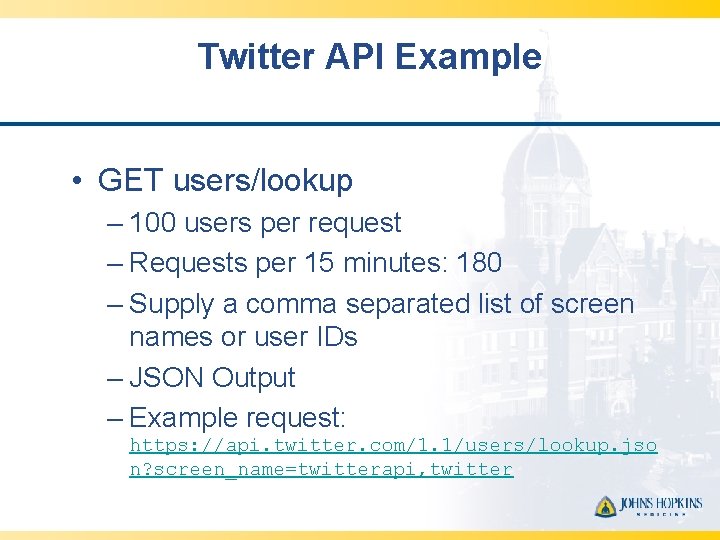
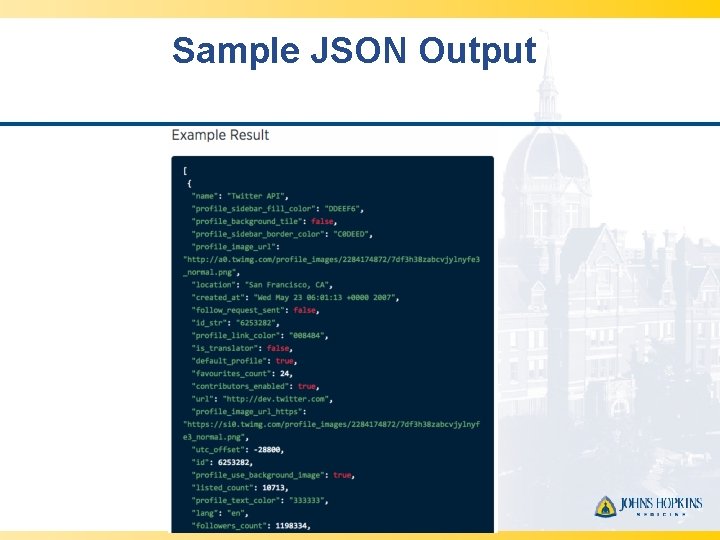
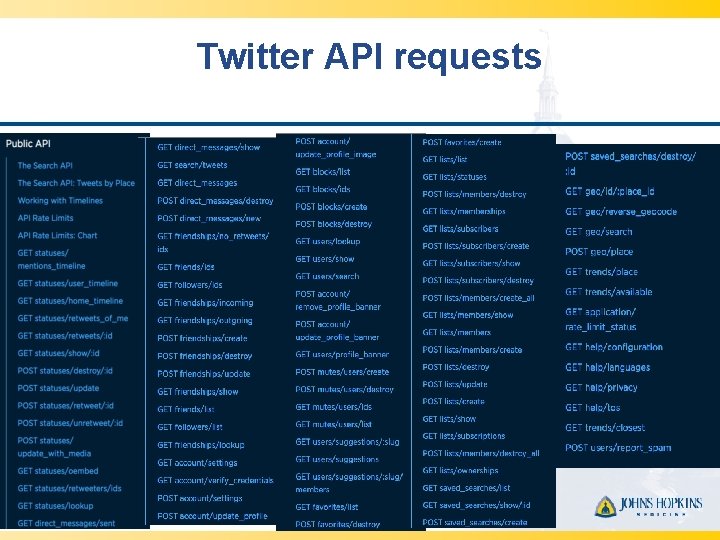
Twitter API Example • GET users/lookup – 100 users per request – Requests per 15 minutes: 180 – Supply a comma separated list of screen names or user IDs – JSON Output – Example request: https: //api. twitter. com/1. 1/users/lookup. jso n? screen_name=twitterapi, twitter
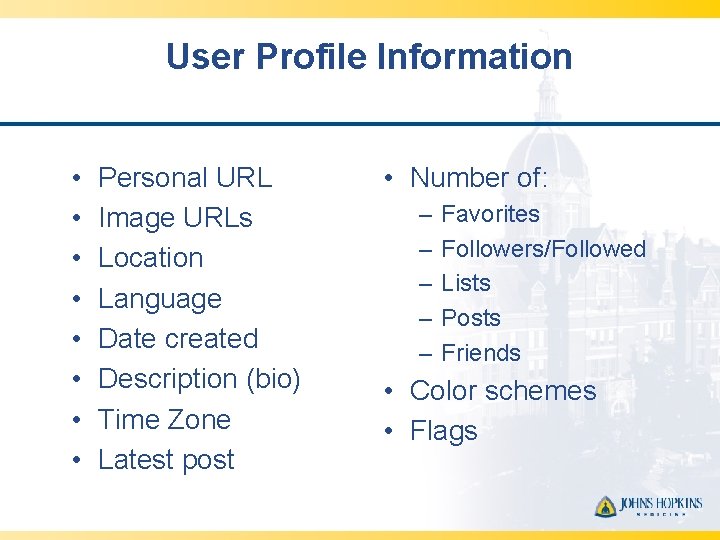
User Profile Information • • Personal URL Image URLs Location Language Date created Description (bio) Time Zone Latest post • Number of: – – – Favorites Followers/Followed Lists Posts Friends • Color schemes • Flags
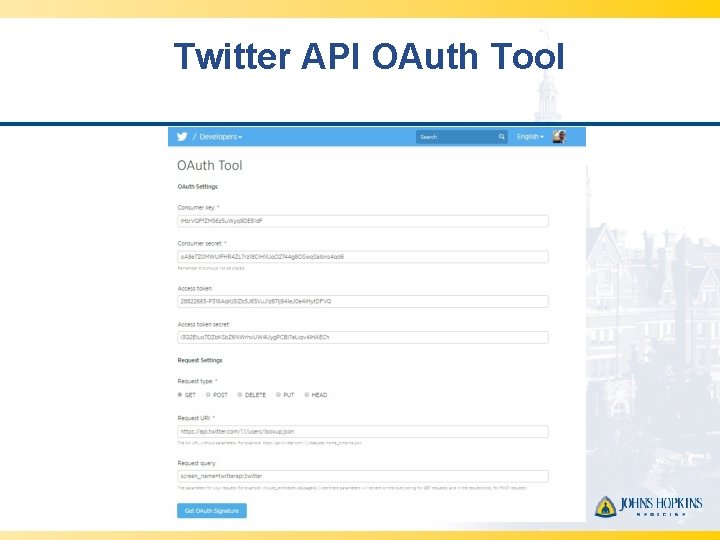
Twitter API OAuth Tool
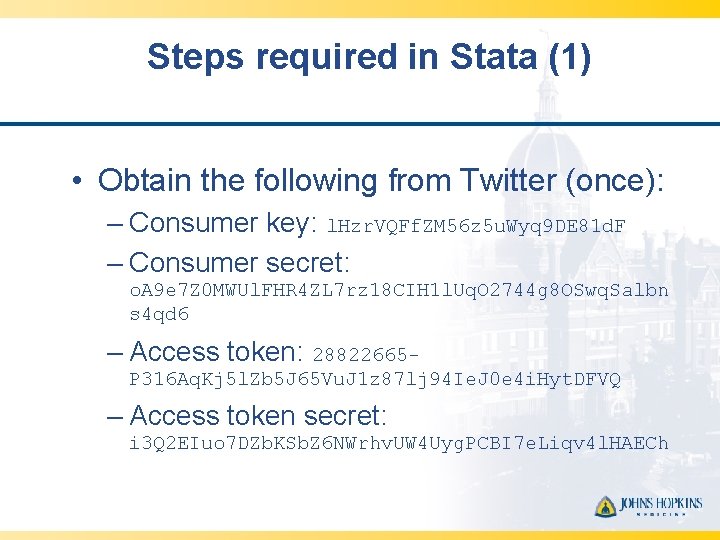
Steps required in Stata (1) • Obtain the following from Twitter (once): – Consumer key: l. Hzr. VQFf. ZM 56 z 5 u. Wyq 9 DE 81 d. F – Consumer secret: o. A 9 e 7 Z 0 MWUl. FHR 4 ZL 7 rz 18 CIH 1 l. Uq. O 2744 g 8 OSwq. Salbn s 4 qd 6 – Access token: 28822665 P 316 Aq. Kj 5 l. Zb 5 J 65 Vu. J 1 z 87 lj 94 Ie. J 0 e 4 i. Hyt. DFVQ – Access token secret: i 3 Q 2 EIuo 7 DZb. KSb. Z 6 NWrhv. UW 4 Uyg. PCBI 7 e. Liqv 4 l. HAECh
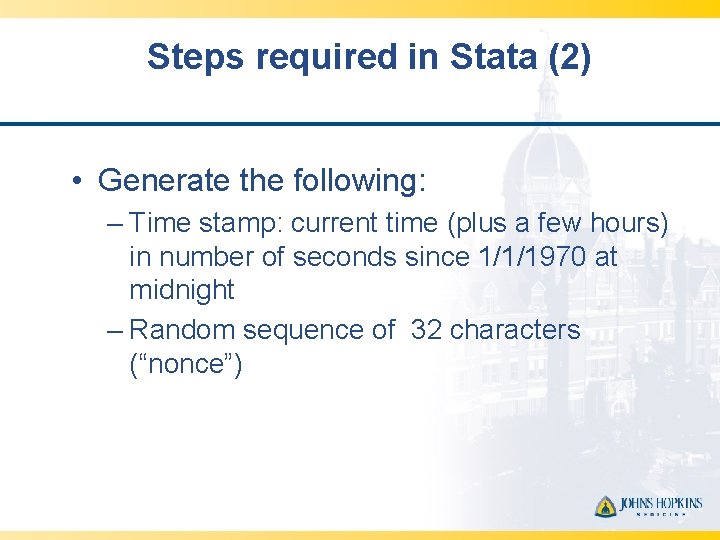
Steps required in Stata (2) • Generate the following: – Time stamp: current time (plus a few hours) in number of seconds since 1/1/1970 at midnight – Random sequence of 32 characters (“nonce”)
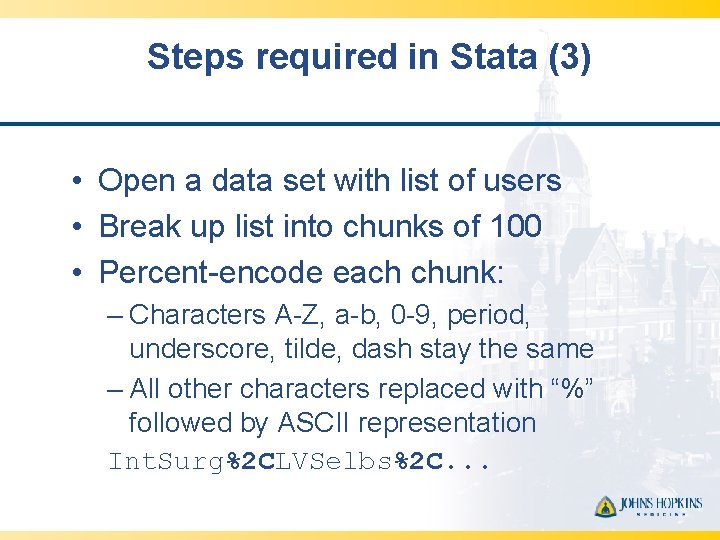
Steps required in Stata (3) • Open a data set with list of users • Break up list into chunks of 100 • Percent-encode each chunk: – Characters A-Z, a-b, 0 -9, period, underscore, tilde, dash stay the same – All other characters replaced with “%” followed by ASCII representation Int. Surg%2 CLVSelbs%2 C. . .
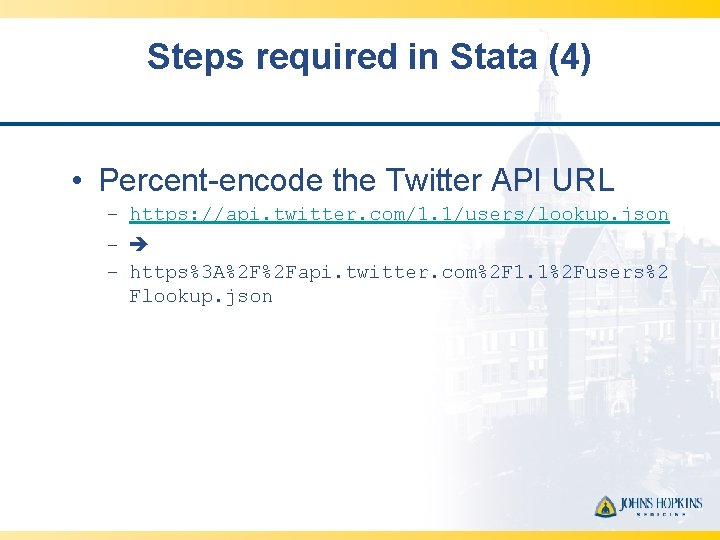
Steps required in Stata (4) • Percent-encode the Twitter API URL – https: //api. twitter. com/1. 1/users/lookup. json – – https%3 A%2 F%2 Fapi. twitter. com%2 F 1. 1%2 Fusers%2 Flookup. json
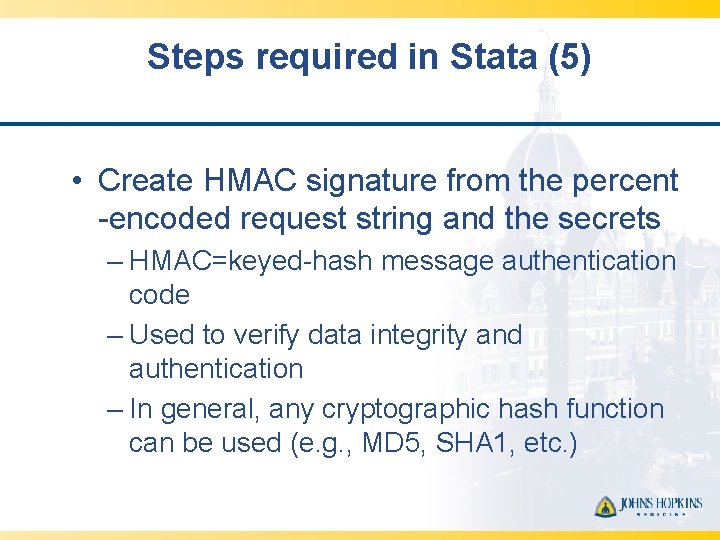
Steps required in Stata (5) • Create HMAC signature from the percent -encoded request string and the secrets – HMAC=keyed-hash message authentication code – Used to verify data integrity and authentication – In general, any cryptographic hash function can be used (e. g. , MD 5, SHA 1, etc. )
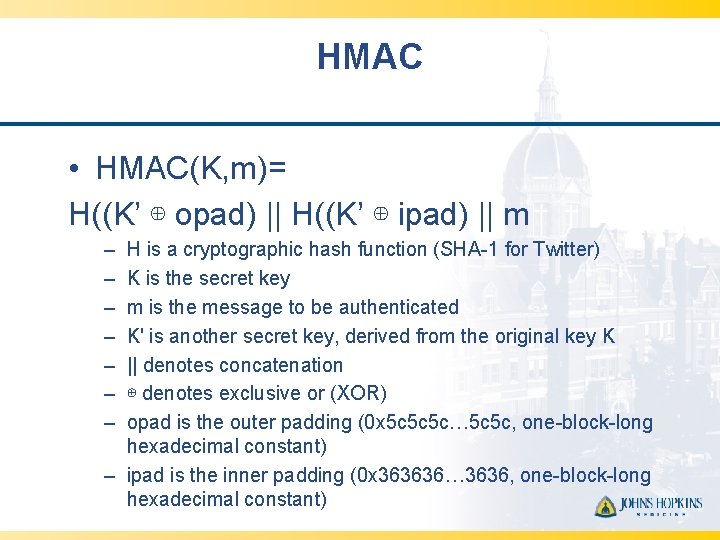
HMAC • HMAC(K, m)= H((K’ ⊕ opad) || H((K’ ⊕ ipad) || m – – – – H is a cryptographic hash function (SHA-1 for Twitter) K is the secret key m is the message to be authenticated K' is another secret key, derived from the original key K || denotes concatenation ⊕ denotes exclusive or (XOR) opad is the outer padding (0 x 5 c 5 c 5 c… 5 c 5 c, one-block-long hexadecimal constant) – ipad is the inner padding (0 x 363636… 3636, one-block-long hexadecimal constant)
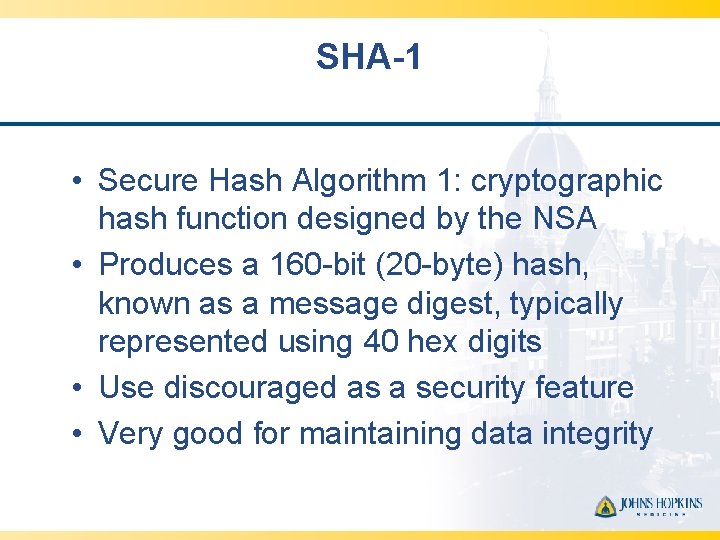
SHA-1 • Secure Hash Algorithm 1: cryptographic hash function designed by the NSA • Produces a 160 -bit (20 -byte) hash, known as a message digest, typically represented using 40 hex digits • Use discouraged as a security feature • Very good for maintaining data integrity
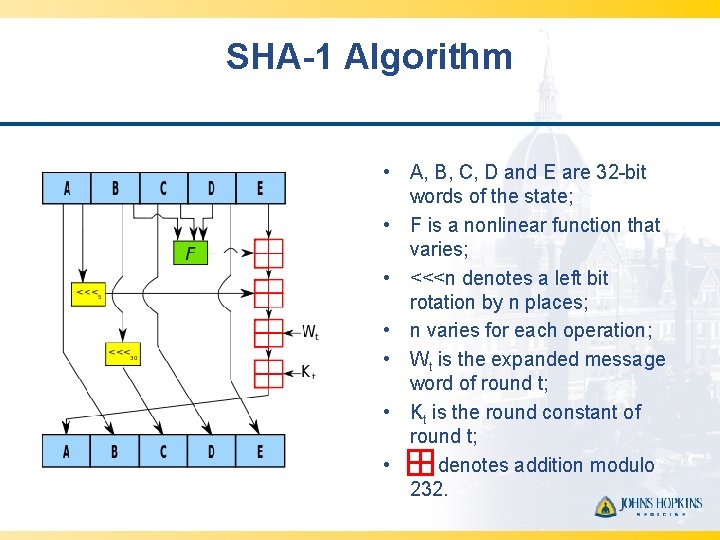
SHA-1 Algorithm • A, B, C, D and E are 32 -bit words of the state; • F is a nonlinear function that varies; • <<<n denotes a left bit rotation by n places; • n varies for each operation; • Wt is the expanded message word of round t; • Kt is the round constant of round t; • denotes addition modulo 232.
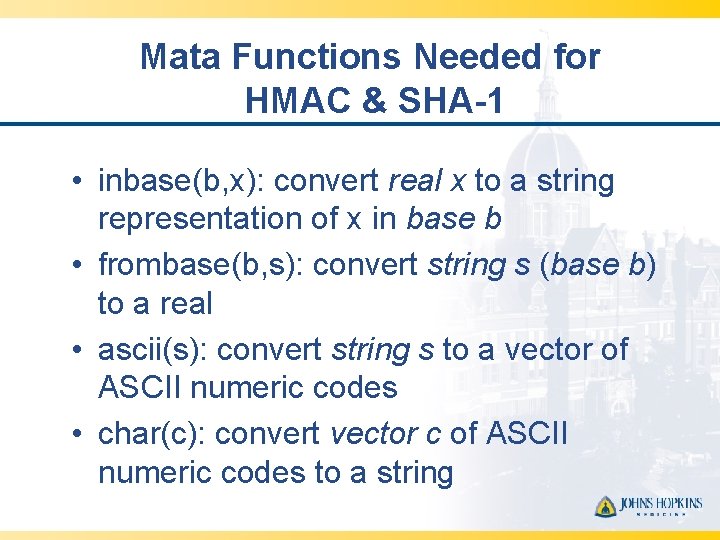
Mata Functions Needed for HMAC & SHA-1 • inbase(b, x): convert real x to a string representation of x in base b • frombase(b, s): convert string s (base b) to a real • ascii(s): convert string s to a vector of ASCII numeric codes • char(c): convert vector c of ASCII numeric codes to a string
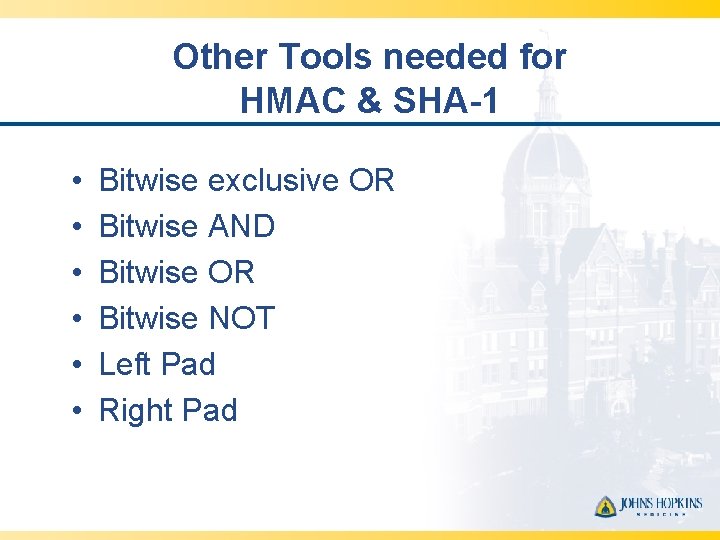
Other Tools needed for HMAC & SHA-1 • • • Bitwise exclusive OR Bitwise AND Bitwise OR Bitwise NOT Left Pad Right Pad
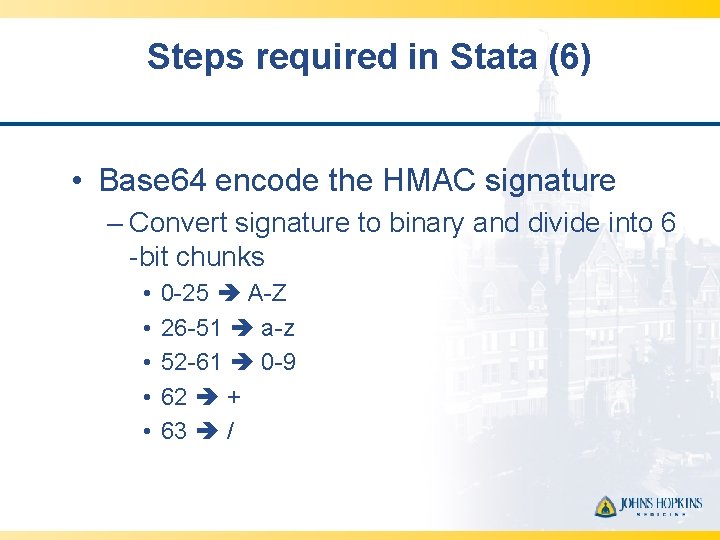
Steps required in Stata (6) • Base 64 encode the HMAC signature – Convert signature to binary and divide into 6 -bit chunks • • • 0 -25 A-Z 26 -51 a-z 52 -61 0 -9 62 + 63 /
Steps required in Stata (7) • Submit request using c. URL curl --request 'POST' 'https: //api. twitter. com/1. 1/users/lookup. json' --data 'screen_name=Int. Surg%2 CLVSelbs%. . . Ruth. Braga. MSN' --header 'Authorization: OAuth oauth_consumer_key="kg 0 F 5 wu 3660 d. MMTu. Lkyo. Wp 7 tx", oauth_nonce="aj. Bxd. P 7 iwt. FRfvms 5 f 4 xc. IIY 3 IEOBYGC", oauth_signature="AFr. OX 11 y. GPMeoh. UU 0 s. DHtj%2 Bzyck%3 D", oauth_signature_method="HMACSHA 1", oauth_timestamp="1438002055", oauth_token="3112564480 RVVm. Dm. YZwunm. AHfqhr 1 i. DQYbjb. Cr. A s. Rb. Ecnz. Yv", oauth_version="1. 0"' > profiles 1. txt
Sample JSON Output
Steps required in Stata (8) • Use insheetjson to convert JSON output to Stata • Re-assemble the chunks of 100 users • Get to work!
Next Steps • Publish a toolbox (next talk? ) • Publish a command for user profile requests • Publish a command that is more general?
Twitter API requests