
Millions of electronic pulses move through your computer
- Slides: 16
Millions of electronic pulses move through your computer every second. Computers are capable of processing thousands of functions in the time it takes you to blink your eye.
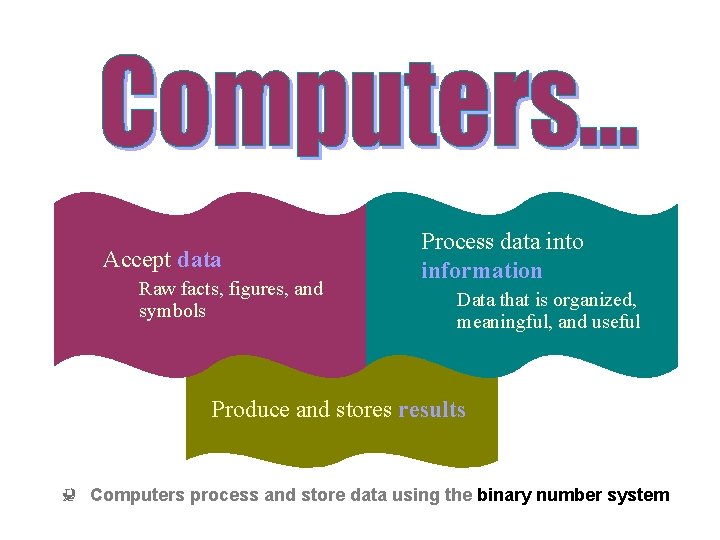
Accept data Raw facts, figures, and symbols Process data into information Data that is organized, meaningful, and useful Produce and stores results Computers process and store data using the binary number system
Computers have their own code, or language and can process only two numbers: 1 and 0 All information used by a computer must first be changed into this code so the computer can “understand” it. The code is then used to send short bursts of electricity through the computer. The computer then processes the information.
Binary code is the language of computers All data a computer processes is turned into a string of 1 s and 0 s The binary number system uses only two binary digits – 1 and 0 Computers process and store data using the binary number system
Data entered into a computer turns into electronic pulses Transistors inside your computer act as on/off switches to create the language you computed and processes the data into information Each electronic pulse equals either “on” or “off” Computers use these two choices to process all the data we give them
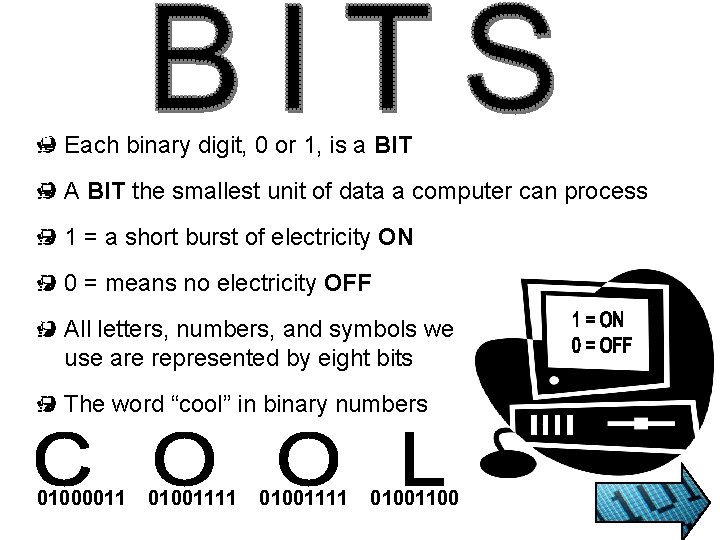
Each binary digit, 0 or 1, is a BIT A BIT the smallest unit of data a computer can process 1 = a short burst of electricity ON 0 = means no electricity OFF All letters, numbers, and symbols we use are represented by eight bits The word “cool” in binary numbers 01000011 01001111 01001100
BYTE = 8 bits A BYTE is the amount of information your computer needs to produce one character (letter, number, or symbol) Inside the computer, electronic pulses move through the circuit board to the computer chips When an electronic pulse reaches a chip, it turns each switch ON or OFF in an exact order Each letter, number, punctuation mark, and character on the keyboard has its own pattern of 1 s and 0 s
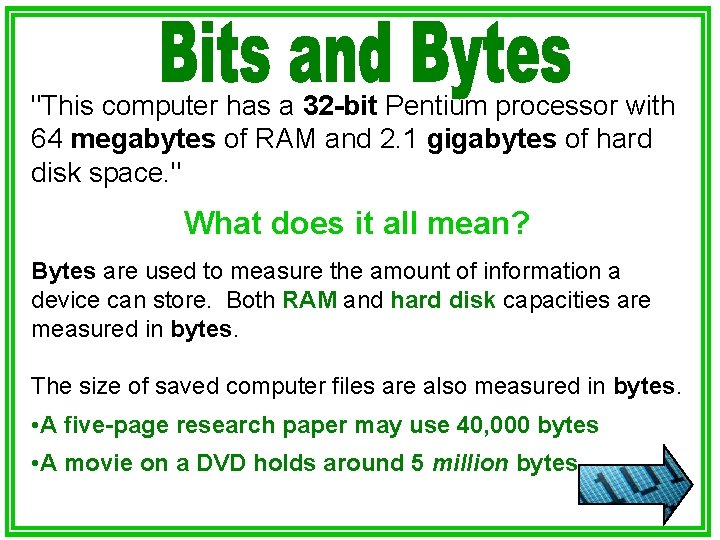
"This computer has a 32 -bit Pentium processor with 64 megabytes of RAM and 2. 1 gigabytes of hard disk space. " What does it all mean? Bytes are used to measure the amount of information a device can store. Both RAM and hard disk capacities are measured in bytes. The size of saved computer files are also measured in bytes. • A five-page research paper may use 40, 000 bytes • A movie on a DVD holds around 5 million bytes
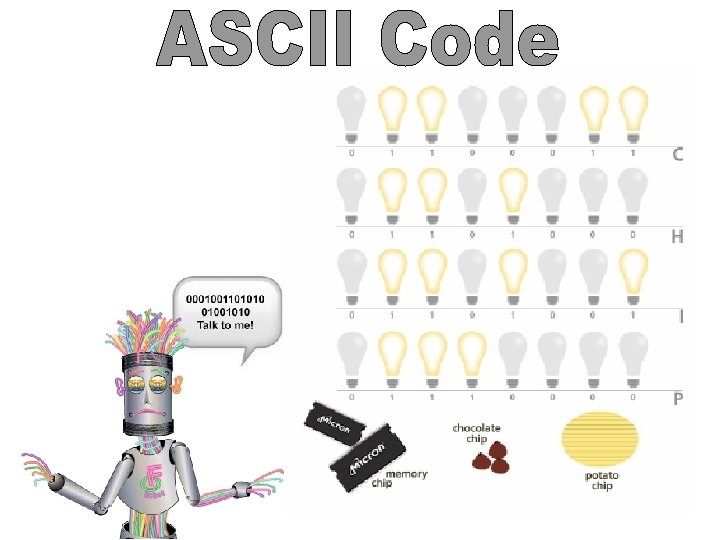
• You have learned that computers work in binary and that information inside of computers is coded using 0 s and 1 s. • In the early years of computers, different types of computers used the binary system in different ways. The code for the letters in the word DOG were different in different brands of computers. • Eventually, a set of standards was developed. The computer manufacturers agreed to use one code called the ASCII code. ASCII stands for American Standard Code for Information Interchange. • The ASCII code is an 8 -bit code. Thus, it used eight bits to represents a letter. Eight bits are called a byte. Each letter (upper and lower case), number and symbol is represented by an 8 -bit ASCII code.
binary code – computer code using binary number system in which numbers and letters are translated into signals that a computer reads as sequences of ones and zeros. data – information such as numbers, text, images, and sounds, in a form that is suitable for storage in or processing by a computer.
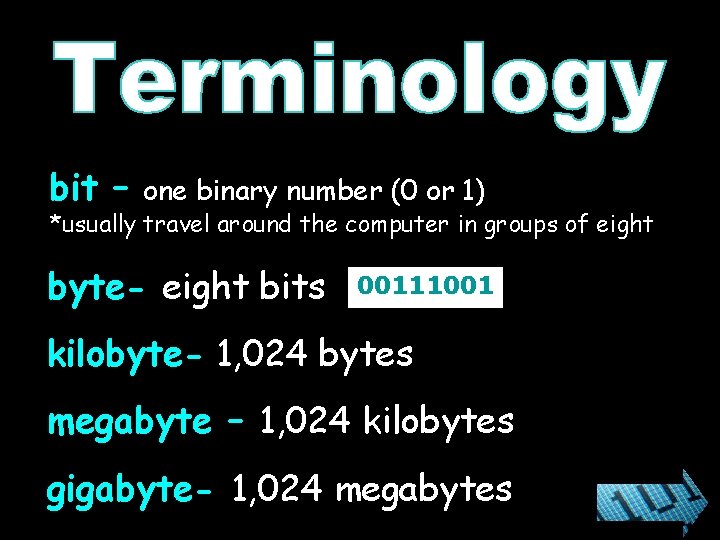
bit – one binary number (0 or 1) *usually travel around the computer in groups of eight byte- eight bits 00111001 kilobyte- 1, 024 bytes megabyte – 1, 024 kilobytes gigabyte- 1, 024 megabytes
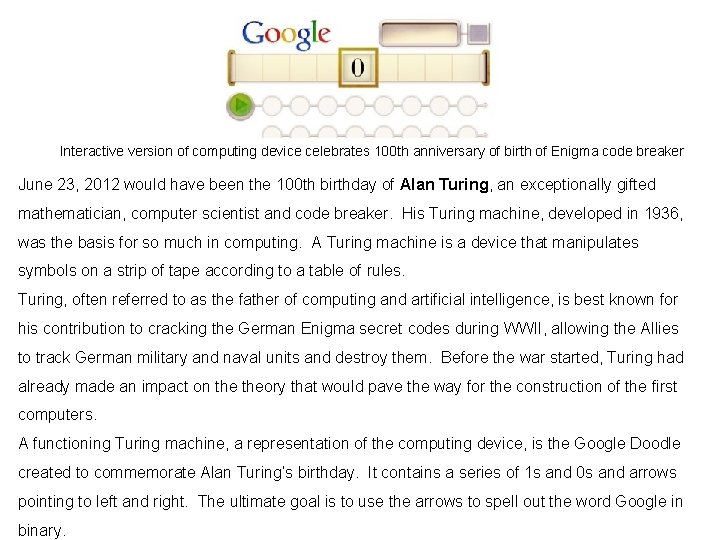
Interactive version of computing device celebrates 100 th anniversary of birth of Enigma code breaker June 23, 2012 would have been the 100 th birthday of Alan Turing, an exceptionally gifted mathematician, computer scientist and code breaker. His Turing machine, developed in 1936, was the basis for so much in computing. A Turing machine is a device that manipulates symbols on a strip of tape according to a table of rules. Turing, often referred to as the father of computing and artificial intelligence, is best known for his contribution to cracking the German Enigma secret codes during WWII, allowing the Allies to track German military and naval units and destroy them. Before the war started, Turing had already made an impact on theory that would pave the way for the construction of the first computers. A functioning Turing machine, a representation of the computing device, is the Google Doodle created to commemorate Alan Turing’s birthday. It contains a series of 1 s and 0 s and arrows pointing to left and right. The ultimate goal is to use the arrows to spell out the word Google in binary.
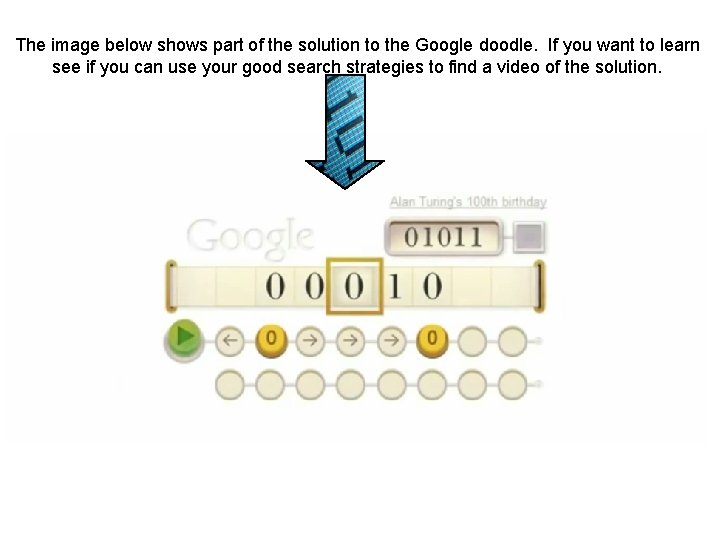
The image below shows part of the solution to the Google doodle. If you want to learn see if you can use your good search strategies to find a video of the solution.