
Migrating Data To The Parcel Fabric Christine Leslie
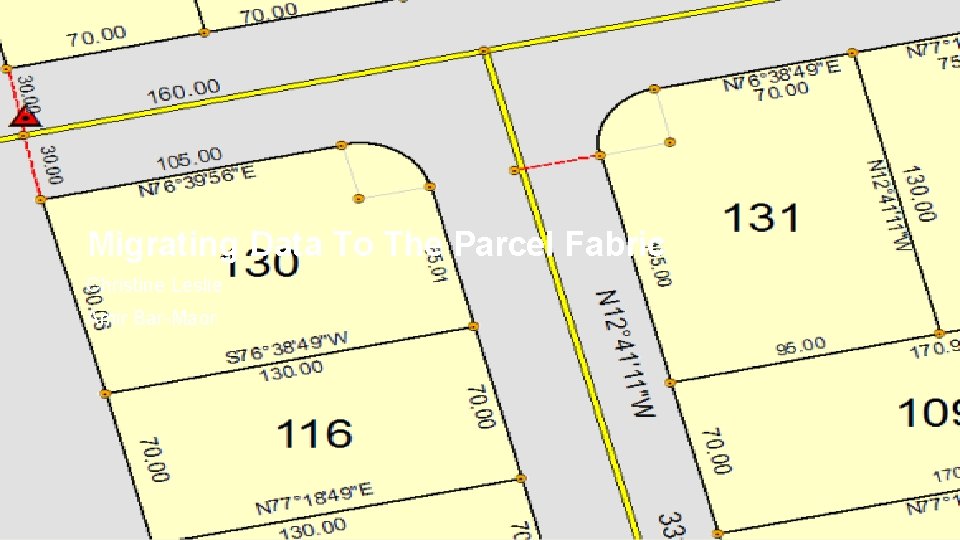
Migrating Data To The Parcel Fabric Christine Leslie Amir Bar-Maor Esri UC 2014 | Technical Workshop |
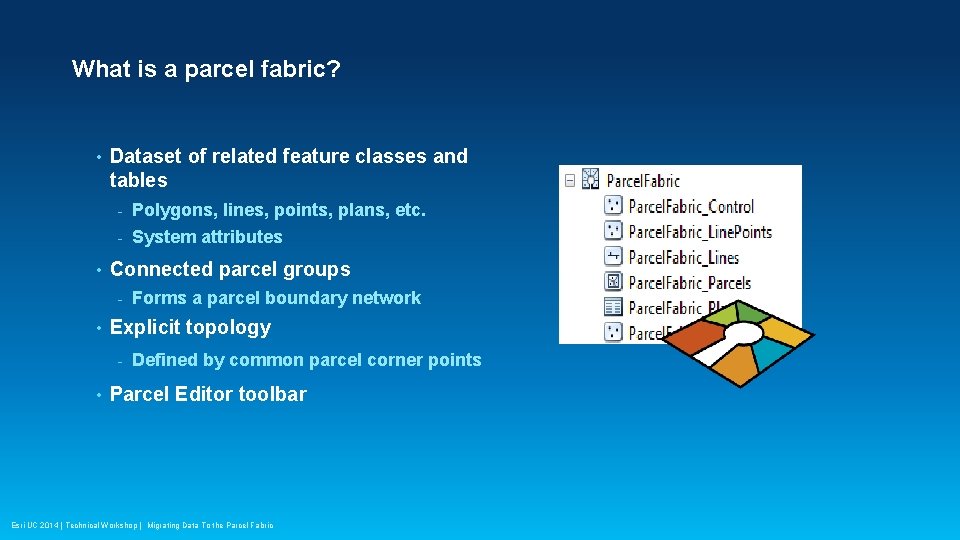
What is a parcel fabric? • • Dataset of related feature classes and tables - Polygons, lines, points, plans, etc. - System attributes Connected parcel groups - • Explicit topology - • Forms a parcel boundary network Defined by common parcel corner points Parcel Editor toolbar Esri UC 2014 | Technical Workshop | Migrating Data To the Parcel Fabric
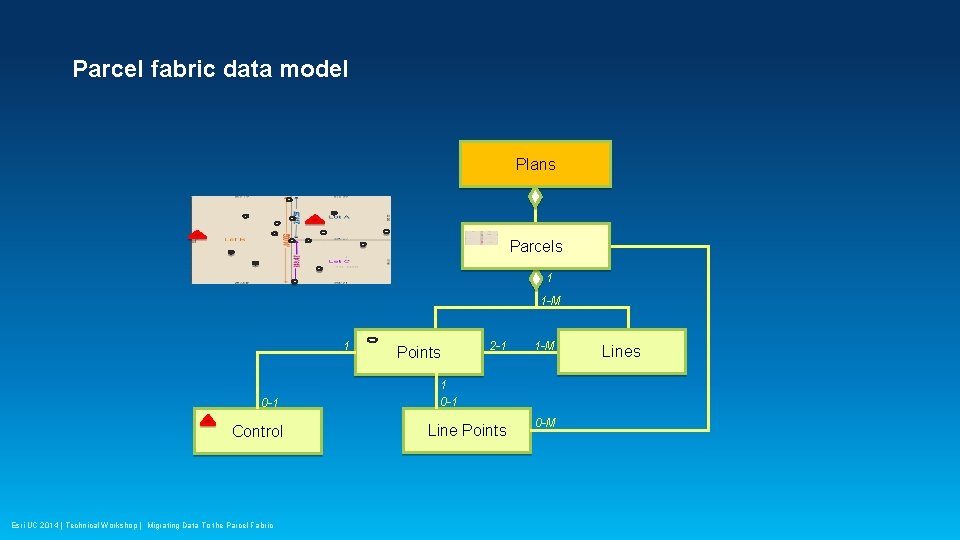
Parcel fabric data model Plans Parcels 1 1 -M 1 0 -1 Control Esri UC 2014 | Technical Workshop | Migrating Data To the Parcel Fabric 2 -1 1 -M Line Points 0 -M Points 1 0 -1 Lines
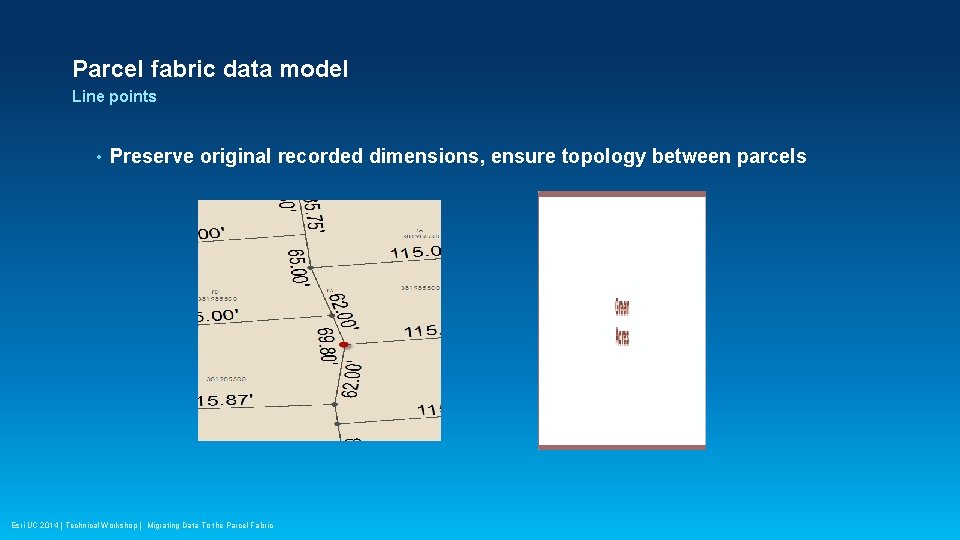
Parcel fabric data model Line points • Preserve original recorded dimensions, ensure topology between parcels Esri UC 2014 | Technical Workshop | Migrating Data To the Parcel Fabric
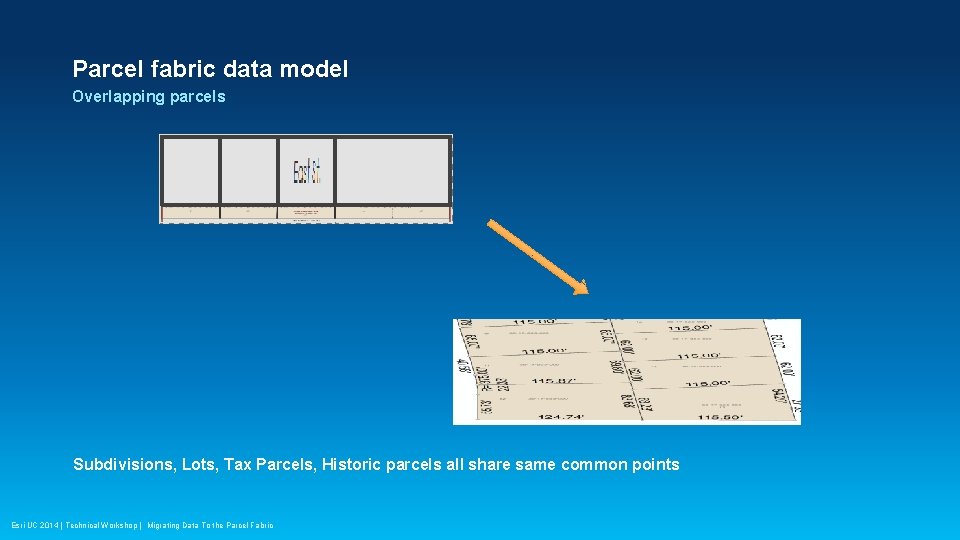
Parcel fabric data model Overlapping parcels Subdivisions, Lots, Tax Parcels, Historic parcels all share same common points Esri UC 2014 | Technical Workshop | Migrating Data To the Parcel Fabric

Parcel fabric data model • Data model can be optimized for your organization, for example, esri’s Local Government Information Model Esri UC 2014 | Technical Workshop | Migrating Data To the Parcel Fabric
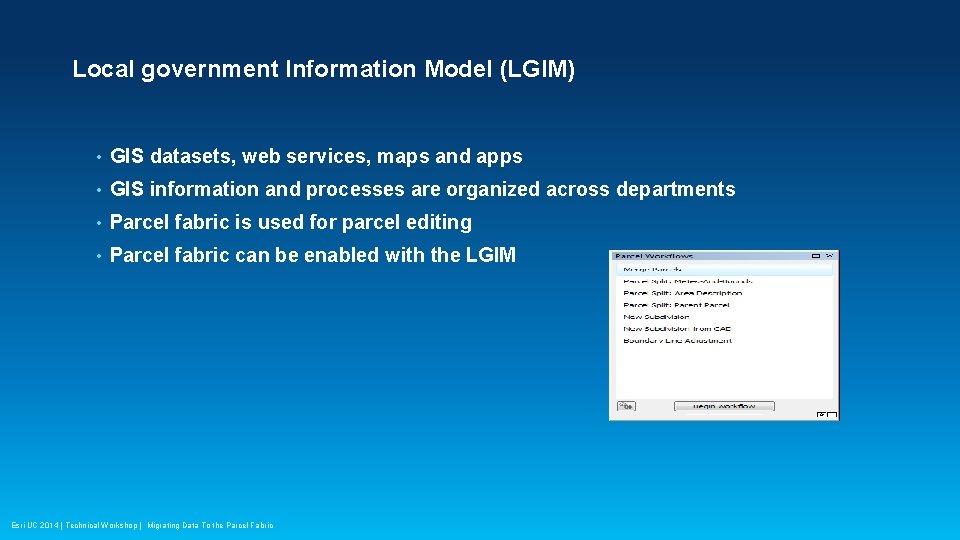
Local government Information Model (LGIM) • GIS datasets, web services, maps and apps • GIS information and processes are organized across departments • Parcel fabric is used for parcel editing • Parcel fabric can be enabled with the LGIM Esri UC 2014 | Technical Workshop | Migrating Data To the Parcel Fabric
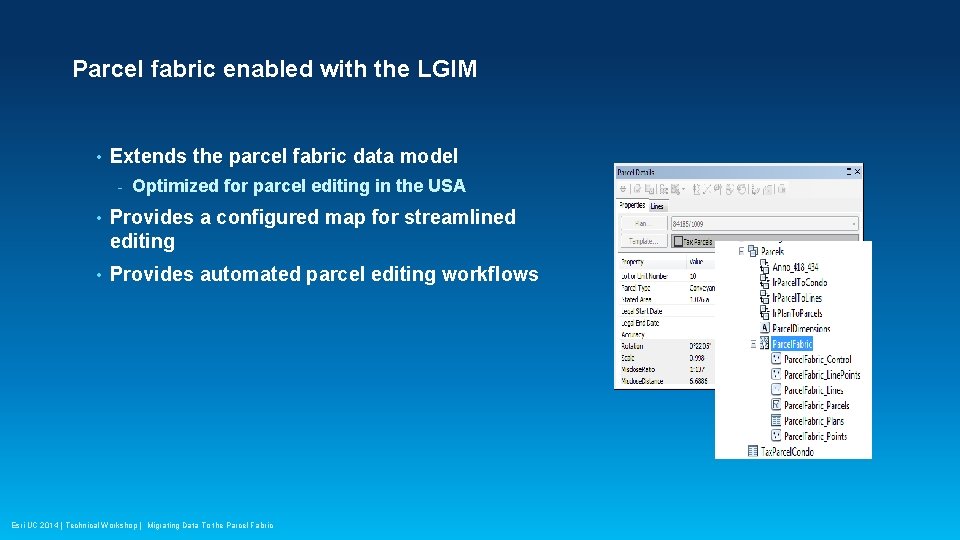
Parcel fabric enabled with the LGIM • Extends the parcel fabric data model - Optimized for parcel editing in the USA • Provides a configured map for streamlined editing • Provides automated parcel editing workflows Esri UC 2014 | Technical Workshop | Migrating Data To the Parcel Fabric

Demo Amir Bar-Maor Esri UC 2014 | Technical Workshop | Migrating Data To the Parcel Fabric
Migrating data to the Parcel Fabric • Setup the data model - Extend the parcel fabric model - Or use the Local Government Information Model • Setup a staging environment • Format and prepare data • Use the Load a Topology to a Parcel Fabric geoprocessing tool • Import control points Esri UC 2014 | Technical Workshop | Migrating Data To the Parcel Fabric
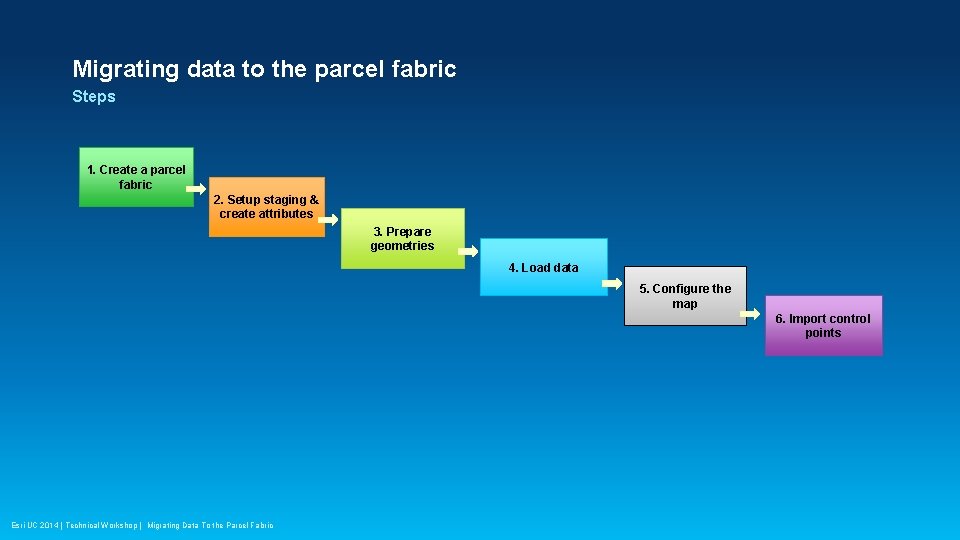
Migrating data to the parcel fabric Steps 1. Create a parcel fabric 2. Setup staging & create attributes 3. Prepare geometries 4. Load data 5. Configure the map 6. Import control points Esri UC 2014 | Technical Workshop | Migrating Data To the Parcel Fabric
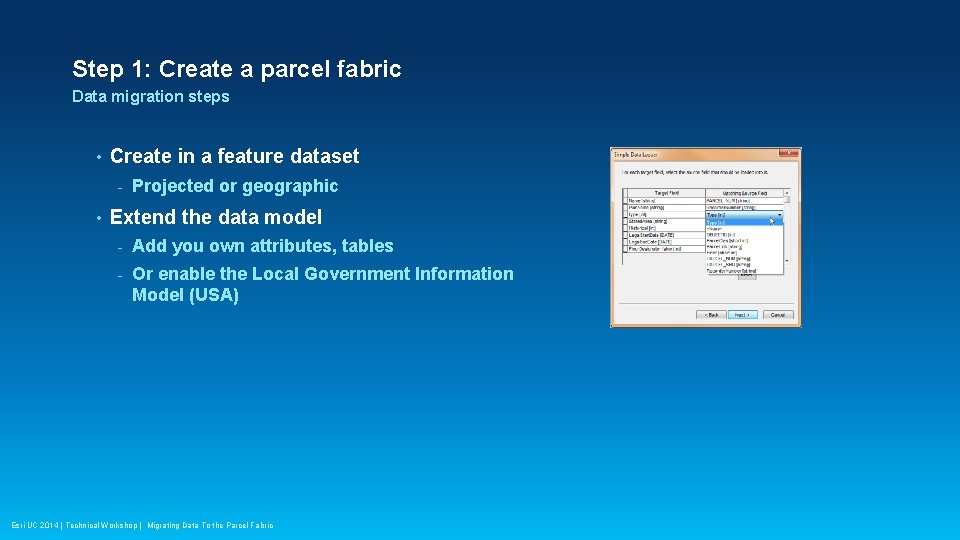
Step 1: Create a parcel fabric Data migration steps • Create in a feature dataset - • Projected or geographic Extend the data model - Add you own attributes, tables - Or enable the Local Government Information Model (USA) Esri UC 2014 | Technical Workshop | Migrating Data To the Parcel Fabric

Demo: Step 1 Amir Bar-Maor Esri UC 2014 | Technical Workshop | Migrating Data To the Parcel Fabric
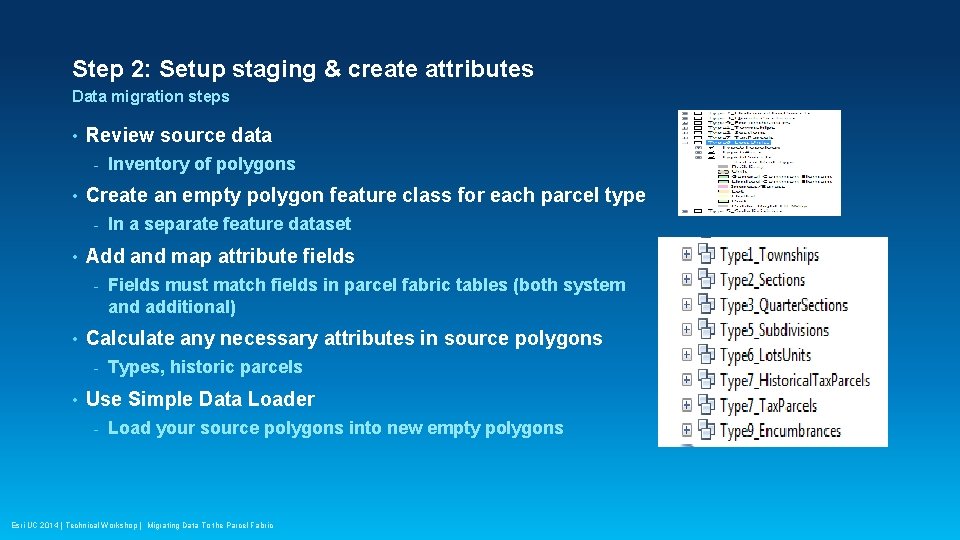
Step 2: Setup staging & create attributes Data migration steps • Review source data - • Create an empty polygon feature class for each parcel type - • Fields must match fields in parcel fabric tables (both system and additional) Calculate any necessary attributes in source polygons - • In a separate feature dataset Add and map attribute fields - • Inventory of polygons Types, historic parcels Use Simple Data Loader - Load your source polygons into new empty polygons Esri UC 2014 | Technical Workshop | Migrating Data To the Parcel Fabric
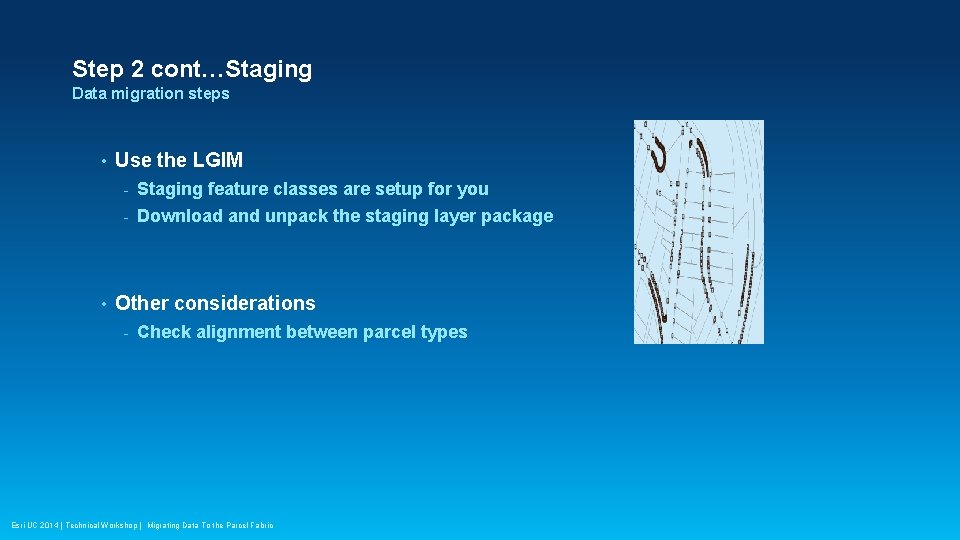
Step 2 cont…Staging Data migration steps • • Use the LGIM - Staging feature classes are setup for you - Download and unpack the staging layer package Other considerations - Check alignment between parcel types Esri UC 2014 | Technical Workshop | Migrating Data To the Parcel Fabric

Demo: Step 2 Amir Bar-Maor Esri UC 2014 | Technical Workshop | Migrating Data To the Parcel Fabric
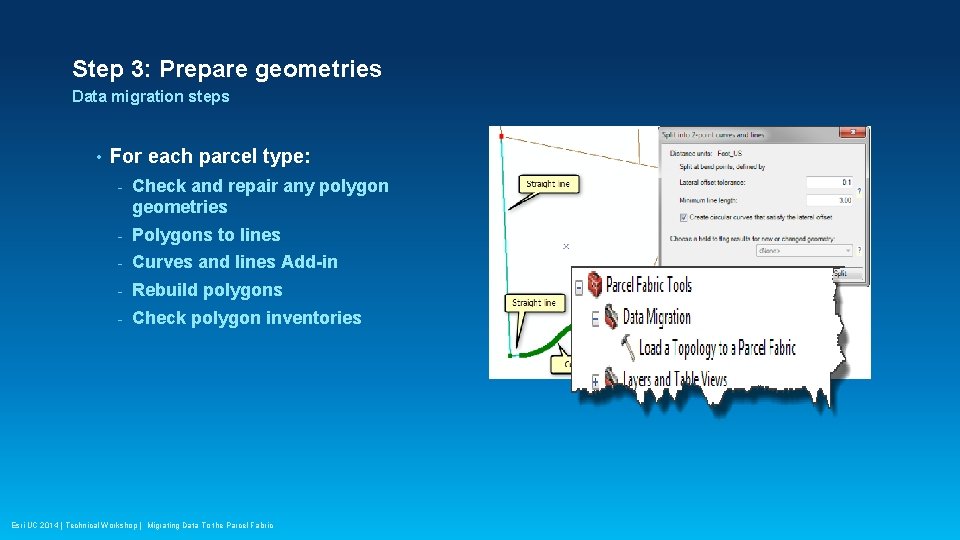
Step 3: Prepare geometries Data migration steps • For each parcel type: - Check and repair any polygon geometries - Polygons to lines - Curves and lines Add-in - Rebuild polygons - Check polygon inventories Esri UC 2014 | Technical Workshop | Migrating Data To the Parcel Fabric

Demo: Step 3 Amir Bar-Maor Esri UC 2014 | Technical Workshop | Migrating Data To the Parcel Fabric
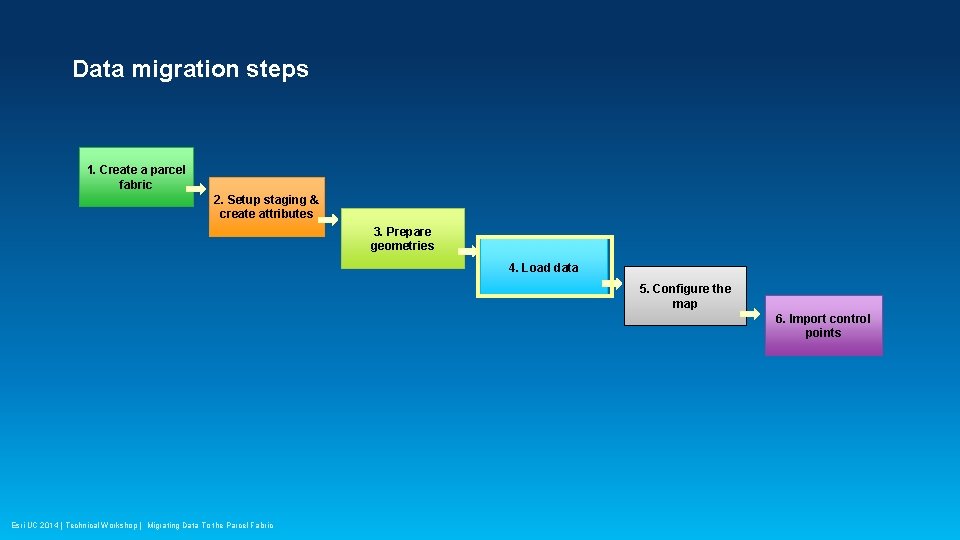
Data migration steps 1. Create a parcel fabric 2. Setup staging & create attributes 3. Prepare geometries 4. Load data 5. Configure the map 6. Import control points Esri UC 2014 | Technical Workshop | Migrating Data To the Parcel Fabric
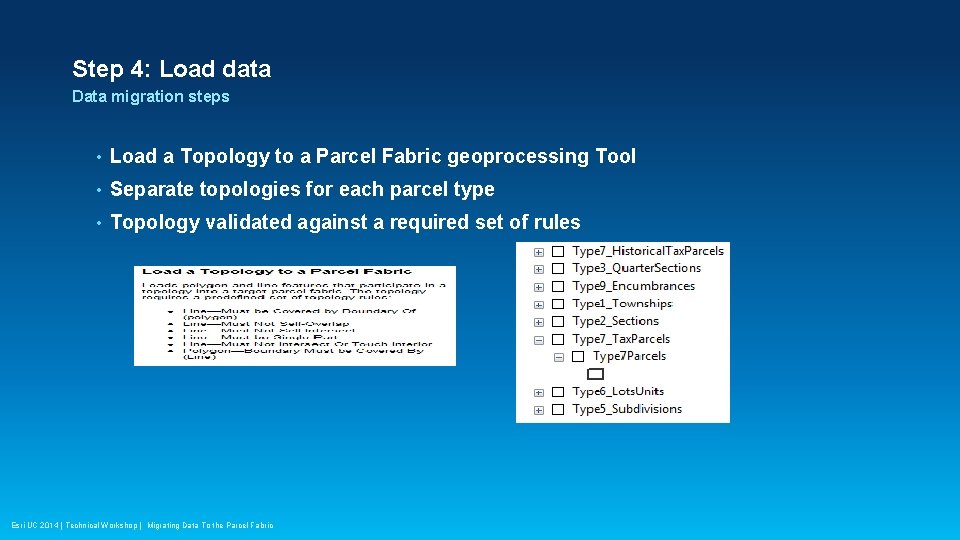
Step 4: Load data Data migration steps • Load a Topology to a Parcel Fabric geoprocessing Tool • Separate topologies for each parcel type • Topology validated against a required set of rules Esri UC 2014 | Technical Workshop | Migrating Data To the Parcel Fabric

Demo: Step 4 Amir Bar-Maor Esri UC 2014 | Technical Workshop | Migrating Data To the Parcel Fabric
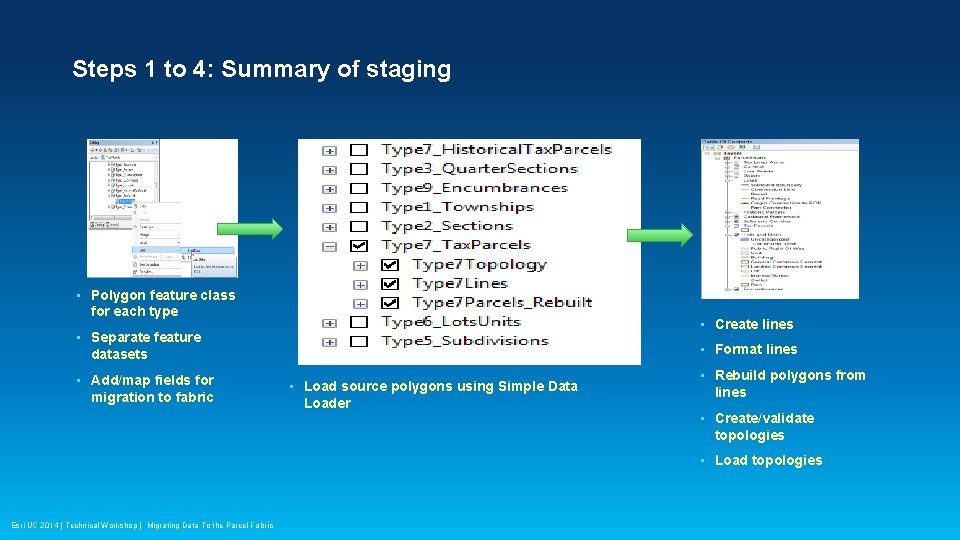
Steps 1 to 4: Summary of staging • Polygon feature class for each type • Create lines • Separate feature • Format lines datasets • Add/map fields for migration to fabric • Load source polygons using Simple Data Loader • Rebuild polygons from lines • Create/validate topologies • Load topologies Esri UC 2014 | Technical Workshop | Migrating Data To the Parcel Fabric
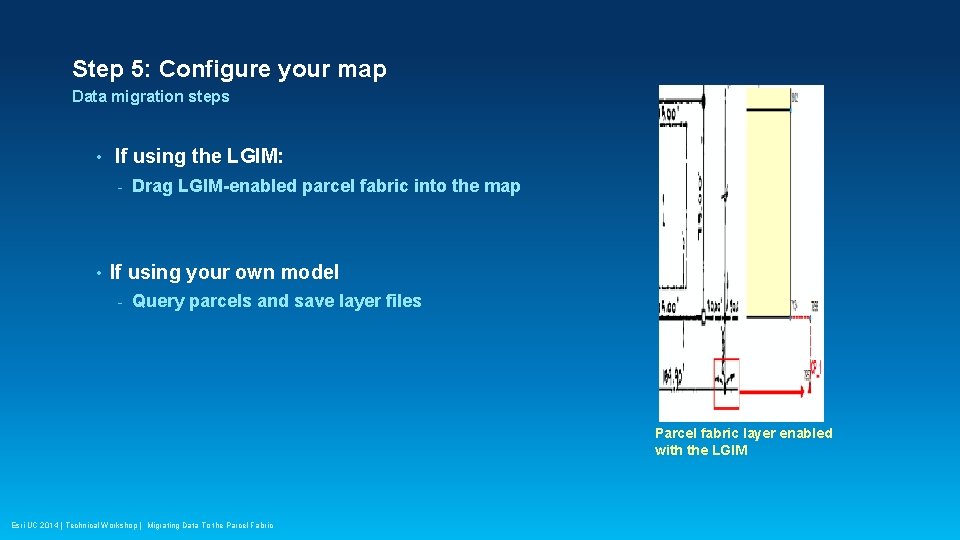
Step 5: Configure your map Data migration steps • If using the LGIM: - • Drag LGIM-enabled parcel fabric into the map If using your own model - Query parcels and save layer files Parcel fabric layer enabled with the LGIM Esri UC 2014 | Technical Workshop | Migrating Data To the Parcel Fabric

Demo: Step 5 Amir Bar-Maor Esri UC 2014 | Technical Workshop | Migrating Data To the Parcel Fabric
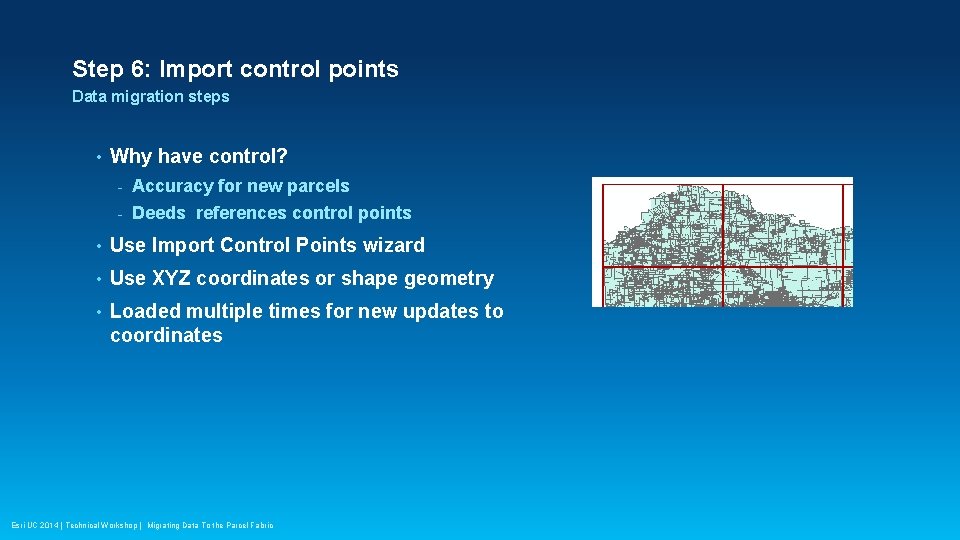
Step 6: Import control points Data migration steps • Why have control? - Accuracy for new parcels - Deeds references control points • Use Import Control Points wizard • Use XYZ coordinates or shape geometry • Loaded multiple times for new updates to coordinates Esri UC 2014 | Technical Workshop | Migrating Data To the Parcel Fabric

Demo: Step 6 Amir Bar-Maor Esri UC 2014 | Technical Workshop | Migrating Data To the Parcel Fabric
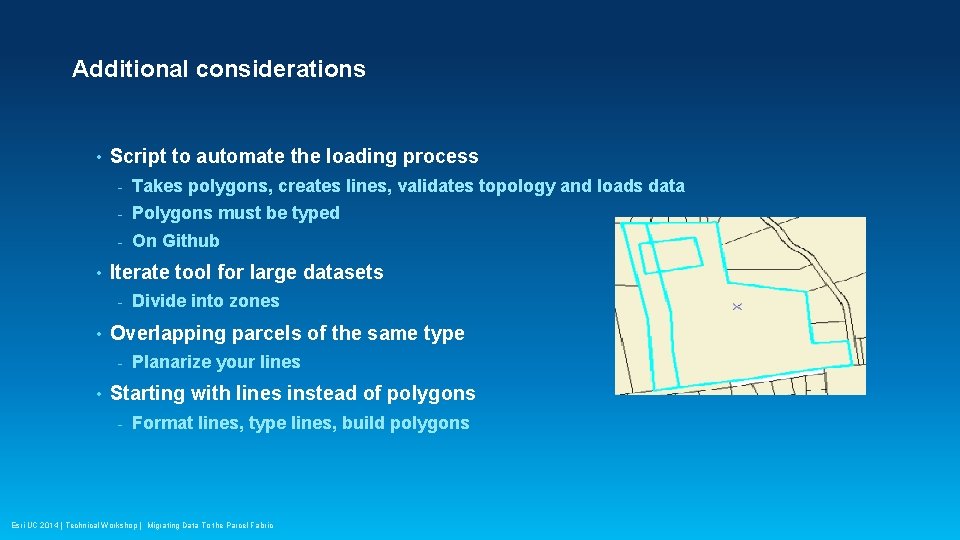
Additional considerations • • Script to automate the loading process - Takes polygons, creates lines, validates topology and loads data - Polygons must be typed - On Github Iterate tool for large datasets - • Overlapping parcels of the same type - • Divide into zones Planarize your lines Starting with lines instead of polygons - Format lines, type lines, build polygons Esri UC 2014 | Technical Workshop | Migrating Data To the Parcel Fabric
Resources • • • Documentation - Latest release of help documentation - videos Land Records resource center - Local Government Information Model - Data migration staging package - Add ins (Iterator, Curves and Lines, etc. ) Land Records meetup Esri UC 2014 | Technical Workshop | Migrating Data To the Parcel Fabric
Additional sessions • • • Editing and Maintaining Parcels - Tuesday, July 15 th, 1: 30 pm – 2: 45 pm, 14 B - Thursday July 17 th, 10: 15 – 11: 30 am, 14 B Parcel Editing: Advanced - Wednesday, July 16 th, 10: 15 am – 11: 30 am, 06 B - Thursday, July 17 th, 1: 30 pm – 2: 45 pm, 06 D Land Records Meetup - Thursday, July 17 th, 12 pm – 1 pm, 31 B Esri UC 2014 | Technical Workshop | Migrating Data To the Parcel Fabric
Thank you… • Please fill out the session survey: First Offering ID: 41 Online – www. esri. com/ucsessionsurveys Paper – pick up and put in drop box Esri UC 2014 | Technical Workshop | Migrating Data To the Parcel Fabric

Esri UC 2014 | Technical Workshop | Migrating Data To the Parcel Fabric
- Slides: 31