
Microsoft Word Lesson 12 13 14 Study guide
- Slides: 62
Microsoft Word Lesson 12, 13, & 14 Study guide
Amelia, President of FBLA, is working on her outline for the next meeting agenda. After reviewing the outline she decided that she needs to make the service project section more important than the individual community service activities. Which command would she choose? A) Promote B) Demote C) Expand D) Collapse
Correct
Amelia, President of FBLA, is reviewing the minutes from the last meeting. She is in outline view and only wants to view the main headings. Which command would she use? A) Promote B) Demote C) Expand D) Collapse
Correct
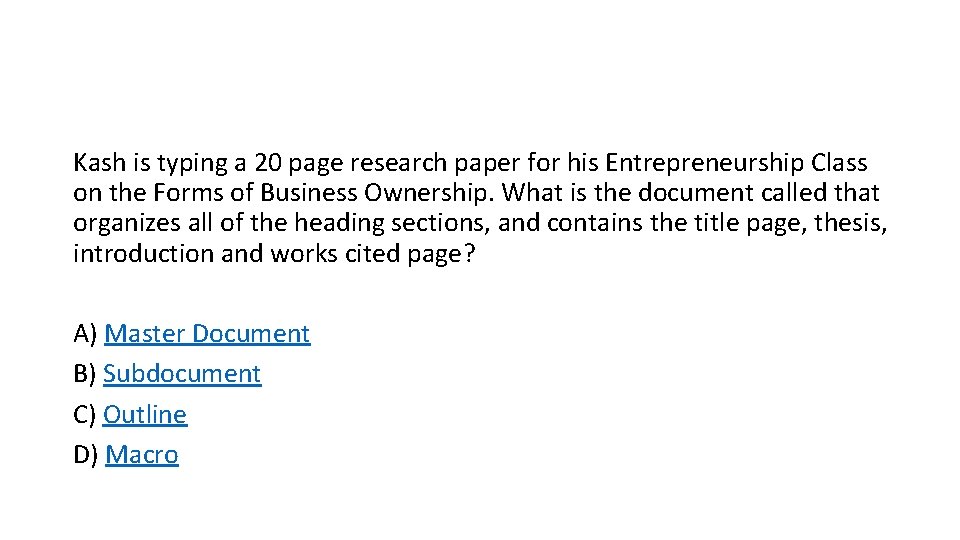
Kash is typing a 20 page research paper for his Entrepreneurship Class on the Forms of Business Ownership. What is the document called that organizes all of the heading sections, and contains the title page, thesis, introduction and works cited page? A) Master Document B) Subdocument C) Outline D) Macro
Correct
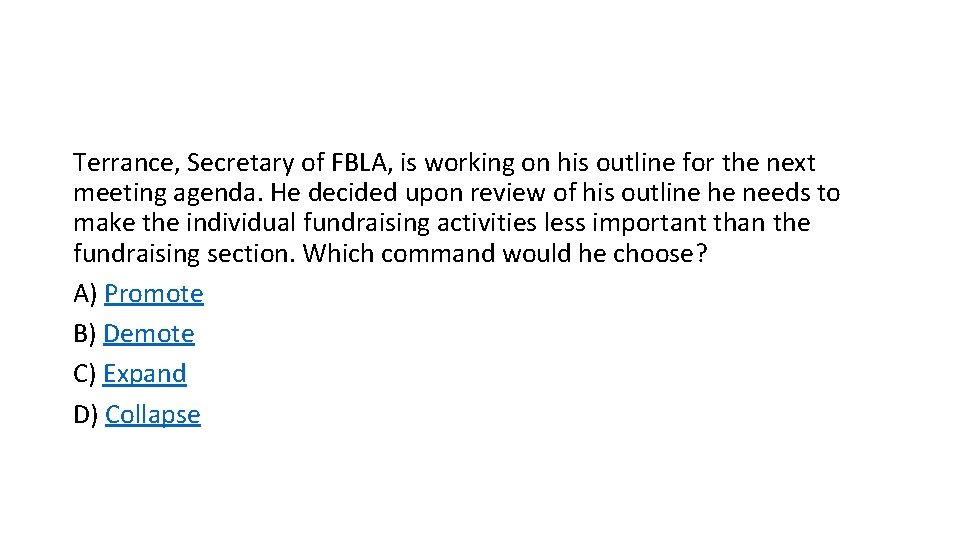
Terrance, Secretary of FBLA, is working on his outline for the next meeting agenda. He decided upon review of his outline he needs to make the individual fundraising activities less important than the fundraising section. Which command would he choose? A) Promote B) Demote C) Expand D) Collapse
Correct
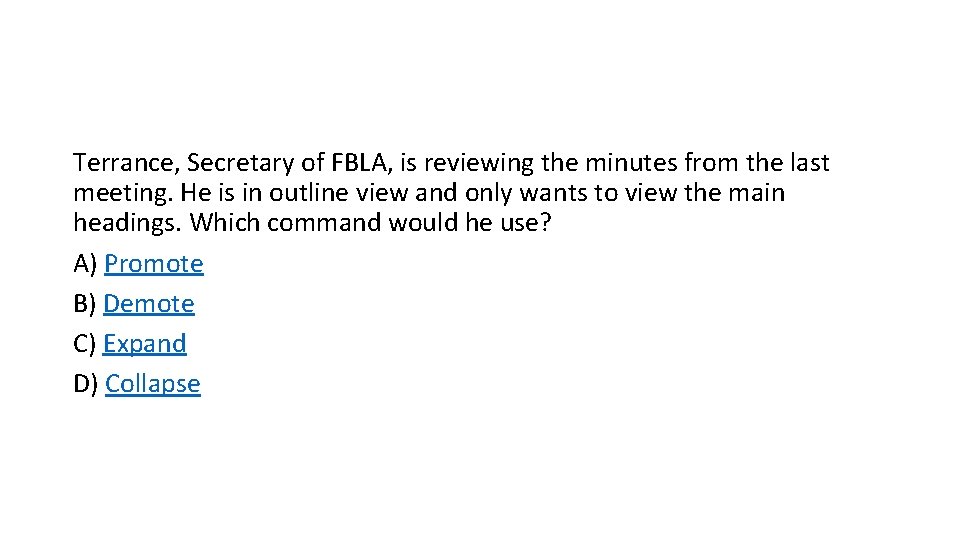
Terrance, Secretary of FBLA, is reviewing the minutes from the last meeting. He is in outline view and only wants to view the main headings. Which command would he use? A) Promote B) Demote C) Expand D) Collapse
Correct
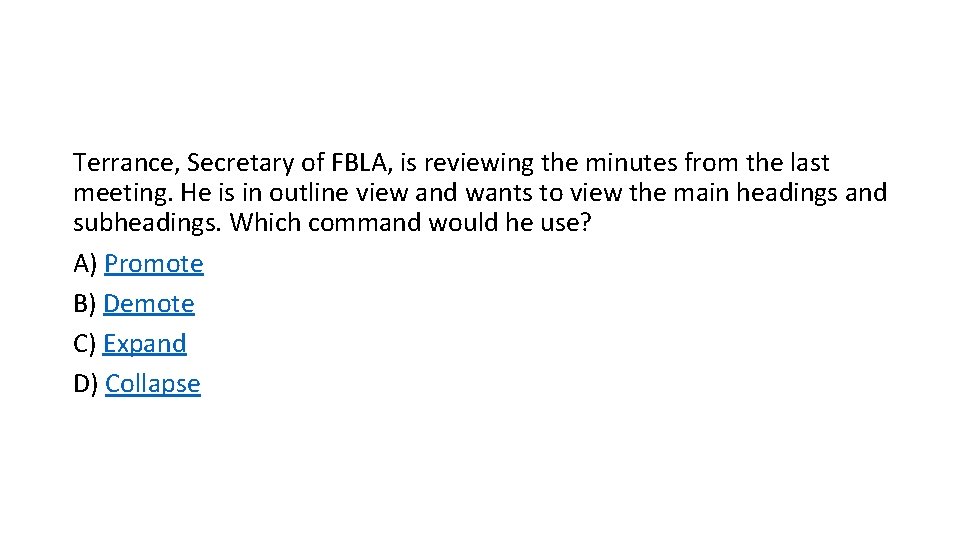
Terrance, Secretary of FBLA, is reviewing the minutes from the last meeting. He is in outline view and wants to view the main headings and subheadings. Which command would he use? A) Promote B) Demote C) Expand D) Collapse
Correct
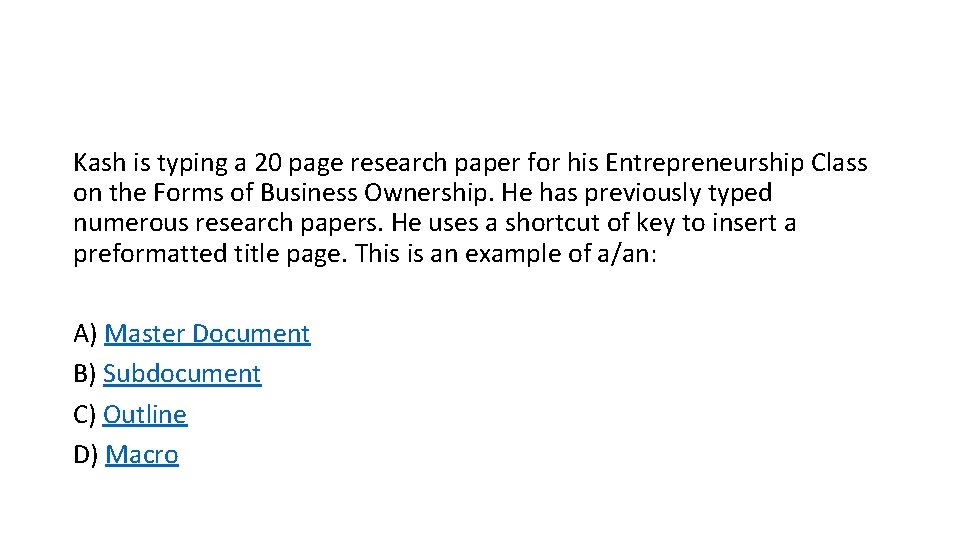
Kash is typing a 20 page research paper for his Entrepreneurship Class on the Forms of Business Ownership. He has previously typed numerous research papers. He uses a shortcut of key to insert a preformatted title page. This is an example of a/an: A) Master Document B) Subdocument C) Outline D) Macro
Correct
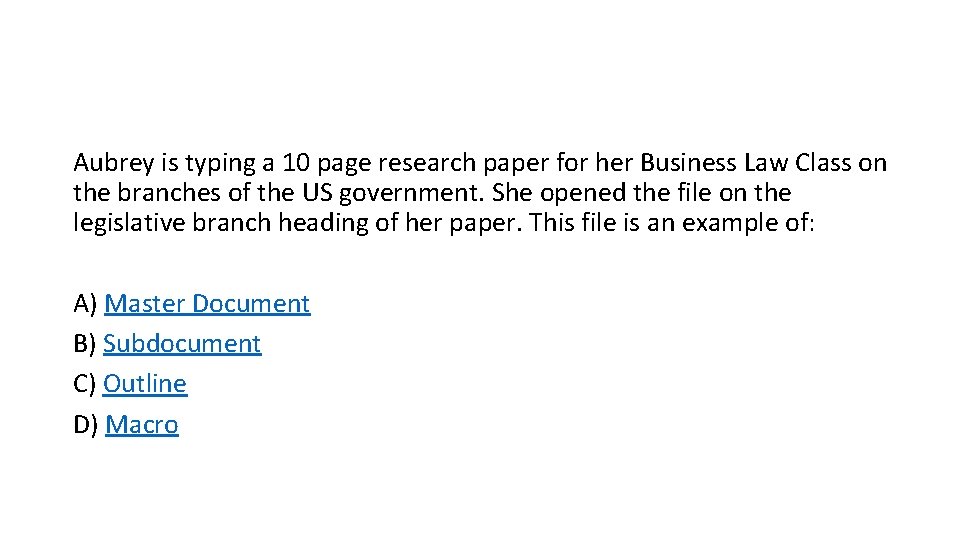
Aubrey is typing a 10 page research paper for her Business Law Class on the branches of the US government. She opened the file on the legislative branch heading of her paper. This file is an example of: A) Master Document B) Subdocument C) Outline D) Macro
Correct
Kash is typing a 20 page research paper for his Entrepreneurship Class on the Forms of Business Ownership. He decides to change the organization of the paper. Which view would assist in performing this task? A) Master Document B) Subdocument C) Outline D) Macro
Correct
Aubrey is typing a 10 page research paper for her Business Law Class on the branches of the US government. She decides to change the organization of the paper. Which view would assist in performing this task? A) Master Document B) Subdocument C) Outline D) Macro
Correct
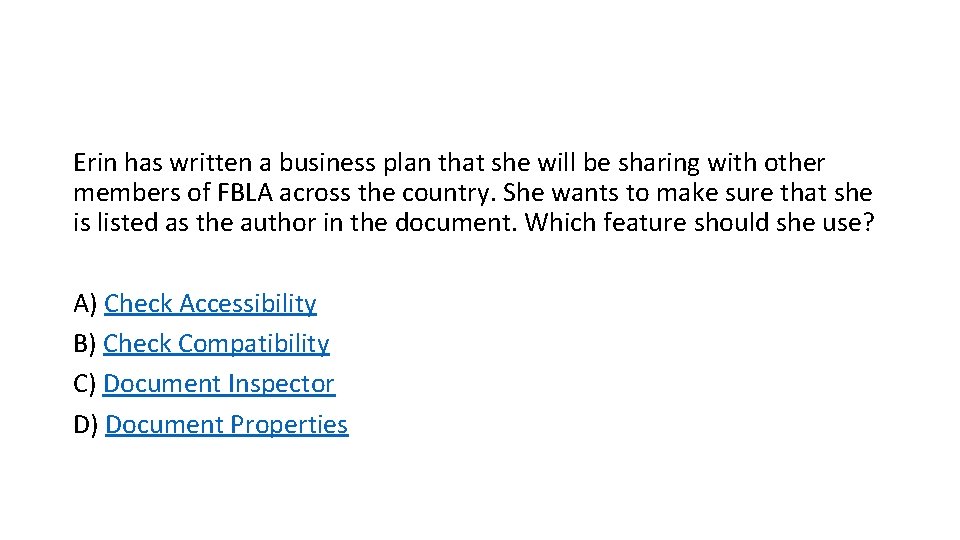
Erin has written a business plan that she will be sharing with other members of FBLA across the country. She wants to make sure that she is listed as the author in the document. Which feature should she use? A) Check Accessibility B) Check Compatibility C) Document Inspector D) Document Properties
Correct
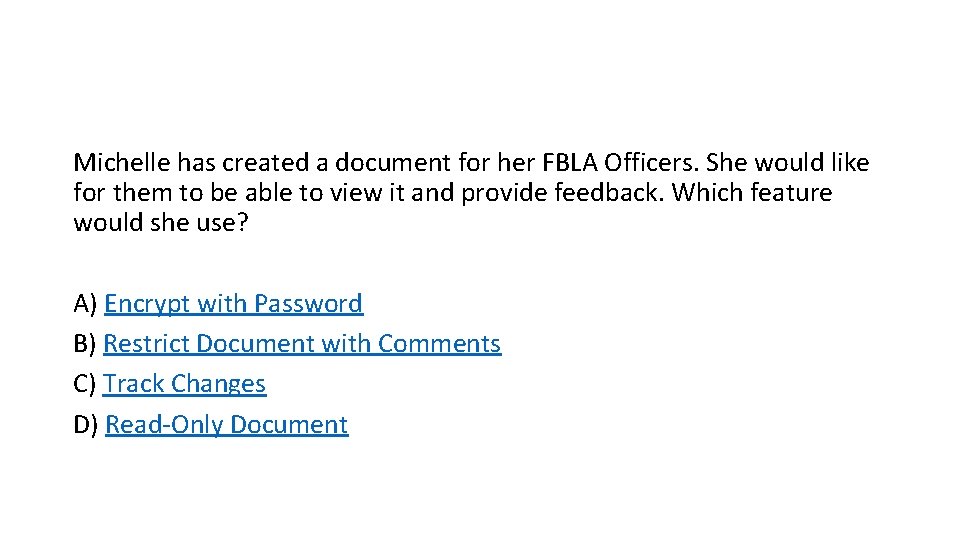
Michelle has created a document for her FBLA Officers. She would like for them to be able to view it and provide feedback. Which feature would she use? A) Encrypt with Password B) Restrict Document with Comments C) Track Changes D) Read-Only Document
Correct
Which command on the Review Ribbon limits how people edit or format specific parts of a document? A) Track Changes B) Block Authors C) Show Markup D) Restrict Editing
Correct
Matthew has written a report on the history of North Carolina FBLA that he will be sharing with other members of FBLA across the country. He wants to make sure that FBLA members with disabilities will be able to view all of the content in the document. Which feature should he use? A) Check Accessibility B) Check Compatibility C) Document Inspector D) Document Properties
Correct
Matthew has written a report on the history of North Carolina FBLA that he will be sharing with other members of FBLA across the country. He wants to make sure that he is listed as the author in the document. Which feature should he use? A) Check Accessibility B) Check Compatibility C) Document Inspector D) Document Properties
Correct
Matthew has written a report on the history of North Carolina FBLA that he will be sharing with other members of FBLA across the country. He wants to make sure that the document doesn't contain any personal information before he sends it. Which feature should he use? A) Check Accessibility B) Check Compatibility C) Document Inspector D) Document Properties
Correct
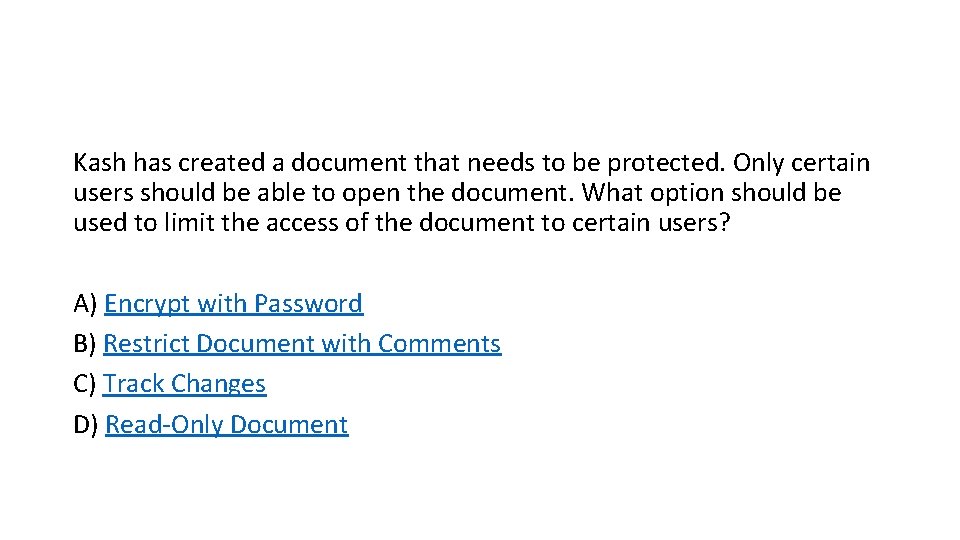
Kash has created a document that needs to be protected. Only certain users should be able to open the document. What option should be used to limit the access of the document to certain users? A) Encrypt with Password B) Restrict Document with Comments C) Track Changes D) Read-Only Document
Correct
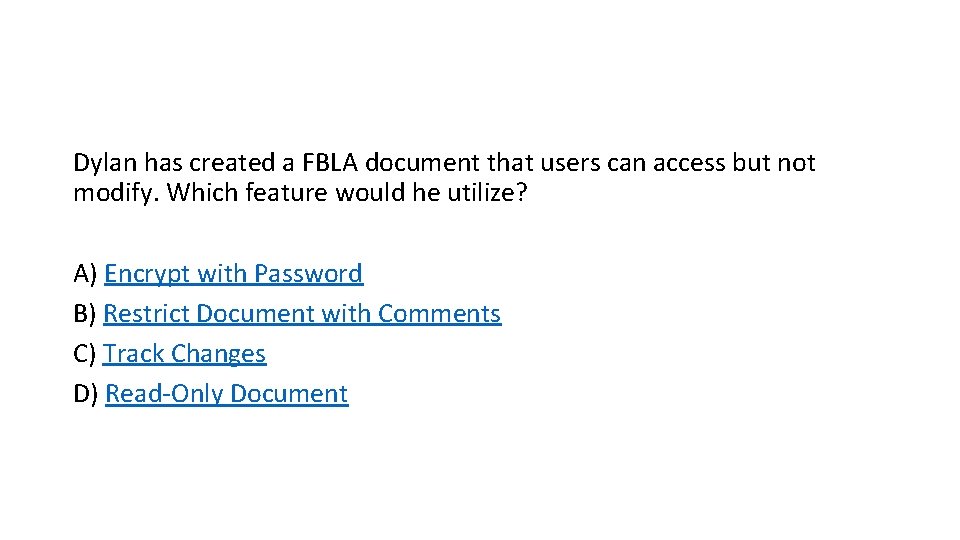
Dylan has created a FBLA document that users can access but not modify. Which feature would he utilize? A) Encrypt with Password B) Restrict Document with Comments C) Track Changes D) Read-Only Document
Correct
Which area on the File tab has the command allowing a Microsoft Word document to be shared as a blog post? A) Info B) Save and Send C) Save As D) Options
Correct
Kash has created a document for his school's FBLA Officers to edit. What feature would he utilize to view which users make changes with in the documents? A) Encrypt with Password B) Restrict Document with Comments C) Track Changes D) Read-Only Document
Correct
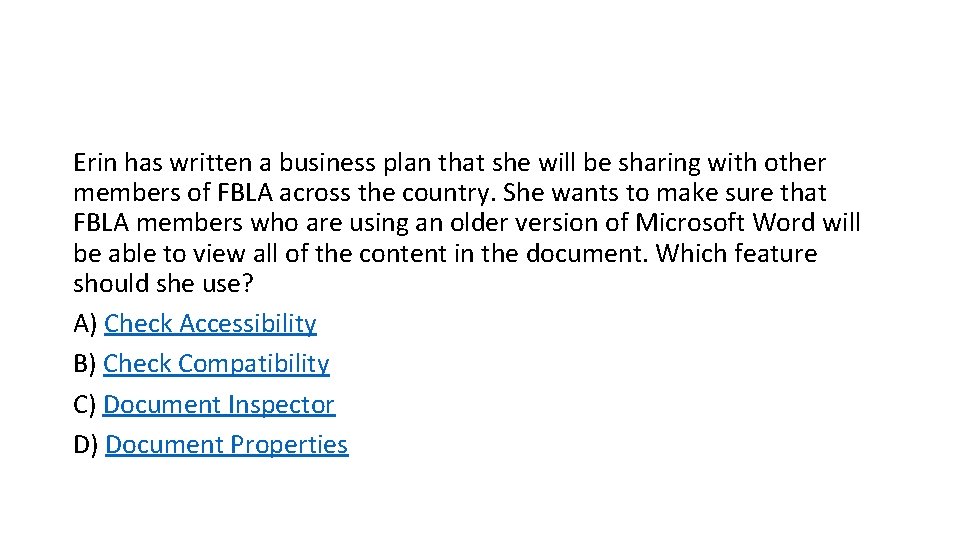
Erin has written a business plan that she will be sharing with other members of FBLA across the country. She wants to make sure that FBLA members who are using an older version of Microsoft Word will be able to view all of the content in the document. Which feature should she use? A) Check Accessibility B) Check Compatibility C) Document Inspector D) Document Properties
Correct
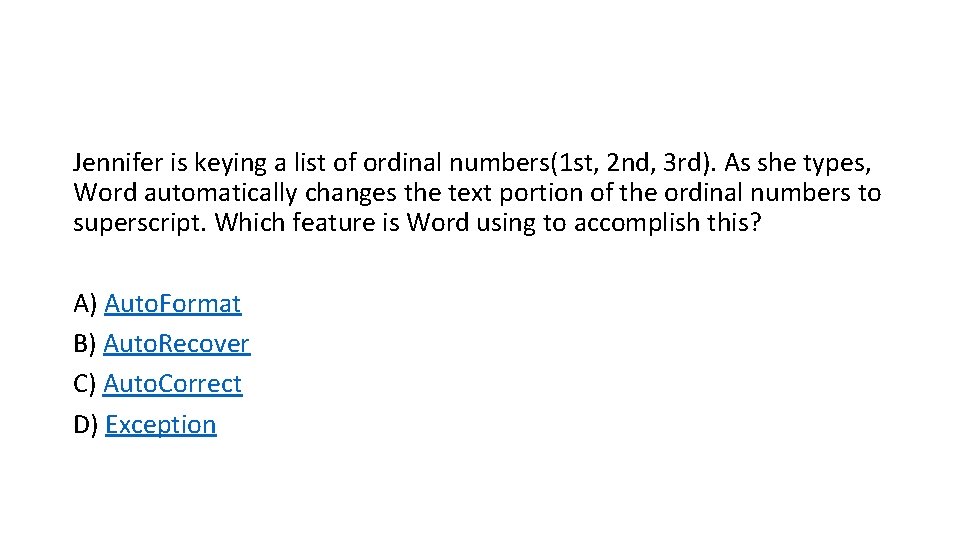
Jennifer is keying a list of ordinal numbers(1 st, 2 nd, 3 rd). As she types, Word automatically changes the text portion of the ordinal numbers to superscript. Which feature is Word using to accomplish this? A) Auto. Format B) Auto. Recover C) Auto. Correct D) Exception
Correct
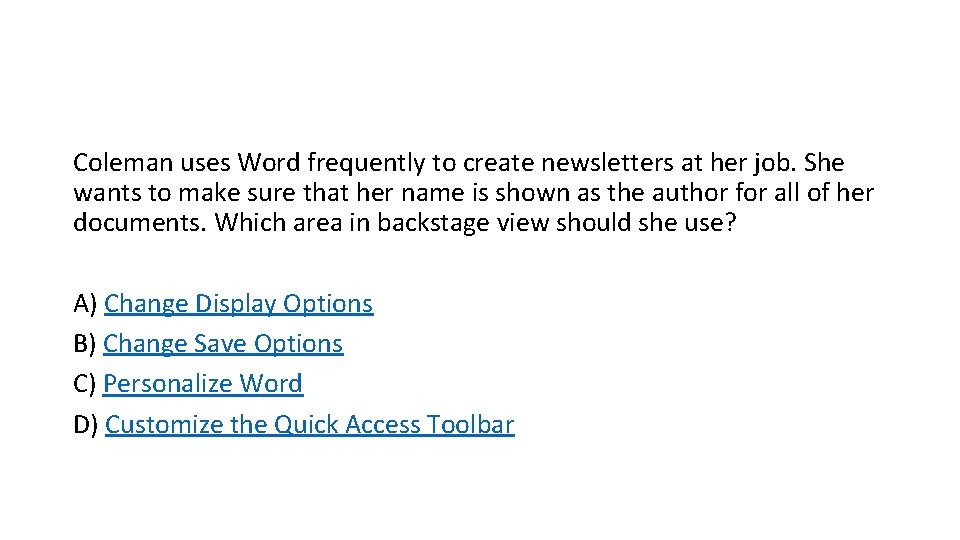
Coleman uses Word frequently to create newsletters at her job. She wants to make sure that her name is shown as the author for all of her documents. Which area in backstage view should she use? A) Change Display Options B) Change Save Options C) Personalize Word D) Customize the Quick Access Toolbar
Correct
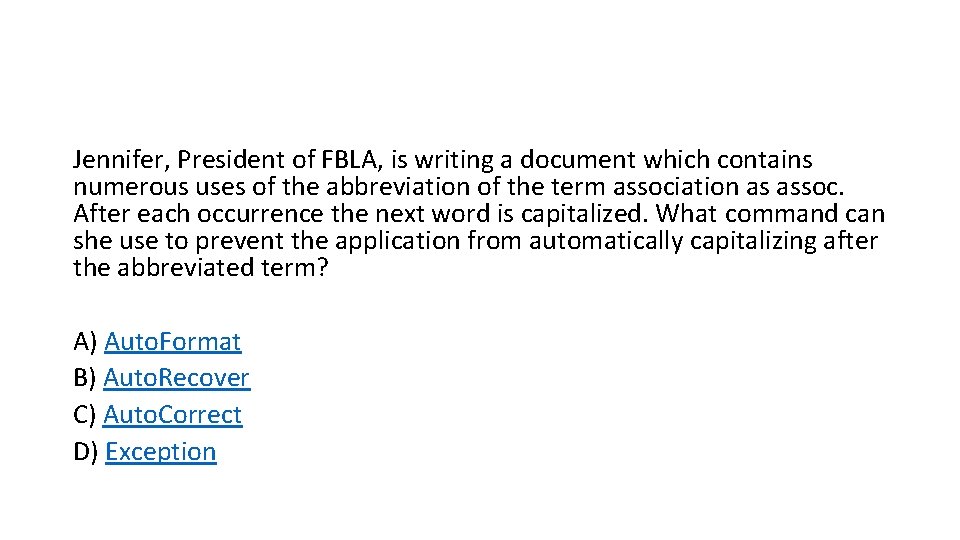
Jennifer, President of FBLA, is writing a document which contains numerous uses of the abbreviation of the term association as assoc. After each occurrence the next word is capitalized. What command can she use to prevent the application from automatically capitalizing after the abbreviated term? A) Auto. Format B) Auto. Recover C) Auto. Correct D) Exception
Correct
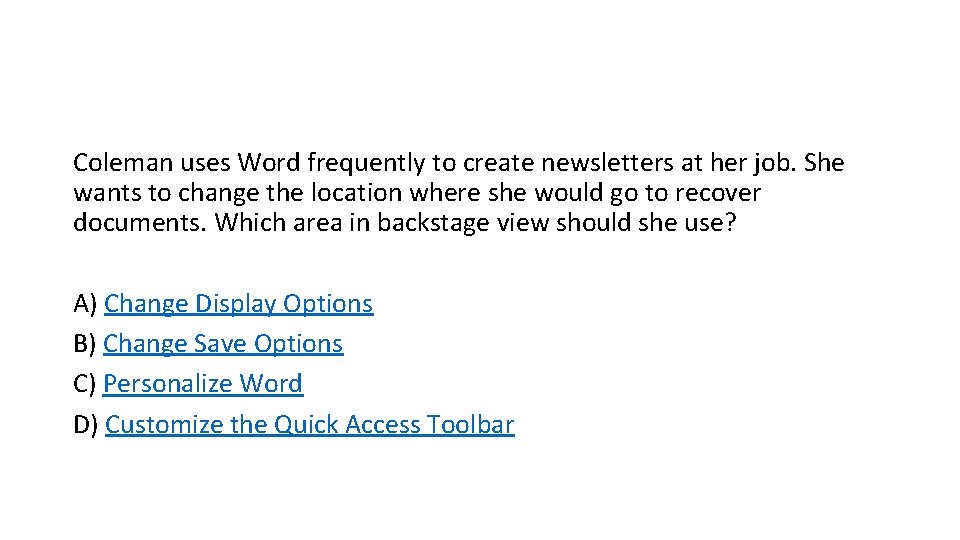
Coleman uses Word frequently to create newsletters at her job. She wants to change the location where she would go to recover documents. Which area in backstage view should she use? A) Change Display Options B) Change Save Options C) Personalize Word D) Customize the Quick Access Toolbar
Correct
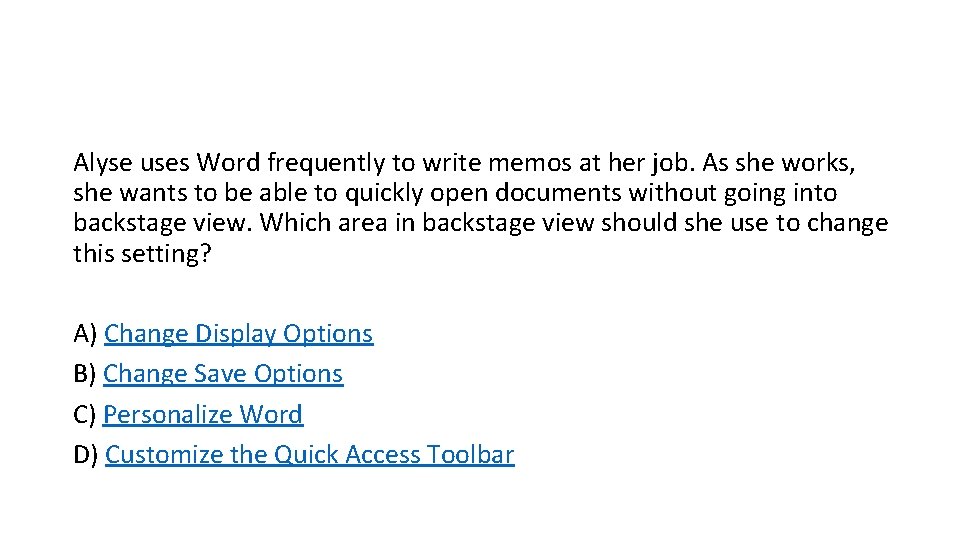
Alyse uses Word frequently to write memos at her job. As she works, she wants to be able to quickly open documents without going into backstage view. Which area in backstage view should she use to change this setting? A) Change Display Options B) Change Save Options C) Personalize Word D) Customize the Quick Access Toolbar
Correct
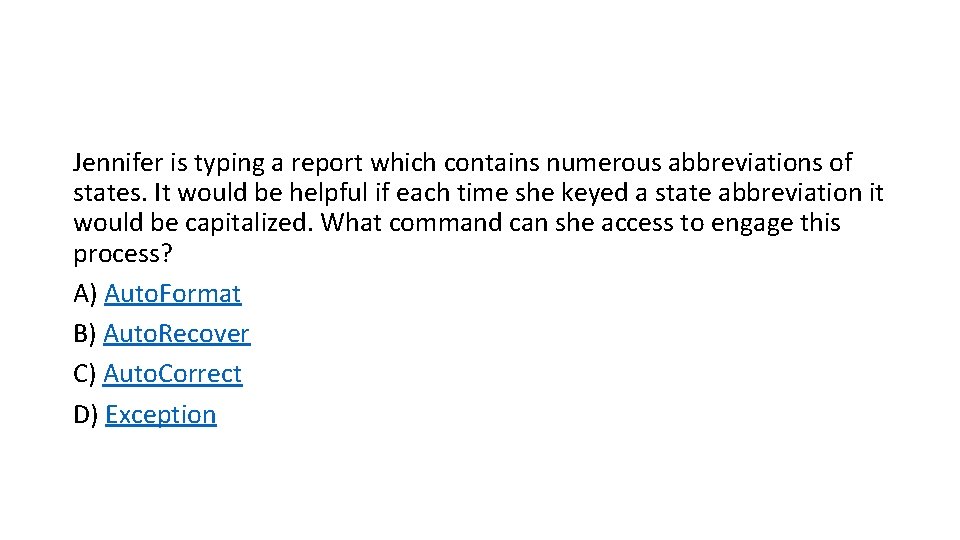
Jennifer is typing a report which contains numerous abbreviations of states. It would be helpful if each time she keyed a state abbreviation it would be capitalized. What command can she access to engage this process? A) Auto. Format B) Auto. Recover C) Auto. Correct D) Exception
Correct
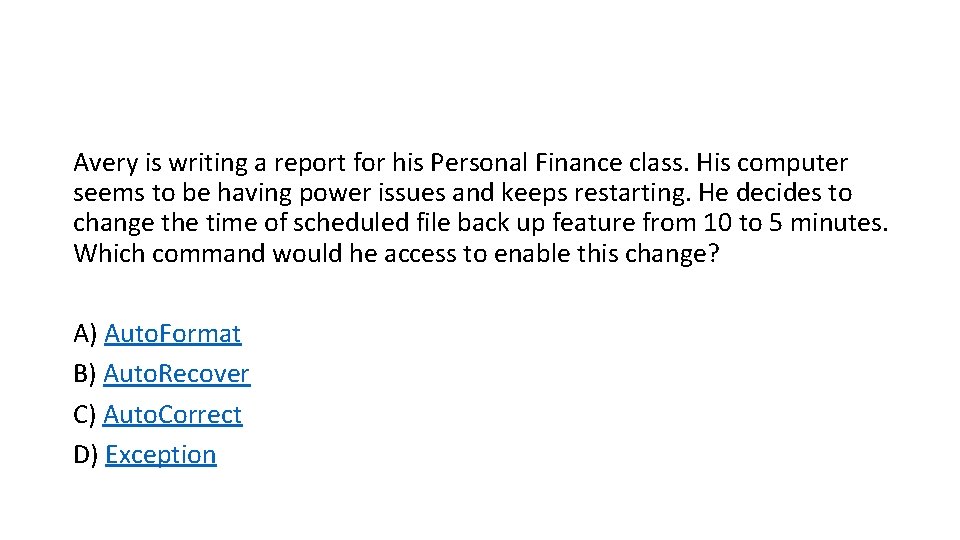
Avery is writing a report for his Personal Finance class. His computer seems to be having power issues and keeps restarting. He decides to change the time of scheduled file back up feature from 10 to 5 minutes. Which command would he access to enable this change? A) Auto. Format B) Auto. Recover C) Auto. Correct D) Exception
Correct
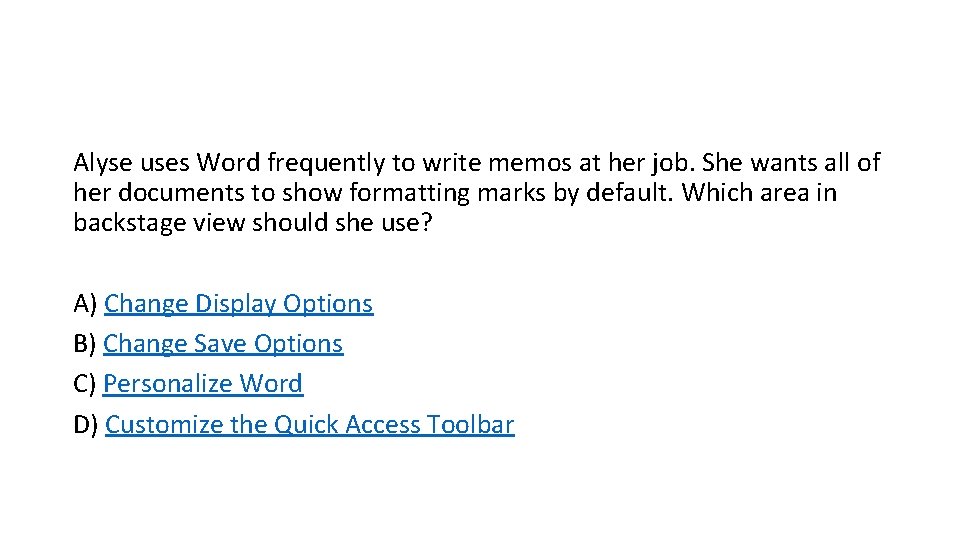
Alyse uses Word frequently to write memos at her job. She wants all of her documents to show formatting marks by default. Which area in backstage view should she use? A) Change Display Options B) Change Save Options C) Personalize Word D) Customize the Quick Access Toolbar
Correct
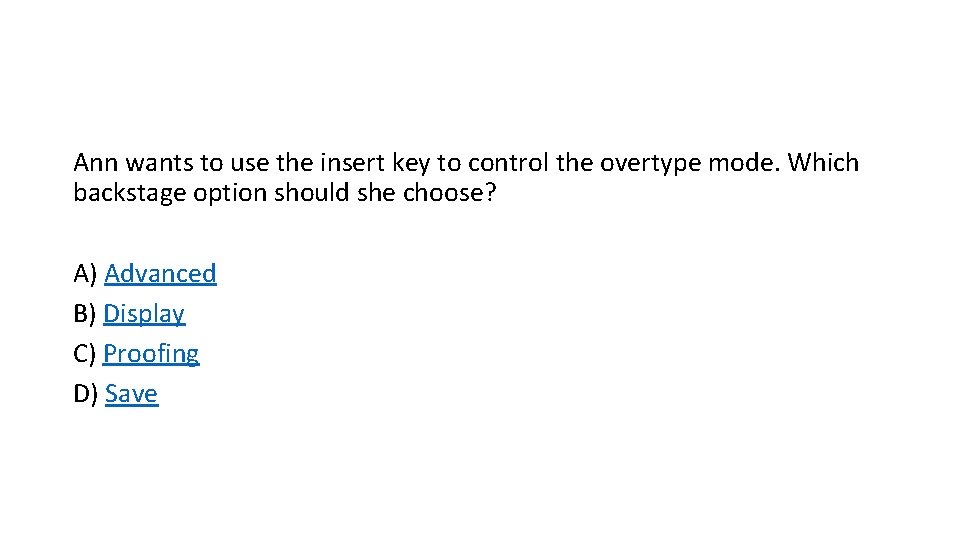
Ann wants to use the insert key to control the overtype mode. Which backstage option should she choose? A) Advanced B) Display C) Proofing D) Save
Correct
Wrong