
Microsoft Word 2016 Page Structure Erica Zelmanowicz Professional
- Slides: 10
Microsoft Word 2016 Page Structure Erica Zelmanowicz Professional Development Manager July 6, 2017 This webinar is scheduled to begin at 2 pm Eastern / 11 am Pacific Audio is provided through the webinar platform via your computer’s speakers, or there is an optional conference line: (805) 309 -2350, Code: 14930# (please note this is a toll call)
Webinar Features Microsoft Word Accessibility Series: Page Structure • Real-time Captioning: Captions are provided in the captioning pod (upper right). In the event we experience any issues with the pod, we will ensure that the recording of today’s session is closed captioned. • Questions: Time will be provided at the end of the webinar for questions. Please submit questions via the Chat pod – (Keyboard: Ctrl + Semicolon) • Today’s Session is Being Recorded: Link to slides, recording, and transcript will go out via email next week. 2 | July 6, 2017 Page Structure
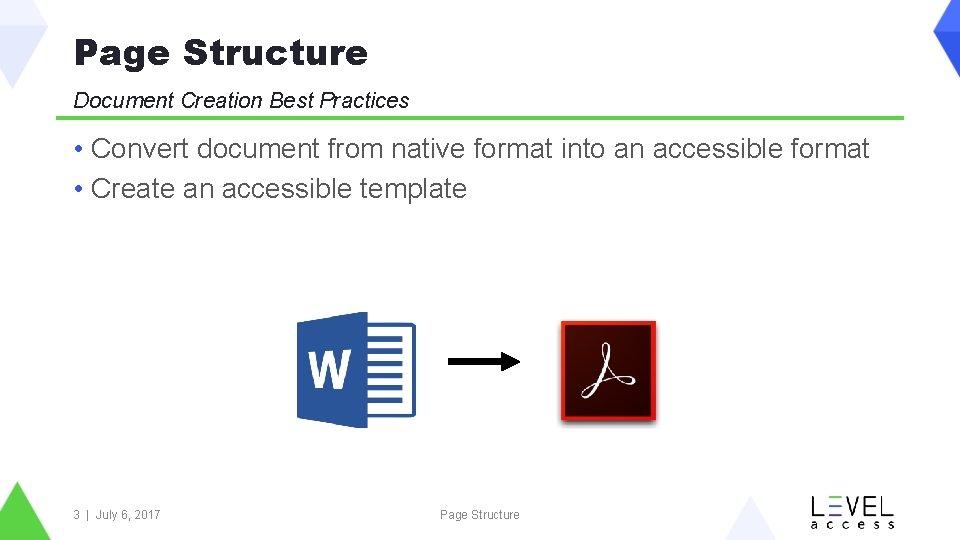
Page Structure Document Creation Best Practices • Convert document from native format into an accessible format • Create an accessible template 3 | July 6, 2017 Page Structure
Page Structure Requirements • Ensure headings are denoted through appropriate styles and not implicitly • Ensure that multi-column content is rendered in the proper order • Ensure headers and footers are used appropriately • Ensure lists items are structured properly 4 | July 6, 2017 Page Structure
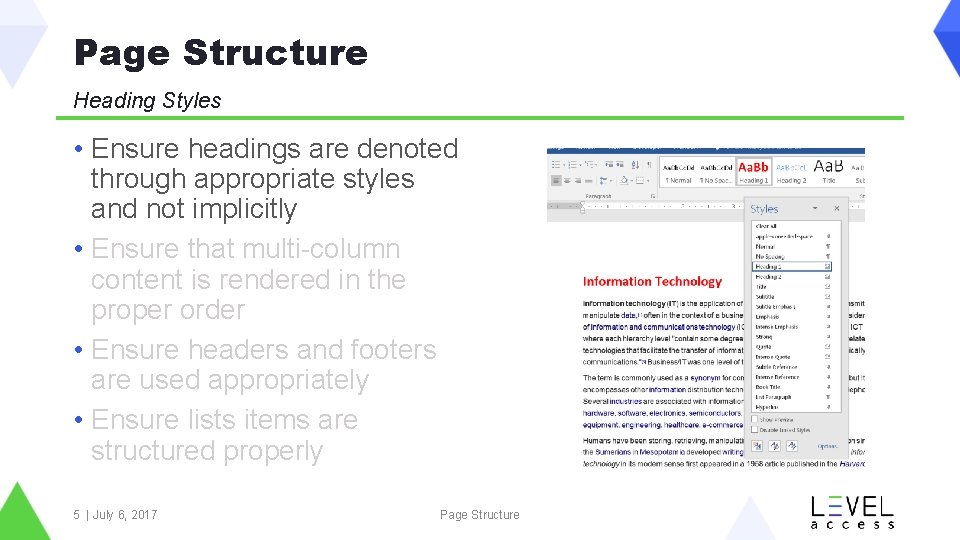
Page Structure Heading Styles • Ensure headings are denoted through appropriate styles and not implicitly • Ensure that multi-column content is rendered in the proper order • Ensure headers and footers are used appropriately • Ensure lists items are structured properly 5 | July 6, 2017 Page Structure
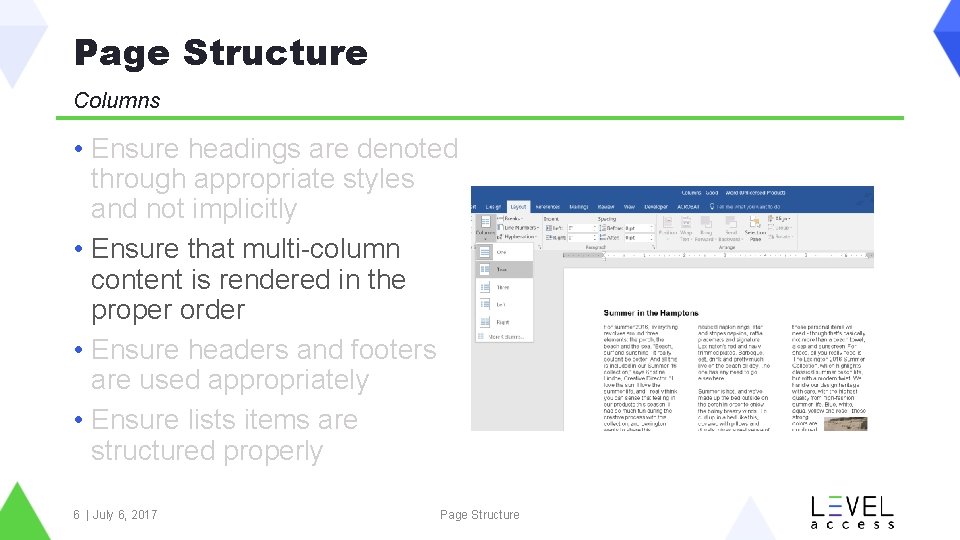
Page Structure Columns • Ensure headings are denoted through appropriate styles and not implicitly • Ensure that multi-column content is rendered in the proper order • Ensure headers and footers are used appropriately • Ensure lists items are structured properly 6 | July 6, 2017 Page Structure
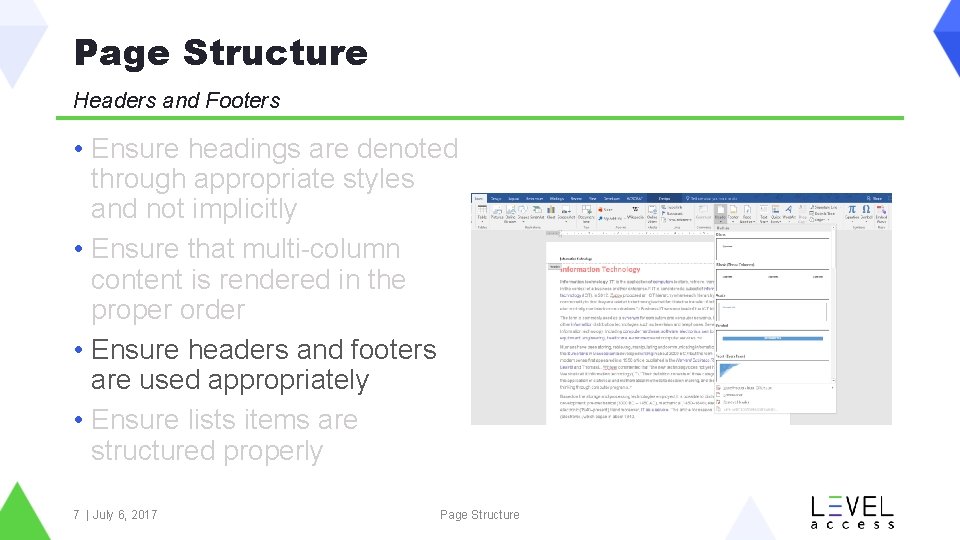
Page Structure Headers and Footers • Ensure headings are denoted through appropriate styles and not implicitly • Ensure that multi-column content is rendered in the proper order • Ensure headers and footers are used appropriately • Ensure lists items are structured properly 7 | July 6, 2017 Page Structure
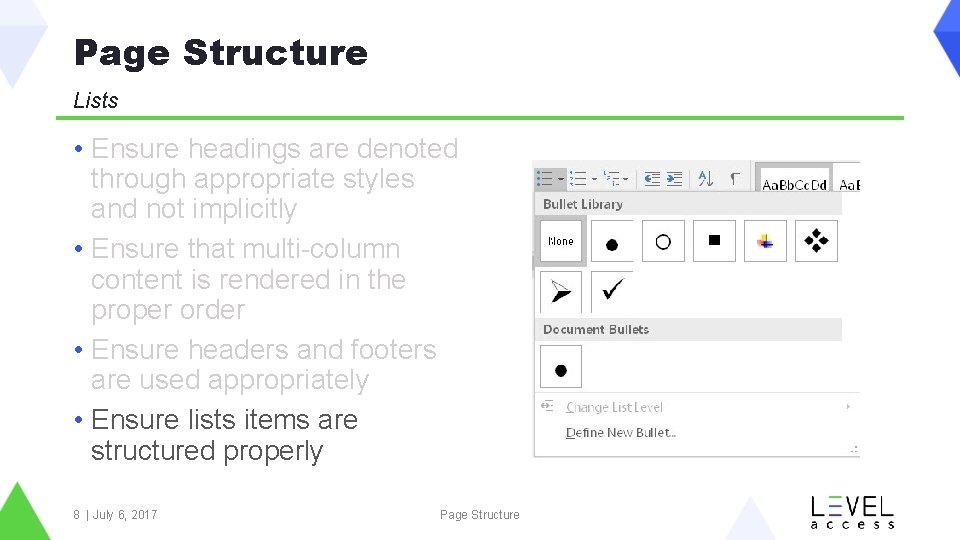
Page Structure Lists • Ensure headings are denoted through appropriate styles and not implicitly • Ensure that multi-column content is rendered in the proper order • Ensure headers and footers are used appropriately • Ensure lists items are structured properly 8 | July 6, 2017 Page Structure
Page Structure Resources • Microsoft Word Accessibility • In. Design Accessibility • PDF Accessibility 9 | July 6, 2017 Page Structure
Thank You Contact Us Follow Us @Level. Access. A 11 y Level-Access Level Access Erica Zelmanowicz Erica. Zelmanowicz@Level. Access. com 10 | July 6, 2017 Page Structure Level Access Blog