
Microsoft Windows Rights Management Services RMS Deployment and








- Slides: 25
Microsoft® Windows® Rights Management Services (RMS) Deployment and Usage, Step-by-Step
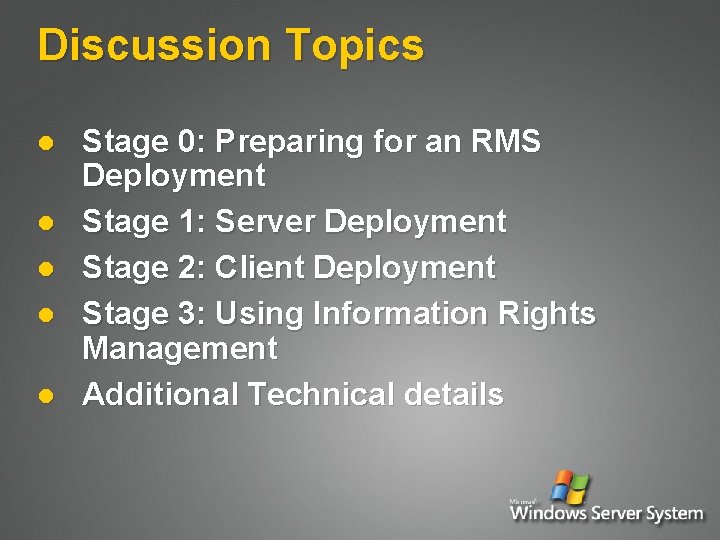
Discussion Topics l l l Stage 0: Preparing for an RMS Deployment Stage 1: Server Deployment Stage 2: Client Deployment Stage 3: Using Information Rights Management Additional Technical details
Stage 0: Preparing for an RMS Deployment
Infrastructure Requirements l l l RMS server: Windows Server 2003 Std. with IIS, ASP. NET, . NET Framework & MSMQ Database such as SQL Server 2000 SP 3 (or MSDE 2000 SP 3) Active Directory (W 2 K or above) Global Catalog Server on W 2 K or above Mail attribute configured for each AD account Ø l l Optional: Exchange 2000, DLs, GAL Enterprise Admin user account Optional: SSL certificate, HSM
Pre-Install Preparations l Create service account for RMS in Active Directory Ø l This account only needs Domain Users access Grant SQL “Database Creators” role for administrator’s log-on account (not the service account) Ø Note: RMS creates DB data files in SQL’s default location – change the default location before provisioning if you want to store files in a different location
Stage 1: Deployment of RMS Server
RMS Installation l l l Join Windows Server 2003 to AD domain Log on to the Windows Server 2003 as a domain user which has local Admin authority Add IIS, ASP. NET and MSMQ components Install RMS (rmssetup. exe) as a local Administrator Install a database such as SQL Server 2000 SP 3 or MSDE 2000 SP 3 on a separate server (or the same one) Note: servers upgraded from Windows 2000 and servers locked down beyond default Windows Server 2003 can fail the next steps
RMS Pre-Provisioning l l Start the RMS Administration page RMS determines if it’s the first RMS server via an LDAP query to AD for an existing SCP Ø Ø If first, it provisions as a root Certification server If not, it provisions as a Licensing server
RMS Provisioning - Input l l l l Choose local or remote database – i. e. whether database is on the same or a different server Choose Local. System or RMS service account Configure URL where RMS will be found (i. e. match this to the DNS entry for the service) Select the protection method for the server’s private key – software or HSM Configure a proxy server address (if this server must communicate to the Internet through a Proxy server) Give the server a descriptive name in the Licensor certificate box Add the email address of the RMS administrator Specify a third-party revocation agent, if any, for your server
RMS Provisioning – Root Server l During the Root Certification server provisioning: Ø Ø Ø Ø RMS creates application pool RMS configures IIS RMS configures MSMQ RMS creates database instances on the database (such as SQL Server or MSDE) RMS performs UDDI query to find MSN RMS activation service RMS creates public/private keypair RMS requests root certification server license from MSN RMS activation service § Ø Ø RMS sends server public key in request MSN RMS activation service creates Server Licensor Certificate (SLC) RMS receives SLC, installs it and completes provisioning
RMS Provisioning – License Server l During the Licensing server sub-enrollment: Ø Ø Ø Ø RMS creates application pool RMS configures MSMQ RMS creates new database instances RMS performs AD lookup to find the root certification cluster RMS requests server licensor certificate from root certification cluster Root certification server creates public/private keypair for licensing server and signs a server licensor certificate for the licensing server RMS receives server licensor certificate and private key from root certification cluster
Summary of Infrastructure Changes made by RMS Server l NO SCHEMA CHANGES in AD Ø Ø RMS uses an existing Service Connection Point object class RMS adds one record to the Config container in AD
Stage 2: Deployment of RMS Clients
RMS Client Installation l Assumed: Ø Ø Ø l RMS client makes these changes: Ø Ø Ø l Each “user” has ability to install software By default, granted to Power Users or Administrators SMS or Group Policy support this as well Installing client libraries in %systemroot%system 32 Adds actmachine. exe utility to %systemroot%system 32DRM Creates registry entries in HKLMSoftwareMicrosoft This step is combined with Client Activation – activation is attempted at end of install Ø Ø Installation can still succeed if activation fails Activation also requires admin-level authority, so it’s useful to perform both steps at once
RMS Client Activation l Assumptions: Ø Ø l On a Windows client with the RMS Client software installed: Ø Ø l “User” has ability to install software RMS Client already installed Client performs service discovery – looks for enterprise RMS Client sends Activation request to RMS or to MSN directly (depending on service discovery), with the client HWID MSN Activation server generates RSA keypair, inserts machine’s private key in lockbox and includes machine’s public key, HWID in machine certificate MSN Activation server sends lockbox and certificate as CAB file to requestor, and they’re unpacked and installed on the client Activation makes these changes: Ø Ø Ø Writes secrep. dll to %windir%system 32 Writes Cert-Machine. drm to %allusersprofile%Application DataMicrosoftDRM Writes to registry under HKLMSoftwareMicrosoft (MSDRM and u. DRM keys)
RMS User Certification (1) l Assumptions: Ø Ø l l Application attempts an RMS operation for a user and determines user has no RAC Application performs service discovery to find out which Certification server to use Ø Ø Ø l RMS Client already installed and Activated No special requirements for the user Registry overrides AD lookup for SCP Direct request to Microsoft (MSN) Application asks user whether to use Passport or Windows credentials
RMS User Certification (2) l l l Application forms request and calls RMS Client APIs, specifying machine public key, “permanent”/“temporary” RAC request, and Windows or Passport authority RMS client APIs make certification request to Enterprise RMS Server (or MSN if Passport) RMS server does the following: Ø Ø Ø Receives authentication confirmation from IIS Looks up user’s email address in AD Creates public/private keypair for user Encrypts user’s RAC private key with the client machine public key Embeds RAC keypair in RAC and sends RAC back to client
Stage 3: Using Information Rights Management
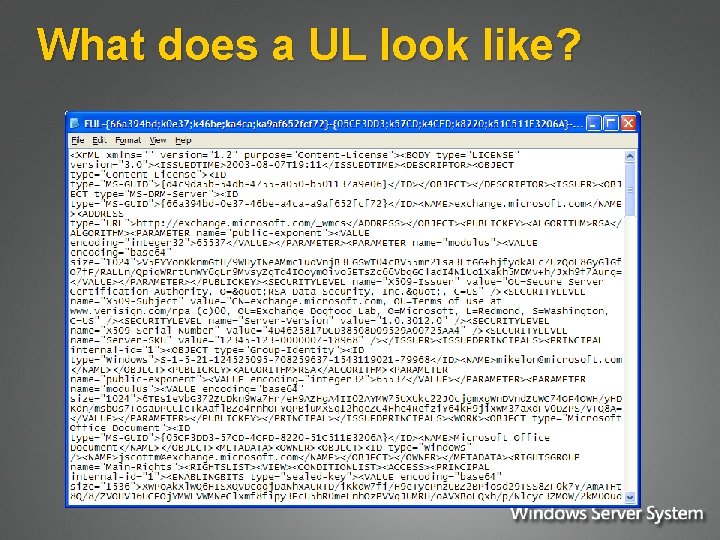
Terminology Review l Lockbox: unique per-machine security DLL Ø l RAC: user’s RM Account Certificate Ø Ø l Ø Copy of server’s public key for publishing [one per user] Also contains publishing keypair for the user PL: document’s Publishing License Ø Ø l Identity of the user [one per user] aka “Group Identity Certificate” (GIC) CLC: user’s Client Licensor Certificate Ø l Stores machine’s private key Where rights and content key are stored [one per document] aka “Issuance License” (IL) UL: Use License Ø Ø Where user’s copy of content key is stored [one per document per user] aka “End User License” (EUL)
Publishing Rights-Protected Content using Office 2003 l Assumed: Ø Ø l User has RAC & CLC from RMS server for offline publishing Office 2003 & RMS client already installed & activated Offline publishing steps: Ø Ø User creates document and tries to rights-protect it Client creates random symmetric key (Content Key) User selects email addresses for users and groups Office app creates publishing license with rights, emails, and encrypted Content key § Ø Content key is encrypted with the RMS server’s public key (found in the CLC) Publishing license is added to encrypted document as another piece of the compound document
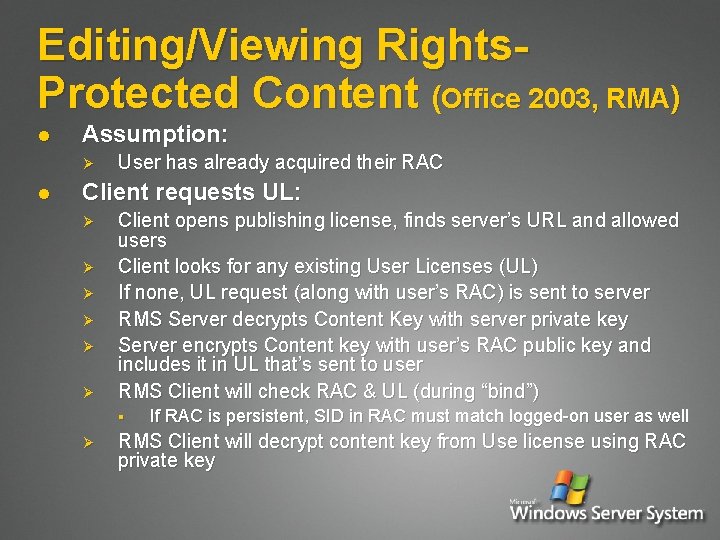
Editing/Viewing Rights. Protected Content (Office 2003, RMA) l Assumption: Ø l User has already acquired their RAC Client requests UL: Ø Ø Ø Client opens publishing license, finds server’s URL and allowed users Client looks for any existing User Licenses (UL) If none, UL request (along with user’s RAC) is sent to server RMS Server decrypts Content Key with server private key Server encrypts Content key with user’s RAC public key and includes it in UL that’s sent to user RMS Client will check RAC & UL (during “bind”) § Ø If RAC is persistent, SID in RAC must match logged-on user as well RMS Client will decrypt content key from Use license using RAC private key
For More Information http: //www. microsoft. com/rms
Backup slides
What does a UL look like?
UL (in English please…)