
Microsoft Windows Longhorn The Next Wave of Industry

- Slides: 39
Microsoft® Windows® ‘Longhorn’ The Next Wave of Industry Innovation Danny Beck, Mark O’Shea Microsoft Australia
Disclaimer This presentation contains preliminary information that may be changed substantially prior to final commercial release of the software described herein. The information contained in this presentation represents the current view of Microsoft Corporation on the issues discussed as of the date of the presentation. Because Microsoft must respond to changing market conditions, it should not be interpreted to be a commitment on the part of Microsoft, and Microsoft cannot guarantee the accuracy of any information presented after the date of the presentation. This presentation is for informational purposes only. MICROSOFT MAKES NO WARRANTIES, EXPRESS, IMPLIED OR STATUTORY, AS TO THE INFORMATION IN THIS PRESENTATION. Microsoft may have patents, patent applications, trademarks, copyrights, or other intellectual property rights covering subject matter in this presentation. Except as expressly provided in any written license agreement from Microsoft, the furnishing of this information does not give you any license to these patents, trademarks, copyrights, or other intellectual property. © 2005 Microsoft Corporation. All rights reserved.
Agenda • • • Announcement Vision Fundamentals Demo Call to action
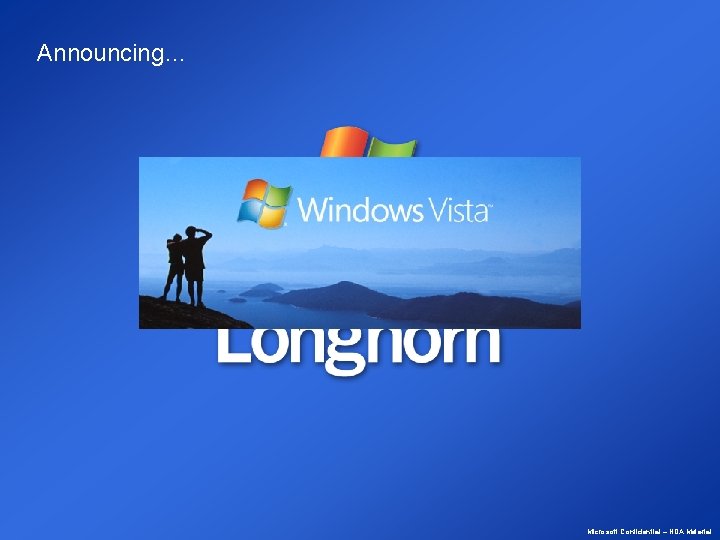
Announcing… Microsoft Confidential – NDA Material
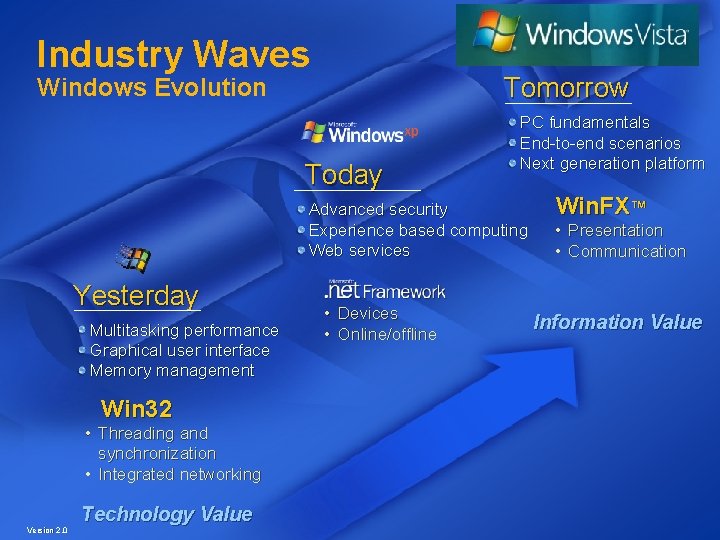
Industry Waves Tomorrow Windows Evolution Today PC fundamentals End-to-end scenarios Next generation platform Advanced security Experience based computing Web services Yesterday Multitasking performance Graphical user interface Memory management Win 32 • Threading and synchronization • Integrated networking Version 2. 0 Technology Value • Devices • Online/offline Win. FX™ • Presentation • Communication Information Value
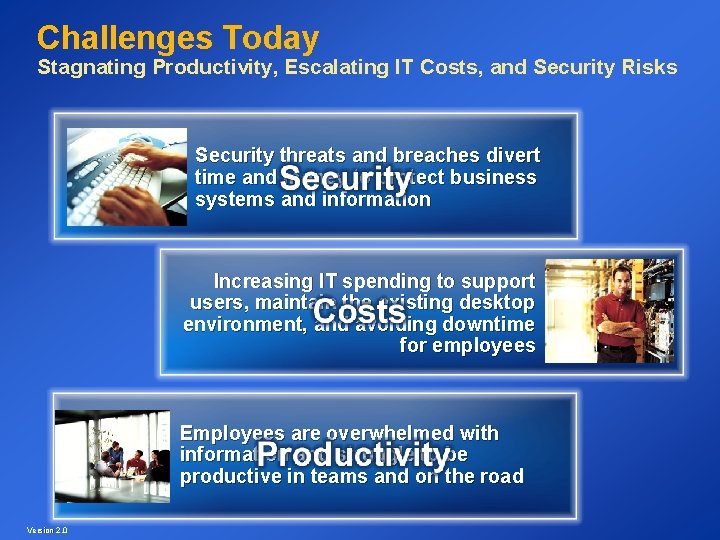
Challenges Today Stagnating Productivity, Escalating IT Costs, and Security Risks Security threats and breaches divert time and money to protect business systems and information Increasing IT spending to support users, maintain the existing desktop environment, and avoiding downtime for employees Employees are overwhelmed with information and struggle to be productive in teams and on the road Version 2. 0
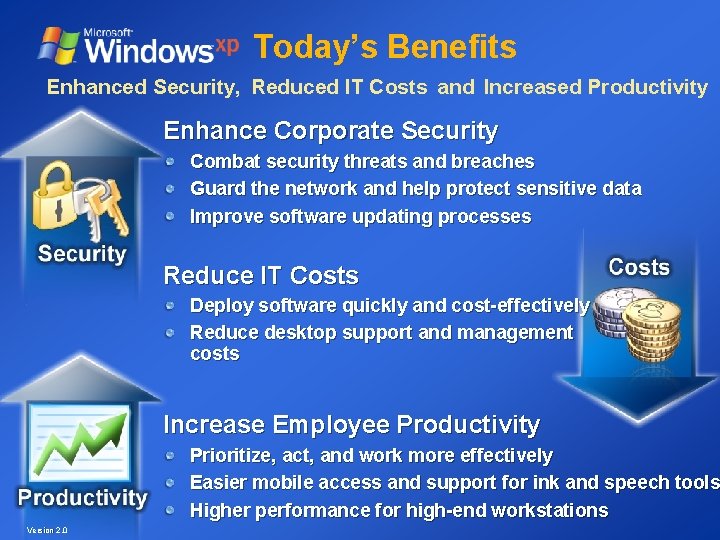
Today’s Benefits Enhanced Security, Reduced IT Costs and Increased Productivity Enhance Corporate Security Combat security threats and breaches Guard the network and help protect sensitive data Improve software updating processes Reduce IT Costs Deploy software quickly and cost-effectively Reduce desktop support and management costs Increase Employee Productivity Prioritize, act, and work more effectively Easier mobile access and support for ink and speech tools Higher performance for high-end workstations Version 2. 0
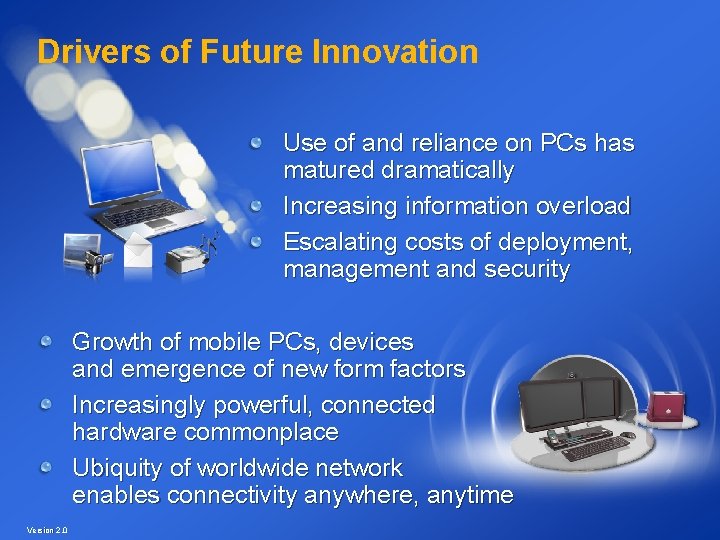
Drivers of Future Innovation Use of and reliance on PCs has matured dramatically Increasing information overload Escalating costs of deployment, management and security Growth of mobile PCs, devices and emergence of new form factors Increasingly powerful, connected hardware commonplace Ubiquity of worldwide network enables connectivity anywhere, anytime Version 2. 0
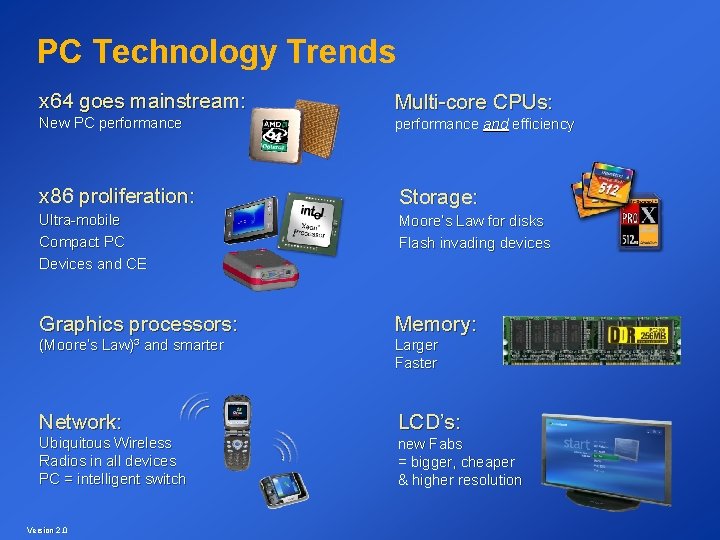
PC Technology Trends x 64 goes mainstream: New PC performance Multi-core CPUs: performance and efficiency x 86 proliferation: Storage: Ultra-mobile Compact PC Devices and CE Moore’s Law for disks Flash invading devices Graphics processors: Memory: (Moore’s Law)³ and smarter Larger Faster Network: LCD’s: Ubiquitous Wireless Radios in all devices PC = intelligent switch new Fabs = bigger, cheaper & higher resolution Version 2. 0
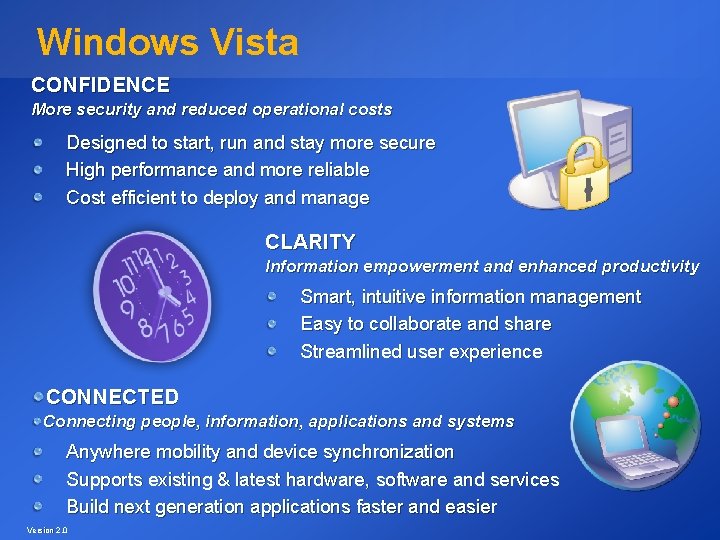
Windows Vista CONFIDENCE More security and reduced operational costs Designed to start, run and stay more secure High performance and more reliable Cost efficient to deploy and manage CLARITY Information empowerment and enhanced productivity Smart, intuitive information management Easy to collaborate and share Streamlined user experience CONNECTED Connecting people, information, applications and systems Anywhere mobility and device synchronization Supports existing & latest hardware, software and services Build next generation applications faster and easier Version 2. 0
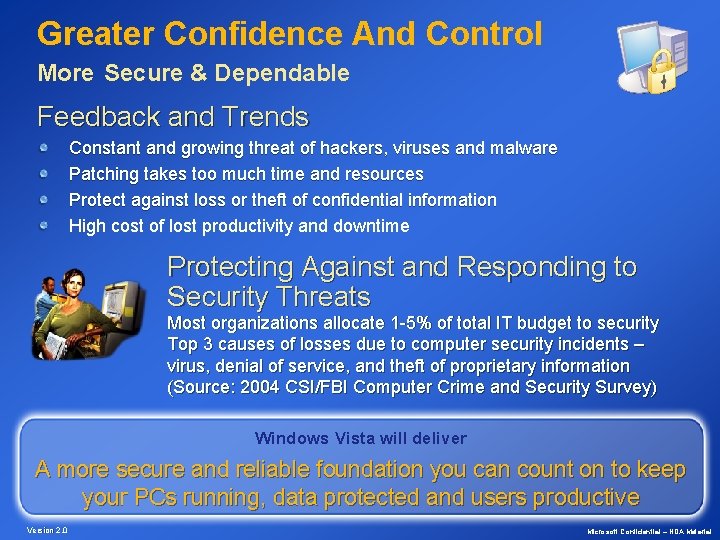
Greater Confidence And Control More Secure & Dependable Feedback and Trends Constant and growing threat of hackers, viruses and malware Patching takes too much time and resources Protect against loss or theft of confidential information High cost of lost productivity and downtime Protecting Against and Responding to Security Threats Most organizations allocate 1 -5% of total IT budget to security Top 3 causes of losses due to computer security incidents – virus, denial of service, and theft of proprietary information (Source: 2004 CSI/FBI Computer Crime and Security Survey) Windows Vista will deliver A more secure and reliable foundation you can count on to keep your PCs running, data protected and users productive Version 2. 0 Microsoft Confidential – NDA Material
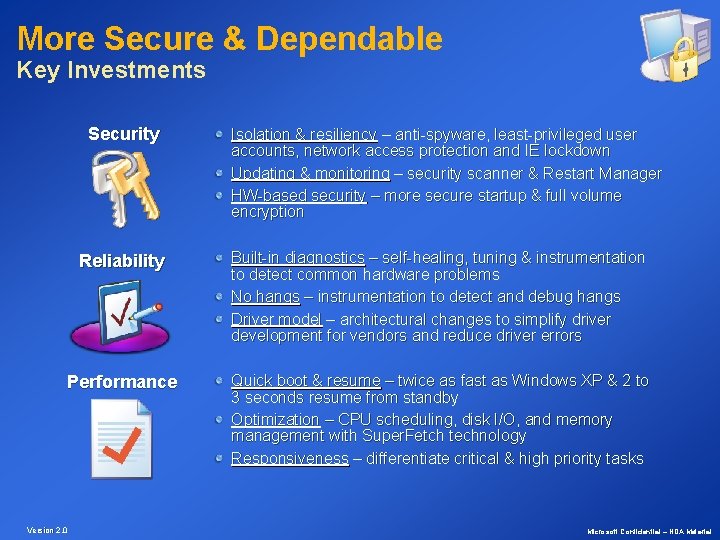
More Secure & Dependable Key Investments Security Isolation & resiliency – anti-spyware, least-privileged user accounts, network access protection and IE lockdown Updating & monitoring – security scanner & Restart Manager HW-based security – more secure startup & full volume encryption Reliability Built-in diagnostics – self-healing, tuning & instrumentation to detect common hardware problems No hangs – instrumentation to detect and debug hangs Driver model – architectural changes to simplify driver development for vendors and reduce driver errors Performance Quick boot & resume – twice as fast as Windows XP & 2 to 3 seconds resume from standby Optimization – CPU scheduling, disk I/O, and memory management with Super. Fetch technology Responsiveness – differentiate critical & high priority tasks Version 2. 0 Microsoft Confidential – NDA Material
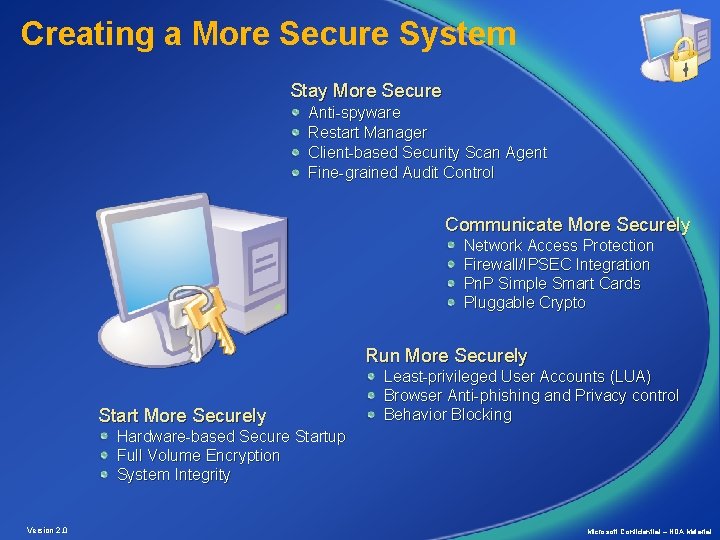
Creating a More Secure System Stay More Secure Anti-spyware Restart Manager Client-based Security Scan Agent Fine-grained Audit Control Communicate More Securely Network Access Protection Firewall/IPSEC Integration Pn. P Simple Smart Cards Pluggable Crypto Run More Securely Start More Securely Least-privileged User Accounts (LUA) Browser Anti-phishing and Privacy control Behavior Blocking Hardware-based Secure Startup Full Volume Encryption System Integrity Version 2. 0 Microsoft Confidential – NDA Material
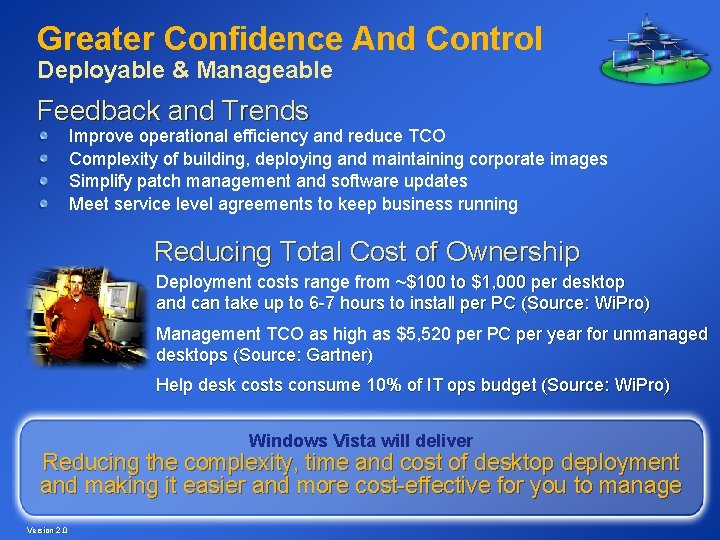
Greater Confidence And Control Deployable & Manageable Feedback and Trends Improve operational efficiency and reduce TCO Complexity of building, deploying and maintaining corporate images Simplify patch management and software updates Meet service level agreements to keep business running Reducing Total Cost of Ownership Deployment costs range from ~$100 to $1, 000 per desktop and can take up to 6 -7 hours to install per PC (Source: Wi. Pro) Management TCO as high as $5, 520 per PC per year for unmanaged desktops (Source: Gartner) Help desk costs consume 10% of IT ops budget (Source: Wi. Pro) Windows Vista will deliver Reducing the complexity, time and cost of desktop deployment and making it easier and more cost-effective for you to manage Version 2. 0
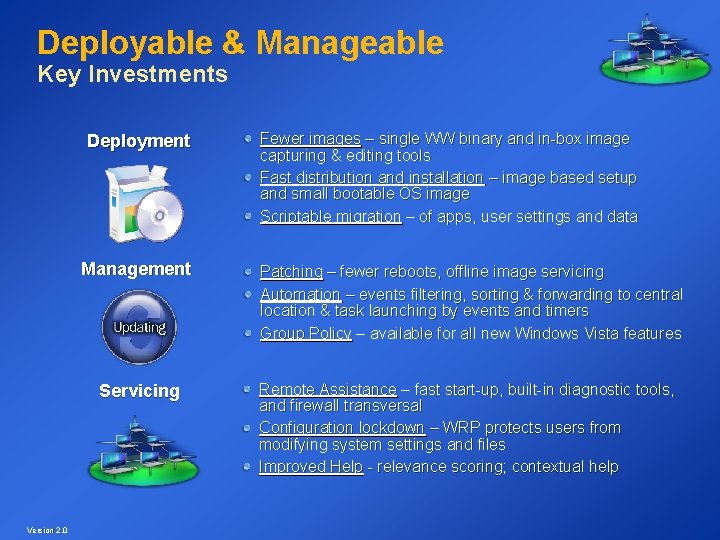
Deployable & Manageable Key Investments Deployment Management Servicing Version 2. 0 Fewer images – single WW binary and in-box image capturing & editing tools Fast distribution and installation – image based setup and small bootable OS image Scriptable migration – of apps, user settings and data Patching – fewer reboots, offline image servicing Automation – events filtering, sorting & forwarding to central location & task launching by events and timers Group Policy – available for all new Windows Vista features Remote Assistance – fast start-up, built-in diagnostic tools, and firewall transversal Configuration lockdown – WRP protects users from modifying system settings and files Improved Help - relevance scoring; contextual help
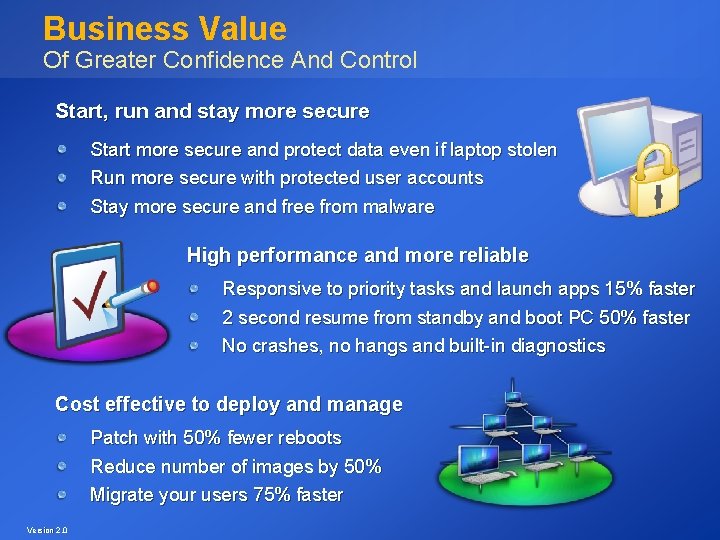
Business Value Of Greater Confidence And Control Start, run and stay more secure Start more secure and protect data even if laptop stolen Run more secure with protected user accounts Stay more secure and free from malware High performance and more reliable Responsive to priority tasks and launch apps 15% faster 2 second resume from standby and boot PC 50% faster No crashes, no hangs and built-in diagnostics Cost effective to deploy and manage Patch with 50% fewer reboots Reduce number of images by 50% Migrate your users 75% faster Version 2. 0
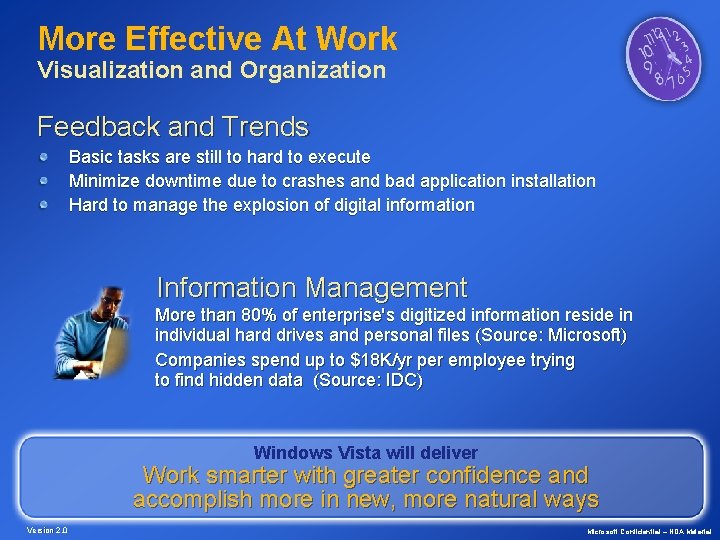
More Effective At Work Visualization and Organization Feedback and Trends Basic tasks are still to hard to execute Minimize downtime due to crashes and bad application installation Hard to manage the explosion of digital information Information Management More than 80% of enterprise's digitized information reside in individual hard drives and personal files (Source: Microsoft) Companies spend up to $18 K/yr per employee trying to find hidden data (Source: IDC) Windows Vista will deliver Work smarter with greater confidence and accomplish more in new, more natural ways Version 2. 0 Microsoft Confidential – NDA Material
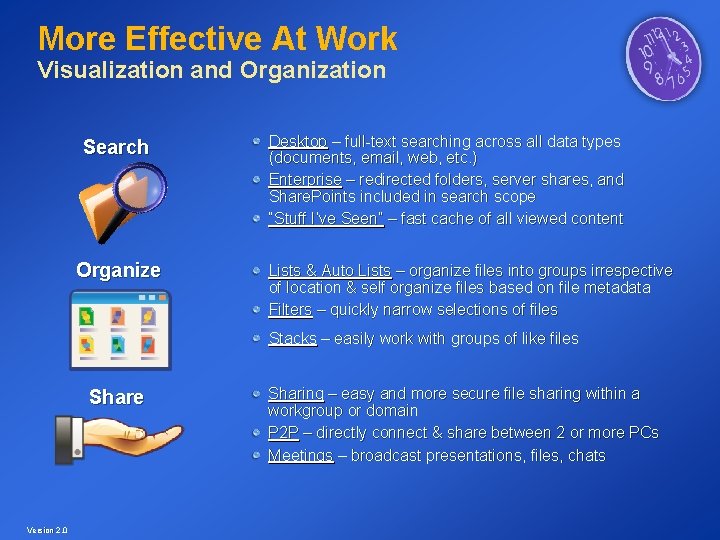
More Effective At Work Visualization and Organization Search Organize Desktop – full-text searching across all data types (documents, email, web, etc. ) Enterprise – redirected folders, server shares, and Share. Points included in search scope “Stuff I’ve Seen” – fast cache of all viewed content Lists & Auto Lists – organize files into groups irrespective of location & self organize files based on file metadata Filters – quickly narrow selections of files Stacks – easily work with groups of like files Share Version 2. 0 Sharing – easy and more secure file sharing within a workgroup or domain P 2 P – directly connect & share between 2 or more PCs Meetings – broadcast presentations, files, chats
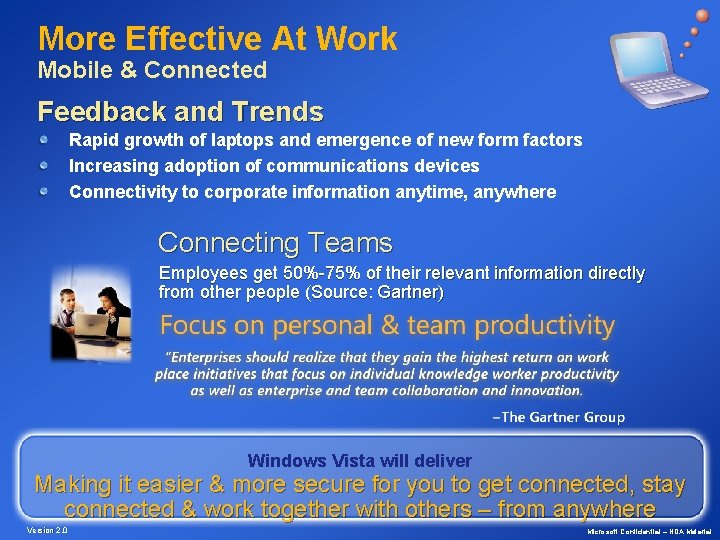
More Effective At Work Mobile & Connected Feedback and Trends Rapid growth of laptops and emergence of new form factors Increasing adoption of communications devices Connectivity to corporate information anytime, anywhere Connecting Teams Employees get 50%-75% of their relevant information directly from other people (Source: Gartner) Windows Vista will deliver Making it easier & more secure for you to get connected, stay connected & work together with others – from anywhere Version 2. 0 Microsoft Confidential – NDA Material
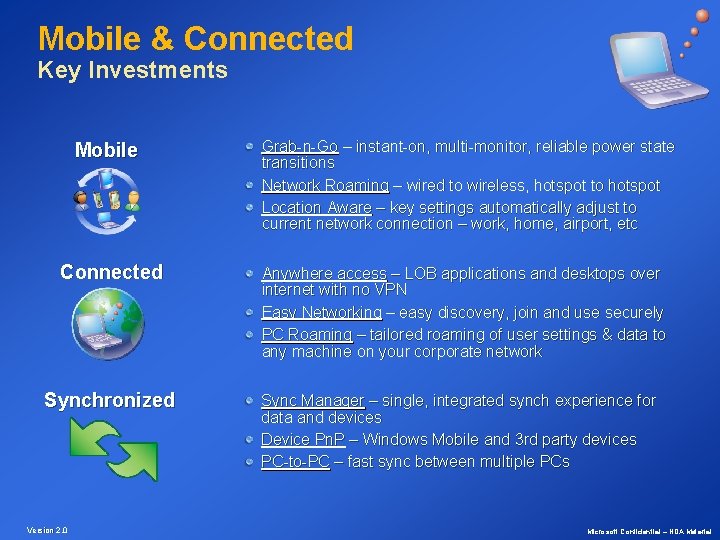
Mobile & Connected Key Investments Mobile Connected Synchronized Version 2. 0 Grab-n-Go – instant-on, multi-monitor, reliable power state transitions Network Roaming – wired to wireless, hotspot to hotspot Location Aware – key settings automatically adjust to current network connection – work, home, airport, etc Anywhere access – LOB applications and desktops over internet with no VPN Easy Networking – easy discovery, join and use securely PC Roaming – tailored roaming of user settings & data to any machine on your corporate network Sync Manager – single, integrated synch experience for data and devices Device Pn. P – Windows Mobile and 3 rd party devices PC-to-PC – fast sync between multiple PCs Microsoft Confidential – NDA Material
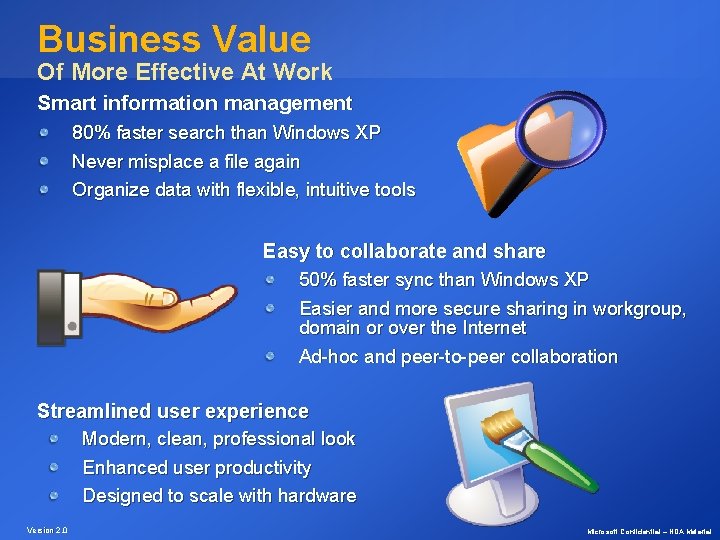
Business Value Of More Effective At Work Smart information management 80% faster search than Windows XP Never misplace a file again Organize data with flexible, intuitive tools Easy to collaborate and share 50% faster sync than Windows XP Easier and more secure sharing in workgroup, domain or over the Internet Ad-hoc and peer-to-peer collaboration Streamlined user experience Modern, clean, professional look Enhanced user productivity Designed to scale with hardware Version 2. 0 Microsoft Confidential – NDA Material
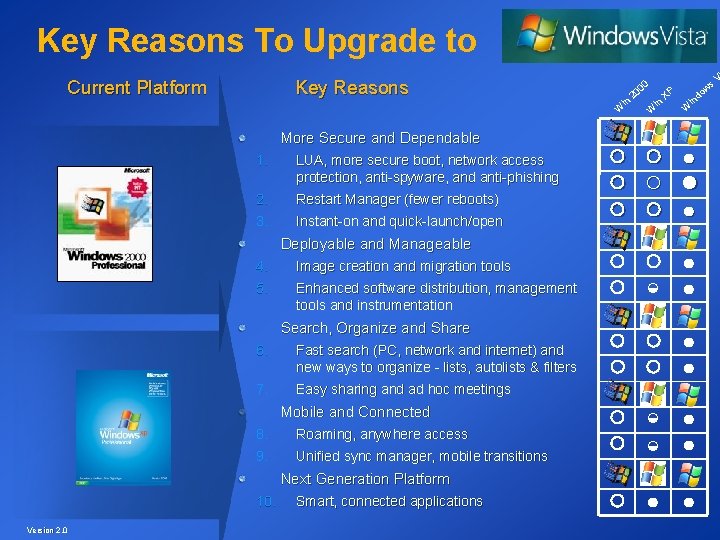
Key Reasons To Upgrade to Current Platform Key Reasons 0 in W More Secure and Dependable 1. LUA, more secure boot, network access protection, anti-spyware, and anti-phishing 2. 3. Restart Manager (fewer reboots) Instant-on and quick-launch/open Deployable and Manageable 4. 5. Image creation and migration tools Enhanced software distribution, management tools and instrumentation Search, Organize and Share 6. Fast search (PC, network and internet) and new ways to organize - lists, autolists & filters 7. Easy sharing and ad hoc meetings Mobile and Connected 8. 9. Roaming, anywhere access Unified sync manager, mobile transitions Next Generation Platform 10. Version 2. 0 Smart, connected applications ○ ○ ○ 0 20 in W XP d in W ○ ● ○ ● ○ ◒ ● ○ ○ ◒ ◒ s ow ● ● ○ ● ● V
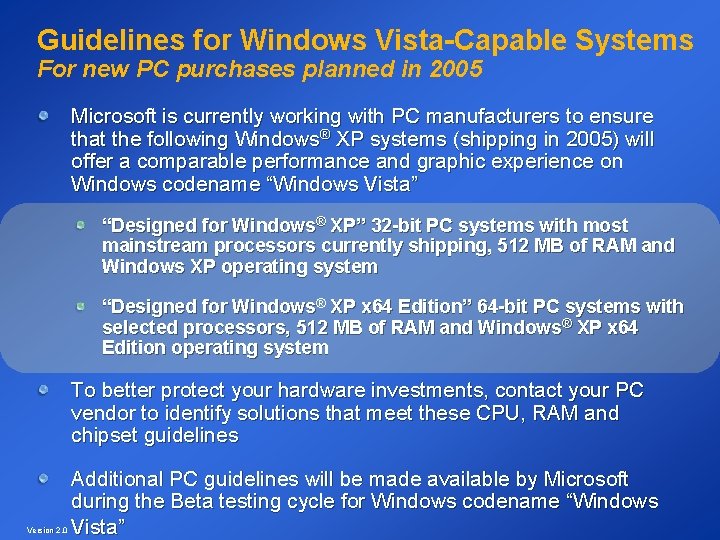
Guidelines for Windows Vista-Capable Systems For new PC purchases planned in 2005 Microsoft is currently working with PC manufacturers to ensure that the following Windows® XP systems (shipping in 2005) will offer a comparable performance and graphic experience on Windows codename “Windows Vista” “Designed for Windows® XP” 32 -bit PC systems with most mainstream processors currently shipping, 512 MB of RAM and Windows XP operating system “Designed for Windows® XP x 64 Edition” 64 -bit PC systems with selected processors, 512 MB of RAM and Windows® XP x 64 Edition operating system To better protect your hardware investments, contact your PC vendor to identify solutions that meet these CPU, RAM and chipset guidelines Version 2. 0 Additional PC guidelines will be made available by Microsoft during the Beta testing cycle for Windows codename “Windows Vista”
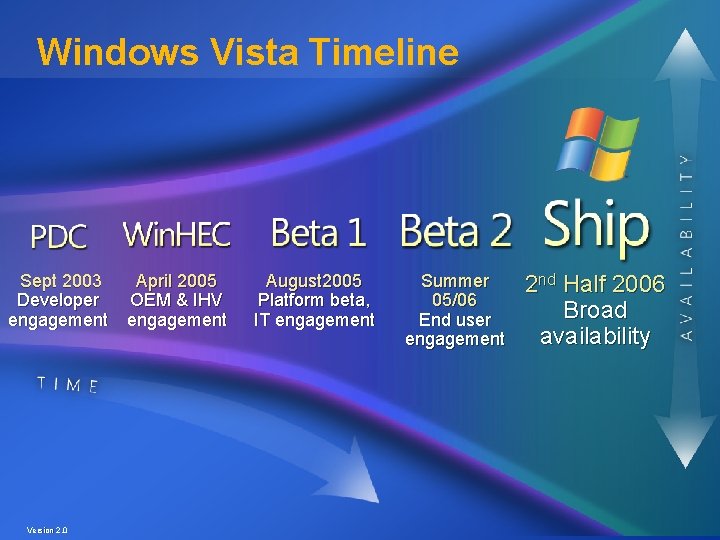
Windows Vista Timeline Sept 2003 April 2005 Developer OEM & IHV engagement Version 2. 0 August 2005 Platform beta, IT engagement Summer 05/06 End user engagement 2 nd Half 2006 Broad availability
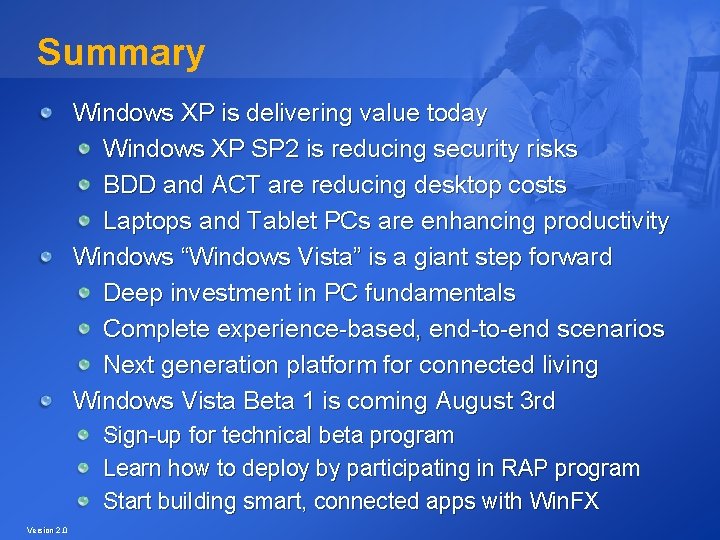
Summary Windows XP is delivering value today Windows XP SP 2 is reducing security risks BDD and ACT are reducing desktop costs Laptops and Tablet PCs are enhancing productivity Windows “Windows Vista” is a giant step forward Deep investment in PC fundamentals Complete experience-based, end-to-end scenarios Next generation platform for connected living Windows Vista Beta 1 is coming August 3 rd Sign-up for technical beta program Learn how to deploy by participating in RAP program Start building smart, connected apps with Win. FX Version 2. 0
Windows Vista Technology Adoption Program for Rapid Deployment Medium Business Microsoft Confidential – NDA Material
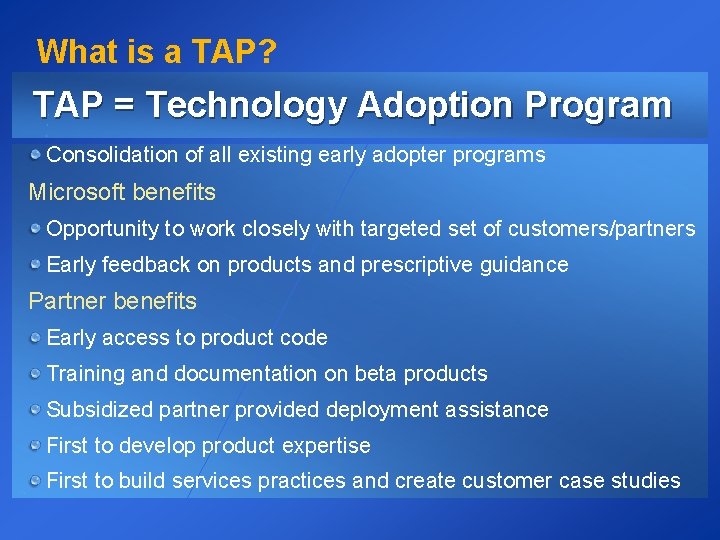
What is a TAP? TAP = Technology Adoption Program Consolidation of all existing early adopter programs Microsoft benefits Opportunity to work closely with targeted set of customers/partners Early feedback on products and prescriptive guidance Partner benefits Early access to product code Training and documentation on beta products Subsidized partner provided deployment assistance First to develop product expertise First to build services practices and create customer case studies
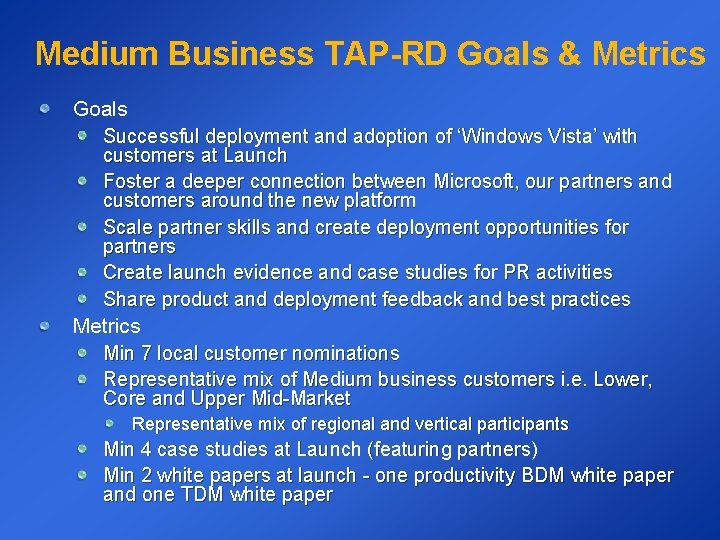
Medium Business TAP-RD Goals & Metrics Goals Successful deployment and adoption of ‘Windows Vista’ with customers at Launch Foster a deeper connection between Microsoft, our partners and customers around the new platform Scale partner skills and create deployment opportunities for partners Create launch evidence and case studies for PR activities Share product and deployment feedback and best practices Metrics Min 7 local customer nominations Representative mix of Medium business customers i. e. Lower, Core and Upper Mid-Market Representative mix of regional and vertical participants Min 4 case studies at Launch (featuring partners) Min 2 white papers at launch - one productivity BDM white paper and one TDM white paper
Partner Only Benefits First to develop Windows Vista expertise and build a services practice – first mover advantage! Funding for deployment services - up to 20 days Featured in partner-led case studies Showcased on Desktop Deployment Portal as “Windows Vista Client Ready/Certified” partner Opportunity to participate in launch activities Opportunity to attend and participate in WW airlifts (Partner Expo) Develop deeper relationships with Microsoft and work closer with the product group in Redmond
Customer & Partner Benefits Resources Receive up to 20 -days of deployment services (of a 30 -day deployment) Partner engaged technical lead Training and access to documentation 24 x 7 Beta Technical Support PSS email and newsgroup support Issue escalation and resolution Early access to code Product and interim builds Deployment and implementation training Business value analysis Evidence of positive financial impact Assistance in cost and benefit calculations Community advantage TAP Tech discussion alias, customer website and peer support TAP Deployment Conference/Airlift
Partner Requirements Executive sponsorship Build Windows Vista consulting and deployment skills and allocate resources to drive successful engagements Agreement to partial funding of services engagement 1/3 engagement funded by Microsoft 1/3 engagement funded by customer 1/3 engagement provided by partner Total of up to 30 day partner engagement Help customers to deploy at all relevant milestones Drive customers to participate in PR/launch activities where appropriate
Customer Requirements Executive Sponsorship (CIO or business owner level) Internal IT resources allocated to ensure successful deployment Assign Project Manager and suitable project staff Provide ongoing status update Attend training/airlifts and participate in TAP community Agree to partial funding of engagement 1/3 engagement (up to 10 days) Deploy milestones 2 -5 PC’s test lab at Beta 2 – build Windows Vista proof of concept 5 pilot production users at RC 20% PC’s live production users by launch Agree to participate in PR/launch activities Legal sign off – TAP agreement, program description, EULA Options: press release, press/customer interview, or launch participation
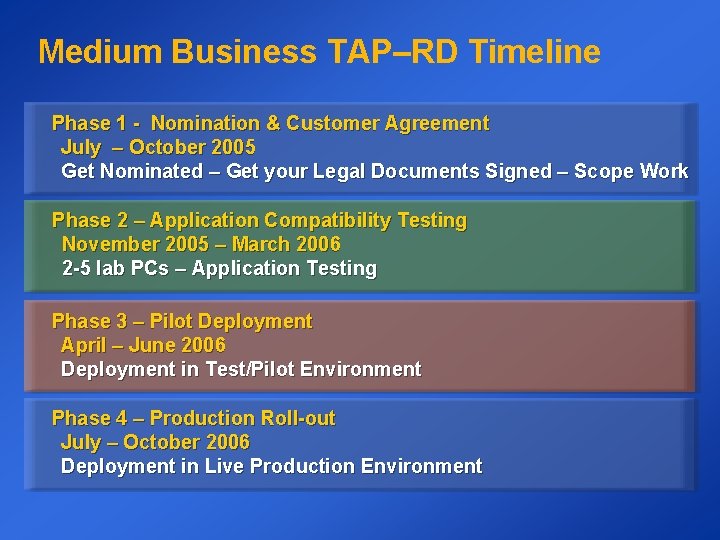
Medium Business TAP–RD Timeline Phase 1 - Nomination & Customer Agreement July – October 2005 Get Nominated – Get your Legal Documents Signed – Scope Work Phase 2 – Application Compatibility Testing November 2005 – March 2006 2 -5 lab PCs – Application Testing Phase 3 – Pilot Deployment April – June 2006 Deployment in Test/Pilot Environment Phase 4 – Production Roll-out July – October 2006 Deployment in Live Production Environment
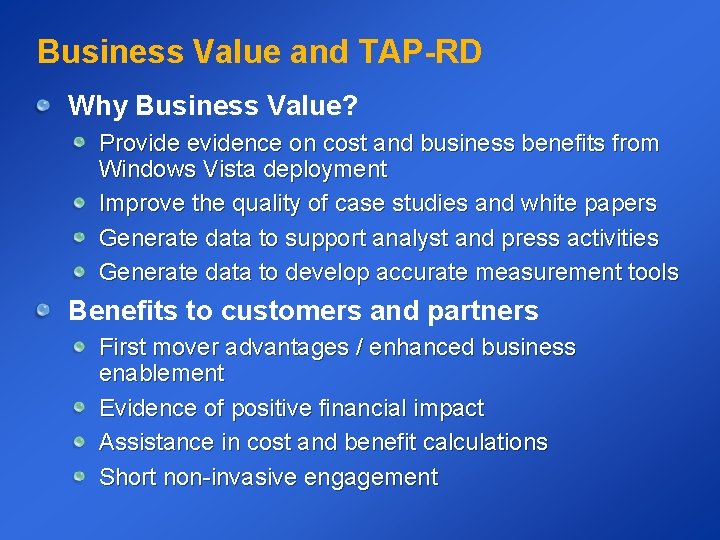
Business Value and TAP-RD Why Business Value? Provide evidence on cost and business benefits from Windows Vista deployment Improve the quality of case studies and white papers Generate data to support analyst and press activities Generate data to develop accurate measurement tools Benefits to customers and partners First mover advantages / enhanced business enablement Evidence of positive financial impact Assistance in cost and benefit calculations Short non-invasive engagement
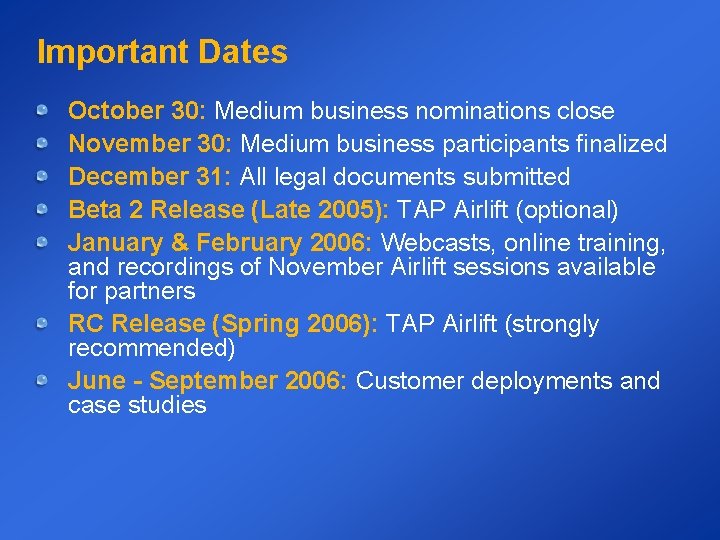
Important Dates October 30: Medium business nominations close November 30: Medium business participants finalized December 31: All legal documents submitted Beta 2 Release (Late 2005): TAP Airlift (optional) January & February 2006: Webcasts, online training, and recordings of November Airlift sessions available for partners RC Release (Spring 2006): TAP Airlift (strongly recommended) June - September 2006: Customer deployments and case studies
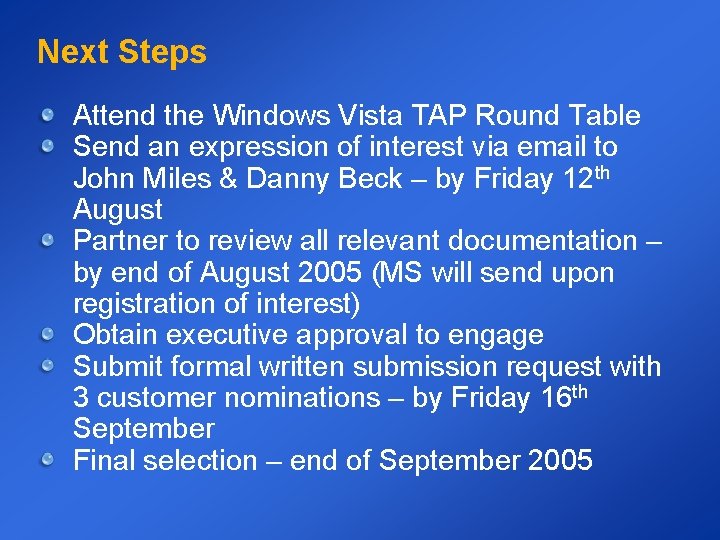
Next Steps Attend the Windows Vista TAP Round Table Send an expression of interest via email to John Miles & Danny Beck – by Friday 12 th August Partner to review all relevant documentation – by end of August 2005 (MS will send upon registration of interest) Obtain executive approval to engage Submit formal written submission request with 3 customer nominations – by Friday 16 th September Final selection – end of September 2005
How Do I Find Out More? Contact 1. Danny Beck (danbeck@microsoft. com) 2. John Miles (jmiles@microsoft. com) 3. Mark O’Shea (markos@microsoft. com)
Q&A
© 2004 Microsoft Corporation. All rights reserved. This presentation is for informational purposes only. Microsoft makes no warranties, express or implied, in this summary. Microsoft Confidential – NDA Material