
Microsoft Virtual Academy Module 13 Protecting and Monitoring

- Slides: 24
Microsoft Virtual Academy Module 13 Protecting and Monitoring the Virtualization Infrastructure
Module Overview • Protecting Virtualization Infrastructure using Data Protection Manager • Using Operations Manager for Monitoring and Reporting • Integrating VMM with Operations Manager
Lesson 1: Protecting Virtualization Infrastructure by Using Data Protection Manager • Benefits of Using DPM • DPM Components and the Protection Process • Considerations for Using DPM to Back Up Virtual Machines • Deploying DPM Protection Agents • Configuring Protection Groups • Options for Protecting Virtualization Infrastructure • Performing Virtual Machine Recovery • Deploying Windows Azure Online Backup for DPM
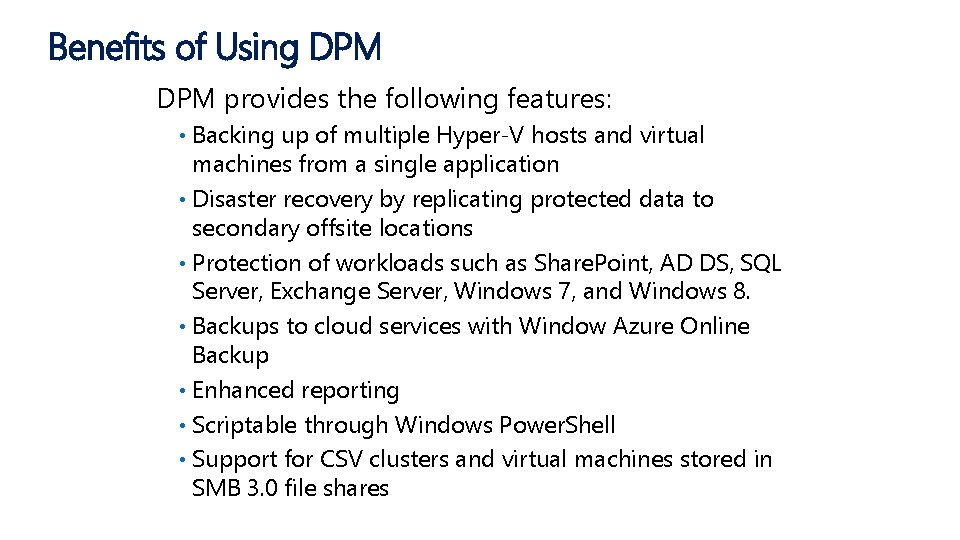
Benefits of Using DPM provides the following features: Backing up of multiple Hyper-V hosts and virtual machines from a single application • Disaster recovery by replicating protected data to secondary offsite locations • Protection of workloads such as Share. Point, AD DS, SQL Server, Exchange Server, Windows 7, and Windows 8. • Backups to cloud services with Window Azure Online Backup • Enhanced reporting • Scriptable through Windows Power. Shell • Support for CSV clusters and virtual machines stored in SMB 3. 0 file shares •
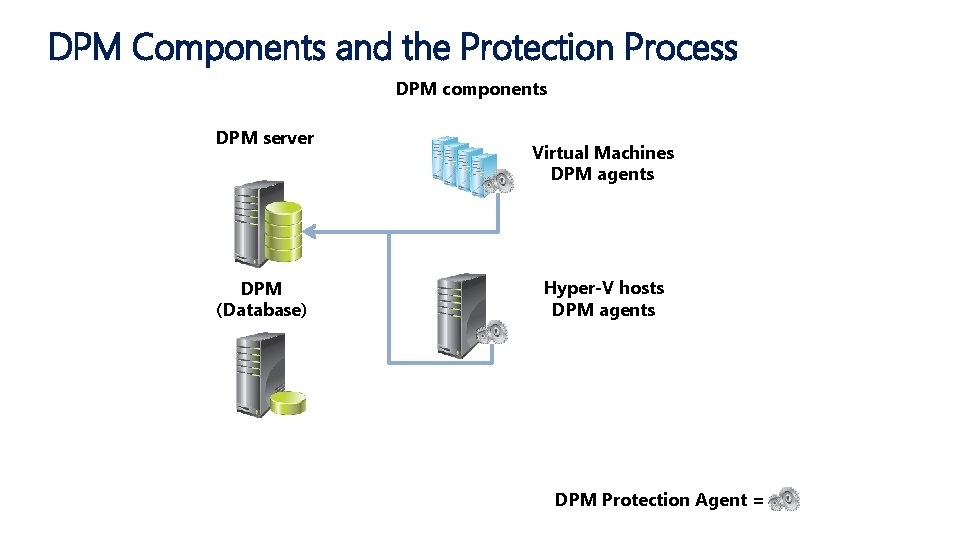
DPM Components and the Protection Process DPM components DPM server DPM (Database) Virtual Machines DPM agents Hyper-V hosts DPM agents DPM Protection Agent =
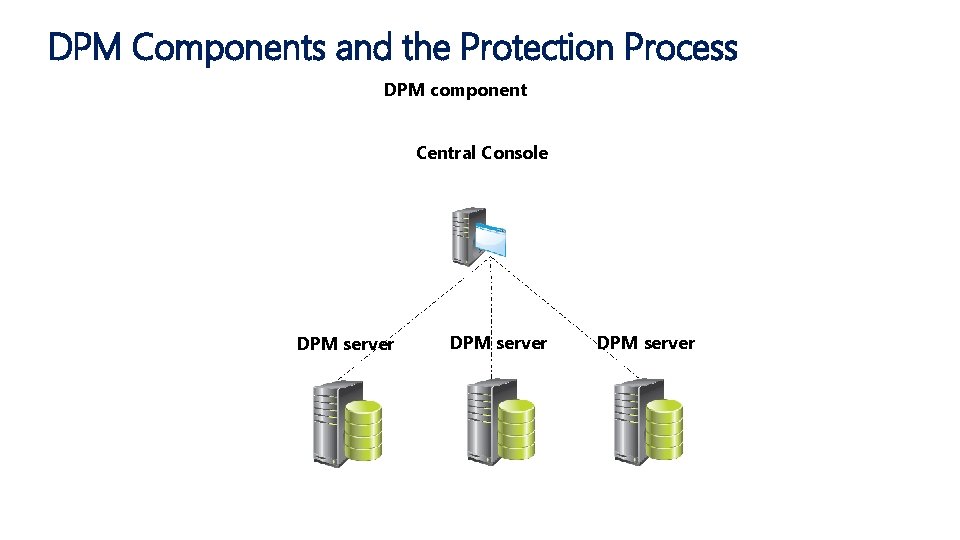
DPM Components and the Protection Process DPM component Central Console DPM server
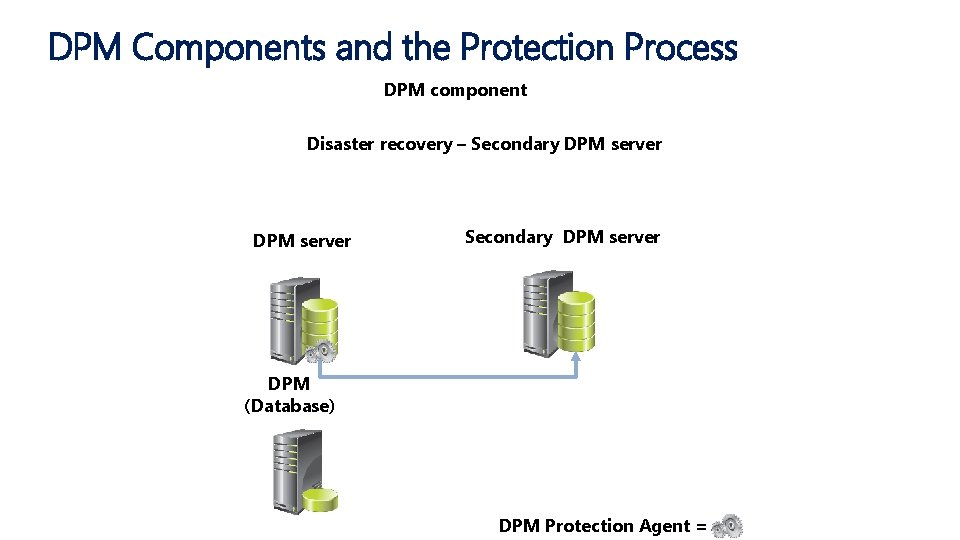
DPM Components and the Protection Process DPM component Disaster recovery – Secondary DPM server DPM (Database) DPM Protection Agent =
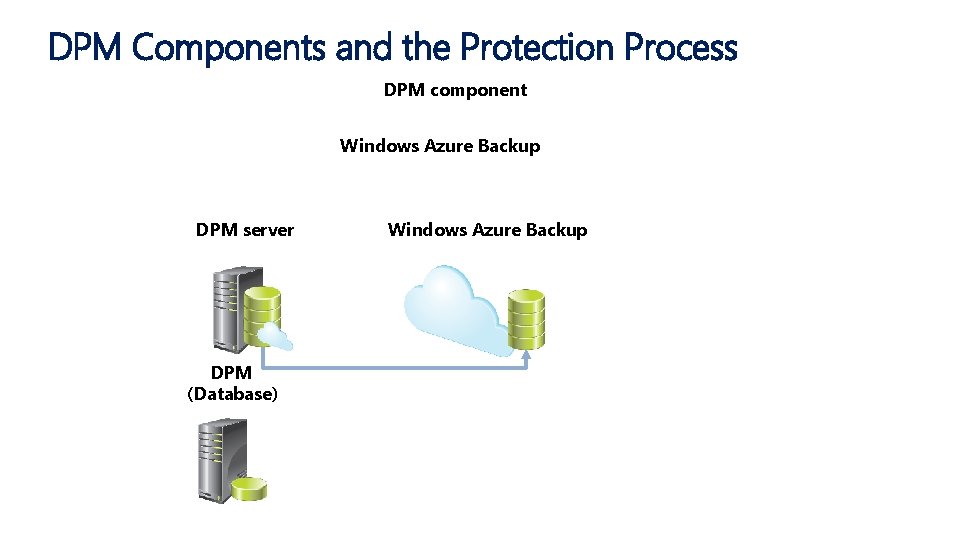
DPM Components and the Protection Process DPM component Windows Azure Backup DPM server DPM (Database) Windows Azure Backup
Deploying DPM Protection Agents • Deploying protection agents: Choose the installation method, manual, automatic • Configure firewall rules • Deploy agent via DPM console • Deploy agent manually •
Configuring Protection Groups Protection groups are collection of data sources (members) that group together the following configuration settings: • Data protection methods such as disk, tape, and or cloud • Data retention • Synchronization frequency • Consistency checks • Recovery Points • Compression
Options for Protecting Virtualization Infrastructure Backup options for a server virtualization infrastructure include: • Host-level backups that may include item-level recovery • Can be online or offline, subject to in-guest operating system versions
Performing Virtual Machine Recovery • Virtual machine recovery considerations: Consider the virtual machine recovery location, and make sure there is adequate space • Ensure that the performance of any systems during a restore does not impact end users • Ensure recovered virtual machines maintain desired security level • • Do not recover and leave virtual machine hard disks in insecure locations
Lesson 2: Using Operations Manager for Monitoring and Reporting • Key Features and Components of Operations Manager • Overview of Management Packs
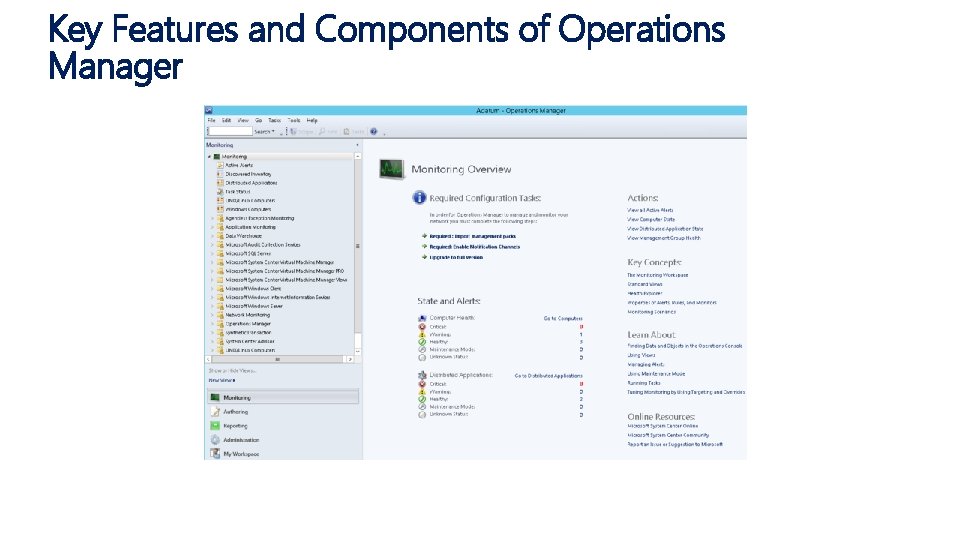
Key Features and Components of Operations Manager
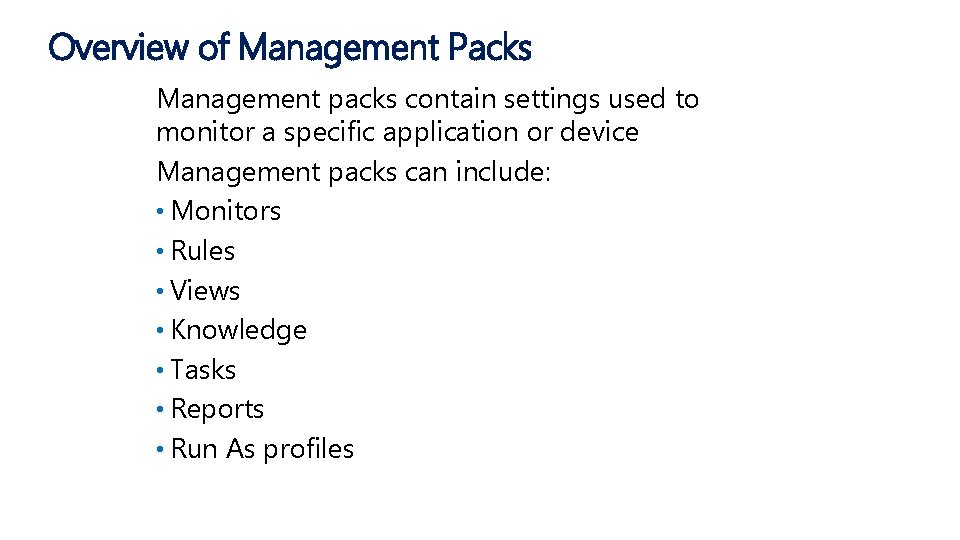
Overview of Management Packs Management packs contain settings used to monitor a specific application or device Management packs can include: • Monitors • Rules • Views • Knowledge • Tasks • Reports • Run As profiles
Lesson 4: Integrating VMM with Operations Manager • Operations Manager Integration with VMM • What Are PRO Tips? • Configuring Advanced Monitoring for Virtualization Components
Operations Manager Integration with VMM Integrating VMM and Operations Manager provides: • Advanced monitoring and reporting • PRO tips • Diagram views of the virtualization environment
What are PRO Tips? Management packs with monitors that can react to events and remediate against them in VMM • For example, you can configure a hardware PRO tip to migrate virtual machines from a host when a disk fails
Configuring Advanced Monitoring for Virtualization Components. • Import management packs for hardware and software components • Use the Fabric Health Dashboard and Diagram views
Microsoft Virtual Academy End of Day 2 Course Summary
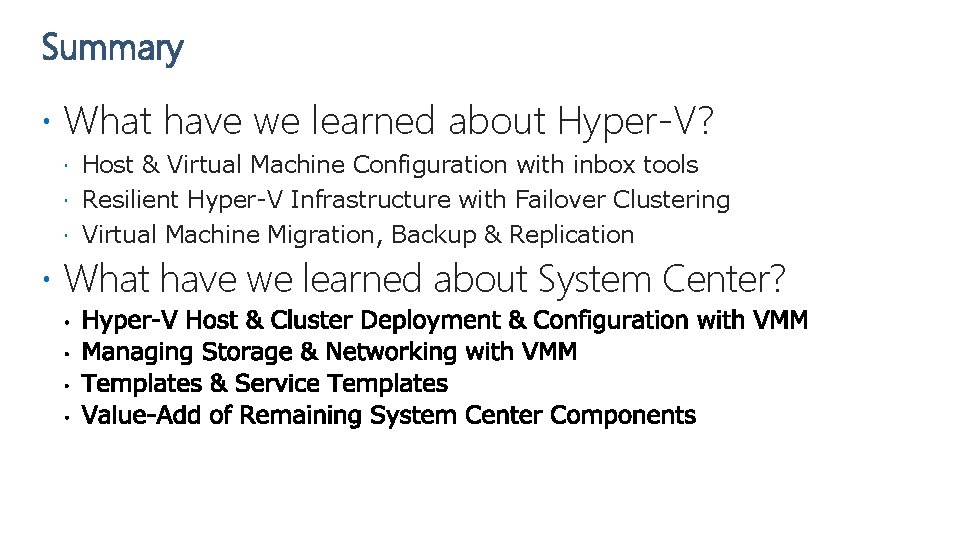
Summary What have we learned about Hyper-V? Host & Virtual Machine Configuration with inbox tools Resilient Hyper-V Infrastructure with Failover Clustering Virtual Machine Migration, Backup & Replication What have we learned about System Center?
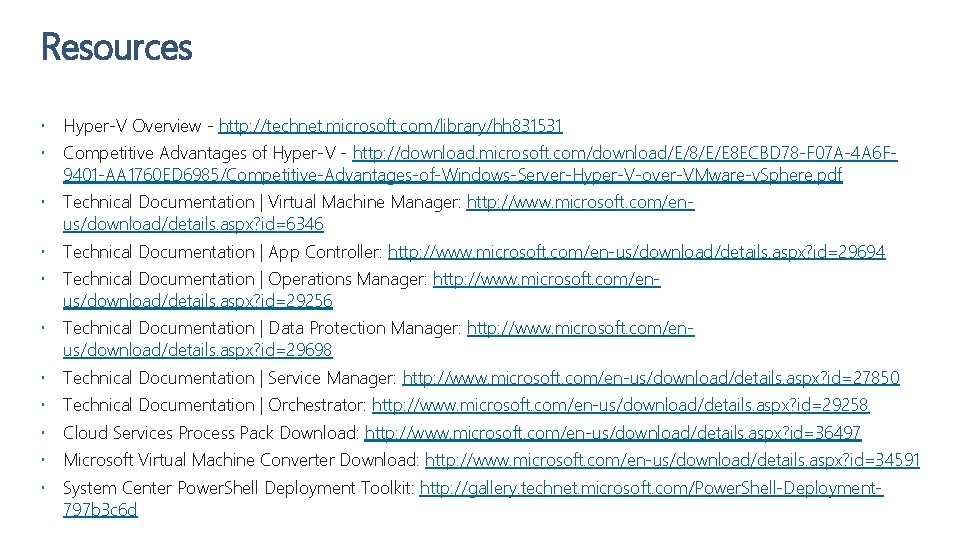
Resources Hyper-V Overview - http: //technet. microsoft. com/library/hh 831531 Competitive Advantages of Hyper-V - http: //download. microsoft. com/download/E/8/E/E 8 ECBD 78 -F 07 A-4 A 6 F 9401 -AA 1760 ED 6985/Competitive-Advantages-of-Windows-Server-Hyper-V-over-VMware-v. Sphere. pdf Technical Documentation | Virtual Machine Manager: http: //www. microsoft. com/enus/download/details. aspx? id=6346 Technical Documentation | App Controller: http: //www. microsoft. com/en-us/download/details. aspx? id=29694 Technical Documentation | Operations Manager: http: //www. microsoft. com/enus/download/details. aspx? id=29256 Technical Documentation | Data Protection Manager: http: //www. microsoft. com/enus/download/details. aspx? id=29698 Technical Documentation | Service Manager: http: //www. microsoft. com/en-us/download/details. aspx? id=27850 Technical Documentation | Orchestrator: http: //www. microsoft. com/en-us/download/details. aspx? id=29258 Cloud Services Process Pack Download: http: //www. microsoft. com/en-us/download/details. aspx? id=36497 Microsoft Virtual Machine Converter Download: http: //www. microsoft. com/en-us/download/details. aspx? id=34591 System Center Power. Shell Deployment Toolkit: http: //gallery. technet. microsoft. com/Power. Shell-Deployment 797 b 3 c 6 d
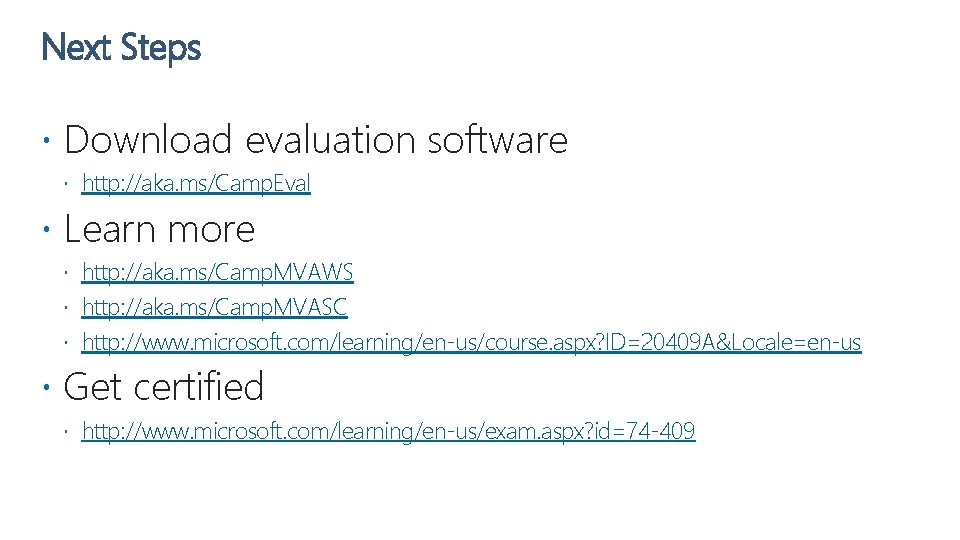
Next Steps Download evaluation software http: //aka. ms/Camp. Eval Learn more http: //aka. ms/Camp. MVAWS http: //aka. ms/Camp. MVASC http: //www. microsoft. com/learning/en-us/course. aspx? ID=20409 A&Locale=en-us Get certified http: //www. microsoft. com/learning/en-us/exam. aspx? id=74 -409