
Microsoft Official Course Module 2 Planning and Configuring
- Slides: 31
Microsoft Official Course ® Module 2 Planning and Configuring Mailbox Servers
Module Overview • Overview of the Mailbox Server Role • Planning the Mailbox Server Deployment • Configuring the Mailbox Servers
Lesson 1: Overview of the Mailbox Server Role • The Mailbox Server Role in Exchange Server 2013 • How the Mailbox Server Role Interacts with Clients and the Client Access Server • The Mailbox Store in Exchange Server 2013 • Database Log File Considerations • How Are Mailbox Databases Updated? • Storage Options for the Exchange Server 2013 Mailbox Server Role • Importing and Exporting Data from a Mailbox Database • Demonstration: Importing Data to a User’s Mailbox
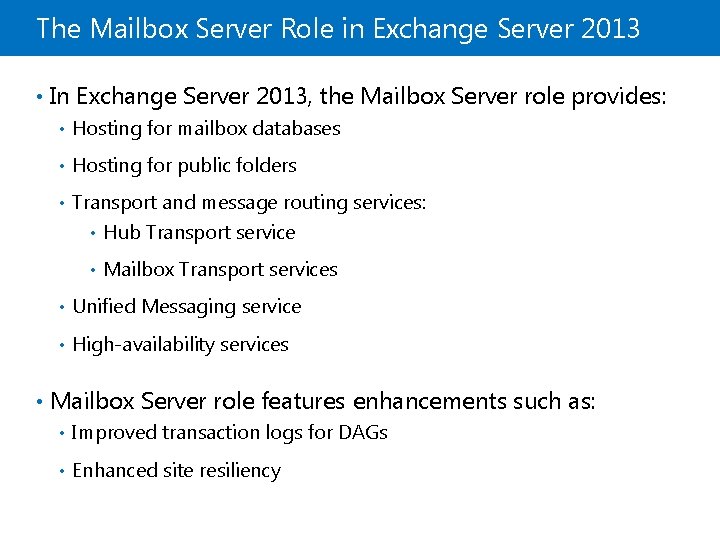
The Mailbox Server Role in Exchange Server 2013 • In Exchange Server 2013, the Mailbox Server role provides: • Hosting for mailbox databases • Hosting for public folders • Transport and message routing services: • Hub Transport service • Mailbox Transport services • Unified Messaging service • High-availability services • Mailbox Server role features enhancements such as: • Improved transaction logs for DAGs • Enhanced site resiliency
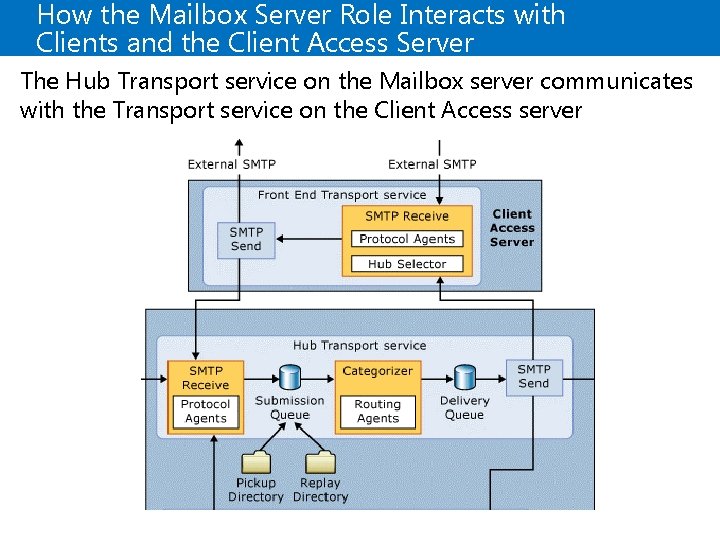
How the Mailbox Server Role Interacts with Clients and the Client Access Server The Hub Transport service on the Mailbox server communicates with the Transport service on the Client Access server
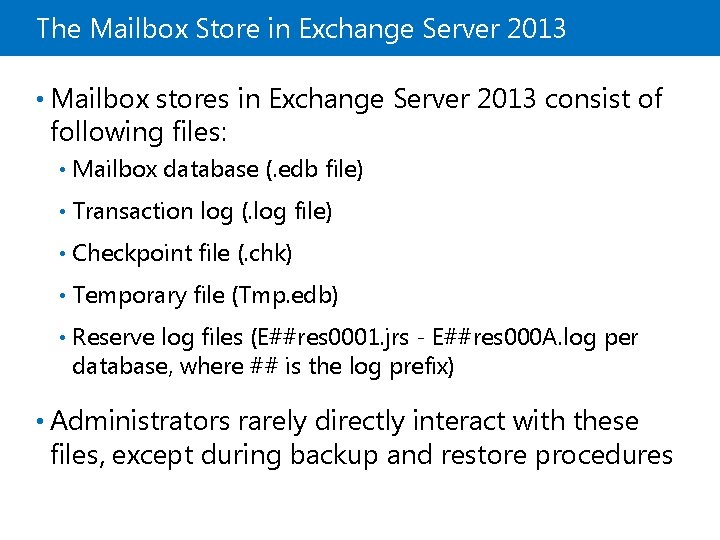
The Mailbox Store in Exchange Server 2013 • Mailbox stores in Exchange Server 2013 consist of following files: • Mailbox database (. edb file) • Transaction log (. log file) • Checkpoint file (. chk) • Temporary file (Tmp. edb) • Reserve log files (E##res 0001. jrs - E##res 000 A. log per database, where ## is the log prefix) • Administrators rarely directly interact with these files, except during backup and restore procedures
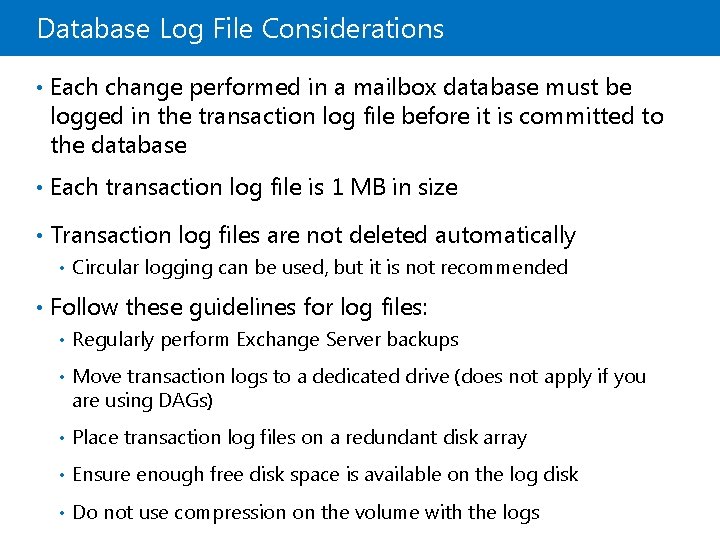
Database Log File Considerations • Each change performed in a mailbox database must be logged in the transaction log file before it is committed to the database • Each transaction log file is 1 MB in size • Transaction log files are not deleted automatically • Circular logging can be used, but it is not recommended • Follow these guidelines for log files: • Regularly perform Exchange Server backups • Move transaction logs to a dedicated drive (does not apply if you are using DAGs) • Place transaction log files on a redundant disk array • Ensure enough free disk space is available on the log disk • Do not use compression on the volume with the logs
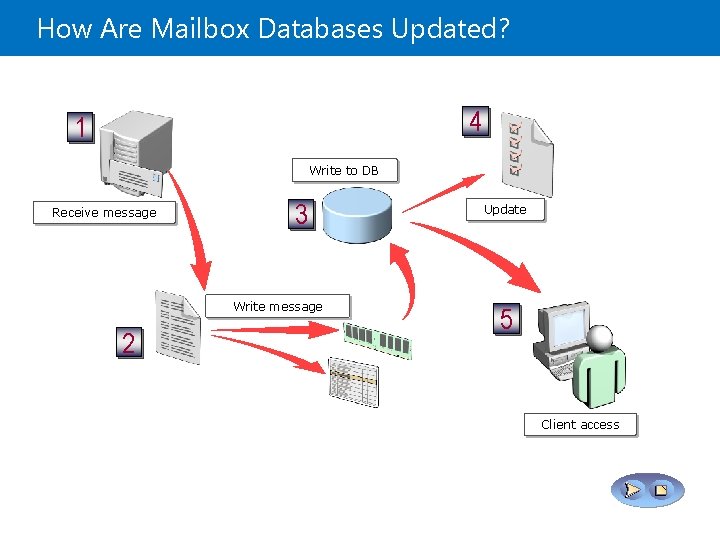
How Are Mailbox Databases Updated? 4 1 Write to DB Receive message 3 Write message 2 Update 5 Client access
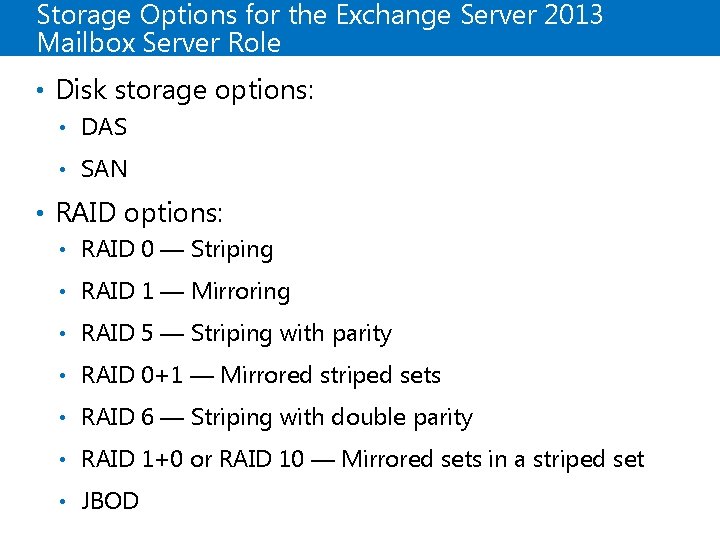
Storage Options for the Exchange Server 2013 Mailbox Server Role • Disk storage options: • DAS • SAN • RAID options: • RAID 0 ― Striping • RAID 1 ― Mirroring • RAID 5 ― Striping with parity • RAID 0+1 ― Mirrored striped sets • RAID 6 ― Striping with double parity • RAID 1+0 or RAID 10 ― Mirrored sets in a striped set • JBOD
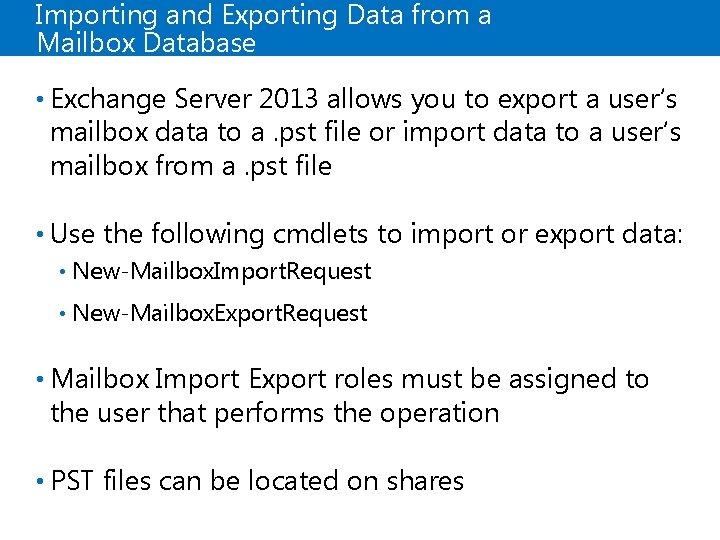
Importing and Exporting Data from a Mailbox Database • Exchange Server 2013 allows you to export a user‘s mailbox data to a. pst file or import data to a user‘s mailbox from a. pst file • Use the following cmdlets to import or export data: • New-Mailbox. Import. Request • New-Mailbox. Export. Request • Mailbox Import Export roles must be assigned to the user that performs the operation • PST files can be located on shares
Demonstration: Importing Data to a User’s Mailbox In this demonstration, your instructor will show you how to import data from a. pst file to a user‘s mailbox on the Exchange Server
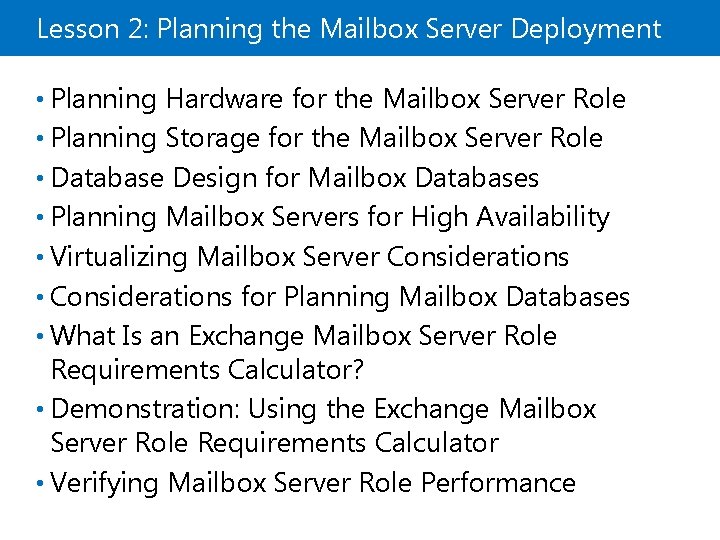
Lesson 2: Planning the Mailbox Server Deployment • Planning Hardware for the Mailbox Server Role • Planning Storage for the Mailbox Server Role • Database Design for Mailbox Databases • Planning Mailbox Servers for High Availability • Virtualizing Mailbox Server Considerations • Considerations for Planning Mailbox Databases • What Is an Exchange Mailbox Server Role Requirements Calculator? • Demonstration: Using the Exchange Mailbox Server Role Requirements Calculator • Verifying Mailbox Server Role Performance
Planning Hardware for the Mailbox Server Role When planning hardware for Exchange Server 2013, consider the following: • CPU: • Must be 64 -bit • Multicore recommended • One core per 1, 000 active mailboxes • Memory: • Minimum 8 GB per Mailbox server • 3 MB per mailbox per 50 messages/day
Planning Storage for the Mailbox Server Role • Consider the following when planning for Exchange Server 2013 storage: • Replicated database copies increase the amount of storage required • Slower disks have a lower cost per GB than faster disks • DAS is significantly less expensive than a SAN • JBOD can be considered when there are three or more replicas of a database • There are typically fewer database copies when a SAN is used • Use RAID to increase redundancy • Use the Exchange Server Mailbox Server Role Requirements Calculator
Database Design for Mailbox Databases When designing databases, you should consider: • Use split log files and database storage to enhance recoverability when replication is not used • Allocate space for indexes • Allocate space for single-item recovery • Allocate space for personal archives • Allocate space for a recovery database
Planning Mailbox Servers for High Availability • You can implement high availability for Mailbox servers by using DAGs • Consider the following when planning DAGs: • Mailbox database names must be unique in the organization • Storage paths must be identical for all copies of a database • DAGs require the failover clustering feature in Windows Server • DAGs can be managed completely with Exchange Server 2013 tools • DAGs can also protect public folders
Virtualizing Mailbox Server Considerations • Both Exchange Server 2013 server roles can be virtualized • When implementing Exchange Server 2013 on the virtual machine, consider the following: • Exchange Server 2010 has the same hardware requirements in a virtualized environment • Do not use dynamic memory • Limit virtual processor allocation to a ratio of 2: 1 • Do not dynamically expand virtual disks • Do not use differencing or snapshots • Test virtual disk performance • Use pass-through and i. SCSI storage if desired • You can combine virtual machine high-availability methods with Exchange Server 2013 high-availability methods
Considerations for Planning Mailbox Databases • When planning mailbox databases, first determine whether you will deploy standalone mailbox servers or DAGs • Based on this choice, you determine: • Backup policies • Mailbox database size • Database and transaction log locations • Storage solutions
What Is an Exchange Mailbox Server Role Requirements Calculator? • Exchange Mailbox Server Role Requirements Calculator is a free tool from Microsoft that helps you design your Mailbox server deployment • User inputs are made in the following categories: • User profile • High-availability architecture • Server's CPU platform • Storage architecture • Backup architecture • Network architecture • It provides very detailed information about requirements for mailbox servers
Demonstration: Using the Exchange Mailbox Server Role Requirements Calculator In this demonstration, your instructor will show you how to use the Exchange Mailbox Server Role Requirements Calculator
Verifying Mailbox Server Role Performance • To evaluate server configuration and performance: • Gather usage information • Create a test environment • Measure hardware capacity with Load. Gen and Jetstress • Virtualization should not be used for performance testing unless the production environment will be virtualized
Lesson 3: Configuring the Mailbox Servers • Initial Mailbox Server Configuration Tasks • Configuring i. SCSI Storage in Windows Server 2012 • Demonstration: Configuring i. SCSI Storage for the Mailbox Server Role • Creating and Managing Mailbox Databases • Demonstration: Creating and Managing Mailbox Databases
Initial Mailbox Server Configuration Tasks • Before you put your Exchange 2013 Mailbox server into production, perform the following tasks: • Secure the server • Create and configure the databases • Configure high availability • Configure the public folders • Configure the recipients, including resource mailboxes • Configure the offline address book • Implement an antivirus solution
Configuring i. SCSI Storage in Windows Server 2012 • i. SCSI is a protocol that supports access to remote, SCSI-based storage devices over a TCP/IP network • i. SCSI SAN deployments include: • IP network • i. SCSI targets • i. SCSI initiators • i. SCSI Qualified Name (IQN) • i. SCSI Target Servers in Windows Server 2012 include: • Network/diskless boot • Server application storage • Heterogeneous storage • Lab environments
Demonstration: Configuring i. SCSI Storage for the Mailbox Server Role In this demonstration, your instructor will show you how to configure i. SCSI storage for mailbox servers
Creating and Managing Mailbox Databases • You can create and manage mailbox databases by using the Exchange Administration Center or Exchange Management Shell • The Exchange Administration Center is used for basic management • The Exchange Management Shell is used for advanced mailbox database management • You cannot use the Exchange Administration Center to move mailbox databases • Useful Exchange Management Shell cmdlets include: New-Mailbox. Database • Get-Mailbox. Database • Set-Mailbox. Database • Move-Database. Path •
Demonstration: Creating and Managing Mailbox Databases In this demonstration, your instructor will show you how to create and manage mailbox databases
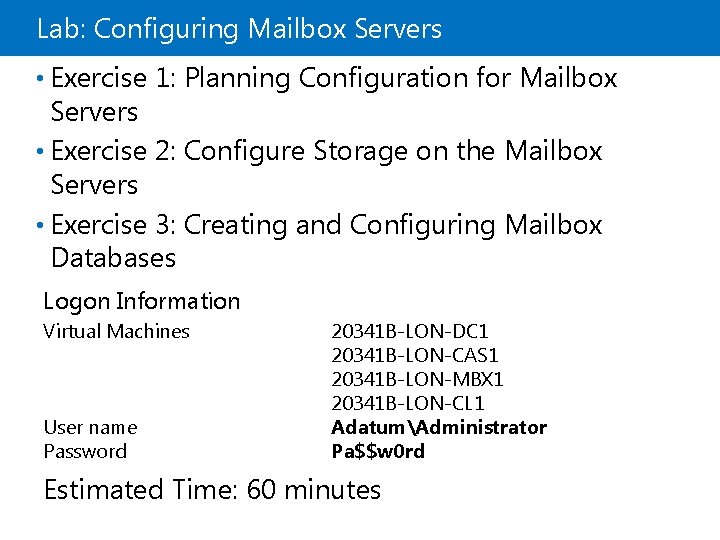
Lab: Configuring Mailbox Servers • Exercise 1: Planning Configuration for Mailbox Servers • Exercise 2: Configure Storage on the Mailbox Servers • Exercise 3: Creating and Configuring Mailbox Databases Logon Information Virtual Machines User name Password 20341 B-LON-DC 1 20341 B-LON-CAS 1 20341 B-LON-MBX 1 20341 B-LON-CL 1 AdatumAdministrator Pa$$w 0 rd Estimated Time: 60 minutes
Lab Scenario After performing a test deployment, A. Datum is now planning the deployment of Exchange Server 2013 in a production environment. First, they want to summarize all requirements and all available resources, and then plan for the Mailbox server deployment. After the deployment, you need to configure the storage attached to the servers, and then configure the mailbox databases. After the configuration tasks, you need to export data from the user’s mailbox to the. pst file.
Lab Review • What is the purpose of the Exchange Mailbox Server Role Requirements Calculator? • Can you move existing mailbox databases to a different path by using the EAC? • What must you do before you can export the user’s mailbox to the. pst file?
Module Review and Takeaways • Review Questions • Tools • Best Practice