
Microsoft Official Academic Course Windows Operating System Fundamentals

- Slides: 26
Microsoft® Official Academic Course Windows Operating System Fundamentals Microsoft Technology Associate Exam 98 -349 Lesson 5 Managing Devices
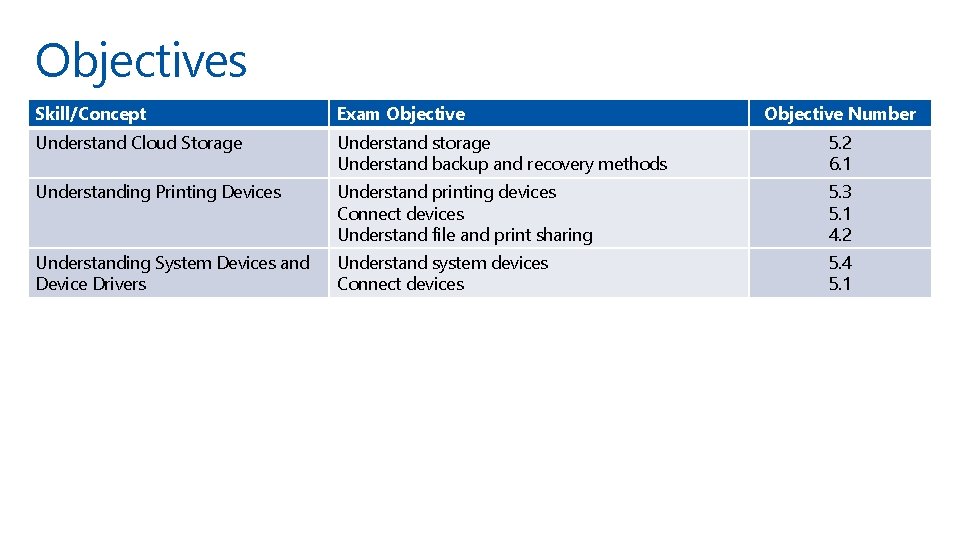
Objectives Skill/Concept Exam Objective Number Understand Cloud Storage Understand storage Understand backup and recovery methods 5. 2 6. 1 Understanding Printing Devices Understand printing devices Connect devices Understand file and print sharing 5. 3 5. 1 4. 2 Understanding System Devices and Device Drivers Understand system devices Connect devices 5. 4 5. 1
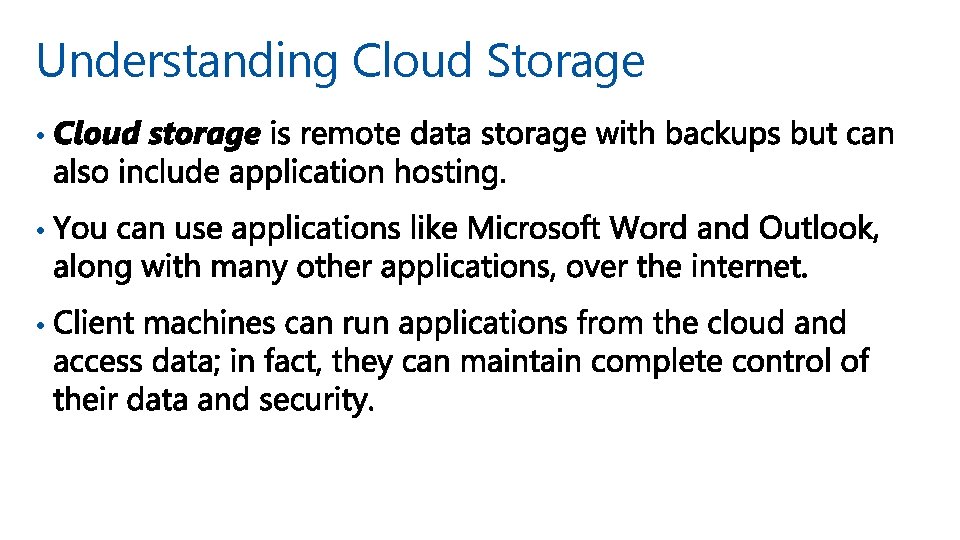
Understanding Cloud Storage • • •
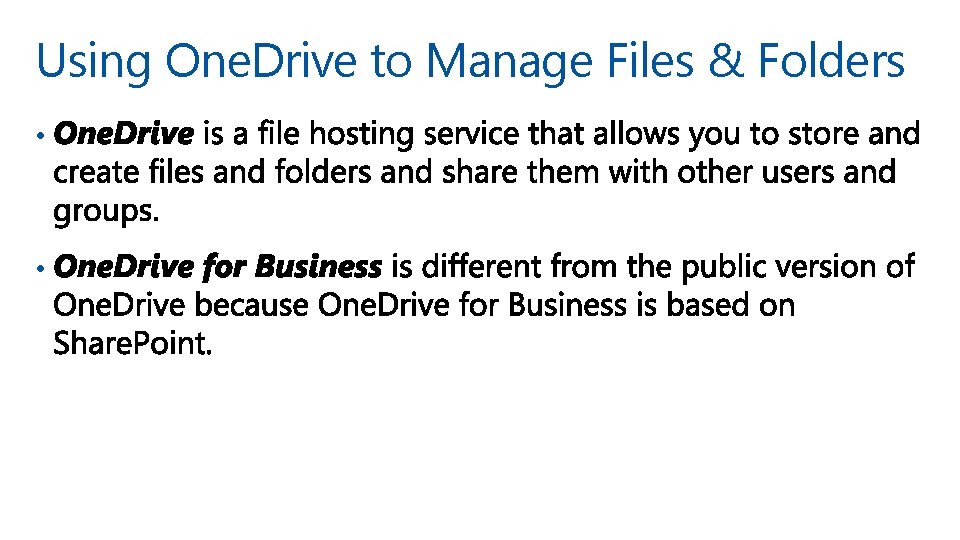
Using One. Drive to Manage Files & Folders • •
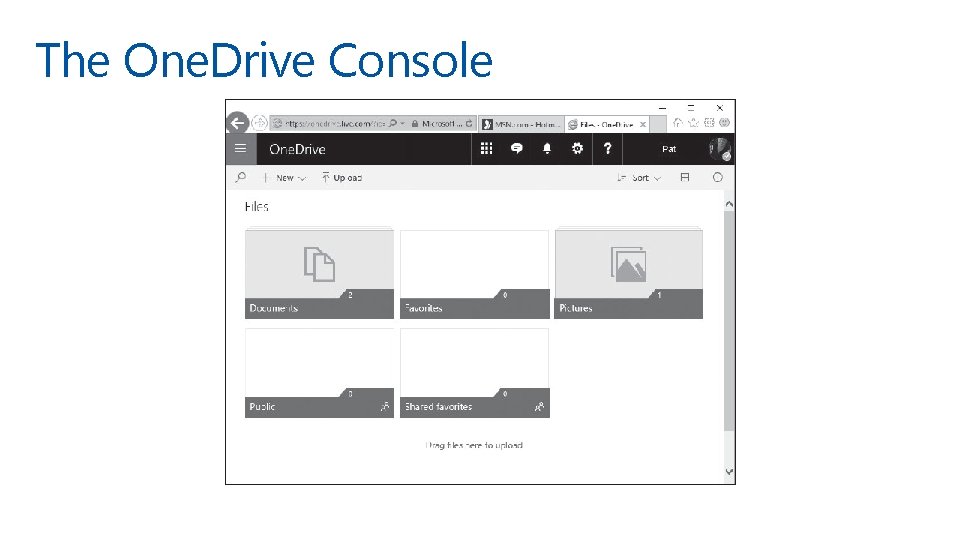
The One. Drive Console
Understanding Printing Devices • •
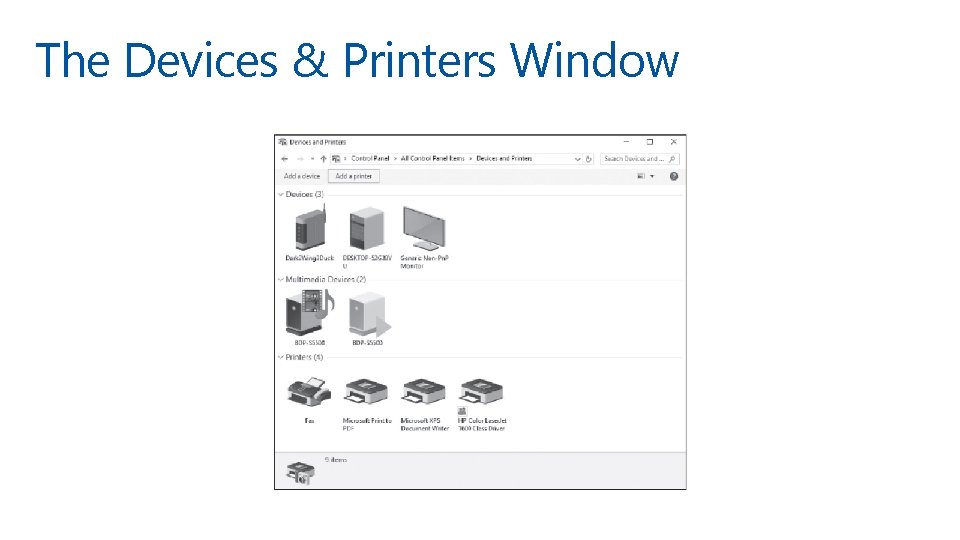
The Devices & Printers Window
Understanding Network Printers • • •
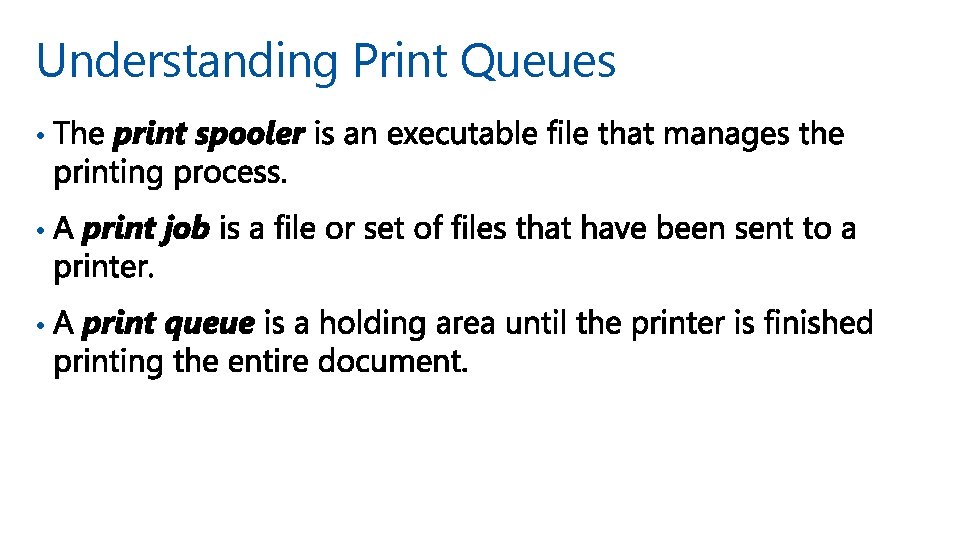
Understanding Print Queues • • •
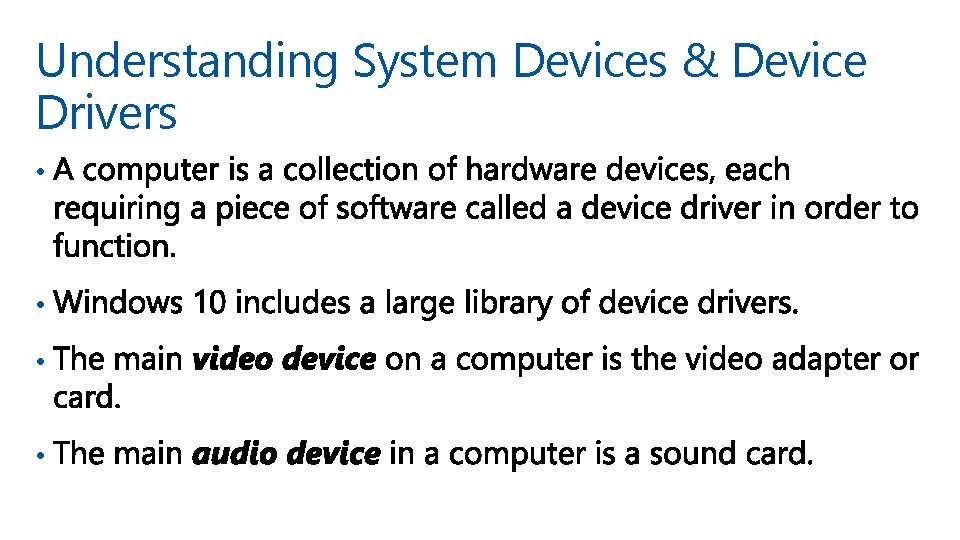
Understanding System Devices & Device Drivers • •
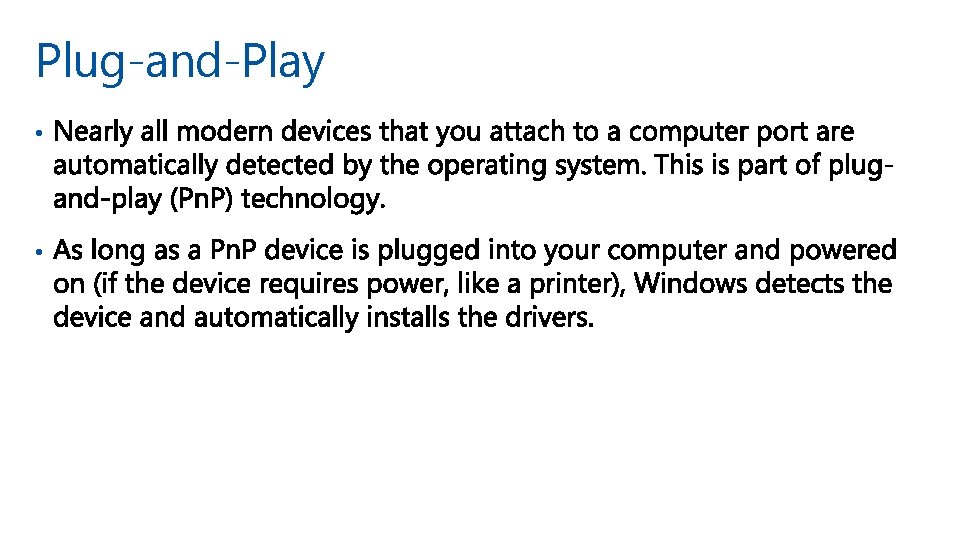
Plug-and-Play • •
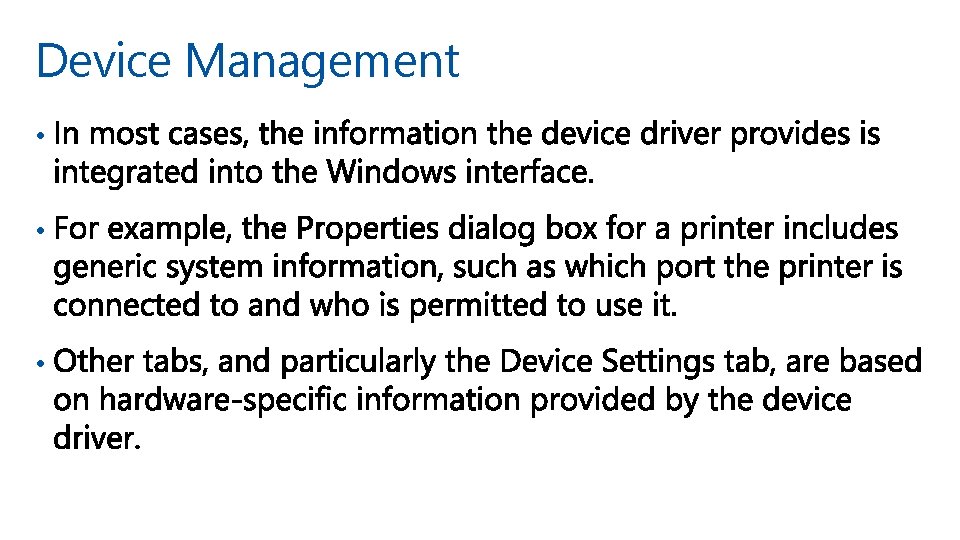
Device Management • • •
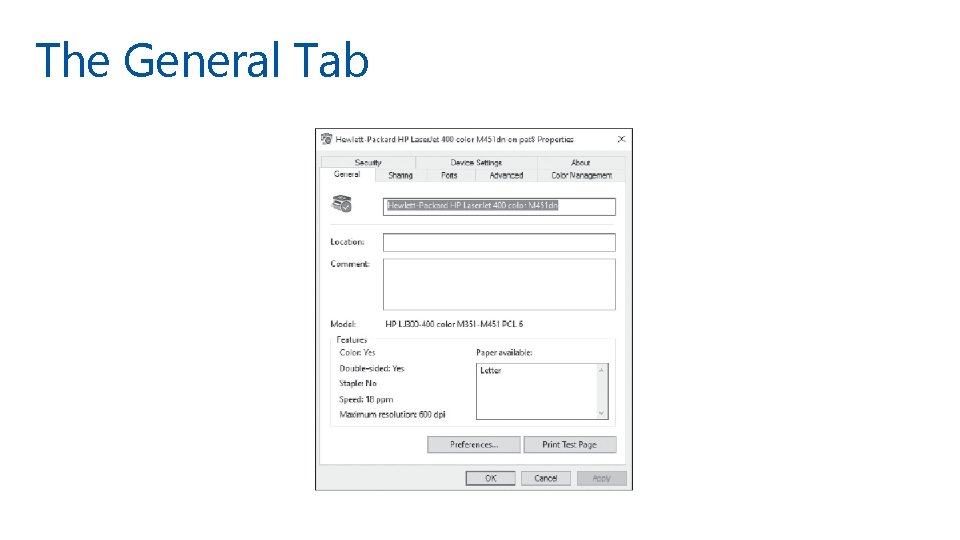
The General Tab
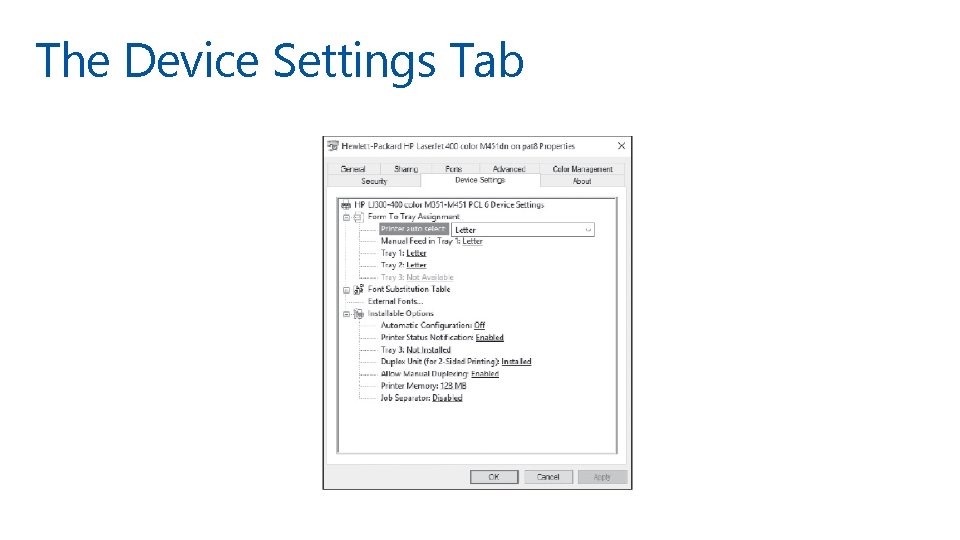
The Device Settings Tab
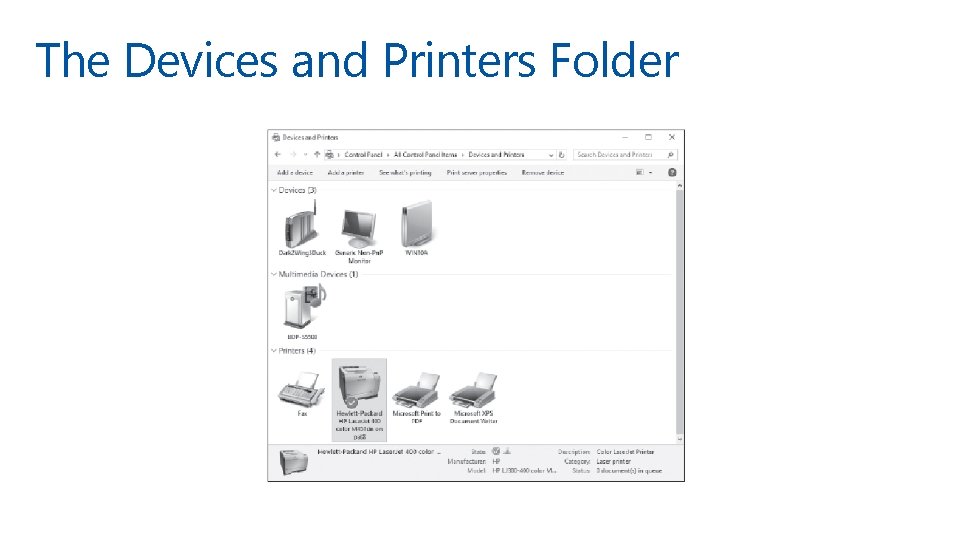
Using the Devices & Printers Folder • •
The Devices and Printers Folder
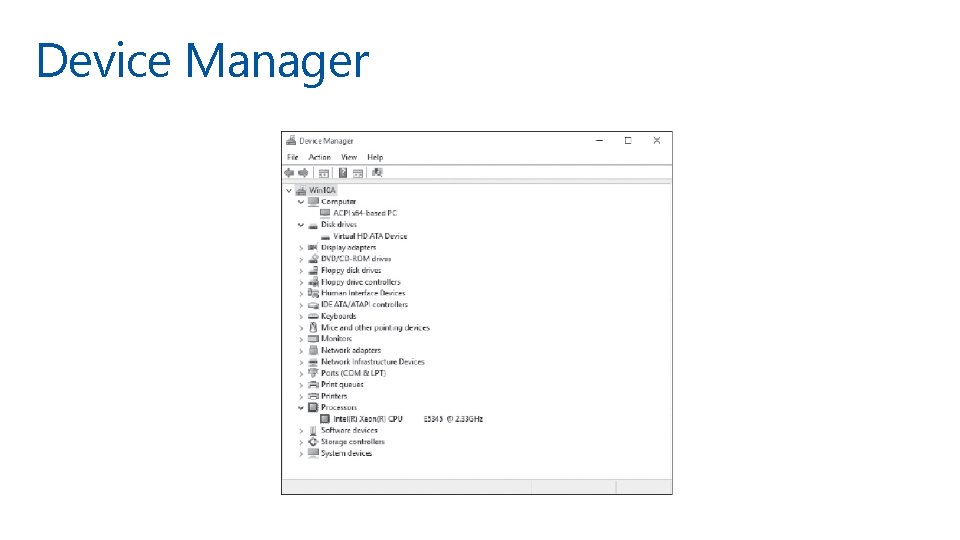
Using Device Manager • •
Device Manager
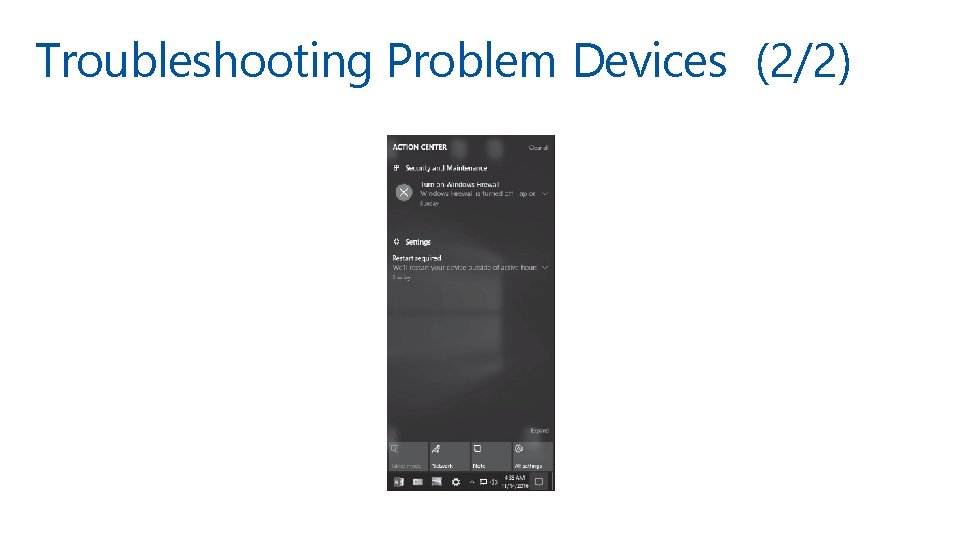
Troubleshooting Problem Devices (1/2) • •
Troubleshooting Problem Devices (2/2)
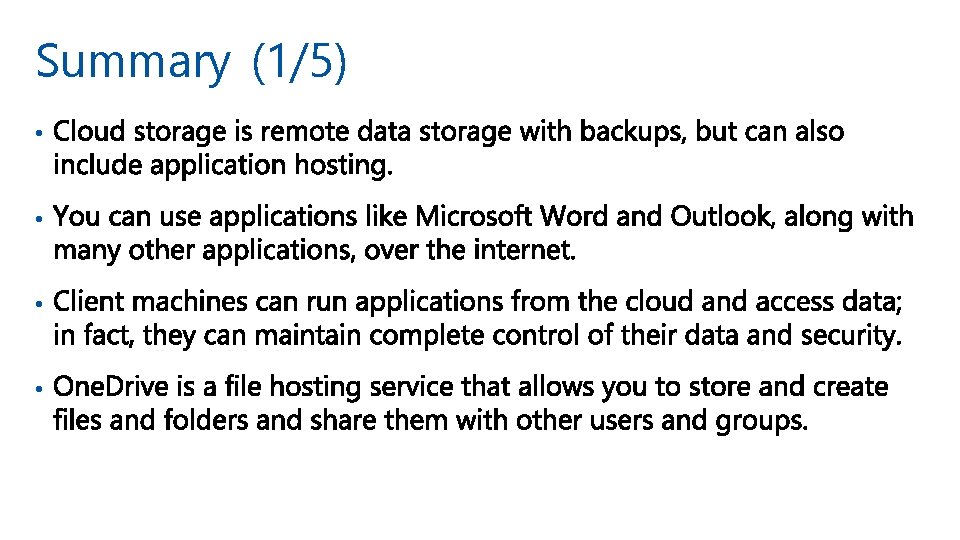
Summary (1/5) • •
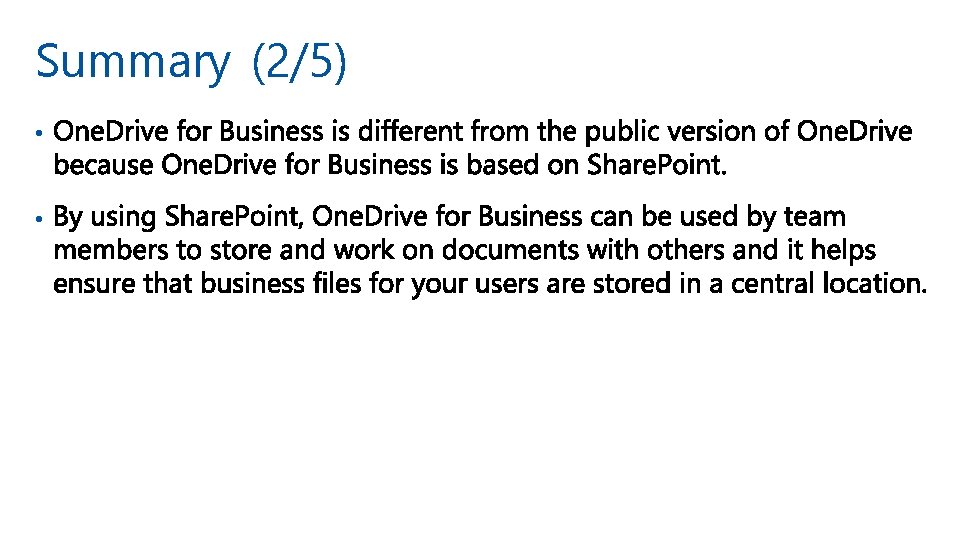
Summary (2/5) • •
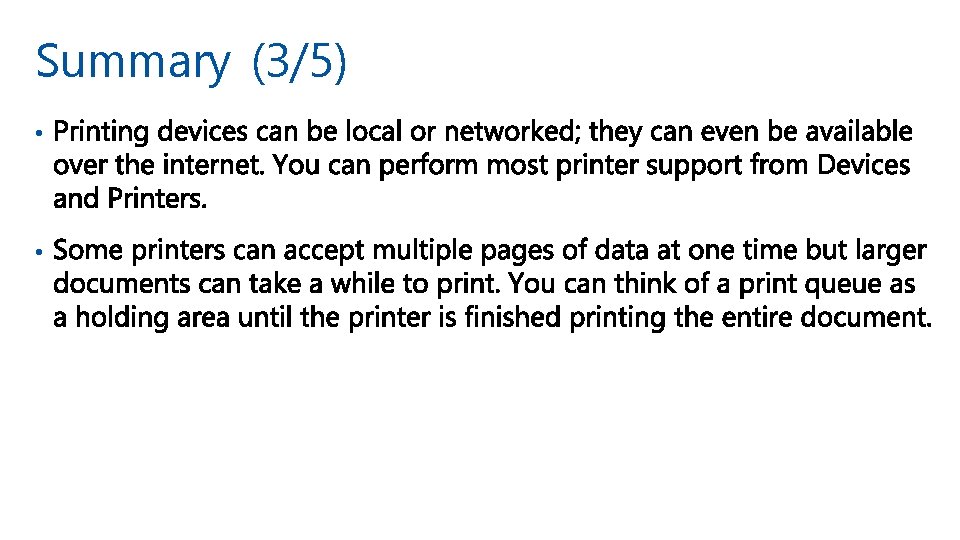
Summary (3/5) • •
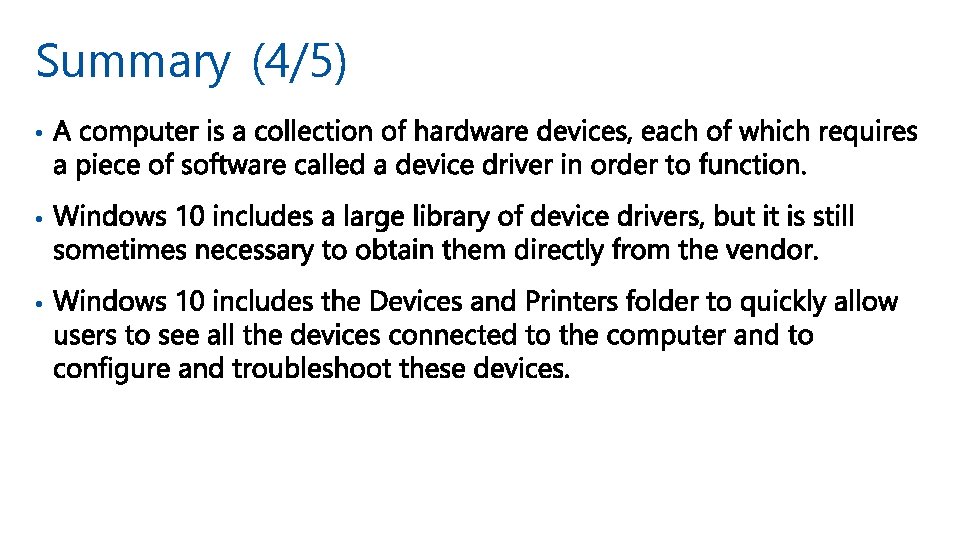
Summary (4/5) • • •
Summary (5/5) • • •
© 2018 Microsoft Corporation. All rights reserved. Microsoft and the trademarks listed at http: //www. microsoft. com/trademarks are trademarks of the Microsoft group of companies. All other trademarks are property of their respective owners.