
Microsoft Office EPM Solution and Windows Share Point



- Slides: 30
Microsoft Office EPM Solution and Windows Share. Point Services How these systems work together and what you need to know Eric Zenz, Program Manager and Project Business Unit Microsoft Corporation
Today You Will Learn How Project Server connects to WSS Solutions for common problems facing WSS integration How Project Server does (and doesn’t) integrate with SPS
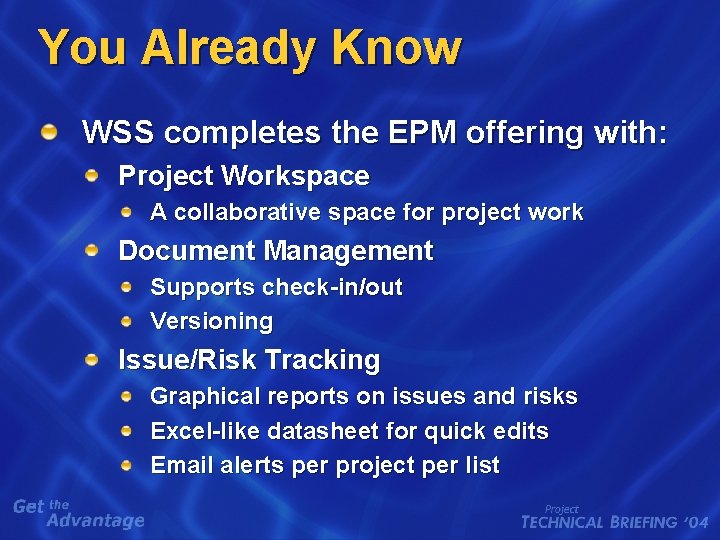
You Already Know WSS completes the EPM offering with: Project Workspace A collaborative space for project work Document Management Supports check-in/out Versioning Issue/Risk Tracking Graphical reports on issues and risks Excel-like datasheet for quick edits Email alerts per project per list
Connecting to WSS Project Server connectivity with WSS takes place in 3 places: During deployment During configuration At run-time
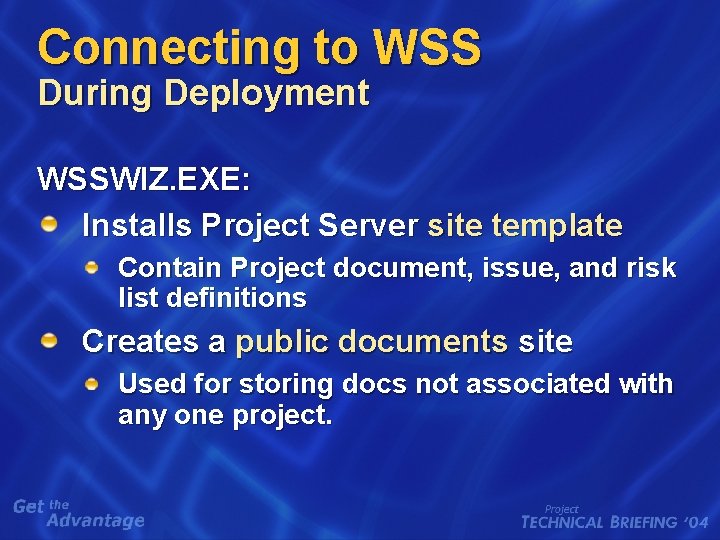
Connecting to WSS During Deployment WSSWIZ. EXE: Installs Project Server site template Contain Project document, issue, and risk list definitions Creates a public documents site Used for storing docs not associated with any one project.
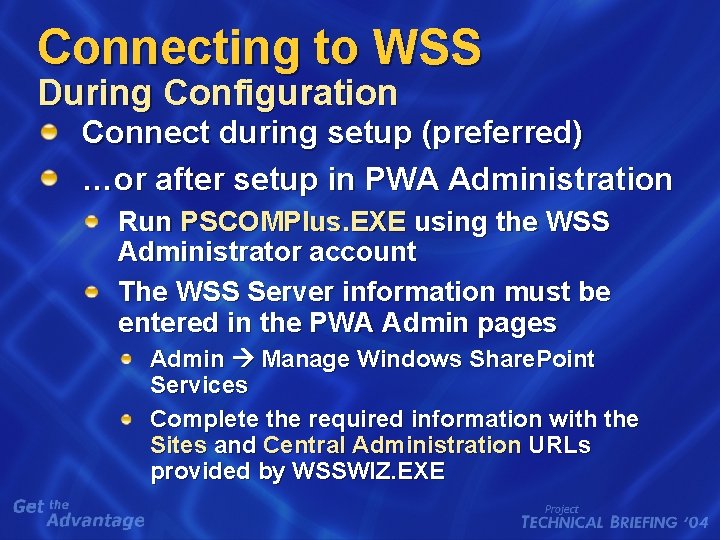
Connecting to WSS During Configuration Connect during setup (preferred) …or after setup in PWA Administration Run PSCOMPlus. EXE using the WSS Administrator account The WSS Server information must be entered in the PWA Admin pages Admin Manage Windows Share. Point Services Complete the required information with the Sites and Central Administration URLs provided by WSSWIZ. EXE
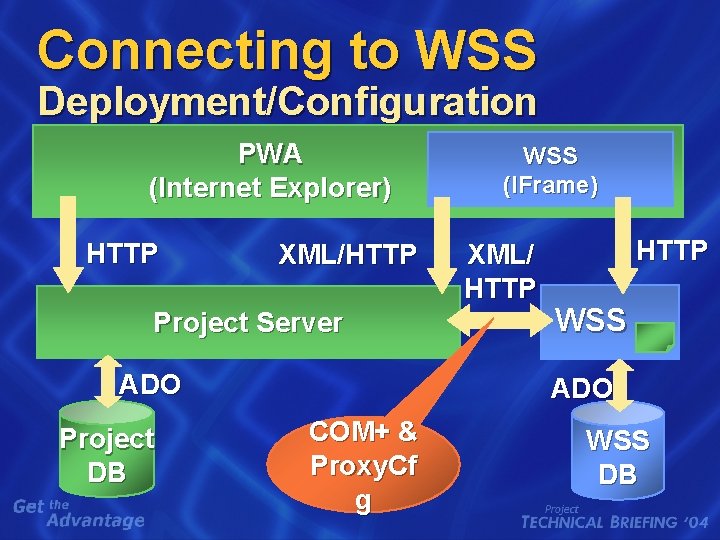
Connecting to WSS Deployment/Configuration PWA (Internet Explorer) HTTP XML/HTTP Project Server ADO Project DB WSS (IFrame) XML/ HTTP WSS ADO COM+ & Proxy. Cf g WSS DB
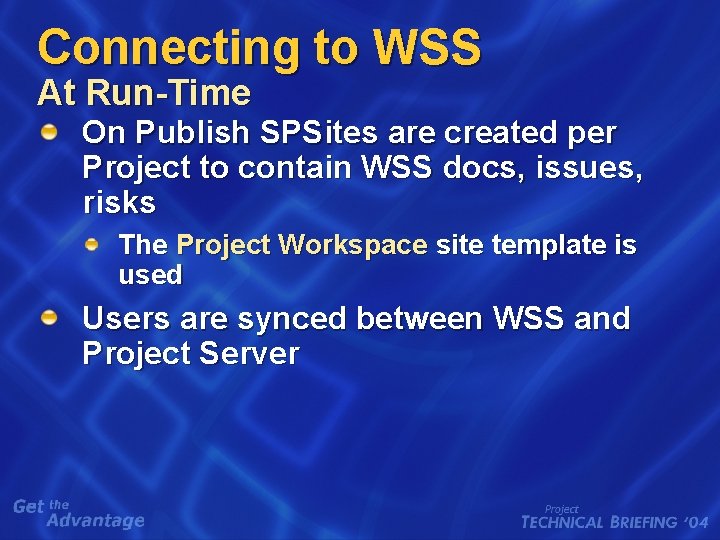
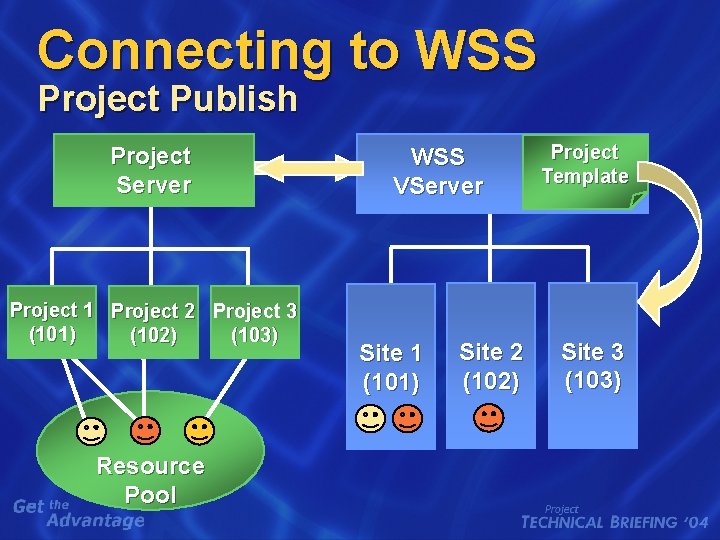
Connecting to WSS At Run-Time On Publish SPSites are created per Project to contain WSS docs, issues, risks The Project Workspace site template is used Users are synced between WSS and Project Server
Connecting to WSS Project Publish Project Server Project 1 Project 2 Project 3 (101) (103) (102) Resource Pool WSS VServer Site 1 (101) Site 2 (102) Project Template Site 3 (103)
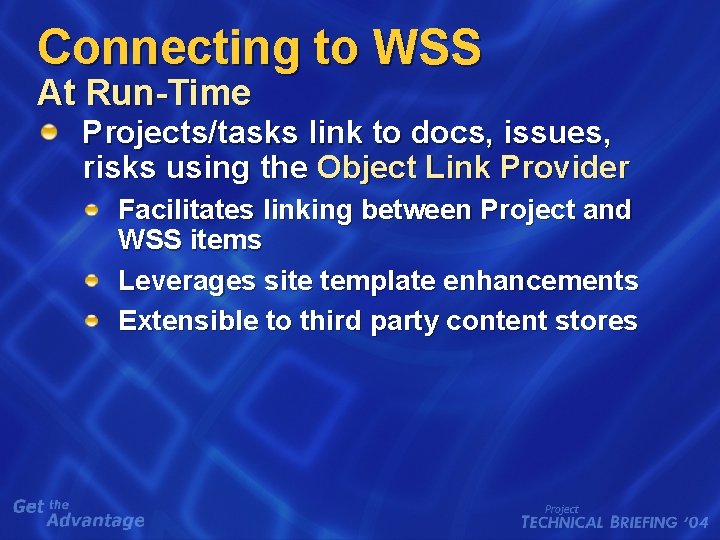
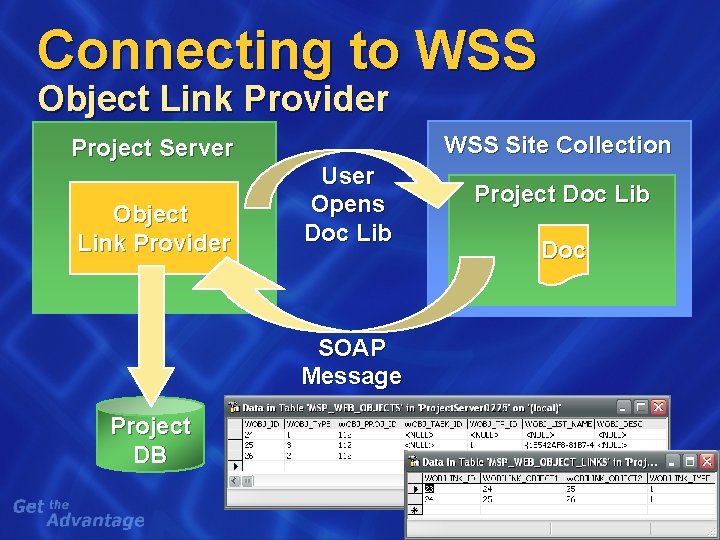
Connecting to WSS At Run-Time Projects/tasks link to docs, issues, risks using the Object Link Provider Facilitates linking between Project and WSS items Leverages site template enhancements Extensible to third party content stores
Connecting to WSS Object Link Provider Project Server Object Link Provider WSS Site Collection User Opens Doc Lib SOAP Message Project DB Project Doc Lib Doc
Today You Will Learn How Project Server connects to WSS Solutions for common problems facing WSS integration How Project Server does (and doesn’t) integrate with SPS
Common WSS/Proj Issues are faced during deployment or configuration often involve: COM+ account Proxy. Cfg NETBIOS name Cluster configurations
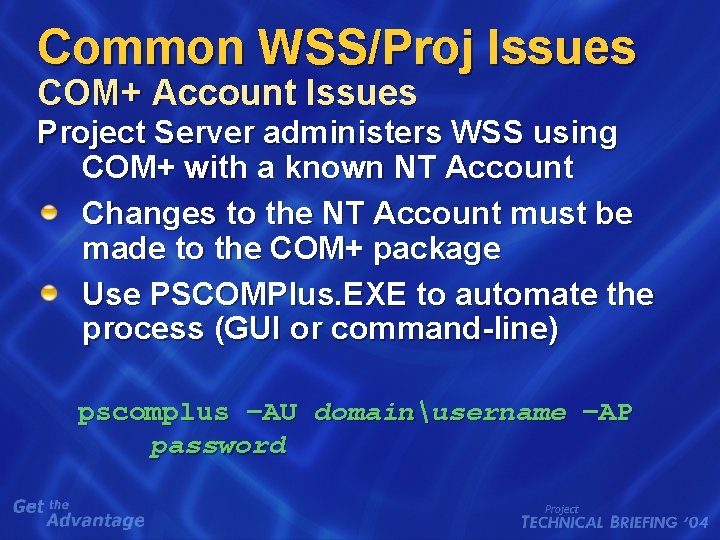
Common WSS/Proj Issues COM+ Account Issues Project Server administers WSS using COM+ with a known NT Account Changes to the NT Account must be made to the COM+ package Use PSCOMPlus. EXE to automate the process (GUI or command-line) pscomplus –AU domainusername –AP password
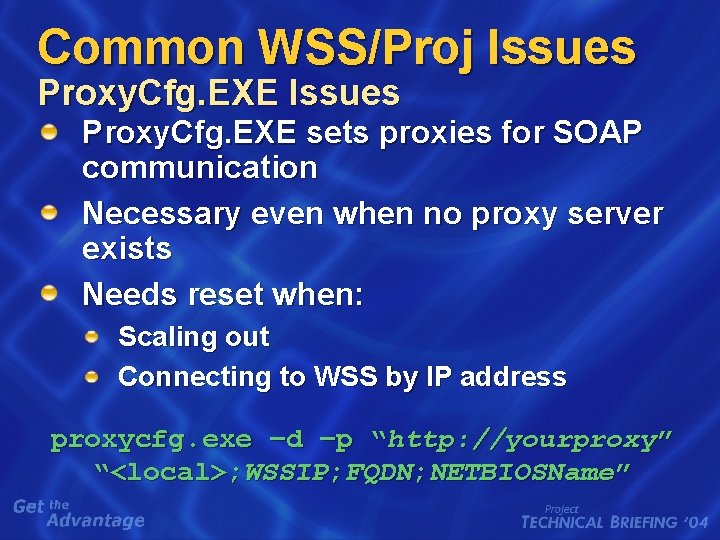
Common WSS/Proj Issues Proxy. Cfg. EXE sets proxies for SOAP communication Necessary even when no proxy server exists Needs reset when: Scaling out Connecting to WSS by IP address proxycfg. exe –d –p “http: //yourproxy” “<local>; WSSIP; FQDN; NETBIOSName”
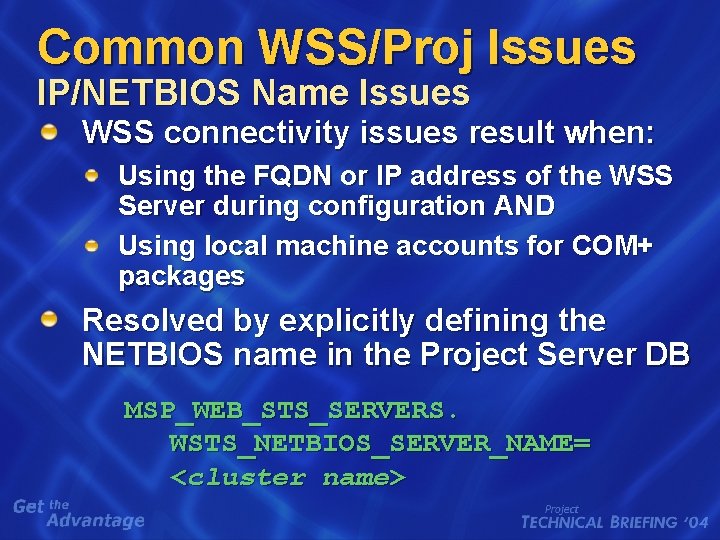
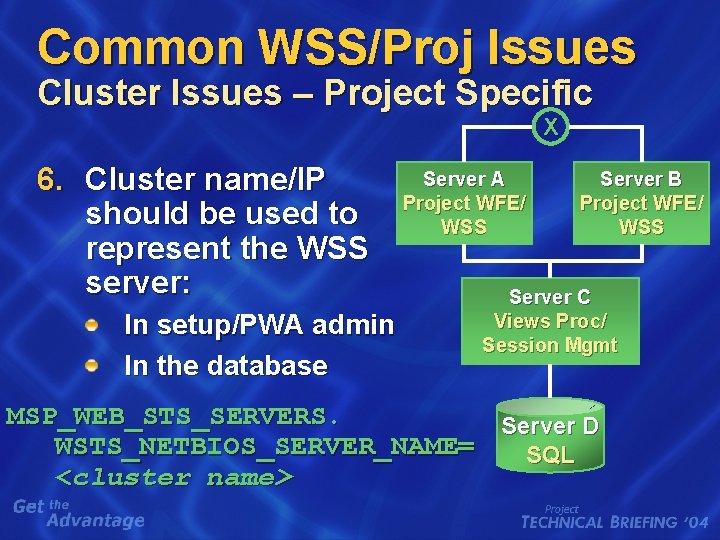
Common WSS/Proj Issues IP/NETBIOS Name Issues WSS connectivity issues result when: Using the FQDN or IP address of the WSS Server during configuration AND Using local machine accounts for COM+ packages Resolved by explicitly defining the NETBIOS name in the Project Server DB MSP_WEB_STS_SERVERS. WSTS_NETBIOS_SERVER_NAME= <cluster name>
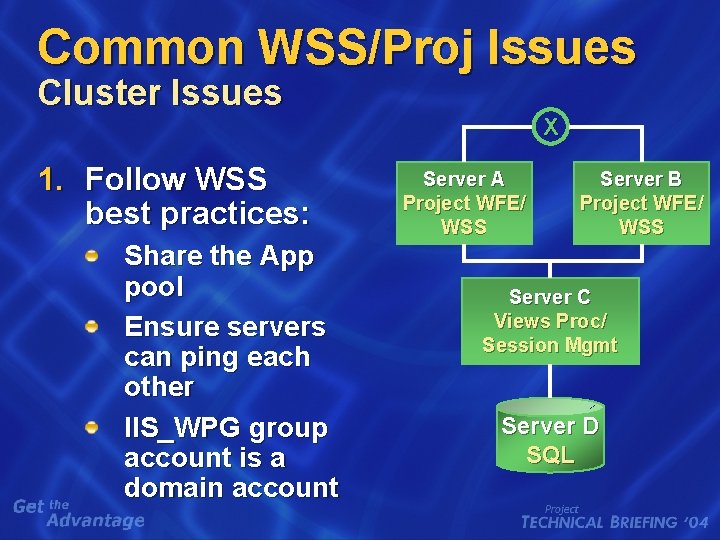
Common WSS/Proj Issues Cluster Issues 1. Follow WSS best practices: Share the App pool Ensure servers can ping each other IIS_WPG group account is a domain account X Server A Project WFE/ WSS Server B Project WFE/ WSS Server C Views Proc/ Session Mgmt Server D SQL
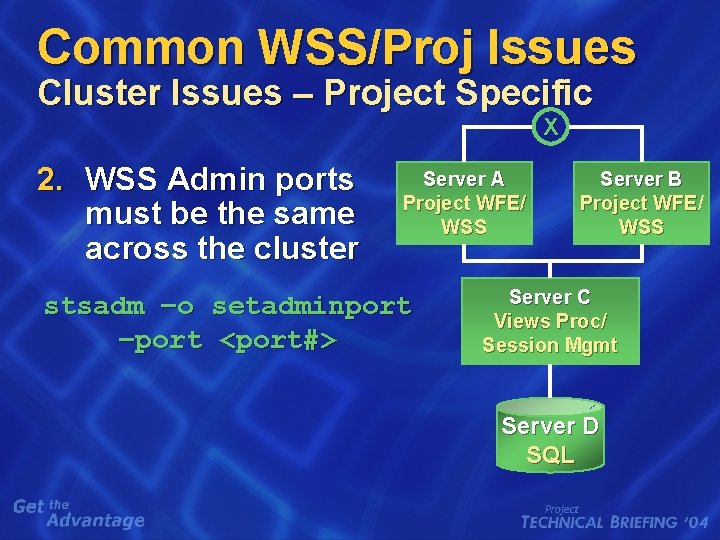
Common WSS/Proj Issues Cluster Issues – Project Specific X 2. WSS Admin ports must be the same across the cluster Server A Project WFE/ WSS stsadm –o setadminport –port <port#> Server B Project WFE/ WSS Server C Views Proc/ Session Mgmt Server D SQL
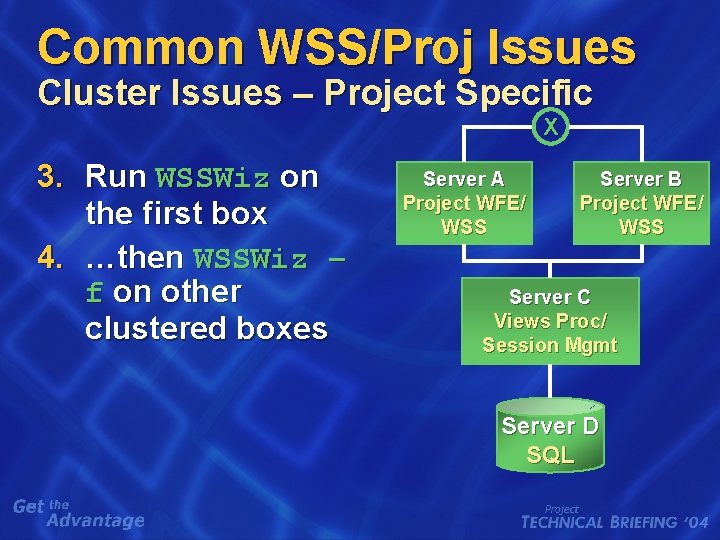
Common WSS/Proj Issues Cluster Issues – Project Specific X 3. Run WSSWiz on the first box 4. …then WSSWiz – f on other clustered boxes Server A Project WFE/ WSS Server B Project WFE/ WSS Server C Views Proc/ Session Mgmt Server D SQL
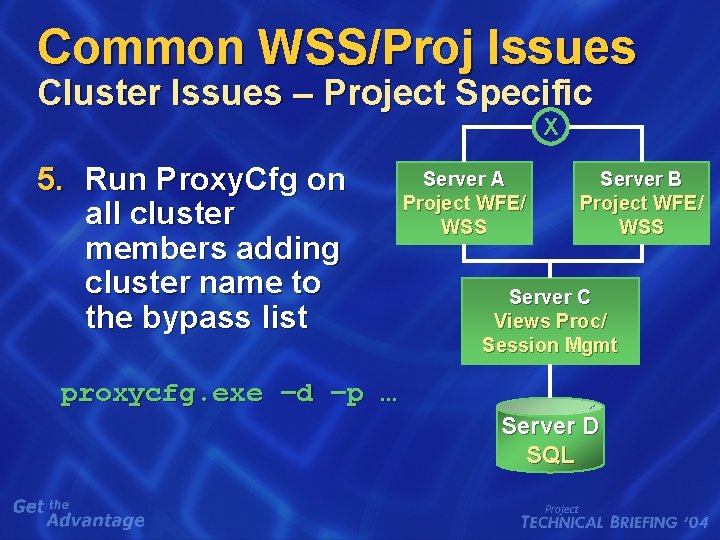
Common WSS/Proj Issues Cluster Issues – Project Specific X 5. Run Proxy. Cfg on all cluster members adding cluster name to the bypass list Server A Project WFE/ WSS Server B Project WFE/ WSS Server C Views Proc/ Session Mgmt proxycfg. exe –d –p … Server D SQL
Common WSS/Proj Issues Cluster Issues – Project Specific X 6. Cluster name/IP should be used to represent the WSS server: In setup/PWA admin In the database Server A Project WFE/ WSS Server B Project WFE/ WSS Server C Views Proc/ Session Mgmt MSP_WEB_STS_SERVERS. Server D WSTS_NETBIOS_SERVER_NAME= SQL <cluster name>
Today You Will Learn How Project Server connects to WSS Solutions for common problems facing WSS integration How Project Server does (and doesn’t) integrate with SPS
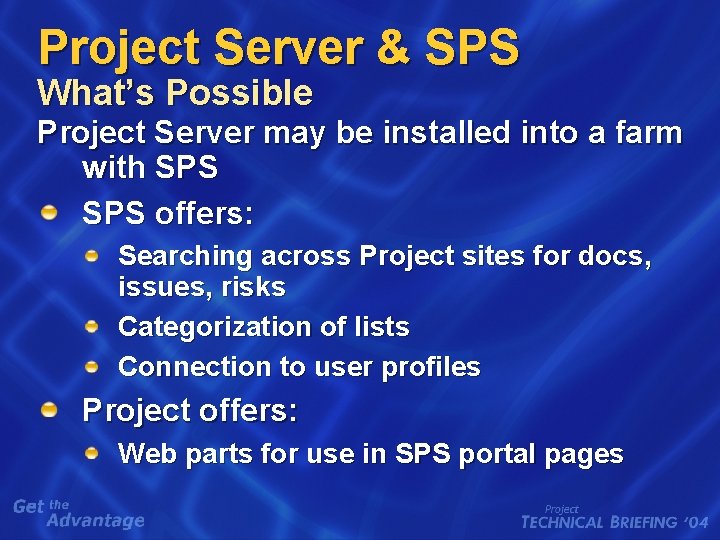
Project Server & SPS What’s Possible Project Server may be installed into a farm with SPS offers: Searching across Project sites for docs, issues, risks Categorization of lists Connection to user profiles Project offers: Web parts for use in SPS portal pages
Project Server & SPS What’s Not Possible Project Server task data is not crawled MPPs on file shares are not crawled Project sites must be manually added to the SPS site index
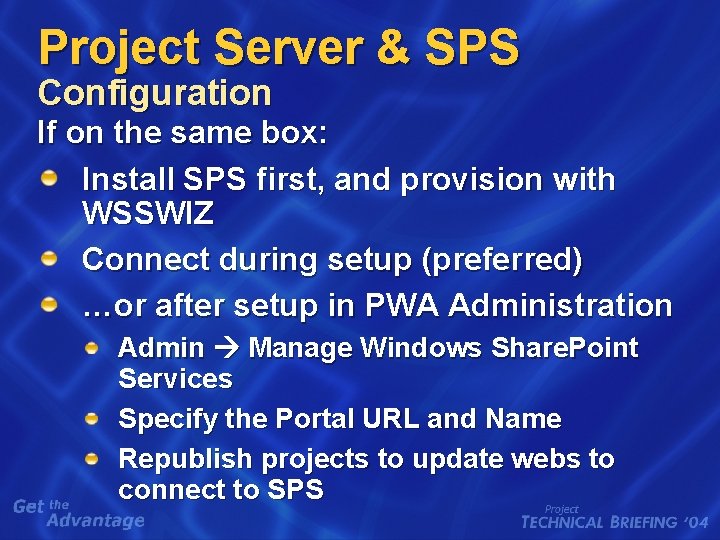
Project Server & SPS Configuration If on the same box: Install SPS first, and provision with WSSWIZ Connect during setup (preferred) …or after setup in PWA Administration Admin Manage Windows Share. Point Services Specify the Portal URL and Name Republish projects to update webs to connect to SPS
You Have Learned How Project Server connects to WSS Solutions for common problems facing WSS integration How Project Server does (and doesn’t) integrate with SPS
Q&A
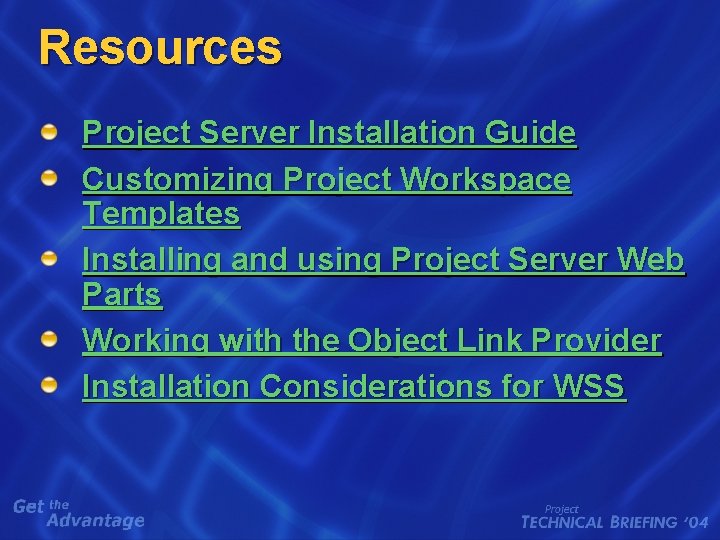
Resources Project Server Installation Guide Customizing Project Workspace Templates Installing and using Project Server Web Parts Working with the Object Link Provider Installation Considerations for WSS
© 2004 Microsoft Corporation. All rights reserved. This presentation is for informational purposes only. Microsoft makes no warranties, express or implied, in this summary.