
Microsoft Office 2000 Developer Edition AddIns A Presentation
- Slides: 16
Microsoft Office 2000 Developer Edition Add-Ins A Presentation for the Microsoft Access SIG of the North Texas PC User Group and the Metroplex Access Developers by Larry. Linson © Copyright 2000 by L. M. Linson, all rights reserved
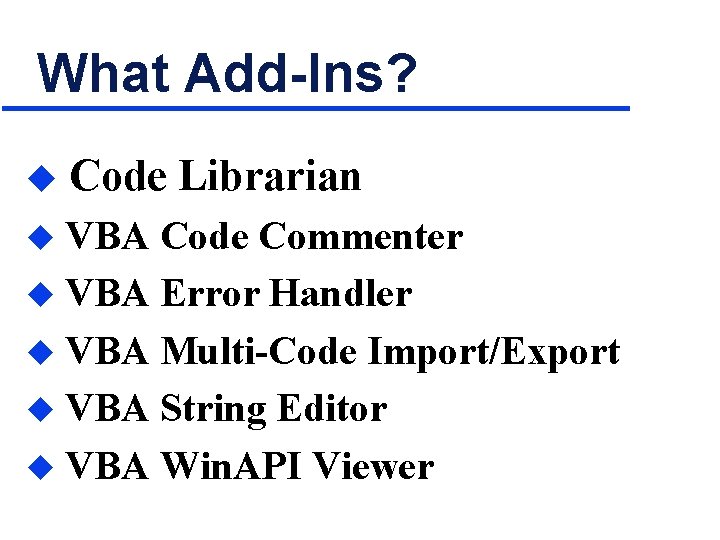
What Add-Ins? u Code Librarian VBA Code Commenter u VBA Error Handler u VBA Multi-Code Import/Export u VBA String Editor u VBA Win. API Viewer u
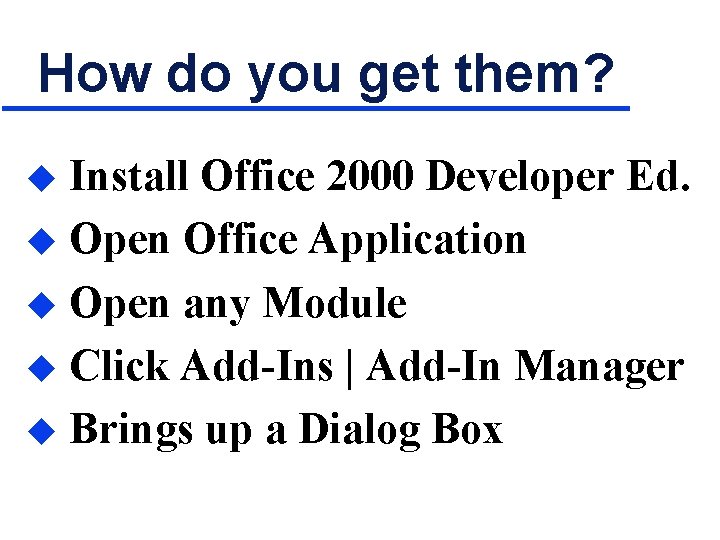
How do you get them? Install Office 2000 Developer Ed. u Open Office Application u Open any Module u Click Add-Ins | Add-In Manager u Brings up a Dialog Box u
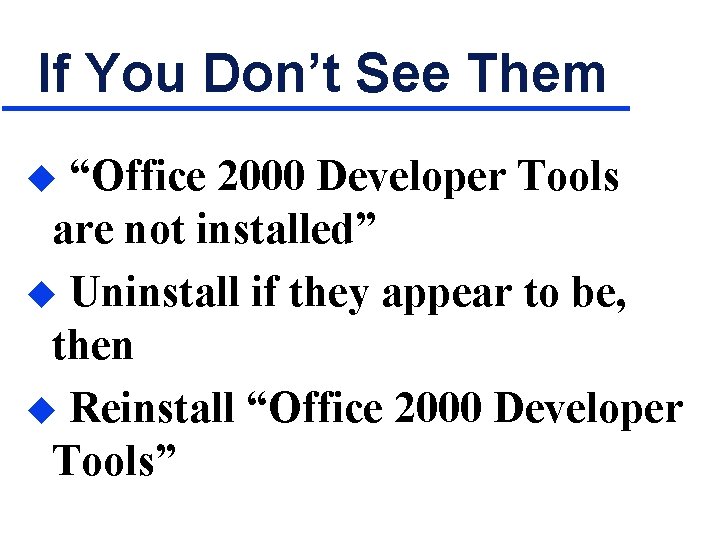
If You Don’t See Them “Office 2000 Developer Tools are not installed” u Uninstall if they appear to be, then u Reinstall “Office 2000 Developer Tools” u
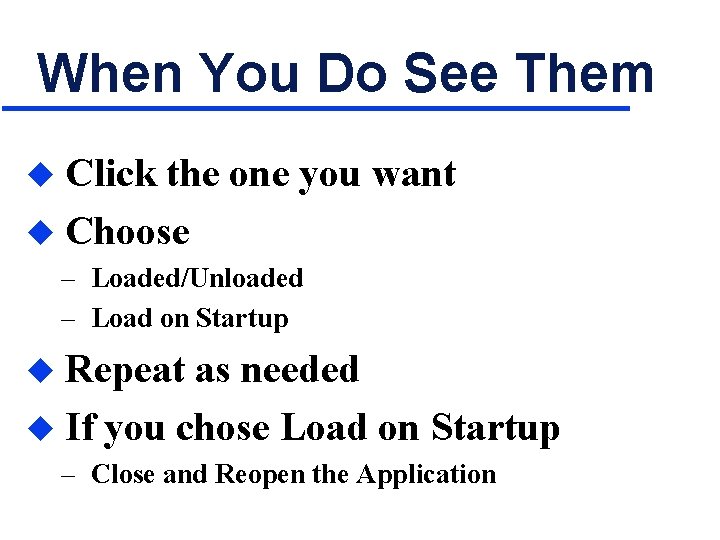
When You Do See Them Click the one you want u Choose u – Loaded/Unloaded – Load on Startup Repeat as needed u If you chose Load on Startup u – Close and Reopen the Application
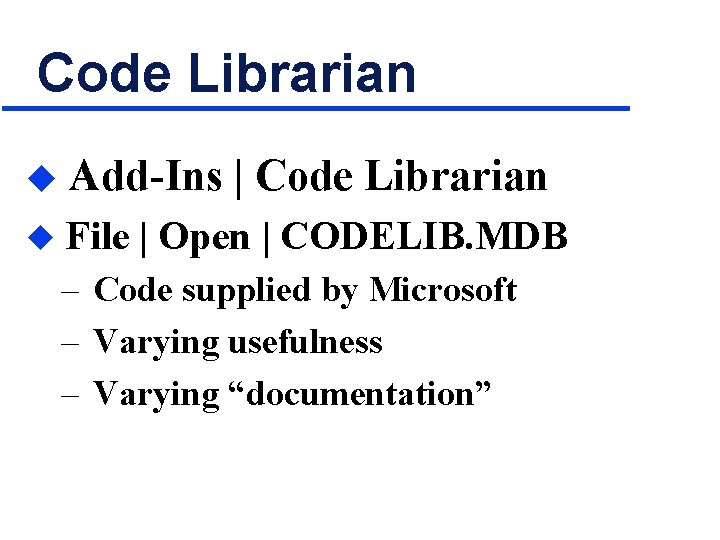
Code Librarian u Add-Ins | Code Librarian u File | Open | CODELIB. MDB – Code supplied by Microsoft – Varying usefulness – Varying “documentation”
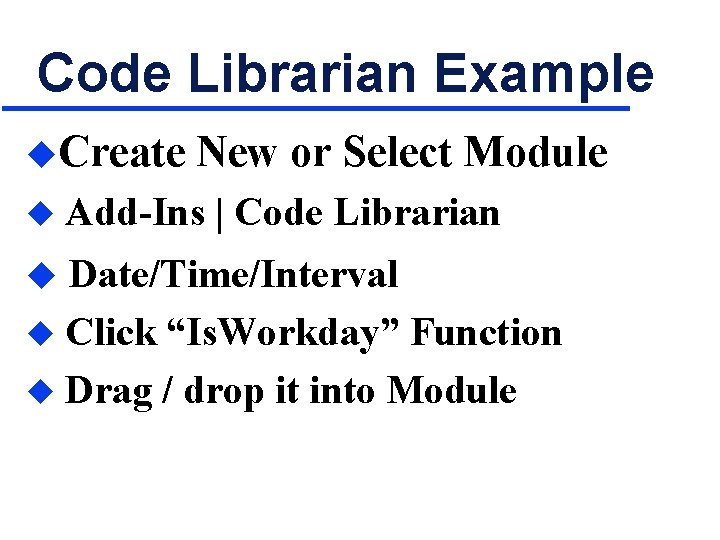
Code Librarian Example u. Create u New or Select Module Add-Ins | Code Librarian u Date/Time/Interval Click “Is. Workday” Function u Drag / drop it into Module u
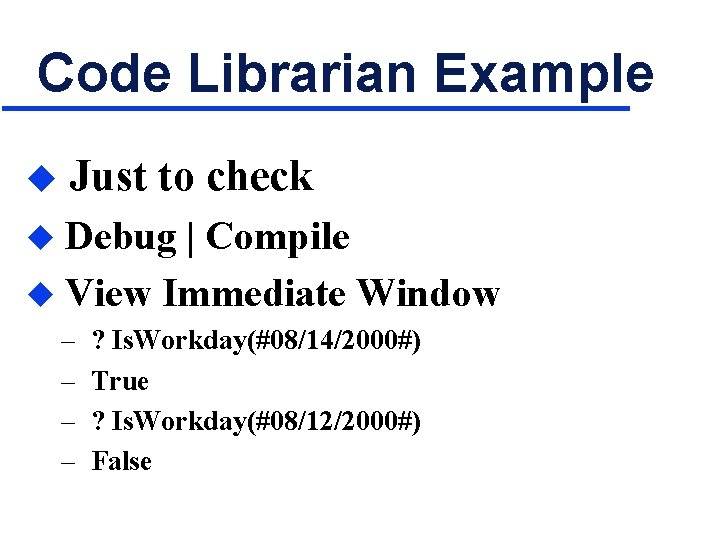
Code Librarian Example u Just to check Debug | Compile u View Immediate Window u – – ? Is. Workday(#08/14/2000#) True ? Is. Workday(#08/12/2000#) False
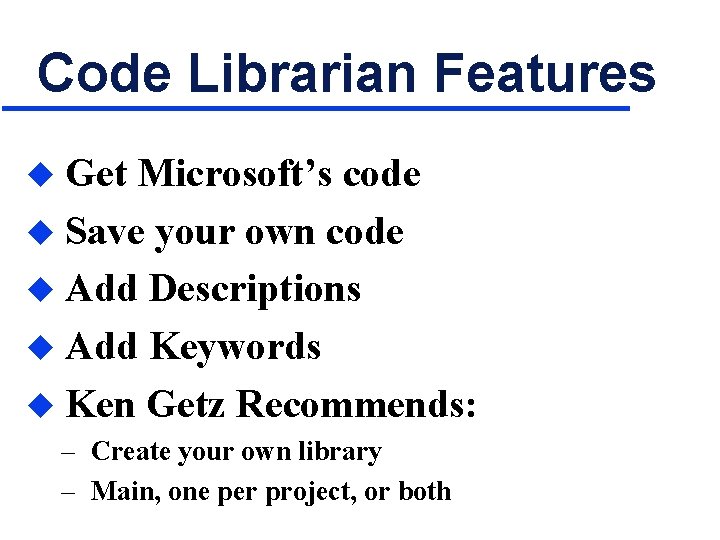
Code Librarian Features Get Microsoft’s code u Save your own code u Add Descriptions u Add Keywords u Ken Getz Recommends: u – Create your own library – Main, one per project, or both
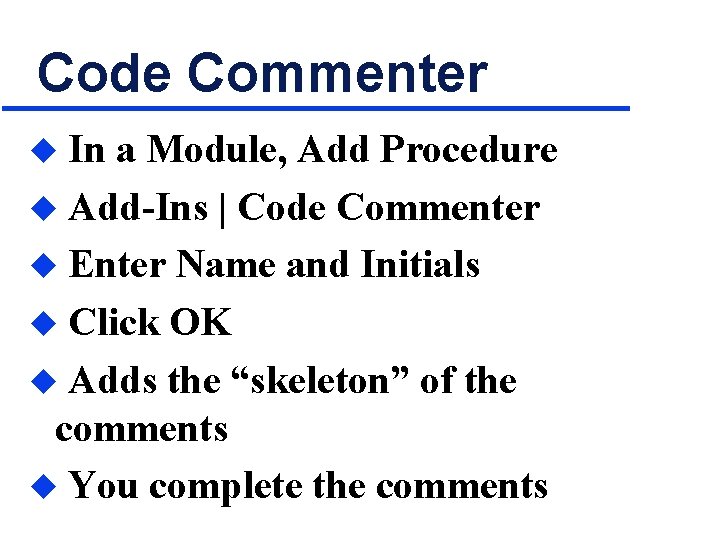
Code Commenter In a Module, Add Procedure u Add-Ins | Code Commenter u Enter Name and Initials u Click OK u Adds the “skeleton” of the comments u You complete the comments u
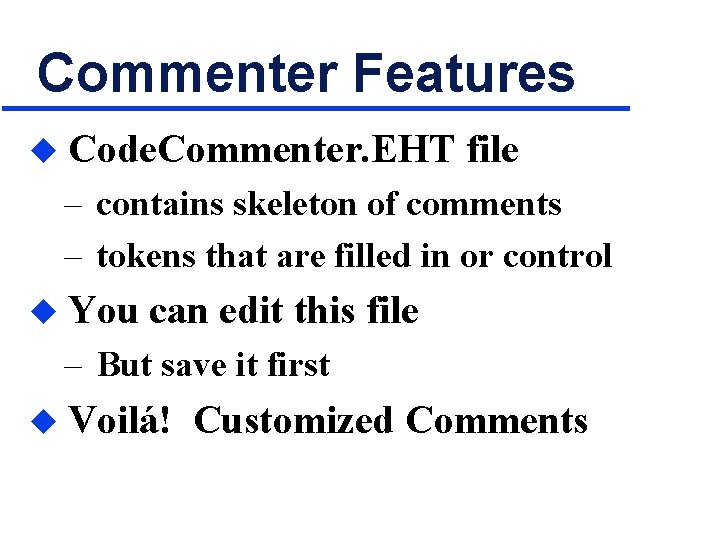
Commenter Features u Code. Commenter. EHT file – contains skeleton of comments – tokens that are filled in or control u You can edit this file – But save it first u Voilá! Customized Comments
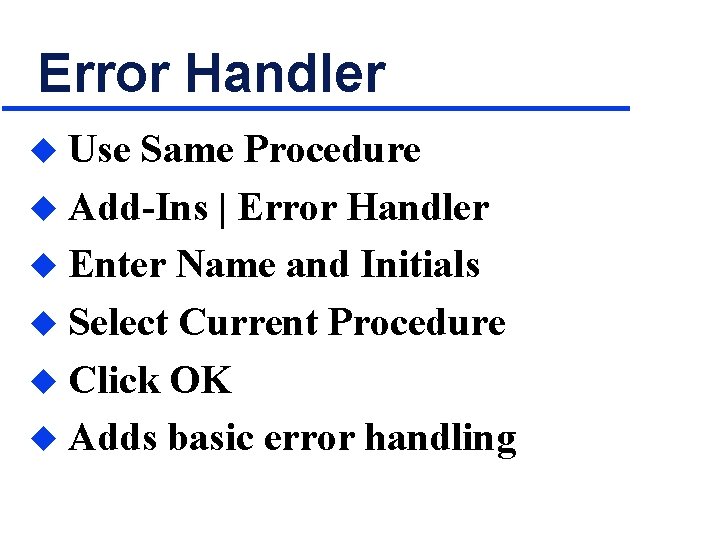
Error Handler Use Same Procedure u Add-Ins | Error Handler u Enter Name and Initials u Select Current Procedure u Click OK u Adds basic error handling u
Error Handler Features u Error. Handler. EHT file – contains skeleton of error handling – tokens that are filled in or control u You can edit this file – But save it first u Voilá! Customized Error Handling
Observation Other commenter add-ins u Other error handler add-ins u – – u Often combined Freeware Shareware Commercial: FMS’ Code. Tools Now part of the product
Multi-Code Import/Export u Only Access has easy way natively – From the database window – But you can lose information u This is the easy way – Works in Office 2000 VBE – Does not lose information
Resources Let Office Developer Tools Do the Routine Work for You u by Ken Getz u Access – VB – SQL Advisor u July 2000, Volume 8 No. 7 u