
Microsoft Internet Explorer And WebBased Applications For Pocket
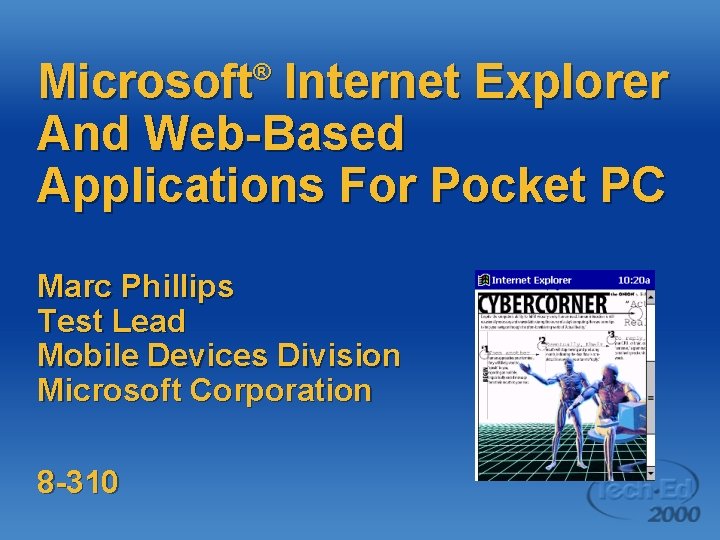
Microsoft Internet Explorer And Web-Based Applications For Pocket PC ® Marc Phillips Test Lead Mobile Devices Division Microsoft Corporation 8 -310

Today’s Presentation l l Pocket Internet Explorer overview Accessing data with Pocket Internet Explorer Ø Ø l Online and offline data Delivery mechanisms Pocket Internet Explorer capabilities Ø Dos and don’ts
What Is Pocket Internet Explorer? l A best-of-breed browser for the category Ø Ø l Full-featured; Third-generation browser Optimizations for screen size Two ways to use Pocket Internet Explorer Ø Ø Connected – live TCP/IP Disconnected – cached data
Pocket Internet Explorer Connected: Get on the Web l How can I connect? Ø Compact Flash modem Ø Compact Flash Ethernet Ø Digital Phone Card Ø (CF Adapter to cell phone) Ø IR to cell phone
Pocket Internet Explorer Connected: Get on the Web What can I do? l Full browsing – Type an URL and go l Proxy support! l Content is cached for offline access Ø l l Favorites indicates whether available Secure access with SSL Fit-to-screen mode, or virtual 640 x 480 display
Pocket Internet Explorer Disconnected: Grab n’ go l l l Avant. Go Partnership with Microsoft Access directly through Pocket Internet Explorer Enterprise server solutions Avant. Go. com
Pocket Internet Explorer Disconnected: Grab n’ go l l l Mobile favorites User-driven access Desktop Sync with Internet Explorer 5. 0 Plug-in for easy access Superset of Mobile Channels
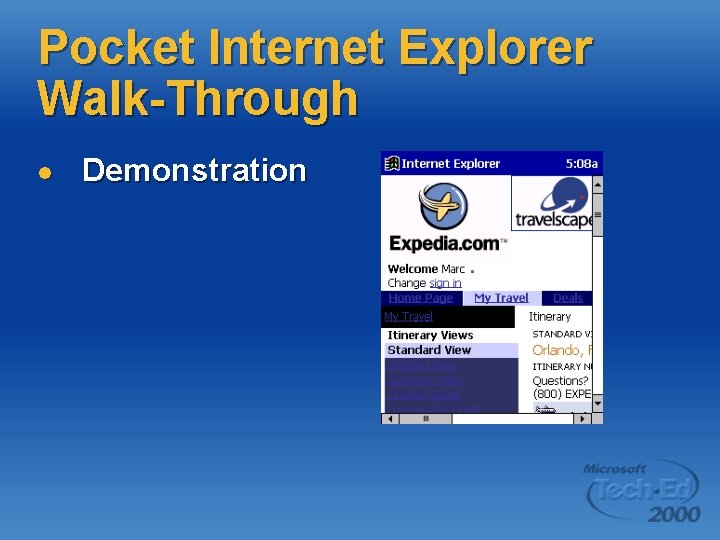
Pocket Internet Explorer Walk-Through l Demonstration
Scenario 1 Online transactions l l Straightforward demo Pocket Internet Explorer directly connected Basic Web application Takes advantage of: Ø Ø Full HTML 3. 2 Browser JScript™ support for validation
Scenario 1 Online transactions l Back End Ø Ø Ø Windows® 2000/SQL Server™ Hardware database via ADO ASP pages running under IIS
Example Solution Sales Rep l Demonstration Ø Power of Web applications using Pocket Internet Explorer

Pocket Internet Explorer Capabilities Overview l l l HTML 3. 2 compliant Java. Script 1. 1 compliant XML Object Model SSL Active. X® support
HTML Capabilities What we do l HTML 3. 2 support Ø l Framesets Ø Ø l Lightweight and ubiquitous Per HTML 4. 0 spec Borders always visible Background images and sounds
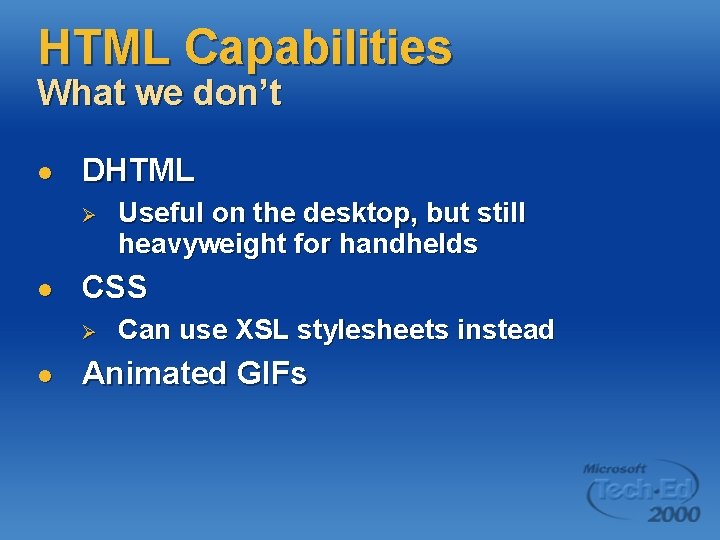
HTML Capabilities What we don’t l DHTML Ø l CSS Ø l Useful on the desktop, but still heavyweight for handhelds Can use XSL stylesheets instead Animated GIFs
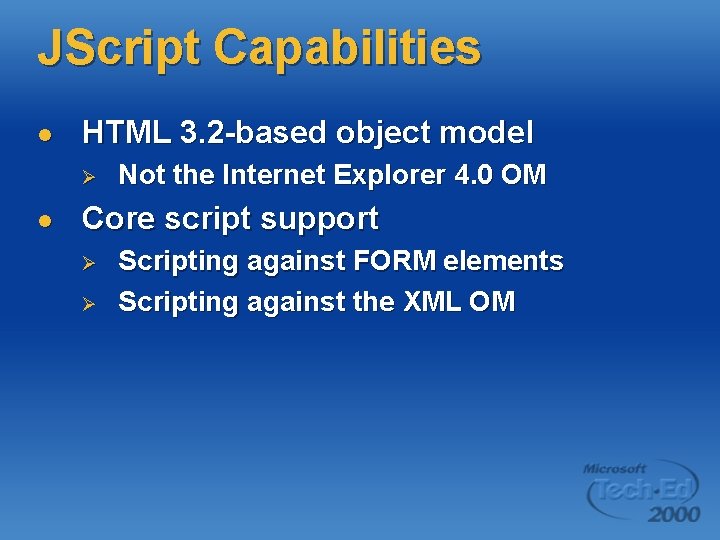
JScript Capabilities l HTML 3. 2 -based object model Ø l Not the Internet Explorer 4. 0 OM Core script support Ø Ø Scripting against FORM elements Scripting against the XML OM
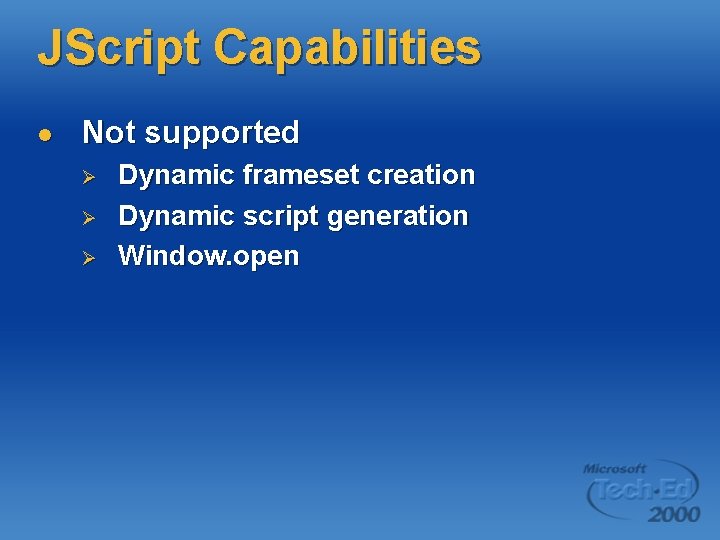
JScript Capabilities l Not supported Ø Ø Ø Dynamic frameset creation Dynamic script generation Window. open
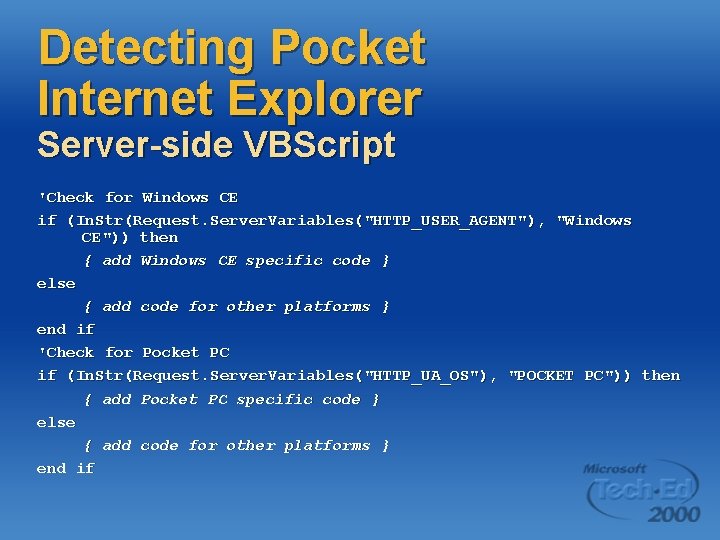
Detecting Pocket Internet Explorer Server-side VBScript 'Check for Windows CE if (In. Str(Request. Server. Variables("HTTP_USER_AGENT"), "Windows CE")) then { add Windows CE specific code } else { add code for other platforms } end if 'Check for Pocket PC if (In. Str(Request. Server. Variables("HTTP_UA_OS"), "POCKET PC")) then { add Pocket PC specific code } else { add code for other platforms } end if
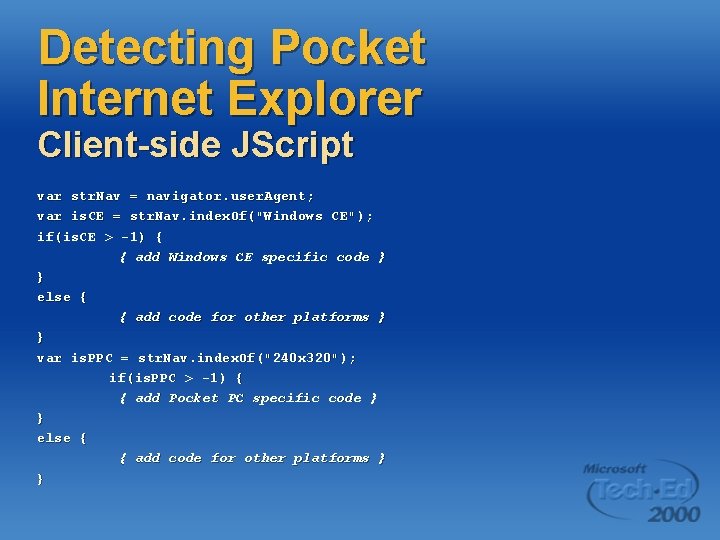
Detecting Pocket Internet Explorer Client-side JScript var str. Nav = navigator. user. Agent; var is. CE = str. Nav. index. Of("Windows CE"); if(is. CE > -1) { { add Windows CE specific code } } else { { add code for other platforms } } var is. PPC = str. Nav. index. Of("240 x 320"); if(is. PPC > -1) { { add Pocket PC specific code } } else { { add code for other platforms } }
Scenario 2 Dynamic data display l More complex demo Ø Ø Ø l Pocket Internet Explorer connected XML-based Web application Enables dynamic data filtering without reconnecting to server Takes advantage of Ø Ø Frames, JScript Microsoft XML Engine
XML Capabilities l Same XML component as Internet Explorer 5. 0 Ø l Markup and transfer of data as XML How it works Ø Ø Ø Data-as-XML delivered from server embedded in HTML page - an XML ‘Data Island’ Data read out of page, parsed, and placed into a data tree JScript accesses the XML OM and manipulates the data
XML Capabilities l Render the XML data in the browser Ø l Use XSL to transform XML into HTML Describe appearance of HTML page with XML Ø Ø Ø Instead of CSS, markup page with XSL Minimize round-trips to the server Easy support for multiple browser types
Example Solution Inventory control/Enterprise resource management l Demonstration Ø Activating Web applications with XML
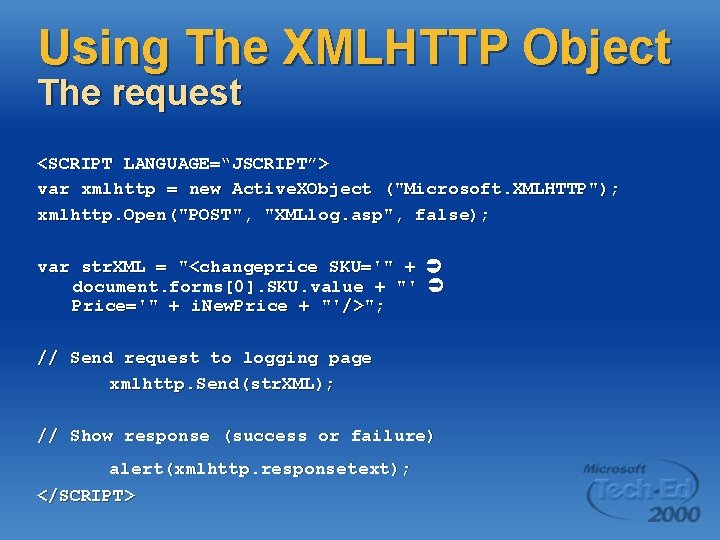
Using The XMLHTTP Object The request <SCRIPT LANGUAGE=“JSCRIPT”> var xmlhttp = new Active. XObject ("Microsoft. XMLHTTP"); xmlhttp. Open("POST", "XMLlog. asp", false); var str. XML = "<changeprice SKU='" + document. forms[0]. SKU. value + "' Price='" + i. New. Price + "'/>"; // Send request to logging page xmlhttp. Send(str. XML); // Show response (success or failure) alert(xmlhttp. responsetext); </SCRIPT>
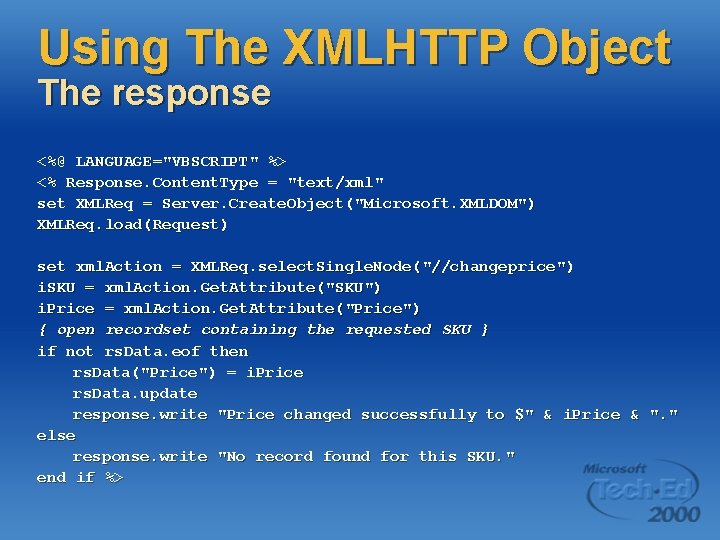
Using The XMLHTTP Object The response <%@ LANGUAGE="VBSCRIPT" %> <% Response. Content. Type = "text/xml" set XMLReq = Server. Create. Object("Microsoft. XMLDOM") XMLReq. load(Request) set xml. Action = XMLReq. select. Single. Node("//changeprice") i. SKU = xml. Action. Get. Attribute("SKU") i. Price = xml. Action. Get. Attribute("Price") { open recordset containing the requested SKU } if not rs. Data. eof then rs. Data("Price") = i. Price rs. Data. update response. write "Price changed successfully to $" & i. Price & ". " else response. write "No record found for this SKU. " end if %>
Example Solution Sales Rep the special deal l l Demonstration Dynamic updating with XML
Security Capabilities l For secure transactions, Pocket Internet Explorer supports: Ø Ø NTLM SSL § § Ø 64 -bit certificates 128 -bit encryption (add-on) Others (SGC)
Active. X Capabilities l Straightforward – Just like the desktop Ø Ø l COM component accessed from <OBJECT> tag Script can call Active. X components, but not vice-versa Must be installed on device directly Ø Ø No auto-download Great hook for rich device-Web interaction scenarios
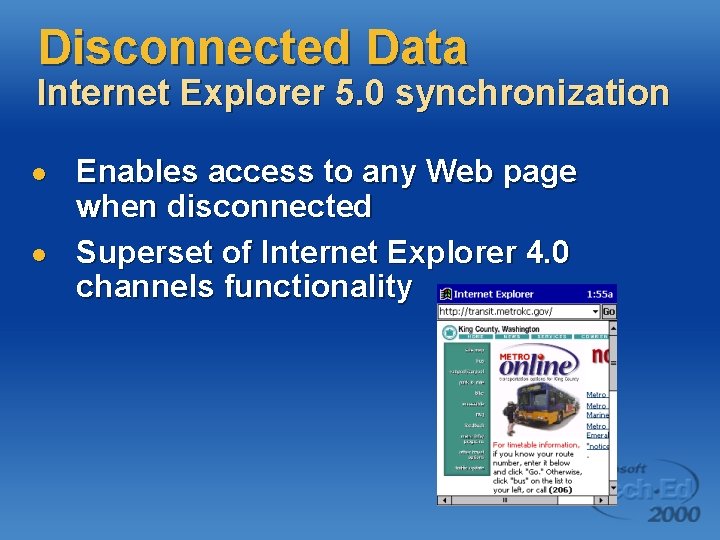
Disconnected Data Internet Explorer 5. 0 synchronization l l Enables access to any Web page when disconnected Superset of Internet Explorer 4. 0 channels functionality
Disconnected Data Mobile Favorites l l Internet Explorer 5. 0 introduces ‘Offline Favorites’ New ‘Favorites’ sync provider Ø Ø Syncs a subset of your desktop’s Web cache with your device’s Web cache Internet Explorer Plugin makes this as easy § Grab ‘n go Web pages…
Disconnected Data Mobile Favorites demo l Demonstration Ø Take the best of the Web with Pocket Internet Explorer
Disconnected Data What is Avant. Go? l Expandable solutions Ø Ø Ø l Workforce automation Mobile navigation Integrated feedback Avant. Go. com Ø Ø Ø News (BBC to Financial Times) Service (Fed. Ex, Weather, Last. Minute. com) Games (Sony)
Disconnected Data Avant. Go demo l Demonstration Ø Avant. Go
Disconnected Data Avant. Go on Pocket PC l Pocket PC is the premiere platform for Avant. Go-based solutions Ø Color displays Provide higher contrast, greater fidelity Ø Large screens More data displayed, faster scanning, less scrolling Ø Integrated with the browser Seamless connected-disconnected use Ø Zero install Ready to run out-of-the-box
Efficient Use Of Pocket Internet Explorer Suggestions l Keep it simple – Just the essentials Ø Ø l Avoid >2 frames per page Use tables sparingly; allow for dynamic resizing Single-column format Ø Ø Pocket IE pages should never require horizontal scrolling Makes single-handed reading easy
Guidelines For more information l Pocket Internet Explorer style guide Ø l http: //pocketpc. com Avant. Go style guide Ø http: //avantgo. com/builder/

Discussion
- Slides: 38