
Microsoft Image Composer An Overview MIC Overview Microsoft

- Slides: 12
Microsoft Image Composer An Overview MIC Overview
Microsoft Image Composer • Purpose: (Not Another Drawing Tool) – Allows graphics to be made by composition from other graphics – Allows Manipulation of Transparency and Color – Allows intelligent translation of the resulting. MIC file into web graphics formats such as. GIF and. JPG 10/29/2021 MIC Overview 2
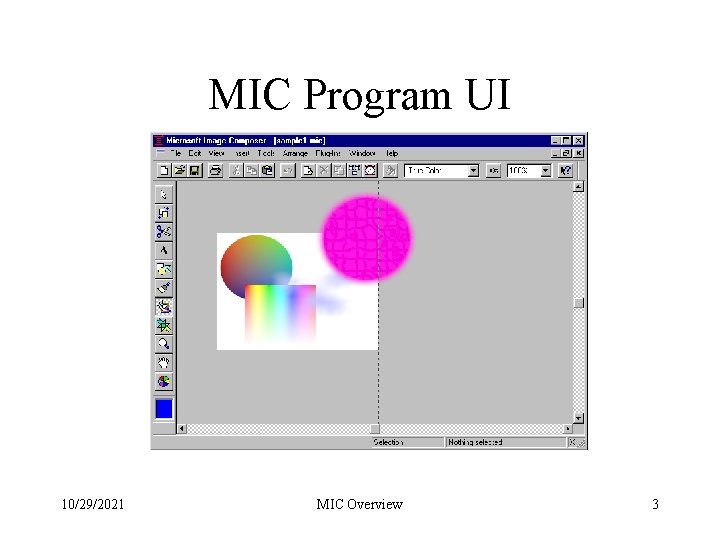
MIC Program UI 10/29/2021 MIC Overview 3
Composition: The Sprite • Each element in a MIC drawing is called a Sprite. • MIC preserves the separate sprites in the MIC file so that they can be manipulated • When the MIC file is converted to a web graphic, the sprites are merged in accordance with the layout. • Each sprite may have its own transparency. 10/29/2021 MIC Overview 4
Sprite Manipulation and Layout • Sprites may be sized or rotated • Sprites may have their hierarchy relative to other sprites changed (in front or back) • Sprites can be arranged so as they act to clip on another • When a MIC file is exported to a web format the sprites are “Flattened” to form a single composite image. 10/29/2021 MIC Overview 5
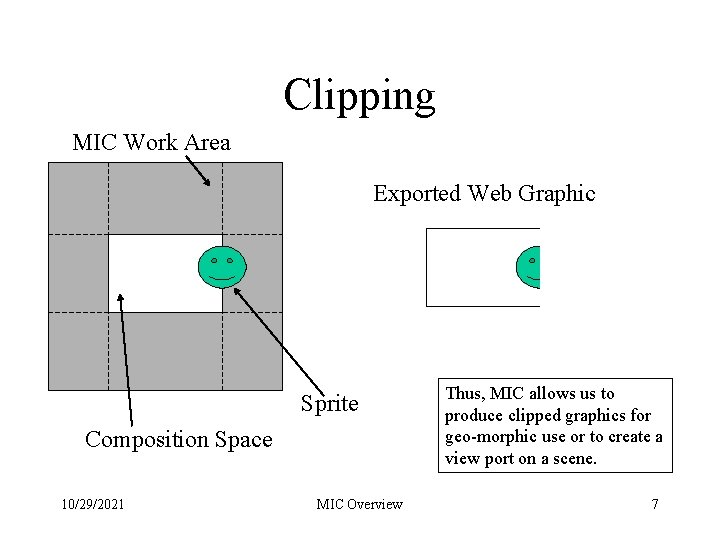
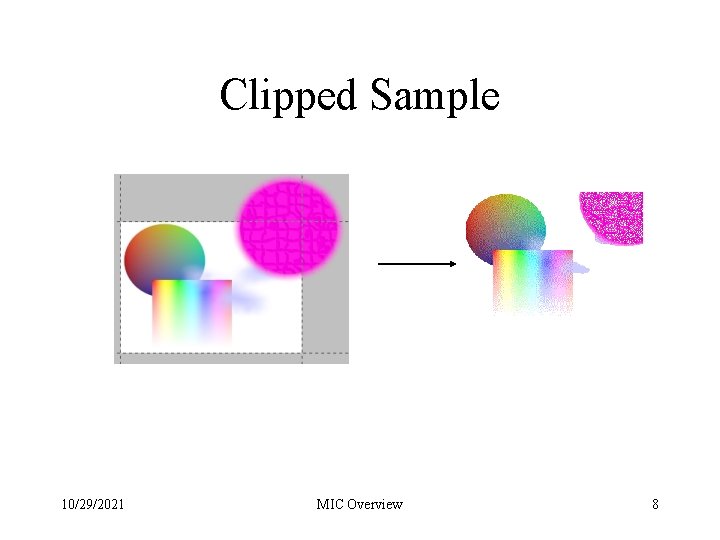
The Composition Space • The work area is the entire client area of the window. • The white area in the center is the composition space. • Graphics and Sprites may occupy any part of the work area. • The Composition Space is the clipping region when exporting to web graphics. 10/29/2021 MIC Overview 6
Clipping MIC Work Area Exported Web Graphic Sprite Composition Space 10/29/2021 MIC Overview Thus, MIC allows us to produce clipped graphics for geo-morphic use or to create a view port on a scene. 7
Clipped Sample 10/29/2021 MIC Overview 8
Effects and Color Manipulation • MIC has a wide variety of tools to make special effects on a sprite by sprite basis. • Likewise color can be shifted or replaced using the provided tools. • Palettes can be loaded and used to “fuel” the color dialogs. • Transparency can be adjusted for all of the sprites and for the background. (By default the background is transparent) 10/29/2021 MIC Overview 9
Tricks with MIC • The eyedropper (Tools/Color Picker) can be used to grab color from anything on the screen not just inside of MIC. • To make a muted background image, select the object(s) and click on the color wheel tool bar icon, then reduce the saturation and apply. • You might also want to try reducing the contrast and increasing the brightness. • Muted images are sometimes better if the effect ‘Blur’ is applied 1 st. 10/29/2021 MIC Overview 10
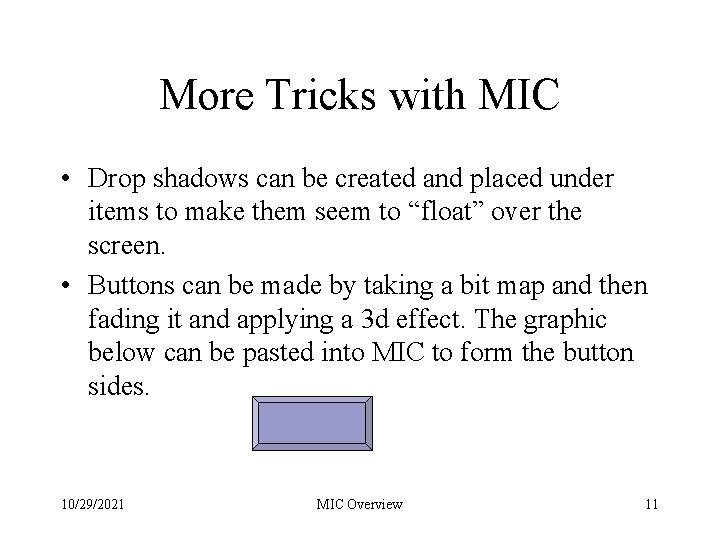
More Tricks with MIC • Drop shadows can be created and placed under items to make them seem to “float” over the screen. • Buttons can be made by taking a bit map and then fading it and applying a 3 d effect. The graphic below can be pasted into MIC to form the button sides. 10/29/2021 MIC Overview 11
Microsoft Image Composer More Demos MIC Overview