
Microsoft Fast Track for Enterprise Mobility Security BENEFITS
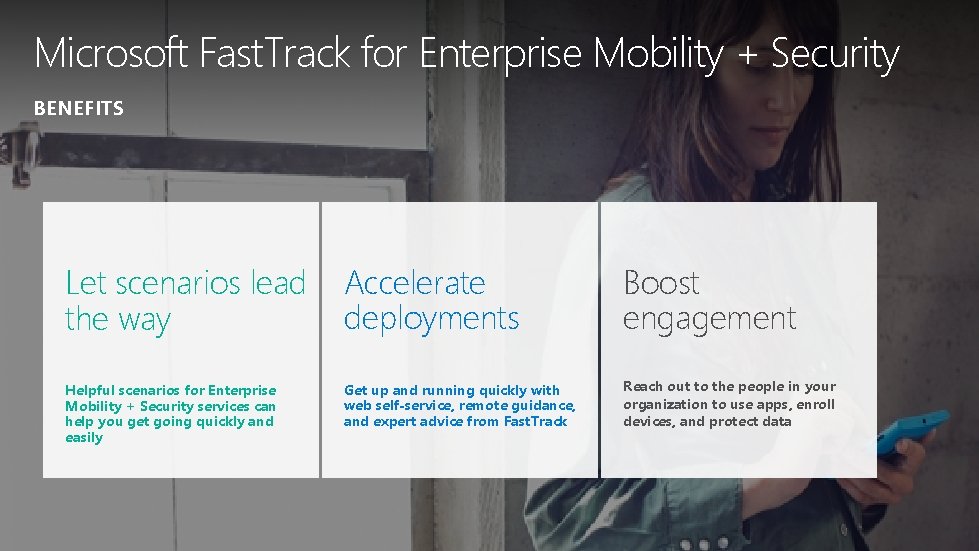
Microsoft Fast. Track for Enterprise Mobility + Security BENEFITS Let scenarios lead the way Accelerate deployments Boost engagement Helpful scenarios for Enterprise Mobility + Security services can help you get going quickly and easily Get up and running quickly with web self-service, remote guidance, and expert advice from Fast. Track Reach out to the people in your organization to use apps, enroll devices, and protect data
ACCELERATE • Trust the experts—we build the services and help you get on them • Save time by moving quickly from planning to deployment to growth • No need to spend money on additional resources for basic onboarding tasks • Protect your enterprise sooner with EMS’s security capabilities • Use more identity, devices, apps, and data throughout your organization with our tips and tricks to get you going
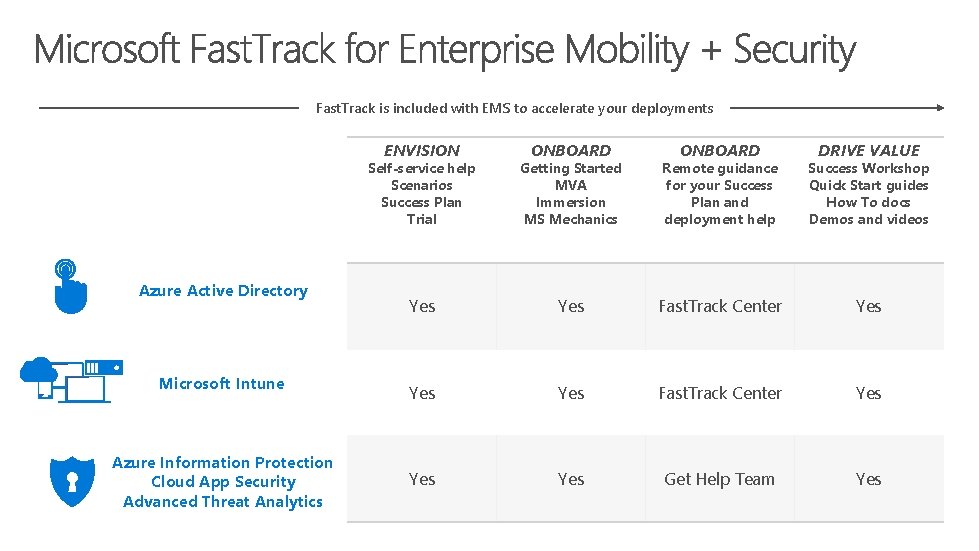
Fast. Track is included with EMS to accelerate your deployments ENVISION Azure Active Directory Microsoft Intune Azure Information Protection Cloud App Security Advanced Threat Analytics ONBOARD DRIVE VALUE Self-service help Scenarios Success Plan Trial Getting Started MVA Immersion MS Mechanics Remote guidance for your Success Plan and deployment help Success Workshop Quick Start guides How To docs Demos and videos Yes Yes Fast. Track Center Yes Yes Get Help Team Yes
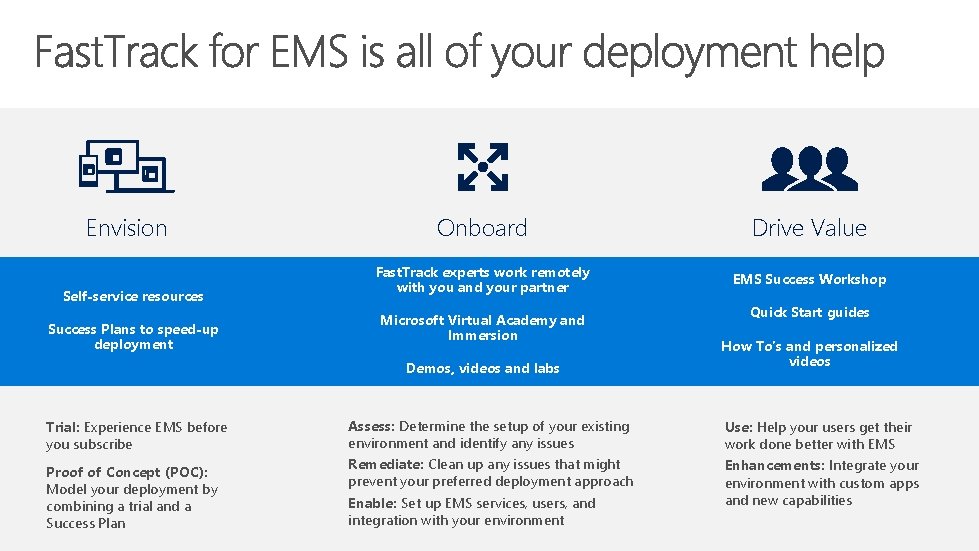
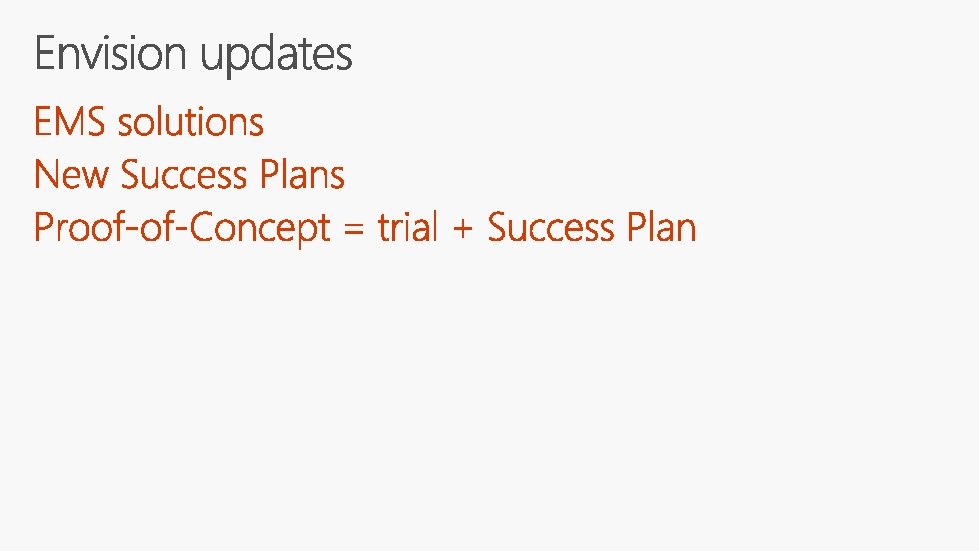
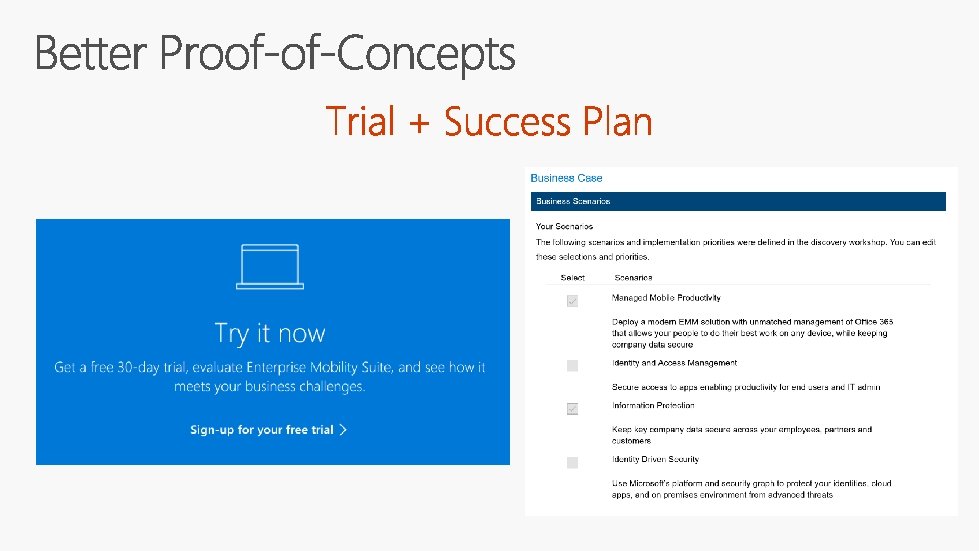
Envision Self-service resources Success Plans to speed-up deployment Onboard Drive Value Fast. Track experts work remotely with you and your partner EMS Success Workshop Microsoft Virtual Academy and Immersion Demos, videos and labs Trial: Experience EMS before you subscribe Proof of Concept (POC): Model your deployment by combining a trial and a Success Plan Assess: Determine the setup of your existing environment and identify any issues Remediate: Clean up any issues that might prevent your preferred deployment approach Enable: Set up EMS services, users, and integration with your environment Quick Start guides How To’s and personalized videos Use: Help your users get their work done better with EMS Enhancements: Integrate your environment with custom apps and new capabilities
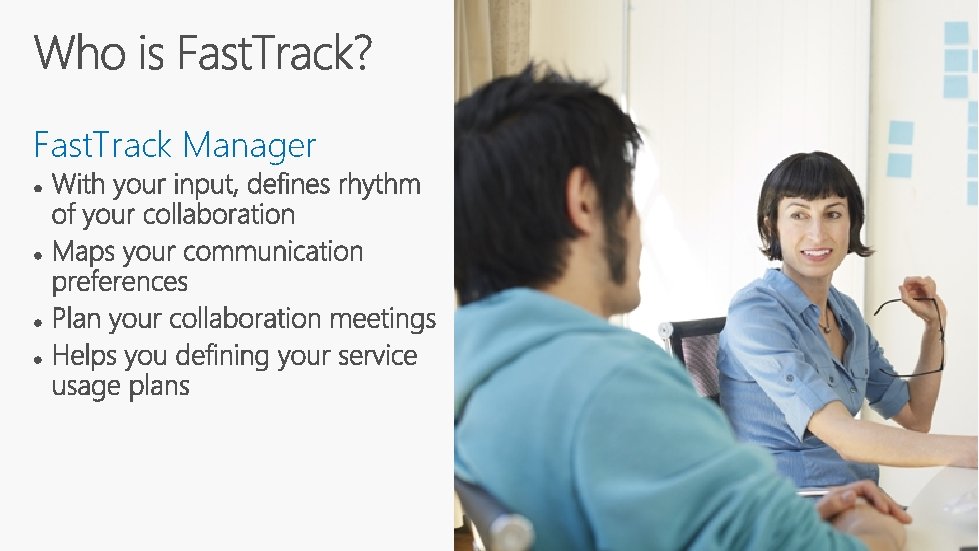
Fast. Track Manager
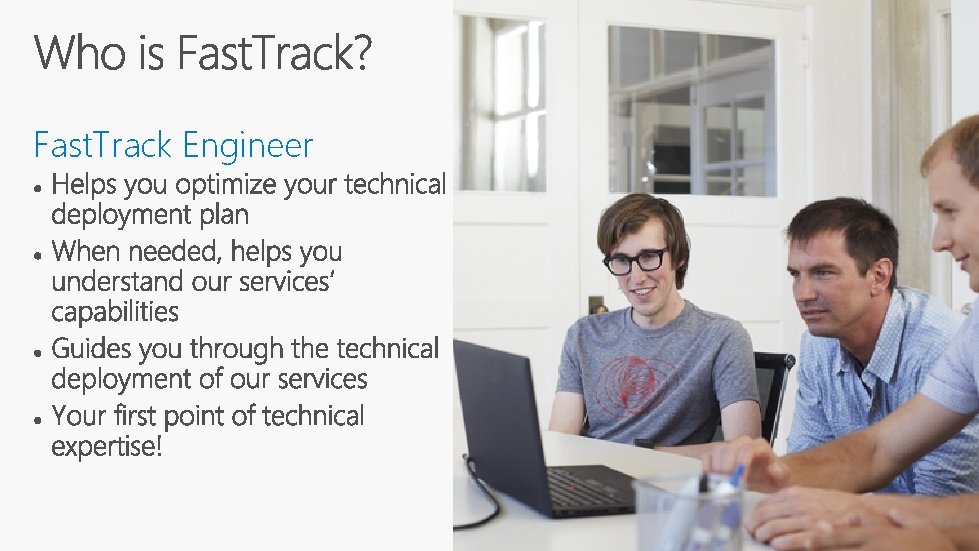
Fast. Track Engineer
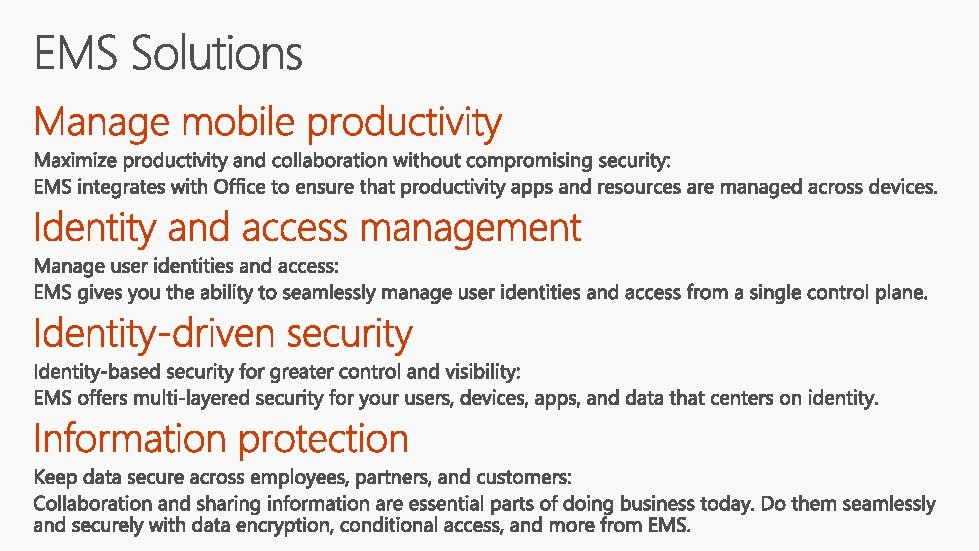
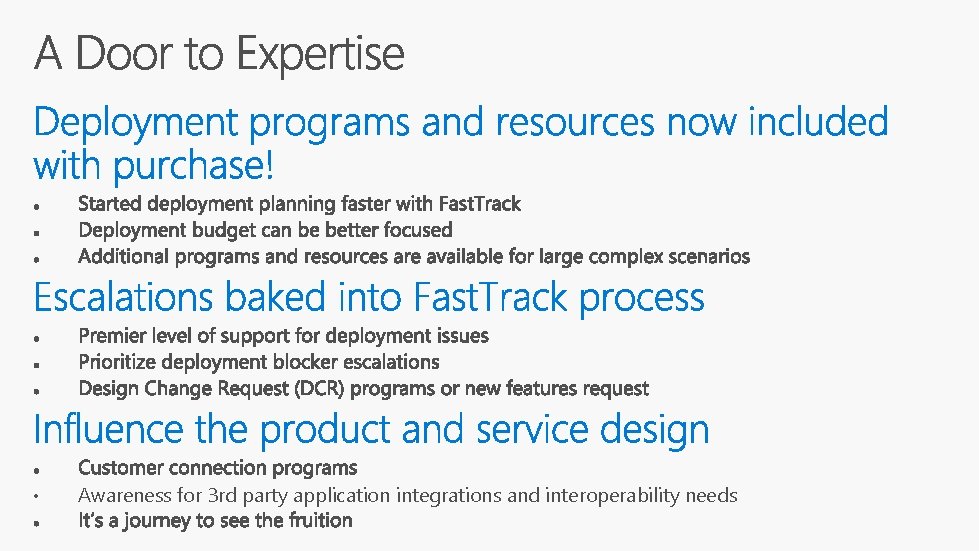
• Awareness for 3 rd party application integrations and interoperability needs
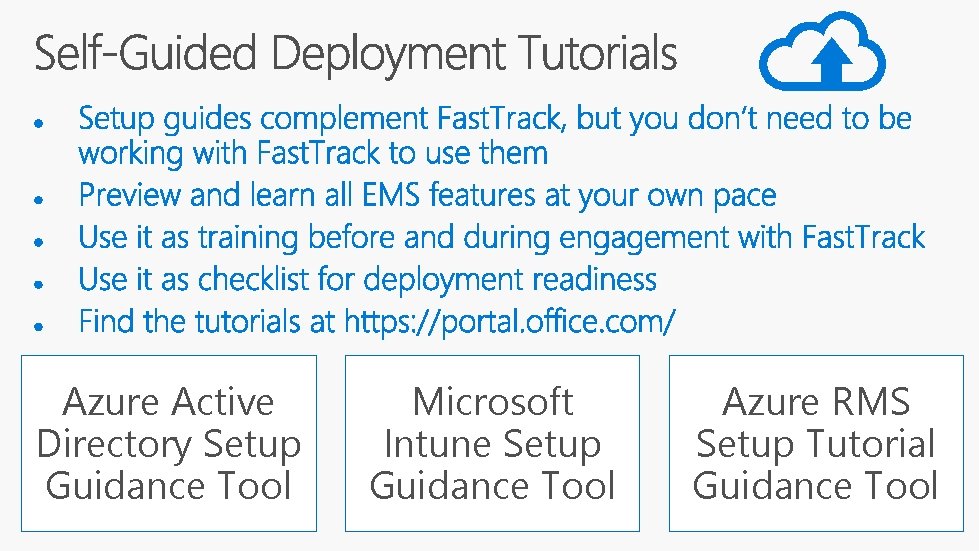
Azure Active Directory Setup Guidance Tool Microsoft Intune Setup Guidance Tool Azure RMS Setup Tutorial Guidance Tool
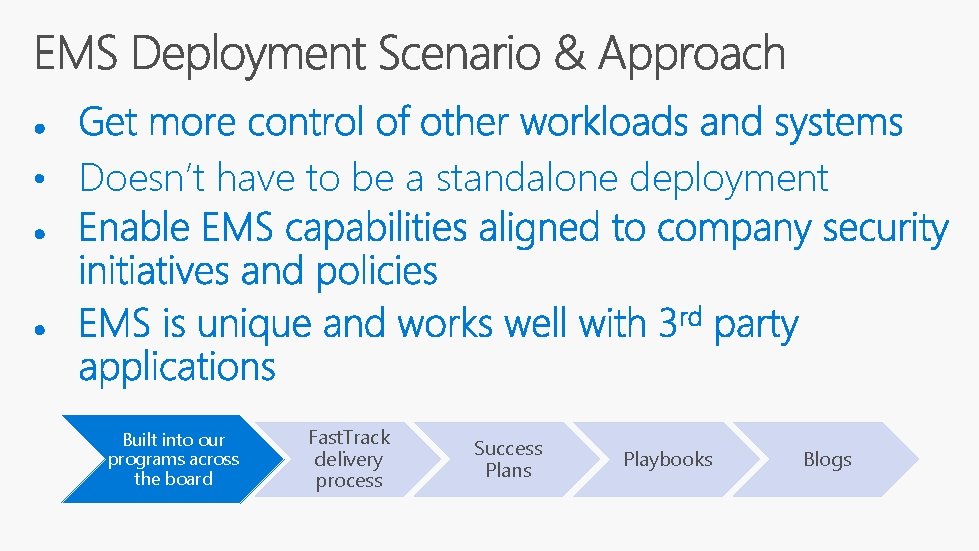
• Doesn’t have to be a standalone deployment Built into our programs across the board Fast. Track delivery process Success Plans Playbooks Blogs
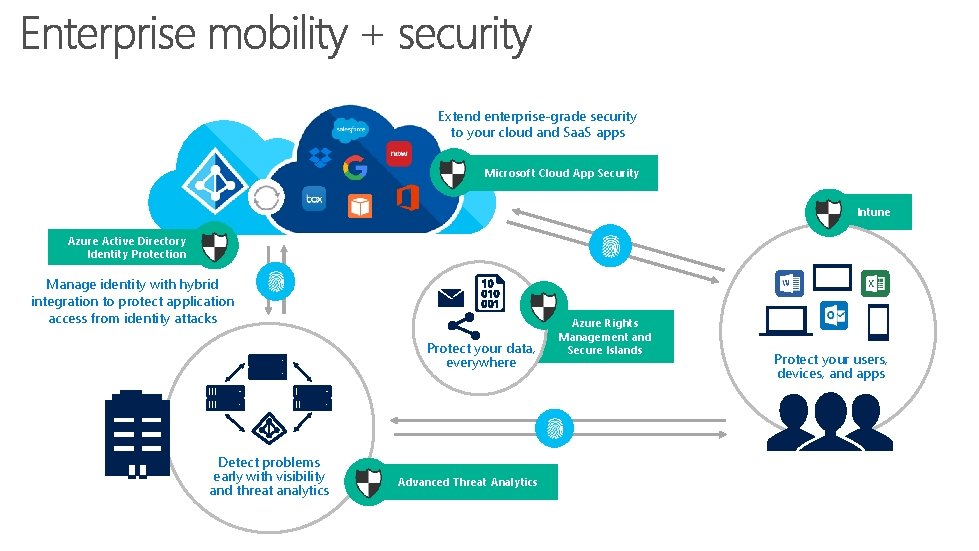
Extend enterprise-grade security to your cloud and Saa. S apps Microsoft Cloud App Security Intune Azure Active Directory Identity Protection Manage identity with hybrid integration to protect application access from identity attacks Protect your data, everywhere Detect problems early with visibility and threat analytics Advanced Threat Analytics Azure Rights Management and Secure Islands Protect your users, devices, and apps
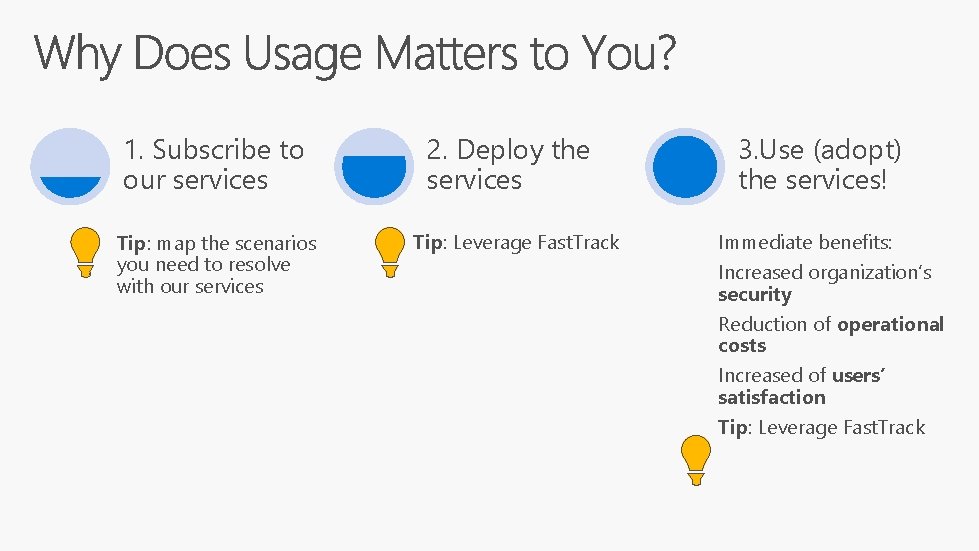
1. Subscribe to our services Tip: map the scenarios you need to resolve with our services 2. Deploy the services Tip: Leverage Fast. Track 3. Use (adopt) the services! Immediate benefits: Increased organization’s security Reduction of operational costs Increased of users’ satisfaction Tip: Leverage Fast. Track
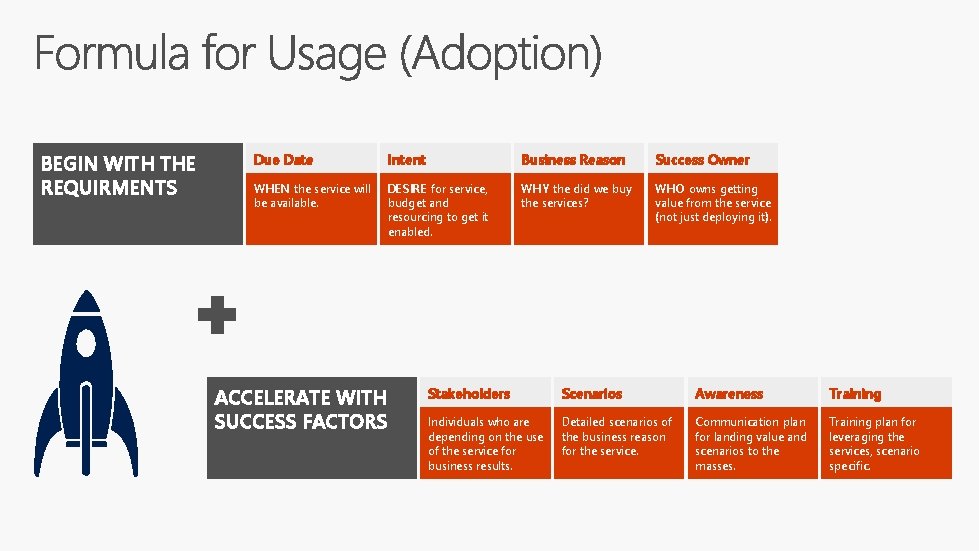
BEGIN WITH THE REQUIRMENTS Due Date Intent Business Reason Success Owner WHEN the service will be available. DESIRE for service, budget and resourcing to get it enabled. WHY the did we buy the services? WHO owns getting value from the service (not just deploying it). ACCELERATE WITH SUCCESS FACTORS Stakeholders Scenarios Awareness Training Individuals who are depending on the use of the service for business results. Detailed scenarios of the business reason for the service. Communication plan for landing value and scenarios to the masses. Training plan for leveraging the services, scenario specific.
http: //fasttrack. microsoft. com Success Owner Target Date Business Reason Intent
Fast. Track includes several resources you can use to support both your deployment and usage plans Resources for both deployment and usage planning and execution • • • Key technical deployment articles Usage education content (e. g. How to define a user awareness/communication plan) Communication templates and user guides you can customize and use to build awareness among your users Fast. Track for EMS resources • You can find these resources at http: //fasttrack. microsoft. com/ems
TRY | DEPLOY | GROW § Learn more about Microsoft Fast. Track at https: //fasttrack. microsoft. com § Review resources on Fast. Track: docs. microsoft. com § Find out what’s new with Fast. Track for EMS at https: //www. microsoft. com/en-us/cloudplatform/roadmap-recently-available § Include Fast. Track in deployment planning for Enterprise Mobility + Security § Talk to your Microsoft account team about Enterprise Mobility + Security for more info § Try out Enterprise Mobility + Security: www. microsoft. com/ems
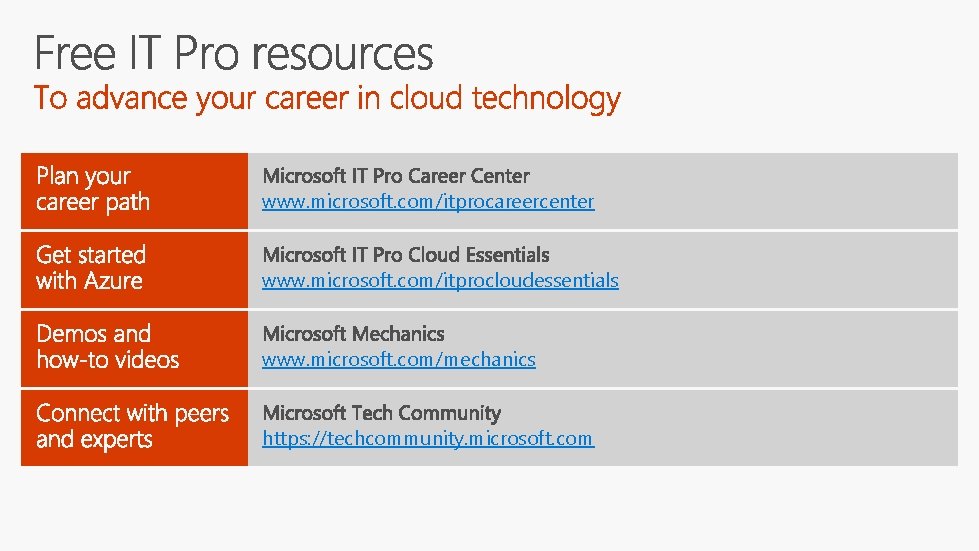
www. microsoft. com/itprocareercenter www. microsoft. com/itprocloudessentials www. microsoft. com/mechanics https: //techcommunity. microsoft. com
http: //myignite. microsoft. com https: //aka. ms/ignite. mobileapp

- Slides: 31