
Microsoft Expression Blend from a Developers Point of

Microsoft Expression Blend from a Developer's Point of View Markus Egger President / Publisher EPS Software Corp. / CODE Magazine Session Code: WUX 309
About Me… Markus Egger President and Chief Software Architect EPS Software Corp. Publisher: CODE and CODE Focus Magazines International Author and Speaker (INETA) Microsoft MVP: C# Co-Host of Code. Cast CSA, Xiine – www. xiine. com CSA, Tower 48 Software Escrow

Agenda A lap around Expression Blend Finding features you know from Visual Studio Exploring features unique to Expression Blend Working with Visual Studio and Expression Blend in tandem Silverlight vs. Windows Presentation Foundation Learning a few designer tricks Creating a real world user interface for an existing business application
What is Expression Blend? User Interface design tool for WPF and Silverlight The focus is on next-generation interactive user interfaces and user experiences The tool covers the entire range of possible WPF/SL interfaces from desktop business applications to web experiences The main focus of Expression Blend has traditionally been on designers However, it turns out to be a great developer tool as well!
Expression Blend Versions and History Expression Blend 1 – WPF design tool Expression Blend 2 – WPF and Silverlight 2. 0 Expression Blend 3 (preview) – WPF and Silverlight 3. 0 (beta) My recommendation: Use Expression Blend 3 whenever you can! I have been using Expression Blend 3 (beta) for all my WPF design needs and the product has already been very stable
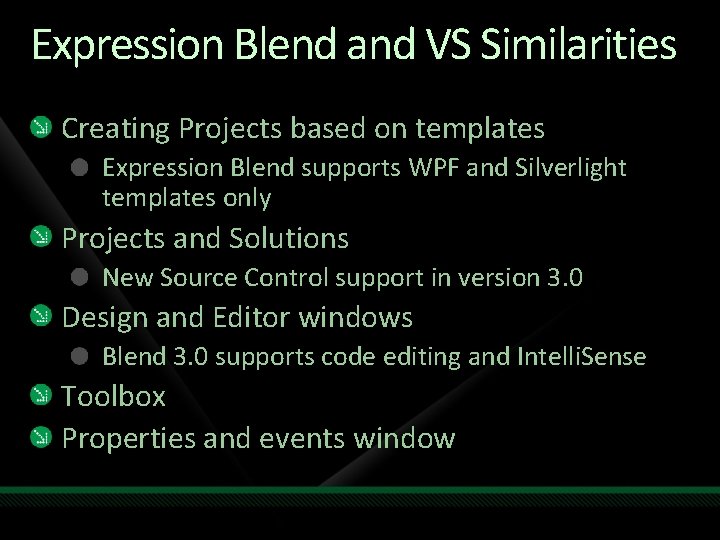
Expression Blend and VS Similarities Creating Projects based on templates Expression Blend supports WPF and Silverlight templates only Projects and Solutions New Source Control support in version 3. 0 Design and Editor windows Blend 3. 0 supports code editing and Intelli. Sense Toolbox Properties and events window
demo Expression Blend: The Familiar Markus Egger President / Publisher EPS Software Corp. / CODE Magazine

Expression Blend and VS Differences Richer visual UI editor in Expression Blend UI hierarchy window Storyboards and Timelines Trigger and Visual State support Resources (XAML) Data Sources
demo Expression Blend: New Features Markus Egger President / Publisher EPS Software Corp. / CODE Magazine
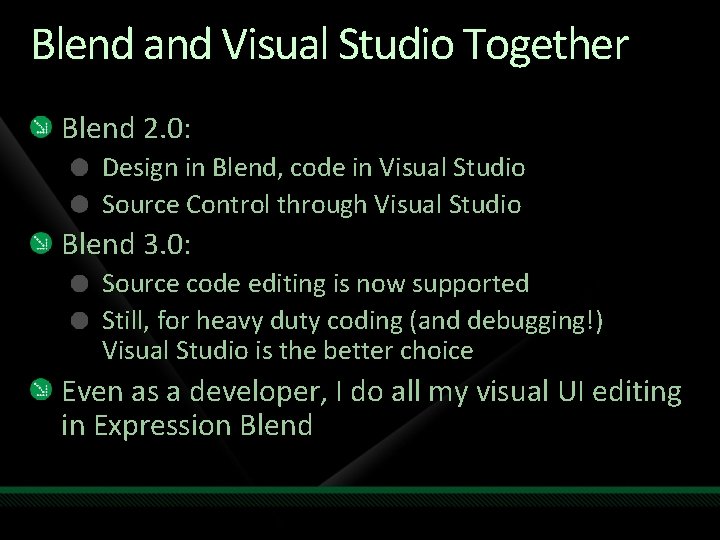
Blend and Visual Studio Together Blend 2. 0: Design in Blend, code in Visual Studio Source Control through Visual Studio Blend 3. 0: Source code editing is now supported Still, for heavy duty coding (and debugging!) Visual Studio is the better choice Even as a developer, I do all my visual UI editing in Expression Blend
demo Expression Blend & Visual Studio Markus Egger President / Publisher EPS Software Corp. / CODE Magazine
Some Real-World Tips Create new projects in Visual Studio The templates used by both tools are not identical Test-run your applications from Visual Studio No debugging support in Blend Better error information in Visual Studio Beware of having the same file open twice Save changes before you switch to the other tool, to avoid accidental simultaneous editing
Differences Between WPF and SL Expression Blend can be used for both WPF and Silverlight, and most things you know apply to both The differences in the two technologies change the Blend experience Example: Triggers vs. Visual States Example: Resource Dictionaries vs. Inline Resources The two technologies move closer together Visual States are available in WPF (and supported by Blend) as an add-on Silverlight 3. 0 supports Resource Dictionaries
Building a Real-World Application This example uses an existing middle tier that runs as a production application Note: The downloadable example provides a “fake” middle tier so you can easily run it on your system Note: There are Silverlight and WPF versions The example app shows a list of sports teams and the players rostered by each team The goal of the example is to create a nice UI with a visual appearance that is both appealing and professional and suitable for a business application
demo Building an Application Markus Egger President / Publisher EPS Software Corp. / CODE Magazine
question & answer markus@eps-software. com Downloads at: www. Markus. Egger. com
Resources www. microsoft. com/teched www. microsoft. com/learning Sessions On-Demand & Community Microsoft Certification & Training Resources http: //microsoft. com/technet http: //microsoft. com/msdn Resources for IT Professionals Resources for Developers www. microsoft. com/learning Microsoft Certification and Training Resources
Related Content WUX 204 - Building Rich Business Clients in WPF: Building Data Visualization Applications with the Windows Presentation Foundation (WPF) WUX 205 - Designing and Prototyping in WPF and Microsoft Silverlight: A Case Study WUX 206 - What's New in Microsoft Silverlight 3 WUX 303 - Building Data-Driven RIAs with Microsoft ASP. NET and Microsoft Silverlight WUX 304 - Building Rich Business Clients in WPF: Get productive quickly with new tools and controls for Windows Presentation Foundation WUX 305 - Building Rich Business Clients in WPF: Getting the Most Out of Windows Presentation Foundation

Complete an evaluation on Comm. Net and enter to win!
© 2009 Microsoft Corporation. All rights reserved. Microsoft, Windows Vista and other product names are or may be registered trademarks and/or trademarks in the U. S. and/or other countries. The information herein is for informational purposes only and represents the current view of Microsoft Corporation as of the date of this presentation. Because Microsoft must respond to changing market conditions, it should not be interpreted to be a commitment on the part of Microsoft, and Microsoft cannot guarantee the accuracy of any information provided after the date of this presentation. MICROSOFT MAKES NO WARRANTIES, EXPRESS, IMPLIED OR STATUTORY, AS TO THE INFORMATION IN THIS PRESENTATION.
- Slides: 21