
Microsoft Dynamics 365 for finance and operations What


- Slides: 22
Microsoft Dynamics 365 for finance and operations:
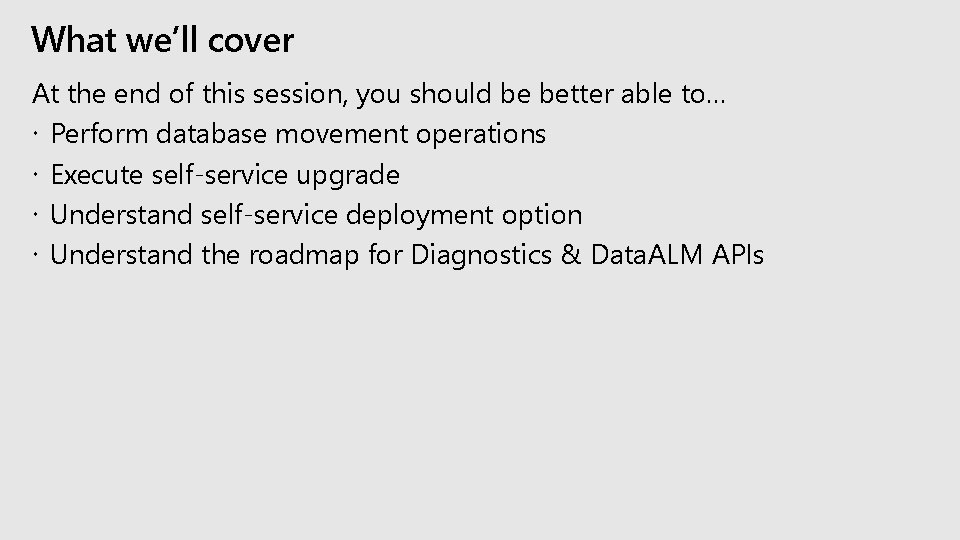
What we’ll cover At the end of this session, you should be better able to… Perform database movement operations Execute self-service upgrade Understand self-service deployment option Understand the roadmap for Diagnostics & Data. ALM APIs
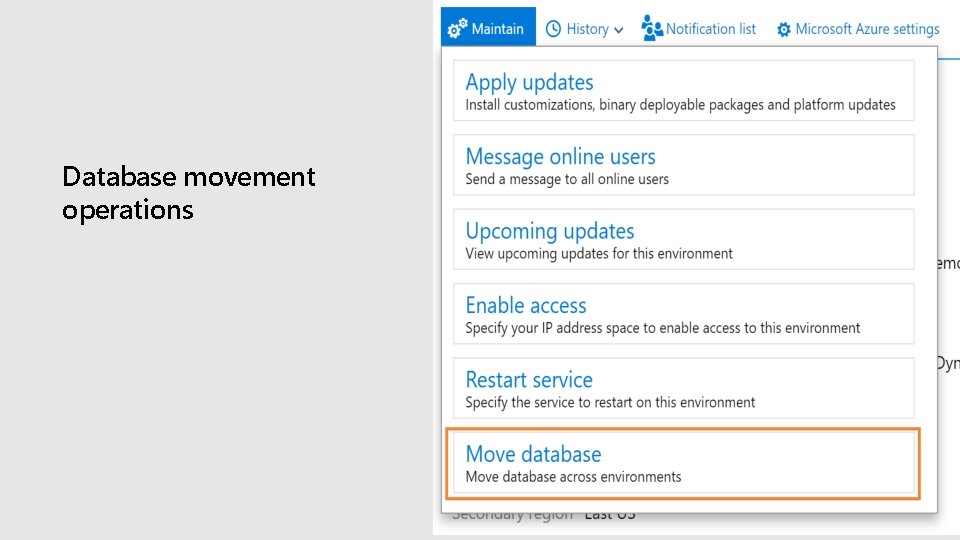
Database movement operations
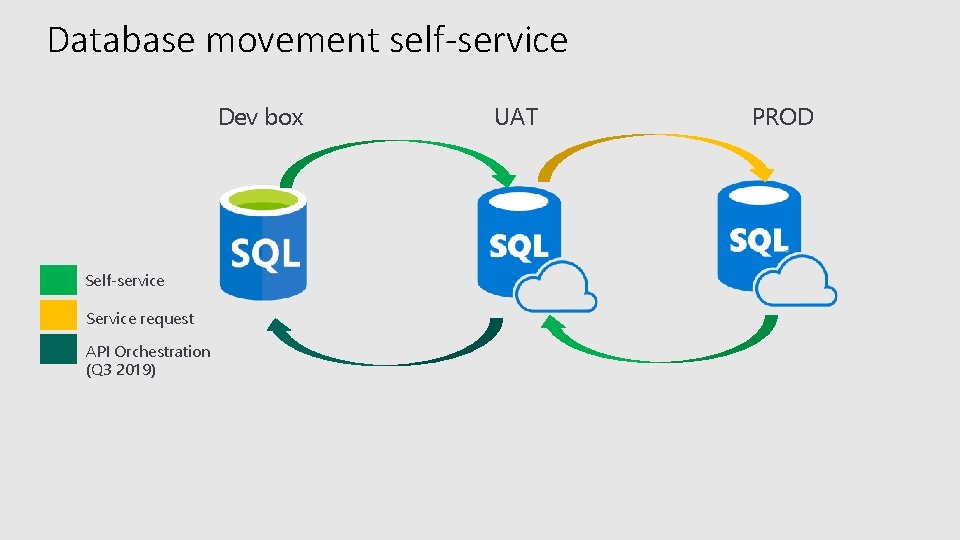
Database movement self-service Dev box Self-service Service request API Orchestration (Q 3 2019) UAT PROD
Demo—refresh, export, import
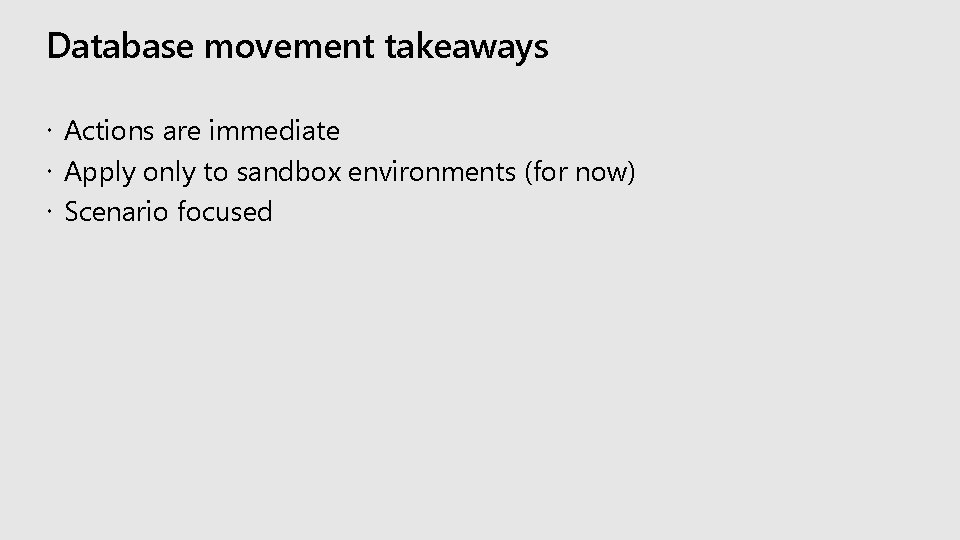
Database movement takeaways Actions are immediate Apply only to sandbox environments (for now) Scenario focused
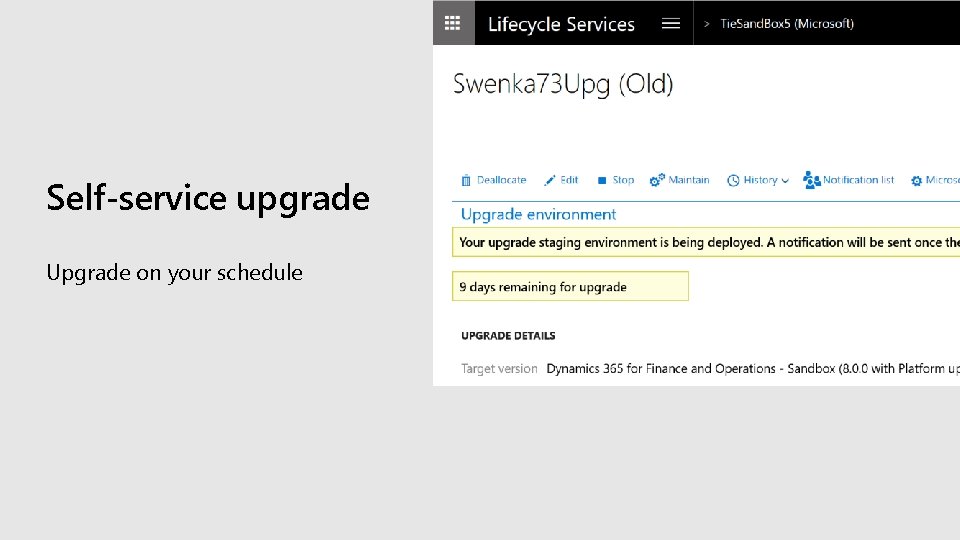
Self-service upgrade Upgrade on your schedule
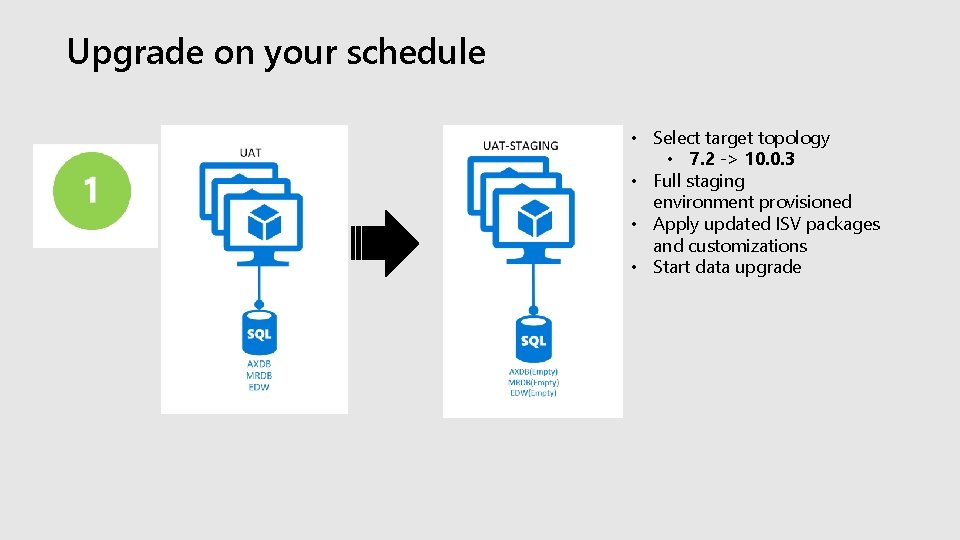
Upgrade on your schedule • Select target topology • 7. 2 -> 10. 0. 3 • Full staging environment provisioned • Apply updated ISV packages and customizations • Start data upgrade
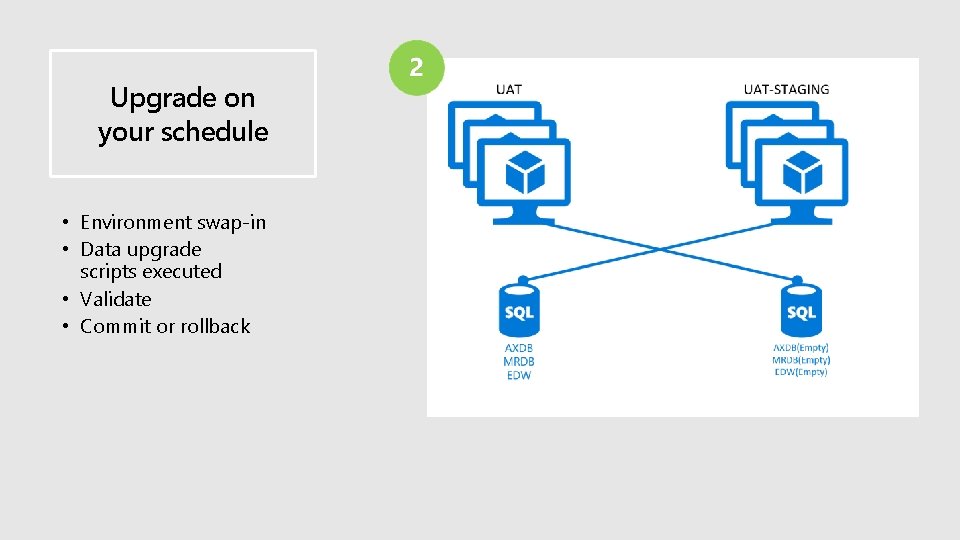
Upgrade on your schedule • Environment swap-in • Data upgrade scripts executed • Validate • Commit or rollback
Demo—upgrade deployment
Upgrade takeaways Upgrade any 7. x 10. X Free staging environment for 10 calendar days Downtime begins at data upgrade step
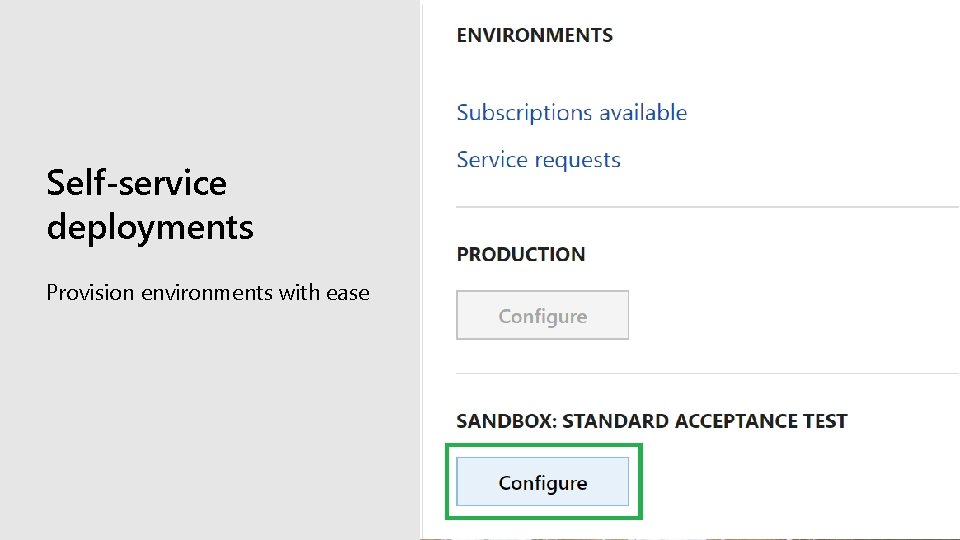
Self-service deployments Provision environments with ease
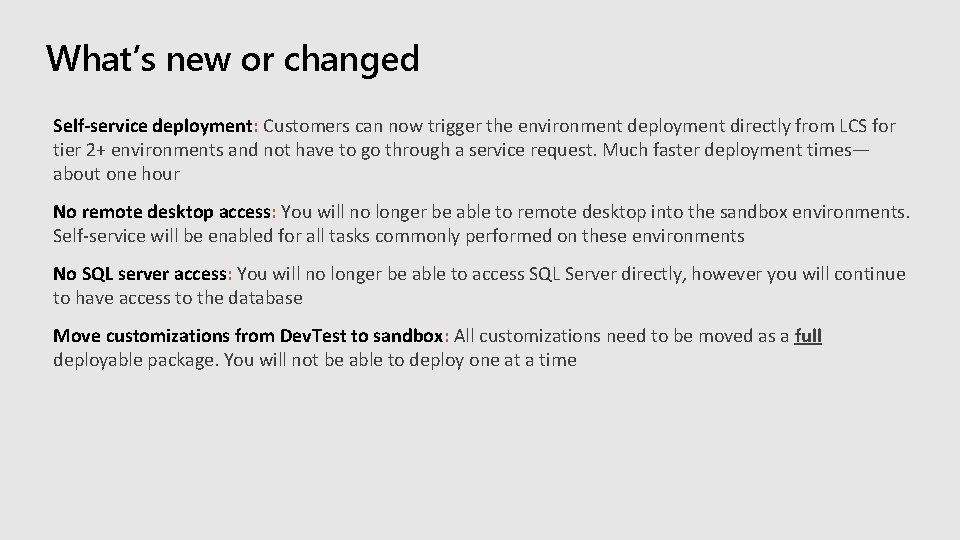
What’s new or changed Self-service deployment: Customers can now trigger the environment deployment directly from LCS for tier 2+ environments and not have to go through a service request. Much faster deployment times— about one hour No remote desktop access: You will no longer be able to remote desktop into the sandbox environments. Self-service will be enabled for all tasks commonly performed on these environments No SQL server access: You will no longer be able to access SQL Server directly, however you will continue to have access to the database Move customizations from Dev. Test to sandbox: All customizations need to be moved as a full deployable package. You will not be able to deploy one at a time
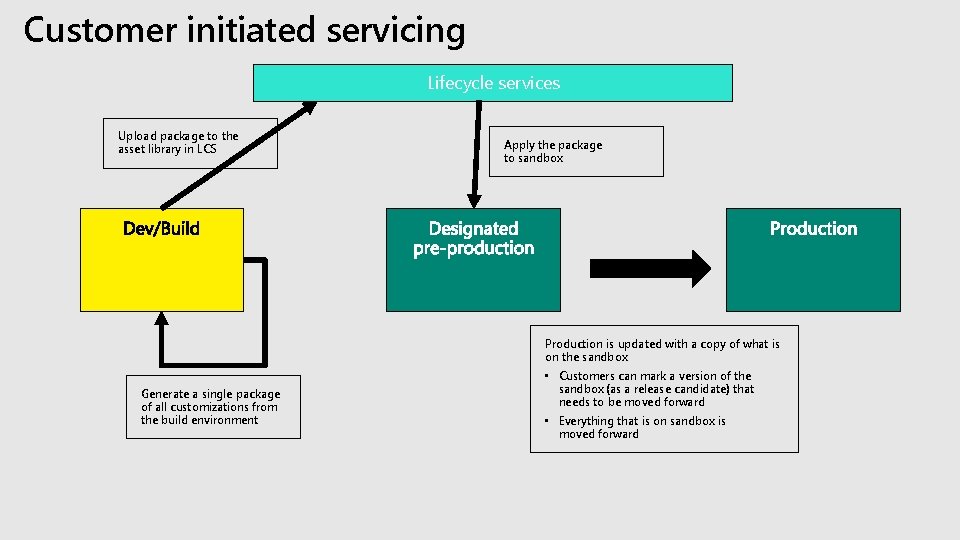
Customer initiated servicing Lifecycle services Upload package to the asset library in LCS Apply the package to sandbox Production is updated with a copy of what is on the sandbox Generate a single package of all customizations from the build environment • Customers can mark a version of the sandbox (as a release candidate) that needs to be moved forward • Everything that is on sandbox is moved forward
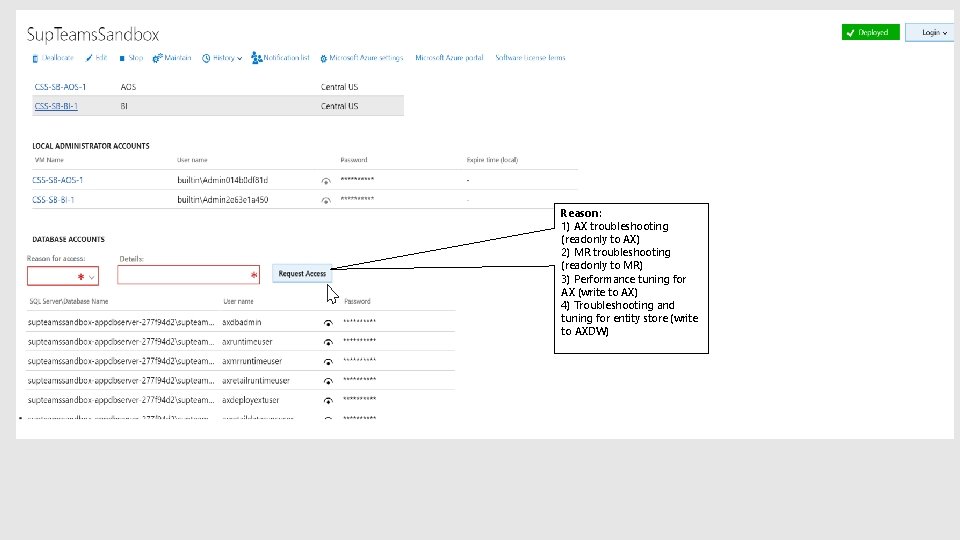
Reason: 1) AX troubleshooting (readonly to AX) 2) MR troubleshooting (readonly to MR) 3) Performance tuning for AX (write to AX) 4) Troubleshooting and tuning for entity store (write to AXDW)
Demo— self-service deployment
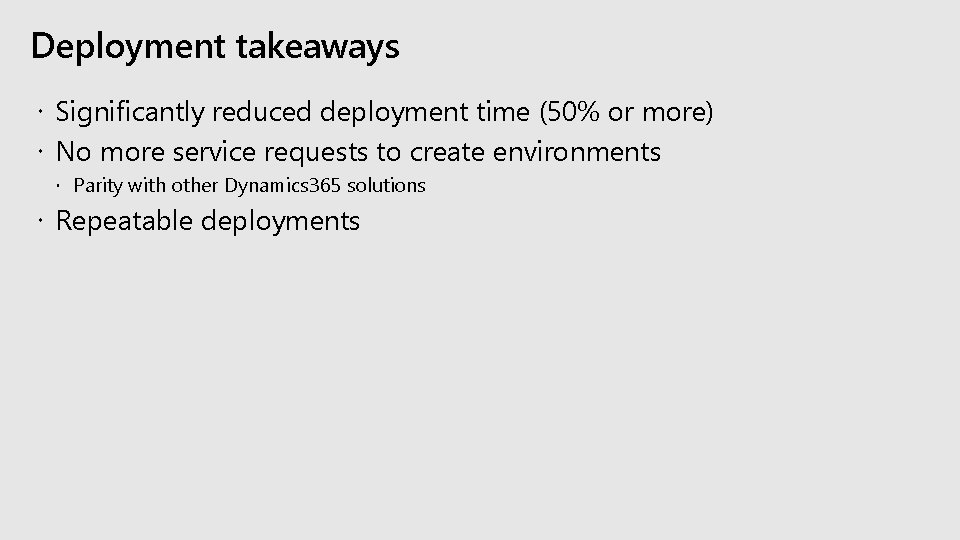
Deployment takeaways Significantly reduced deployment time (50% or more) No more service requests to create environments Parity with other Dynamics 365 solutions Repeatable deployments
Session resources Database movement operations docs Upgrade docs Deployment docs
Thank you!
Evaluate this session https: //aka. ms/MBASeventapp