
Microsoft Desktop Optimization Pack Effective Management of Microsoft

- Slides: 30
Microsoft Desktop Optimization Pack: Effective Management of Microsoft Application Virtualization 4. 5 Clients Matthijs Gates Senior Program Manager Microsoft Corporation VIR 304
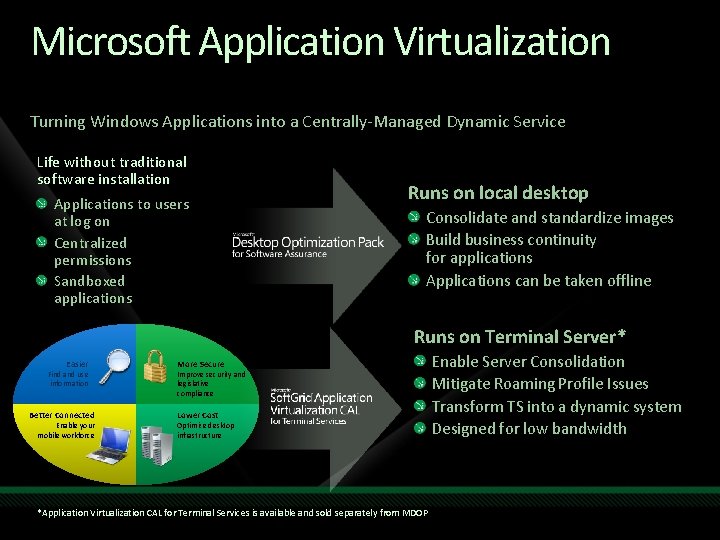
Microsoft Application Virtualization Turning Windows Applications into a Centrally-Managed Dynamic Service Life without traditional software installation Applications to users at log on Centralized permissions Sandboxed applications Runs on local desktop Consolidate and standardize images Build business continuity for applications Applications can be taken offline Runs on Terminal Server* Easier Find and use information Better Connected Enable your mobile workforce More Secure Improve security and legislative compliance Lower Cost Optimize desktop infrastructure *Application Virtualization CAL for Terminal Services is available and sold separately from MDOP Enable Server Consolidation Mitigate Roaming Profile Issues Transform TS into a dynamic system Designed for low bandwidth
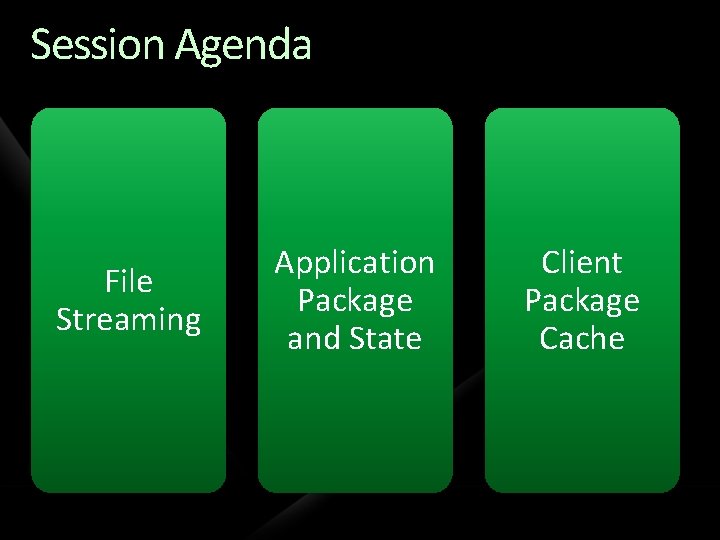
Session Agenda File Streaming Application Package and State Client Package Cache
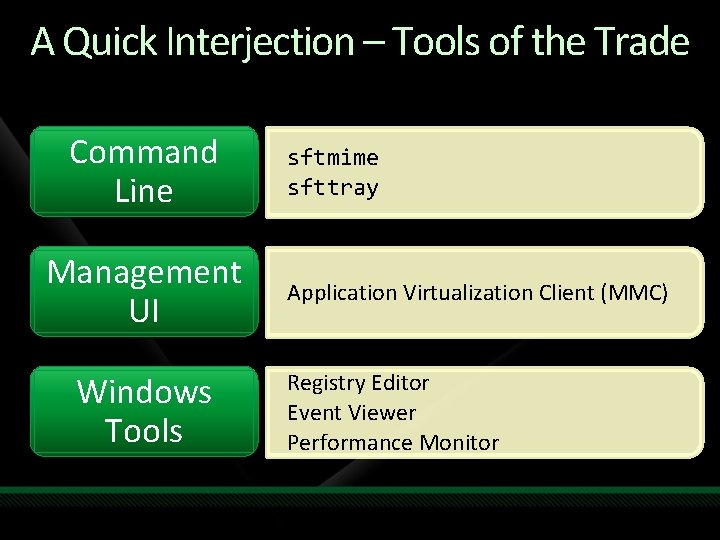
A Quick Interjection – Tools of the Trade Command Line Management UI Windows Tools sftmime sfttray Application Virtualization Client (MMC) Registry Editor Event Viewer Performance Monitor
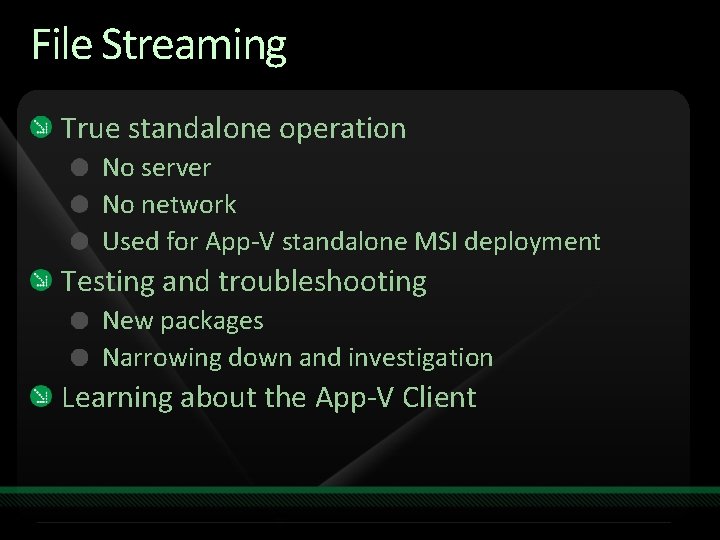
File Streaming True standalone operation No server No network Used for App-V standalone MSI deployment Testing and troubleshooting New packages Narrowing down and investigation Learning about the App-V Client
demo File Streaming
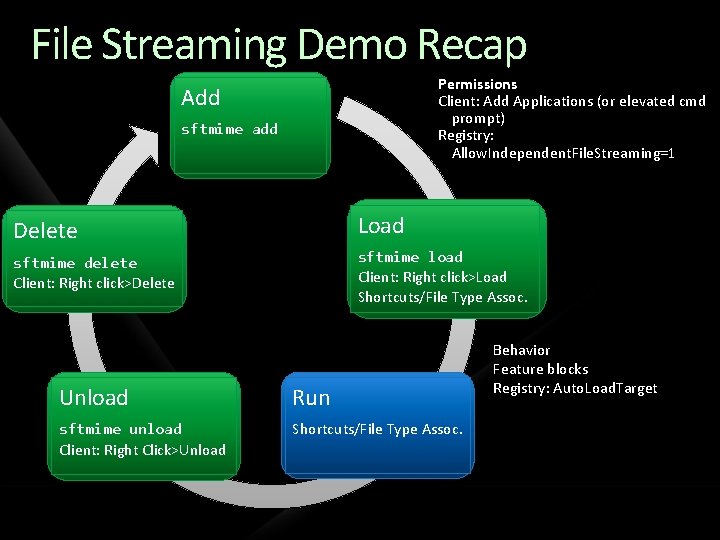
File Streaming Demo Recap Permissions Client: Add Applications (or elevated cmd prompt) Registry: Allow. Independent. File. Streaming=1 Add sftmime add Delete Load sftmime delete Client: Right click>Delete sftmime load Client: Right click>Load Shortcuts/File Type Assoc. Unload Run sftmime unload Client: Right Click>Unload Shortcuts/File Type Assoc. Behavior Feature blocks Registry: Auto. Load. Target
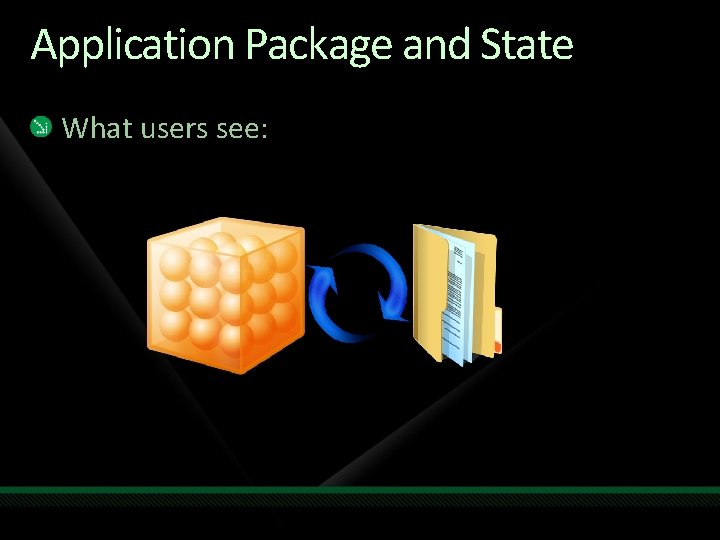
Application Package and State What users see:
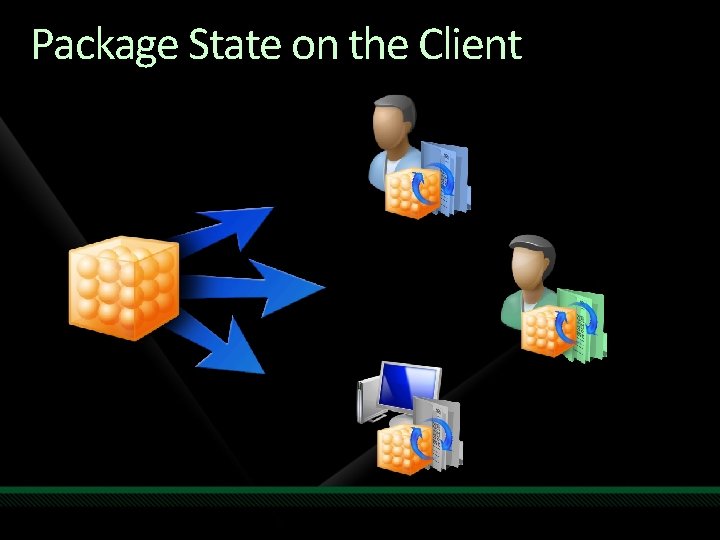
State Terminology Application state Persisted data (e. g. settings managed by the system) State separation Application separated from Application state Each user’s state separated from other users
Sequenced Package Files Sequencer generates “Golden Image” Install content File classifications Deployed to clients Read-only on the client Sequencer classifies files Application Data Examples: excel. exe, wordcnv. dll User Data Examples: . ini, . dot files
Client Package State Changes made to golden image Saved in “volumes” – never touch SFT file Volumes are. PKG files From sequencing process: two file classifications Application User (stored in roaming profile)
Package State on the Client
demo Client Package Volumes
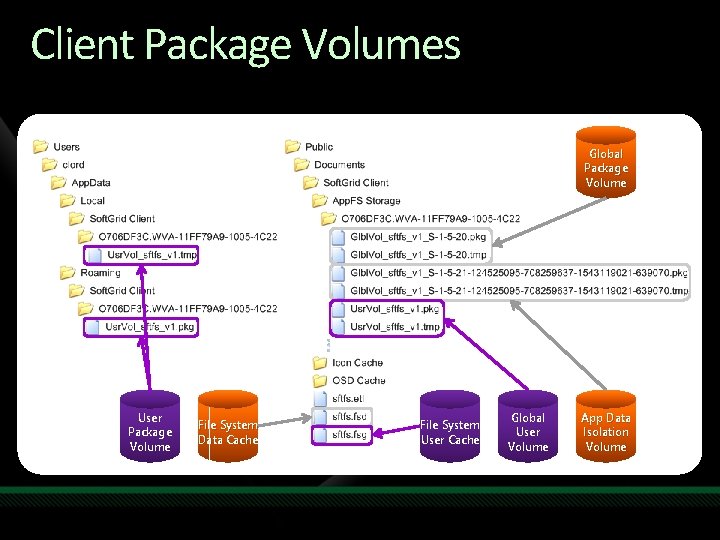
Client Package Volumes Global Package Volume User Package Volume File System Data Cache File System User Cache Global User Volume App Data Isolation Volume
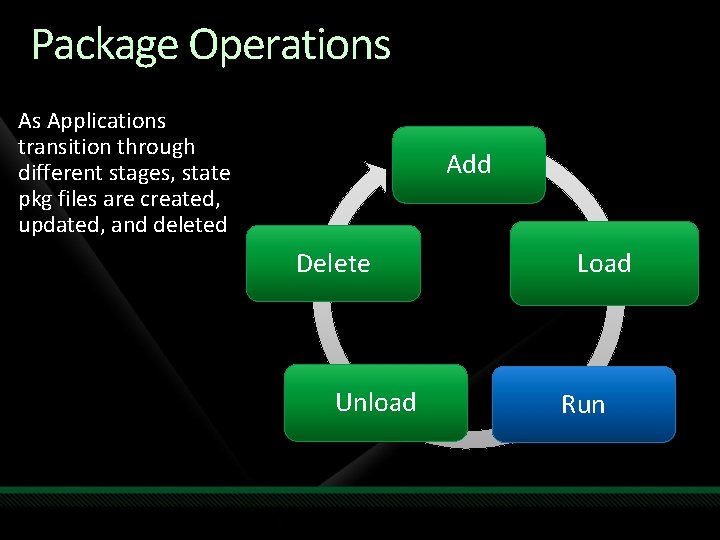
Package Operations As Applications transition through different stages, state pkg files are created, updated, and deleted Add Delete Unload Load Run
demo Package Operations and State
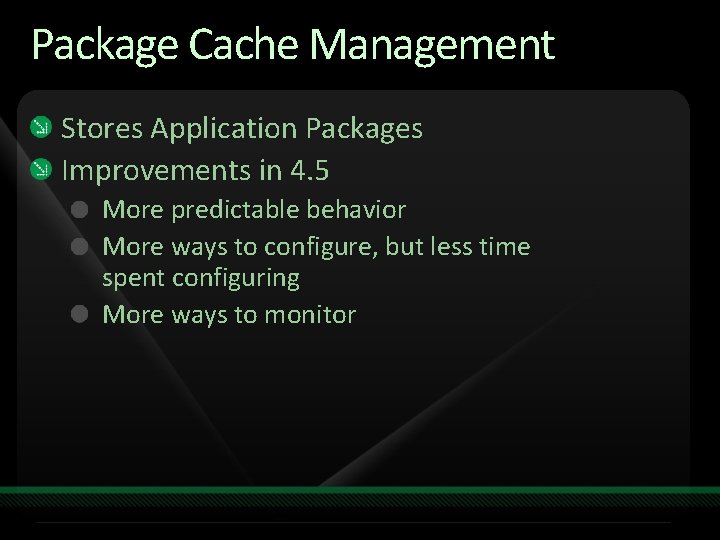
Package Cache Management Stores Application Packages Improvements in 4. 5 More predictable behavior More ways to configure, but less time spent configuring More ways to monitor
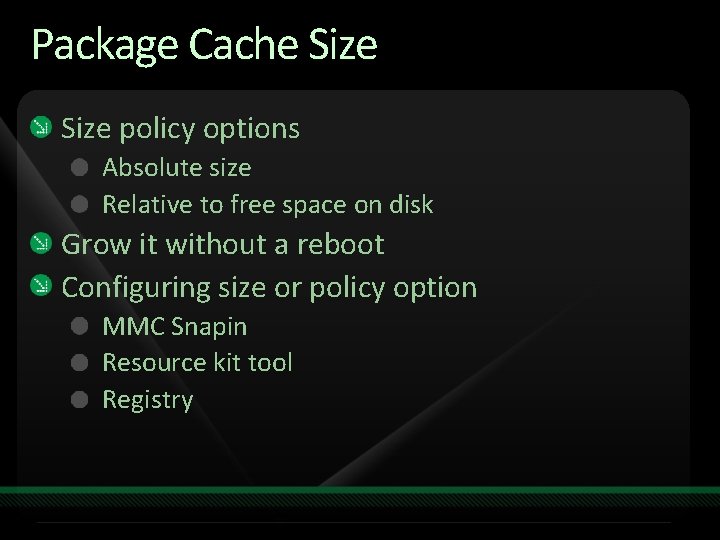
Package Cache Size policy options Absolute size Relative to free space on disk Grow it without a reboot Configuring size or policy option MMC Snapin Resource kit tool Registry
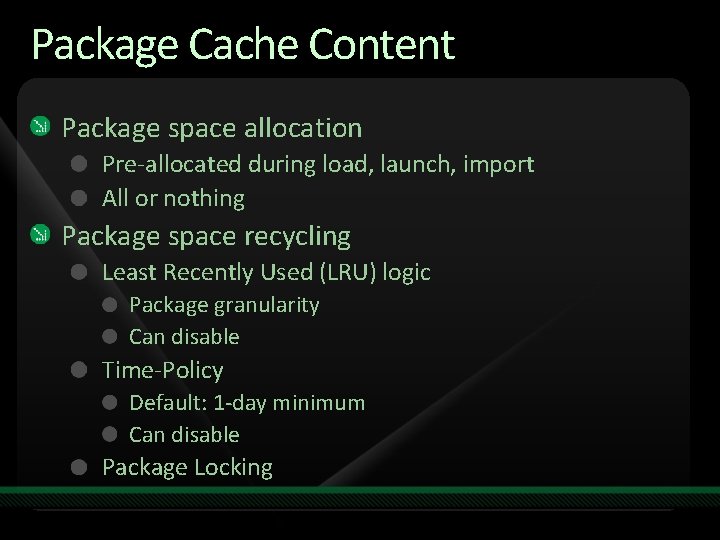
Package Cache Content Package space allocation Pre-allocated during load, launch, import All or nothing Package space recycling Least Recently Used (LRU) logic Package granularity Can disable Time-Policy Default: 1 -day minimum Can disable Package Locking
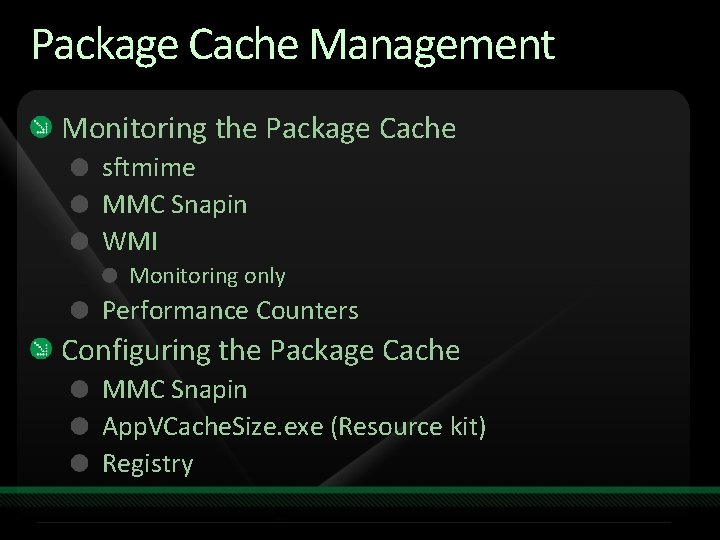
Package Cache Management Monitoring the Package Cache sftmime MMC Snapin WMI Monitoring only Performance Counters Configuring the Package Cache MMC Snapin App. VCache. Size. exe (Resource kit) Registry
demo Package Cache
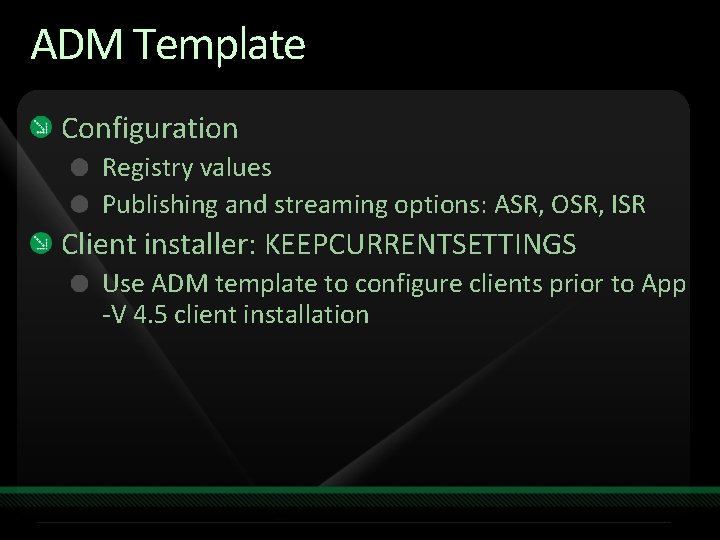
ADM Template Configuration Registry values Publishing and streaming options: ASR, OSR, ISR Client installer: KEEPCURRENTSETTINGS Use ADM template to configure clients prior to App -V 4. 5 client installation
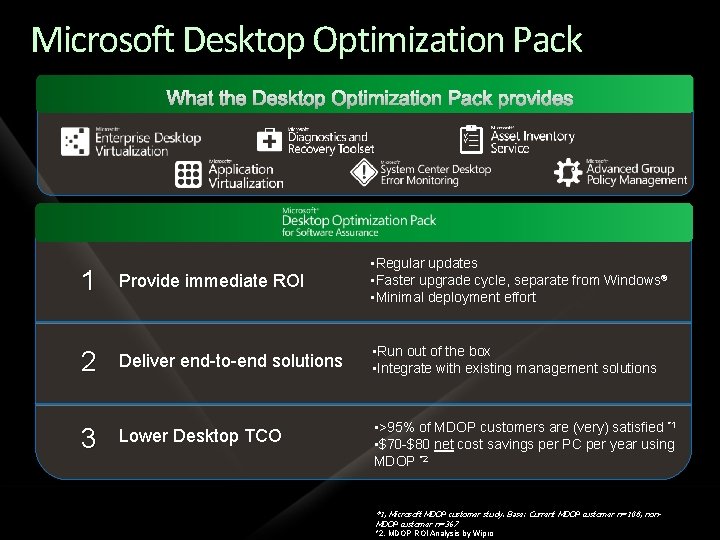
Microsoft Desktop Optimization Pack 1 Provide immediate ROI • Regular updates • Faster upgrade cycle, separate from Windows® • Minimal deployment effort 2 Deliver end-to-end solutions • Run out of the box • Integrate with existing management solutions 3 Lower Desktop TCO • >95% of MDOP customers are (very) satisfied *1 • $70 -$80 net cost savings per PC per year using MDOP *2 *1, Microsoft MDOP customer study. Base: Current MDOP customer n=108, non. MDOP customer n=367 *2, MDOP ROI Analysis by Wipro
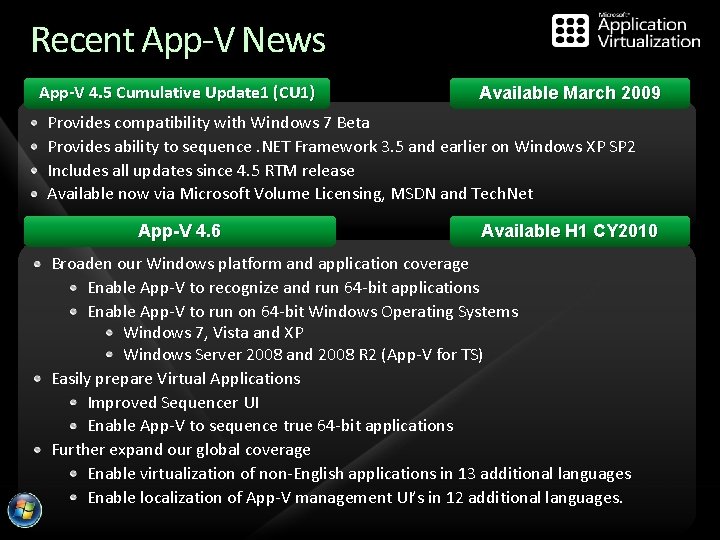
Recent App-V News App-V 4. 5 Cumulative Update 1 (CU 1) Available March 2009 Provides compatibility with Windows 7 Beta Provides ability to sequence. NET Framework 3. 5 and earlier on Windows XP SP 2 Includes all updates since 4. 5 RTM release Available now via Microsoft Volume Licensing, MSDN and Tech. Net App-V 4. 6 Available H 1 CY 2010 Broaden our Windows platform and application coverage Enable App-V to recognize and run 64 -bit applications Enable App-V to run on 64 -bit Windows Operating Systems Windows 7, Vista and XP Windows Server 2008 and 2008 R 2 (App-V for TS) Easily prepare Virtual Applications Improved Sequencer UI Enable App-V to sequence true 64 -bit applications Further expand our global coverage Enable virtualization of non-English applications in 13 additional languages Enable localization of App-V management UI’s in 12 additional languages.
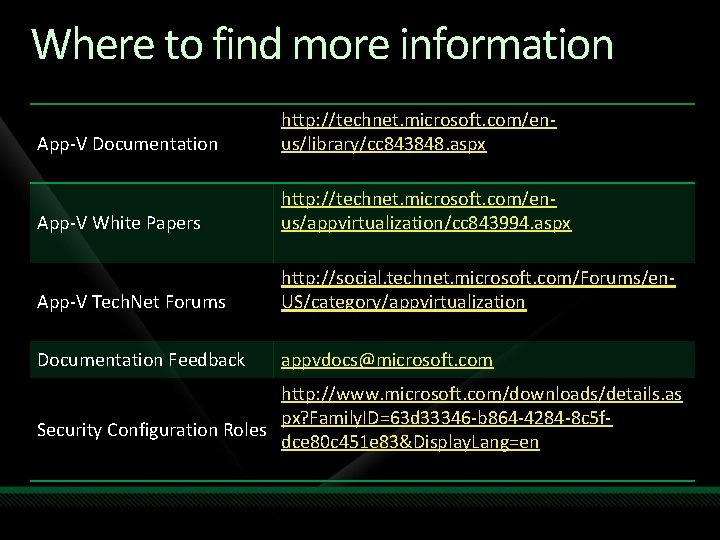
Where to find more information App-V Documentation http: //technet. microsoft. com/enus/library/cc 843848. aspx App-V White Papers http: //technet. microsoft. com/enus/appvirtualization/cc 843994. aspx App-V Tech. Net Forums http: //social. technet. microsoft. com/Forums/en. US/category/appvirtualization Documentation Feedback appvdocs@microsoft. com http: //www. microsoft. com/downloads/details. as px? Family. ID=63 d 33346 -b 864 -4284 -8 c 5 f. Security Configuration Roles dce 80 c 451 e 83&Display. Lang=en
question & answer
Resources www. microsoft. com/teched www. microsoft. com/learning Sessions On-Demand & Community Microsoft Certification & Training Resources http: //microsoft. com/technet http: //microsoft. com/msdn Resources for IT Professionals Resources for Developers www. microsoft. com/learning Microsoft Certification and Training Resources
Complete an evaluation on Comm. Net and enter to win!
© 2009 Microsoft Corporation. All rights reserved. Microsoft, Windows Vista and other product names are or may be registered trademarks and/or trademarks in the U. S. and/or other countries. The information herein is for informational purposes only and represents the current view of Microsoft Corporation as of the date of this presentation. Because Microsoft must respond to changing market conditions, it should not be interpreted to be a commitment on the part of Microsoft, and Microsoft cannot guarantee the accuracy of any information provided after the date of this presentation. MICROSOFT MAKES NO WARRANTIES, EXPRESS, IMPLIED OR STATUTORY, AS TO THE INFORMATION IN THIS PRESENTATION.