
Microsoft Cloud Workshop Format of whiteboard design sessions
Microsoft Cloud Workshop

Format of whiteboard design sessions and hands -on labs Whiteboard design session walk-through Whiteboard design session artifacts Hands-on lab (HOL) walk-through Hands-on lab (HOL) artifacts
These technical sessions are distinct from other learning experiences. Share, investigate, and learn from others: Workshops provide a safe space for attendees to share, investigate, and learn from others as they apply their knowledge. Workshop experience: Small groups, with the help of a proctor, prepare designs and deployment plans that they present to other groups. Open laptop: Internet available for attendees to conduct research. Case studies: Sessions explore problems based on case studies designed in collaboration with engineering and top field sales teams.
Step 1: Review the customer case study (15 min) Analyze your customer’s needs. Outcome Know the… • Customer’s background, situation, needs, and technical requirements • Current customer infrastructure and architecture • Potential issues, objections, and blockers
Step 2: Design a solution (60 min) Determine your target customer audience. Determine customer’s business needs to address with your solution. Design the solution. Prepare to present your solution. Outcome Be ready to present a solution for your target customer audience.
Step 3: Present the solution (30 min) Pair up attendee teams. Each team presents their solution. Teams respond to customer objections. Facilitator and other attendee teams provide feedback. Outcome Practice presenting to customers, explaining decisions, and handling objections.
Step 4: Wrap-up (15 min) Come back together as a large group. Review preferred solution. Address questions and provide further resources. Outcome Attendees debrief experience, reflect on their work, and discuss preferred solution.
Artifacts are available to help you facilitate design sessions. Student Guide: Includes case study scenario and questions. Share a copy with all attendees. Trainer Guide: Includes thorough answers to all questions posted in Student Guide. Review ahead of time and share with only proctors before an event. Share with attendees after an event as reference materials. Presentation Deck: Slides that introduce the whiteboard design session and concludes with the present-back on the preferred scenario.
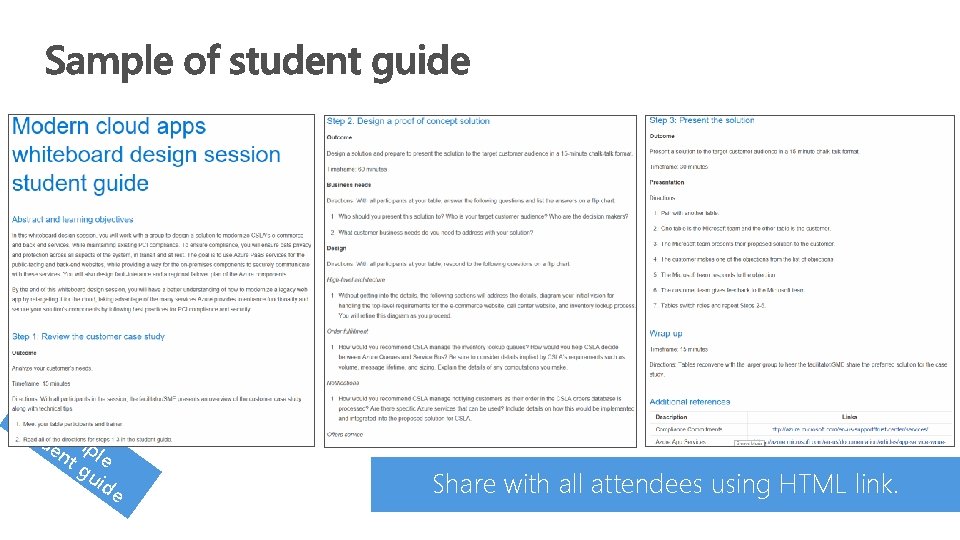
stu Sa de mp nt le gu id e Share with all attendees using HTML link.
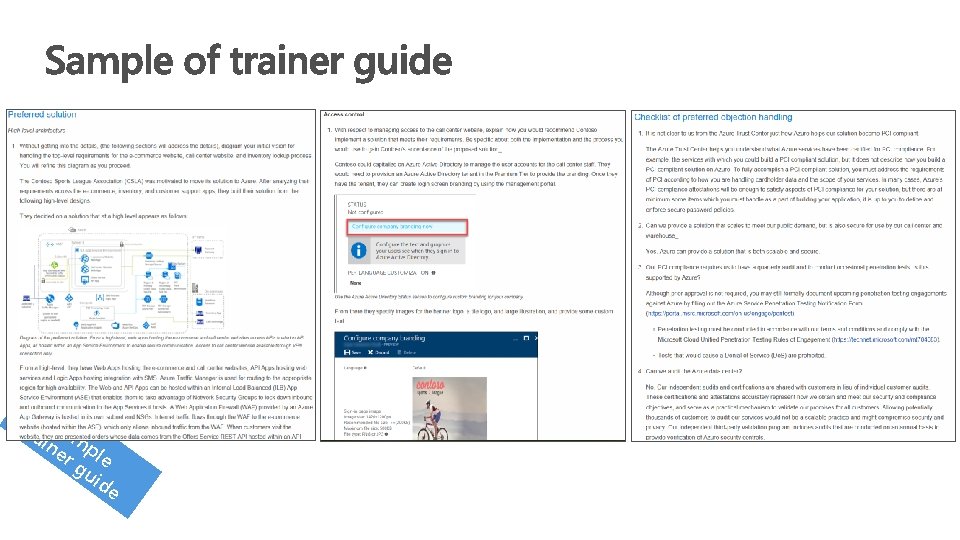
tra Sam ine p r g le uid e
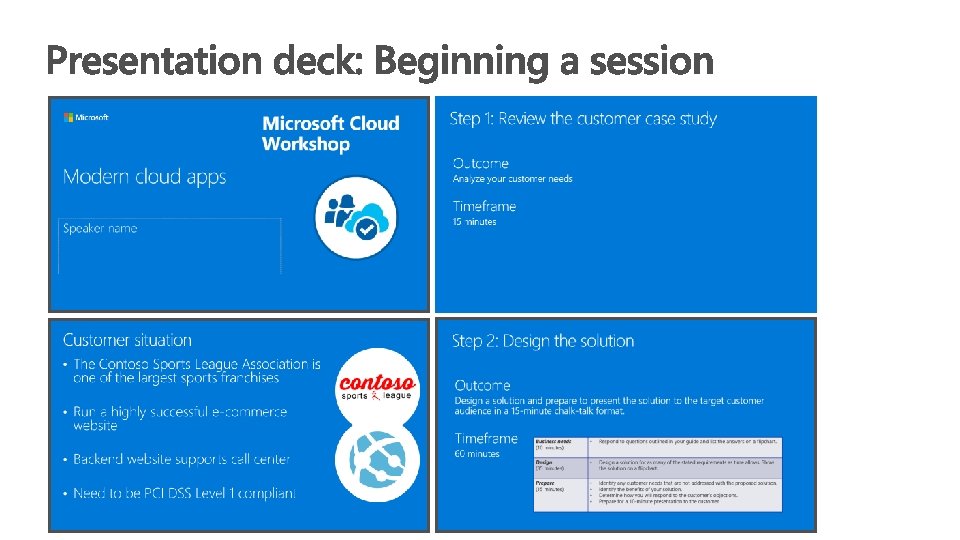
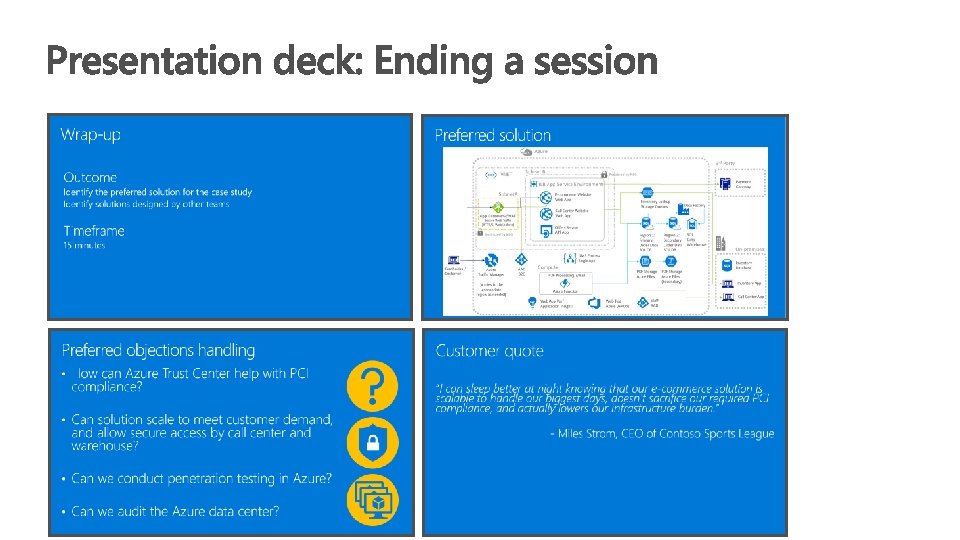
Do not just read the slides. Be familiar with the solution deck content Focus on the key details on each slide Augment with your own experiences If applicable, address the alternate solutions proposed by attendees at the tables you monitored. • Decide ahead of time if you will take questions. If so, make sure you stay on time and set expectations to save questions for the end. Alternatively, you can take questions offline after the session. • •
Hands-on lab details
Two artifacts available for hands-on labs Before-the-HOL Guide A step-by-step guide on how to provision the lab environment before the lab is performed. Step-by-step Hands-on Lab Guide A step-by-step guide to completing the hands-on lab, this piece includes thorough steps and screenshots to all tasks posed in the hands-on lab.
Perform the hands-on lab (4 hours) • Proctors should be available in the room to help with questions. • Hands-on labs are intended for completion in three to four hours. • Remind attendees to delete any Azure resources they provisioned for the hands-on lab upon completion. Outcome Attendees practice and apply technical skills as they complete the hands-on lab.

- Slides: 17