
Microsoft Azure A LOOK AT PLANNING AND PROVISIONING



- Slides: 25
Microsoft Azure A LOOK AT PLANNING AND PROVISIONING INFRASTRUCTURE AND PLATFORM AS A SERVICE PRESENTED BY JIM LEONARDO
I am an application architect and software development manager with nearly 20 years of development experience who still loves to code as a large part of my day job. About Jim Since 2013, I’ve been focused on leading the design and build of custom applications hosted in Azure for a variety of organizations. Contact Me: jimleospeaks@outlook. com linkedin. com/in/jimleonardo jimsrulesregardingeverything. com Or via our Meetup group I currently work for k. Cura on the Relativity. One cloud based e. Discovery Saa. S platform.
Warning d a e h A s n o i n i p O
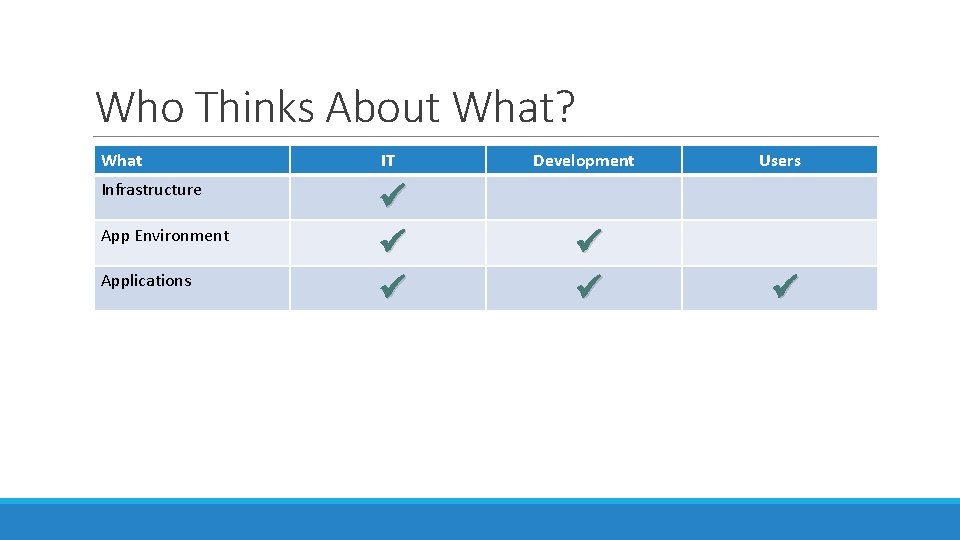
Who Thinks About What? What IT Development Users Infrastructure ü ü ü App Environment Applications
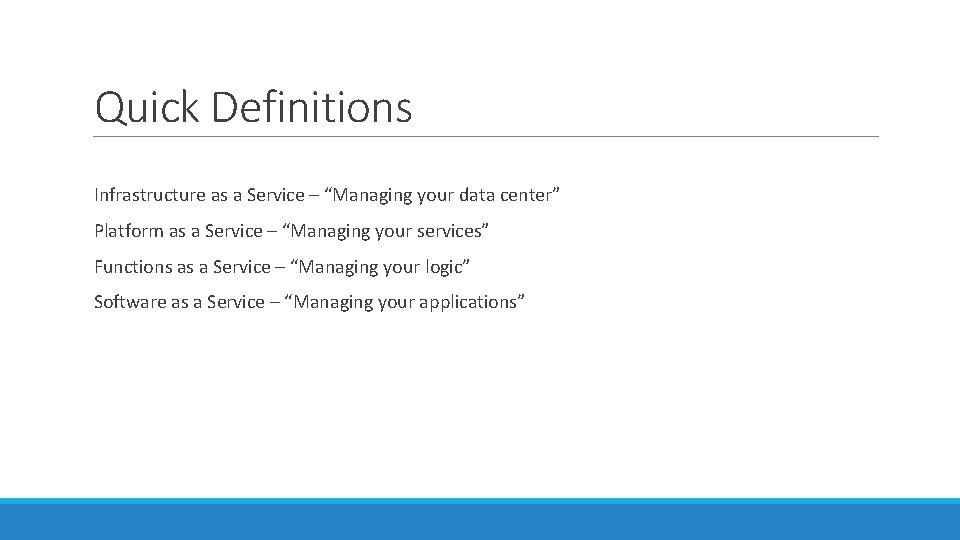
Quick Definitions Infrastructure as a Service – “Managing your data center” Platform as a Service – “Managing your services” Functions as a Service – “Managing your logic” Software as a Service – “Managing your applications”
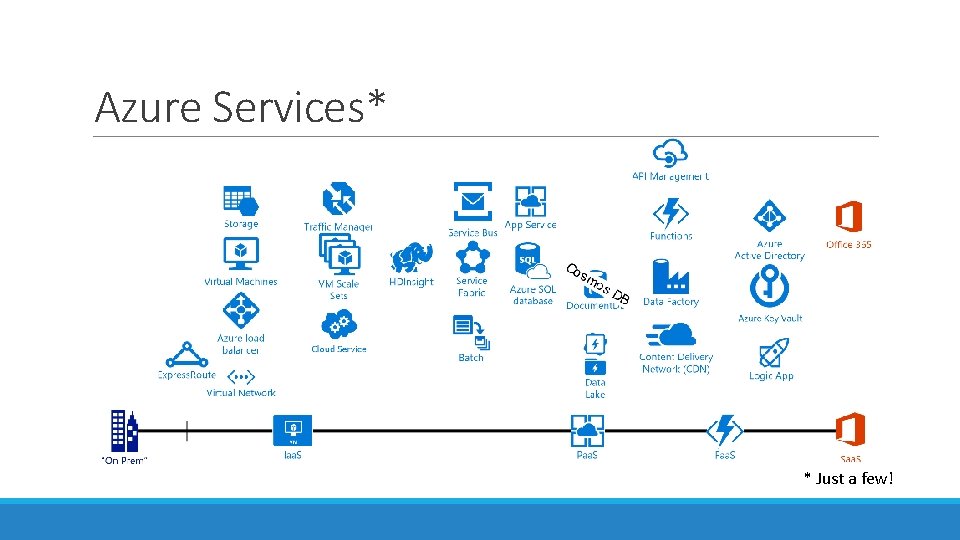
Azure Services* * Just a few!
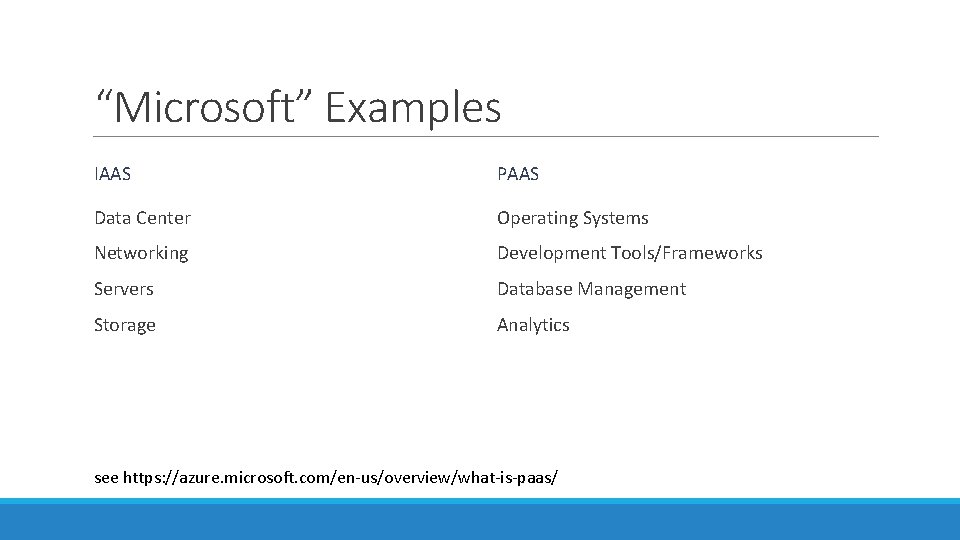
“Microsoft” Examples IAAS PAAS Data Center Operating Systems Networking Development Tools/Frameworks Servers Database Management Storage Analytics see https: //azure. microsoft. com/en-us/overview/what-is-paas/
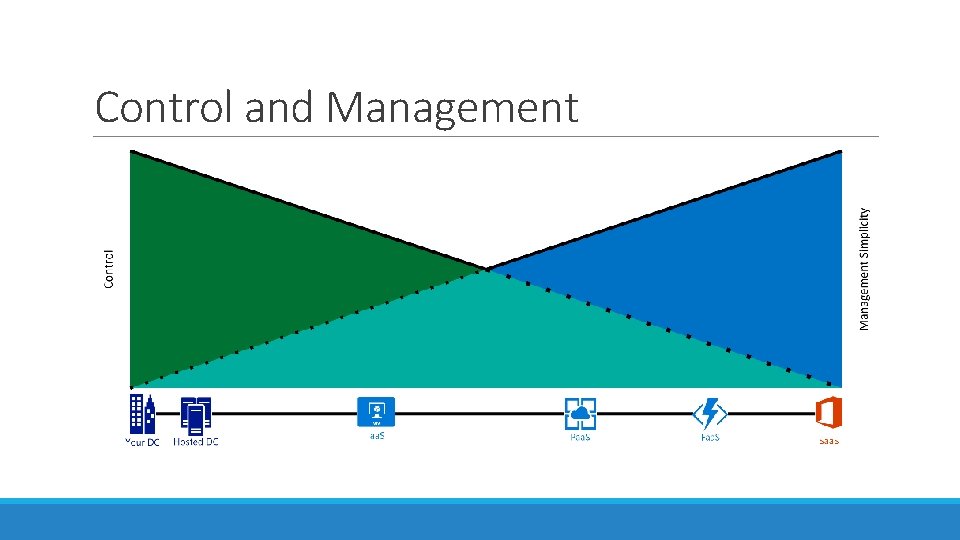
Control and Management
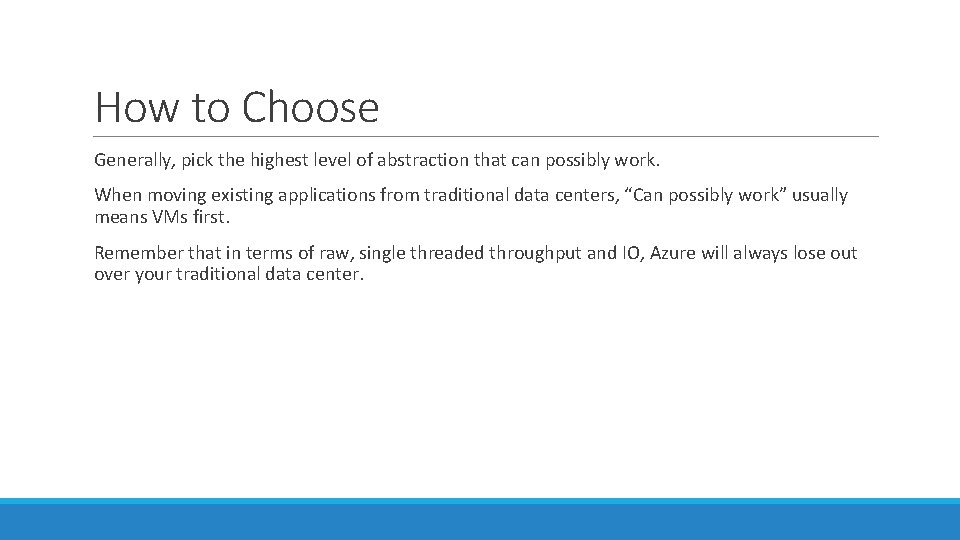
How to Choose Generally, pick the highest level of abstraction that can possibly work. When moving existing applications from traditional data centers, “Can possibly work” usually means VMs first. Remember that in terms of raw, single threaded throughput and IO, Azure will always lose out over your traditional data center.
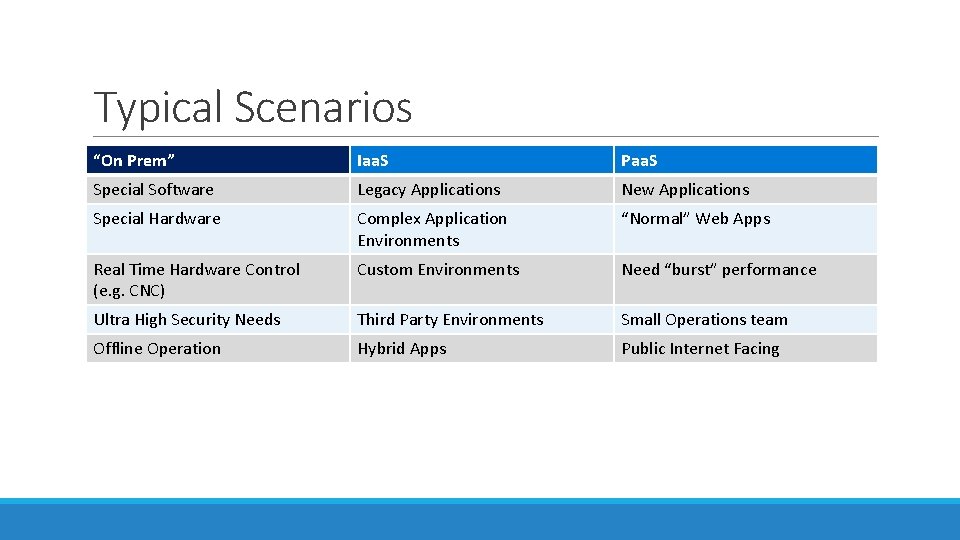
Typical Scenarios “On Prem” Iaa. S Paa. S Special Software Legacy Applications New Applications Special Hardware Complex Application Environments “Normal” Web Apps Real Time Hardware Control (e. g. CNC) Custom Environments Need “burst” performance Ultra High Security Needs Third Party Environments Small Operations team Offline Operation Hybrid Apps Public Internet Facing
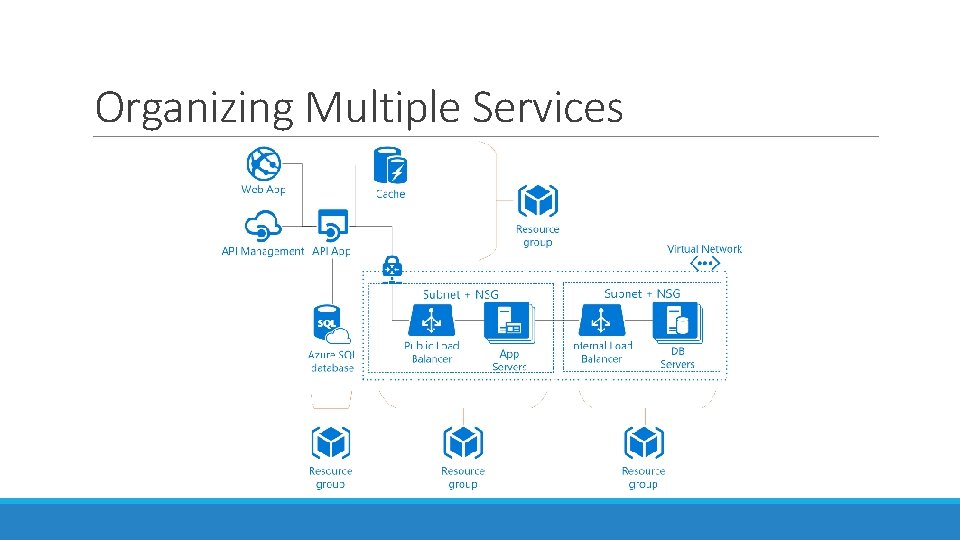
Organizing Multiple Services
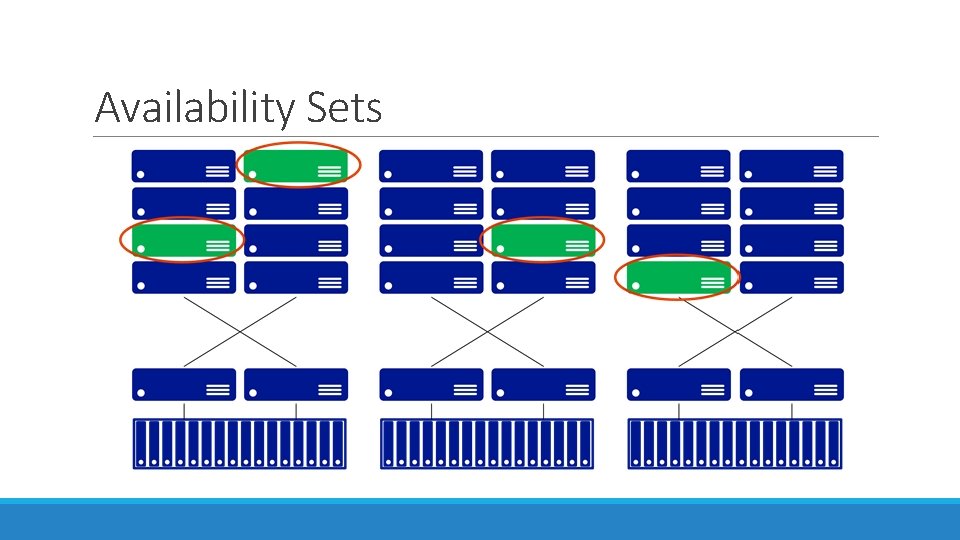
Availability Sets
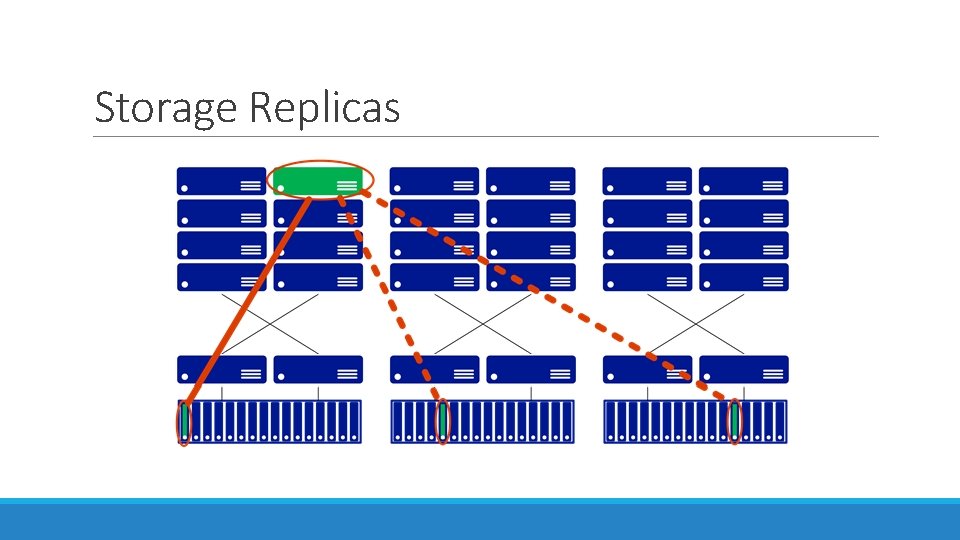
Storage Replicas
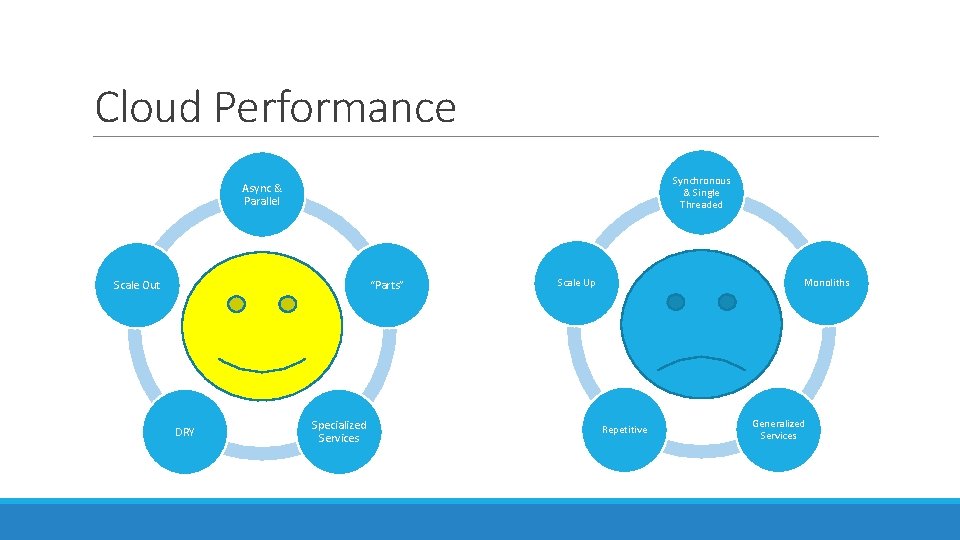
Cloud Performance Synchronous & Single Threaded Async & Parallel Scale Out “Parts” DRY Specialized Services Scale Up Monoliths Repetitive Generalized Services
My Favorite Cloud Patterns
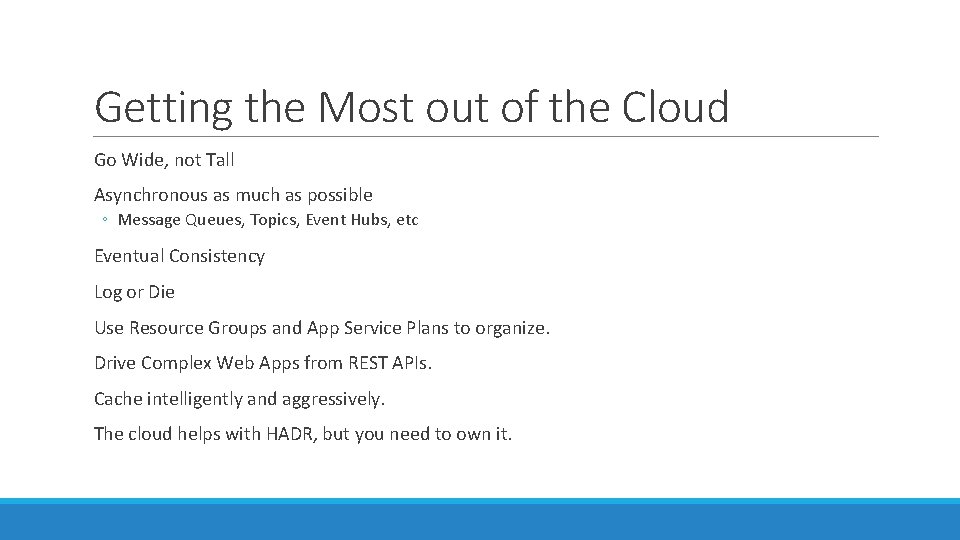
Getting the Most out of the Cloud Go Wide, not Tall Asynchronous as much as possible ◦ Message Queues, Topics, Event Hubs, etc Eventual Consistency Log or Die Use Resource Groups and App Service Plans to organize. Drive Complex Web Apps from REST APIs. Cache intelligently and aggressively. The cloud helps with HADR, but you need to own it.
Provisioning and Deploying Provision Create Environment Deploy Setup Application Use
About those snowflakes…
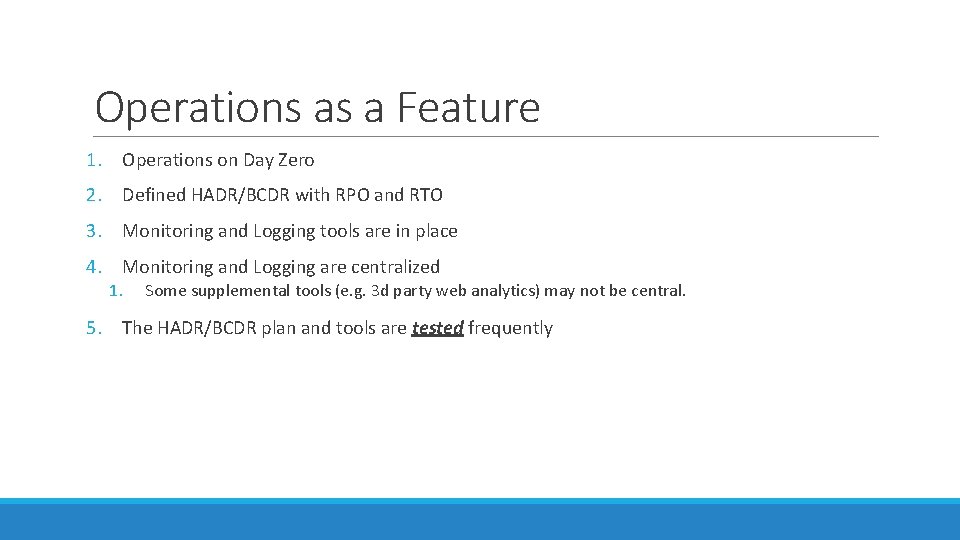
Operations as a Feature 1. Operations on Day Zero 2. Defined HADR/BCDR with RPO and RTO 3. Monitoring and Logging tools are in place 4. Monitoring and Logging are centralized 1. Some supplemental tools (e. g. 3 d party web analytics) may not be central. 5. The HADR/BCDR plan and tools are tested frequently
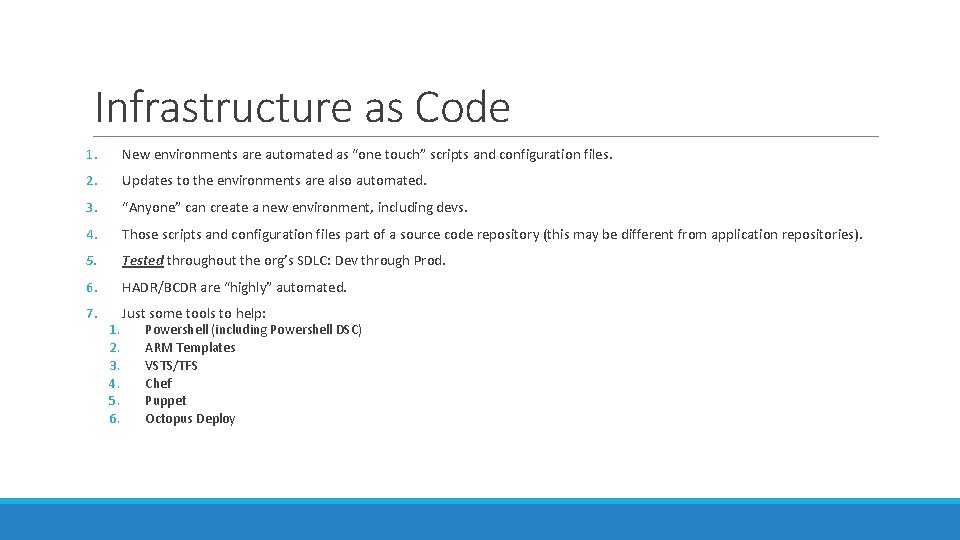
Infrastructure as Code 1. New environments are automated as “one touch” scripts and configuration files. 2. Updates to the environments are also automated. 3. “Anyone” can create a new environment, including devs. 4. Those scripts and configuration files part of a source code repository (this may be different from application repositories). 5. Tested throughout the org’s SDLC: Dev through Prod. 6. HADR/BCDR are “highly” automated. 7. Just some tools to help: 1. 2. 3. 4. 5. 6. Powershell (including Powershell DSC) ARM Templates VSTS/TFS Chef Puppet Octopus Deploy
Demo
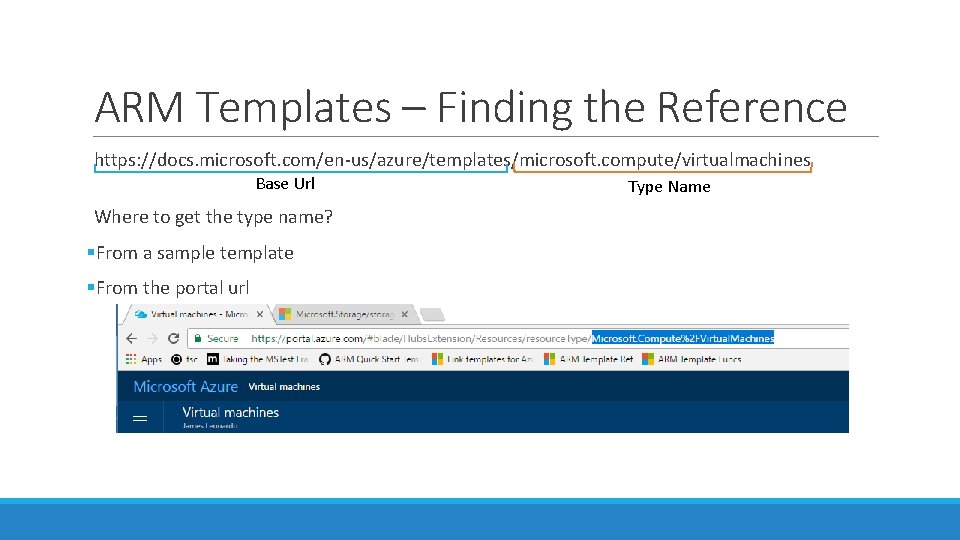
ARM Templates – Finding the Reference https: //docs. microsoft. com/en-us/azure/templates/microsoft. compute/virtualmachines Base Url Where to get the type name? §From a sample template §From the portal url Type Name
VERY IMPORTANT VM NOTES If you shutdown VMs from within the OS, you will still be billed for the VM. This is because Azure is still allocating resources to the machine. Instead, Shutdown VMs using the Azure shell or portal to stop billing. Remember “D: ” is fast but temporary. If the machine reboots, you may lose anything on it. It’s great for cache or storage you may need while processing data, but make sure you have that data elsewhere.
The future?
Handy References https: //docs. microsoft. com/en-us/azure/architecture/patterns/ https: //docs. microsoft. com/en-us/azure/templates/ https: //docs. microsoft. com/en-us/azure-resource-manager/resource-group-templatefunctions https: //github. com/Azure/azure-quickstart-templates https: //resources. azure. com/ http: //download. microsoft. com/download/8/E/1/8 E 1 DBEFA-CECE-4 DC 9 -A 81393520 A 5 D 7 CFE/World%20 Class%20 ARM%20 Templates%20%20 Considerations%20 and%20 Proven%20 Practices. pdf This work by James Leonardo is licensed under the Creative Commons Attribution-Share. Alike 4. 0 International License. To view a copy of this license, visit http: //creativecommons. org/licenses/by-sa/4. 0/.