
Microsoft ASP NET Security Venkat Chilakala Support Professional
- Slides: 30
Microsoft ASP. NET Security Venkat Chilakala Support Professional Microsoft Corporation
Agenda u u u u Introduction Security flow for a request Authentication Authorization Role-based security Impersonation FAQ Questions and answers 2
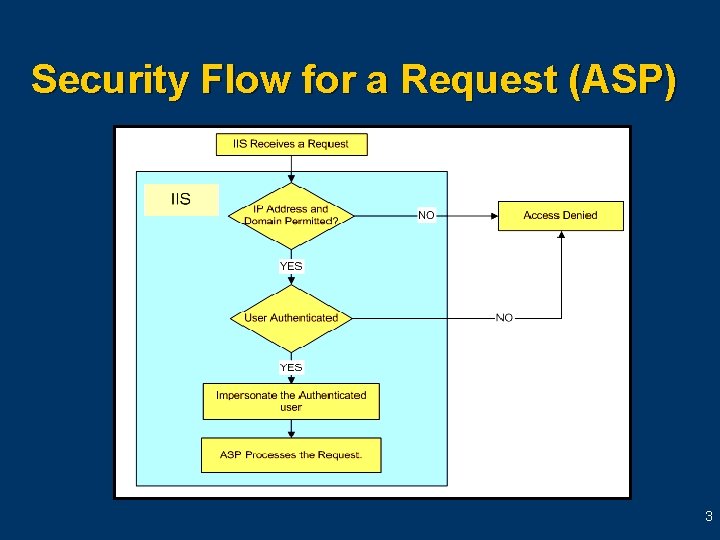
Security Flow for a Request (ASP) 3
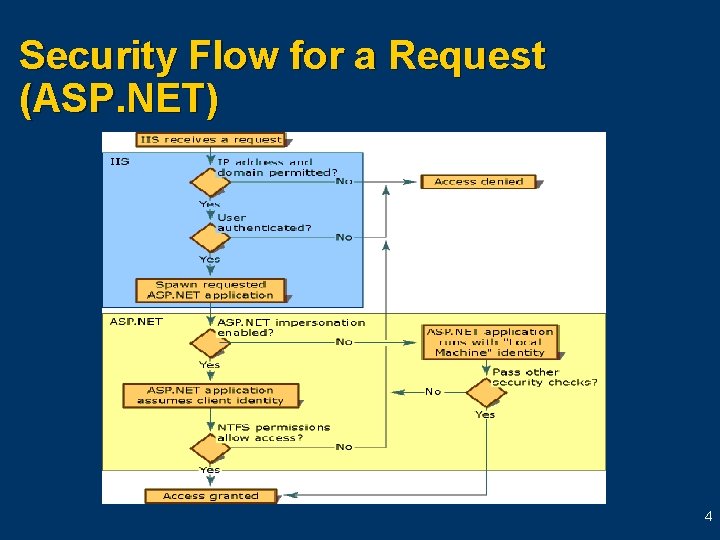
Security Flow for a Request (ASP. NET) 4
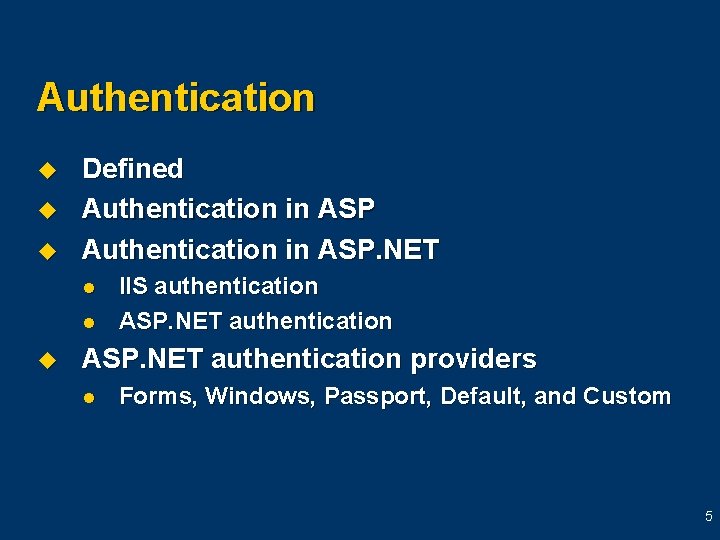
Authentication u u u Defined Authentication in ASP. NET l l u IIS authentication ASP. NET authentication providers l Forms, Windows, Passport, Default, and Custom 5
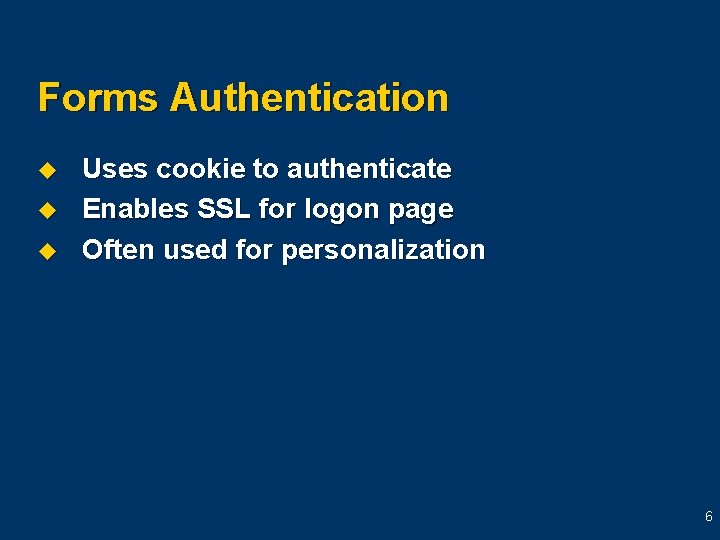
Forms Authentication u u u Uses cookie to authenticate Enables SSL for logon page Often used for personalization 6
Forms Authentication Flow 7
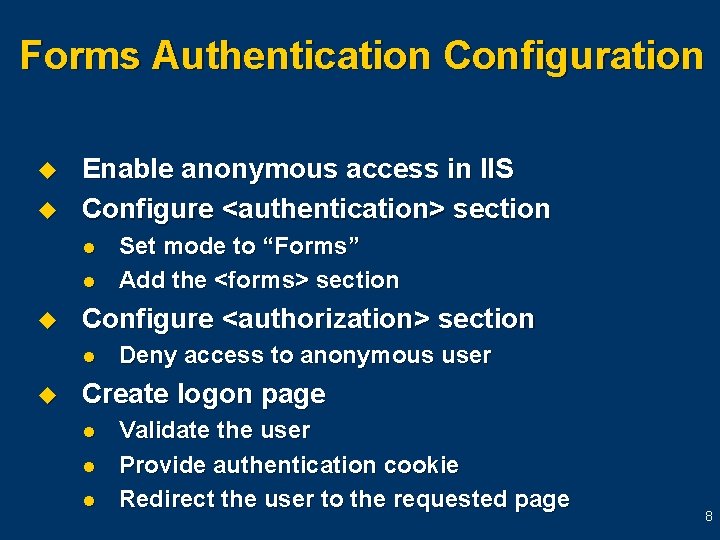
Forms Authentication Configuration u u Enable anonymous access in IIS Configure <authentication> section l l u Configure <authorization> section l u Set mode to “Forms” Add the <forms> section Deny access to anonymous user Create logon page l l l Validate the user Provide authentication cookie Redirect the user to the requested page 8
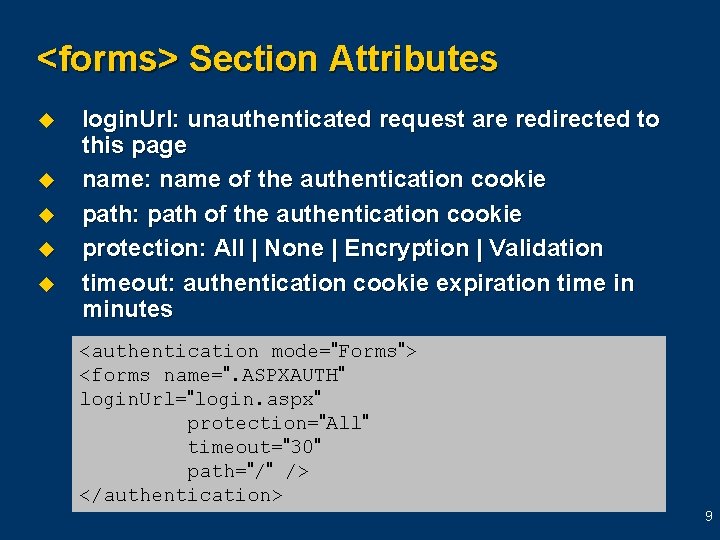
<forms> Section Attributes u u u login. Url: unauthenticated request are redirected to this page name: name of the authentication cookie path: path of the authentication cookie protection: All | None | Encryption | Validation timeout: authentication cookie expiration time in minutes <authentication mode="Forms"> <forms name=". ASPXAUTH" login. Url="login. aspx" protection="All" timeout="30" path="/" /> </authentication> 9
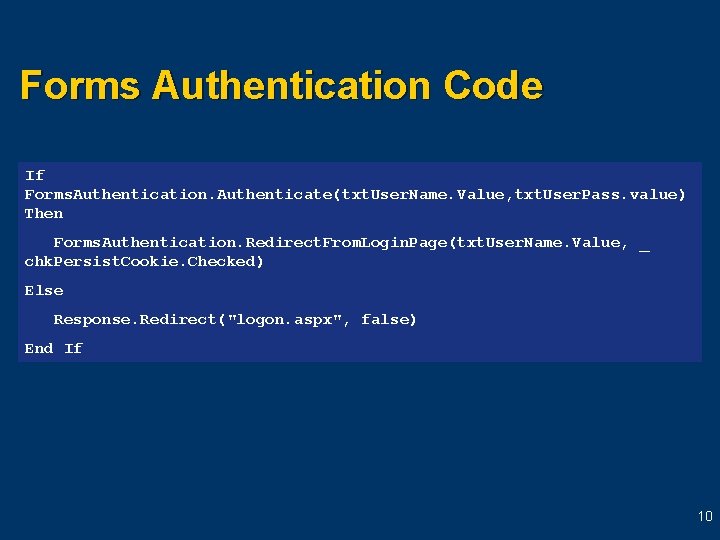
Forms Authentication Code If Forms. Authentication. Authenticate(txt. User. Name. Value, txt. User. Pass. value) Then Forms. Authentication. Redirect. From. Login. Page(txt. User. Name. Value, _ chk. Persist. Cookie. Checked) Else Response. Redirect("logon. aspx", false) End If 10
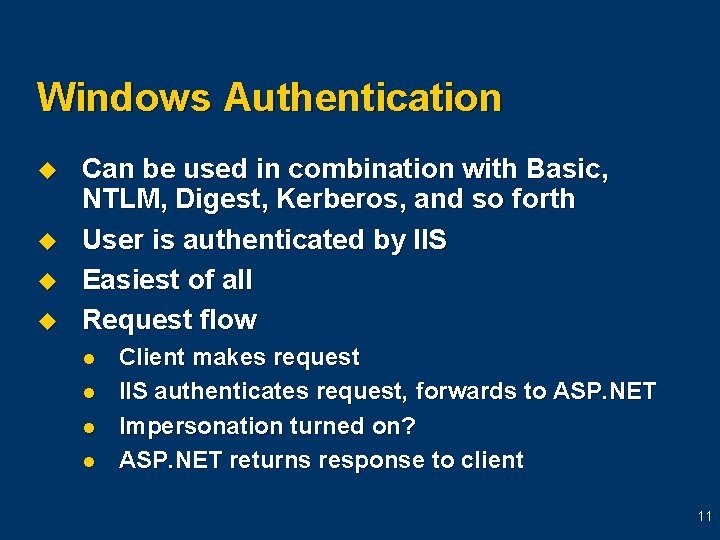
Windows Authentication u u Can be used in combination with Basic, NTLM, Digest, Kerberos, and so forth User is authenticated by IIS Easiest of all Request flow l l Client makes request IIS authenticates request, forwards to ASP. NET Impersonation turned on? ASP. NET returns response to client 11
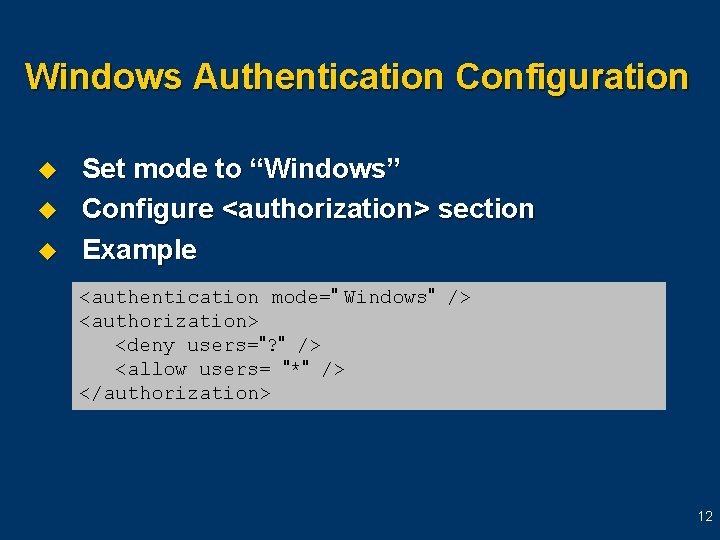
Windows Authentication Configuration u u u Set mode to “Windows” Configure <authorization> section Example <authentication mode=" Windows" /> <authorization> <deny users="? " /> <allow users= "*" /> </authorization> 12
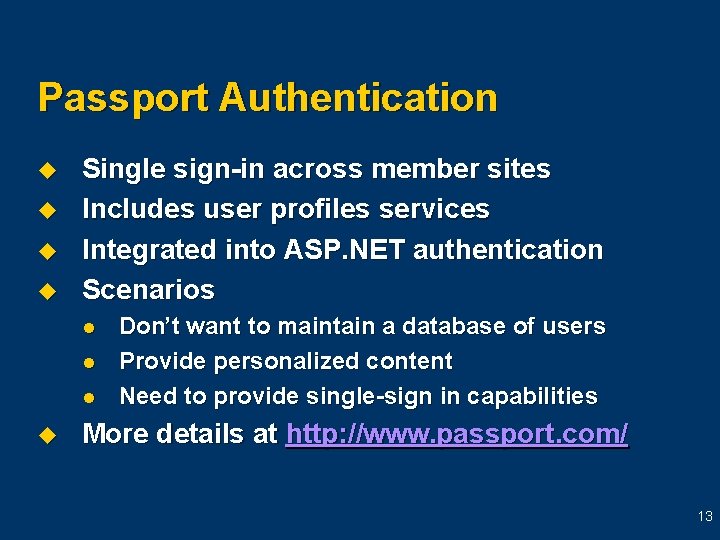
Passport Authentication u u Single sign-in across member sites Includes user profiles services Integrated into ASP. NET authentication Scenarios l l l u Don’t want to maintain a database of users Provide personalized content Need to provide single-sign in capabilities More details at http: //www. passport. com/ 13
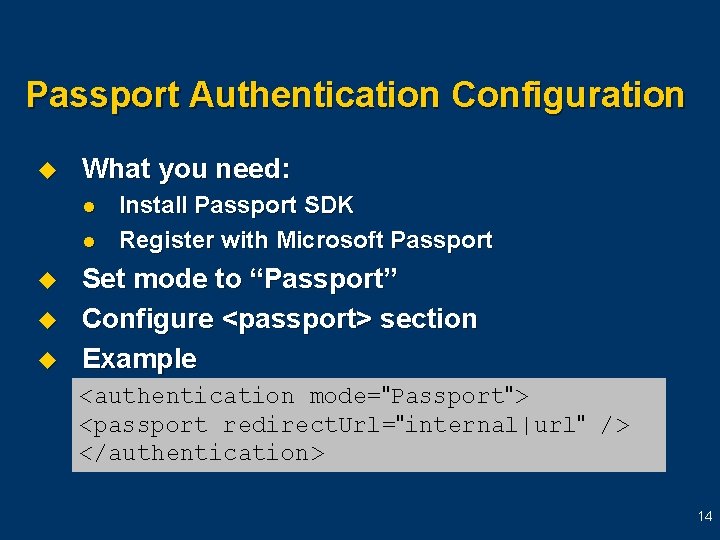
Passport Authentication Configuration u What you need: l l u u u Install Passport SDK Register with Microsoft Passport Set mode to “Passport” Configure <passport> section Example <authentication mode="Passport"> <passport redirect. Url="internal|url" /> </authentication> 14
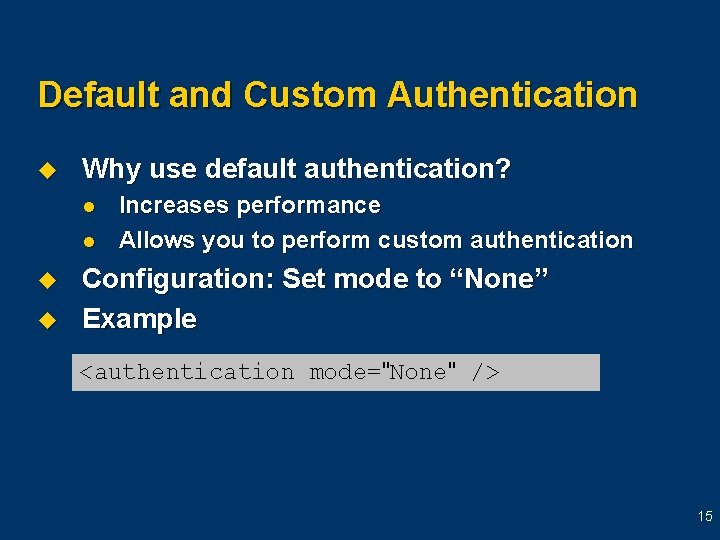
Default and Custom Authentication u Why use default authentication? l l u u Increases performance Allows you to perform custom authentication Configuration: Set mode to “None” Example <authentication mode="None" /> 15
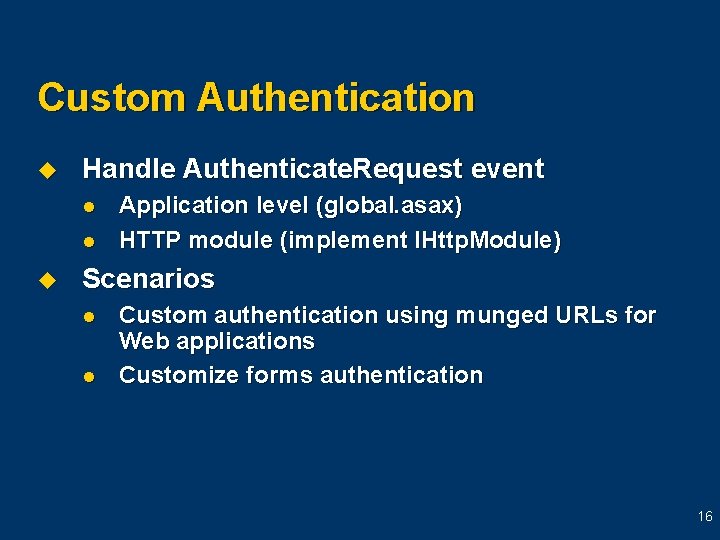
Custom Authentication u Handle Authenticate. Request event l l u Application level (global. asax) HTTP module (implement IHttp. Module) Scenarios l l Custom authentication using munged URLs for Web applications Customize forms authentication 16
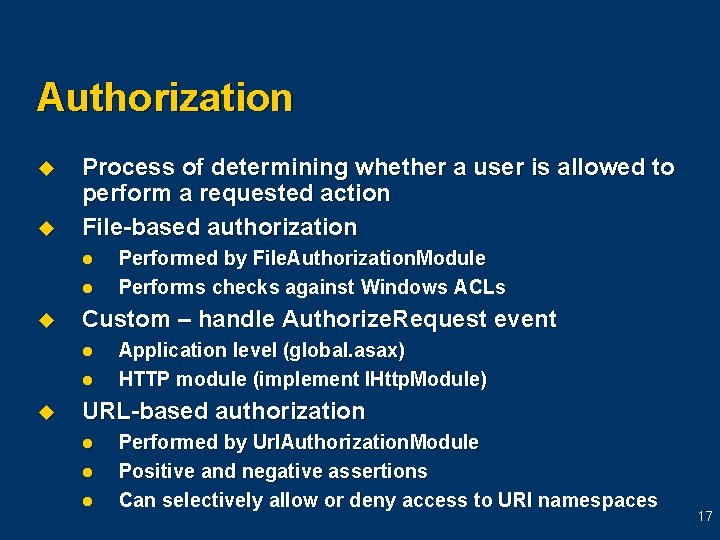
Authorization u u Process of determining whether a user is allowed to perform a requested action File-based authorization l l u Custom – handle Authorize. Request event l l u Performed by File. Authorization. Module Performs checks against Windows ACLs Application level (global. asax) HTTP module (implement IHttp. Module) URL-based authorization l l l Performed by Url. Authorization. Module Positive and negative assertions Can selectively allow or deny access to URI namespaces 17
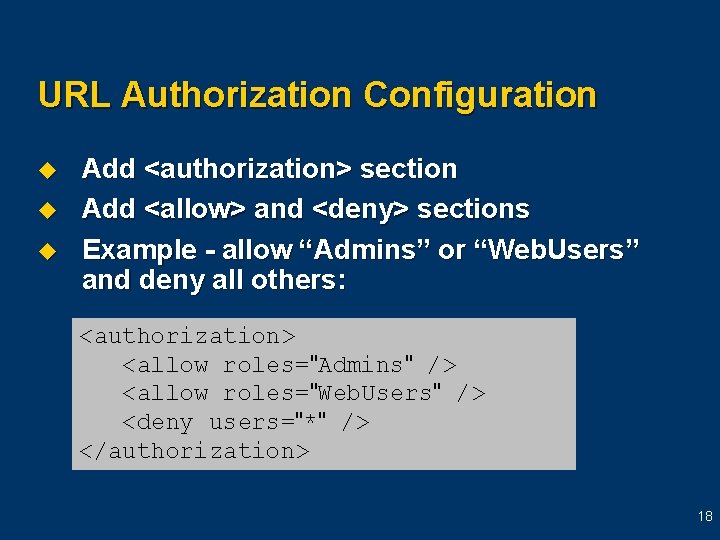
URL Authorization Configuration u u u Add <authorization> section Add <allow> and <deny> sections Example - allow “Admins” or “Web. Users” and deny all others: <authorization> <allow roles="Admins" /> <allow roles="Web. Users" /> <deny users="*" /> </authorization> 18
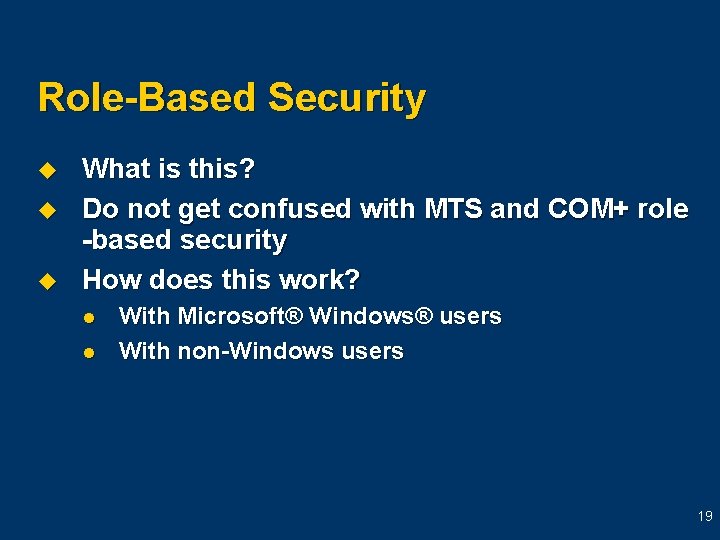
Role-Based Security u u u What is this? Do not get confused with MTS and COM+ role -based security How does this work? l l With Microsoft® Windows® users With non-Windows users 19
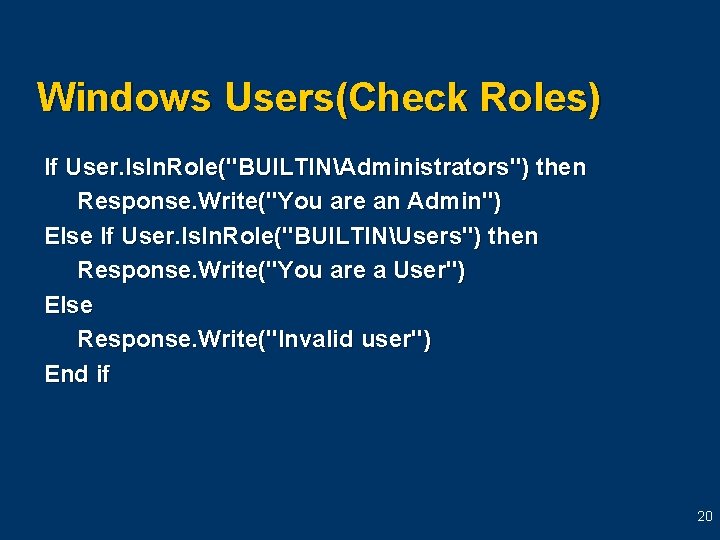
Windows Users(Check Roles) If User. Is. In. Role("BUILTINAdministrators") then Response. Write("You are an Admin") Else If User. Is. In. Role("BUILTINUsers") then Response. Write("You are a User") Else Response. Write("Invalid user") End if 20
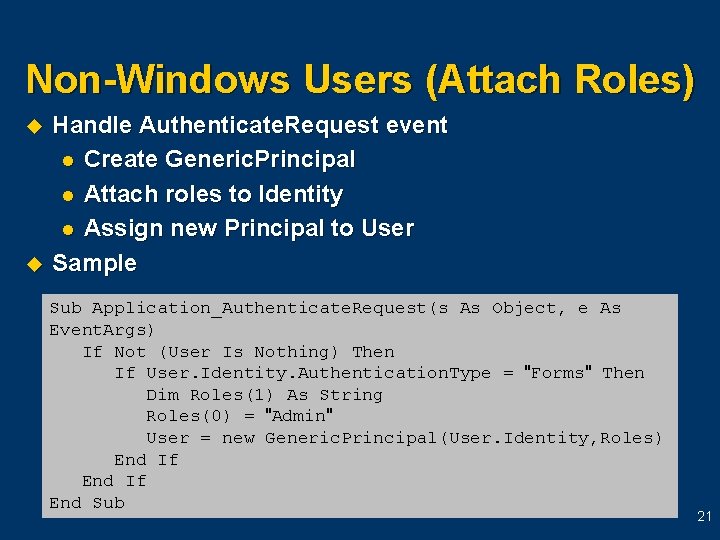
Non-Windows Users (Attach Roles) u u Handle Authenticate. Request event l Create Generic. Principal l Attach roles to Identity l Assign new Principal to User Sample Sub Application_Authenticate. Request(s As Object, e As Event. Args) If Not (User Is Nothing) Then If User. Identity. Authentication. Type = "Forms" Then Dim Roles(1) As String Roles(0) = "Admin" User = new Generic. Principal(User. Identity, Roles) End If End Sub 21
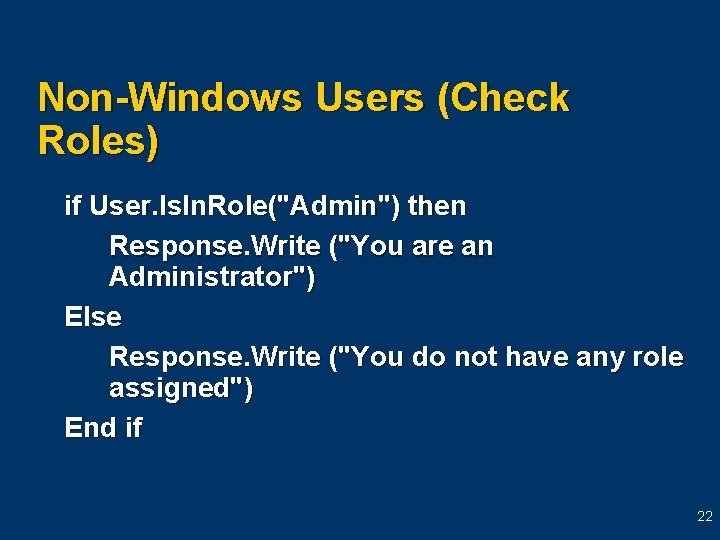
Non-Windows Users (Check Roles) if User. Is. In. Role("Admin") then Response. Write ("You are an Administrator") Else Response. Write ("You do not have any role assigned") End if 22
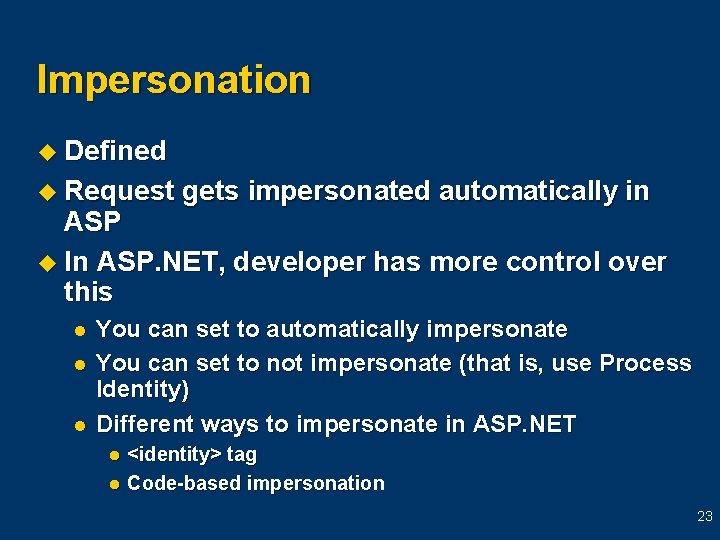
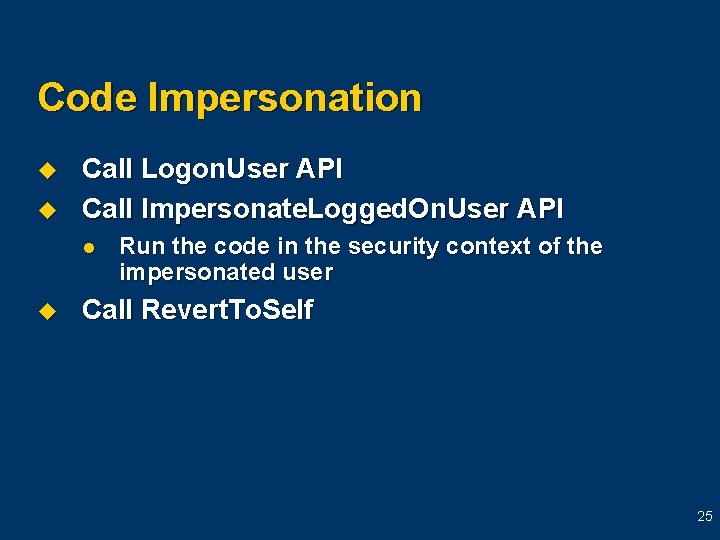
Impersonation u Defined u Request gets impersonated automatically in ASP u In ASP. NET, developer has more control over this l l l You can set to automatically impersonate You can set to not impersonate (that is, use Process Identity) Different ways to impersonate in ASP. NET <identity> tag l Code-based impersonation l 23
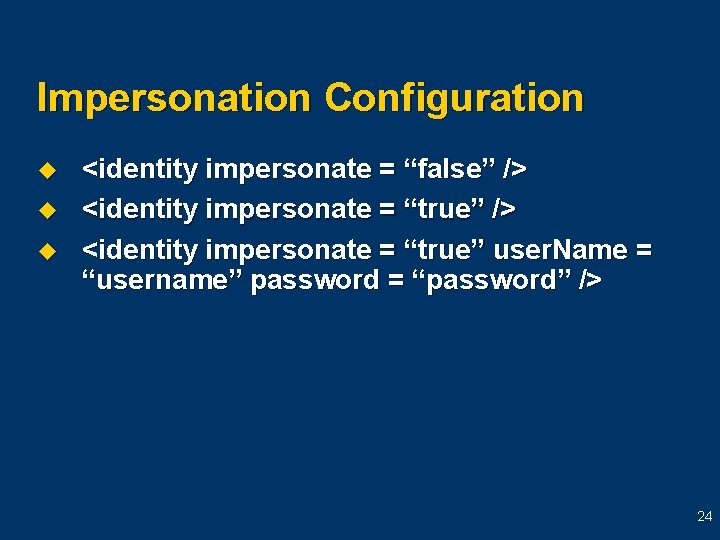
Impersonation Configuration u u u <identity impersonate = “false” /> <identity impersonate = “true” user. Name = “username” password = “password” /> 24
Code Impersonation u u Call Logon. User API Call Impersonate. Logged. On. User API l u Run the code in the security context of the impersonated user Call Revert. To. Self 25
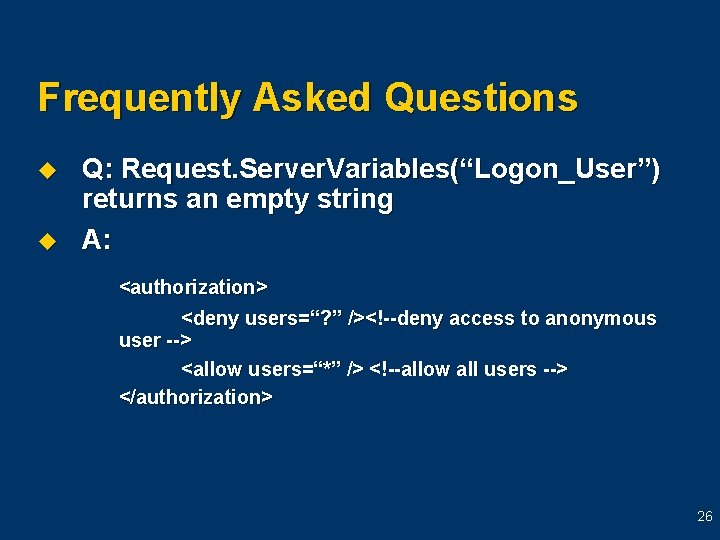
Frequently Asked Questions u u Q: Request. Server. Variables(“Logon_User”) returns an empty string A: <authorization> <deny users=“? ” /><!--deny access to anonymous user --> <allow users=“*” /> <!--allow all users --> </authorization> 26
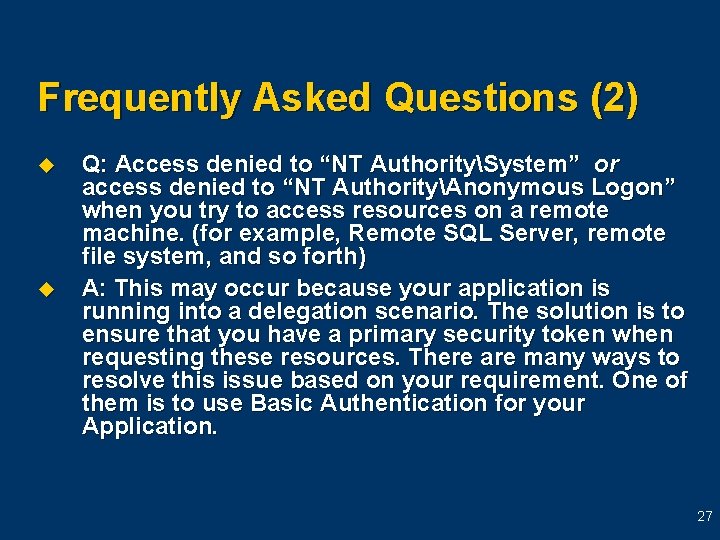
Frequently Asked Questions (2) u u Q: Access denied to “NT AuthoritySystem” or access denied to “NT AuthorityAnonymous Logon” when you try to access resources on a remote machine. (for example, Remote SQL Server, remote file system, and so forth) A: This may occur because your application is running into a delegation scenario. The solution is to ensure that you have a primary security token when requesting these resources. There are many ways to resolve this issue based on your requirement. One of them is to use Basic Authentication for your Application. 27
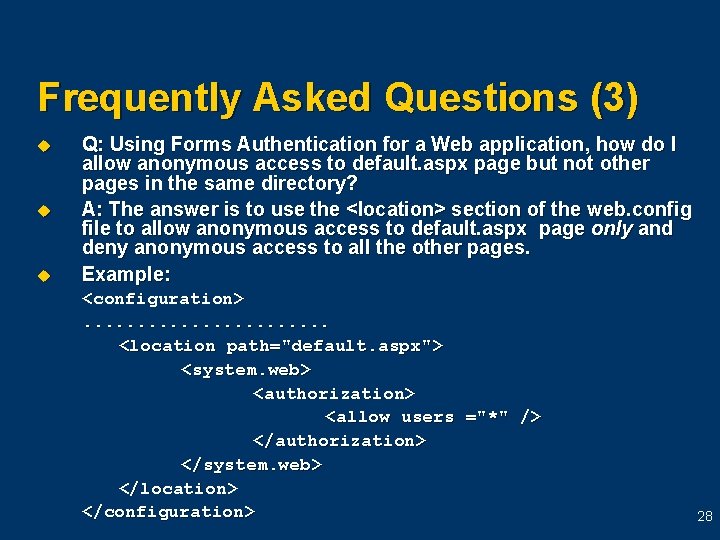
Frequently Asked Questions (3) u u u Q: Using Forms Authentication for a Web application, how do I allow anonymous access to default. aspx page but not other pages in the same directory? A: The answer is to use the <location> section of the web. config file to allow anonymous access to default. aspx page only and deny anonymous access to all the other pages. Example: <configuration>. . . <location path="default. aspx"> <system. web> <authorization> <allow users ="*" /> </authorization> </system. web> </location> </configuration> 28
Resources u Knowledge Base article “BETA-INFO: ASP. NET Security Overview” l u http: //support. microsoft. com/support/misc/kblook up. asp? id=Q 306590 MSDN article “Authentication in ASP. NET: . NET Security Guidance” l http: //msdn. microsoft. com/library/default. asp? url =/library/en-us/dnbda/html/authaspdotnet. asp 29
Thank you for joining us for today’s Microsoft Support Web. Cast. For information about all upcoming Support Web. Casts and access to the archived content (streaming media files, Power. Point® slides, and transcripts), please visit: http: //support. microsoft. com/webcasts/ We sincerely appreciate your feedback. Please send any comments or suggestions regarding the Support Web. Casts to feedback@microsoft. com and include “Support Web. Casts” in the subject line. 30