
Microsoft Analytics Platform System 05 HDI Region Software







![Creating a Database in Hive CREATE DATABASE [IF NOT EXISTS] db_name; [COMMENT database_comment] [LOCATION](https://slidetodoc.com/presentation_image_h2/b7c7cc39385efd5b02bc5096e56aab23/image-22.jpg "Creating a Database in Hive CREATE DATABASE [IF NOT EXISTS] db_name; [COMMENT database_comment] [LOCATION")
![Create external table CREATE EXTERNAL TABLE [dbo]. [Sales] ([Product. Key] int NOT NULL ,](https://slidetodoc.com/presentation_image_h2/b7c7cc39385efd5b02bc5096e56aab23/image-36.jpg "Create external table CREATE EXTERNAL TABLE [dbo]. [Sales] ([Product. Key] int NOT NULL ,")
![CETAS: Additional guidance • Integration point is the file system • HDFS or WASB[s]](https://slidetodoc.com/presentation_image_h2/b7c7cc39385efd5b02bc5096e56aab23/image-48.jpg "CETAS: Additional guidance • Integration point is the file system • HDFS or WASB[s]")


- Slides: 67
Microsoft Analytics Platform System 05 – HDI Region Software, Tools & Polybase Brian Walker | Microsoft Architect – Data Insights COE Jesse Fountain | Microsoft WW TSP Lead September 20, 2021
Agenda Region Overview High Availability Tooling Data Loading Hive Polybase
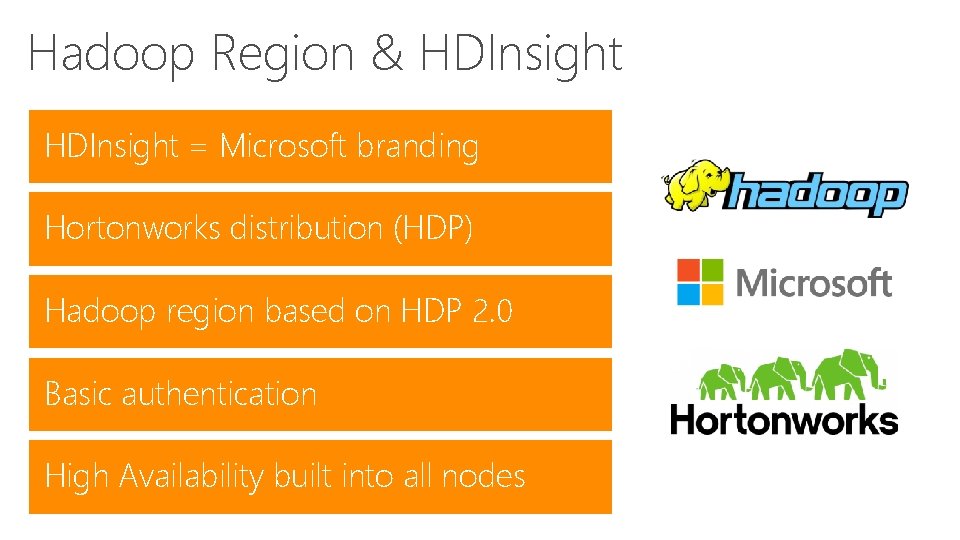
Hadoop Region & HDInsight = Microsoft branding Hortonworks distribution (HDP) Hadoop region based on HDP 2. 0 Basic authentication High Availability built into all nodes
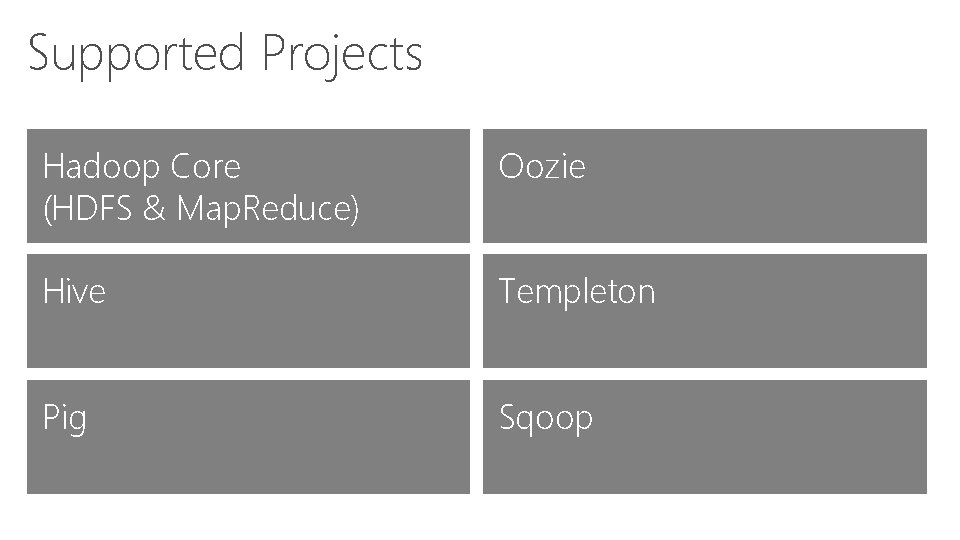
Supported Projects Hadoop Core (HDFS & Map. Reduce) Oozie Hive Templeton Pig Sqoop
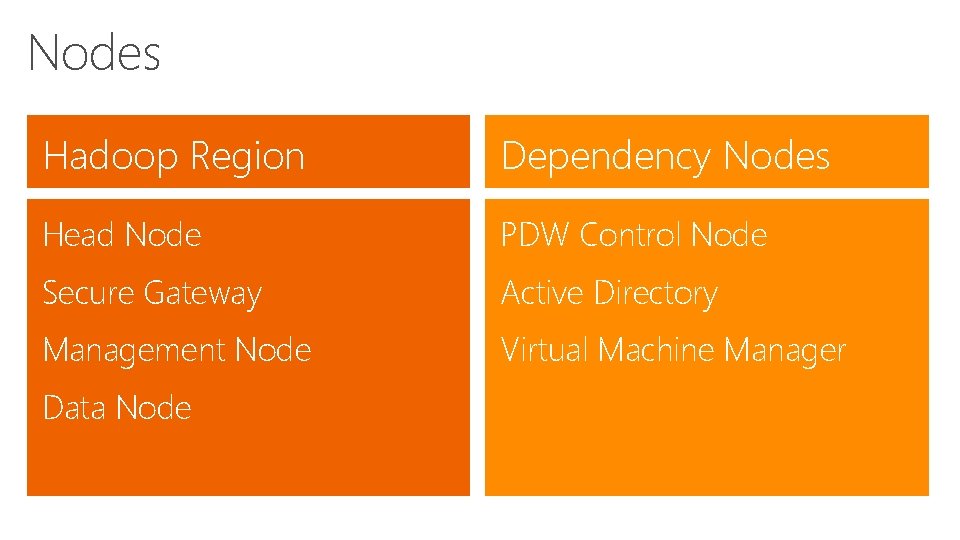
Nodes Hadoop Region Dependency Nodes Head Node PDW Control Node Secure Gateway Active Directory Management Node Virtual Machine Manager Data Node
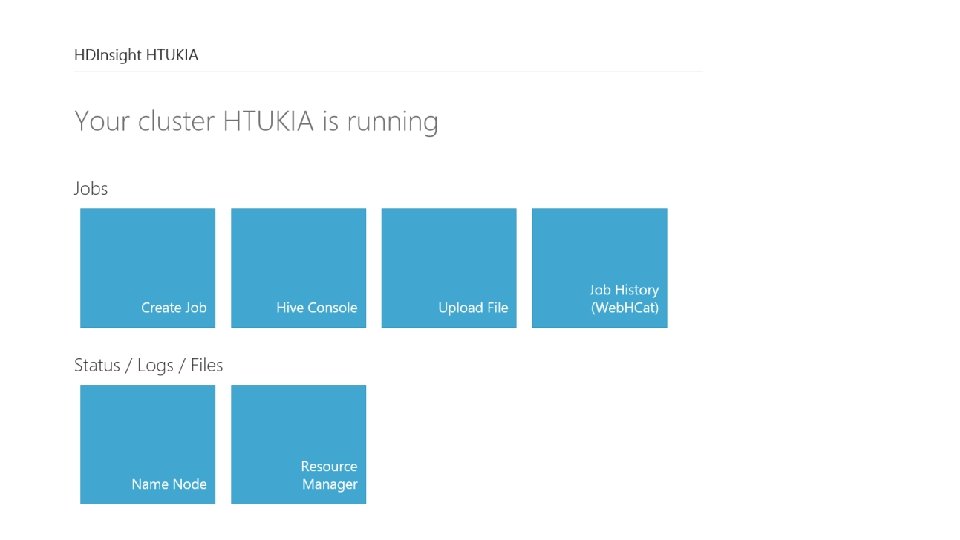
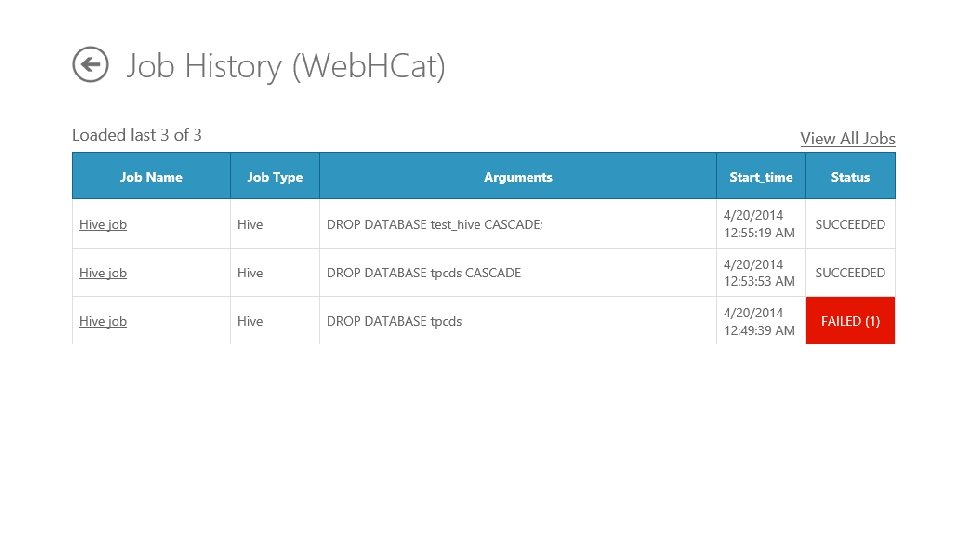
HDInsight APIs Web. HDFS – Remote HDFS file system management Web. HCat – Remote job submission and monitoring Oozie – Remote workflow submission and scheduling Hive. Server 2 – ODBC Connectivity to Hive
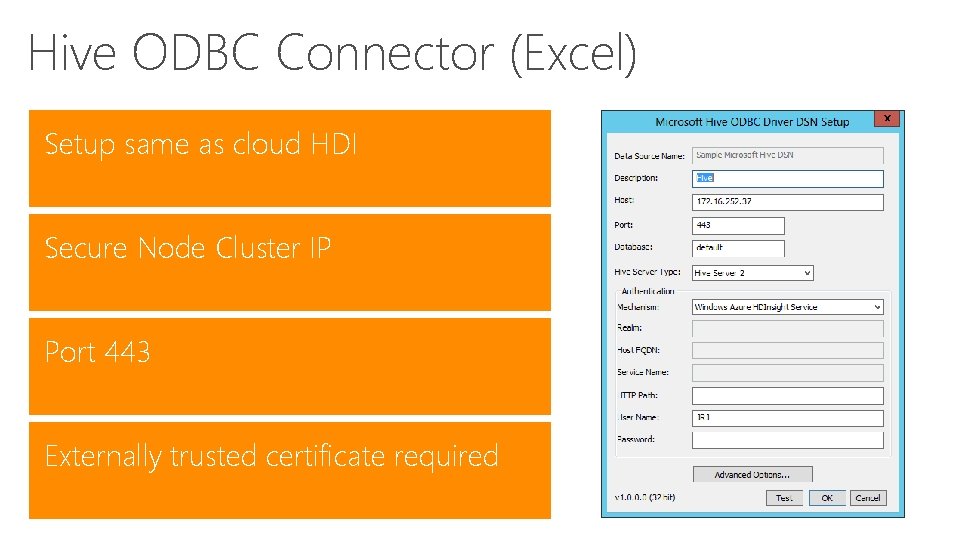
Hive ODBC Connector (Excel) Setup same as cloud HDI Secure Node Cluster IP Port 443 Externally trusted certificate required
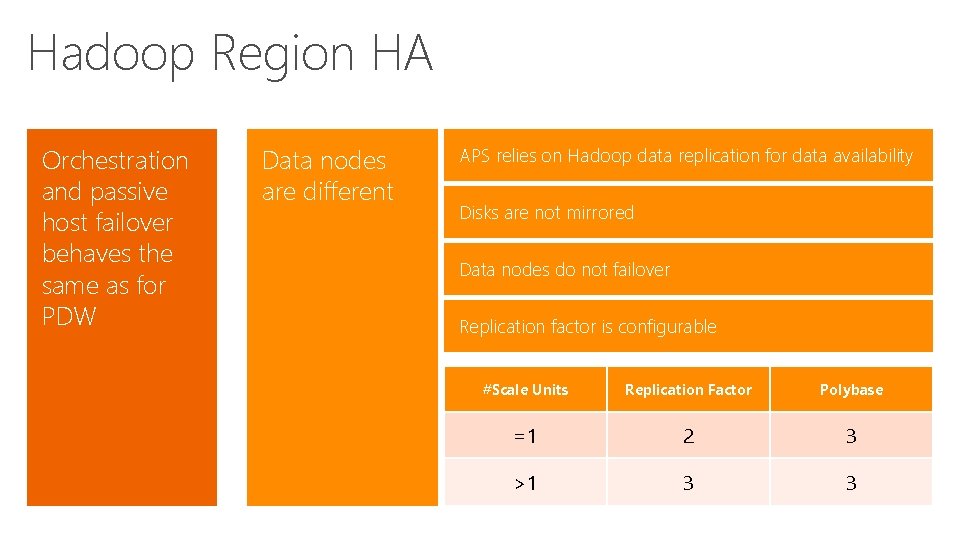
Hadoop Region HA Orchestration and passive host failover behaves the same as for PDW Data nodes are different APS relies on Hadoop data replication for data availability Disks are not mirrored Data nodes do not failover Replication factor is configurable #Scale Units Replication Factor Polybase =1 2 3 >1 3 3
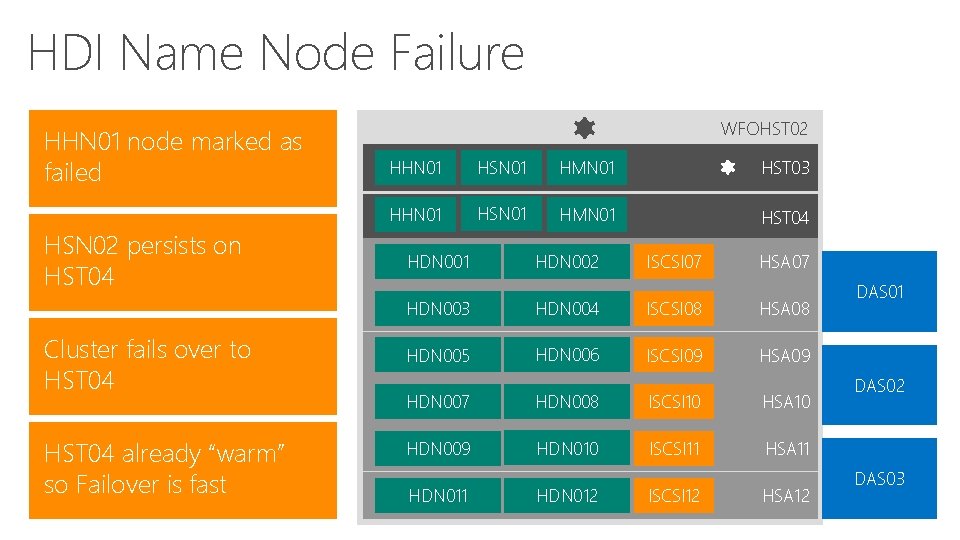
HDI Name Node Failure HHN 01 node marked as failed HSN 02 persists on HST 04 Cluster fails over to HST 04 already “warm” so Failover is fast WFOHST 02 HHN 01 HSN 01 HMN 01 HST 03 HHN 01 HSN 01 HMN 01 HST 04 HDN 001 HDN 002 ISCSI 07 HSA 07 HDN 003 HDN 004 ISCSI 08 HSA 08 HDN 005 HDN 006 ISCSI 09 HSA 09 HDN 007 HDN 008 ISCSI 10 HSA 10 HDN 009 HDN 010 ISCSI 11 HSA 11 HDN 012 ISCSI 12 HSA 12 DAS 01 DAS 02 DAS 03
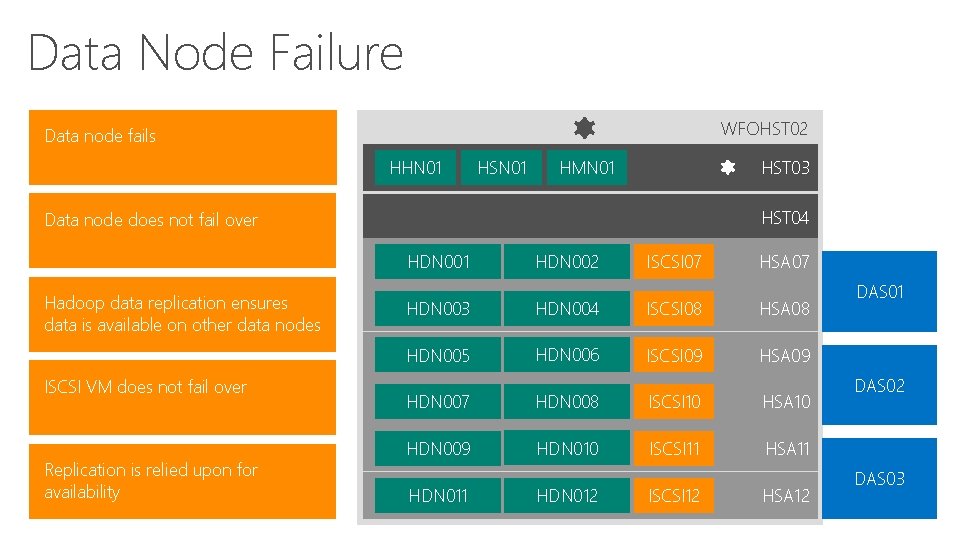
Data Node Failure WFOHST 02 Data node fails HHN 01 HSN 01 HMN 01 HST 03 HST 04 Data node does not fail over HDN 001 Hadoop data replication ensures data is available on other data nodes ISCSI VM does not fail over Replication is relied upon for availability HDN 002 ISCSI 07 HSA 07 HDN 003 HDN 004 ISCSI 08 HSA 08 HDN 005 HDN 006 ISCSI 09 HSA 09 HDN 007 HDN 008 ISCSI 10 HSA 10 HDN 009 HDN 010 ISCSI 11 HSA 11 HDN 012 ISCSI 12 HSA 12 DAS 01 DAS 02 DAS 03
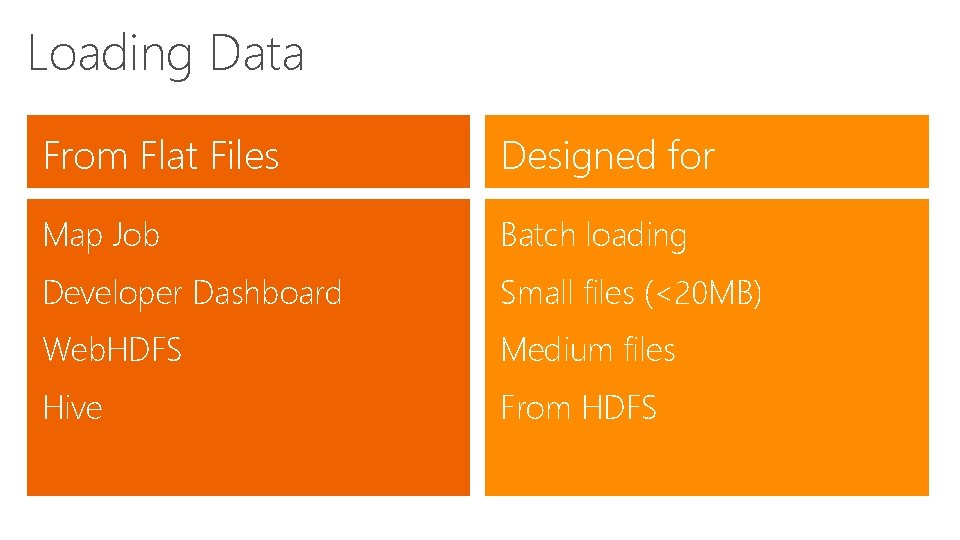
Loading Data From Flat Files Designed for Map Job Batch loading Developer Dashboard Small files (<20 MB) Web. HDFS Medium files Hive From HDFS
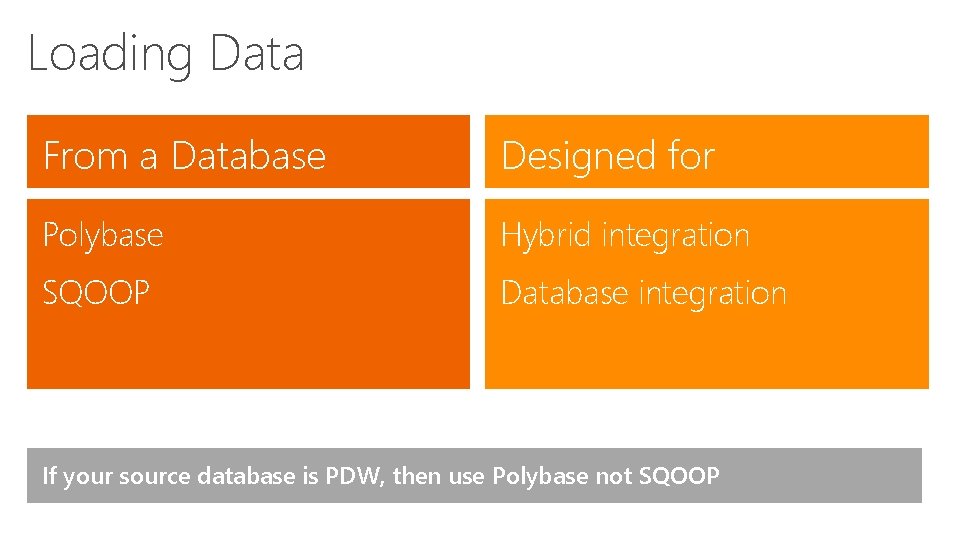
Loading Data From a Database Designed for Polybase Hybrid integration SQOOP Database integration If your source database is PDW, then use Polybase not SQOOP
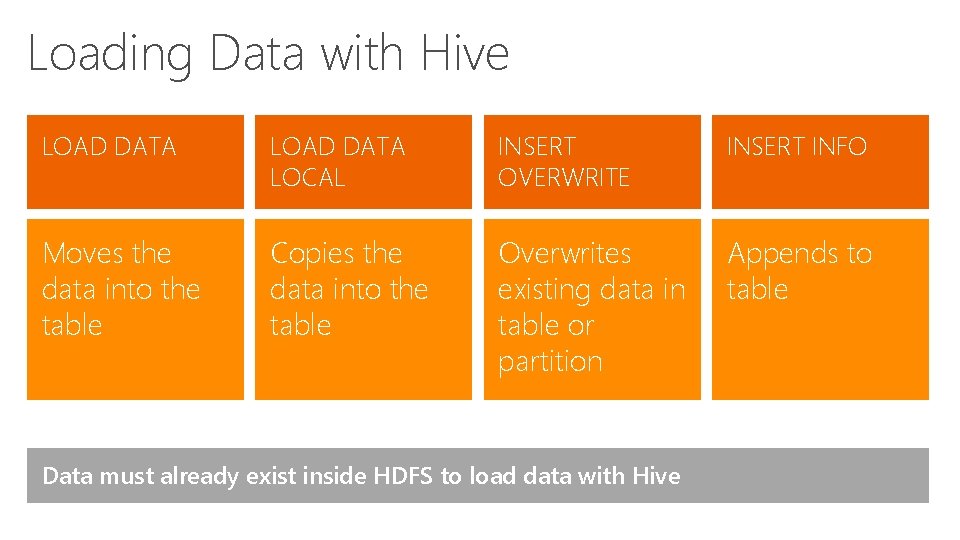
Loading Data with Hive LOAD DATA LOCAL INSERT OVERWRITE INSERT INFO Moves the data into the table Copies the data into the table Overwrites existing data in table or partition Appends to table Data must already exist inside HDFS to load data with Hive
Creating a Database in Hive CREATE DATABASE [IF NOT EXISTS] db_name; [COMMENT database_comment] [LOCATION hdfs_path] [WITH DBPROPERTIES (property_name=property_value, . . . )];
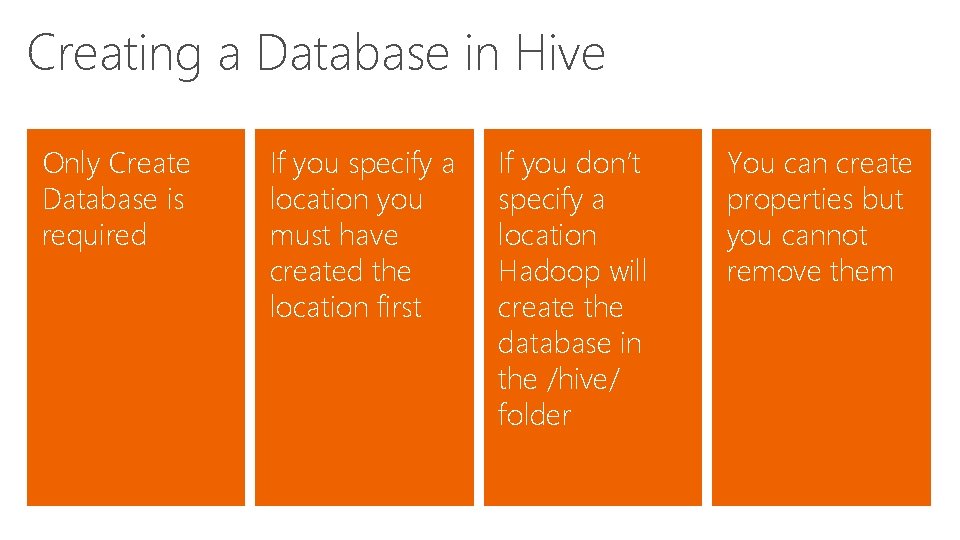
Creating a Database in Hive Only Create Database is required If you specify a location you must have created the location first If you don’t specify a location Hadoop will create the database in the /hive/ folder You can create properties but you cannot remove them
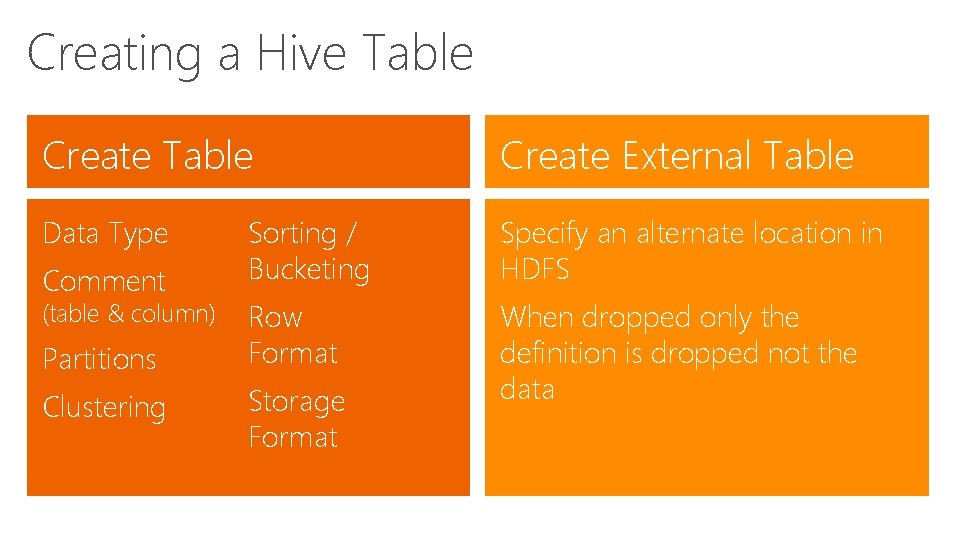
Creating a Hive Table Create External Table Data Type Sorting / Bucketing Specify an alternate location in HDFS Row Format When dropped only the definition is dropped not the data Comment (table & column) Partitions Clustering Storage Format
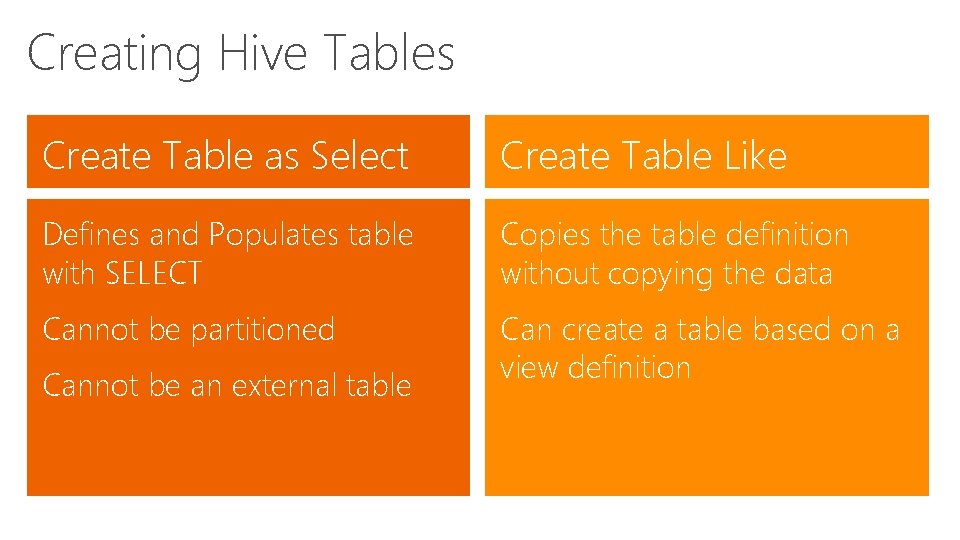
Creating Hive Tables Create Table as Select Create Table Like Defines and Populates table with SELECT Copies the table definition without copying the data Cannot be partitioned Can create a table based on a view definition Cannot be an external table
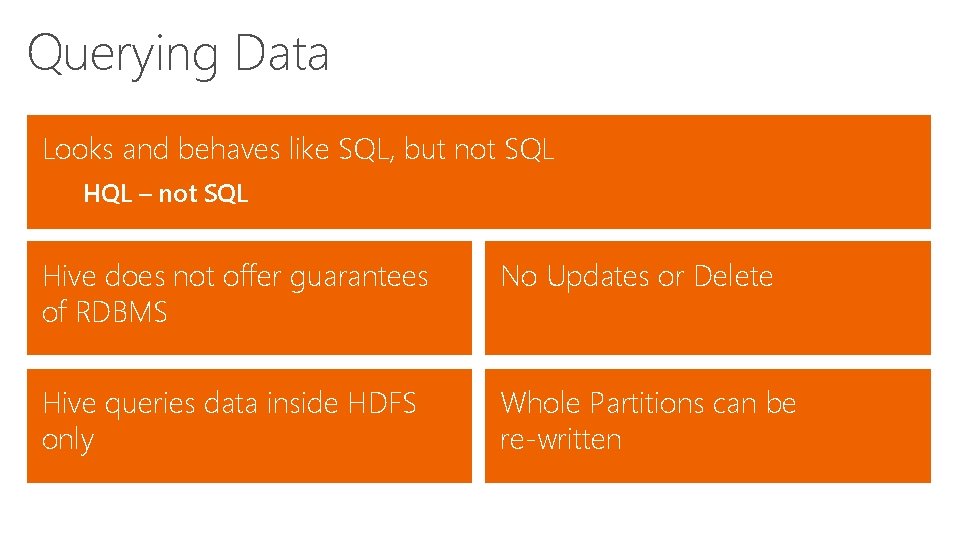
Querying Data Looks and behaves like SQL, but not SQL HQL – not SQL Hive does not offer guarantees of RDBMS No Updates or Delete Hive queries data inside HDFS only Whole Partitions can be re-written
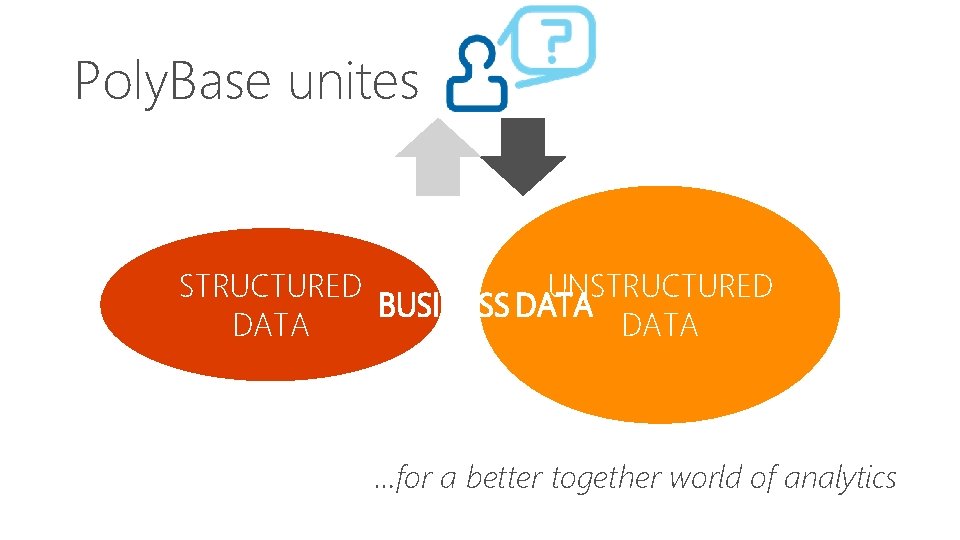
Poly. Base unites STRUCTURED UNSTRUCTURED BUSINESS DATA …for a better together world of analytics
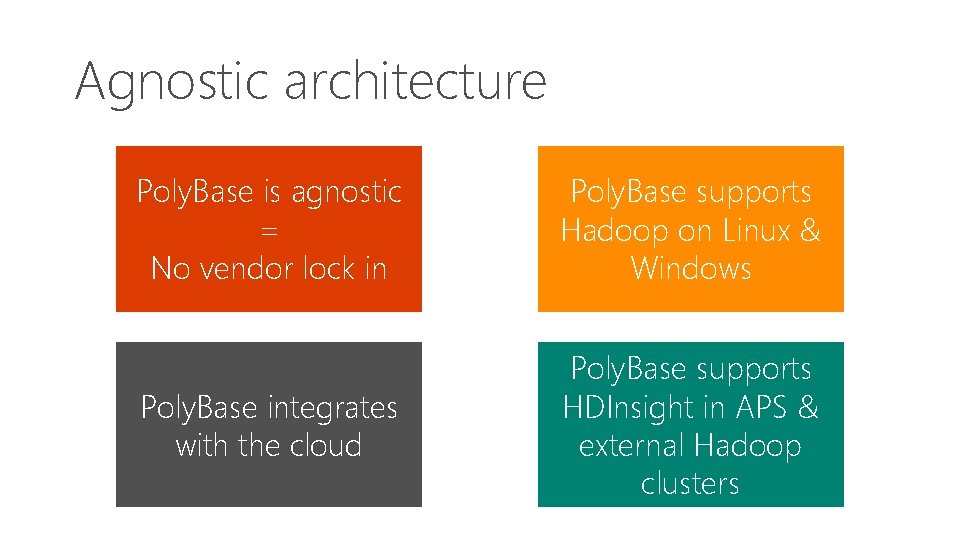
Agnostic architecture Poly. Base is agnostic = No vendor lock in Poly. Base supports Hadoop on Linux & Windows Poly. Base integrates with the cloud Poly. Base supports HDInsight in APS & external Hadoop clusters
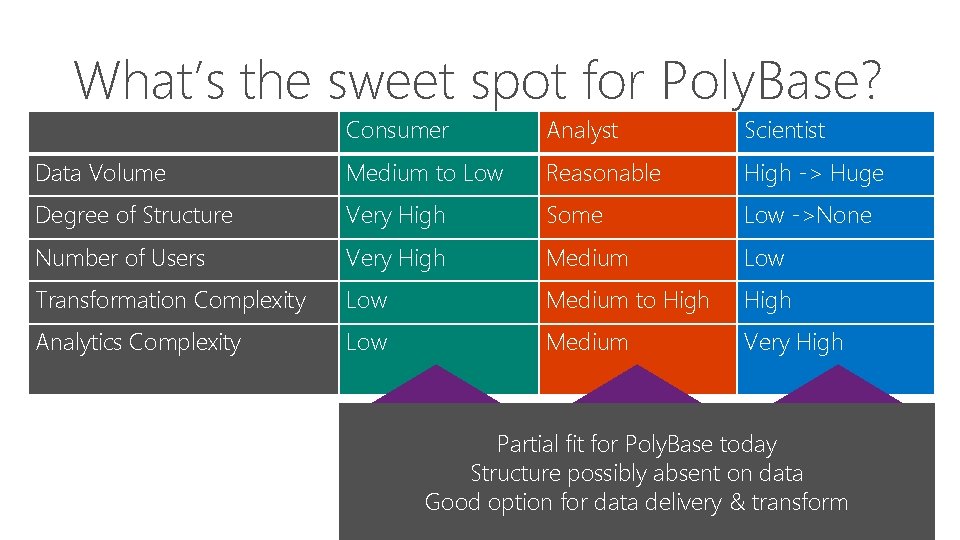
What’s the sweet spot for Poly. Base? Consumer Analyst Scientist Data Volume Medium to Low Reasonable High -> Huge Degree of Structure Very High Some Low ->None Number of Users Very High Medium Low Transformation Complexity Low Medium to High Analytics Complexity Low Medium Very High Great for Poly. Base Partial Good fit forfor. Poly. Basetoday Structured Data Structure Highpossibly Structured absent Data on data Iterative Query Response Good option Fast for interactive data delivery response & transform Hybrid Queries across sources
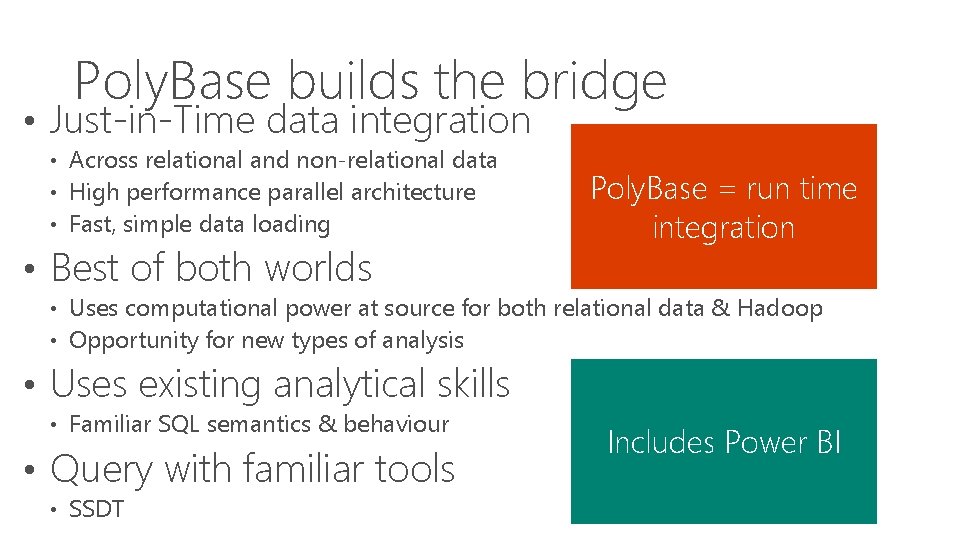
Poly. Base builds the bridge • Just-in-Time data integration • Across relational and non-relational data • High performance parallel architecture • Fast, simple data loading • Best of both worlds Poly. Base = run time integration • Uses computational power at source for both relational data & Hadoop • Opportunity for new types of analysis • Uses existing analytical skills • Familiar SQL semantics & behaviour • Query with familiar tools • SSDT Includes Power BI
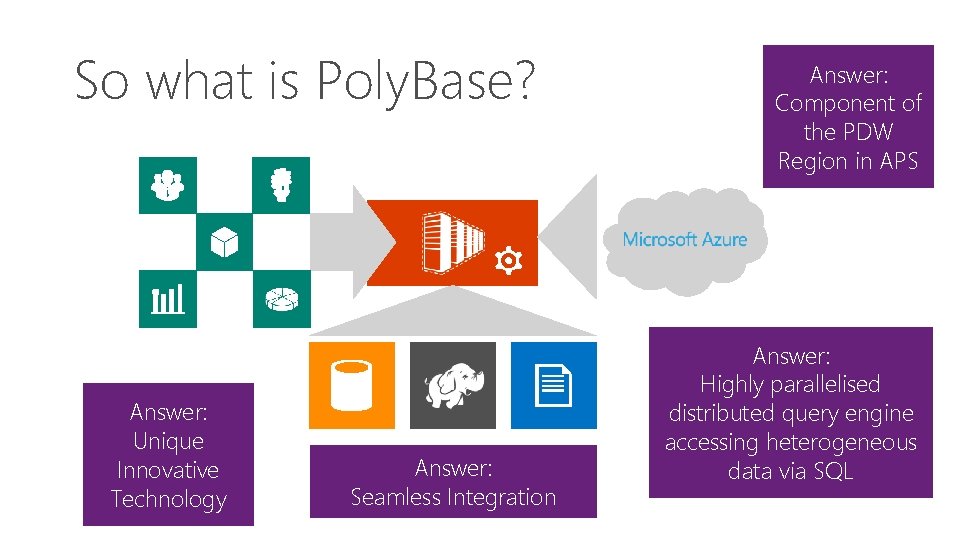
So what is Poly. Base? Answer: Unique Innovative Technology Answer: Seamless Integration Answer: Component of the PDW Region in APS Answer: Highly parallelised distributed query engine accessing heterogeneous data via SQL
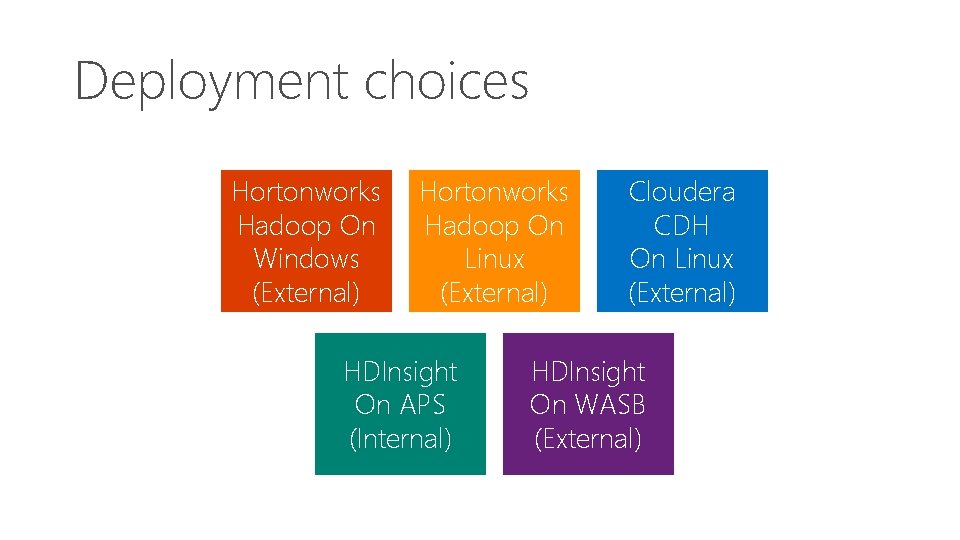
Deployment choices Hortonworks Hadoop On Windows (External) Hortonworks Hadoop On Linux (External) HDInsight On APS (Internal) Cloudera CDH On Linux (External) HDInsight On WASB (External)
External tables • • Metadata used to describe external data Enables data access outside the PDW region Never hold data Do not delete data when dropped
Create external table CREATE EXTERNAL TABLE [dbo]. [Sales] ([Product. Key] int NOT NULL , [Store. Key] int NOT NULL , [Date. Key] int NOT NULL , [Customer. Key] int NOT NULL , [Promotion. Key] int NOT NULL , [Order. Quantity] int NOT NULL , [Unit. Price] money NOT NULL , [Sales. Amount] money NOT NULL )
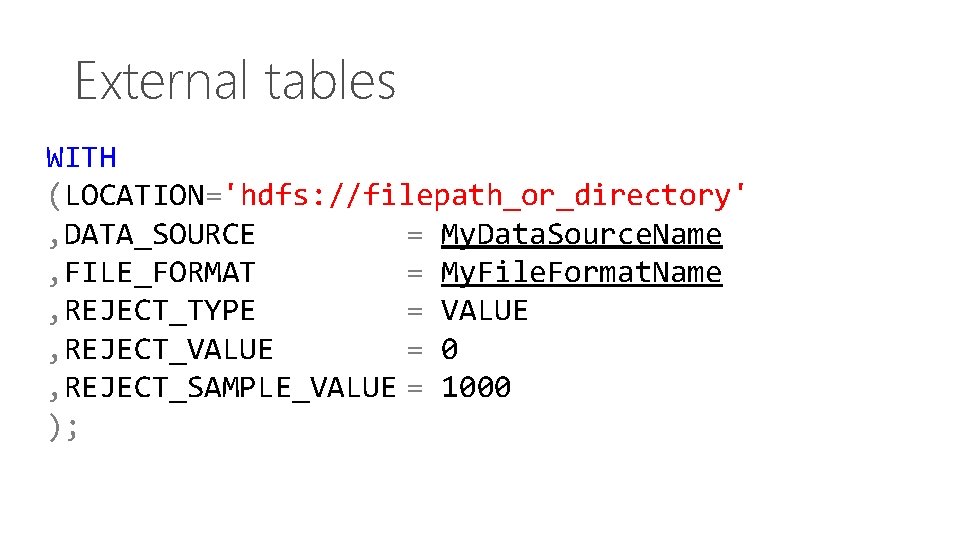
External tables WITH (LOCATION='hdfs: //filepath_or_directory' , DATA_SOURCE = My. Data. Source. Name , FILE_FORMAT = My. File. Format. Name , REJECT_TYPE = VALUE , REJECT_VALUE = 0 , REJECT_SAMPLE_VALUE = 1000 );
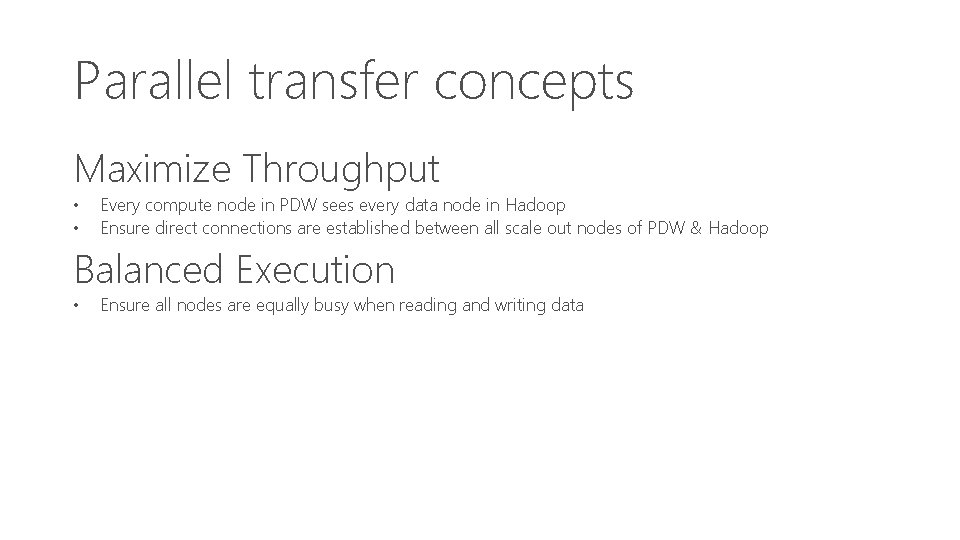
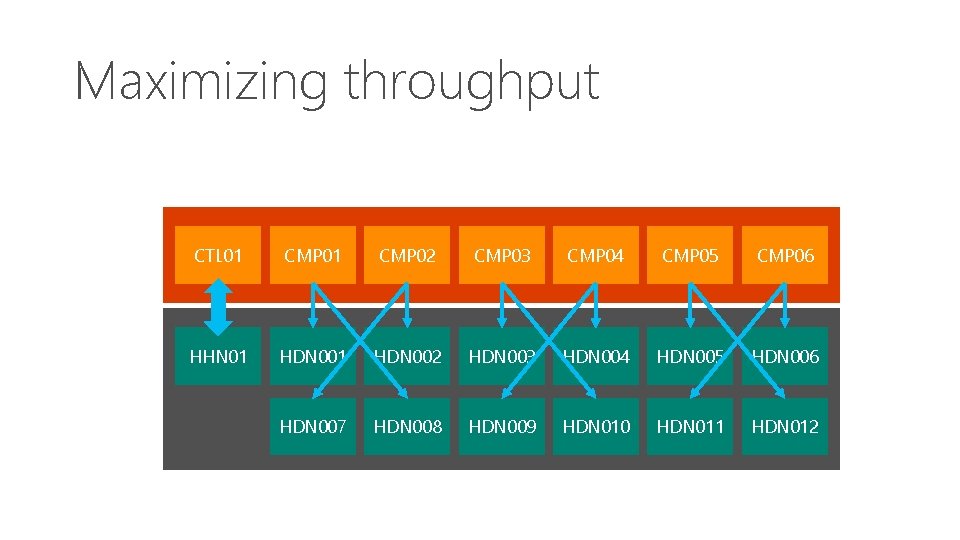
Parallel transfer concepts Maximize Throughput • • Every compute node in PDW sees every data node in Hadoop Ensure direct connections are established between all scale out nodes of PDW & Hadoop Balanced Execution • Ensure all nodes are equally busy when reading and writing data
Maximizing throughput CTL 01 CMP 02 CMP 03 CMP 04 CMP 05 CMP 06 HHN 01 HDN 002 HDN 003 HDN 004 HDN 005 HDN 006 HDN 007 HDN 008 HDN 009 HDN 010 HDN 011 HDN 012
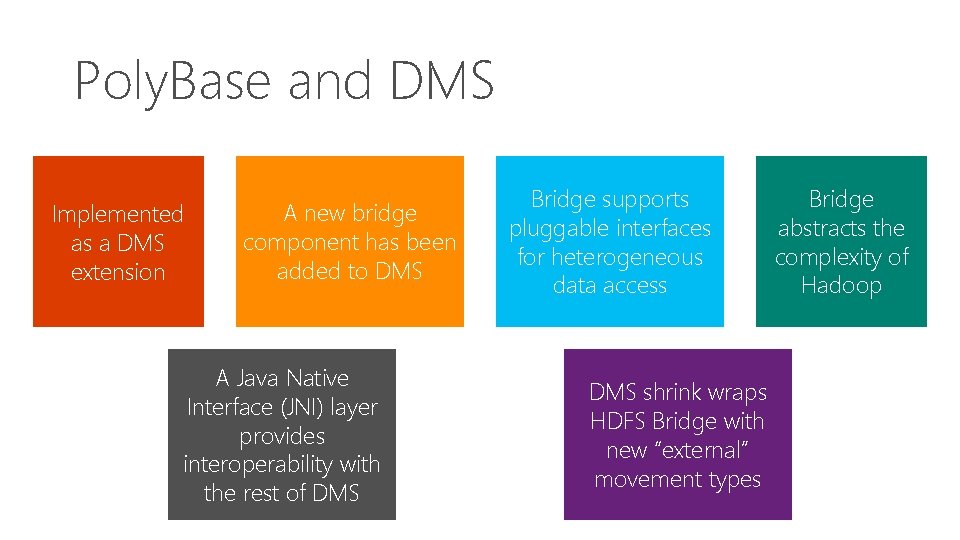
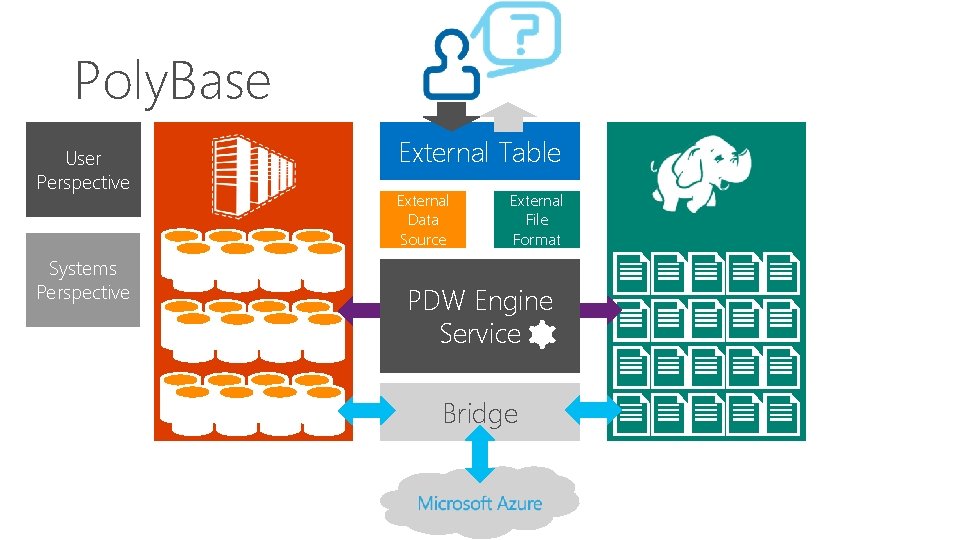
Poly. Base and DMS Implemented as a DMS extension A new bridge component has been added to DMS A Java Native Interface (JNI) layer provides interoperability with the rest of DMS Bridge supports pluggable interfaces for heterogeneous data access DMS shrink wraps HDFS Bridge with new “external” movement types Bridge abstracts the complexity of Hadoop
Poly. Base User Perspective Systems Perspective External Table External Data Source External File Format PDW Engine PDW Service Bridge
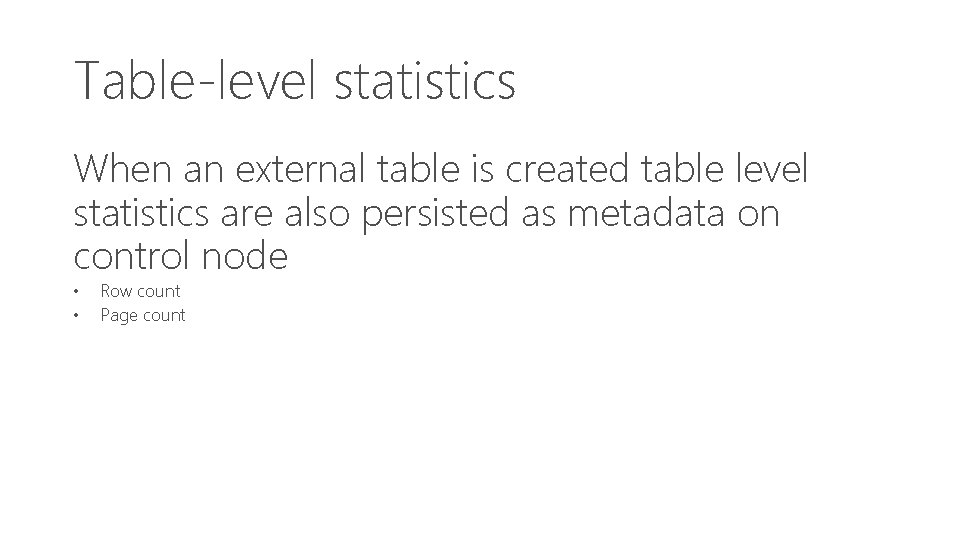
Table-level statistics When an external table is created table level statistics are also persisted as metadata on control node • • Row count Page count
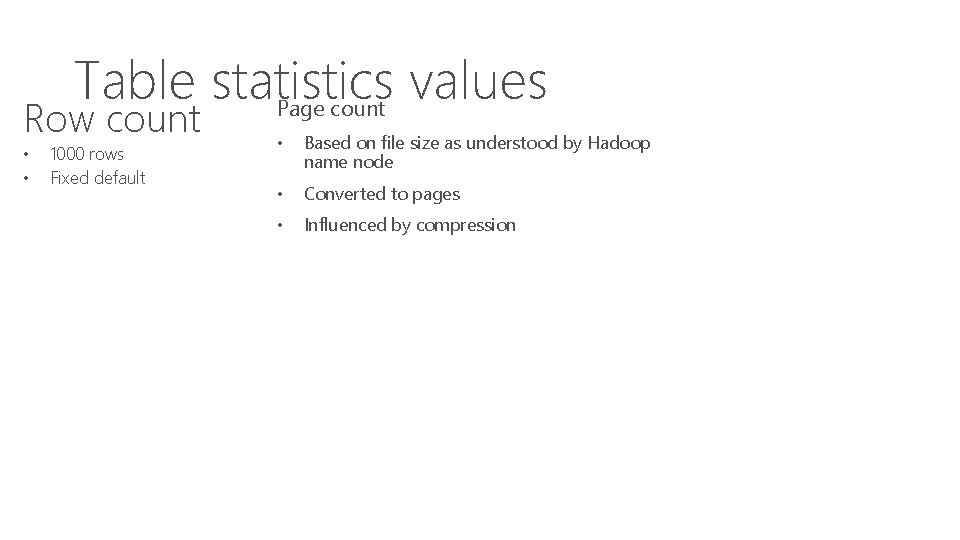
Table statistics values Page count Row count • • 1000 rows Fixed default • Based on file size as understood by Hadoop name node • Converted to pages • Influenced by compression
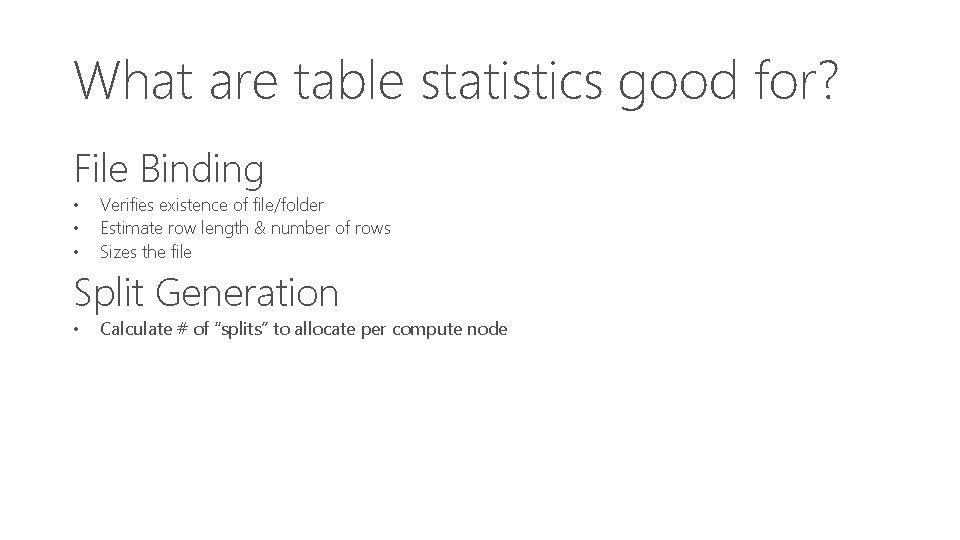
What are table statistics good for? File Binding • • • Verifies existence of file/folder Estimate row length & number of rows Sizes the file Split Generation • Calculate # of “splits” to allocate per compute node
Exporting data with CETAS – CREATE EXTERNAL TABLE AS SELECT Post export three statements will be true 1. External table will now exist 2. Data will have been exported 3. Row & page count updated on external table
CETAS: Additional guidance • Integration point is the file system • HDFS or WASB[s] • Not Hive or HCatalog • • • Target is either a folder or a file Target does not have to already exist External table name must not exist in PDW DB Round-Tripping is perfectly possible Poly. Base will make a one-time best effort at
What are hybrid queries? Read data from multiple external data sources • • • HDFS PDW WASB[S] Hybrid = Multitude of data sources accessed in a single query
External data movement types Three basic moves mirroring internal movement • • • External. Round. Robin. Move External. Shuffle. Move External. Broadcast. Move
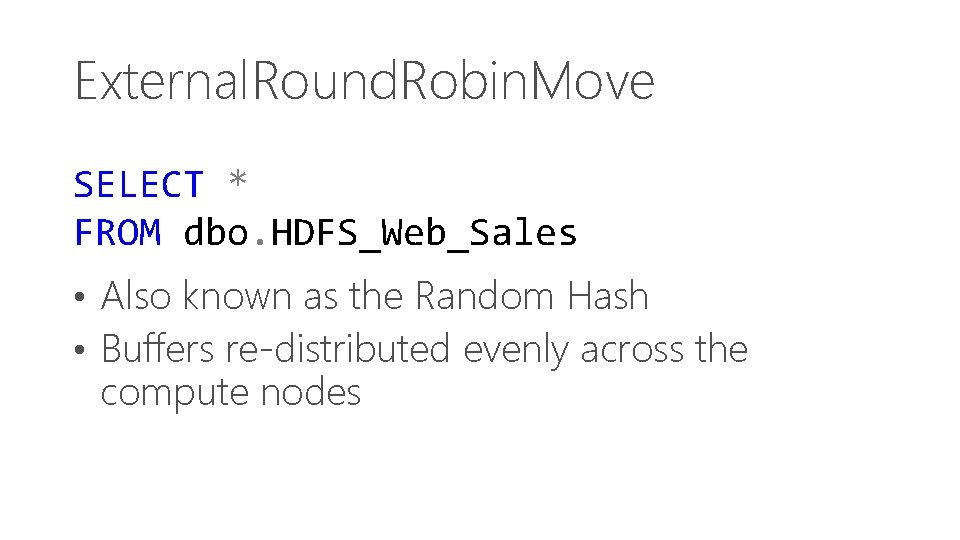
External. Round. Robin. Move SELECT * FROM dbo. HDFS_Web_Sales • Also known as the Random Hash • Buffers re-distributed evenly across the compute nodes
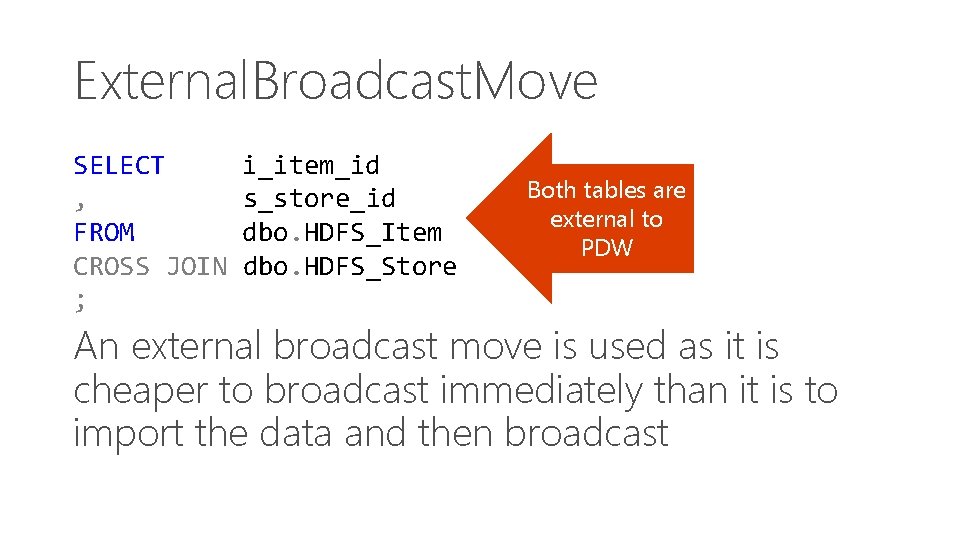
External. Broadcast. Move SELECT , FROM CROSS JOIN ; i_item_id s_store_id dbo. HDFS_Item dbo. HDFS_Store Both tables are external to PDW An external broadcast move is used as it is cheaper to broadcast immediately than it is to import the data and then broadcast
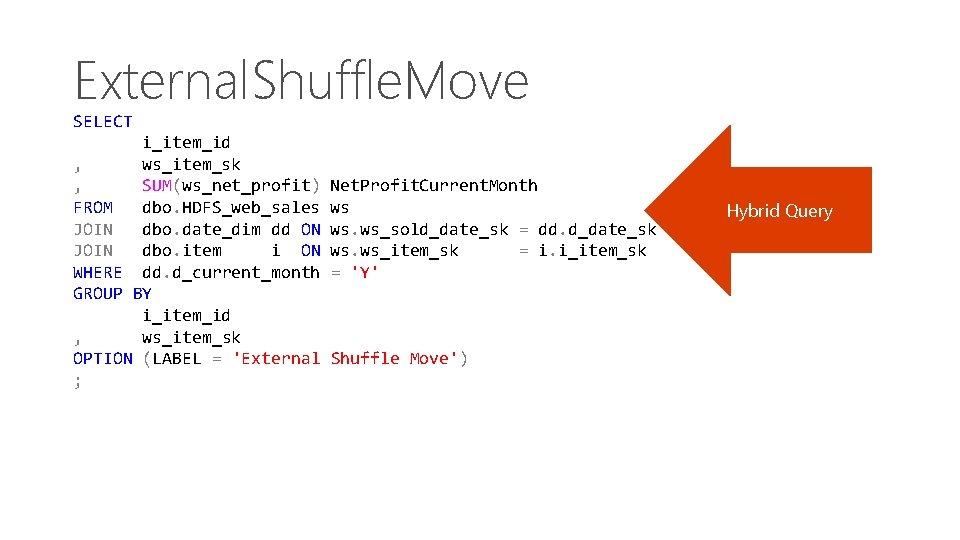
External. Shuffle. Move SELECT i_item_id , ws_item_sk , SUM(ws_net_profit) FROM dbo. HDFS_web_sales JOIN dbo. date_dim dd ON JOIN dbo. item i ON WHERE dd. d_current_month GROUP BY i_item_id , ws_item_sk OPTION (LABEL = 'External ; Net. Profit. Current. Month ws ws. ws_sold_date_sk = dd. d_date_sk ws. ws_item_sk = i. i_item_sk = 'Y' Shuffle Move') Hybrid Query
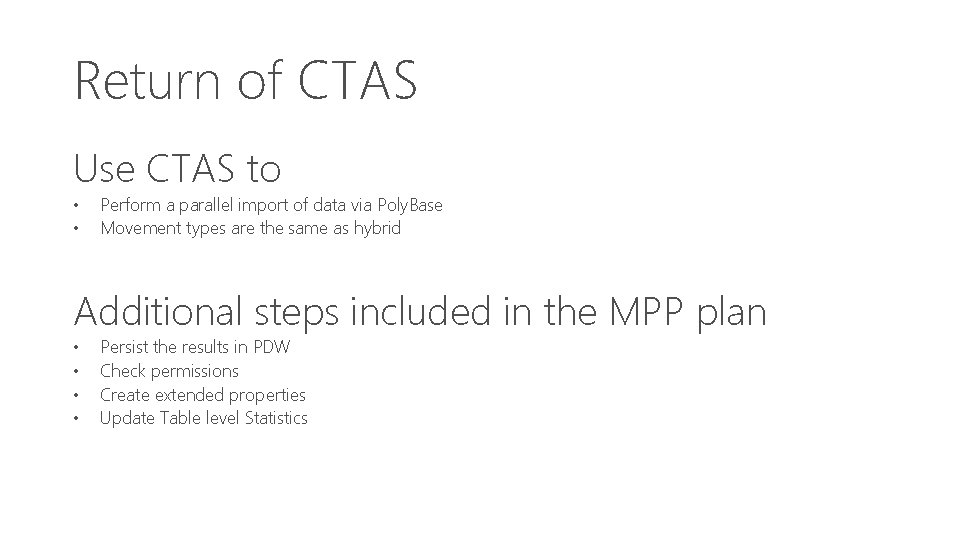
Return of CTAS Use CTAS to • • Perform a parallel import of data via Poly. Base Movement types are the same as hybrid Additional steps included in the MPP plan • • Persist the results in PDW Check permissions Create extended properties Update Table level Statistics
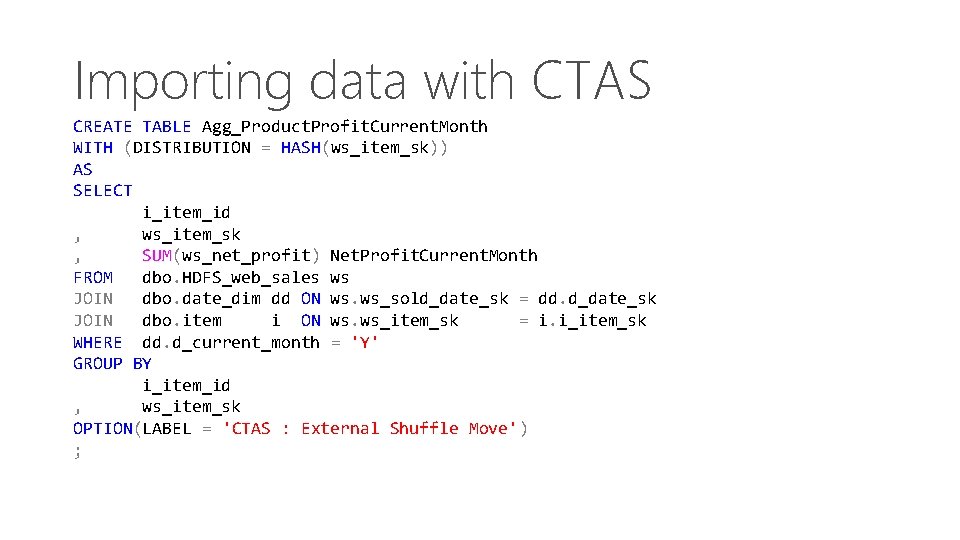
Importing data with CTAS CREATE TABLE Agg_Product. Profit. Current. Month WITH (DISTRIBUTION = HASH(ws_item_sk)) AS SELECT i_item_id , ws_item_sk , SUM(ws_net_profit) Net. Profit. Current. Month FROM dbo. HDFS_web_sales ws JOIN dbo. date_dim dd ON ws. ws_sold_date_sk = dd. d_date_sk JOIN dbo. item i ON ws. ws_item_sk = i. i_item_sk WHERE dd. d_current_month = 'Y' GROUP BY i_item_id , ws_item_sk OPTION(LABEL = 'CTAS : External Shuffle Move') ;
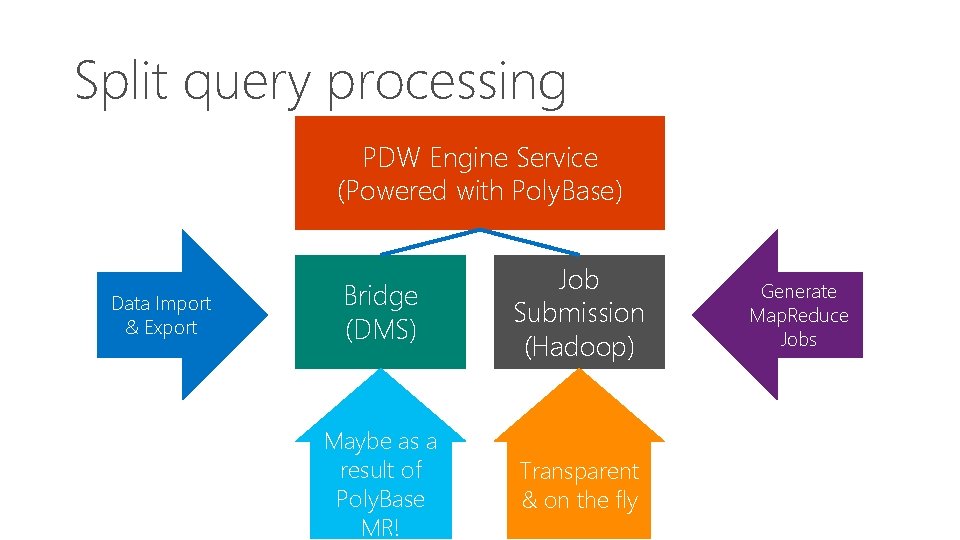
Split query processing PDW Engine Service (Powered with Poly. Base) Data Import & Export Bridge (DMS) Job Submission (Hadoop) Maybe as a result of Poly. Base MR! Transparent & on the fly Generate Map. Reduce Jobs
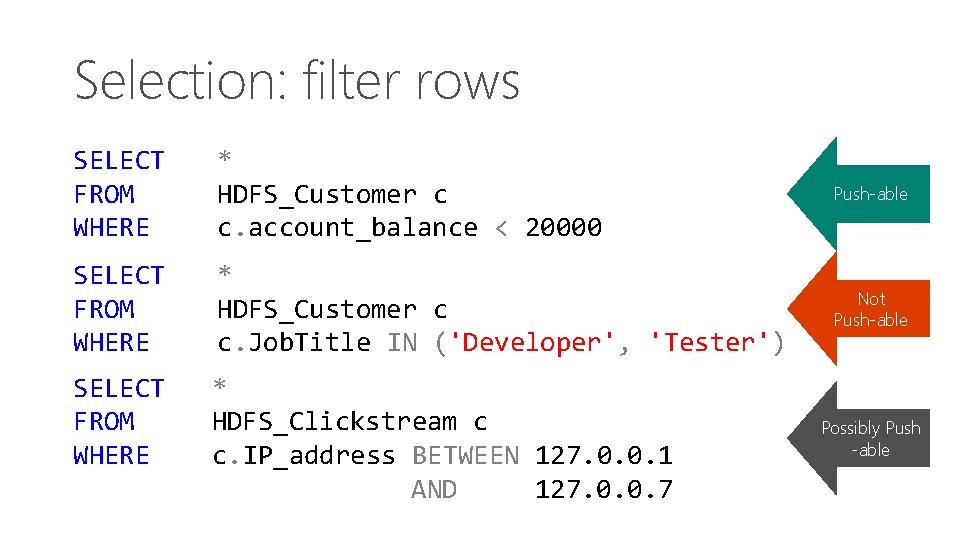
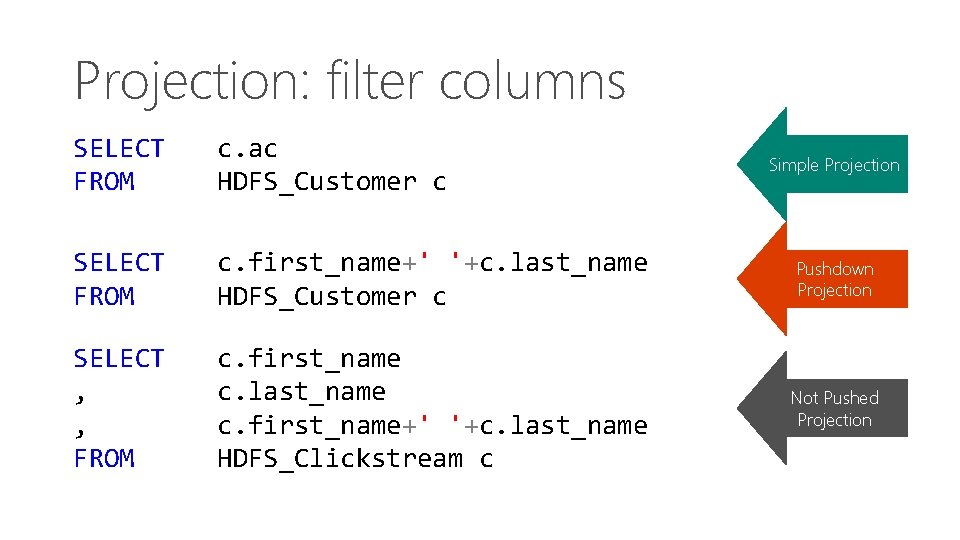
Using split query Map Job designed to minimize movement • • Push predicates down to remote data store Reduce data volume to transfer
Understanding overheads • • Table level stats only give size of table Selectivity of data needs to be considered Map job output must be persisted in Hadoop Need additional data to decide!
Column level statistics Provides the additional data we need • • Crucial for cardinality estimation Enabled for External Tables Manual operation CREATE / DROP Only – not Update
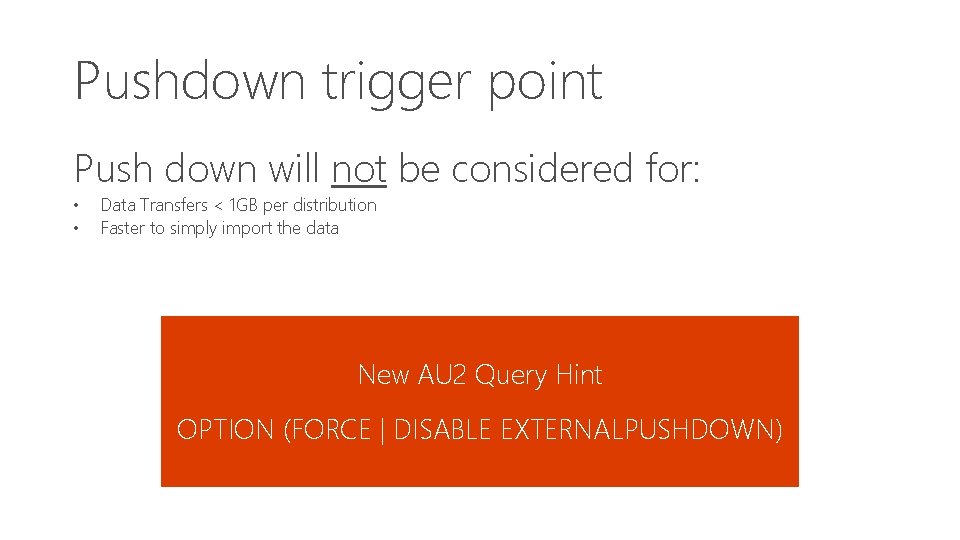
Understanding costs • Submitting Hadoop jobs is costly • Spin-up time ~20 -30 seconds Consequently… • If PDW Engine estimates (based on stats) an execution time of less than 20 -30 seconds there will be no push down
Pushdown trigger point Push down will not be considered for: • • Data Transfers < 1 GB per distribution Faster to simply import the data New AU 2 Query Hint OPTION (FORCE | DISABLE EXTERNALPUSHDOWN)
Selection: filter rows SELECT FROM WHERE * HDFS_Customer c c. account_balance < 20000 Push-able SELECT FROM WHERE * HDFS_Customer c c. Job. Title IN ('Developer', 'Tester') Not Push-able SELECT FROM WHERE * HDFS_Clickstream c c. IP_address BETWEEN 127. 0. 0. 1 AND 127. 0. 0. 7 Possibly Push -able
Projection: filter columns SELECT FROM c. ac HDFS_Customer c SELECT FROM c. first_name+' '+c. last_name HDFS_Customer c Pushdown Projection SELECT , , FROM c. first_name c. last_name c. first_name+' '+c. last_name HDFS_Clickstream c Not Pushed Projection Simple Projection