
Microsoft Access Introduction to Relational Databases Powerful tool
Microsoft Access Introduction to Relational Databases Powerful tool to collect and analyze business data, facilitates decisionmaking Pg. P MIS 202 Access Overview 1
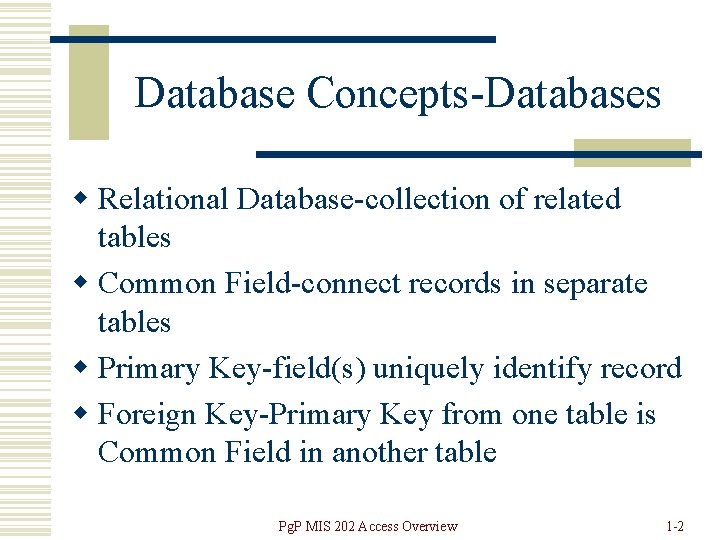
Database Concepts-Databases w Relational Database-collection of related tables w Common Field-connect records in separate tables w Primary Key-field(s) uniquely identify record w Foreign Key-Primary Key from one table is Common Field in another table Pg. P MIS 202 Access Overview 1 -2
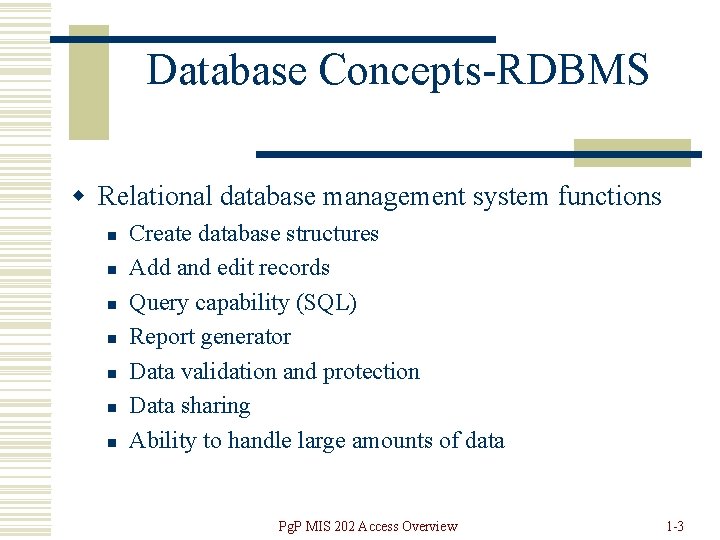
Database Concepts-RDBMS w Relational database management system functions n n n n Create database structures Add and edit records Query capability (SQL) Report generator Data validation and protection Data sharing Ability to handle large amounts of data Pg. P MIS 202 Access Overview 1 -3
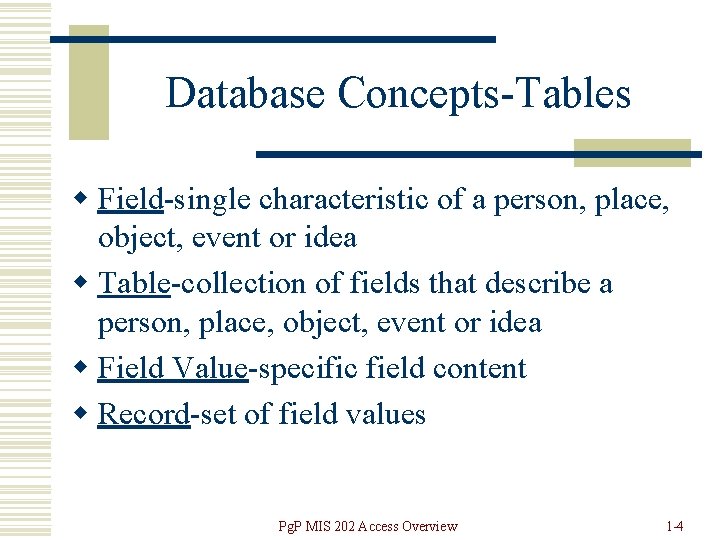
Database Concepts-Tables w Field-single characteristic of a person, place, object, event or idea w Table-collection of fields that describe a person, place, object, event or idea w Field Value-specific field content w Record-set of field values Pg. P MIS 202 Access Overview 1 -4
Database Objects-Queries w Select queries answer questions using data stored in a database w Action queries change database data w Query Wizard enables learning query creation Pg. P MIS 202 Access Overview 1 -5
Database Objects-Forms w Allows you to maintain and view records in a database w Mainly for on-screen output w Form Wizard enables learning form creation Pg. P MIS 202 Access Overview 1 -6
Database Objects-Reports w Allows you to view records in a database w More formatting flexibility and options than a form w Mainly for printed output w Report Wizard enables learning report creation Pg. P MIS 202 Access Overview 1 -7
Database Administration w Compacting-delete unused objects, defragments the database w Backup-protect from data loss or damage w Restore-to make sure your backup scheme is working w Convert databases, link tables w Many other topics-journaling, rollback… Pg. P MIS 202 Access Overview 1 -8
Microsoft Access Database and Table Design Requires up front planning to create useful database Pg. P MIS 202 Access Overview 9
Designing Databases w Determine fields needed to produce information to make decisions (forms, reports) w Group fields by subject/topic into tables w Create primary key for tables w Determine and set field properties w Include common fields to link tables w Normalize to avoid data redundancy Pg. P MIS 202 Access Overview 1 -10
Designing Tables w Tables are composed of fields, set field properties to accomplish your goal w Develop and use a field naming convention w Understand set field data types w Decide on field size, be aware of storage and performance issues Pg. P MIS 202 Access Overview 1 -11
Design Aids w Database and Table Wizards n Learn typical field settings and properties by observing how Microsoft does it Pg. P MIS 202 Access Overview 1 -12
Table Design View w Choose Field Name and Data Type n Description appears in status bar, good to add w Choose Field Properties n n Properties vary by Data Type Common-Field Size, Required, Format Pg. P MIS 202 Access Overview 1 -13
Table Design View w Choose Primary Key n n n Indexed: Yes(No Duplicates) unique Indexed Fields speeds up searches but requires CPU cycles Entry required, no null values entity integrity Pg. P MIS 202 Access Overview 1 -14
Table Datasheet View w Data Entry n n n Be aware of left column symbols, navigation Data entry can also be done in forms File>Save does not save record, that is done when you move to another record Pg. P MIS 202 Access Overview 1 -15
Table Modifications-Design w Be aware of ramifications w Possible Field actions: n n Delete Move Add Modify Properties Pg. P MIS 202 Access Overview 1 -16
Table Modifications-Records w Possible actions: n n n Copy(are field structures similar? ) Open multiple copies of Access? Delete Modify Copy field value from previous record, Ctrl+’ Pg. P MIS 202 Access Overview 1 -17
Table Relationships w Defining and using table relationships is the way to combine related data w One to many n Unique record from one table can have zero, one or many related records in another table Pg. P MIS 202 Access Overview 1 -18
Microsoft Access Query Basics Obtaining Answers to Data Questions Pg. P MIS 202 Access Overview 19
Querying Databases w Filters-datasheet tools to temporarily display set of records n n n Filter by Selection Filter by Form Advanced Filter Pg. P MIS 202 Access Overview 1 -20
Querying Databases w Most common type- Select Query w Asks a question about the data stored in tables, only certain records meet the criteria and are selected Pg. P MIS 202 Access Overview 1 -21
Querying Databases w Query, Design View n Query By Example (QBE) is the Access user interface that creates Structure Query Languate (SQL) statements w Query, Datasheet View n n Display returned records, or ‘answers’ Can be different each time query is run, why? Pg. P MIS 202 Access Overview 1 -22
Querying Databases w Creating queries is one of the most important skills in any database program w Queries are the basis forms and reports w Good form and report design is a result of starting with a good query design Pg. P MIS 202 Access Overview 1 -23
Querying Databases w Sorting, Ascending or Descending n Up to 10 fields, done from left to right w Show check box- determines if field is displayed in datasheet l Why needed? Set criteria for a field that you do not want displayed Pg. P MIS 202 Access Overview 1 -24
Querying Databases w Specifying Record Selection Criteria-learning to return just the records you need w Learn to formulate expressions, used in: n Query criteria and calculated fields Pg. P MIS 202 Access Overview 1 -25
Querying Databases w Operators- key expression building tool n n Like, In, Between…And… =, <, >, <> w Exact matches w Multiple criteria n n And-tends to return fewer records Or-tends to return more records Pg. P MIS 202 Access Overview 1 -26
Querying Databases w Calculated Fields-derivable quantities that should not be stored (why? ) in underlying table, such as: n n Extended. Price: Quantity * Price Age: Date. Diff("yyyy", [Date. Of. Birth], Date()) w Expression Builder-useful tool w Zoom Box (Shift+F 2) Pg. P MIS 202 Access Overview 1 -27
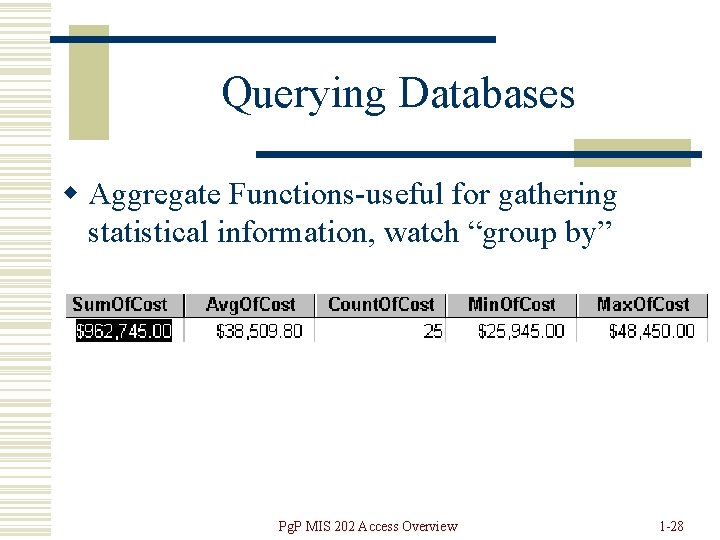
Querying Databases w Aggregate Functions-useful for gathering statistical information, watch “group by” Pg. P MIS 202 Access Overview 1 -28
Querying Databases w Group By-use in conjunction with aggregate functions or alone n Consolidate records into groups based on chosen fields w Useful in finding unique field values Pg. P MIS 202 Access Overview 1 -29
- Slides: 29