
Microsoft Access as an ODBC Client Application A
Microsoft Access as an ODBC Client Application A Presentation for the Microsoft Access SIG of the North Texas PC User Group and the Metroplex Access Developers by Larry. Linson © Copyright 2000 by L. M. Linson, all rights reserved
What is Access? u “A nice little desktop database” First popular Windows database u For the novice u For the power user u For the developer u A File Server database with Jet u
Access can build u A standalone database u A multi-user database A client linked to ODBC databases u A direct client to SQL Server u A web interface to database u
Specifically u Microsoft Access 2, 97, 2000 . MDB or. MDE file format u Jet database engine and Data Access Objects (DAO) u Tables LINKed via ODBC Driver to u Server database (e. g. SQL Server) u
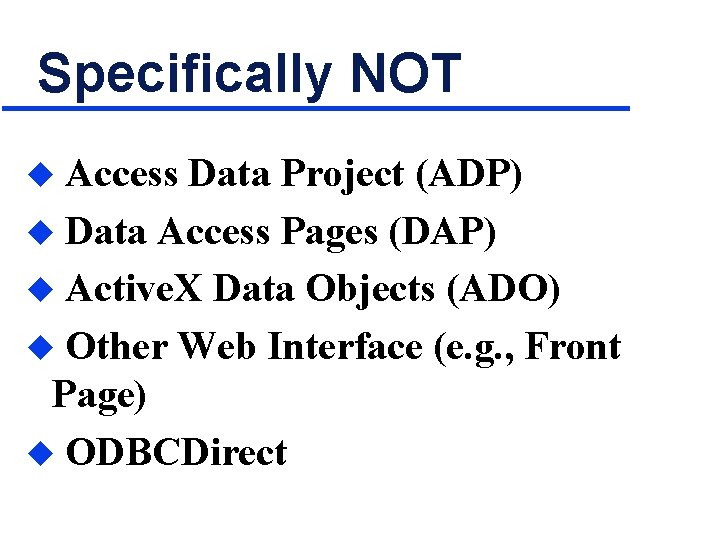
Specifically NOT Access Data Project (ADP) u Data Access Pages (DAP) u Active. X Data Objects (ADO) u Other Web Interface (e. g. , Front Page) u ODBCDirect u
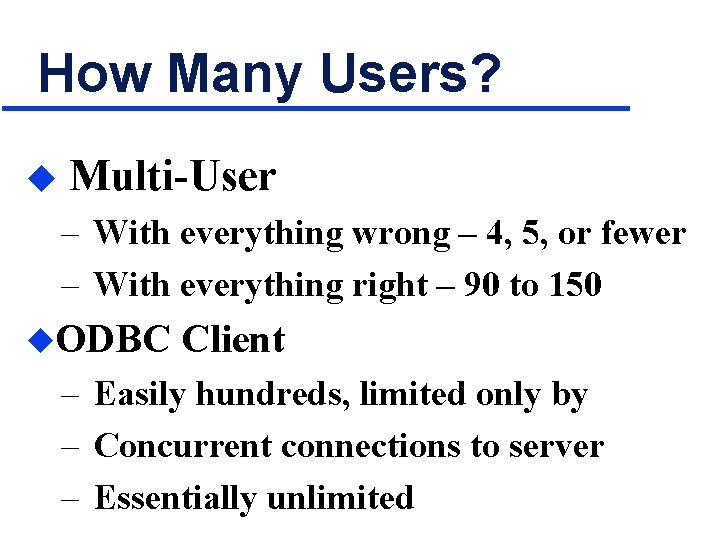
How Many Users? u Multi-User – With everything wrong – 4, 5, or fewer – With everything right – 90 to 150 u. ODBC Client – Easily hundreds, limited only by – Concurrent connections to server – Essentially unlimited
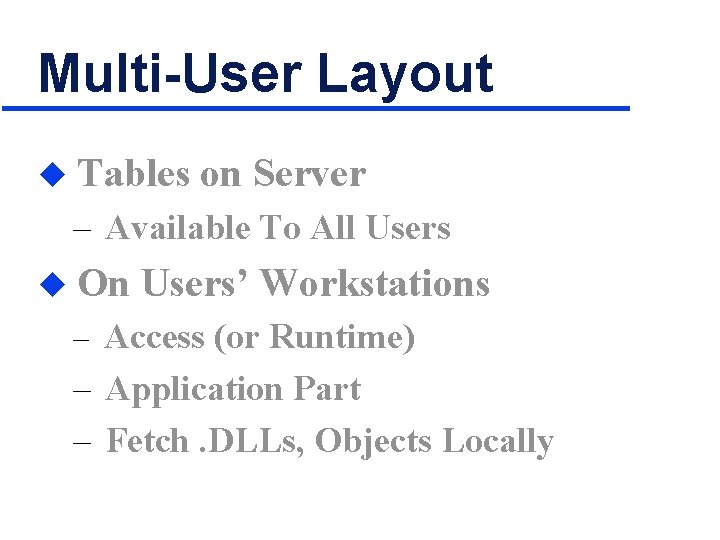
Multi-User Layout u Tables on Server – Available To All Users u On Users’ Workstations – Access (or Runtime) – Application Part – Fetch. DLLs, Objects Locally
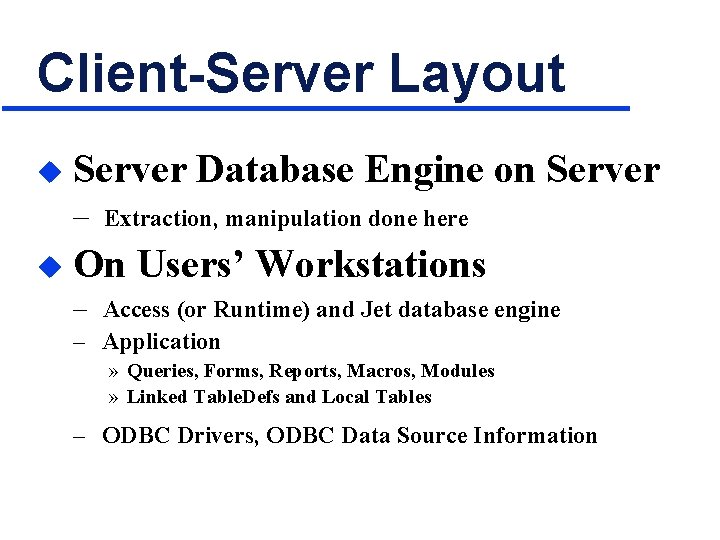
Client-Server Layout u Server Database Engine on Server – u Extraction, manipulation done here On Users’ Workstations – Access (or Runtime) and Jet database engine – Application » Queries, Forms, Reports, Macros, Modules » Linked Table. Defs and Local Tables – ODBC Drivers, ODBC Data Source Information
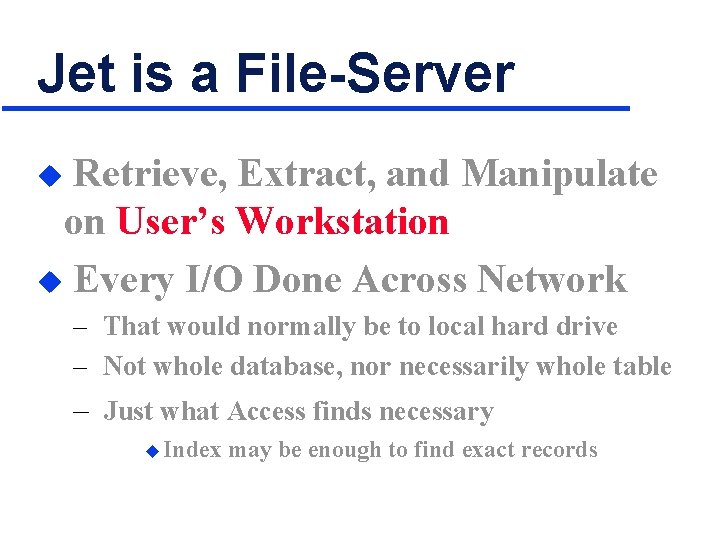
Jet is a File-Server Retrieve, Extract, and Manipulate on User’s Workstation u Every I/O Done Across Network u – That would normally be to local hard drive – Not whole database, nor necessarily whole table – Just what Access finds necessary u Index may be enough to find exact records
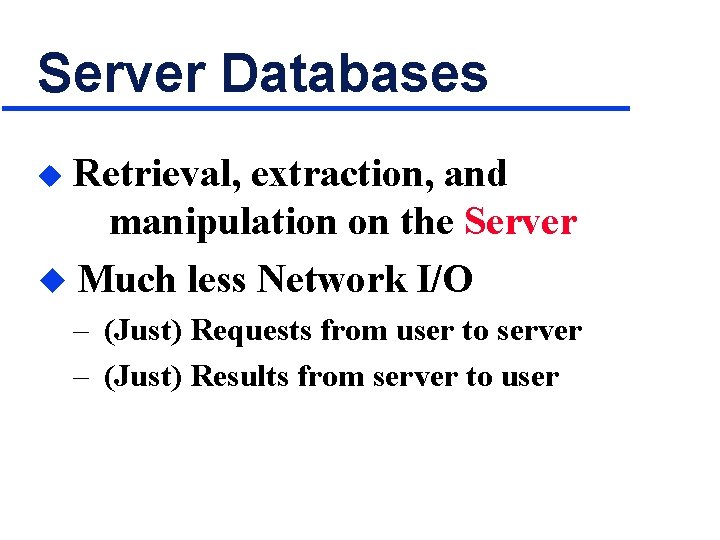
Server Databases Retrieval, extraction, and manipulation on the Server u Much less Network I/O u – (Just) Requests from user to server – (Just) Results from server to user
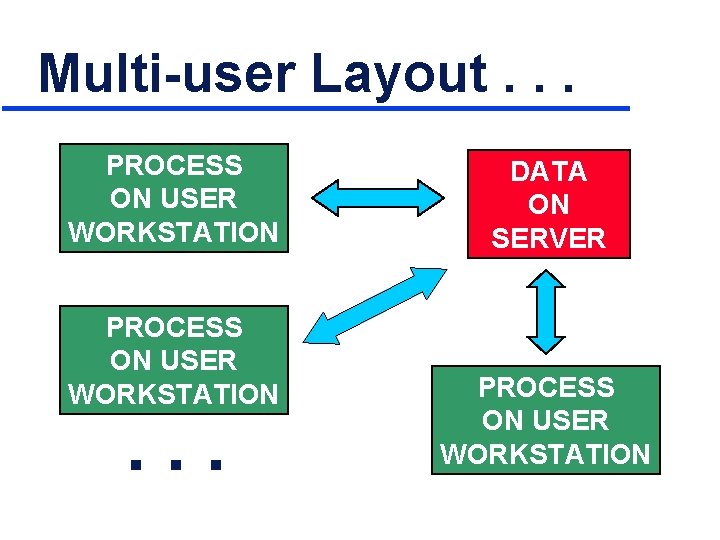
Multi-user Layout. . . PROCESS ON USER WORKSTATION . . . DATA ON SERVER PROCESS ON USER WORKSTATION
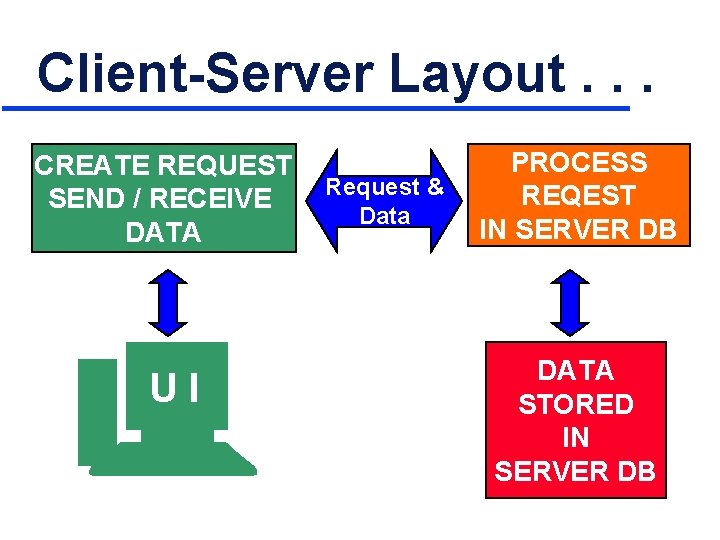
Client-Server Layout. . . CREATE REQUEST SEND / RECEIVE DATA UI Request & Data PROCESS REQEST IN SERVER DB DATA STORED IN SERVER DB
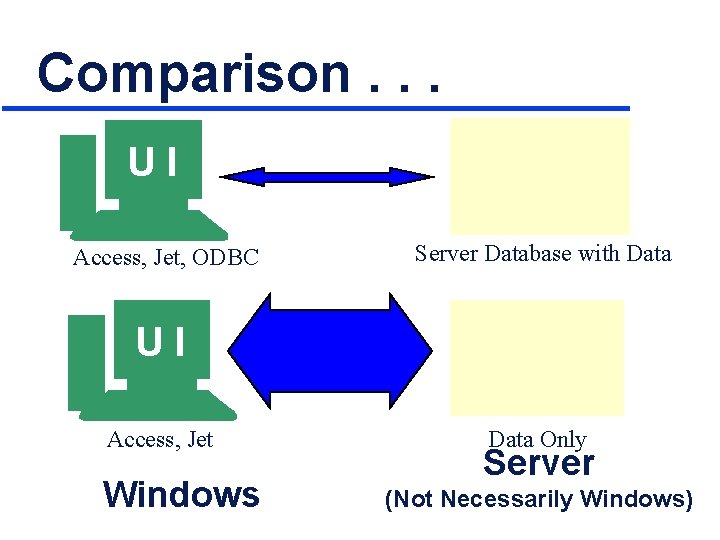
Comparison. . . UI Access, Jet, ODBC Server Database with Data U U II Access, Jet Windows Data Only Server (Not Necessarily Windows)
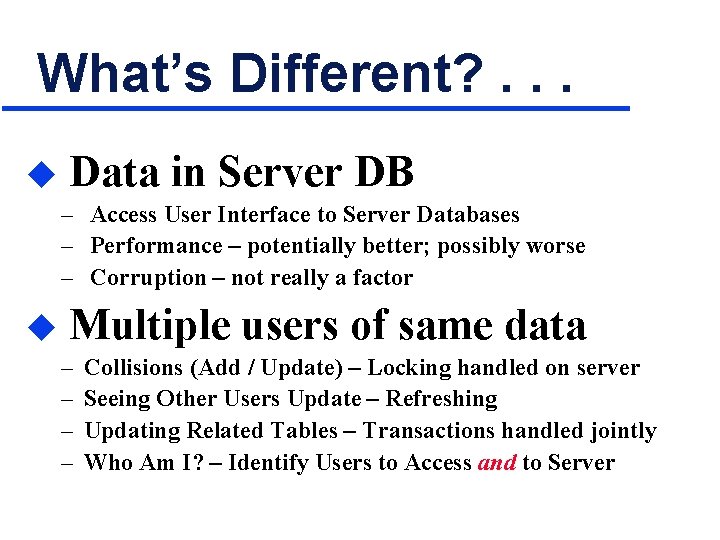
What’s Different? . . . u Data in Server DB – Access User Interface to Server Databases – Performance – potentially better; possibly worse – Corruption – not really a factor u Multiple users of same data – – Collisions (Add / Update) – Locking handled on server Seeing Other Users Update – Refreshing Updating Related Tables – Transactions handled jointly Who Am I? – Identify Users to Access and to Server
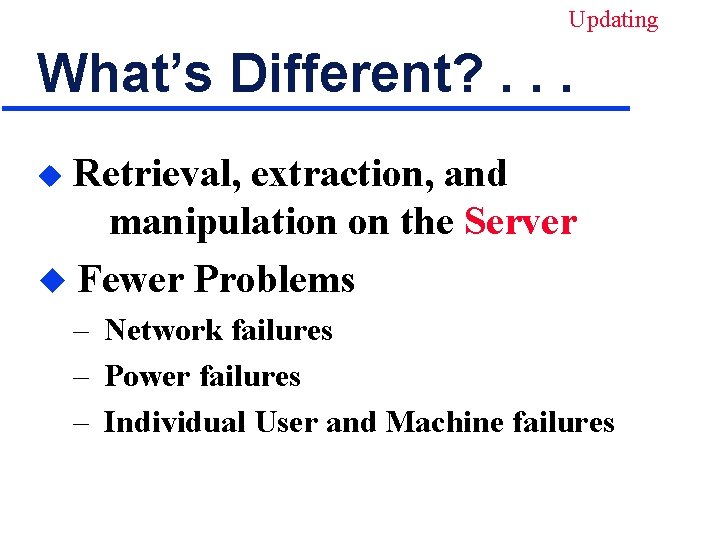
Updating What’s Different? . . . Retrieval, extraction, and manipulation on the Server u Fewer Problems u – Network failures – Power failures – Individual User and Machine failures
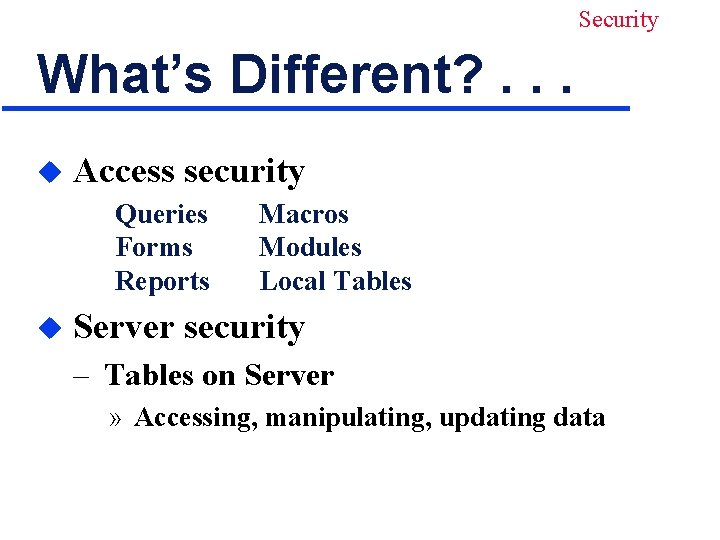
Security What’s Different? . . . u Access security Queries Forms Reports u Macros Modules Local Tables Server security – Tables on Server » Accessing, manipulating, updating data
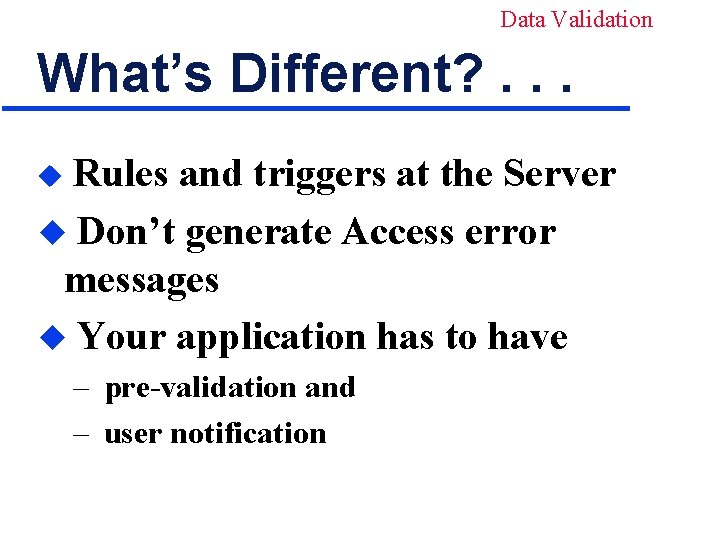
Data Validation What’s Different? . . . Rules and triggers at the Server u Don’t generate Access error messages u Your application has to have u – pre-validation and – user notification
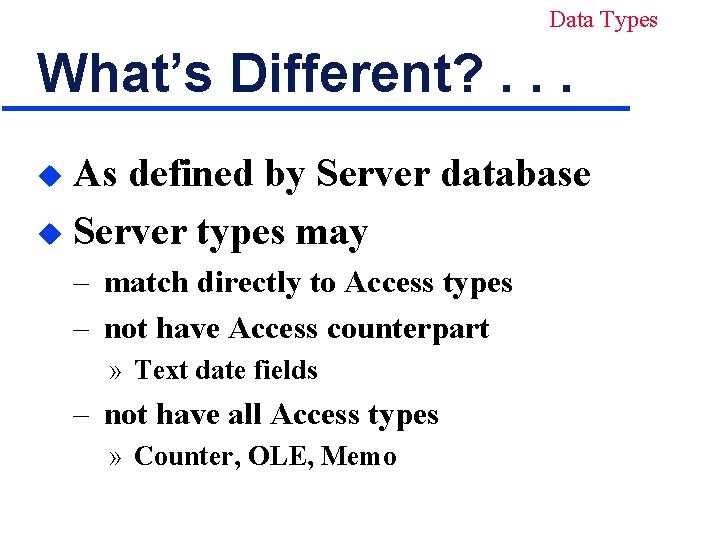
Data Types What’s Different? . . . As defined by Server database u Server types may u – match directly to Access types – not have Access counterpart » Text date fields – not have all Access types » Counter, OLE, Memo
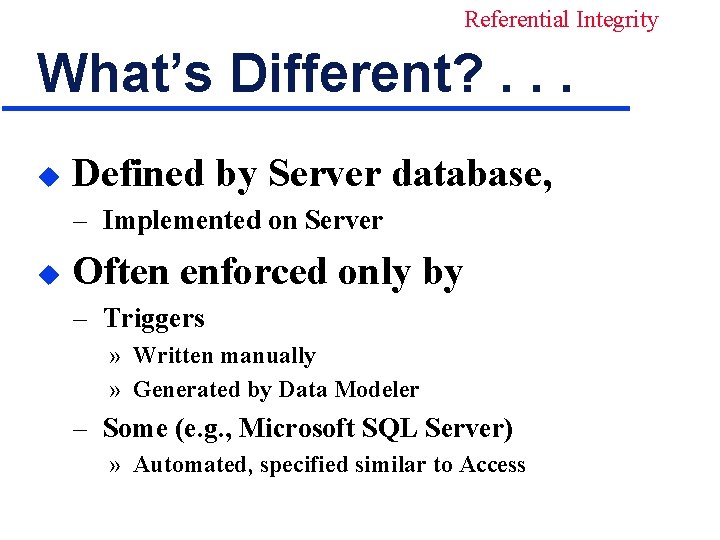
Referential Integrity What’s Different? . . . u Defined by Server database, – Implemented on Server u Often enforced only by – Triggers » Written manually » Generated by Data Modeler – Some (e. g. , Microsoft SQL Server) » Automated, specified similar to Access
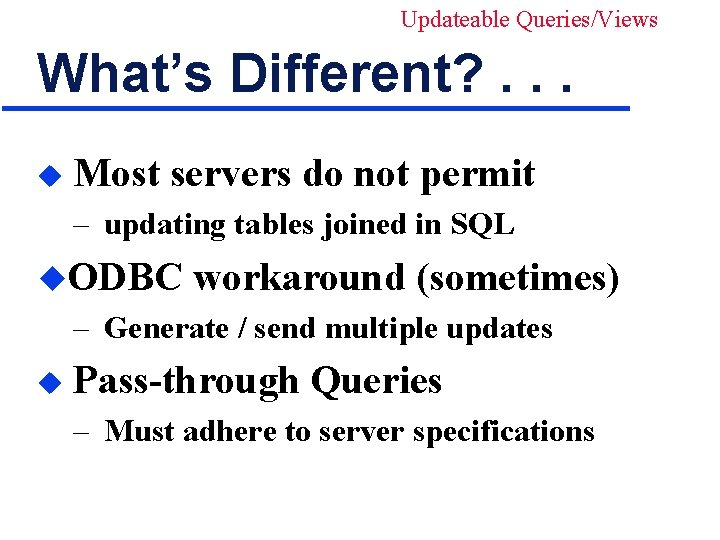
Updateable Queries/Views What’s Different? . . . u Most servers do not permit – updating tables joined in SQL u. ODBC workaround (sometimes) – Generate / send multiple updates u Pass-through Queries – Must adhere to server specifications
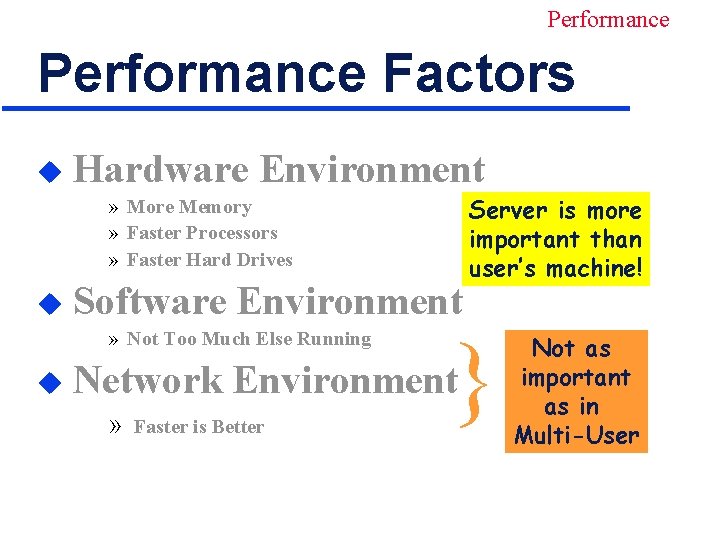
Performance Factors u Hardware Environment » More Memory » Faster Processors » Faster Hard Drives u Software Environment » Not Too Much Else Running u } Network Environment » Faster is Better Server is more important than user’s machine! Not as important as in Multi-User
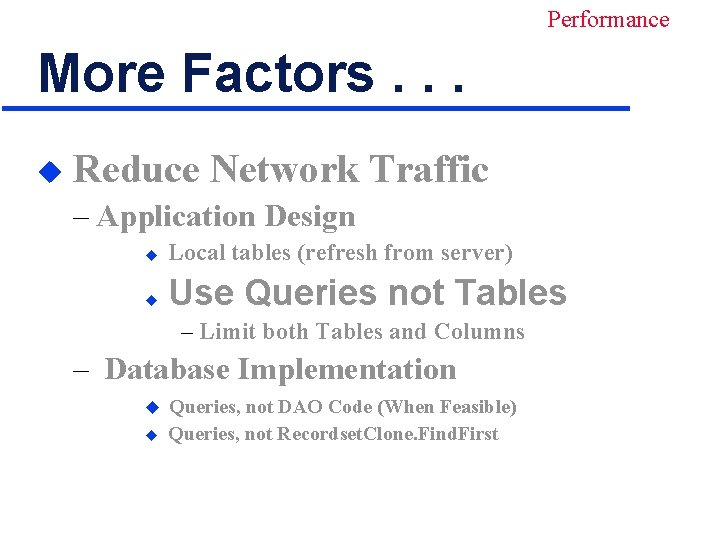
Performance More Factors. . . u Reduce Network Traffic – Application Design u Local tables (refresh from server) u Use Queries not Tables – Limit both Tables and Columns – Database Implementation u u Queries, not DAO Code (When Feasible) Queries, not Recordset. Clone. Find. First
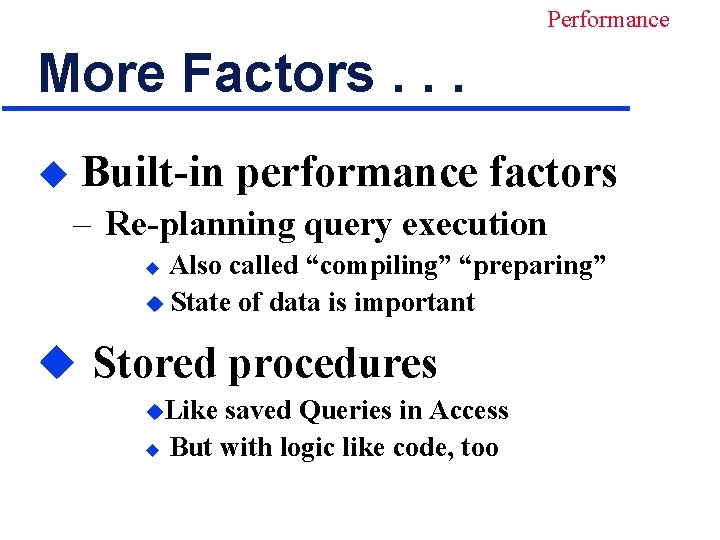
Performance More Factors. . . u Built-in performance factors – Re-planning query execution Also called “compiling” “preparing” u State of data is important u u Stored procedures u. Like saved Queries in Access u But with logic like code, too
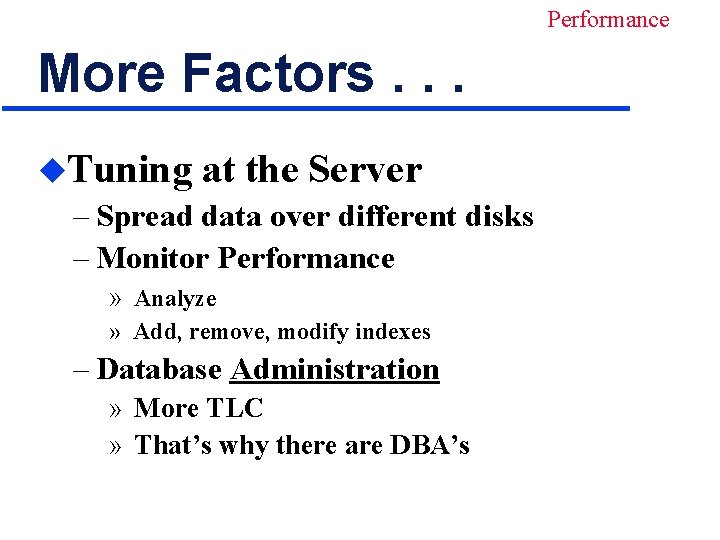
Performance More Factors. . . u. Tuning at the Server – Spread data over different disks – Monitor Performance » Analyze » Add, remove, modify indexes – Database Administration » More TLC » That’s why there are DBA’s
Performance But. . . u Jet can be smart – Return only part of large recordset – Create separate query for Find. First u It may “save us from ourselves”
Data Integrity Views u. Restrict user access – Only the specified columns – Only the specified rows Like Access’ “Saved Queries” u Appear as Tables to Jet / Access u Also assist performance u – Force joins and selection at server
Data Integrity Record Locking. . . u. Done “co-operatively” in C/S – Jet passes the request – Locking actually done by the server – Considerations same as Multi-User » Except: you may lock out more users » May be a smaller time window for some u So, let’s just “fly through” – the repeated slides
Data Integrity Record Locking. . . u. In Bound Forms – No Locks (aka Optimistic Locking) » Only in the instant the record is saved – Edited Record (aka Pessimistic Locking) » As soon as user begins to edit – All Records » All records in the entire recordset » Batch Updates » Administrative Maintenance
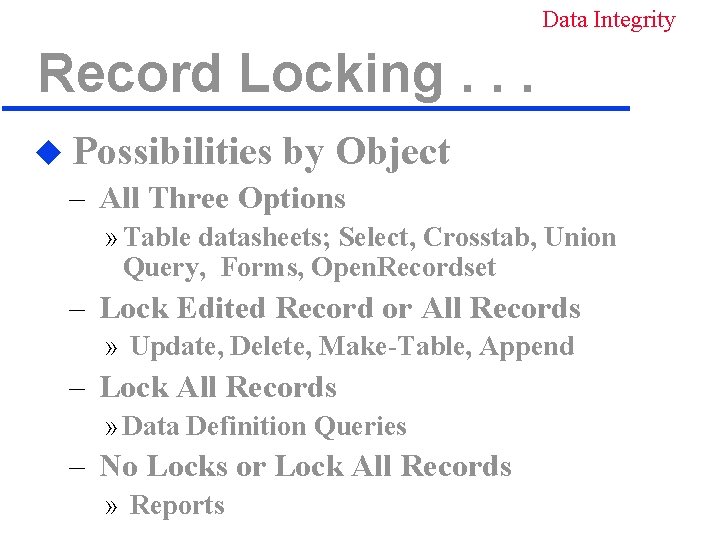
Data Integrity Record Locking. . . u Possibilities by Object – All Three Options » Table datasheets; Select, Crosstab, Union Query, Forms, Open. Recordset – Lock Edited Record or All Records » Update, Delete, Make-Table, Append – Lock All Records » Data Definition Queries – No Locks or Lock All Records » Reports
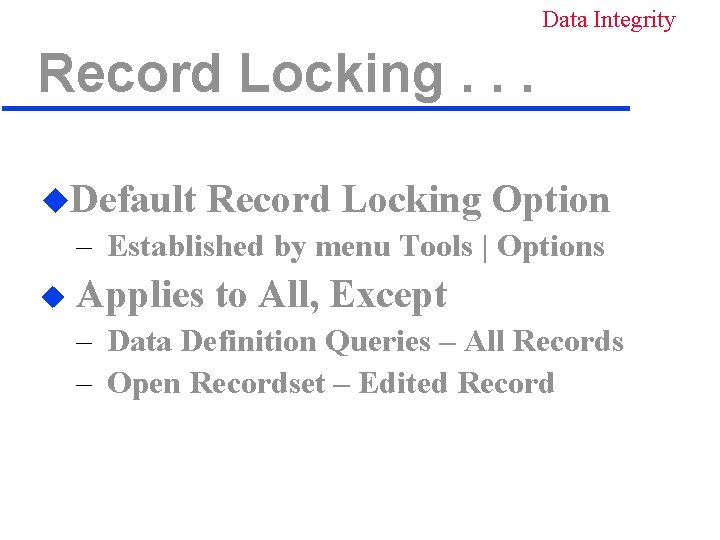
Data Integrity Record Locking. . . u. Default Record Locking Option – Established by menu Tools | Options u Applies to All, Except – Data Definition Queries – All Records – Open Recordset – Edited Record
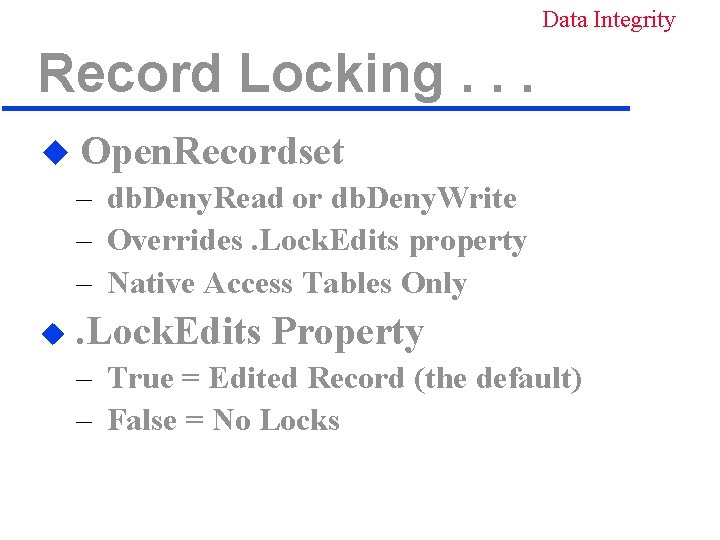
Data Integrity Record Locking. . . u Open. Recordset – db. Deny. Read or db. Deny. Write – Overrides. Lock. Edits property – Native Access Tables Only u . Lock. Edits Property – True = Edited Record (the default) – False = No Locks
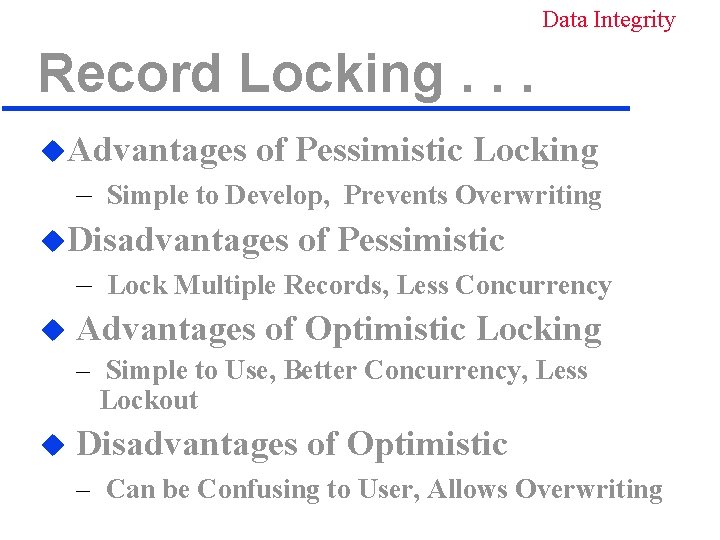
Data Integrity Record Locking. . . u. Advantages of Pessimistic Locking – Simple to Develop, Prevents Overwriting u. Disadvantages of Pessimistic – Lock Multiple Records, Less Concurrency u Advantages of Optimistic Locking – Simple to Use, Better Concurrency, Less Lockout u Disadvantages of Optimistic – Can be Confusing to User, Allows Overwriting
Data Integrity Record Locking u Generally, use Optimistic – Minimize User Lockout u Or, Mixed, by Specific Object – Most Optimistic, but – Critical Information, Pessimistic » Example: Quantity on Hand in Inventory
Data Integrity Transactions. . . Changes in a batch u All Succeed or All Fail u Same or Related Tables u – Allocate Stock to Order, Deduct Stock on Hand – Credit New Account and Debit Old Account
Data Integrity Transactions. . . u Server can resolve problems – From failure occurring any time – Full audit trail – Hot backup – second copy of data u No – Orphan locks in. LDB – Data loss, lockout, corruption due to » Errors that occur while committing
Data Integrity Transactions u Consider client-server if – – Processing funds transactions Performing critical inventory updates Etc. Regardless of other considerations » Performance » Number of users
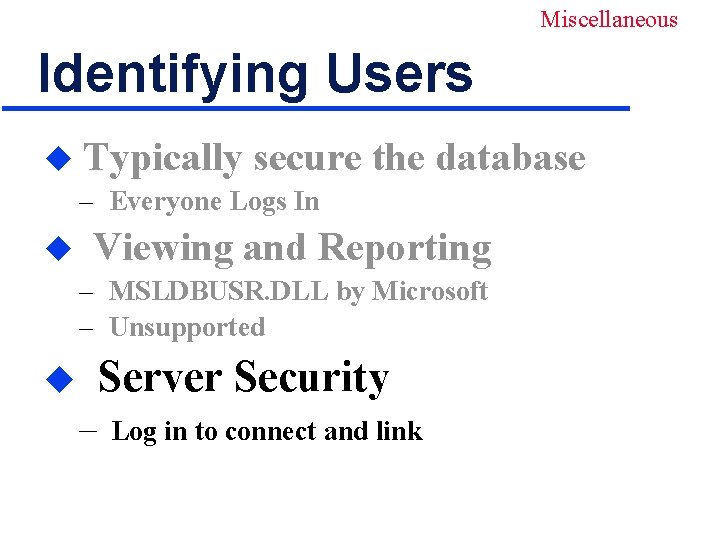
Miscellaneous Identifying Users u Typically secure the database – Everyone Logs In u Viewing and Reporting – MSLDBUSR. DLL by Microsoft – Unsupported Server Security u – Log in to connect and link
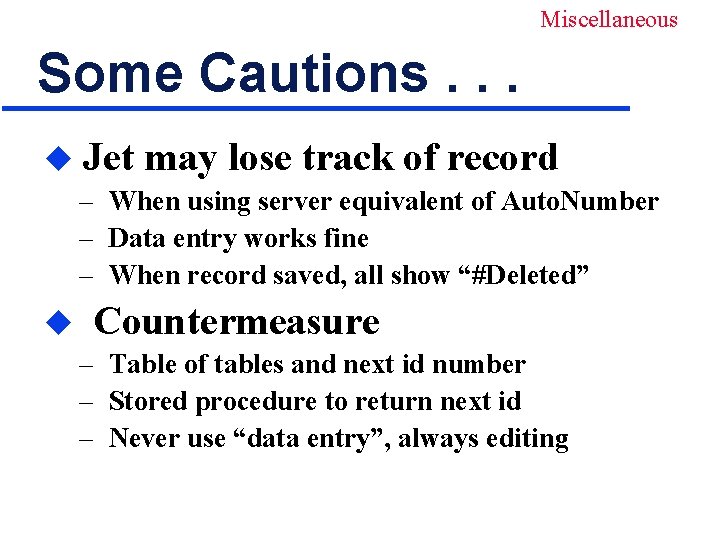
Miscellaneous Some Cautions. . . u Jet may lose track of record – When using server equivalent of Auto. Number – Data entry works fine – When record saved, all show “#Deleted” u Countermeasure – Table of tables and next id number – Stored procedure to return next id – Never use “data entry”, always editing
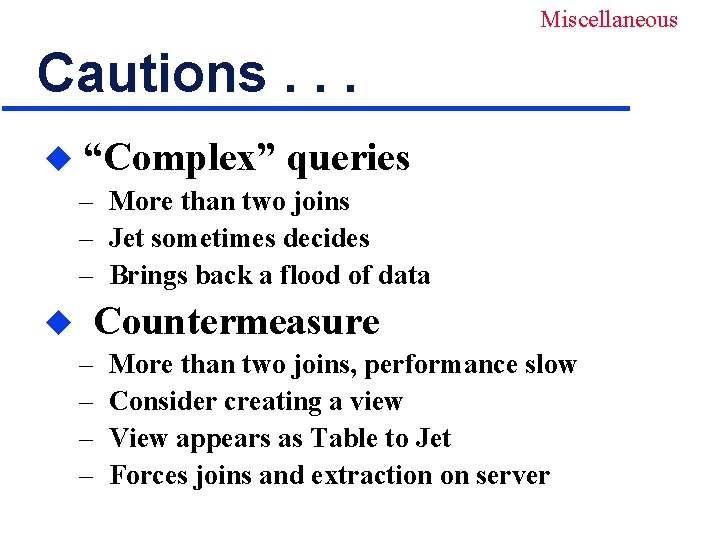
Miscellaneous Cautions. . . u “Complex” queries – More than two joins – Jet sometimes decides – Brings back a flood of data u Countermeasure – – More than two joins, performance slow Consider creating a view View appears as Table to Jet Forces joins and extraction on server
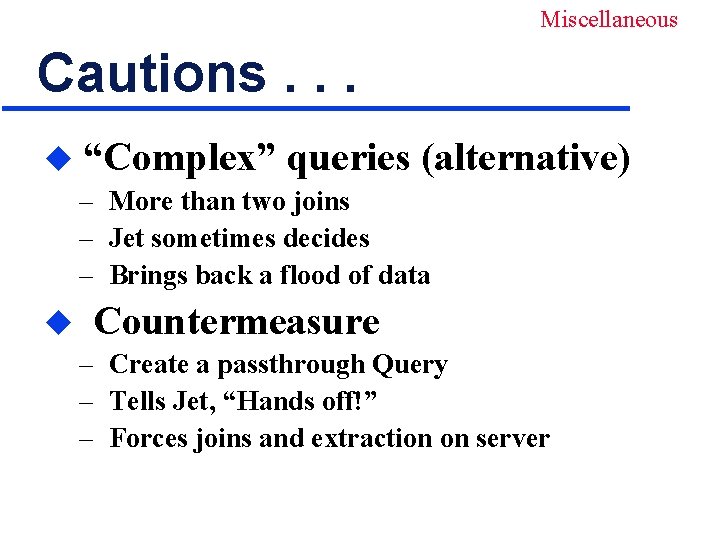
Miscellaneous Cautions. . . u “Complex” queries (alternative) – More than two joins – Jet sometimes decides – Brings back a flood of data u Countermeasure – Create a passthrough Query – Tells Jet, “Hands off!” – Forces joins and extraction on server
Miscellaneous Cautions. . . u “Order by” not a key, not indexed – “Order By field must be in Select Clause” – Message is erroneous u Countermeasure – May have to make it a key or index – May be able to use a passthrough Query
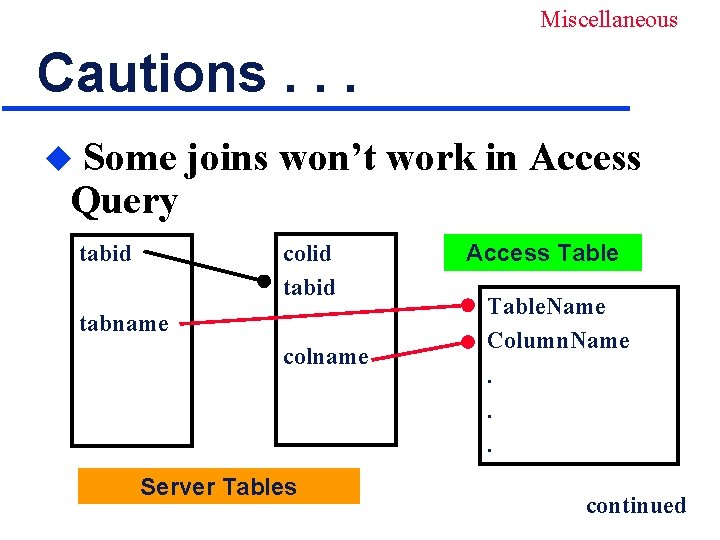
Miscellaneous Cautions. . . Some joins won’t work in Access Query u colid tabid tabname colname Server Tables Access Table. Name Column. Name. . . • continued
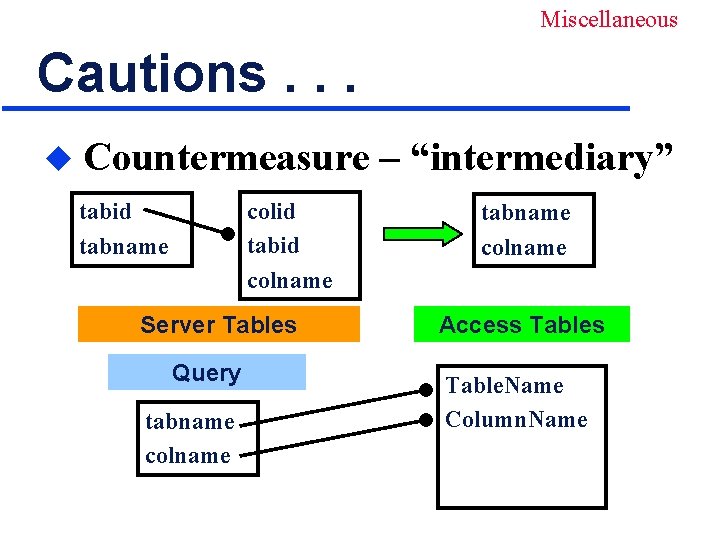
Miscellaneous Cautions. . . u Countermeasure – “intermediary” colid tabid colname tabid tabname Server Tables Query tabname colname Access Table. Name Column. Name
Resources. . . u Access 97 Developer’s Handbook by Getz, Litwin, Gilbert u published by SYBEX u ISBN: 0 - 7821 - 1941 - 7 u Chap 15 – Developing Client-Server u Applications
Resources. . . u Access 2000 Developer’s Handbook, Volume 2: Enterprise Edition u by Getz, Litwin, Gilbert u published by SYBEX u ISBN: 0 - 7821 - 2372 - 4 u Chap 3 – Developing Client-Server Applications (also other chapters this volume)
Resources. . . u Building Applications with Microsoft Access 97 u Manual, comes with Office Developer or the MSDN Library u publisher: Microsoft u. Chapter 10 – Creating Multi-User Databases
Resources u Microsoft Office Visual Basic Programmer’s Guide u Manual, comes with Office 2000 Developer or the MSDN Library u publisher: Microsoft u. Chapter 16 –Multi-User Database Solutions
- Slides: 47