
Microelectrode Recording Using the FHC microdrive Microelectrode Recording
- Slides: 12
Microelectrode Recording Using the FHC micro-drive
Microelectrode Recording • • • Calculate the micro-drive starting point Assemble the FHC micro-drive Insert the cannulae Insert the microelectrode Additional tracks: – Perform a parallel track – Using the offset positioner • Place the DBS lead
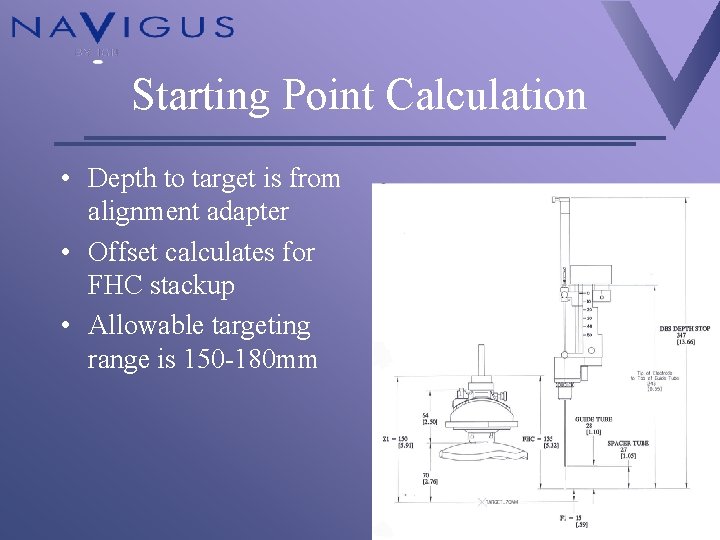
Starting Point Calculation • Depth to target is from alignment adapter • Offset calculates for FHC stackup • Allowable targeting range is 150 -180 mm
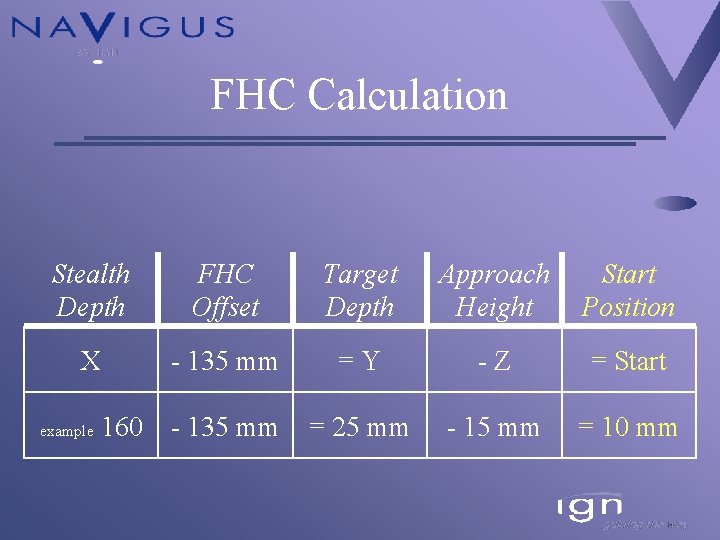
FHC Calculation Stealth Depth FHC Offset Target Depth Approach Height Start Position X - 135 mm =Y -Z = Start - 135 mm = 25 mm - 15 mm = 10 mm example 160
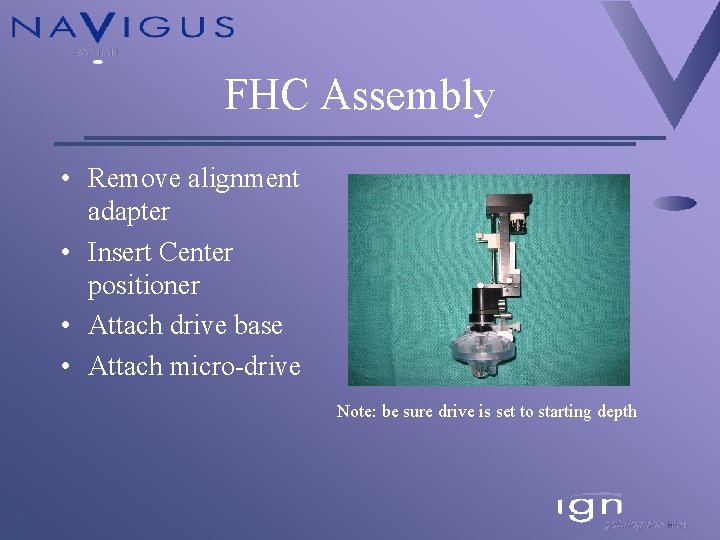
FHC Assembly • Remove alignment adapter • Insert Center positioner • Attach drive base • Attach micro-drive Note: be sure drive is set to starting depth
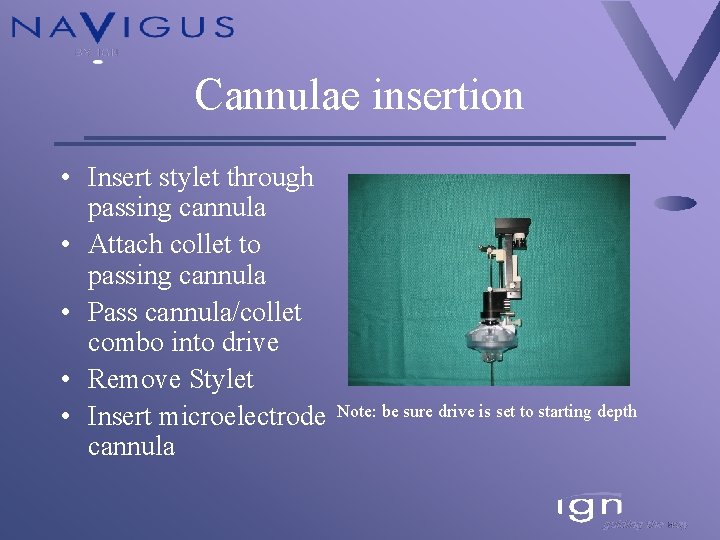
Cannulae insertion • Insert stylet through passing cannula • Attach collet to passing cannula • Pass cannula/collet combo into drive • Remove Stylet • Insert microelectrode cannula Note: be sure drive is set to starting depth
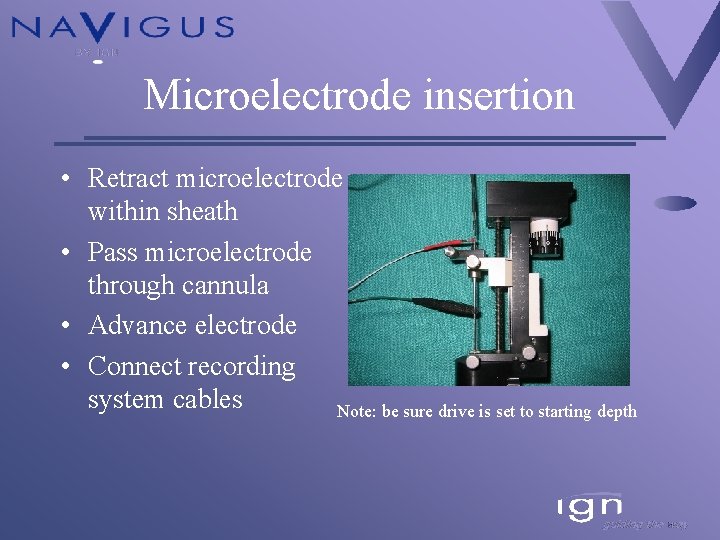
Microelectrode insertion • Retract microelectrode within sheath • Pass microelectrode through cannula • Advance electrode • Connect recording system cables Note: be sure drive is set to starting depth
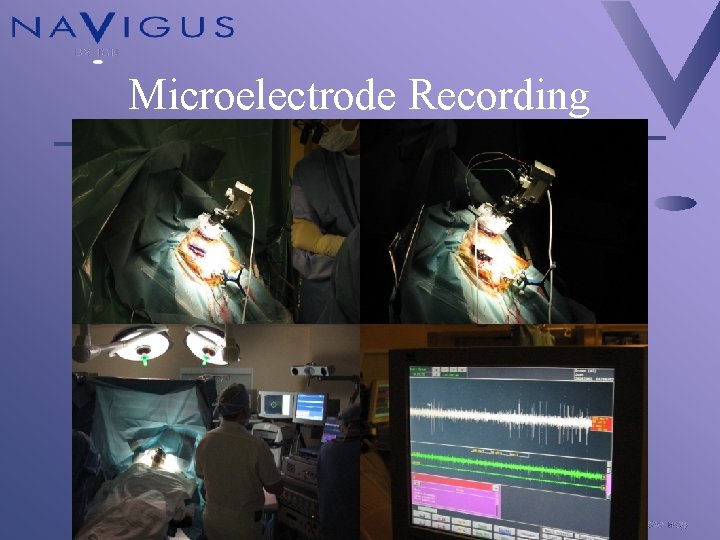
Microelectrode Recording
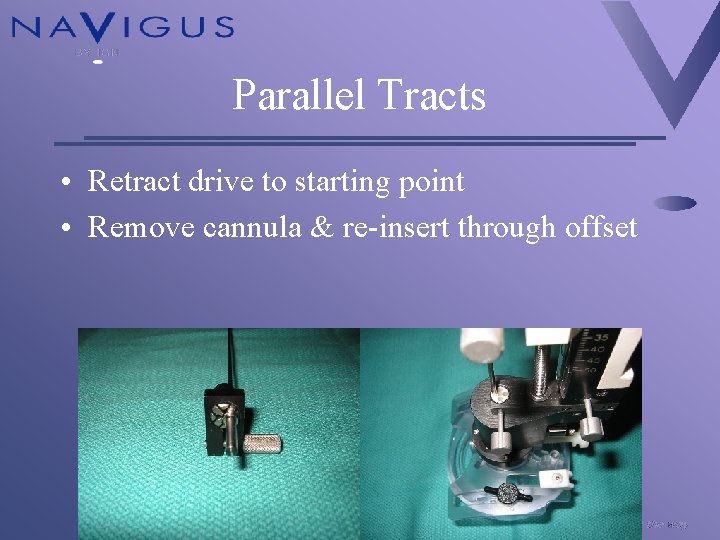
Parallel Tracts • Retract drive to starting point • Remove cannula & re-insert through offset
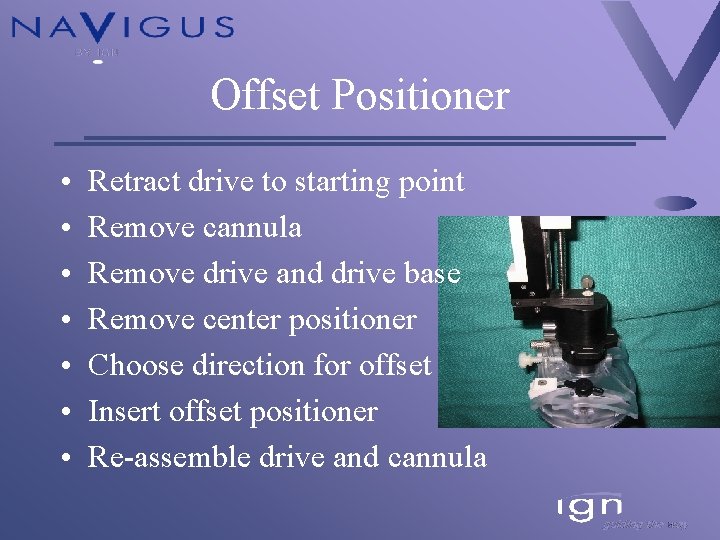
Offset Positioner • • Retract drive to starting point Remove cannula Remove drive and drive base Remove center positioner Choose direction for offset Insert offset positioner Re-assemble drive and cannula
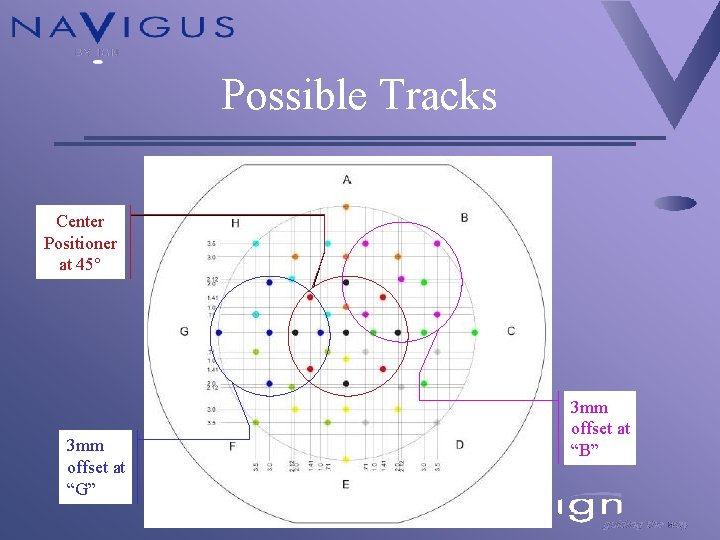
Possible Tracks Center Positioner at 45° 3 mm offset at “G” 3 mm offset at “B”
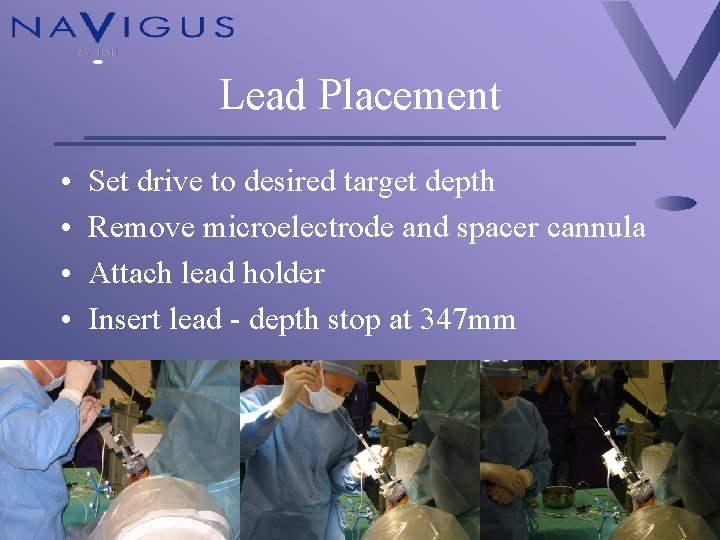
Lead Placement • • Set drive to desired target depth Remove microelectrode and spacer cannula Attach lead holder Insert lead - depth stop at 347 mm