
Micro Lectures Give Me Two Minutes and I

- Slides: 44
Micro. Lectures: Give Me Two Minutes and I Will Give You the World
Poll How long is the attention span of an average college student listening to a classroom lecture? 0) 30 seconds 1) 2 -3 minutes 2) 6 -7 minutes 3) 10 -15 minutes 4) 18 -20 minutes 5) 50 -60 minutes
Popular Misconception Lack of evidence to support the 10 -15 minute heuristic on college students’ attention span
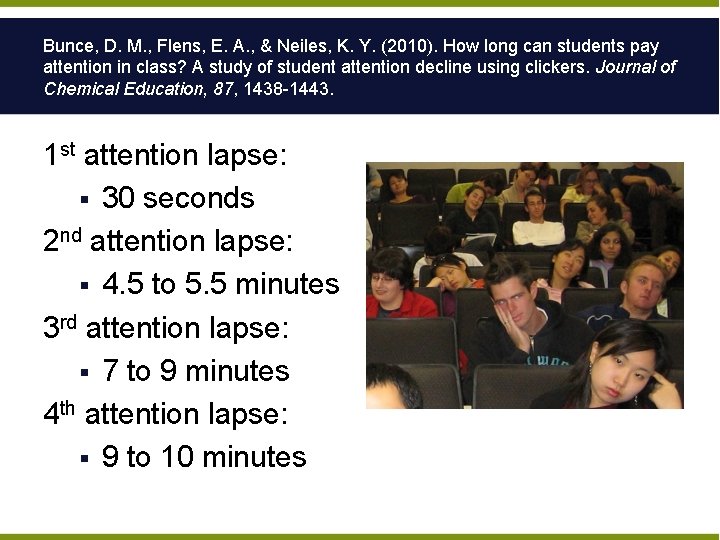
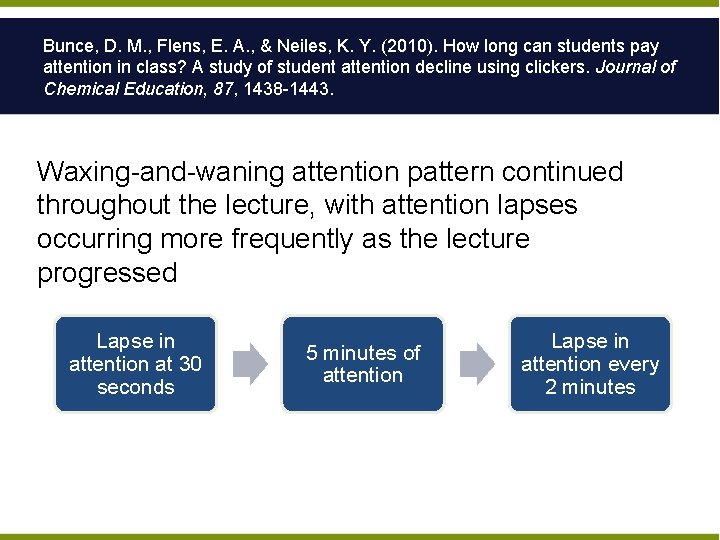
Bunce, D. M. , Flens, E. A. , & Neiles, K. Y. (2010). How long can students pay attention in class? A study of student attention decline using clickers. Journal of Chemical Education, 87, 1438 -1443. 1 st attention lapse: § 30 seconds 2 nd attention lapse: § 4. 5 to 5. 5 minutes 3 rd attention lapse: § 7 to 9 minutes 4 th attention lapse: § 9 to 10 minutes
Bunce, D. M. , Flens, E. A. , & Neiles, K. Y. (2010). How long can students pay attention in class? A study of student attention decline using clickers. Journal of Chemical Education, 87, 1438 -1443. Waxing-and-waning attention pattern continued throughout the lecture, with attention lapses occurring more frequently as the lecture progressed Lapse in attention at 30 seconds 5 minutes of attention Lapse in attention every 2 minutes
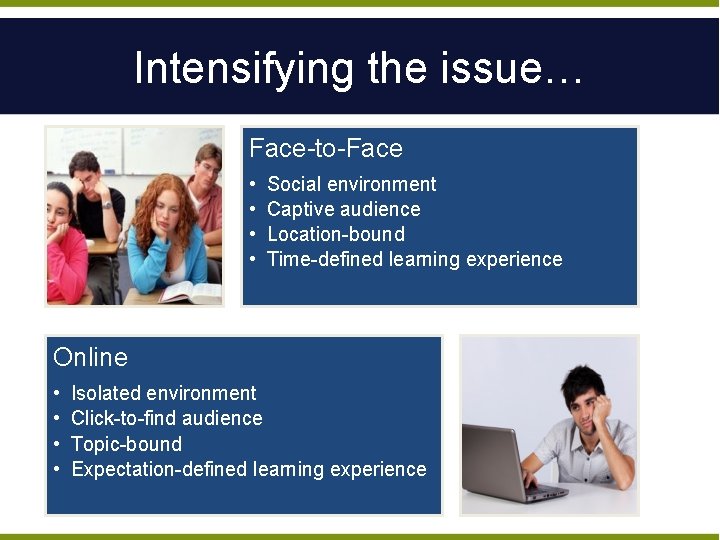
Intensifying the issue… Face-to-Face • • Social environment Captive audience Location-bound Time-defined learning experience Online • • Isolated environment Click-to-find audience Topic-bound Expectation-defined learning experience
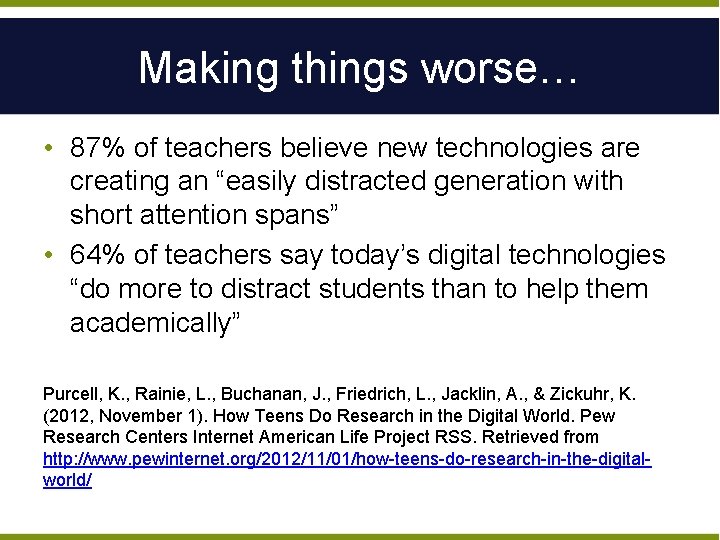
Making things worse… • 87% of teachers believe new technologies are creating an “easily distracted generation with short attention spans” • 64% of teachers say today’s digital technologies “do more to distract students than to help them academically” Purcell, K. , Rainie, L. , Buchanan, J. , Friedrich, L. , Jacklin, A. , & Zickuhr, K. (2012, November 1). How Teens Do Research in the Digital World. Pew Research Centers Internet American Life Project RSS. Retrieved from http: //www. pewinternet. org/2012/11/01/how-teens-do-research-in-the-digitalworld/
The challenge…
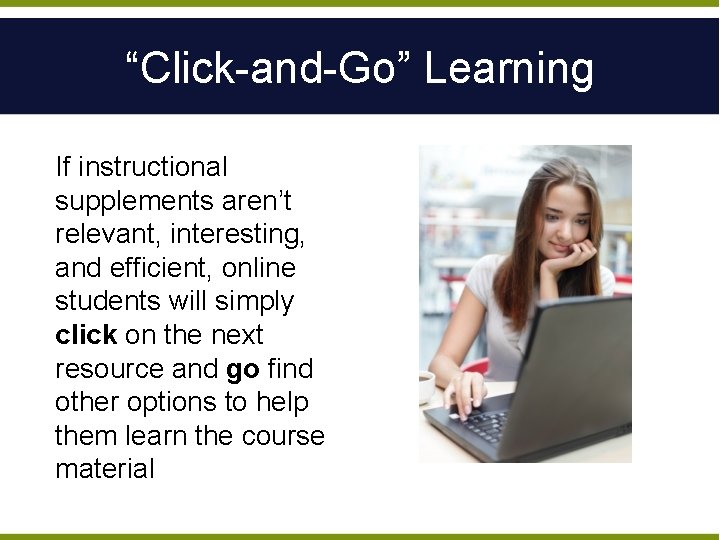
“Click-and-Go” Learning If instructional supplements aren’t relevant, interesting, and efficient, online students will simply click on the next resource and go find other options to help them learn the course material
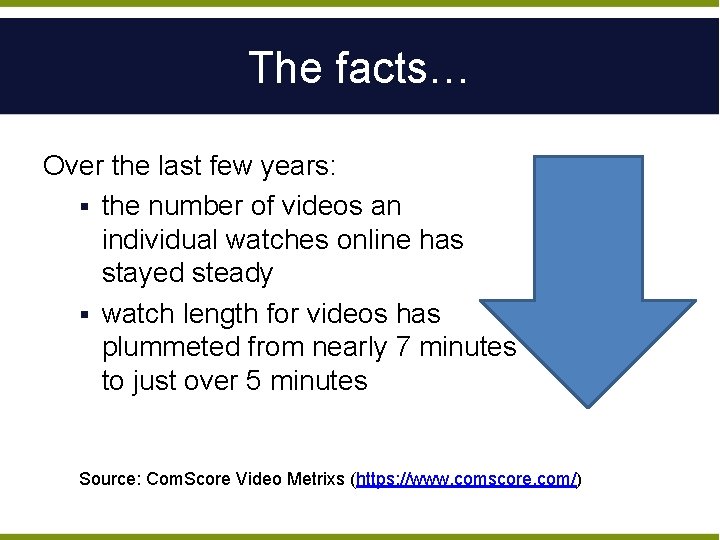
The facts… Over the last few years: § the number of videos an individual watches online has stayed steady § watch length for videos has plummeted from nearly 7 minutes to just over 5 minutes Source: Com. Score Video Metrixs (https: //www. comscore. com/)
… and yet… One minute of video has the impact of 1. 8 million words; equivalent of 3, 600 typical web pages Source: Dr. James Mc. Quivey of Forrester Research
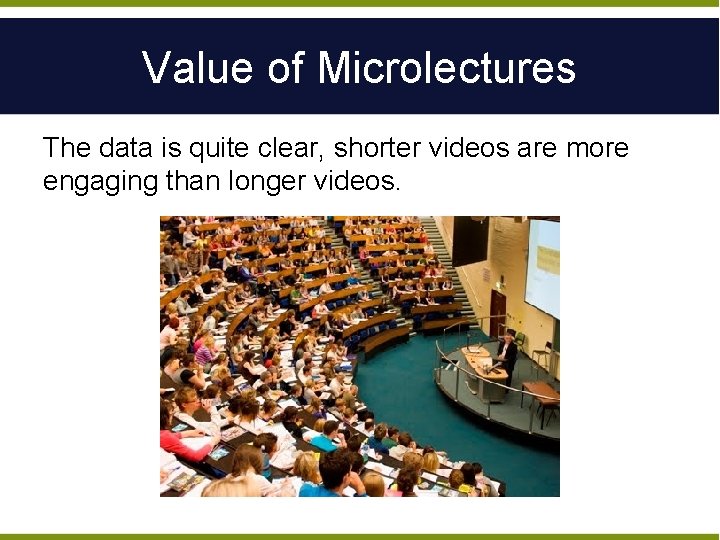
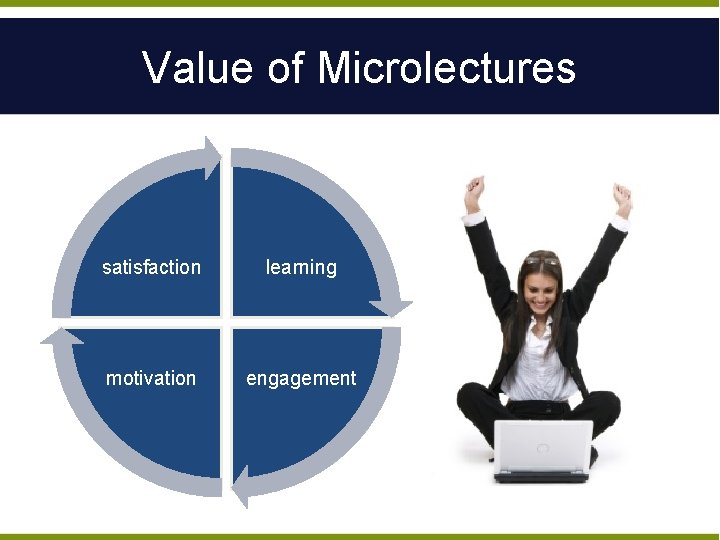
Value of Microlectures The data is quite clear, shorter videos are more engaging than longer videos.
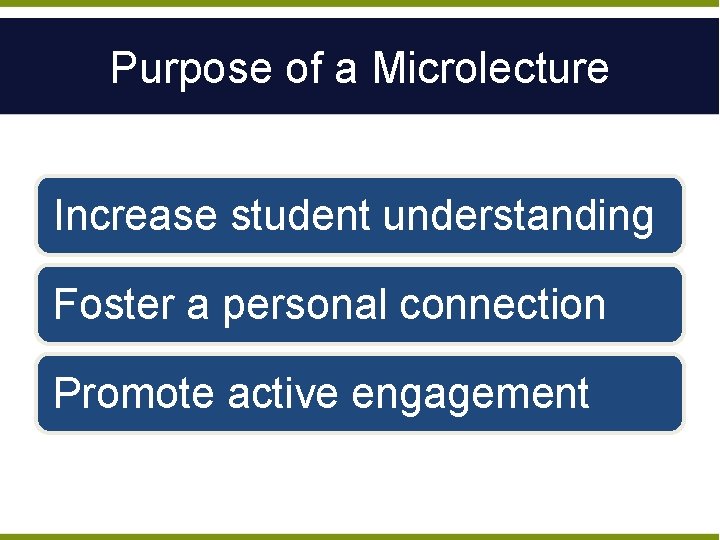
Purpose of a Microlecture Increase student understanding Foster a personal connection Promote active engagement
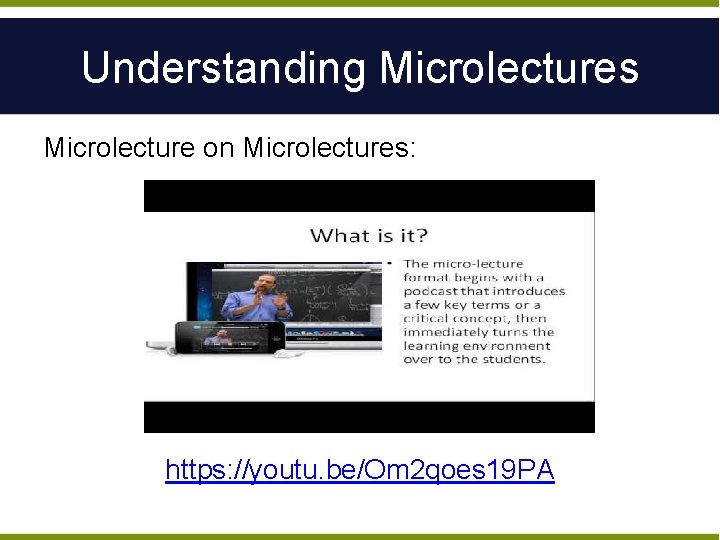
Understanding Microlectures Microlecture on Microlectures: https: //youtu. be/Om 2 qoes 19 PA
Understanding Microlectures More than just a brief presentation of information
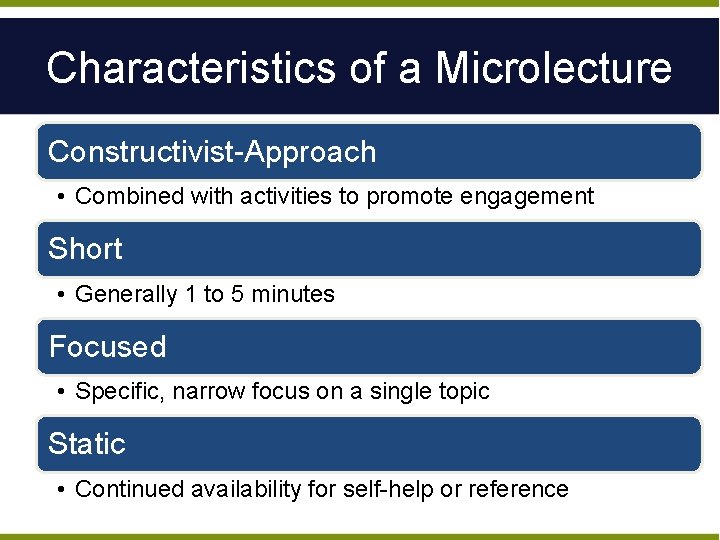
Characteristics of a Microlecture Constructivist-Approach • Combined with activities to promote engagement Short • Generally 1 to 5 minutes Focused • Specific, narrow focus on a single topic Static • Continued availability for self-help or reference
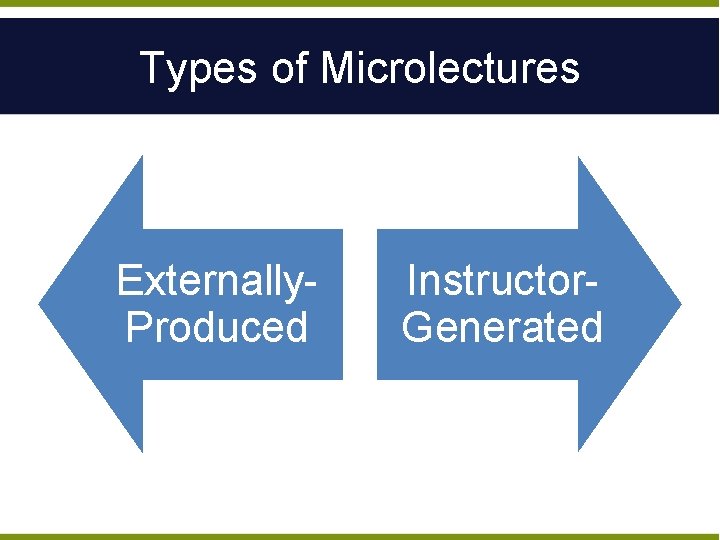
Types of Microlectures Externally. Produced Instructor. Generated
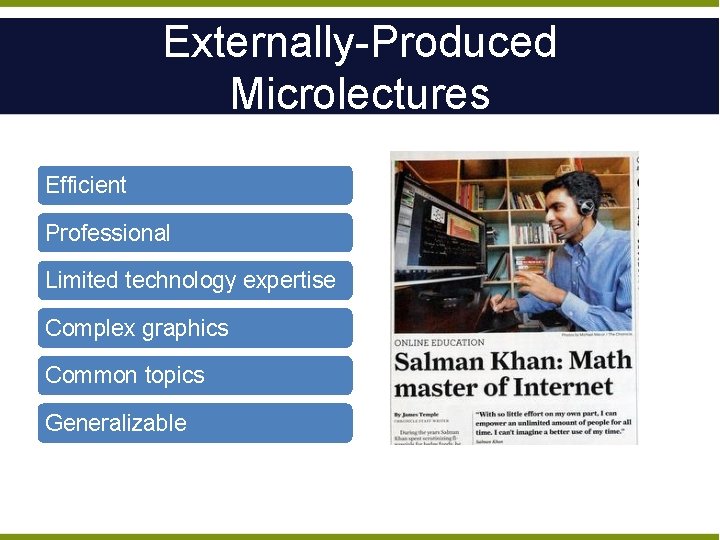
Externally-Produced Microlectures Efficient Professional Limited technology expertise Complex graphics Common topics Generalizable
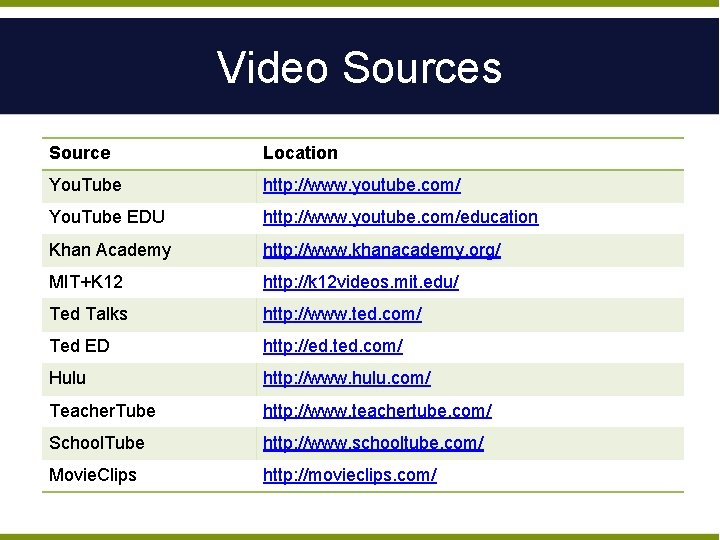
Video Sources Source Location You. Tube http: //www. youtube. com/ You. Tube EDU http: //www. youtube. com/education Khan Academy http: //www. khanacademy. org/ MIT+K 12 http: //k 12 videos. mit. edu/ Ted Talks http: //www. ted. com/ Ted ED http: //ed. ted. com/ Hulu http: //www. hulu. com/ Teacher. Tube http: //www. teachertube. com/ School. Tube http: //www. schooltube. com/ Movie. Clips http: //movieclips. com/
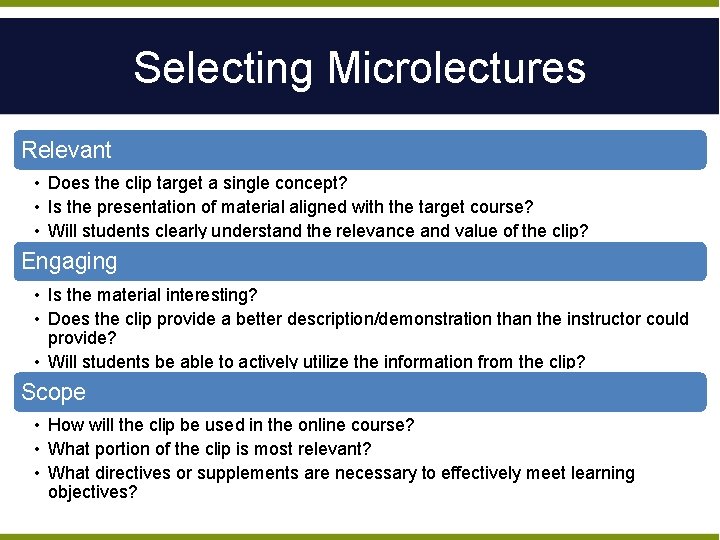
Selecting Microlectures Relevant • Does the clip target a single concept? • Is the presentation of material aligned with the target course? • Will students clearly understand the relevance and value of the clip? Engaging • Is the material interesting? • Does the clip provide a better description/demonstration than the instructor could provide? • Will students be able to actively utilize the information from the clip? Scope • How will the clip be used in the online course? • What portion of the clip is most relevant? • What directives or supplements are necessary to effectively meet learning objectives?
Customizing External Videos Ed. Puzzle • https: //edpuzzle. com • Customize videos with annotations and questions Example: • https: //youtu. be/lglvh. Oewr-A
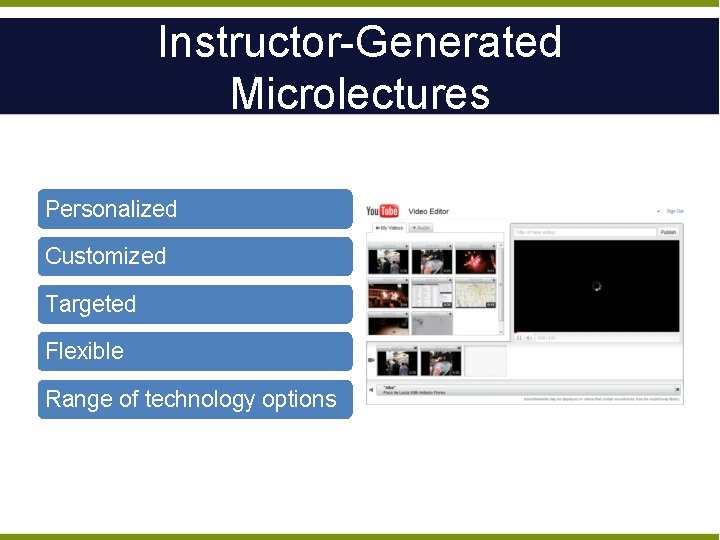
Instructor-Generated Microlectures Personalized Customized Targeted Flexible Range of technology options
Steps for 1 -Minute Lecture 1. Identify key concepts 2. Prepare 15 -30 second introduction and conclusion 3. Record in the medium of your choice (1 -5 minutes) 4. Design an assignment or activity to explore key concepts 5. Upload for sharing
Recording From Your Office i. Los Integrated Screen Capture Software • • • ilos screen capture software is now integrated in to Canvas. Using the button on any created item in Canvas gives the option of using ilos to record. Videos are embedded in to announcements, pages, assignments, etc.
Recording From Your Office Voice. Thread Interactive Presentation Software • • • Voice. Thread is an easy way to enable discussion or feedback on your microlectures. Voice. Threads can be used to demonstrate concepts using “doodling” Students can ask questions directly on the Voice. Thread
Recording From Your Office Other Options Tools Available Outside of UNK • Screencast-o-matic • http: //screencast-o-matic. com/ • Jing • https: //www. techsmith. com/jing-tool. html • Loom • https: //www. useloom. com/
Recording at e. Campus Classroom Recording High-Quality Lecture Style • • • e. Campus classrooms are available to use for recording. New upgrades allow faculty to control when their microlectures start and stop. The full smart classroom setup is available.
Recording at e. Campus Studio Room Recording Professional Setup for Class Recordings • • The studio room was created to record polished presentations in high-definition. Green screen technology is available to give another level of quality. e. Campus staff record and master the content. Example
Desktop Recording Lightboard Recording Demonstration With Impact • • Demonstrate ideas, calculations, and concepts with lightboard recording. Give students the information without getting in the way of the material. It’s as easy as drawing on a whiteboard. Example
ADA Compliance • Compliance with ADA rules is important for any video in an online/blended course • Captioning videos used to be a difficult process • The new integration of ilos in to Canvas has created a way to caption any video easily • Videos up to 15 minutes are captioned by the system • Longer videos need approval by ITS for submission
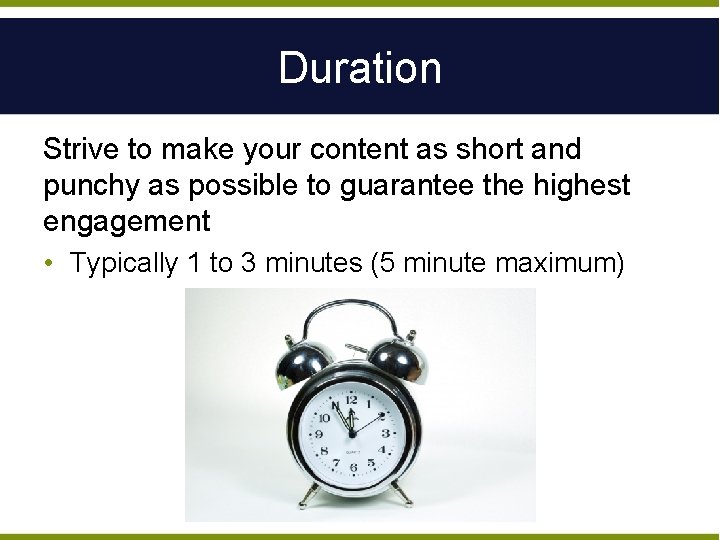
Duration Strive to make your content as short and punchy as possible to guarantee the highest engagement • Typically 1 to 3 minutes (5 minute maximum)
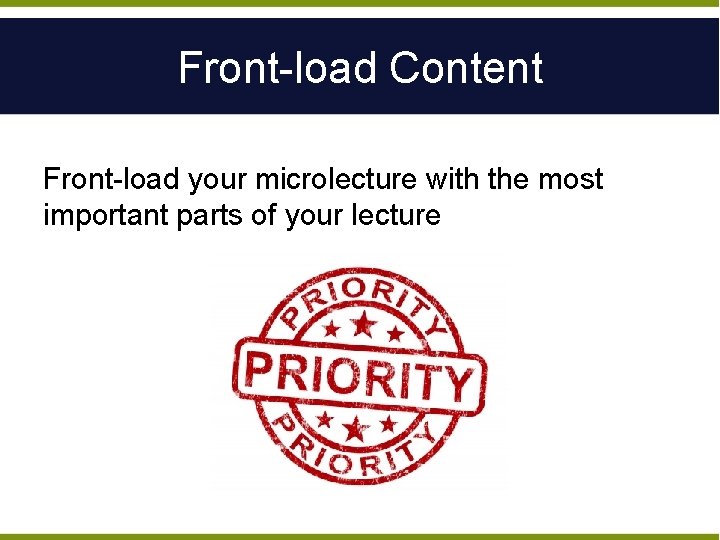
Front-load Content Front-load your microlecture with the most important parts of your lecture
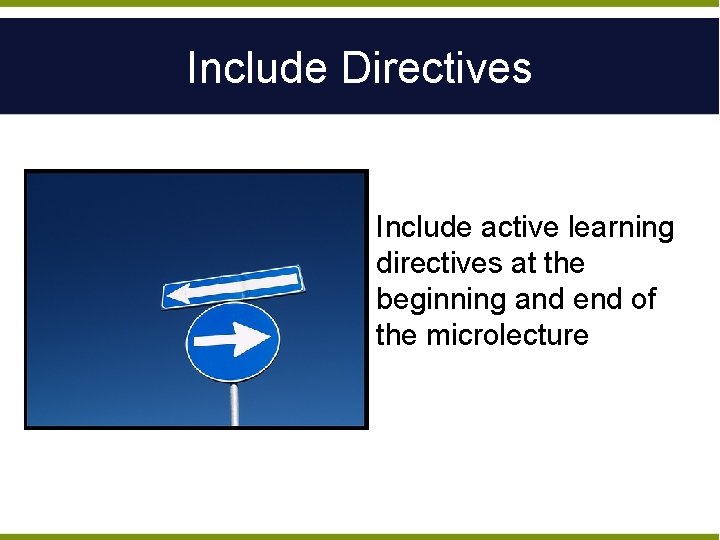
Include Directives Include active learning directives at the beginning and end of the microlecture
Quality Use high-quality audio and video
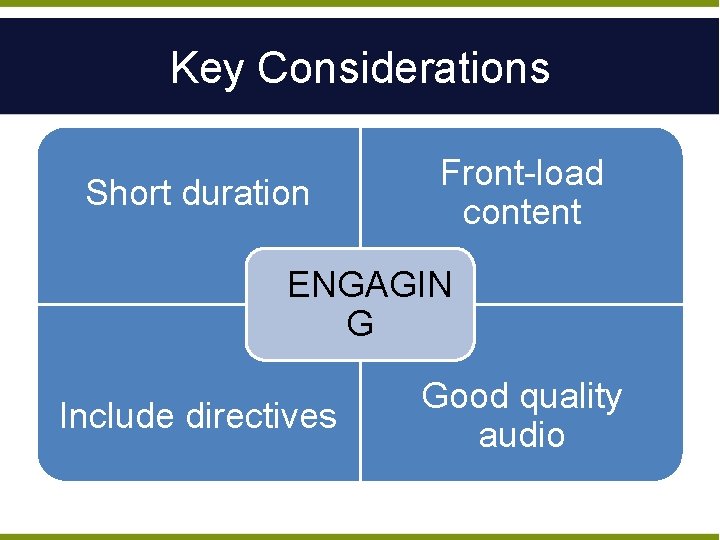
Key Considerations Short duration Front-load content ENGAGIN G Include directives Good quality audio
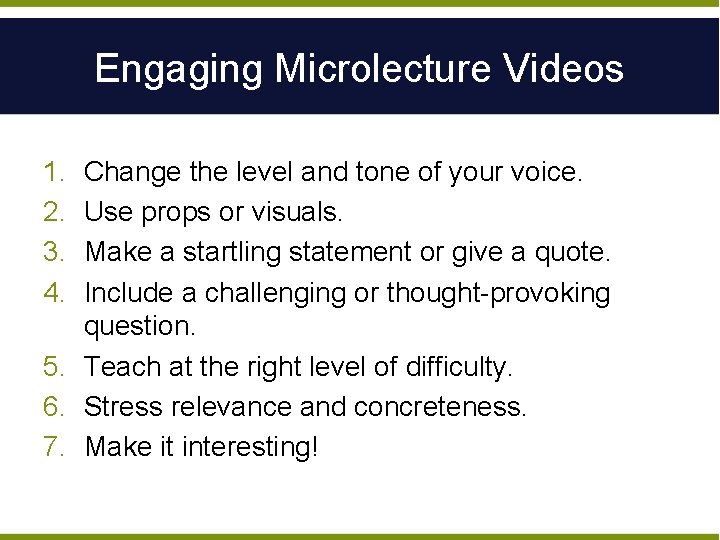
Engaging Microlecture Videos 1. 2. 3. 4. Change the level and tone of your voice. Use props or visuals. Make a startling statement or give a quote. Include a challenging or thought-provoking question. 5. Teach at the right level of difficulty. 6. Stress relevance and concreteness. 7. Make it interesting!
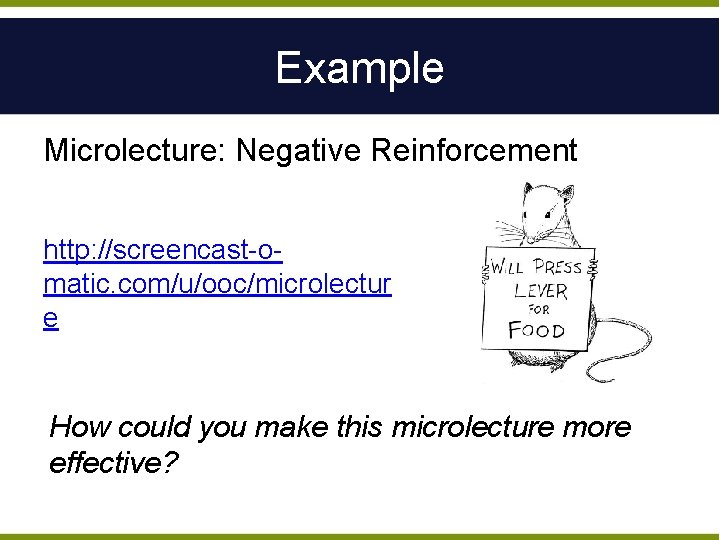
Example Microlecture: Negative Reinforcement http: //screencast-omatic. com/u/ooc/microlectur e How could you make this microlecture more effective?
Engaging Power. Point Microlectures Slide content • use bullet points and simple writing; include relevant graphics Presentation narration • prepare script but don’t read from the screen Video recordings • look directly into web camera Annotation tools • use different annotation tools to focus attention
Making Microlectures Meaningful Must connect content: • • Additional readings Web exploration Journal articles Case studies Simulation Discussion Assignments Reflection questions
Integrating Microlectures Announcements Discussion Boards Feedback Course Material Modules Mobile device
Value of Microlectures satisfaction learning motivation engagement
Chat What challenges do you anticipate with implementing microlectures in your online course?
Questions and Ideas