
Micro Bit Magic 8 Ball part 2 Micro
Micro: Bit Magic 8 Ball part 2
Micro: Bit programming Please remember if you are not in class you won’t be able to use the Micro: Bit classroom but you can do the same code on either: 1. https: //python. microbit. org/v/2. 0 2. Mu by downloading it here https: //codewith. mu/en/download
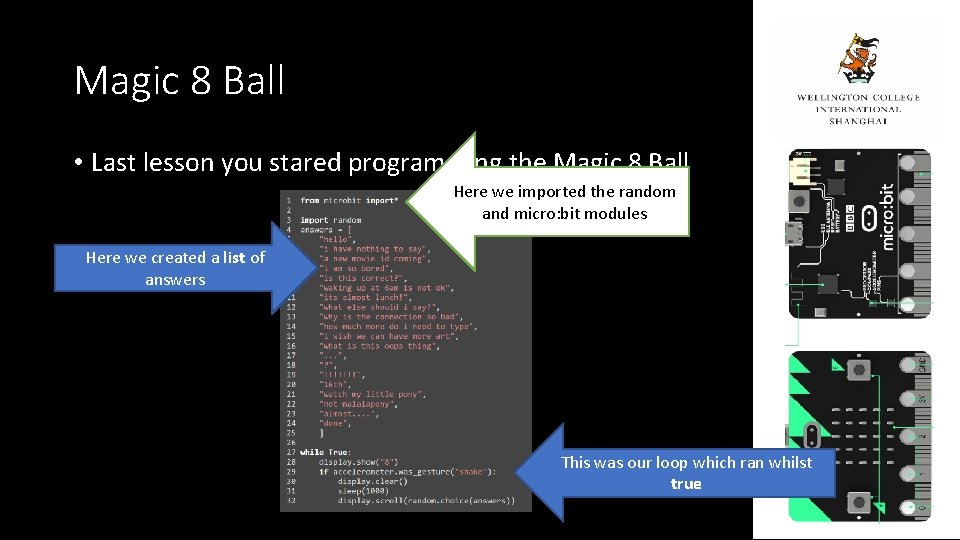
Magic 8 Ball • Last lesson you stared programming the Magic 8 Ball Here we imported the random and micro: bit modules Here we created a list of answers This was our loop which ran whilst true
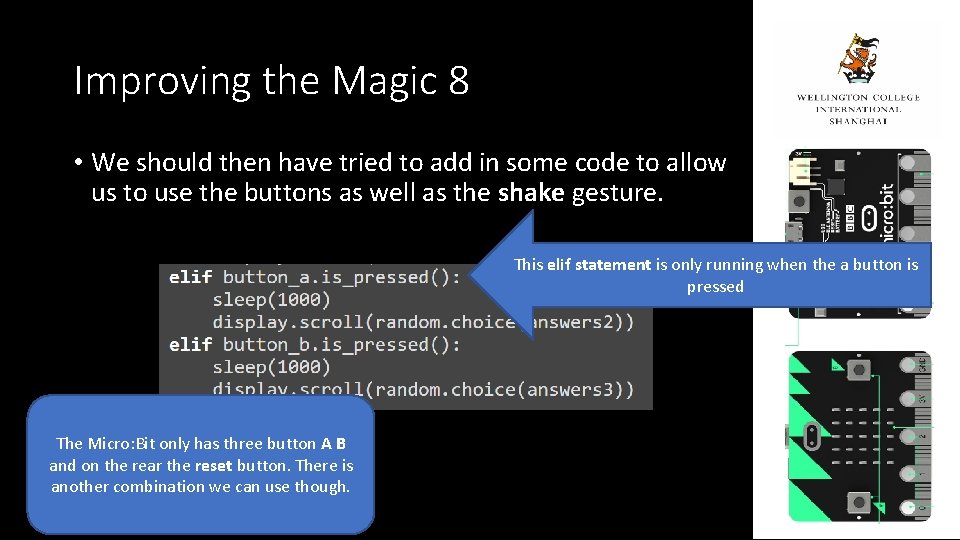
Improving the Magic 8 • We should then have tried to add in some code to allow us to use the buttons as well as the shake gesture. This elif statement is only running when the a button is pressed The Micro: Bit only has three button A B and on the rear the reset button. There is another combination we can use though.
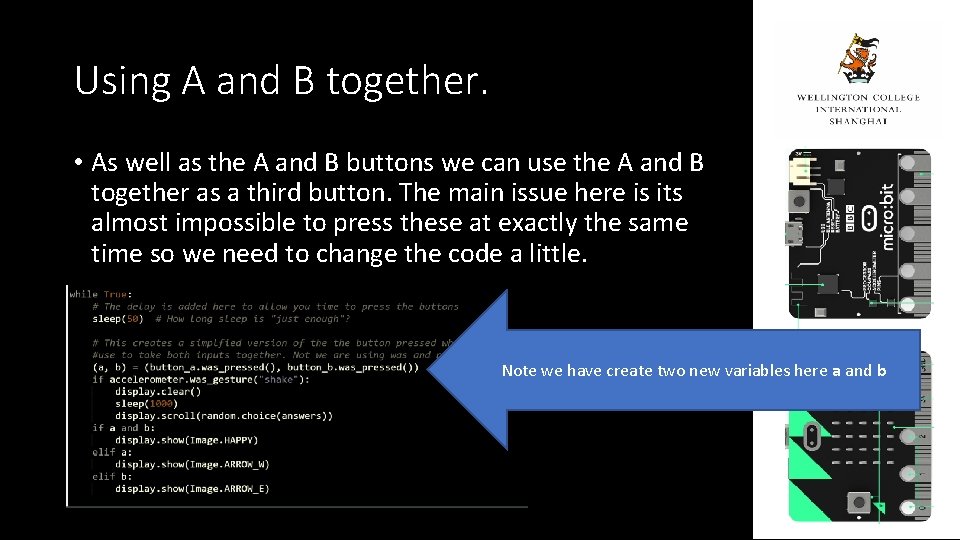
Using A and B together. • As well as the A and B buttons we can use the A and B together as a third button. The main issue here is its almost impossible to press these at exactly the same time so we need to change the code a little. Note we have create two new variables here a and b

Task • Complete the Magic 8 Ball • Ensure you have used the “shake” gesture • Ensure you have used the a and b buttons together. If you complete all of this start to look at Doodle Jump in the One. Note.
- Slides: 6