
Methods Coding in Java Copyright 1997 2009 Curt
![Called by public static void main( String [] a){ World w = new World(400,](https://slidetodoc.com/presentation_image_h2/c865b8445e4f415f3e59b3f569617eab/image-17.jpg "Called by public static void main( String [] a){ World w = new World(400,")
![Why use static? • Suppose: public class Demo{ public static void main (String s[]){](https://slidetodoc.com/presentation_image_h2/c865b8445e4f415f3e59b3f569617eab/image-22.jpg "Why use static? • Suppose: public class Demo{ public static void main (String s[]){")
![New main method public static void main(String[] args) { Turtle. Method 2 item =](https://slidetodoc.com/presentation_image_h2/c865b8445e4f415f3e59b3f569617eab/image-25.jpg "New main method public static void main(String[] args) { Turtle. Method 2 item =")
![Called by public static void main( String [] a){ World w = new World(400,](https://slidetodoc.com/presentation_image_h2/c865b8445e4f415f3e59b3f569617eab/image-29.jpg "Called by public static void main( String [] a){ World w = new World(400,")
- Slides: 37
Methods Coding in Java Copyright © 1997 - 2009 Curt Hill
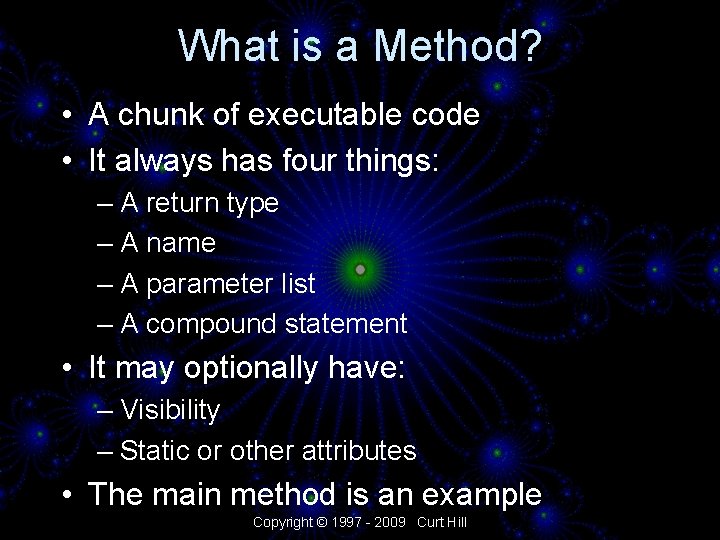
What is a Method? • A chunk of executable code • It always has four things: – A return type – A name – A parameter list – A compound statement • It may optionally have: – Visibility – Static or other attributes • The main method is an example Copyright © 1997 - 2009 Curt Hill
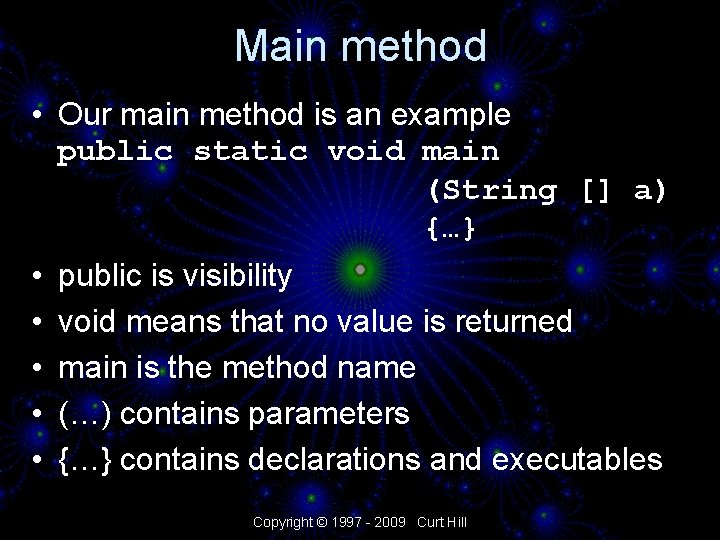
Main method • Our main method is an example public static void main (String [] a) {…} • • • public is visibility void means that no value is returned main is the method name (…) contains parameters {…} contains declarations and executables Copyright © 1997 - 2009 Curt Hill
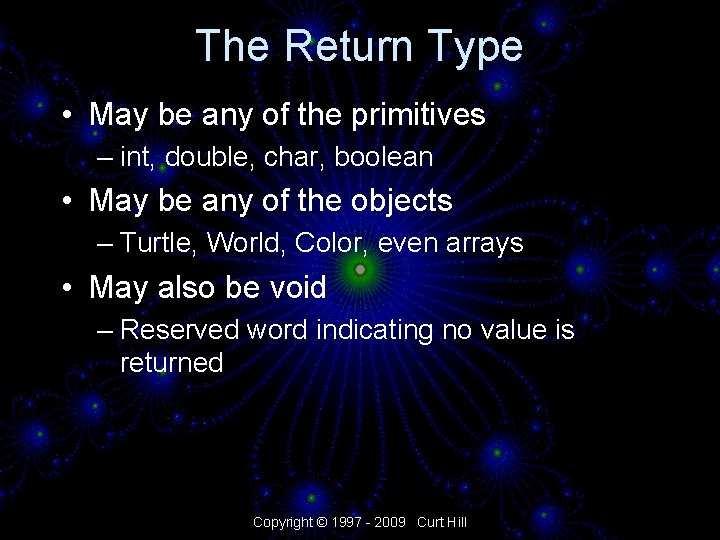
The Return Type • May be any of the primitives – int, double, char, boolean • May be any of the objects – Turtle, World, Color, even arrays • May also be void – Reserved word indicating no value is returned Copyright © 1997 - 2009 Curt Hill
The Name • Any Java name • The convention is that it starts with a lower case letter • Each letter that starts a word is then capitalized • Examples: – forward – move. To – set. Pen. Color • This is just a convention, but a good thing for you to follow Copyright © 1997 - 2009 Curt Hill
The Parameter List • A list of values that needs to be made available to the method • The parameter list is enclosed in parentheses – The parentheses are always present, even if there are no parameters • The parameters are denoted by a type followed by its local name Copyright © 1997 - 2009 Curt Hill
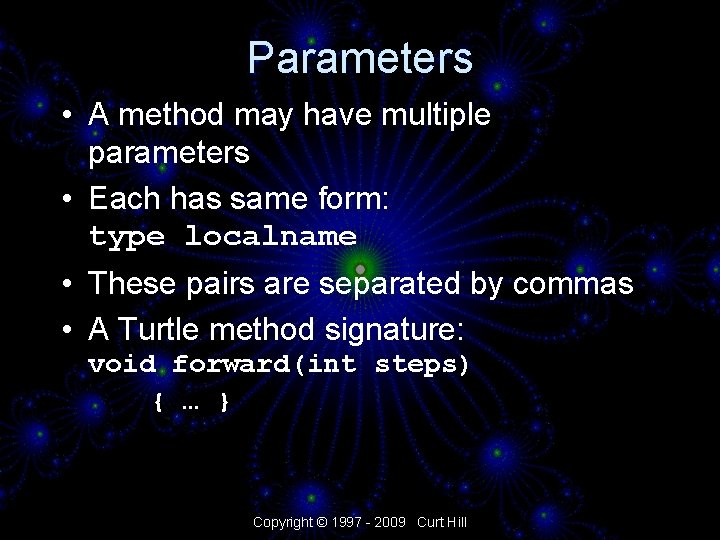
Parameters • A method may have multiple parameters • Each has same form: type localname • These pairs are separated by commas • A Turtle method signature: void forward(int steps) { … } Copyright © 1997 - 2009 Curt Hill
The Compound Statement • The body of the method is a compound statement • Starts with a brace { • One or more statements • Ends with other brace } • Every opening brace { must be matched by a closing brace } • The parameter is part of the compound statement for scope considerations Copyright © 1997 - 2009 Curt Hill
Method header • That part of the method excluding the compound statement is called the method header • This is the part usually shown in documentation – Such as the doc directory within the book. Classes directory Copyright © 1997 - 2009 Curt Hill
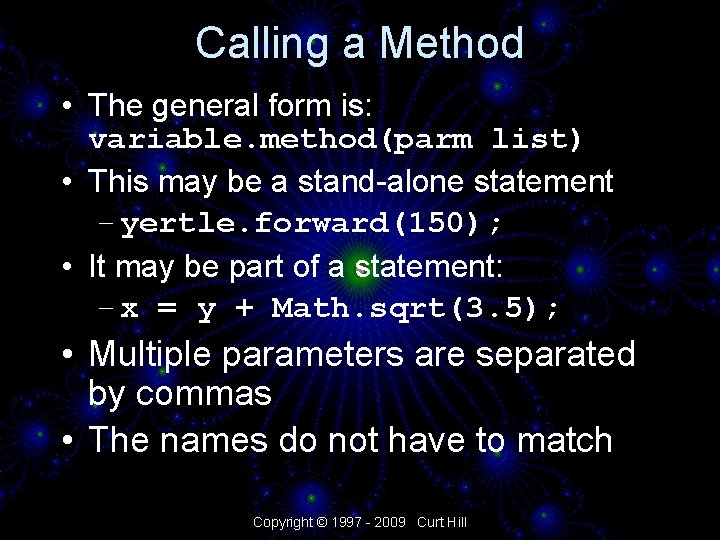
Calling a Method • The general form is: variable. method(parm list) • This may be a stand-alone statement – yertle. forward(150); • It may be part of a statement: – x = y + Math. sqrt(3. 5); • Multiple parameters are separated by commas • The names do not have to match Copyright © 1997 - 2009 Curt Hill
The end of a method • • There are two ends to consider The syntax The execution As far as syntax is concerned a method ends when we find the closing brace of its compound statement • In this sense a method is only processed once Copyright © 1997 - 2009 Curt Hill
Ending Execution • A method ends when one of two things happens: • A return is executed • The last line of the method is executed – This only works on void methods – Return is the mechanism for identifying the value – With void functions there is no value to identify Copyright © 1997 - 2009 Curt Hill
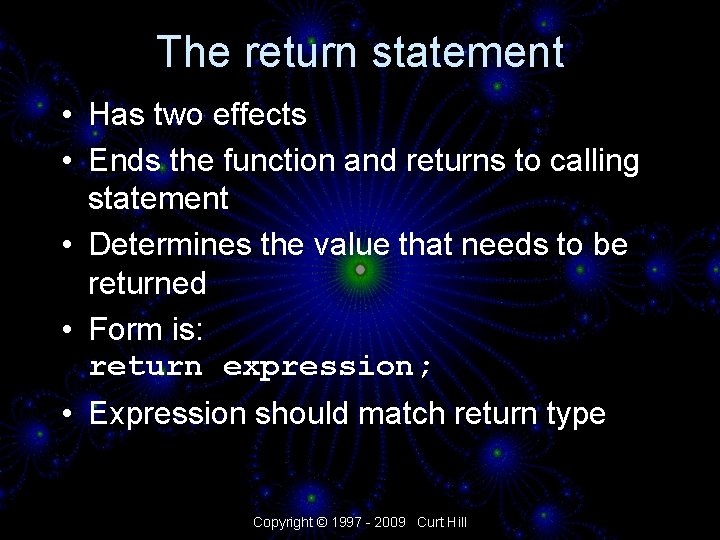
The return statement • Has two effects • Ends the function and returns to calling statement • Determines the value that needs to be returned • Form is: return expression; • Expression should match return type Copyright © 1997 - 2009 Curt Hill
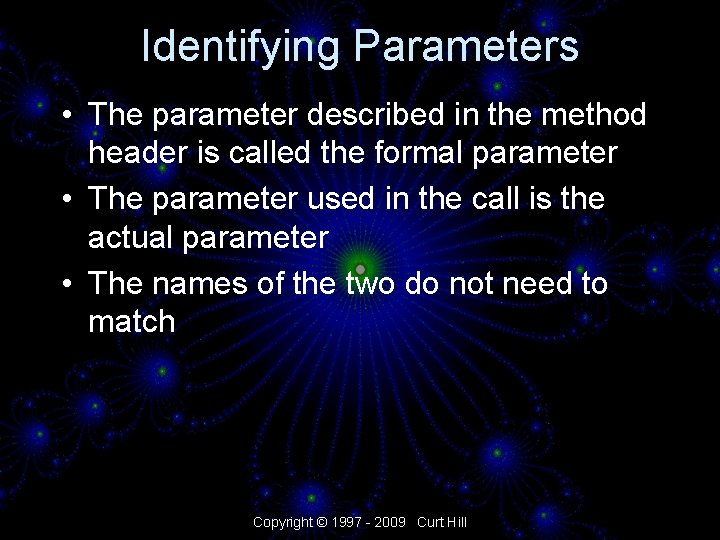
Identifying Parameters • The parameter described in the method header is called the formal parameter • The parameter used in the call is the actual parameter • The names of the two do not need to match Copyright © 1997 - 2009 Curt Hill
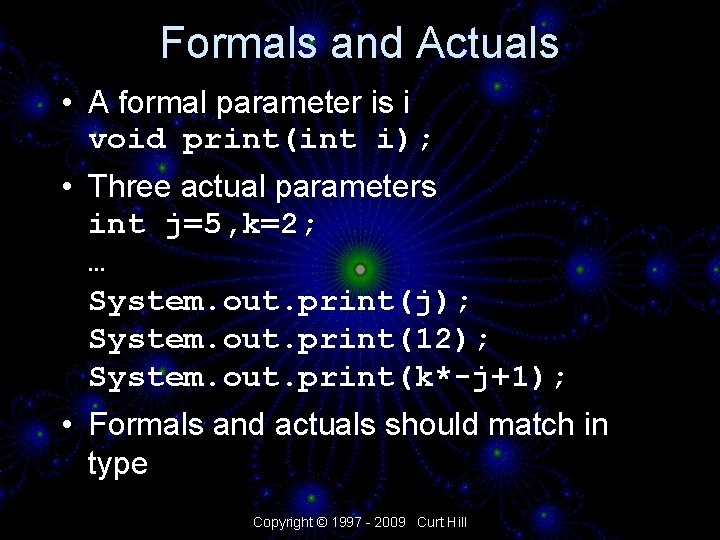
Formals and Actuals • A formal parameter is i void print(int i); • Three actual parameters int j=5, k=2; … System. out. print(j); System. out. print(12); System. out. print(k*-j+1); • Formals and actuals should match in type Copyright © 1997 - 2009 Curt Hill
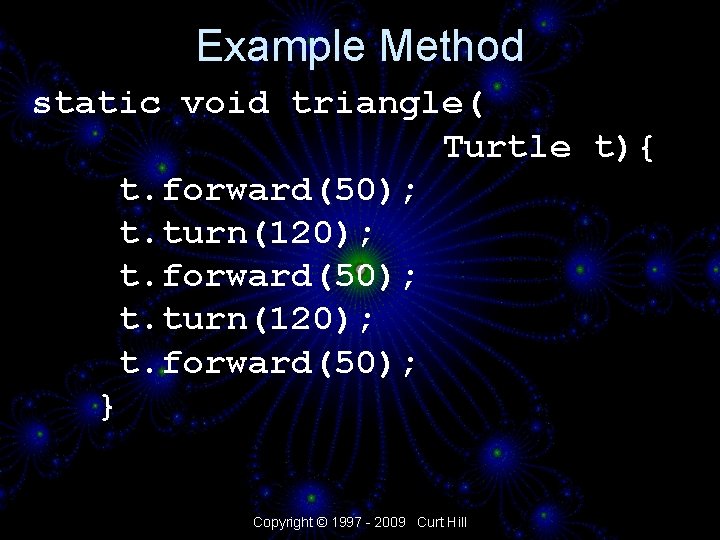
Example Method static void triangle( Turtle t){ t. forward(50); t. turn(120); t. forward(50); } Copyright © 1997 - 2009 Curt Hill
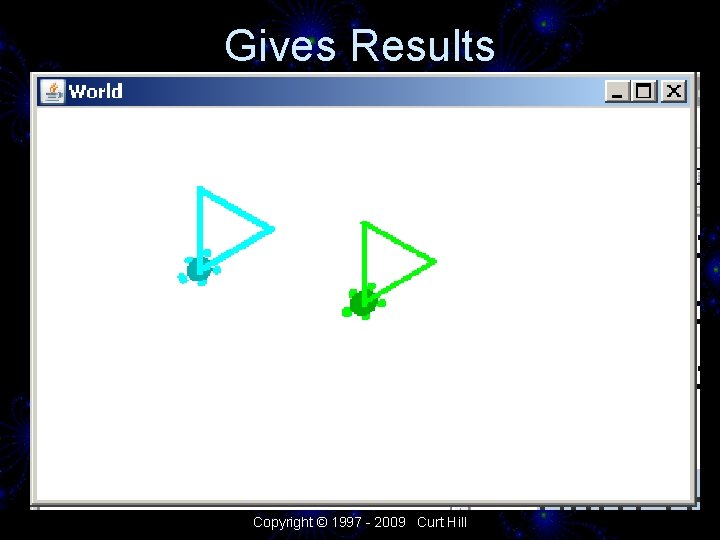
Called by public static void main( String [] a){ World w = new World(400, 240); Turtle yertle = new Turtle(w); yertle. set. Pen. Width(3); triangle(yertle); Turtle sam = new Turtle(100, w); sam. set. Pen. Width(4); triangle(sam); } Copyright © 1997 - 2009 Curt Hill
Gives Results Copyright © 1997 - 2009 Curt Hill
Example commentary • The name of the formal and actual parameters did not have to match • This allows the method to make any turtle draw, not just one • This or any method may be called as many times as desired – With the same or different parameters Copyright © 1997 - 2009 Curt Hill
Why is method static? • static is a Java keyword • For methods it means that the method has no access to class instance data – It must have access to local data • Since they have no access to class data they may be called before the constructor • They may only use their parameters and local data Copyright © 1997 - 2009 Curt Hill
Static again • The main function is a static function – It may actually instantiate a class of the type to which it belongs • A static method may only call other static methods unless it instantiates an instance of its own class • Thus triangle needed to be static Copyright © 1997 - 2009 Curt Hill
Why use static? • Suppose: public class Demo{ public static void main (String s[]){ … } } • To use a non-static method we would need: Demo t = new Demo(); Copyright © 1997 - 2009 Curt Hill
The Non-static equivalent • We can do this without static methods but it is slightly more work • Consider the next three screens Copyright © 1997 - 2009 Curt Hill
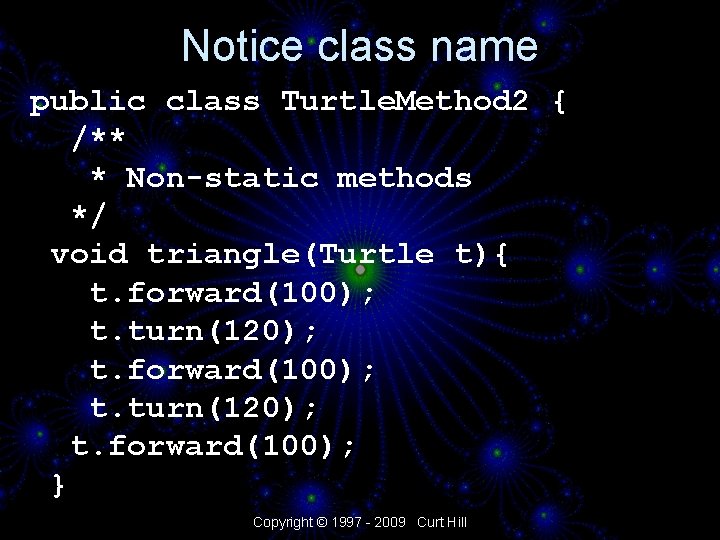
Notice class name public class Turtle. Method 2 { /** * Non-static methods */ void triangle(Turtle t){ t. forward(100); t. turn(120); t. forward(100); } Copyright © 1997 - 2009 Curt Hill
New main method public static void main(String[] args) { Turtle. Method 2 item = new Turtle. Method 2(); World w = new World(850, 500); Turtle yertle = new Turtle(w); Turtle sam = new Turtle(700, 450, w); yertle. set. Pen. Width(3); item. triangle(yertle); sam. set. Pen. Width(4); item. triangle(sam); } Copyright © 1997 - 2009 Curt Hill
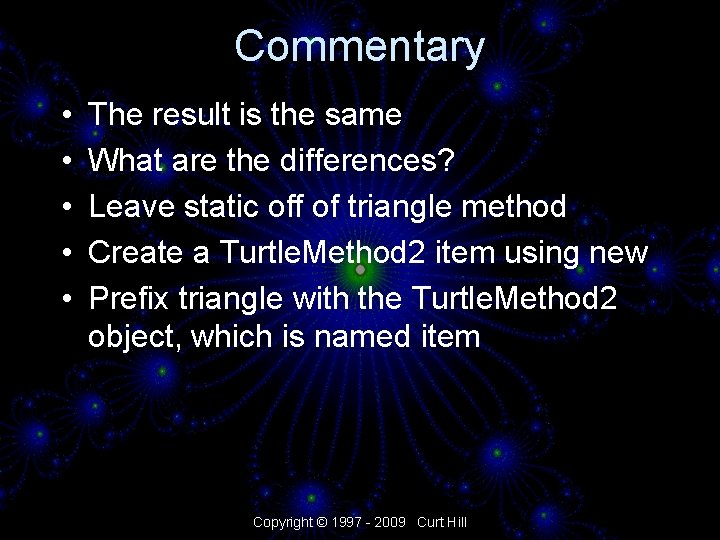
Commentary • • • The result is the same What are the differences? Leave static off of triangle method Create a Turtle. Method 2 item using new Prefix triangle with the Turtle. Method 2 object, which is named item Copyright © 1997 - 2009 Curt Hill
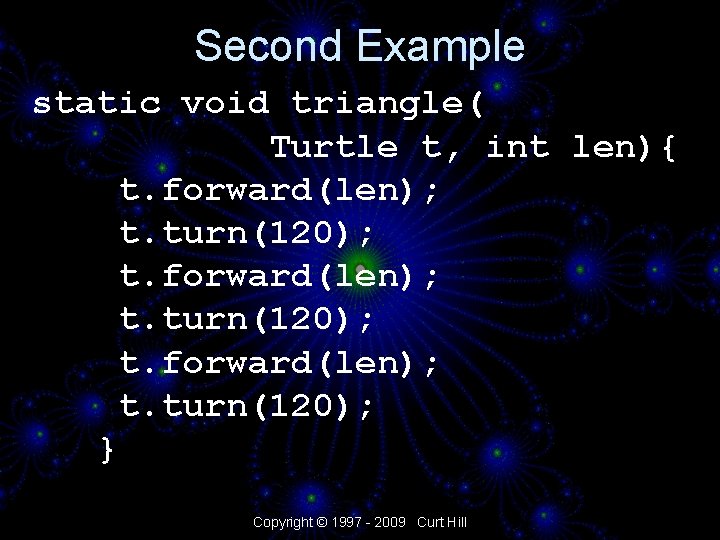
Parameters Again • The method needs some refinement • It always draws the same size triangle • It becomes more helpful if the length of a side can be changed • This is a second parameter Copyright © 1997 - 2009 Curt Hill
Second Example static void triangle( Turtle t, int len){ t. forward(len); t. turn(120); } Copyright © 1997 - 2009 Curt Hill
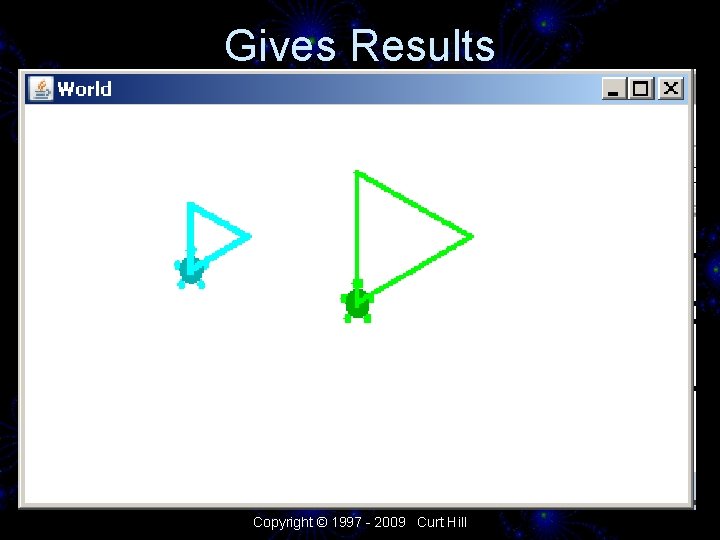
Called by public static void main( String [] a){ World w = new World(400, 240); Turtle yertle = new Turtle(w); yertle. set. Pen. Width(3); triangle(yertle, 80); Turtle sam = new Turtle(100, w); sam. set. Pen. Width(4); triangle(sam, 40); } Copyright © 1997 - 2009 Curt Hill
Gives Results Copyright © 1997 - 2009 Curt Hill
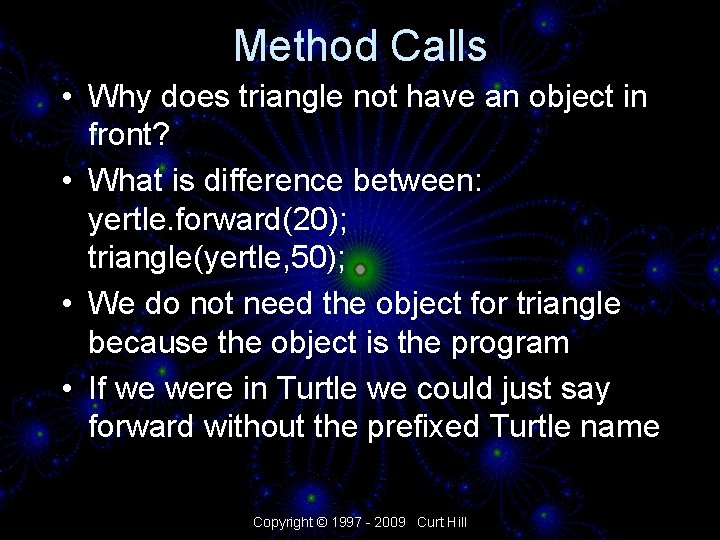
Method Calls • Why does triangle not have an object in front? • What is difference between: yertle. forward(20); triangle(yertle, 50); • We do not need the object for triangle because the object is the program • If we were in Turtle we could just say forward without the prefixed Turtle name Copyright © 1997 - 2009 Curt Hill
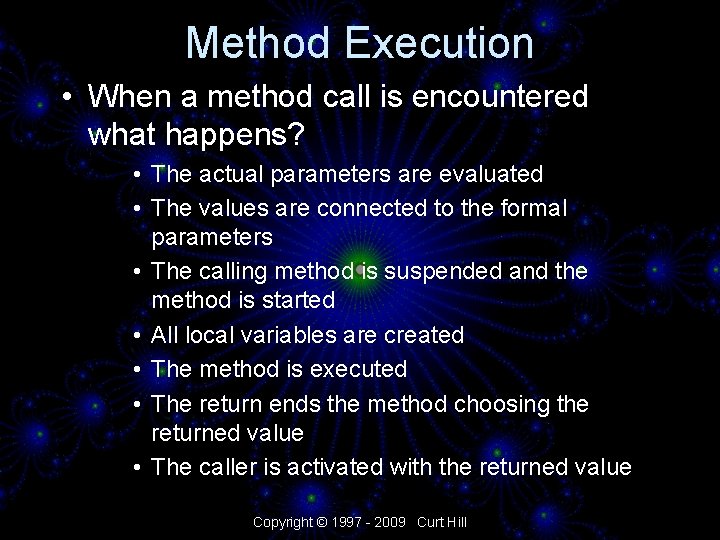
Method Execution • When a method call is encountered what happens? • The actual parameters are evaluated • The values are connected to the formal parameters • The calling method is suspended and the method is started • All local variables are created • The method is executed • The return ends the method choosing the returned value • The caller is activated with the returned value Copyright © 1997 - 2009 Curt Hill
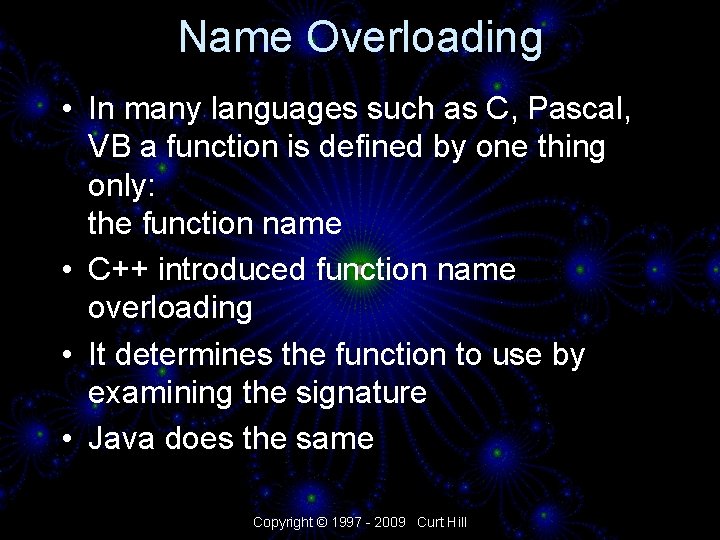
Name Overloading • In many languages such as C, Pascal, VB a function is defined by one thing only: the function name • C++ introduced function name overloading • It determines the function to use by examining the signature • Java does the same Copyright © 1997 - 2009 Curt Hill
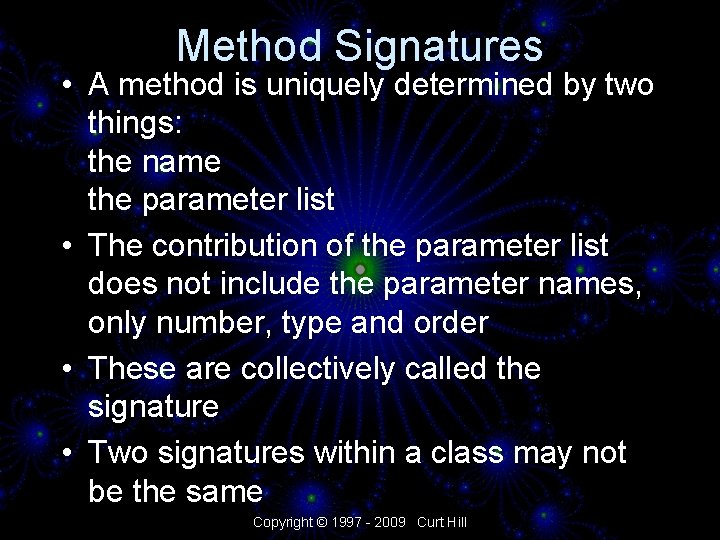
Method Signatures • A method is uniquely determined by two things: the name the parameter list • The contribution of the parameter list does not include the parameter names, only number, type and order • These are collectively called the signature • Two signatures within a class may not be the same Copyright © 1997 - 2009 Curt Hill
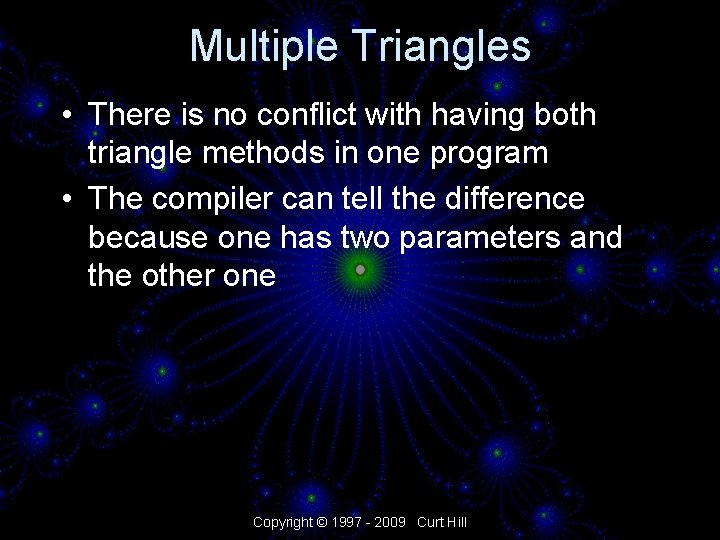
Multiple Triangles • There is no conflict with having both triangle methods in one program • The compiler can tell the difference because one has two parameters and the other one Copyright © 1997 - 2009 Curt Hill
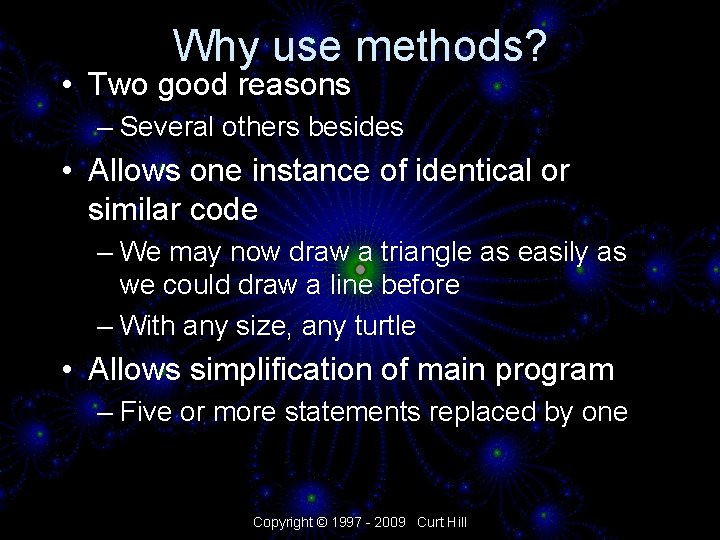
Why use methods? • Two good reasons – Several others besides • Allows one instance of identical or similar code – We may now draw a triangle as easily as we could draw a line before – With any size, any turtle • Allows simplification of main program – Five or more statements replaced by one Copyright © 1997 - 2009 Curt Hill
Finally • There is plenty more to know • This will come in several subsequent presentations • We should do a demo Copyright © 1997 - 2009 Curt Hill