
MET 4750 Techniques for Earth System Modeling MET
- Slides: 16
MET 4750 Techniques for Earth System Modeling MET 5990 Techniques for Earth System Modeling and Research (http: //vortex. ihrc. fiu. edu/MET 4570. htm) (http: //vortex. ihrc. fiu. edu/MET 5365/MET 5. htm)
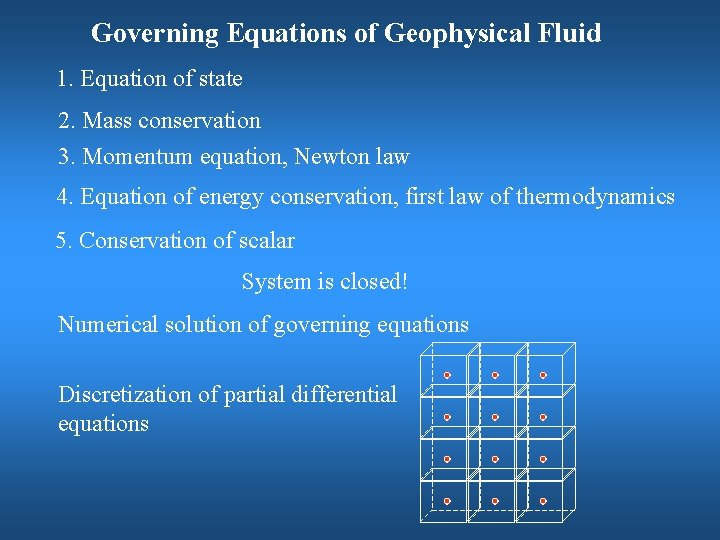
Governing Equations of Geophysical Fluid 1. Equation of state 2. Mass conservation 3. Momentum equation, Newton law 4. Equation of energy conservation, first law of thermodynamics 5. Conservation of scalar System is closed! Numerical solution of governing equations Discretization of partial differential equations
Computer Science • It is not the study of computers! “Computers to computer science is just like telescopes to astronomy. ” • The question really is, “What can be computed? ” • What is a computer program? – A detailed, step-by-step set of instructions telling a computer what to do. – If we change the program, the computer performs a different set of actions or a different task. – The machine stays the same, but the program changes!
Programming Languages • Natural language has ambiguity and imprecision problems when used to describe complex algorithms. • Every structure in programming language has a precise form, called syntax. • Every structure in programming language has a precise meaning, called semantics. n n Programmers often refer to their programs as computer codes. Process of writing an algorithm in a programming language is often called coding.
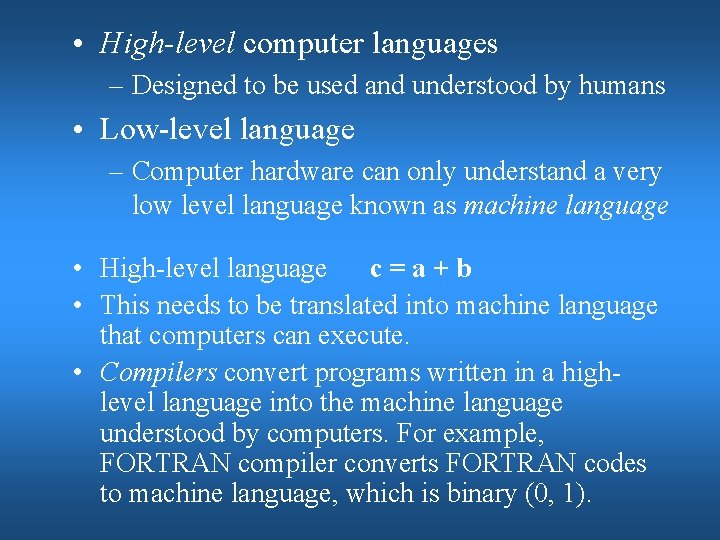
• High-level computer languages – Designed to be used and understood by humans • Low-level language – Computer hardware can only understand a very low level language known as machine language • High-level language c = a + b • This needs to be translated into machine language that computers can execute. • Compilers convert programs written in a highlevel language into the machine language understood by computers. For example, FORTRAN compiler converts FORTRAN codes to machine language, which is binary (0, 1).
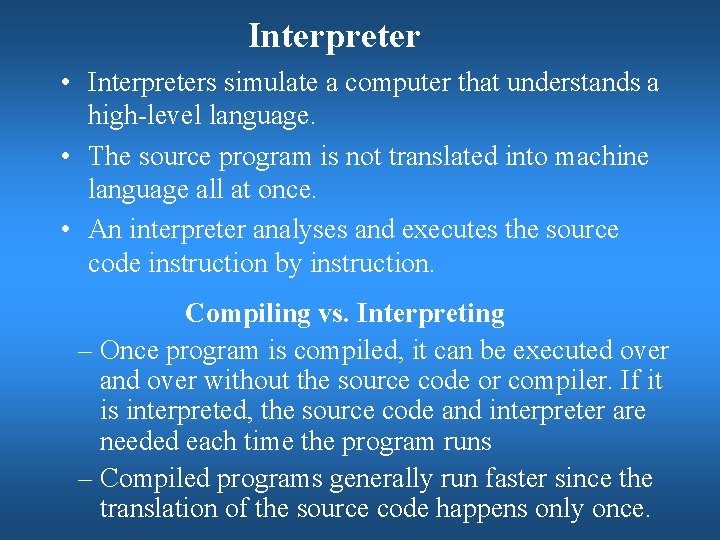
Interpreter • Interpreters simulate a computer that understands a high-level language. • The source program is not translated into machine language all at once. • An interpreter analyses and executes the source code instruction by instruction. Compiling vs. Interpreting – Once program is compiled, it can be executed over and over without the source code or compiler. If it is interpreted, the source code and interpreter are needed each time the program runs – Compiled programs generally run faster since the translation of the source code happens only once.
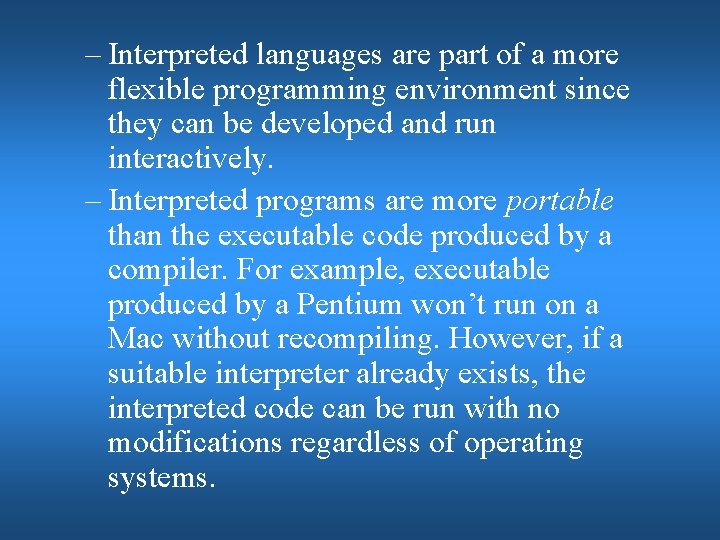
– Interpreted languages are part of a more flexible programming environment since they can be developed and run interactively. – Interpreted programs are more portable than the executable code produced by a compiler. For example, executable produced by a Pentium won’t run on a Mac without recompiling. However, if a suitable interpreter already exists, the interpreted code can be run with no modifications regardless of operating systems.
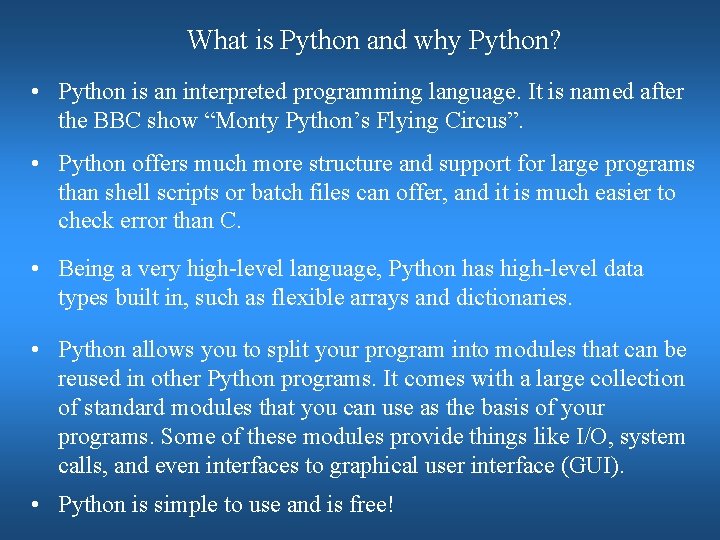
What is Python and why Python? • Python is an interpreted programming language. It is named after the BBC show “Monty Python’s Flying Circus”. • Python offers much more structure and support for large programs than shell scripts or batch files can offer, and it is much easier to check error than C. • Being a very high-level language, Python has high-level data types built in, such as flexible arrays and dictionaries. • Python allows you to split your program into modules that can be reused in other Python programs. It comes with a large collection of standard modules that you can use as the basis of your programs. Some of these modules provide things like I/O, system calls, and even interfaces to graphical user interface (GUI). • Python is simple to use and is free!
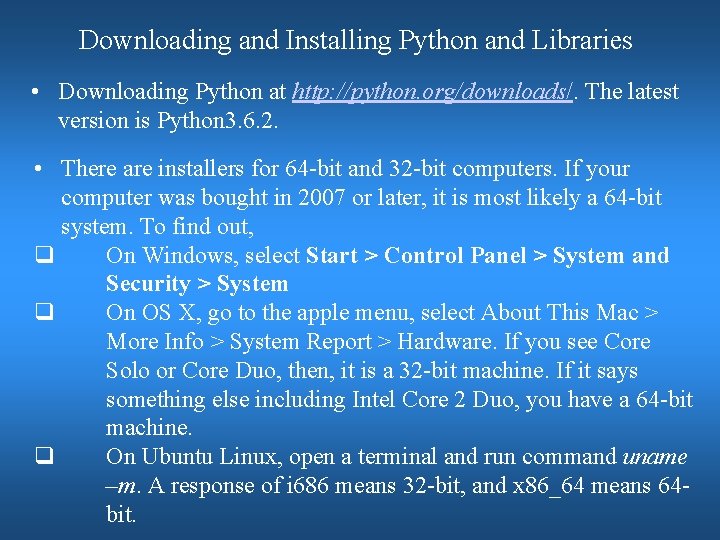
Downloading and Installing Python and Libraries • Downloading Python at http: //python. org/downloads/. The latest version is Python 3. 6. 2. • There are installers for 64 -bit and 32 -bit computers. If your computer was bought in 2007 or later, it is most likely a 64 -bit system. To find out, q On Windows, select Start > Control Panel > System and Security > System q On OS X, go to the apple menu, select About This Mac > More Info > System Report > Hardware. If you see Core Solo or Core Duo, then, it is a 32 -bit machine. If it says something else including Intel Core 2 Duo, you have a 64 -bit machine. q On Ubuntu Linux, open a terminal and run command uname –m. A response of i 686 means 32 -bit, and x 86_64 means 64 bit.
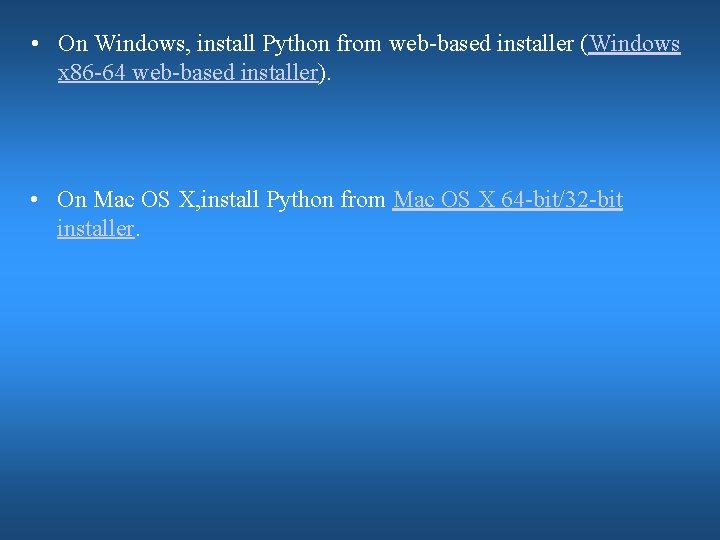
• On Windows, install Python from web-based installer (Windows x 86 -64 web-based installer). • On Mac OS X, install Python from Mac OS X 64 -bit/32 -bit installer.
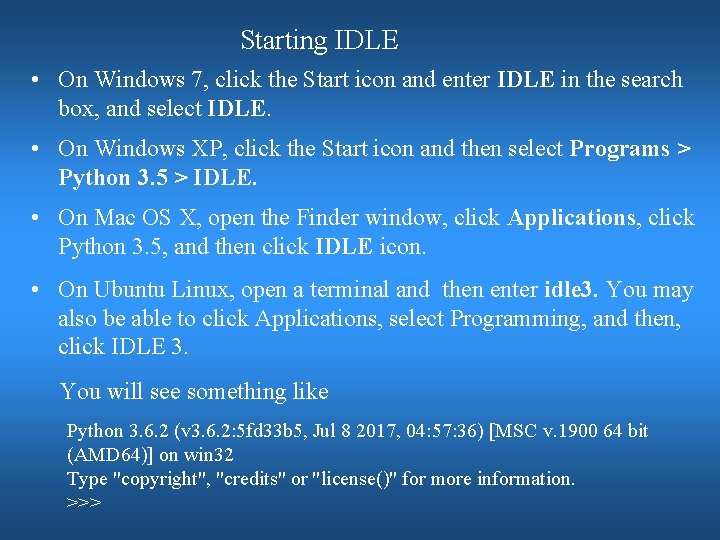
Starting IDLE • On Windows 7, click the Start icon and enter IDLE in the search box, and select IDLE. • On Windows XP, click the Start icon and then select Programs > Python 3. 5 > IDLE. • On Mac OS X, open the Finder window, click Applications, click Python 3. 5, and then click IDLE icon. • On Ubuntu Linux, open a terminal and then enter idle 3. You may also be able to click Applications, select Programming, and then, click IDLE 3. You will see something like Python 3. 6. 2 (v 3. 6. 2: 5 fd 33 b 5, Jul 8 2017, 04: 57: 36) [MSC v. 1900 64 bit (AMD 64)] on win 32 Type "copyright", "credits" or "license()" for more information. >>>
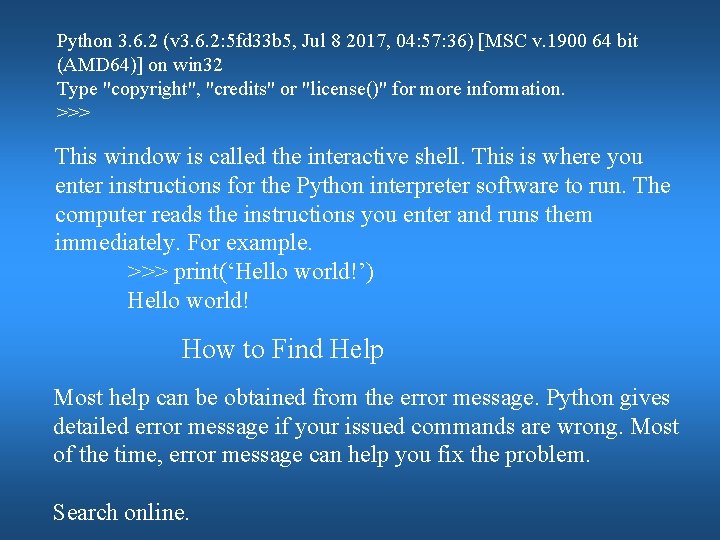
Python 3. 6. 2 (v 3. 6. 2: 5 fd 33 b 5, Jul 8 2017, 04: 57: 36) [MSC v. 1900 64 bit (AMD 64)] on win 32 Type "copyright", "credits" or "license()" for more information. >>> This window is called the interactive shell. This is where you enter instructions for the Python interpreter software to run. The computer reads the instructions you enter and runs them immediately. For example. >>> print(‘Hello world!’) Hello world! How to Find Help Most help can be obtained from the error message. Python gives detailed error message if your issued commands are wrong. Most of the time, error message can help you fix the problem. Search online.
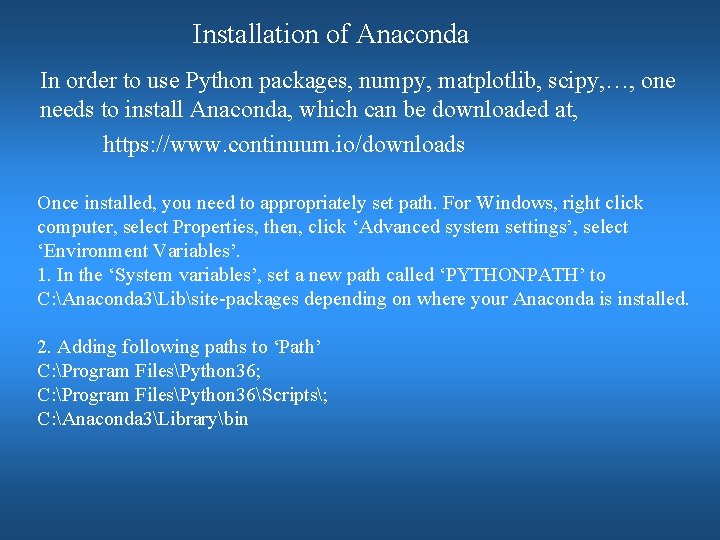
Installation of Anaconda In order to use Python packages, numpy, matplotlib, scipy, …, one needs to install Anaconda, which can be downloaded at, https: //www. continuum. io/downloads Once installed, you need to appropriately set path. For Windows, right click computer, select Properties, then, click ‘Advanced system settings’, select ‘Environment Variables’. 1. In the ‘System variables’, set a new path called ‘PYTHONPATH’ to C: Anaconda 3Libsite-packages depending on where your Anaconda is installed. 2. Adding following paths to ‘Path’ C: Program FilesPython 36; C: Program FilesPython 36Scripts; C: Anaconda 3Librarybin
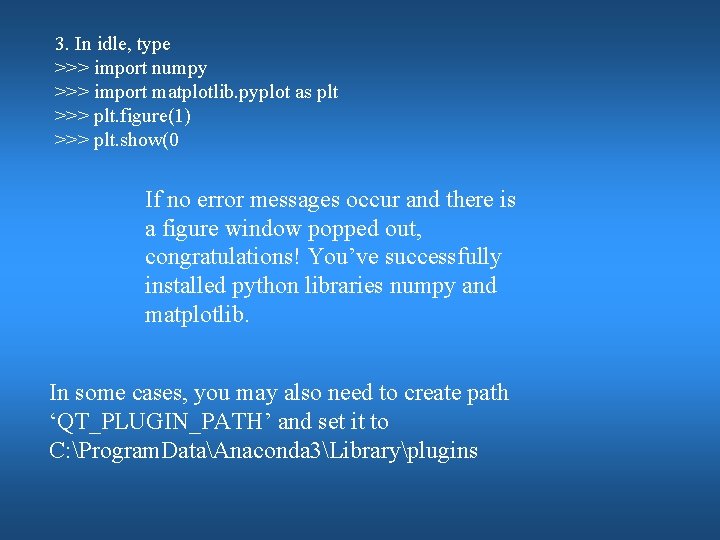
3. In idle, type >>> import numpy >>> import matplotlib. pyplot as plt >>> plt. figure(1) >>> plt. show(0 If no error messages occur and there is a figure window popped out, congratulations! You’ve successfully installed python libraries numpy and matplotlib. In some cases, you may also need to create path ‘QT_PLUGIN_PATH’ and set it to C: Program. DataAnaconda 3Libraryplugins
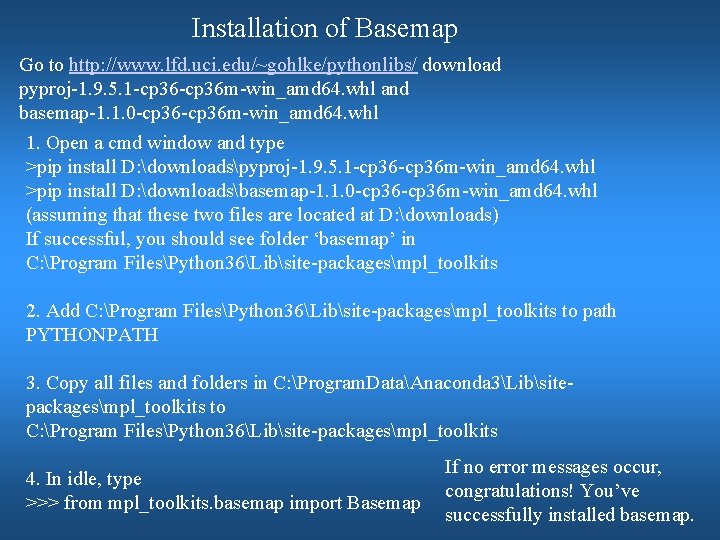
Installation of Basemap Go to http: //www. lfd. uci. edu/~gohlke/pythonlibs/ download pyproj-1. 9. 5. 1 -cp 36 m-win_amd 64. whl and basemap-1. 1. 0 -cp 36 m-win_amd 64. whl 1. Open a cmd window and type >pip install D: downloadspyproj-1. 9. 5. 1 -cp 36 m-win_amd 64. whl >pip install D: downloadsbasemap-1. 1. 0 -cp 36 m-win_amd 64. whl (assuming that these two files are located at D: downloads) If successful, you should see folder ‘basemap’ in C: Program FilesPython 36Libsite-packagesmpl_toolkits 2. Add C: Program FilesPython 36Libsite-packagesmpl_toolkits to path PYTHONPATH 3. Copy all files and folders in C: Program. DataAnaconda 3Libsitepackagesmpl_toolkits to C: Program FilesPython 36Libsite-packagesmpl_toolkits 4. In idle, type >>> from mpl_toolkits. basemap import Basemap If no error messages occur, congratulations! You’ve successfully installed basemap.
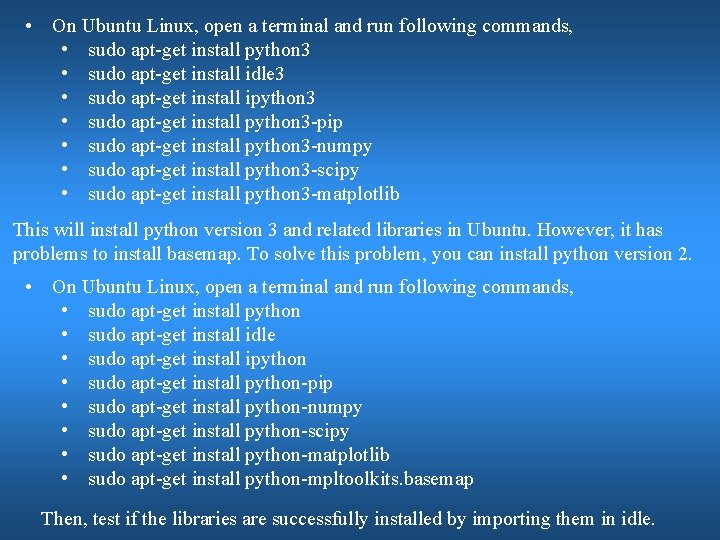
• On Ubuntu Linux, open a terminal and run following commands, • sudo apt-get install python 3 • sudo apt-get install idle 3 • sudo apt-get install ipython 3 • sudo apt-get install python 3 -pip • sudo apt-get install python 3 -numpy • sudo apt-get install python 3 -scipy • sudo apt-get install python 3 -matplotlib This will install python version 3 and related libraries in Ubuntu. However, it has problems to install basemap. To solve this problem, you can install python version 2. • On Ubuntu Linux, open a terminal and run following commands, • sudo apt-get install python • sudo apt-get install idle • sudo apt-get install ipython • sudo apt-get install python-pip • sudo apt-get install python-numpy • sudo apt-get install python-scipy • sudo apt-get install python-matplotlib • sudo apt-get install python-mpltoolkits. basemap Then, test if the libraries are successfully installed by importing them in idle.