
Message Input and Confirm Dialogs JOPTIONPANE JOption Pane



- Slides: 26
Message, Input, and Confirm Dialogs JOPTIONPANE JOption. Pane Dialogs January 19, 2022 1
Dialog Boxes Message, Input, and Confirm Dialogs JOption. Pane Dialogs January 19, 2022 2
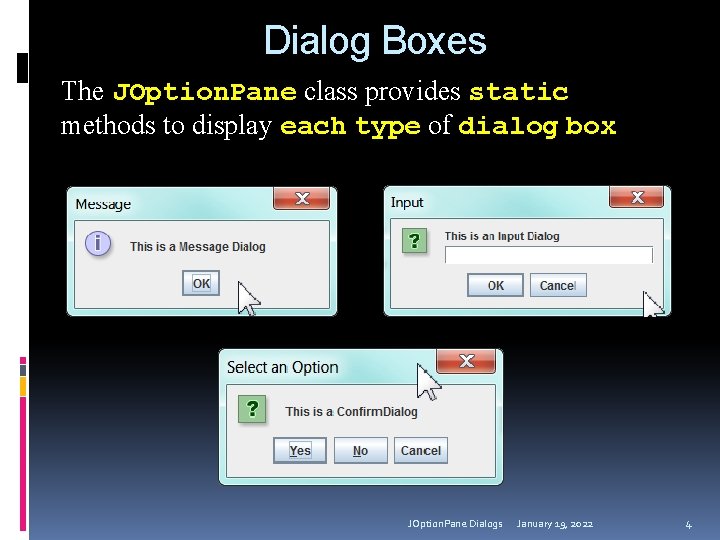
Dialog Boxes A dialog box is a small graphical window that displays a message to the user or requests input A variety of simple dialog boxes can be displayed using the JOption. Pane class Message Dialog - a dialog box that displays a message Input Dialog - a dialog box that prompts the user for typed input Confirm Dialog This is a dialog box that asks the user a Yes/No question JOption. Pane Dialogs January 19, 2022 3
Dialog Boxes The JOption. Pane class provides static methods to display each type of dialog box JOption. Pane Dialogs January 19, 2022 4
Message dialogs JOption. Pane Dialogs January 19, 2022 5
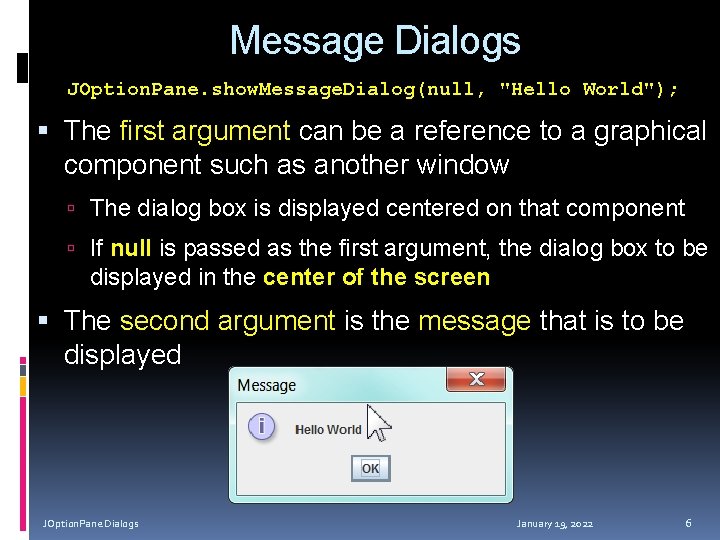
Message Dialogs JOption. Pane. show. Message. Dialog(null, "Hello World"); The first argument can be a reference to a graphical component such as another window The dialog box is displayed centered on that component If null is passed as the first argument, the dialog box to be displayed in the center of the screen The second argument is the message that is to be displayed JOption. Pane Dialogs January 19, 2022 6
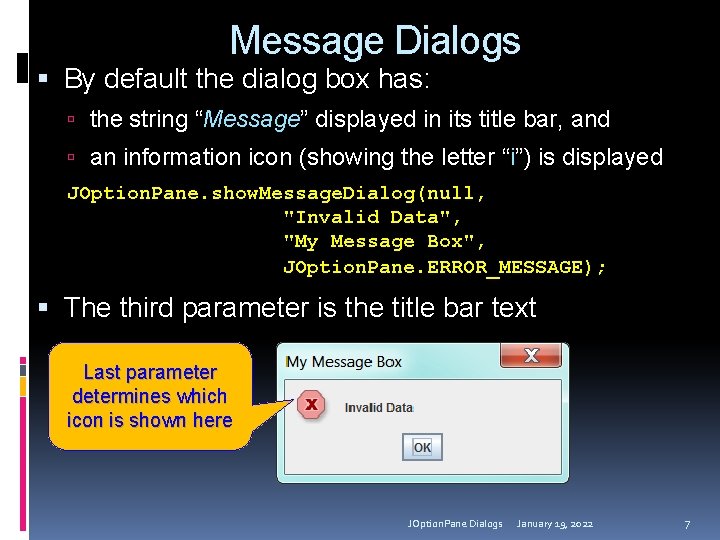
Message Dialogs By default the dialog box has: the string “Message” displayed in its title bar, and an information icon (showing the letter “i”) is displayed JOption. Pane. show. Message. Dialog(null, "Invalid Data", "My Message Box", JOption. Pane. ERROR_MESSAGE); The third parameter is the title bar text Last parameter determines which icon is shown here JOption. Pane Dialogs January 19, 2022 7
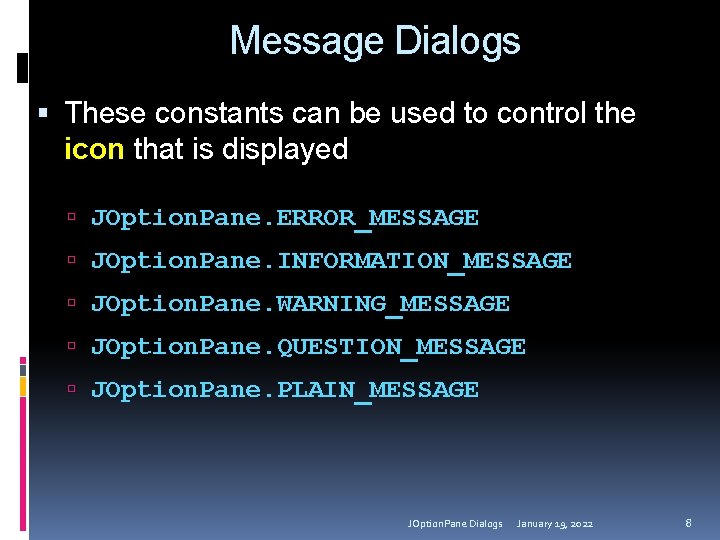
Message Dialogs These constants can be used to control the icon that is displayed JOption. Pane. ERROR_MESSAGE JOption. Pane. INFORMATION_MESSAGE JOption. Pane. WARNING_MESSAGE JOption. Pane. QUESTION_MESSAGE JOption. Pane. PLAIN_MESSAGE JOption. Pane Dialogs January 19, 2022 8
Message Dialogs with Icons JOption. Pane Dialogs January 19, 2022 9
Message Dialogs The dialog boxes displayed by the JOption. Pane class are modal dialog boxes A modal dialog box suspends execution of any other instructions in your program until the dialog box is closed When the JOption. Pane. show. Message. Dialog method is called, the instructions after the method call do not execute until the user closes the message box JOption. Pane Dialogs January 19, 2022 10
Input Dialog JOption. Pane Dialogs January 19, 2022 11
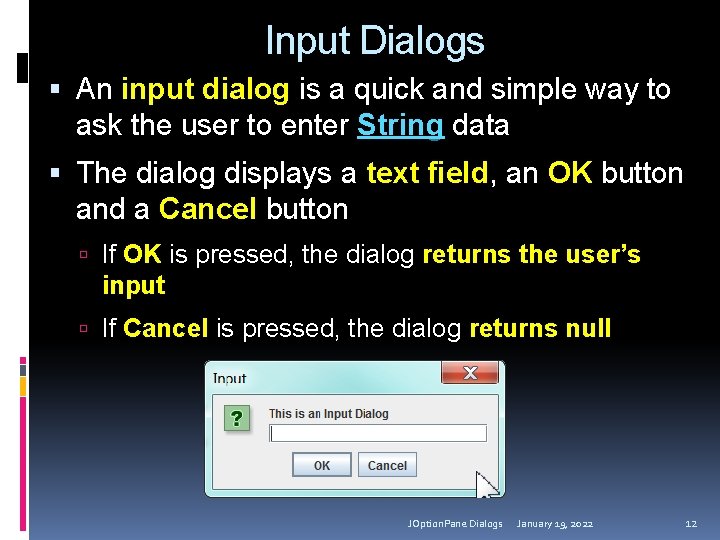
Input Dialogs An input dialog is a quick and simple way to ask the user to enter String data The dialog displays a text field, an OK button and a Cancel button If OK is pressed, the dialog returns the user’s input If Cancel is pressed, the dialog returns null JOption. Pane Dialogs January 19, 2022 12
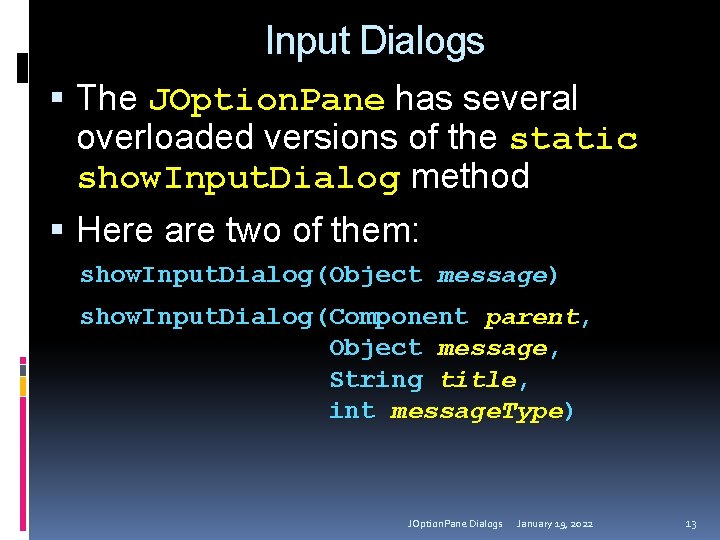
Input Dialogs The JOption. Pane has several overloaded versions of the static show. Input. Dialog method Here are two of them: show. Input. Dialog(Object message) show. Input. Dialog(Component parent, Object message, String title, int message. Type) JOption. Pane Dialogs January 19, 2022 13
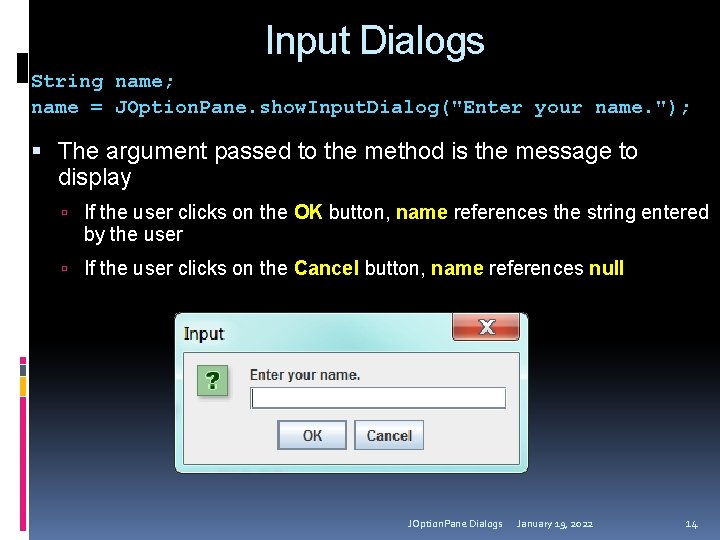
Input Dialogs String name; name = JOption. Pane. show. Input. Dialog("Enter your name. "); The argument passed to the method is the message to display If the user clicks on the OK button, name references the string entered by the user If the user clicks on the Cancel button, name references null JOption. Pane Dialogs January 19, 2022 14
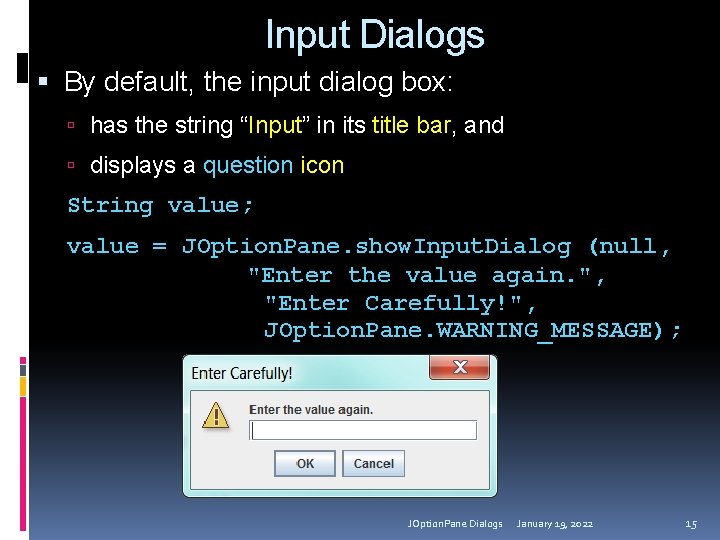
Input Dialogs By default, the input dialog box: has the string “Input” in its title bar, and displays a question icon String value; value = JOption. Pane. show. Input. Dialog (null, "Enter the value again. ", "Enter Carefully!", JOption. Pane. WARNING_MESSAGE); JOption. Pane Dialogs January 19, 2022 15
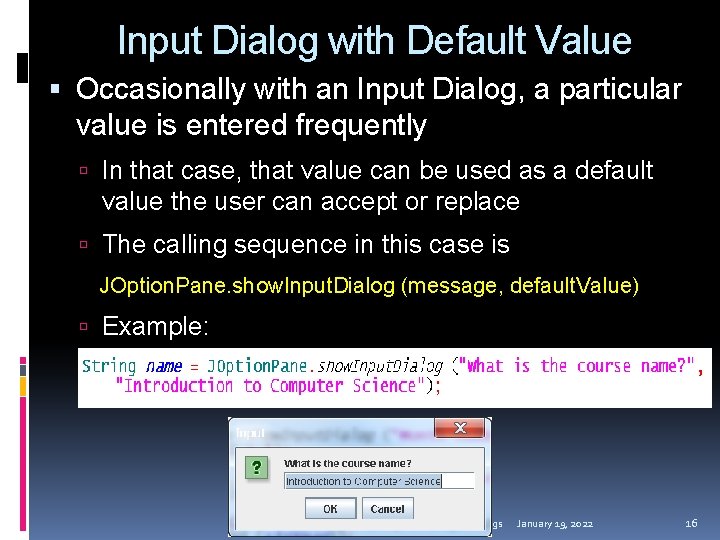
Input Dialog with Default Value Occasionally with an Input Dialog, a particular value is entered frequently In that case, that value can be used as a default value the user can accept or replace The calling sequence in this case is JOption. Pane. show. Input. Dialog (message, default. Value) Example: JOption. Pane Dialogs January 19, 2022 16
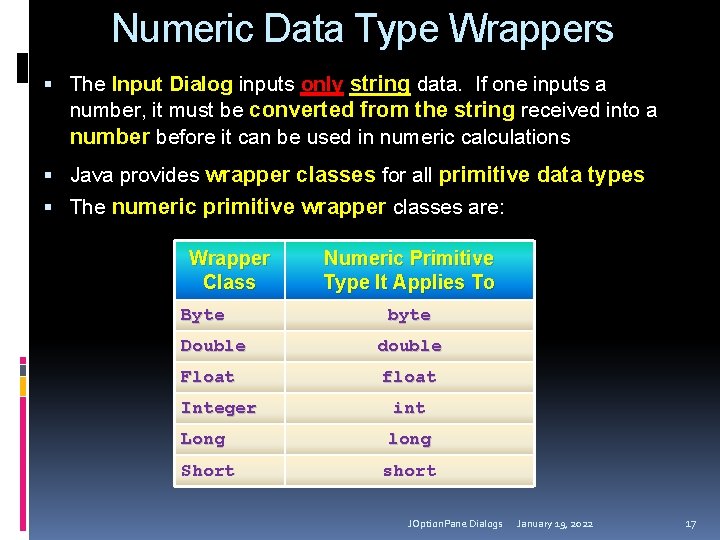
Numeric Data Type Wrappers The Input Dialog inputs only string data. If one inputs a number, it must be converted from the string received into a number before it can be used in numeric calculations Java provides wrapper classes for all primitive data types The numeric primitive wrapper classes are: Wrapper Class Byte Double Float Integer Numeric Primitive Type It Applies To byte double float int Long long Short short JOption. Pane Dialogs January 19, 2022 17
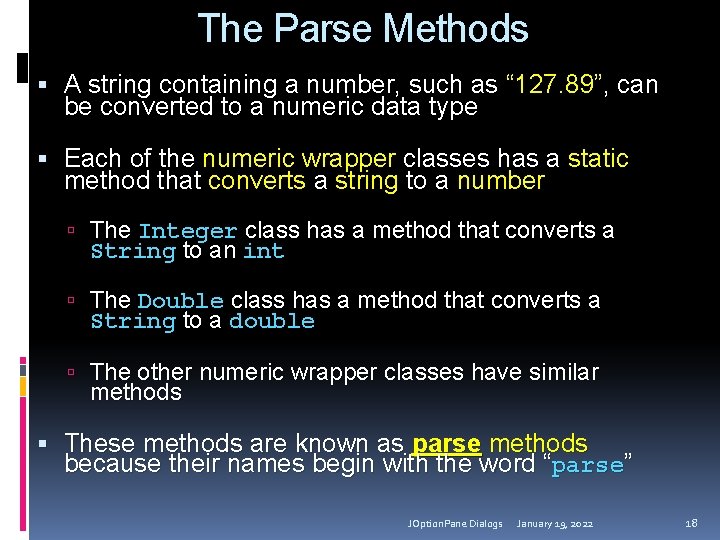
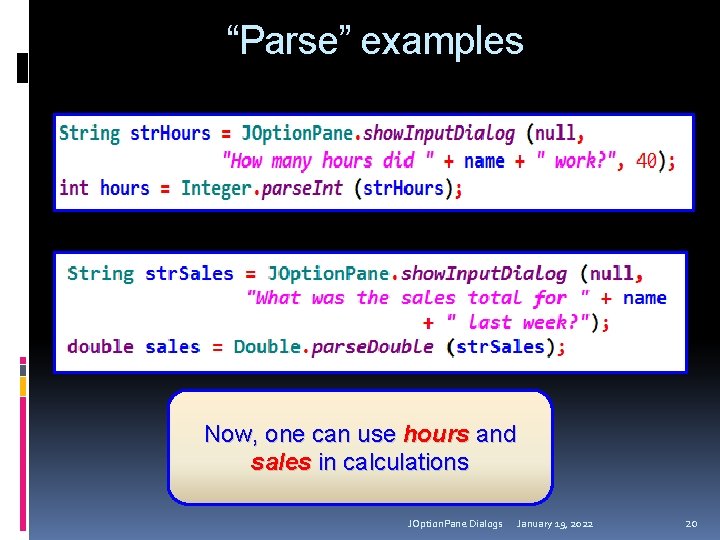
The Parse Methods A string containing a number, such as “ 127. 89”, can be converted to a numeric data type Each of the numeric wrapper classes has a static method that converts a string to a number The Integer class has a method that converts a String to an int The Double class has a method that converts a String to a double The other numeric wrapper classes have similar methods These methods are known as parse methods because their names begin with the word “parse” JOption. Pane Dialogs January 19, 2022 18
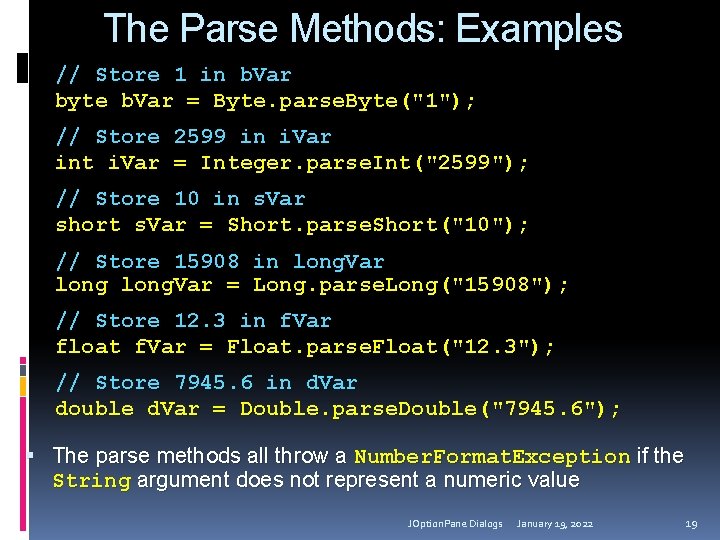
The Parse Methods: Examples // Store 1 in b. Var byte b. Var = Byte. parse. Byte("1"); // Store 2599 in i. Var int i. Var = Integer. parse. Int("2599"); // Store 10 in s. Var short s. Var = Short. parse. Short("10"); // Store 15908 long. Var = in long. Var Long. parse. Long("15908"); // Store 12. 3 in f. Var float f. Var = Float. parse. Float("12. 3"); // Store 7945. 6 in d. Var double d. Var = Double. parse. Double("7945. 6"); The parse methods all throw a Number. Format. Exception if the String argument does not represent a numeric value JOption. Pane Dialogs January 19, 2022 19
“Parse” examples Now, one can use hours and sales in calculations JOption. Pane Dialogs January 19, 2022 20
Confirm dialog JOption. Pane Dialogs January 19, 2022 21
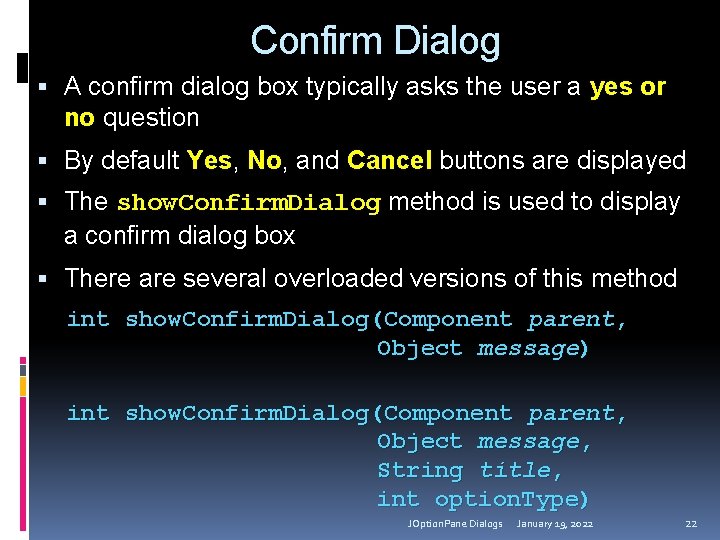
Confirm Dialog A confirm dialog box typically asks the user a yes or no question By default Yes, No, and Cancel buttons are displayed The show. Confirm. Dialog method is used to display a confirm dialog box There are several overloaded versions of this method int show. Confirm. Dialog(Component parent, Object message) int show. Confirm. Dialog(Component parent, Object message, String title, int option. Type) JOption. Pane Dialogs January 19, 2022 22
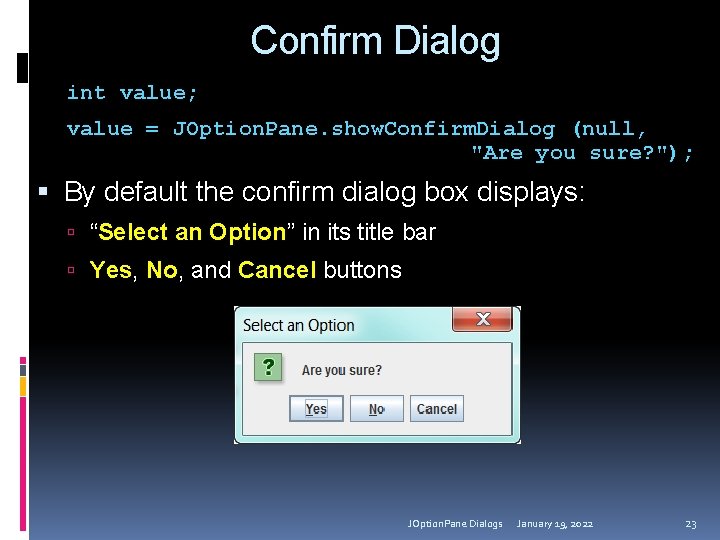
Confirm Dialog int value; value = JOption. Pane. show. Confirm. Dialog (null, "Are you sure? "); By default the confirm dialog box displays: “Select an Option” in its title bar Yes, No, and Cancel buttons JOption. Pane Dialogs January 19, 2022 23
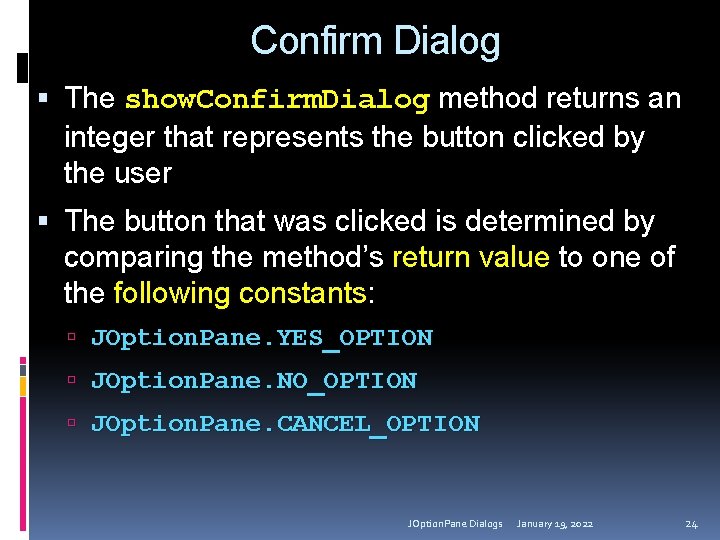
Confirm Dialog The show. Confirm. Dialog method returns an integer that represents the button clicked by the user The button that was clicked is determined by comparing the method’s return value to one of the following constants: JOption. Pane. YES_OPTION JOption. Pane. NO_OPTION JOption. Pane. CANCEL_OPTION JOption. Pane Dialogs January 19, 2022 24
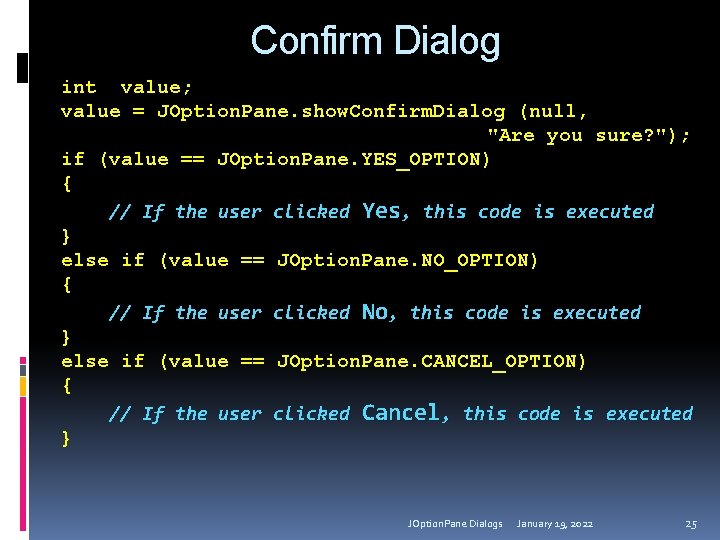
Confirm Dialog int value; value = JOption. Pane. show. Confirm. Dialog (null, "Are you sure? "); if (value == JOption. Pane. YES_OPTION) { // If the user clicked Yes, this code is executed } else if (value == JOption. Pane. NO_OPTION) { // If the user clicked No, this code is executed } else if (value == JOption. Pane. CANCEL_OPTION) { // If the user clicked Cancel, this code is executed } JOption. Pane Dialogs January 19, 2022 25
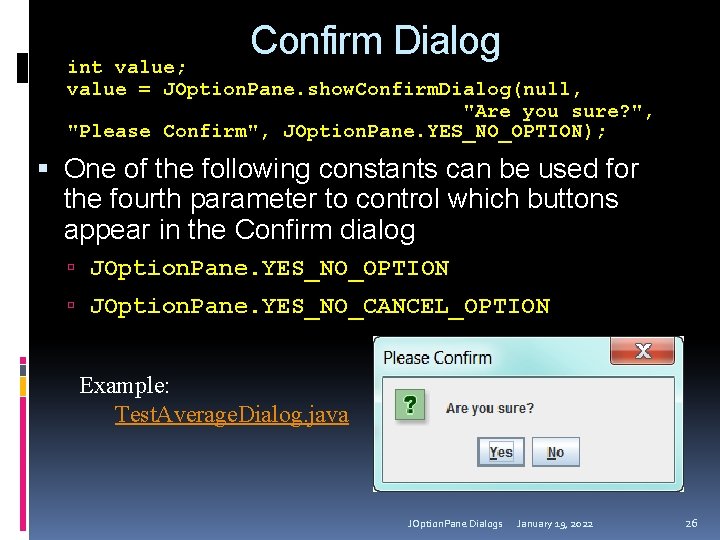
Confirm Dialog int value; value = JOption. Pane. show. Confirm. Dialog(null, "Are you sure? ", "Please Confirm", JOption. Pane. YES_NO_OPTION); One of the following constants can be used for the fourth parameter to control which buttons appear in the Confirm dialog JOption. Pane. YES_NO_OPTION JOption. Pane. YES_NO_CANCEL_OPTION Example: Test. Average. Dialog. java JOption. Pane Dialogs January 19, 2022 26