
Merchant Service Group LLC Integrated PointofSale System Introduction

- Slides: 25
Merchant Service Group LLC Integrated Point-of-Sale System
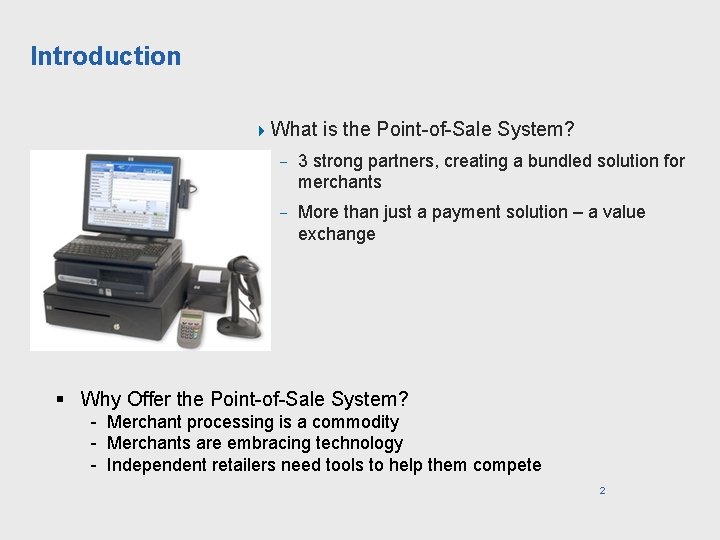
Introduction 4 What is the Point-of-Sale System? - 3 strong partners, creating a bundled solution for merchants - More than just a payment solution – a value exchange § Why Offer the Point-of-Sale System? - Merchant processing is a commodity - Merchants are embracing technology - Independent retailers need tools to help them compete 2
What does the Point-of-Sale System Include? 4 Inventory and PO Management - Inventory entry, control, counts, tracking, and planning - Barcode creation and label printing capable - Barcode Label Printer is an optional peripheral - Purchase order creation, tracking, and reconciliation - Reordering based on automatically tracked sales - Replenish stock based on sales performance 4 Customer Marketing - Create customer records - Maintain customer mailing lists - Track customer purchases - Create sales campaigns - Drive store traffic - Promote store brand awareness 3
What does the Point-of-Sale System Include? 4 Sales Entry - Ring up items, compute totals, print receipts - Accept payments: credit, debit, and gift cards (coming Feb 2007), checks, cash - POS peripherals: scanner, cash drawer, printer, and touch-screen monitor - Place orders on hold and recall POS sales statistics - Export data to Microsoft Excel or accounting software - Sales/cost by categories 4 Retail Hardened - Equipment has a long retail lifecycle - Dynamic system with multiple periphery solutions that are easily added to the existing system - Steel chassis for durability and protection, extra fans for cooling, and an oversized heat sink and power supply - Gold interior connectors for long wear and recessed, locking connectors to prevent accidental unplugging 4
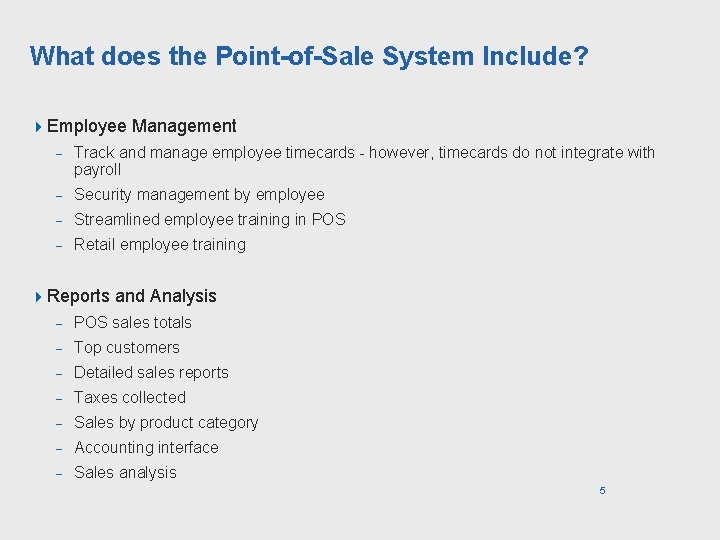
What does the Point-of-Sale System Include? 4 Employee Management - Track and manage employee timecards - however, timecards do not integrate with payroll - Security management by employee - Streamlined employee training in POS - Retail employee training 4 Reports and Analysis - POS sales totals - Top customers - Detailed sales reports - Taxes collected - Sales by product category - Accounting interface - Sales analysis 5
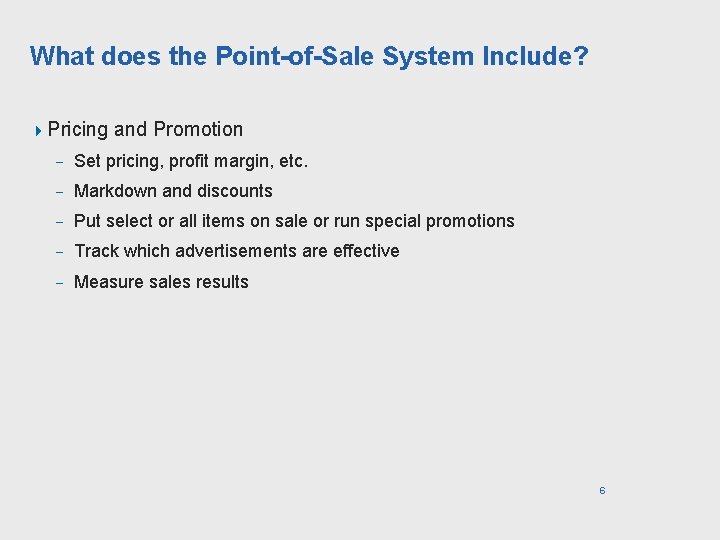
What does the Point-of-Sale System Include? 4 Pricing and Promotion - Set pricing, profit margin, etc. - Markdown and discounts - Put select or all items on sale or run special promotions - Track which advertisements are effective - Measure sales results 6
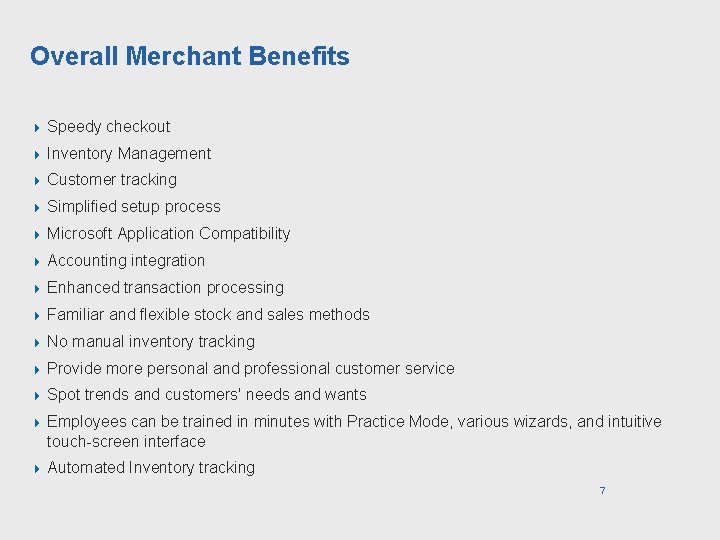
Overall Merchant Benefits 4 Speedy checkout 4 Inventory Management 4 Customer tracking 4 Simplified setup process 4 Microsoft Application Compatibility 4 Accounting integration 4 Enhanced transaction processing 4 Familiar and flexible stock and sales methods 4 No manual inventory tracking 4 Provide more personal and professional customer service 4 Spot trends and customers' needs and wants 4 Employees can be trained in minutes with Practice Mode, various wizards, and intuitive touch-screen interface 4 Automated Inventory tracking 7
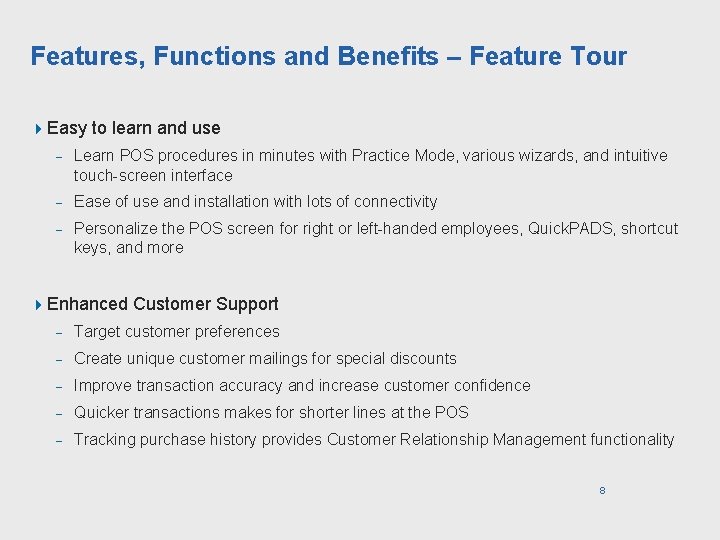
Features, Functions and Benefits – Feature Tour 4 Easy to learn and use - Learn POS procedures in minutes with Practice Mode, various wizards, and intuitive touch-screen interface - Ease of use and installation with lots of connectivity - Personalize the POS screen for right or left-handed employees, Quick. PADS, shortcut keys, and more 4 Enhanced Customer Support - Target customer preferences - Create unique customer mailings for special discounts - Improve transaction accuracy and increase customer confidence - Quicker transactions makes for shorter lines at the POS - Tracking purchase history provides Customer Relationship Management functionality 8
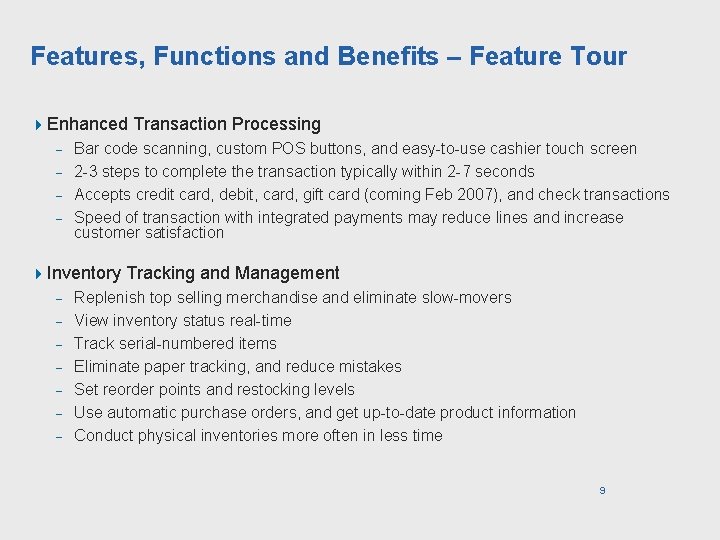
Features, Functions and Benefits – Feature Tour 4 Enhanced Transaction Processing Bar code scanning, custom POS buttons, and easy-to-use cashier touch screen - 2 -3 steps to complete the transaction typically within 2 -7 seconds - Accepts credit card, debit, card, gift card (coming Feb 2007), and check transactions - Speed of transaction with integrated payments may reduce lines and increase customer satisfaction - 4 Inventory - Tracking and Management Replenish top selling merchandise and eliminate slow-movers View inventory status real-time Track serial-numbered items Eliminate paper tracking, and reduce mistakes Set reorder points and restocking levels Use automatic purchase orders, and get up-to-date product information Conduct physical inventories more often in less time 9
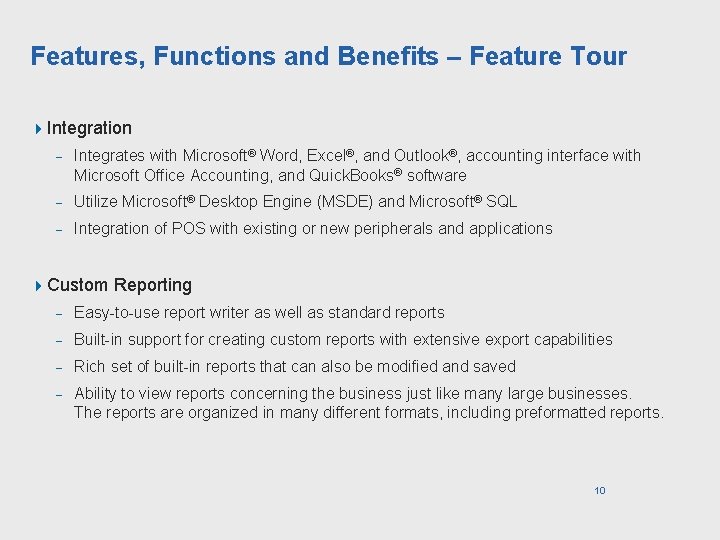
Features, Functions and Benefits – Feature Tour 4 Integration - Integrates with Microsoft® Word, Excel®, and Outlook®, accounting interface with Microsoft Office Accounting, and Quick. Books® software - Utilize Microsoft® Desktop Engine (MSDE) and Microsoft® SQL - Integration of POS with existing or new peripherals and applications 4 Custom Reporting - Easy-to-use report writer as well as standard reports - Built-in support for creating custom reports with extensive export capabilities - Rich set of built-in reports that can also be modified and saved - Ability to view reports concerning the business just like many large businesses. The reports are organized in many different formats, including preformatted reports. 10
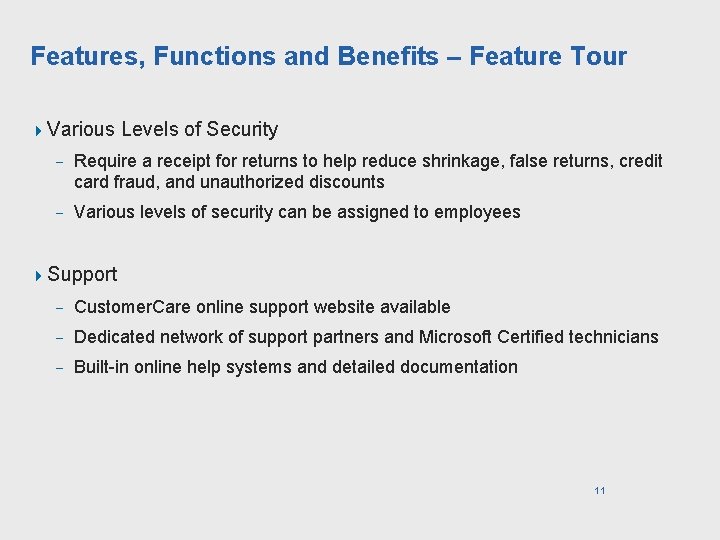
Features, Functions and Benefits – Feature Tour 4 Various Levels of Security - Require a receipt for returns to help reduce shrinkage, false returns, credit card fraud, and unauthorized discounts - Various levels of security can be assigned to employees 4 Support - Customer. Care online support website available - Dedicated network of support partners and Microsoft Certified technicians - Built-in online help systems and detailed documentation 11
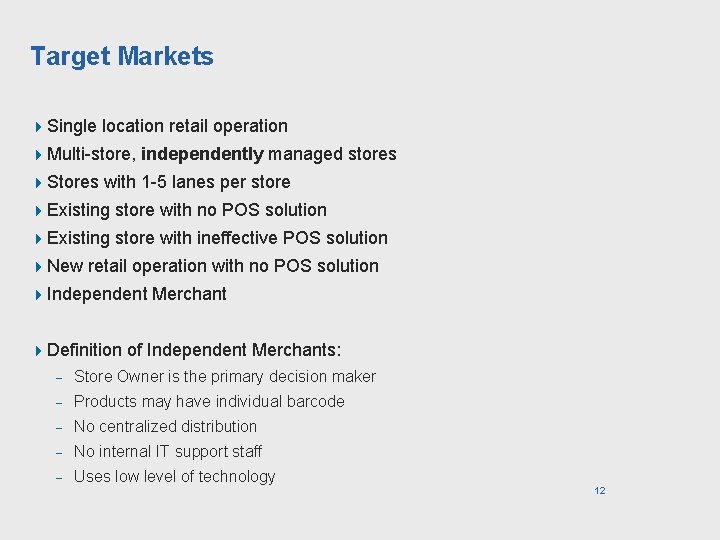
Target Markets 4 Single location retail operation 4 Multi-store, 4 Stores independently managed stores with 1 -5 lanes per store 4 Existing store with no POS solution 4 Existing store with ineffective POS solution 4 New retail operation with no POS solution 4 Independent 4 Definition Merchant of Independent Merchants: - Store Owner is the primary decision maker - Products may have individual barcode - No centralized distribution - No internal IT support staff - Uses low level of technology 12
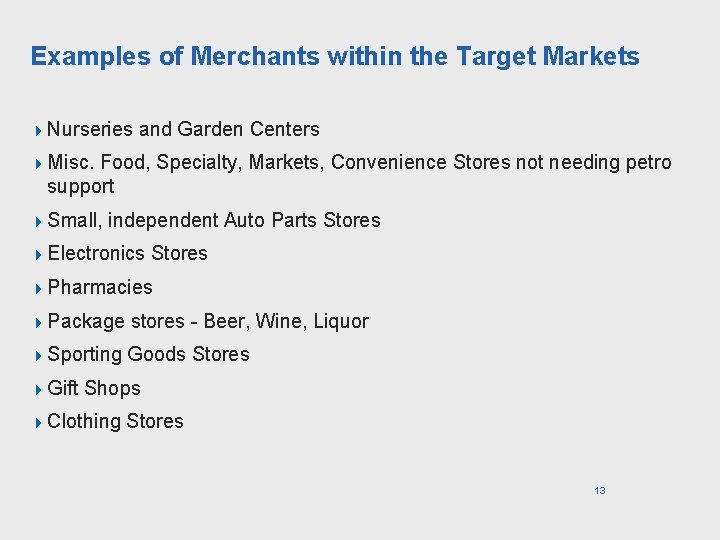
Examples of Merchants within the Target Markets 4 Nurseries and Garden Centers 4 Misc. Food, Specialty, Markets, Convenience Stores not needing petro support 4 Small, independent Auto Parts Stores 4 Electronics Stores 4 Pharmacies 4 Package stores - Beer, Wine, Liquor 4 Sporting Goods Stores 4 Gift Shops 4 Clothing Stores 13
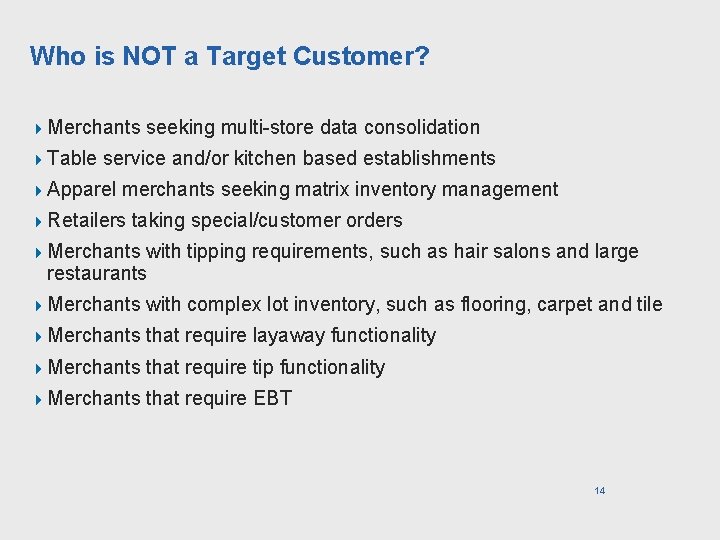
Who is NOT a Target Customer? 4 Merchants 4 Table seeking multi-store data consolidation service and/or kitchen based establishments 4 Apparel merchants seeking matrix inventory management 4 Retailers taking special/customer orders 4 Merchants with tipping requirements, such as hair salons and large restaurants 4 Merchants with complex lot inventory, such as flooring, carpet and tile 4 Merchants that require layaway functionality 4 Merchants that require tip functionality 4 Merchants that require EBT 14
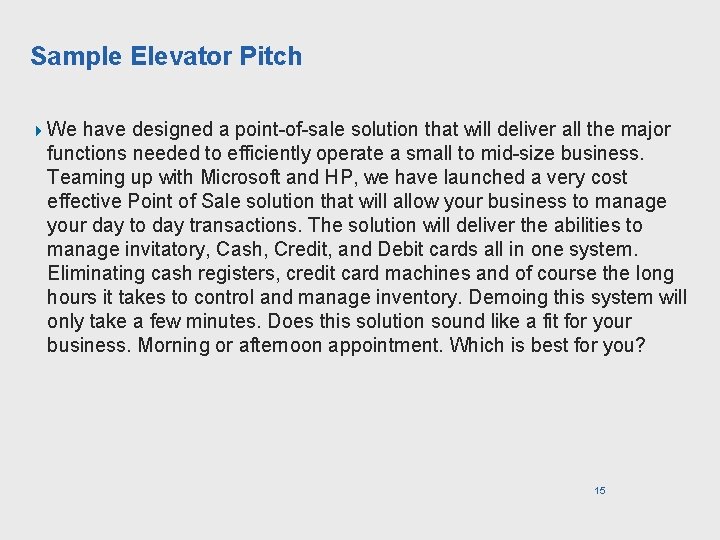
Sample Elevator Pitch 4 We have designed a point-of-sale solution that will deliver all the major functions needed to efficiently operate a small to mid-size business. Teaming up with Microsoft and HP, we have launched a very cost effective Point of Sale solution that will allow your business to manage your day to day transactions. The solution will deliver the abilities to manage invitatory, Cash, Credit, and Debit cards all in one system. Eliminating cash registers, credit card machines and of course the long hours it takes to control and manage inventory. Demoing this system will only take a few minutes. Does this solution sound like a fit for your business. Morning or afternoon appointment. Which is best for you? 15
Probing Questions and Answers 4 AE: How much time do you spend doing administrative work? Wouldn't you rather be selling (or having dinner with the family, etc. )? Merchant Response: Merchant describes pain points of inefficiencies in responding to customer inquiries. Describes pain point of time away from family. . . AE: By providing you and your point of sale staff and associates an easy way to check prices, inventory availability and location quickly, you improve efficiency and get more done in less time; thus, freeing up time to spend with your customers and your family. Your customers will notice the difference. 4 AE: How many inventory turns do you get? What prevents you from increasing your turns? Merchant Response: I see my inventory turn over often, but I do not know how often. AE: With this product, you can make better buying business decision and understand your store's true results. The POS Value Exchange solution offers retailers real time reporting that identifies best-selling items, most productive employees, detail sales history by cashier, department, category, supplier and more. View once an hour, day week or month. You should 16 have the information to make the decision for your business, not your supplier.
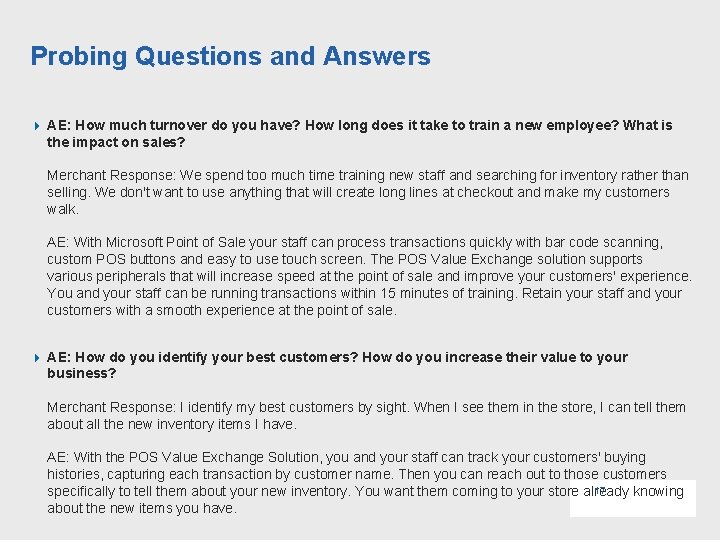
Probing Questions and Answers 4 AE: How much turnover do you have? How long does it take to train a new employee? What is the impact on sales? Merchant Response: We spend too much time training new staff and searching for inventory rather than selling. We don't want to use anything that will create long lines at checkout and make my customers walk. AE: With Microsoft Point of Sale your staff can process transactions quickly with bar code scanning, custom POS buttons and easy to use touch screen. The POS Value Exchange solution supports various peripherals that will increase speed at the point of sale and improve your customers' experience. You and your staff can be running transactions within 15 minutes of training. Retain your staff and your customers with a smooth experience at the point of sale. 4 AE: How do you identify your best customers? How do you increase their value to your business? Merchant Response: I identify my best customers by sight. When I see them in the store, I can tell them about all the new inventory items I have. AE: With the POS Value Exchange Solution, you and your staff can track your customers' buying histories, capturing each transaction by customer name. Then you can reach out to those customers 17 specifically to tell them about your new inventory. You want them coming to your store already knowing about the new items you have.
Competitor Information 4 Better pricing for complete solution versus most competitors - Low purchase price for high-quality solution - Right tool for the right job with much more value for the investment than a traditional desktop. A regular desktop PC will need to be replaced sooner and is more likely to not stand up to the requirement of the retail deployment. - Customers have recognized that, at the end of the day, hardened products made for retail environments translate to real savings. - Great Cashier Interface means minimal training. - Cashiers typically need 15 - 30 minutes of training - Managers can typically pick up all they need to know within a day or two of using the solution - World-class user interface and usability 4 Integration - 18 Seamless integration with FDC payments and other Microsoft applications.
Competitor Information 4 Support - On-site installation included - Offers built-in online help systems so merchants can spend less time and money on support - Built-in support documents and wizards within POS - 3 -Year warranty from HP, which includes hardware and peripherals (excluding PIN pad) - Level 1 support handles hardware and software questions in one centralized convenient place - 1 -Hour free "Getting Started" telephone training. 4 Functionality - Data integration allows for range of uses by retailer - Customer reporting suits the needs of varied retailers - Business intelligence tools support advanced customer reach - Robust inventory control tools - Merchants have access to same tools and reports as large retailers. 19
Supported Transaction Types 4 Visa 4 Master. Card 4 American Express* 4 Discover* 4 PIN-based 4 Gift Debit Card (targeted for February 1, 2007) 4 Check 4 ECA Warranty/Verification (targeted for early 2 nd Quarter 2007) *NOT supported for full-service 20
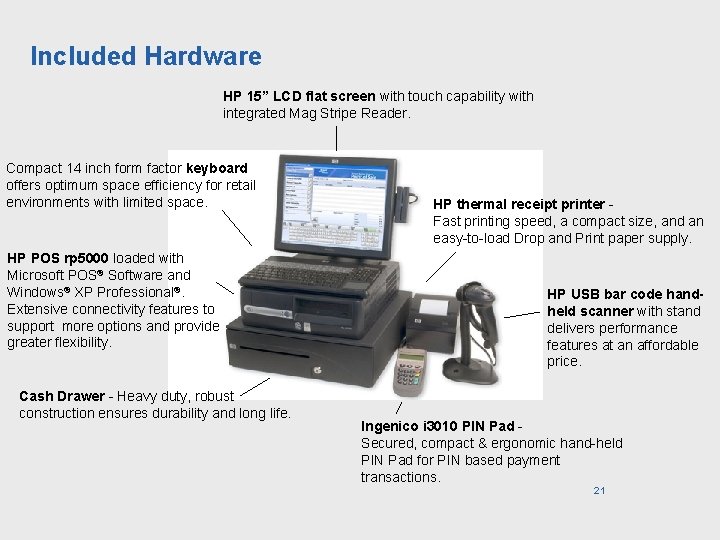
Included Hardware HP 15” LCD flat screen with touch capability with integrated Mag Stripe Reader. Compact 14 inch form factor keyboard offers optimum space efficiency for retail environments with limited space. HP POS rp 5000 loaded with Microsoft POS® Software and Windows® XP Professional®. Extensive connectivity features to support more options and provide greater flexibility. Cash Drawer - Heavy duty, robust construction ensures durability and long life. HP thermal receipt printer Fast printing speed, a compact size, and an easy-to-load Drop and Print paper supply. HP USB bar code handheld scanner with stand delivers performance features at an affordable price. Ingenico i 3010 PIN Pad Secured, compact & ergonomic hand-held PIN Pad for PIN based payment transactions. 21
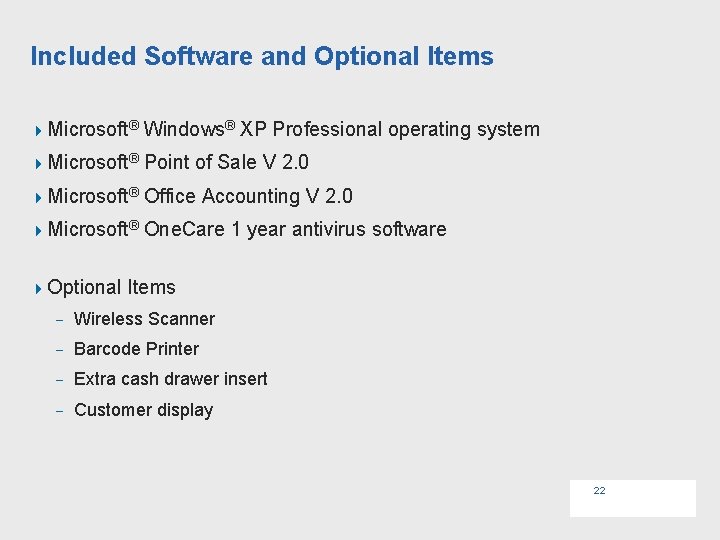
Included Software and Optional Items 4 Microsoft® Windows® XP Professional operating system 4 Microsoft® Point of Sale V 2. 0 4 Microsoft® Office Accounting V 2. 0 4 Microsoft® One. Care 1 year antivirus software 4 Optional Items - Wireless Scanner - Barcode Printer - Extra cash drawer insert - Customer display 22
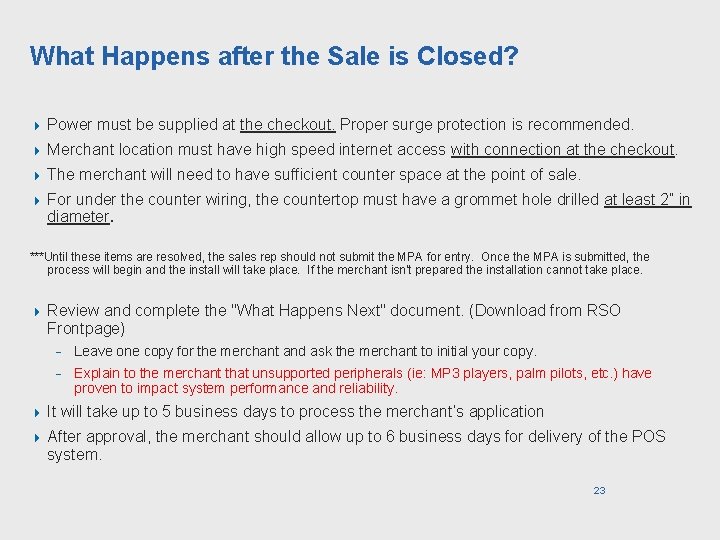
What Happens after the Sale is Closed? 4 Power must be supplied at the checkout. Proper surge protection is recommended. 4 Merchant location must have high speed internet access with connection at the checkout. 4 The merchant will need to have sufficient counter space at the point of sale. 4 For under the counter wiring, the countertop must have a grommet hole drilled at least 2” in diameter. ***Until these items are resolved, the sales rep should not submit the MPA for entry. Once the MPA is submitted, the process will begin and the install will take place. If the merchant isn't prepared the installation cannot take place. 4 Review and complete the "What Happens Next" document. (Download from RSO Frontpage) - Leave one copy for the merchant and ask the merchant to initial your copy. - Explain to the merchant that unsupported peripherals (ie: MP 3 players, palm pilots, etc. ) have proven to impact system performance and reliability. 4 It will take up to 5 business days to process the merchant’s application 4 After approval, the merchant should allow up to 6 business days for delivery of the POS system. 23
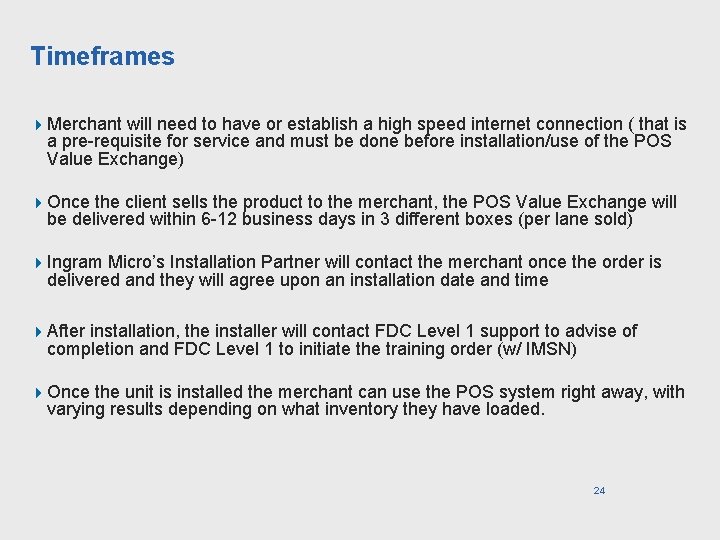
Timeframes 4 Merchant will need to have or establish a high speed internet connection ( that is a pre-requisite for service and must be done before installation/use of the POS Value Exchange) 4 Once the client sells the product to the merchant, the POS Value Exchange will be delivered within 6 -12 business days in 3 different boxes (per lane sold) 4 Ingram Micro’s Installation Partner will contact the merchant once the order is delivered and they will agree upon an installation date and time 4 After installation, the installer will contact FDC Level 1 support to advise of completion and FDC Level 1 to initiate the training order (w/ IMSN) 4 Once the unit is installed the merchant can use the POS system right away, with varying results depending on what inventory they have loaded. 24
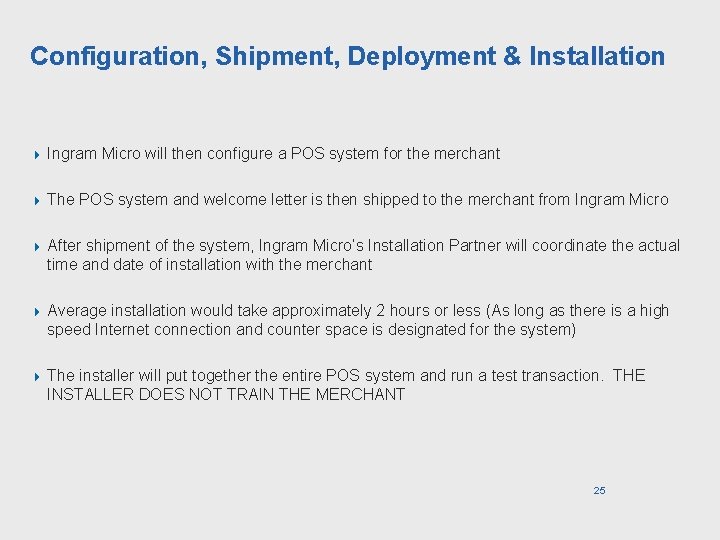
Configuration, Shipment, Deployment & Installation 4 Ingram Micro will then configure a POS system for the merchant 4 The POS system and welcome letter is then shipped to the merchant from Ingram Micro 4 After shipment of the system, Ingram Micro’s Installation Partner will coordinate the actual time and date of installation with the merchant 4 Average installation would take approximately 2 hours or less (As long as there is a high speed Internet connection and counter space is designated for the system) 4 The installer will put together the entire POS system and run a test transaction. THE INSTALLER DOES NOT TRAIN THE MERCHANT 25