
Memory Mapped IO What is Memory Mapped IO


- Slides: 8
Memory Mapped I/O
What is Memory Mapped I/O? • Instead of having special methods for accessing the values to be read or written, just get them from memory or put them into memory. • The device is connected directly to certain memory locations. • Two types of information to/from the device – Status – Value read/write
Why use Memory Mapped I/O • Makes programming simpler. • Do not have special commands to access I/O devices. – Just use lw and sw. • Takes some memory locations – Very few compared to the size of main memory.
Which Memory? • Memory addresses xffff 0000 and above are used for I/O devices. • The device controller has “registers”. • These registers are given a memory address. • Recall that the processor is attached to a bus, memory is attached to the bus, I/O devices are attached to the bus. – When the bus sees certain addresses, it knows they are not memory addresses, but are addresses for accessing I/O devices.
Communicating with the Keyboard • The keyboard has 2 registers associated with it – Receiver control at address xffff 0000 – Receiver data at address xffff 0004 • The receiver control will have a 1 in the rightmost bit when there is a value ready to be read. It will have a 0 in that bit otherwise. • The receiver data will have the character pressed on the keyboard (only when the receiver control has a 1 in the rightmost bit)
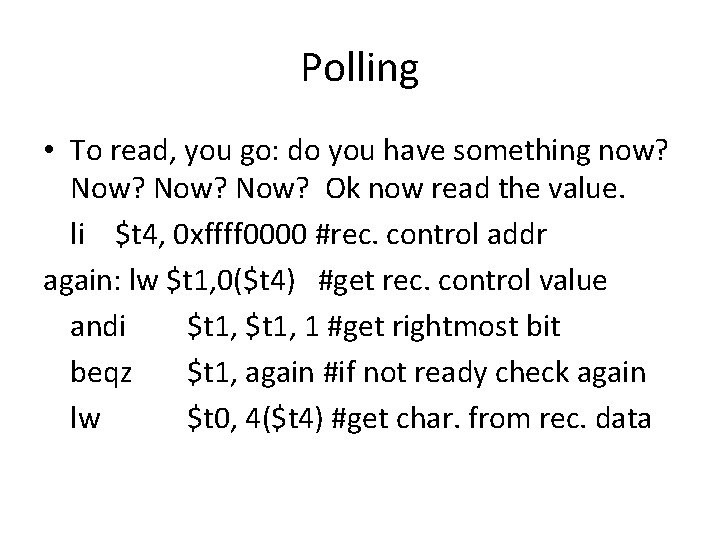
Polling • To read, you go: do you have something now? Now? Ok now read the value. li $t 4, 0 xffff 0000 #rec. control addr again: lw $t 1, 0($t 4) #get rec. control value andi $t 1, 1 #get rightmost bit beqz $t 1, again #if not ready check again lw $t 0, 4($t 4) #get char. from rec. data
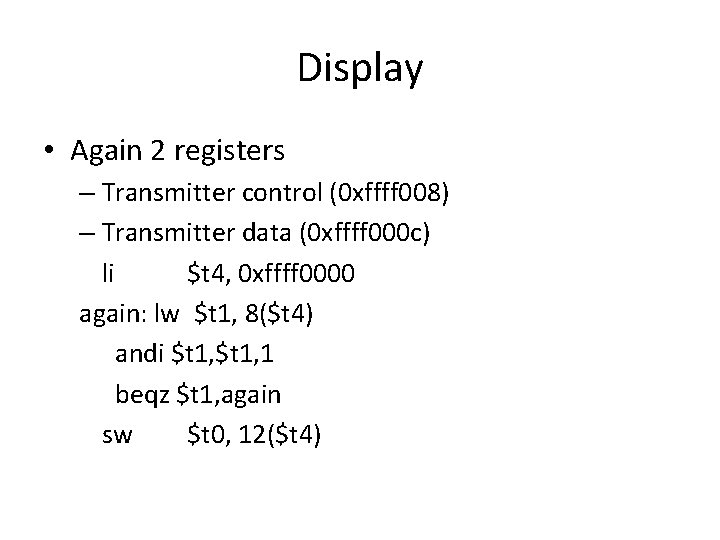
Display • Again 2 registers – Transmitter control (0 xffff 008) – Transmitter data (0 xffff 000 c) li $t 4, 0 xffff 0000 again: lw $t 1, 8($t 4) andi $t 1, 1 beqz $t 1, again sw $t 0, 12($t 4)
Working with Memory Mapped I/O • When using memory mapped I/O on Spim, you must check the Mapped I/O box in the options. • A real MIPS system (not one simulated by Spim) will have many more control/data register pairs for all of the devices. • Must make sure you empty the data register before key is pressed again. • Accessing the data register resets the status register.