
Memory Management in SQL Server Analysis Services Steve
- Slides: 37
Memory Management in SQL Server Analysis Services Steve Wright Director of Product Support SQL Sentry, Inc.
About the Presenter • Steve Wright – Director of Product Support for SQL Sentry Inc. • Headquartered in Huntersville, NC • SQL Sentry provides tools to monitor your entire Microsoft BI Platform • WWW. SQLSENTRY. NET
About this presentation… • We will discuss methods used to manage memory in SQL Server Analysis Services • Expected behavior when applying these methods. • How to monitor that behavior • Examples of Issues when these methods are mis-applied.
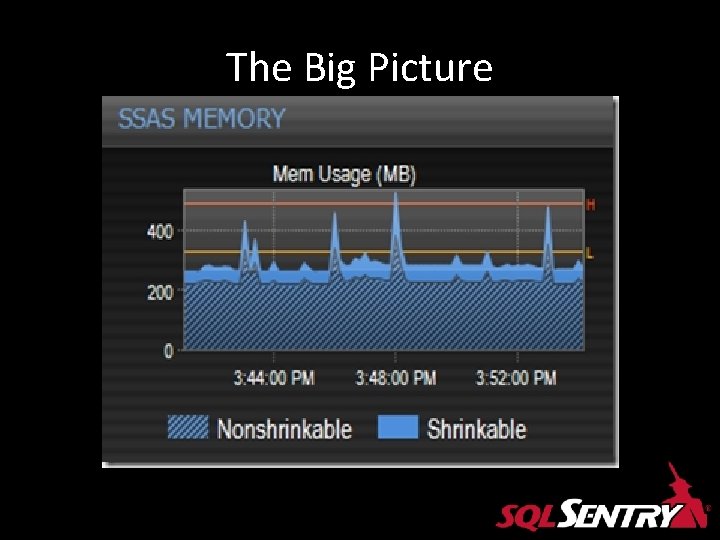
SSAS Memory Categories • Shrinkable – Easily reduced and returned to the OS – SE and FE caches • Nonshrinkable – Used for more essential system-related activites – Memory Allocators – Metadata Objects – Not easily reduced.
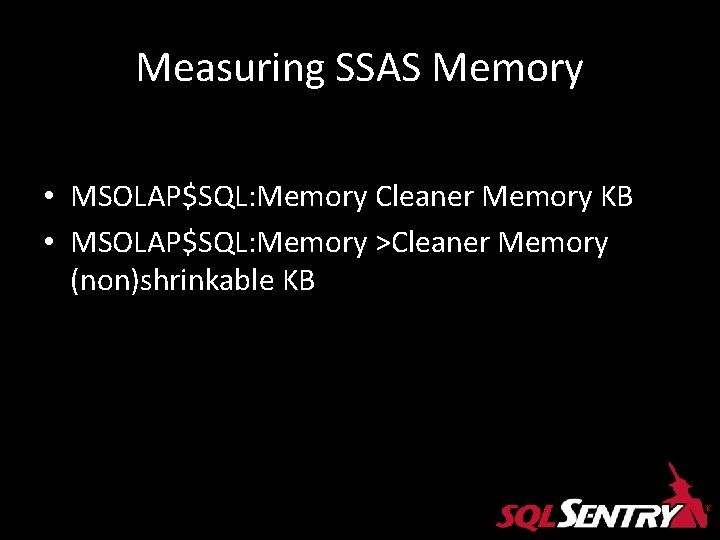
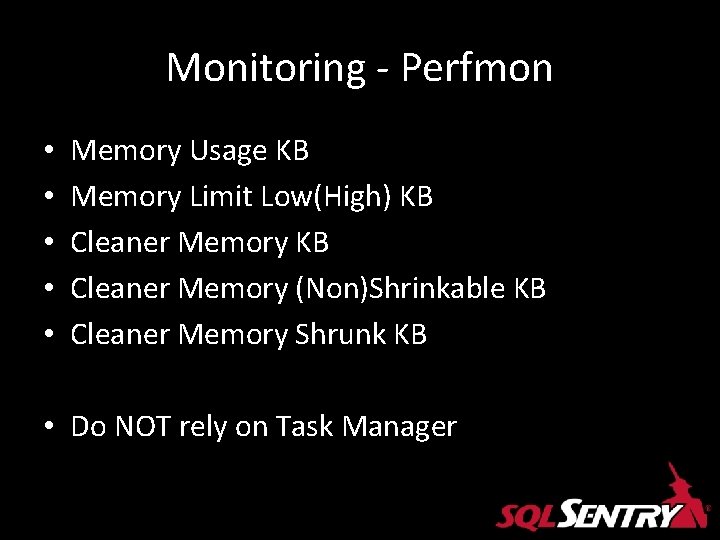
Measuring SSAS Memory • MSOLAP$SQL: Memory Cleaner Memory KB • MSOLAP$SQL: Memory >Cleaner Memory (non)shrinkable KB
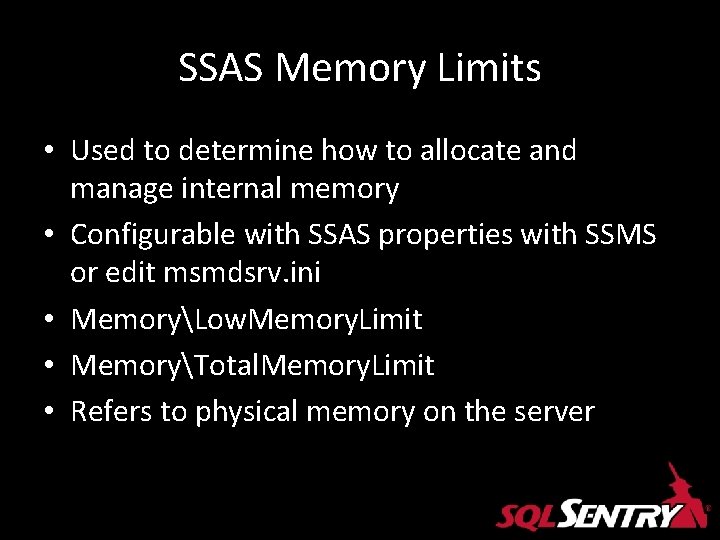
SSAS Memory Limits • Used to determine how to allocate and manage internal memory • Configurable with SSAS properties with SSMS or edit msmdsrv. ini • MemoryLow. Memory. Limit • MemoryTotal. Memory. Limit • Refers to physical memory on the server
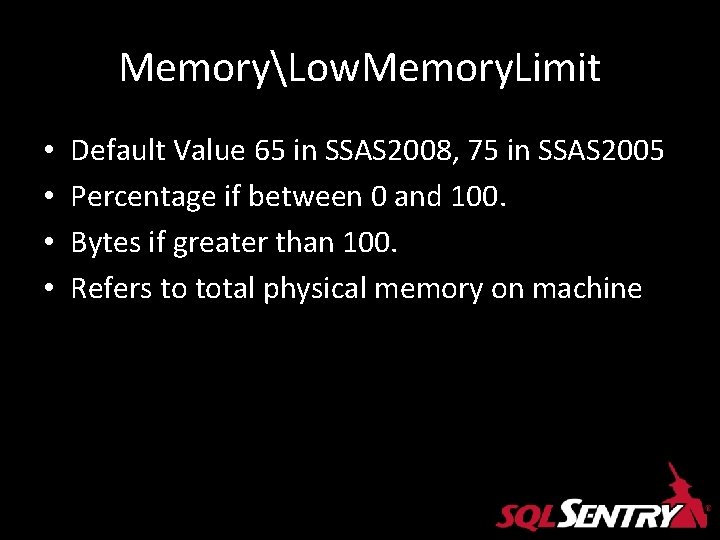
MemoryLow. Memory. Limit • • Default Value 65 in SSAS 2008, 75 in SSAS 2005 Percentage if between 0 and 100. Bytes if greater than 100. Refers to total physical memory on machine
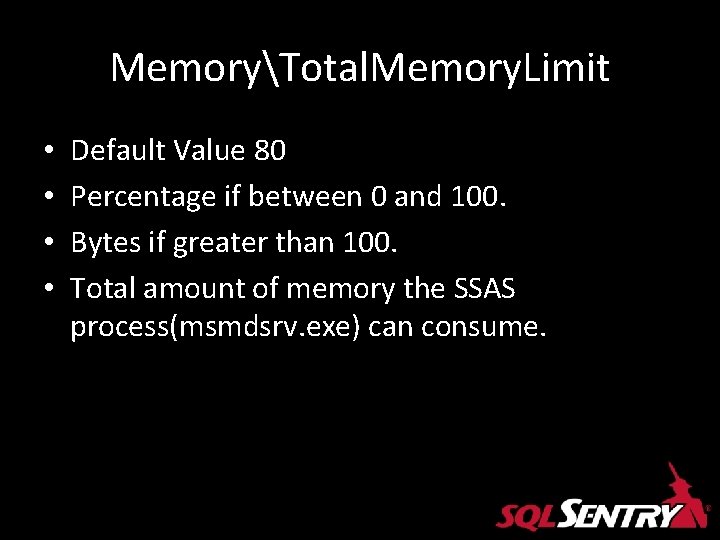
MemoryTotal. Memory. Limit • • Default Value 80 Percentage if between 0 and 100. Bytes if greater than 100. Total amount of memory the SSAS process(msmdsrv. exe) can consume.
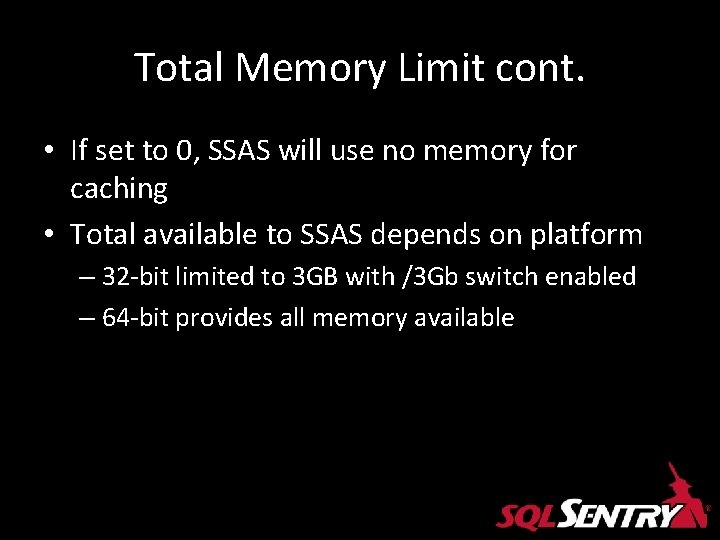
Total Memory Limit cont. • If set to 0, SSAS will use no memory for caching • Total available to SSAS depends on platform – 32 -bit limited to 3 GB with /3 Gb switch enabled – 64 -bit provides all memory available
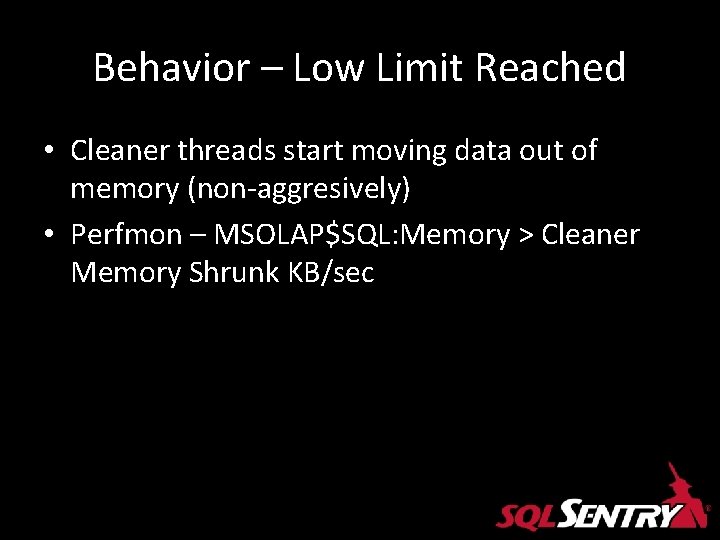
Behavior – Low Limit Reached • Cleaner threads start moving data out of memory (non-aggresively) • Perfmon – MSOLAP$SQL: Memory > Cleaner Memory Shrunk KB/sec
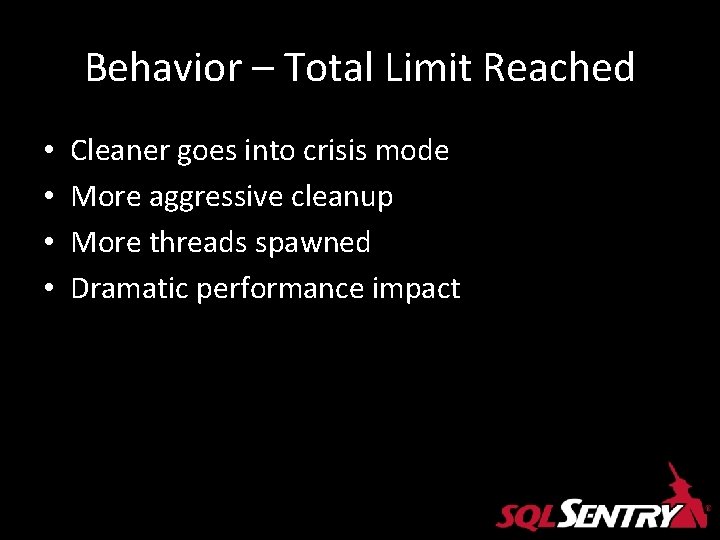
Behavior – Total Limit Reached • • Cleaner goes into crisis mode More aggressive cleanup More threads spawned Dramatic performance impact
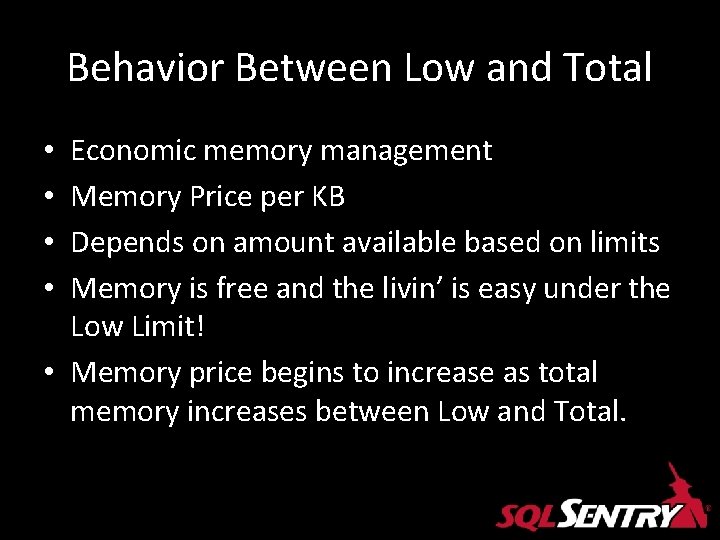
Behavior Between Low and Total Economic memory management Memory Price per KB Depends on amount available based on limits Memory is free and the livin’ is easy under the Low Limit! • Memory price begins to increase as total memory increases between Low and Total. • •
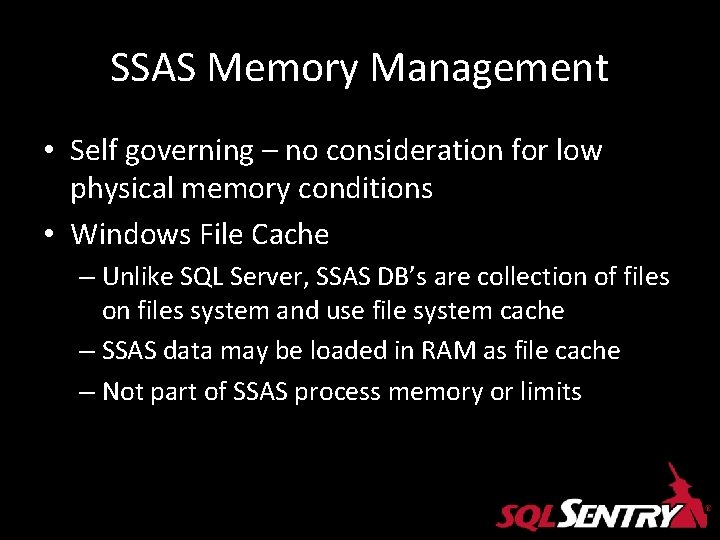
SSAS Memory Management • Self governing – no consideration for low physical memory conditions • Windows File Cache – Unlike SQL Server, SSAS DB’s are collection of files on files system and use file system cache – SSAS data may be loaded in RAM as file cache – Not part of SSAS process memory or limits
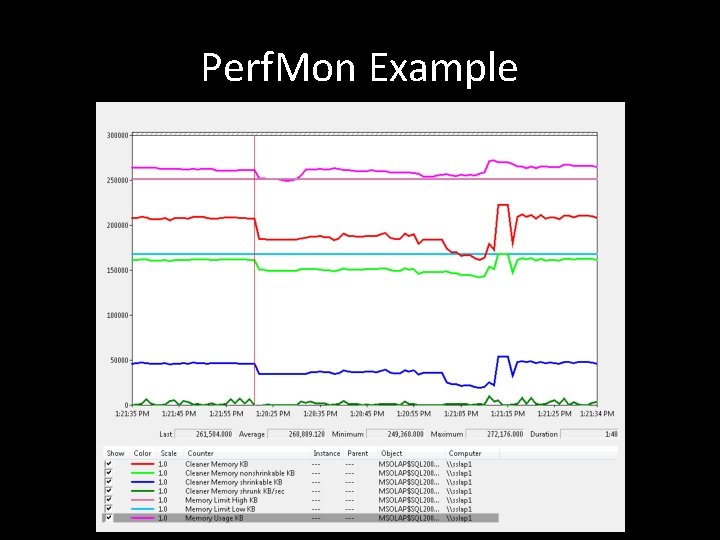
Monitoring - Perfmon • • • Memory Usage KB Memory Limit Low(High) KB Cleaner Memory (Non)Shrinkable KB Cleaner Memory Shrunk KB • Do NOT rely on Task Manager
Perf. Mon Example
The Big Picture
Graphical Anomaly - Background • SQL Sentry Customer – Financial Services • Beta tester of SQL Sentry Performance Advisor for Analysis Services • Eager to test as they were suffering from SSAS performance issues • Scheduled Microsoft to come on-site to help
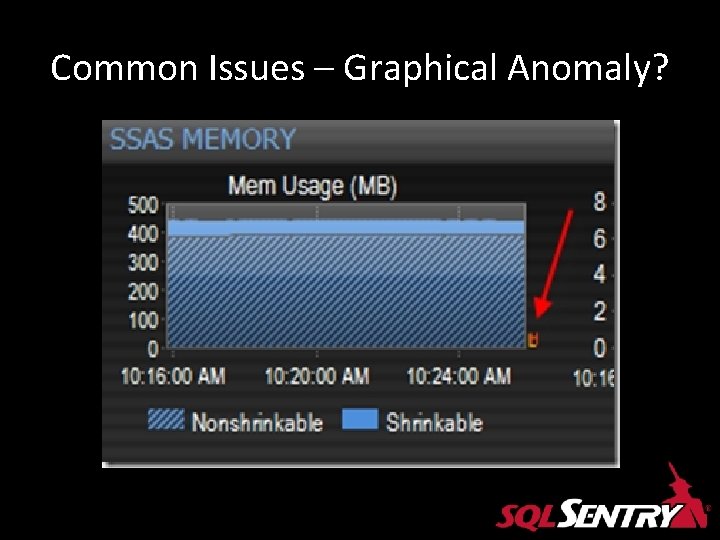
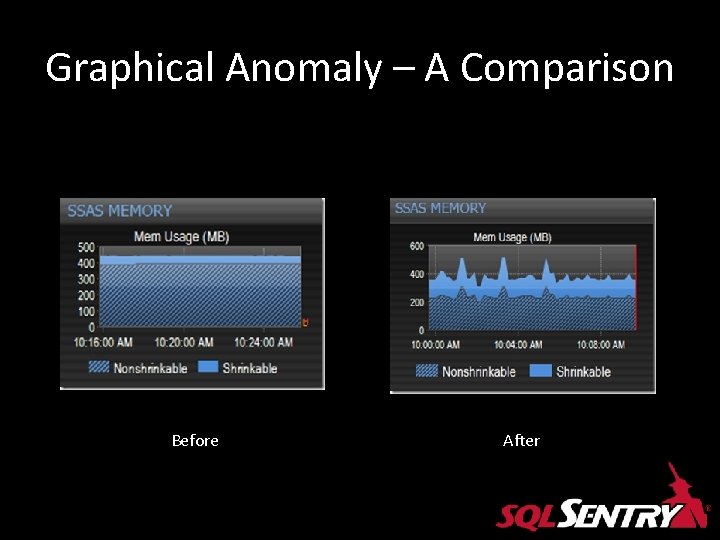
Common Issues – Graphical Anomaly?
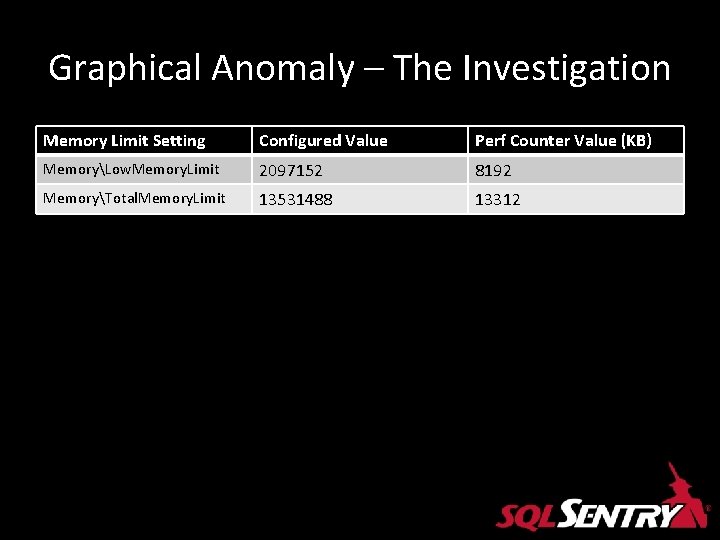
Graphical Anomaly – The Investigation Memory Limit Setting Configured Value Perf Counter Value (KB) MemoryLow. Memory. Limit 2097152 8192 MemoryTotal. Memory. Limit 13531488 13312
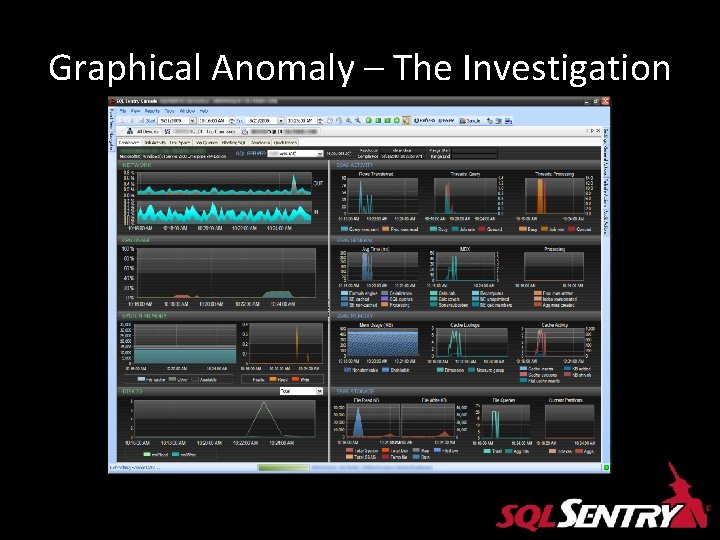
Graphical Anomaly – The Investigation
Graphical Anomaly – A Comparison Before After
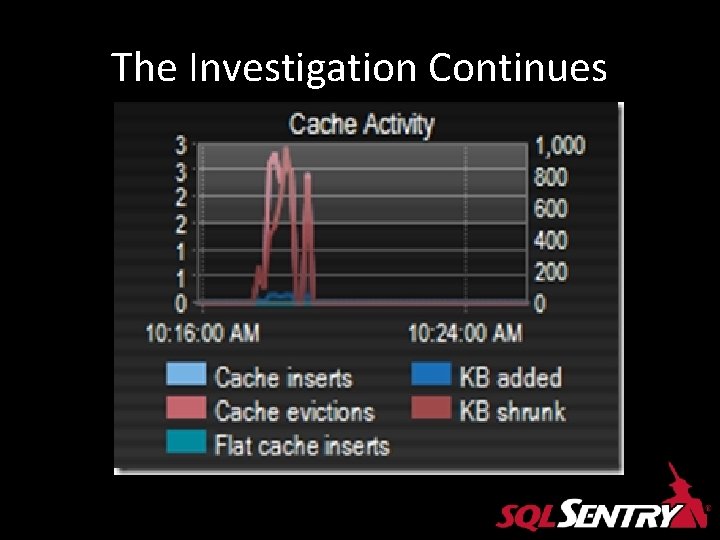
The Investigation Continues
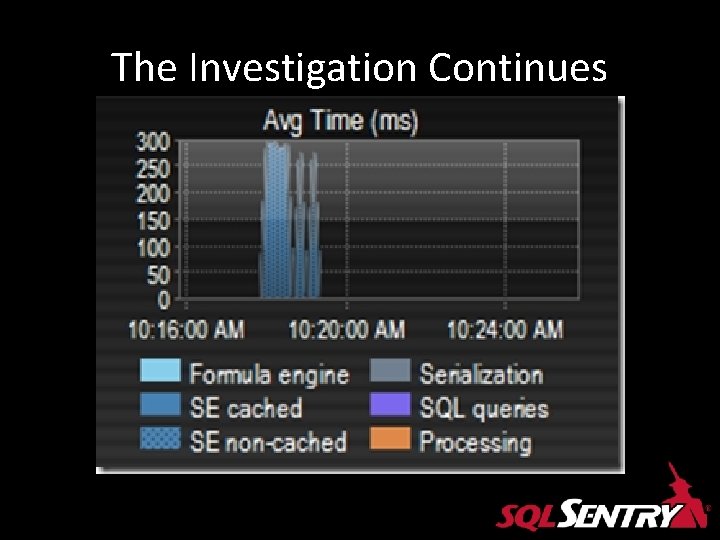
The Investigation Continues
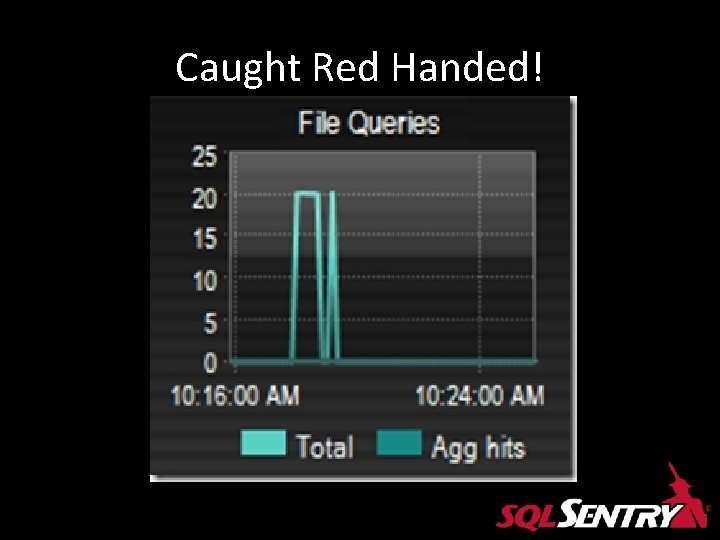
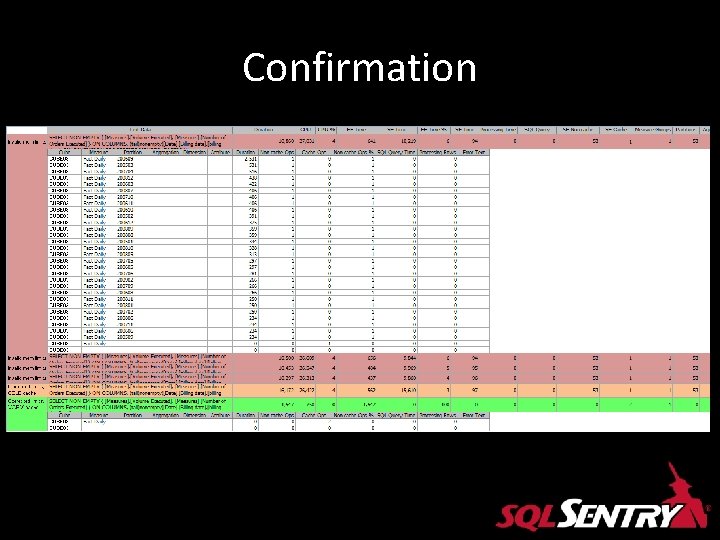
The Investigation Continues • Almost all time spent on non-cached Storage Engine operations (SE non-cached) • Every time query needs data it’s not found in the FE Cache • FE requests from SE • SE unable to find in its cache • Must go to file system
Caught Red Handed!
Caught Red Handed! • Total Queries shows how many times storage engine went to the file system to read data from a partition or aggregation. • Want this to be as close to 0 as possible. • Exceptions are when Agg is first hit and loaded into cache or cache is cold.
Confirmation
Could have been worse!
Scenario #2 Preallocation
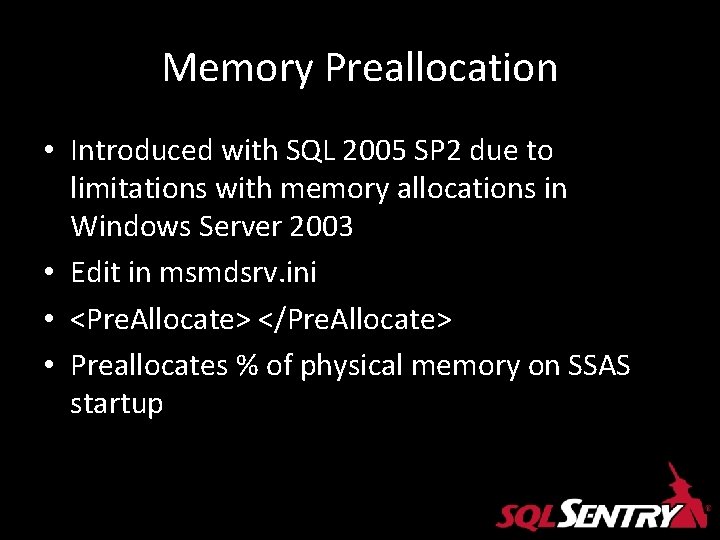
Memory Preallocation • Introduced with SQL 2005 SP 2 due to limitations with memory allocations in Windows Server 2003 • Edit in msmdsrv. ini • <Pre. Allocate> </Pre. Allocate> • Preallocates % of physical memory on SSAS startup
SQL CAT Tech Notes • Running Microsoft SQL Server 2008 Analysis Services on Windows Server 2008 vs. Windows Server 2003 and Memory Preallocation: Lessons Learned • http: //sqlcat. com/technicalnotes/archive/2008/07/16/running-microsoft-sqlserver-2008 -analysis-services-on-windows-server-2008 -vs-windows-server-2003 and-memory-preallocation-lessons-learned. aspx • Author: Carl Rabeler Contributors: Eric Jacobsen, Thomas Kejser Technical Reviewers: Brad Daniels, Lindsey Allen, John Desch, Wayne Robertson, Kevin Cox
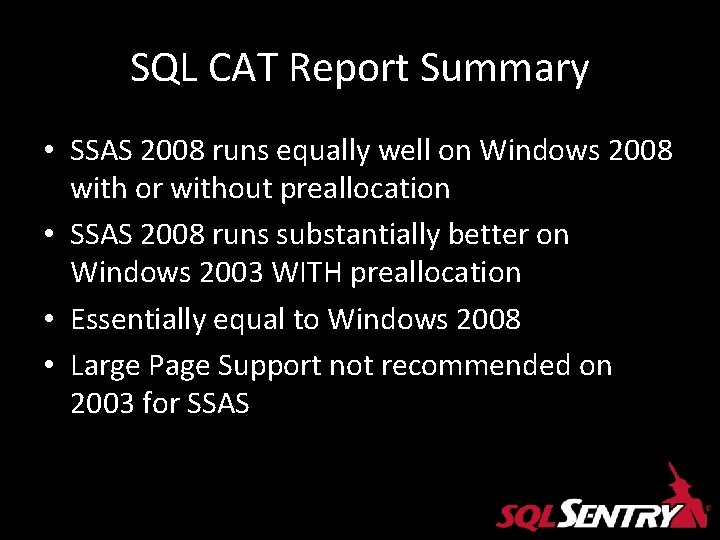
SQL CAT Report Summary • SSAS 2008 runs equally well on Windows 2008 with or without preallocation • SSAS 2008 runs substantially better on Windows 2003 WITH preallocation • Essentially equal to Windows 2008 • Large Page Support not recommended on 2003 for SSAS
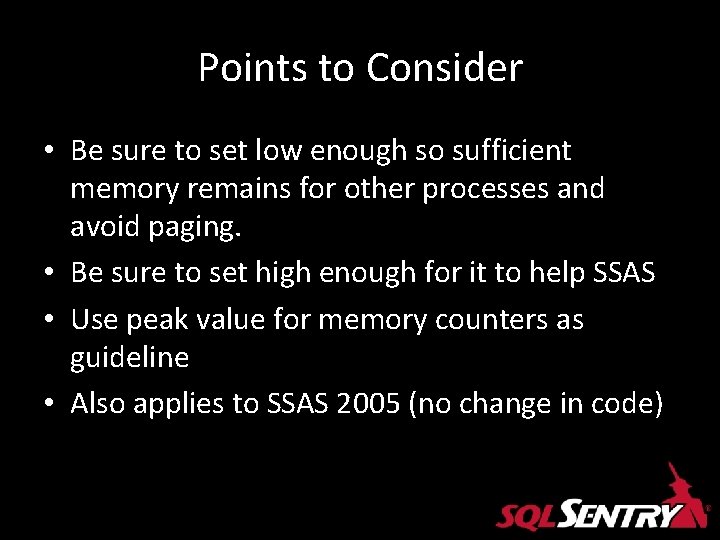
Points to Consider • Be sure to set low enough so sufficient memory remains for other processes and avoid paging. • Be sure to set high enough for it to help SSAS • Use peak value for memory counters as guideline • Also applies to SSAS 2005 (no change in code)
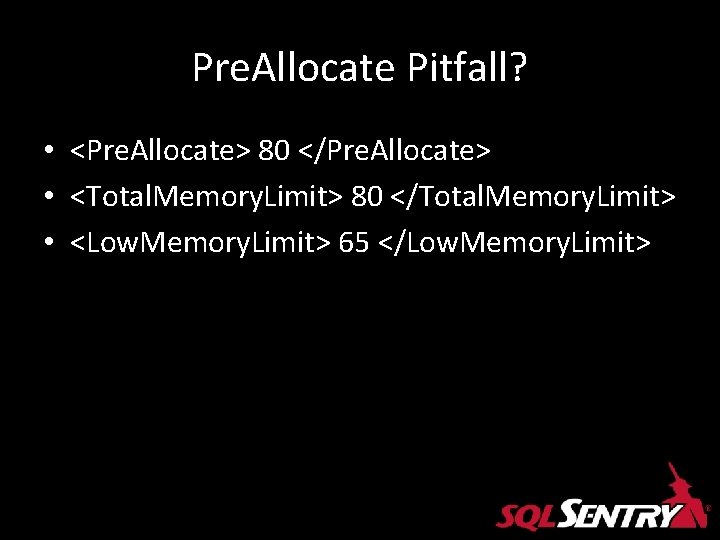
Pre. Allocate Pitfall? • <Pre. Allocate> 80 </Pre. Allocate> • <Total. Memory. Limit> 80 </Total. Memory. Limit> • <Low. Memory. Limit> 65 </Low. Memory. Limit>
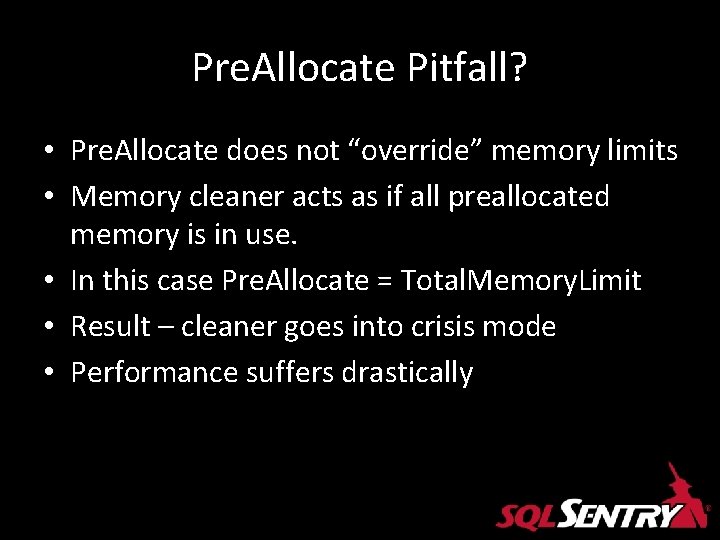
Pre. Allocate Pitfall? • Pre. Allocate does not “override” memory limits • Memory cleaner acts as if all preallocated memory is in use. • In this case Pre. Allocate = Total. Memory. Limit • Result – cleaner goes into crisis mode • Performance suffers drastically
Resources • http: //sqlcat. com • Books Online • Microsoft SQL Server 2008 Analysis Services Unleashed • SQL Server 2008 White Paper: Analysis Services Performance Guide • WWW. SQLSENTRY. NET • Twitter: #SQLHelp
Thank you! • swright@sqlsentry. net • Twitter: SQL_Steve • Visit the SQL Sentry booth for a demo of SQL Sentry BI Suite